


Linear is the better choice for speed-focused startups and small-to-mid dev teams, while Jira is the better choice for enterprises that need deep customization. Both are credible issue trackers for software teams in 2026 but represent opposite philosophies: Linear bets on speed; Jira, the 20-year veteran, bets on depth.
Our analysis draws on each vendor’s current pricing pages and product documentation plus independent research - we analyzed both platforms against the criteria most software teams use to decide which tool fits your team. AI Productivity may earn a commission from links on this page; our rankings stay editorially independent.
Comparison Table
Linear starts at $8 per user/month with sub-second loads, while Jira starts at $9.05 per user/month with 3,000+ integrations and native mobile apps.
| Factor | Linear | Jira |
|---|---|---|
| Rating | ||
| Free Tier | Unlimited members, 250 issues | Up to 10 users, full boards |
| Paid Starting Price | $8/user/mo | $9.05/user/mo |
| Premium Price | $14/user/mo (Plus) | $18.30/user/mo (Premium) |
| UI Speed | Sub-second loads | Noticeably slower |
| AI Features | AI triage, summaries (Standard+) | Atlassian Intelligence (Premium+) |
| Integrations | GitHub, Slack, Figma, Sentry | 3,000+ marketplace apps |
| Keyboard Shortcuts | Extensive, keyboard-first | Available but mouse-oriented |
| Mobile Apps | No native apps | iOS and Android |
| Best For | Startups, dev teams wanting speed | Enterprises, teams needing depth |
Quick Verdict
Linear is the better choice for speed-focused teams under 200 engineers, while Jira is the better choice for enterprises that need deep customization or Atlassian-ecosystem integration.
Choose Linear for startups and small-to-mid dev teams migrating from a bloated tool - it loads in half the time and keeps developers in flow.
Choose Jira for large engineering organizations and teams already in Confluence and Bitbucket - it handles complex workflows and multi-team coordination Linear was not designed for.
What Is Linear?
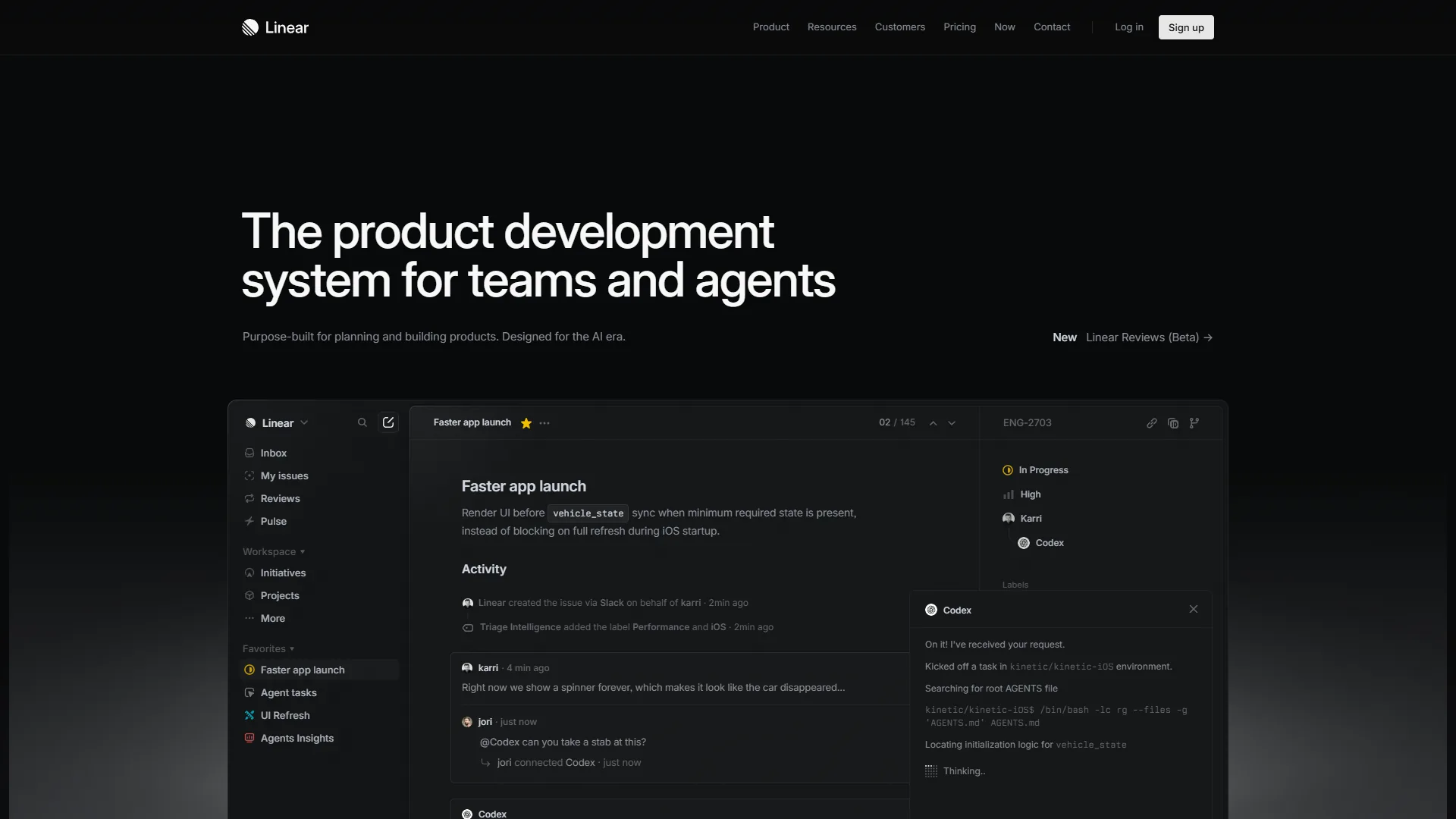
Linear is a modern issue tracker built by a team frustrated with how slow PM software had become. Founded in 2019, it is the default tracker for high-velocity startups like OpenAI, Ramp, Vercel, and Retool. Developers who pair it with AI coding assistants find the keyboard-first workflow fits naturally alongside Copilot and Cursor.
The core pitch: issue tracking should be as fast as your code editor. Linear delivers sub-second loads, real-time sync, and keyboard shortcuts for nearly every action. Its AI features, on Standard and above, include issue triage, thread summarization, and smart project suggestions.
Key strengths:
- Sub-second page loads, twice as fast as Jira
- Keyboard-first navigation that keeps developers in flow
- Seamless GitHub and GitLab integration with bi-directional PR sync
- Clean, minimal interface requiring zero onboarding
Notable limitations:
- No native iOS or Android apps
- Limited custom fields and fewer integrations than Jira’s 3,000+
- Free tier capped at 250 active issues - our Linear pricing breakdown covers where this cap pinches
What Is Jira?
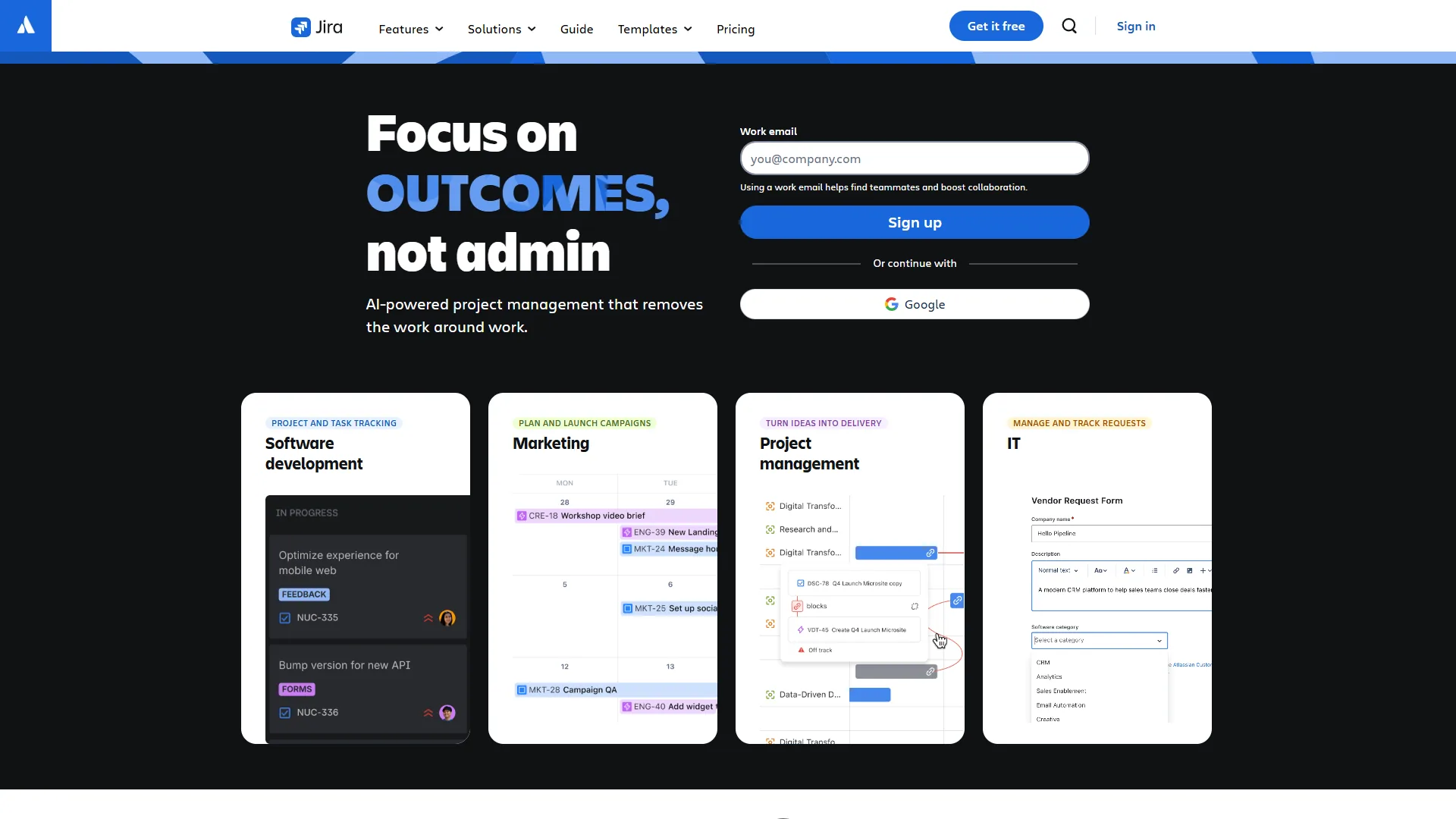
Jira is Atlassian’s agile PM platform and the industry standard for software teams worldwide. Used by over 300,000 organizations - including most Fortune 500 companies - it has been the default since before Linear, Asana, or ClickUp existed. If you are evaluating ClickUp alternatives, several tools in that roundup overlap.
What Jira offers that no competitor matches is sheer depth: custom issue types, conditional workflows, advanced roadmaps, and over 3,000 marketplace apps. If you can imagine a workflow, Jira can model it.
In 2026, Jira’s biggest addition is Atlassian Intelligence - an AI layer on Premium ($18.30 per user/month) adding natural language JQL, smart summaries, AI-generated descriptions, and automated categorization.
Key strengths:
- Best-in-class Scrum and Kanban boards refined over 20+ years
- Nearly unlimited workflow customization
- 3,000+ marketplace integrations
- Proven enterprise scalability up to 150,000 users
Notable limitations:
- Steep learning curve - new users consistently describe it as overwhelming
- Interface feels heavier and slower than modern alternatives
- AI features locked behind the Premium tier ($18.30 per user/month)
- Over-configuration risk leads to admin sprawl - the Linear vs Asana for engineering breakdown shows how cleaner systems compare
Speed and User Interface
Linear is roughly twice as fast as Jira, loading pages in under 50 milliseconds versus Jira’s noticeably slower transitions - for many teams, this is the deciding factor.
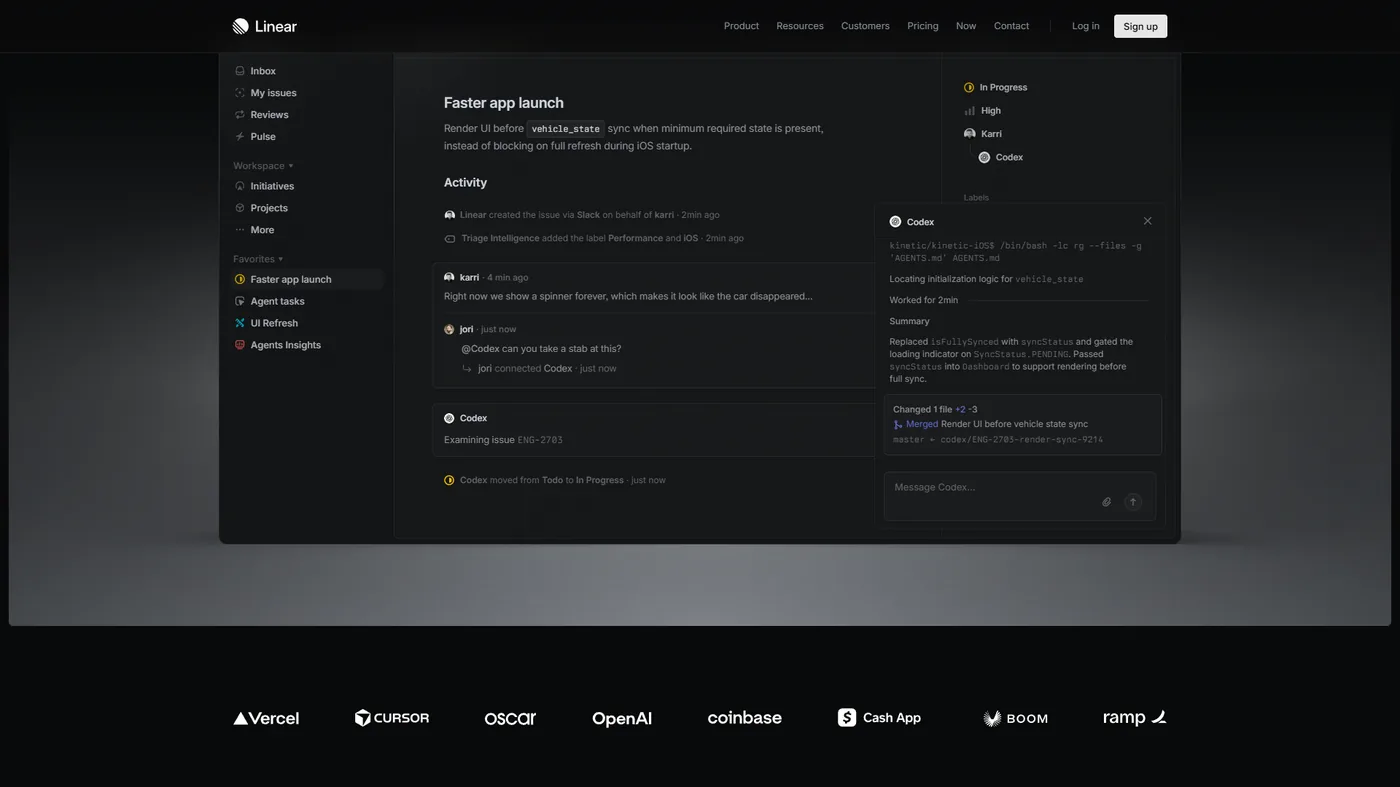
Linear’s speed is not marketing hype. Pages load in under 50 milliseconds, and creating or navigating issues happens without perceptible delay. According to the Linear Method handbook, the company’s official engineering philosophy: “Software should be fast - slow software does not just waste time, it breaks focus and flow.” The keyboard-first design lets you work without the mouse: C to create an issue, Cmd+K to search.
Jira has improved with the move to Cloud, but still feels slower in daily use - page transitions take longer and dense menus slow new users. That complexity is a consequence of Jira’s feature depth.
Winner: Linear. The speed difference is immediately noticeable and compounds daily.
Feature-by-Feature Comparison
Issue Tracking and Workflows
Linear offers a streamlined workflow with predefined statuses (Backlog, Todo, In Progress, Done, Canceled), while Jira offers nearly unlimited customization. Linear deliberately limits options to prevent workflow sprawl.
Jira lets you create custom issue types, conditional transitions, custom fields, and screen schemes - it can model regulatory approval and multi-stage review pipelines. The tradeoff: Linear’s constraints keep things fast; Jira’s flexibility handles complexity but requires governance, as Atlassian’s agile resources document.
Sprint Planning and Cycles
Linear calls sprints Cycles - set a duration, add issues, track progress with velocity and burndown charts - while Jira has the most mature sprint planning in the industry, with backlog grooming, story point estimation, retrospective tracking, and Premium advanced roadmaps.
Winner: Jira for teams running formal Scrum with complex planning needs; Linear for lightweight sprint management. The Linear alternatives roundup lists other lightweight contenders.
Reporting and Analytics
Linear offers basic but useful analytics - velocity tracking, cycle progress, project predictions, with Plus ($14/mo) adding Linear Insights - while Jira provides comprehensive reporting: burndown charts, sprint reports, cumulative flow diagrams, control charts, and dashboards.
Winner: Jira for detailed metrics and executive reporting; Linear for quick insights. The Asana competitors roundup covers other reporting-heavy alternatives.
AI Features: Linear AI vs Atlassian Intelligence
Linear includes AI from the Standard plan at $8 per user/month, while Jira locks Atlassian Intelligence behind the Premium plan at $18.30 per user/month - their pricing reflects different philosophies.
Linear AI
Linear’s AI features start on Standard ($8 per user/month):
- AI Issue Triage - Routes new issues to the right team based on content
- AI Summarization - Generates concise summaries of long threads
- Smart Project Suggestions - Recommends prioritization based on team patterns
- Workflow Automation - AI-assisted automation rules that learn from behavior
These features extend Linear’s speed-first philosophy without adding interface complexity.
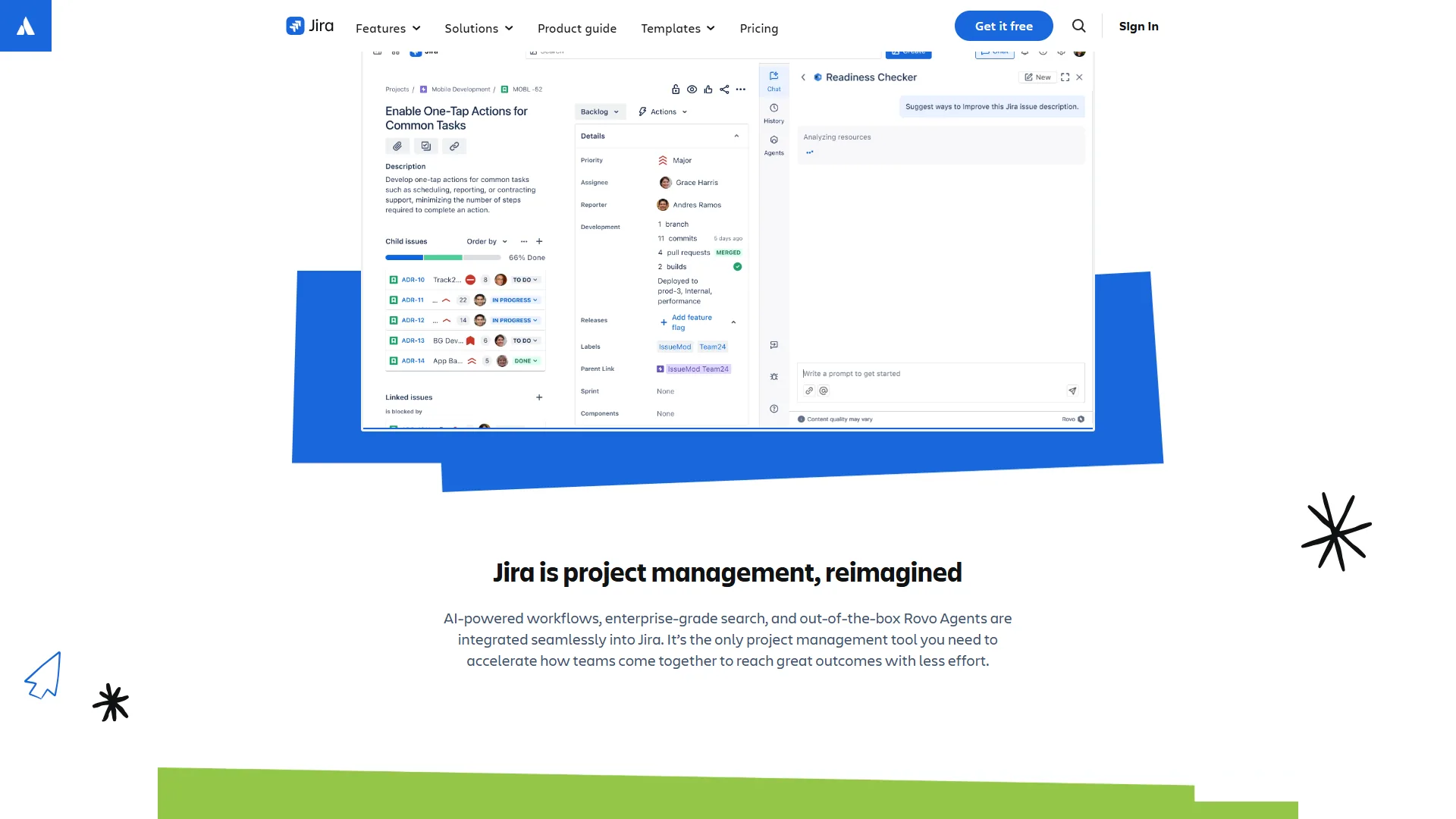
Atlassian Intelligence (Jira)
Jira’s AI features require Premium ($18.30 per user/month):
- Natural Language JQL - Ask questions in plain English instead of writing JQL
- Smart Issue Summaries - AI-generated summaries of issues and comments
- AI-Generated Descriptions - Create descriptions from brief prompts
- Automated Categorization - Intelligent labeling and routing of incoming issues
- Cross-Product Insights - AI across Jira, Confluence, and Bitbucket
Atlassian Intelligence benefits from the broader ecosystem, surfacing insights from Confluence and Bitbucket alongside Jira data. But the Premium requirement doubles the AI cost - $18.30 versus $9.05 for Standard. The Confluence vs Notion breakdown covers the Atlassian stack.
AI Comparison
| AI Feature | Linear | Jira |
|---|---|---|
| Issue Triage | Standard ($8/mo) | Premium ($18.30/mo) |
| Summarization | Standard ($8/mo) | Premium ($18.30/mo) |
| Natural Language Search | Not available | Premium ($18.30/mo) |
| Cross-Product AI | Not available | Premium ($18.30/mo) |
| Workflow Automation | Standard ($8/mo) | Standard ($9.05/mo) |
Winner: Linear for AI accessibility - meaningful features at half the price - and Jira for AI depth inside the Atlassian ecosystem. Atlassian documents the feature set in its Atlassian Intelligence overview.
Tier-by-Tier Pricing Breakdown
Linear costs $8 to $14 per user each month, while Jira costs $9.05 to $18.30 per user each month, and both offer a free tier - the structure and value differ across tiers.
Linear Pricing
| Tier | Monthly Cost | Key Features |
|---|---|---|
| Free | $0 | Unlimited members, 250 active issues, GitHub integration |
| Standard | $8/user/mo | Unlimited issues, AI features, cycle planning, multiple teams |
| Plus | $14/user/mo | Linear Insights analytics, guest accounts, Zendesk/Intercom integration |
| Enterprise | Custom | SSO, SCIM, custom security reviews, dedicated migration support |
Annual billing drops Standard to $6.40 and Plus to $11.20 - a 20% savings.
Jira Pricing
| Tier | Monthly Cost | Key Features |
|---|---|---|
| Free | $0 | Up to 10 users, Scrum/Kanban boards, 2 GB storage |
| Standard | $9.05/user/mo | 35,000 users, 250 GB storage, 1,700 automation runs/month |
| Premium | $18.30/user/mo | AI features, advanced roadmaps, sandbox, 99.9% SLA |
| Enterprise | Custom | 150,000 users, Atlassian Analytics, unlimited sites |
Annual billing reduces Standard to $8.15 and Premium to $16.
Cost at Scale
Pricing at common team sizes:
| Team Size | Linear Standard | Jira Standard | Linear Plus | Jira Premium |
|---|---|---|---|---|
| 5 users | $40/mo | $45/mo | $70/mo | $92/mo |
| 15 users | $120/mo | $136/mo | $210/mo | $275/mo |
| 50 users | $400/mo | $453/mo | $700/mo | $915/mo |
| 100 users | $800/mo | $905/mo | $1,400/mo | $1,830/mo |
At Standard, pricing is similar. The gap widens between Linear Plus and Jira Premium - the fair comparison, since both include AI and advanced analytics. At 50 users, Linear Plus saves around $215 per month, or about $2,580 a year, versus Jira Premium.
The real cost difference is not in the software - Jira typically requires dedicated administration time, while Linear’s design means less configuration overhead.
Winner: Linear is consistently cheaper, especially across AI-enabled tiers - but factor in admin overhead for Jira.
Integrations and Ecosystem
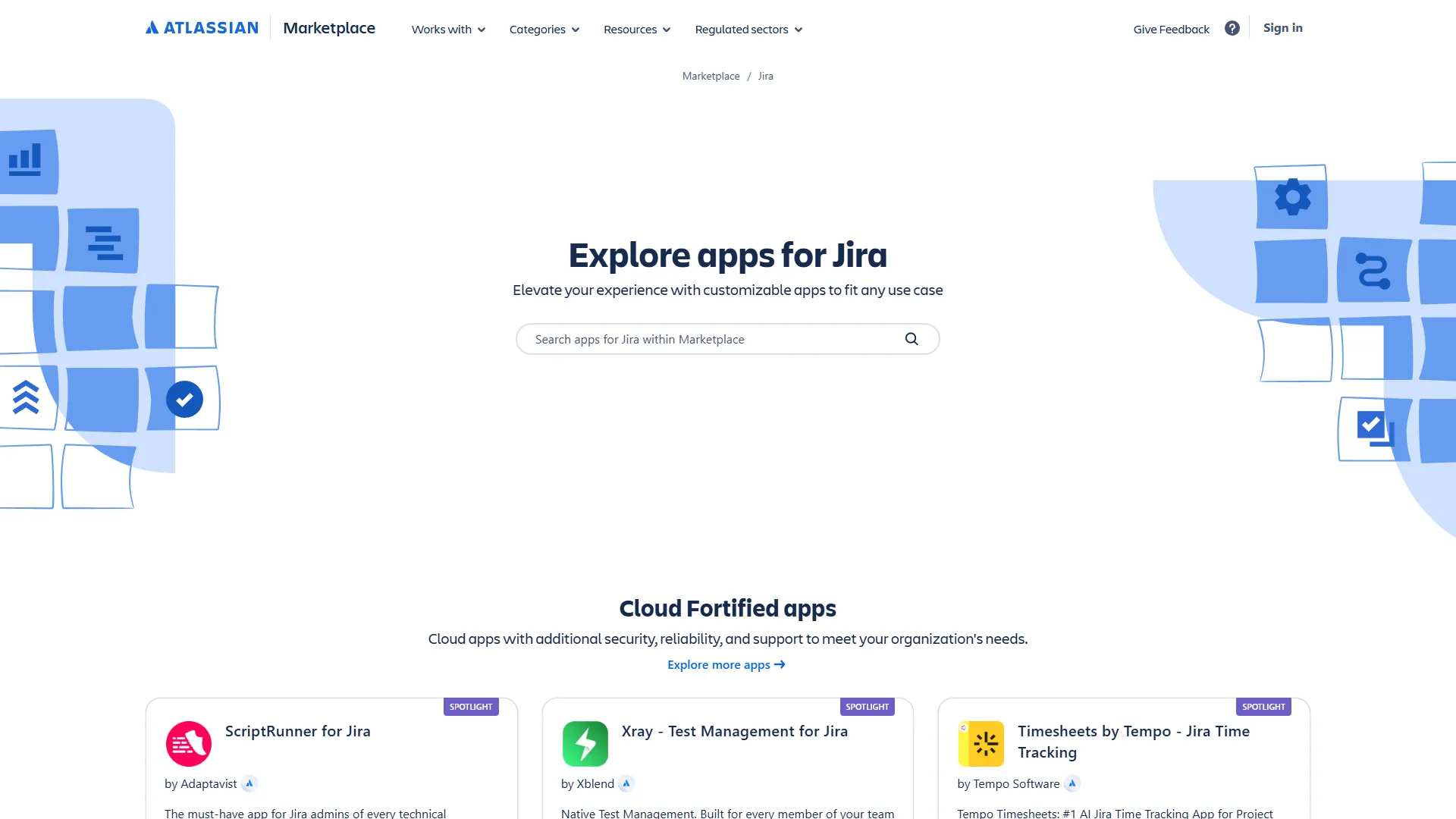
Jira offers over 3,000 Atlassian Marketplace apps, while Linear offers a focused core set of about 50. Jira also integrates natively with Confluence, Bitbucket, Statuspage, and Jira Service Management, making it the obvious hub if you already use Atlassian products.
Linear’s integrations are focused but effective. GitHub and GitLab integration is seamless - issues link to pull requests and statuses sync on merge. Slack, Figma, Sentry, and Zendesk round out the core set, with Plus adding Intercom. Linear lacks the niche compliance and ITSM connectors in Jira’s marketplace.
Winner: Jira - the 3,000+ marketplace advantage matters for complex tool stacks.
Mobile Experience
Jira offers native iOS and Android apps while Linear offers none, making mobile a straightforward Jira win. The Jira Cloud mobile app is well-maintained, with full issue management, notifications, and offline support.
Linear’s mobile web version is not a substitute for a native app when triaging during an incident. For distributed teams and on-call engineers, Jira’s mobile experience is a meaningful advantage.
Winner: Jira. Linear’s lack of mobile apps is its most cited limitation. The AI impact on software engineering teams post covers how mobile triage is evolving.
Who Should Choose Linear in 2026?
Linear is the right choice for startups and dev-centric teams under 200 engineers that prioritize speed - which tool wins for high-velocity teams. Choose Linear if you:
- Are a startup or growing tech company - Linear’s speed matches early-stage teams; OpenAI and Ramp chose it for this reason.
- Have a developer-centric workflow - If your team lives in GitHub and terminal, the keyboard-first design fits naturally.
- Want AI without premium prices - AI triage and summarization start at $8 per user/month, versus $18.30 on Jira.
- Are migrating from a bloated tool - Teams leaving over-configured Jira report higher satisfaction.
- Have fewer than 200 engineers - Linear handles this scale; beyond it, governance limits appear.
Who Should Choose Jira in 2026?
Jira is the right choice for enterprises, teams with complex cross-functional workflows, and Atlassian-ecosystem organizations - a clear case where Jira is the better in 2026 choice. Choose Jira if you:
- Have complex, multi-team workflows - When engineering, QA, product, and operations need different views of the work.
- Need advanced roadmaps - Cross-project dependency mapping is a Premium feature Linear does not match.
- Are in the Atlassian ecosystem - If your team uses Confluence, Bitbucket, or Jira Service Management.
- Require enterprise governance - SOC 2, audit trails, organization-level permissions, and up to 150,000 users.
- Need marketplace integrations - 3,000+ apps for niche or industry-specific software.
- Want native mobile apps - For distributed teams and on-call engineers triaging from their phone.
Migration Considerations
Jira-to-Linear migration is typically a one-to-two day project with Linear’s built-in importer, while Linear-to-Jira migration is typically a one-week project because custom workflows must be rebuilt.
Jira to Linear: The more common direction. Linear offers a built-in Jira importer for issues, projects, labels, and statuses. The bigger challenge is cultural - teams must accept Linear’s constraints.
Linear to Jira: Less common, but happens when teams outgrow Linear’s governance features. Jira’s CSV import handles the data, but reconstructing custom workflows takes time - budget a week plus training. Atlassian’s CSV import documentation covers the steps.
Hybrid: Some organizations run both - Linear for product engineering, Jira for operations - using a connector like Make to sync critical issues.
Which Tool Is Best for 2026?
Linear is the best for 2026 if your team is under 200 engineers and values speed, while Jira fits your team best if you are an enterprise that needs deep customization - the decision comes down to speed and simplicity versus depth and configurability.
Linear is the better choice for startups and small-to-mid engineering teams that value developer productivity over configuration. The speed advantage compounds across every sprint, and AI at $8 per user/month makes it more accessible.
Jira is the better choice for enterprises, teams with complex cross-functional workflows, and anyone in the Atlassian ecosystem. Twenty years of refinement means Jira can model workflows Linear cannot, and its integrations, native mobile apps, and advanced roadmaps justify the higher cost.
Recommendation: if you are starting fresh with under 50 engineers, try Linear first - free to start and wins developers immediately. If you hit limits around governance, reporting, or integration depth, that signals Jira.
FAQ
Linear and Jira are the two leading issue trackers for software teams in 2026; the answers below cover the most common questions.
Q: Is the Linear app better than Jira?
Linear is better than Jira for teams that prioritize speed and developer flow, while Jira is better for teams that need deep customization and enterprise governance. The choice depends on team size.
Q: Is Atlassian discontinuing Jira?
No, Atlassian is not discontinuing Jira. Jira remains Atlassian’s flagship product, used by over 300,000 organizations, and Atlassian continues to add features such as Atlassian Intelligence.
Q: Who is Jira’s biggest competitor?
Jira’s biggest competitors are Linear, Asana, and ClickUp. Linear is closest for developer-focused teams; Asana and ClickUp compete more broadly.
Q: Why switch from Jira to Linear?
Teams switch for faster page loads, zero-configuration onboarding, and keyboard-first navigation. The trade-off is accepting Linear’s opinionated constraints.
Q: How do Linear and Jira compare on pricing for AI features?
Linear includes AI triage and summarization on Standard at $8/user/month, while Jira’s Atlassian Intelligence requires Premium at $18.30/user/month. For a 50-person team, Linear Plus saves roughly $215/month versus Jira Premium.
Related Reading
Linear and Jira are covered in depth in the project management guides below, alongside related Kanban, free PM, and AI-powered planning decisions. Tools covered in this article:
More guides:
External Resources
Linear and Atlassian provide the authoritative pricing and feature documentation on the official vendor pages below, which this comparison draws on directly:
- Linear - Official website
- Jira - Official website
- Linear Pricing
- Jira Pricing