


Zapier is the better automation tool for non-technical teams that need the largest app library and fastest setup. Make is the better choice for technical teams that need a visual flowchart canvas and lower per-operation pricing at high volume.
This review breaks down pricing at real usage, compares AI capabilities, and gives a framework for picking the platform that fits your team. Our Zapier alternatives guide widens the lens further.
Our analysis draws on vendor documentation and independent industry research. Some links on this page are affiliate links; our analysis remains independent.
Comparison Table: Zapier vs Make at a Glance
Zapier and Make are the two leading no-code automation platforms in 2026: Zapier offers 7,000+ integrations starting at $19.99 per month (annual) and Make offers a visual flowchart canvas starting at $9 per month (annual). According to a study by Forrester Research, no-code automation adoption among mid-market teams has more than doubled since 2023. This guide compares both tools across the features that matter for daily work - Zapier vs n8n is another pairing teams frequently evaluate.
| Feature | Zapier | Make |
|---|---|---|
| Rating | ||
| Free Tier | 100 tasks/month, 2-step only | 1,000 ops/month, unlimited steps |
| Starting Paid Price | $29.99/month | $10.59/month |
| Annual Starting Price | $19.99/month | $9/month |
| App Integrations | 7,000+ | 2,000+ |
| Workflow Style | Linear trigger-action chains | Visual flowchart canvas |
| AI Features | Zapier Agents, multi-model AI | Make AI Agents (beta), Maia AI |
| Best For | Non-technical teams, fast setup | Complex workflows, cost control |
| Learning Curve | Minutes | 4-8 hours |
Quick verdict: Choose Zapier if your team needs automations running today with minimal training; choose Make for multi-branch workflows or high volumes where cost per operation matters.
Interface and Workflow Design
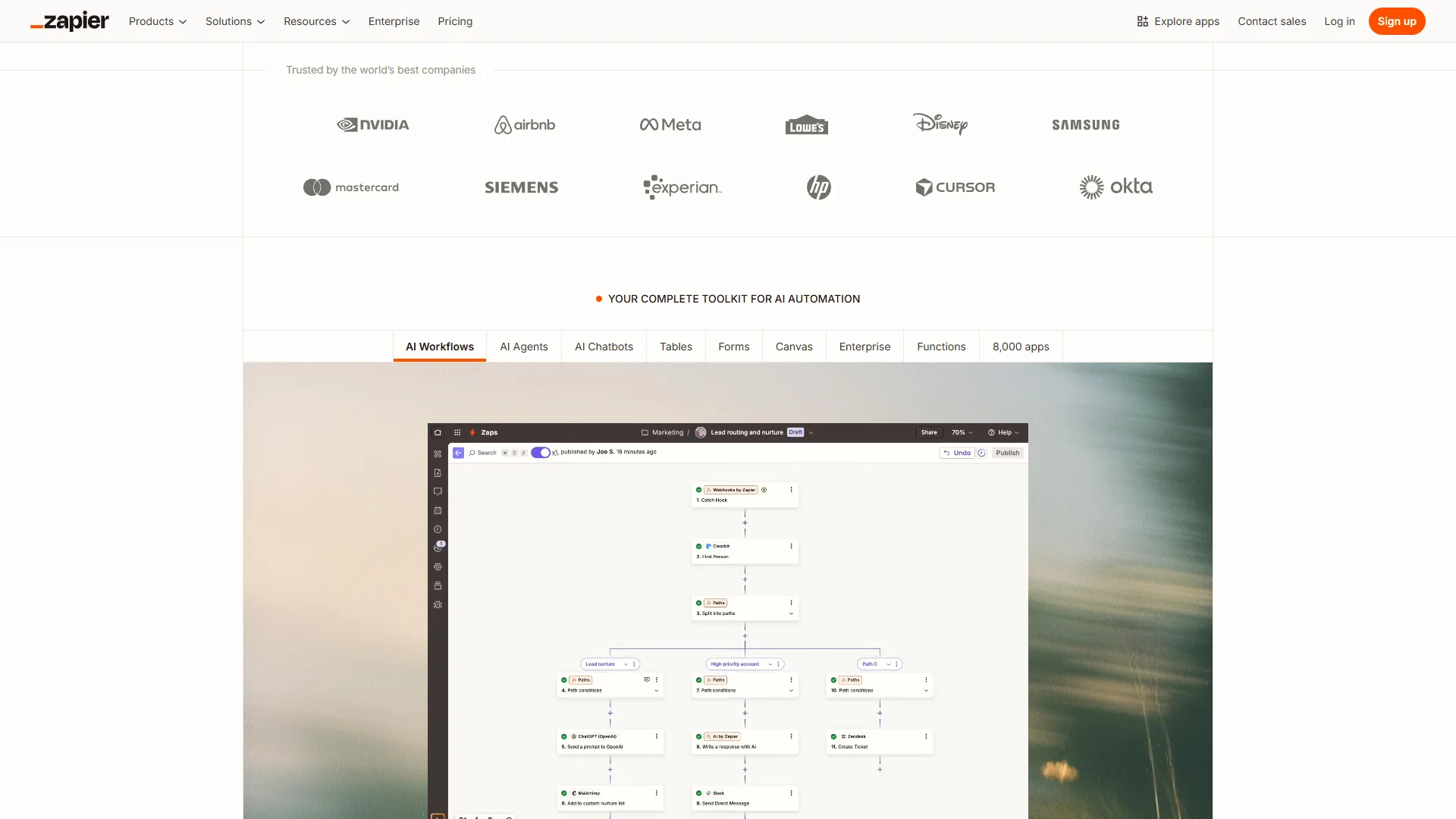
Zapier uses a linear top-to-bottom editor where every automation is a sequence of trigger and action steps, while Make uses a visual flowchart canvas where modules and connections are arranged spatially with routers, aggregators, and parallel paths. The interface choice shapes who can use the platform, how fast they get started, and what they can build.
Zapier: Linear Simplicity
Zapier’s editor follows a single mental model: pick a trigger, add actions, turn it on. A marketing coordinator with zero technical background can build a Google-Sheets-to-HubSpot Zap in under five minutes. Paths and Filters add conditional logic, but the interface stays linear - you scroll through steps rather than zooming around a canvas.
The limitation shows up with complexity. A 12-step Zap with three conditional branches becomes hard to visualize because you cannot see the full workflow at once, and reorganizing step order often requires rebuilding portions of the Zap.
Make: Visual Canvas Control
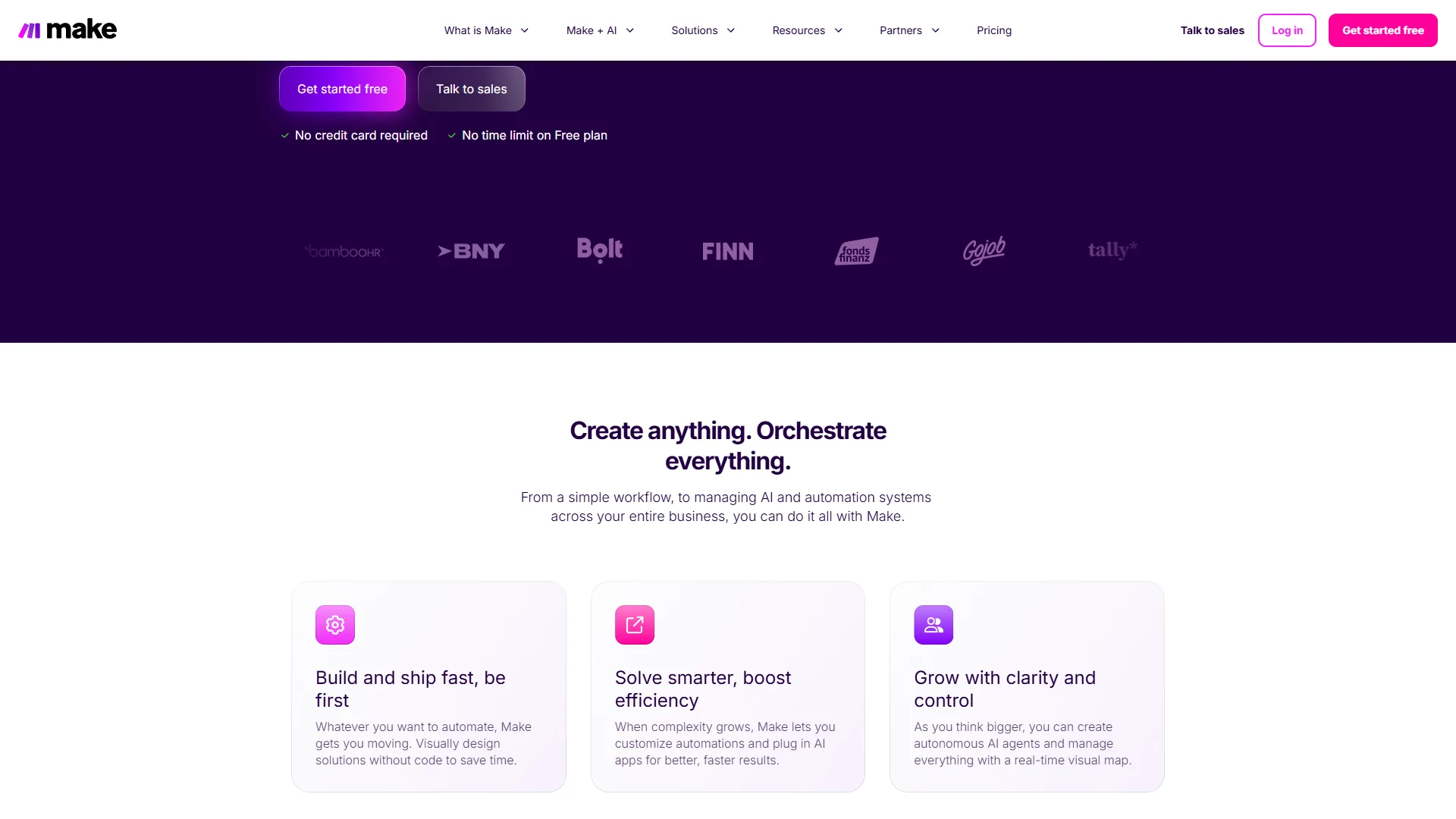
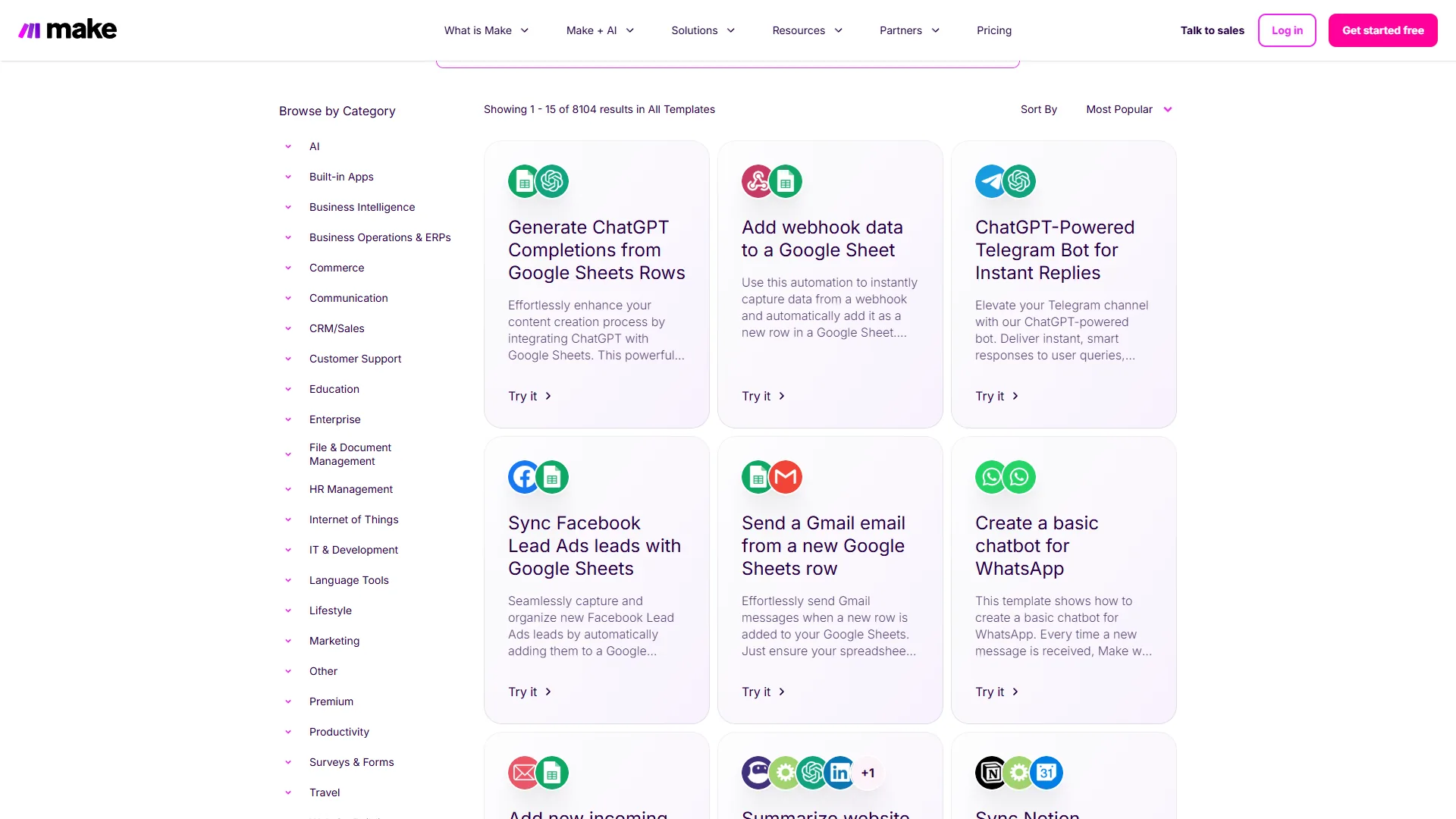
Make’s scenario builder places modules on a canvas with drawn connections between them. Routers split data into parallel paths, aggregators merge results, and error handlers attach directly to specific modules, so you see the entire automation at a glance. Branching logic is immediately visible and debugging is faster because you inspect modules in context.
The trade-off is a steeper learning curve. Iterators, aggregators, and router filters require explanation, so budget 4-8 hours to feel comfortable with Make if you have never used a visual automation tool.
Verdict on interface: Zapier wins for teams needing automations running immediately with no training; Make wins for multi-branch workflows or managing more than a handful of active automations. The Zapier vs Make head-to-head goes deeper on interface mechanics.
Pricing: What You Actually Pay
Pricing is where the zapier vs make automation 2026 comparison diverges sharply.
Zapier Pricing (February 2026)
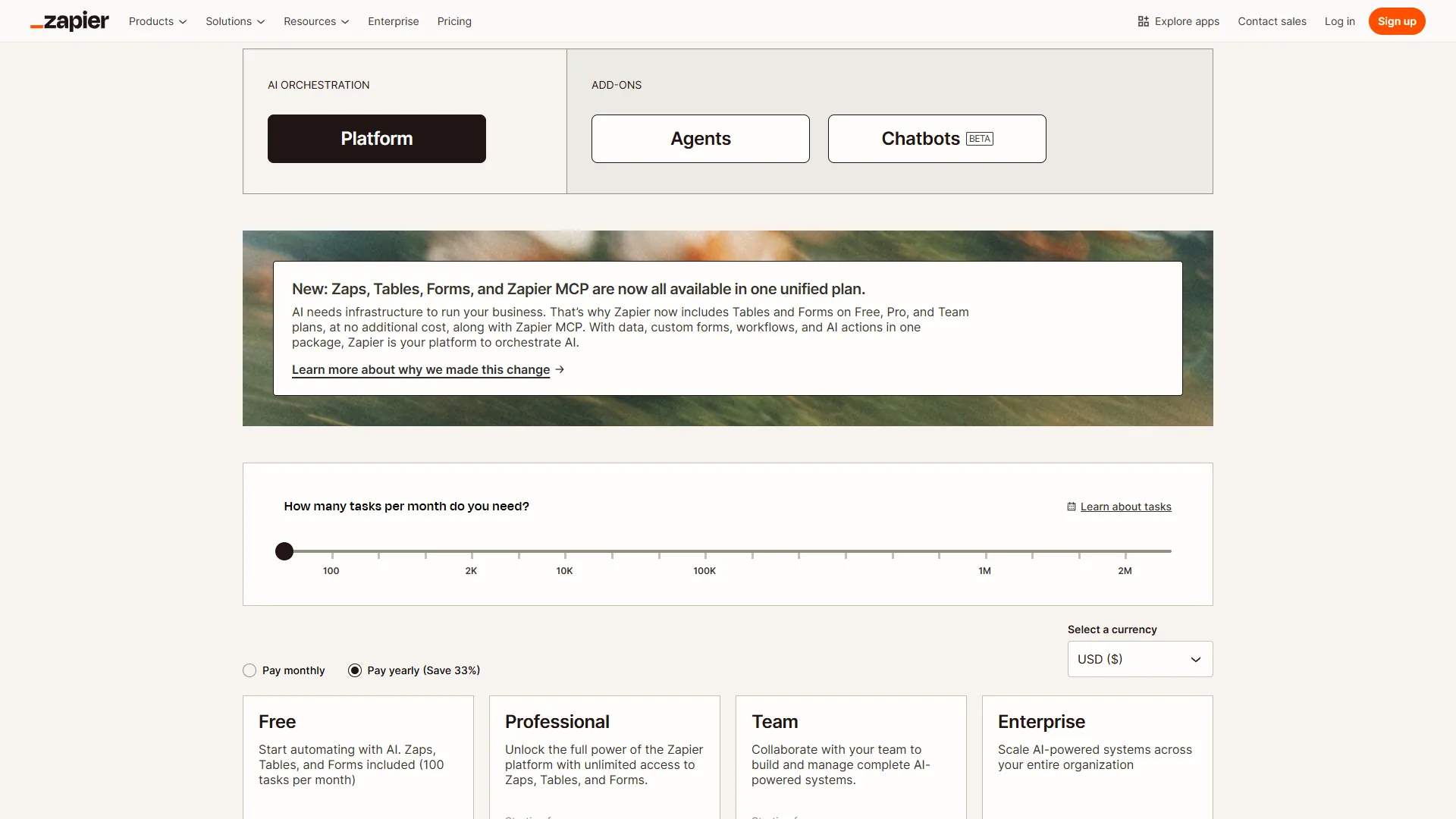
| Plan | Monthly | Annual (per month) | Key Limits |
|---|---|---|---|
| Free | $0 | $0 | 100 tasks/month, 2-step Zaps only |
| Professional | $29.99 | $19.99 | 750+ tasks/month, multi-step |
| Team | $103.50 | $69 | 2,000+ tasks/month, unlimited users |
| Enterprise | Custom | Custom | Annual task allocation, SSO |
Make Pricing (February 2026)
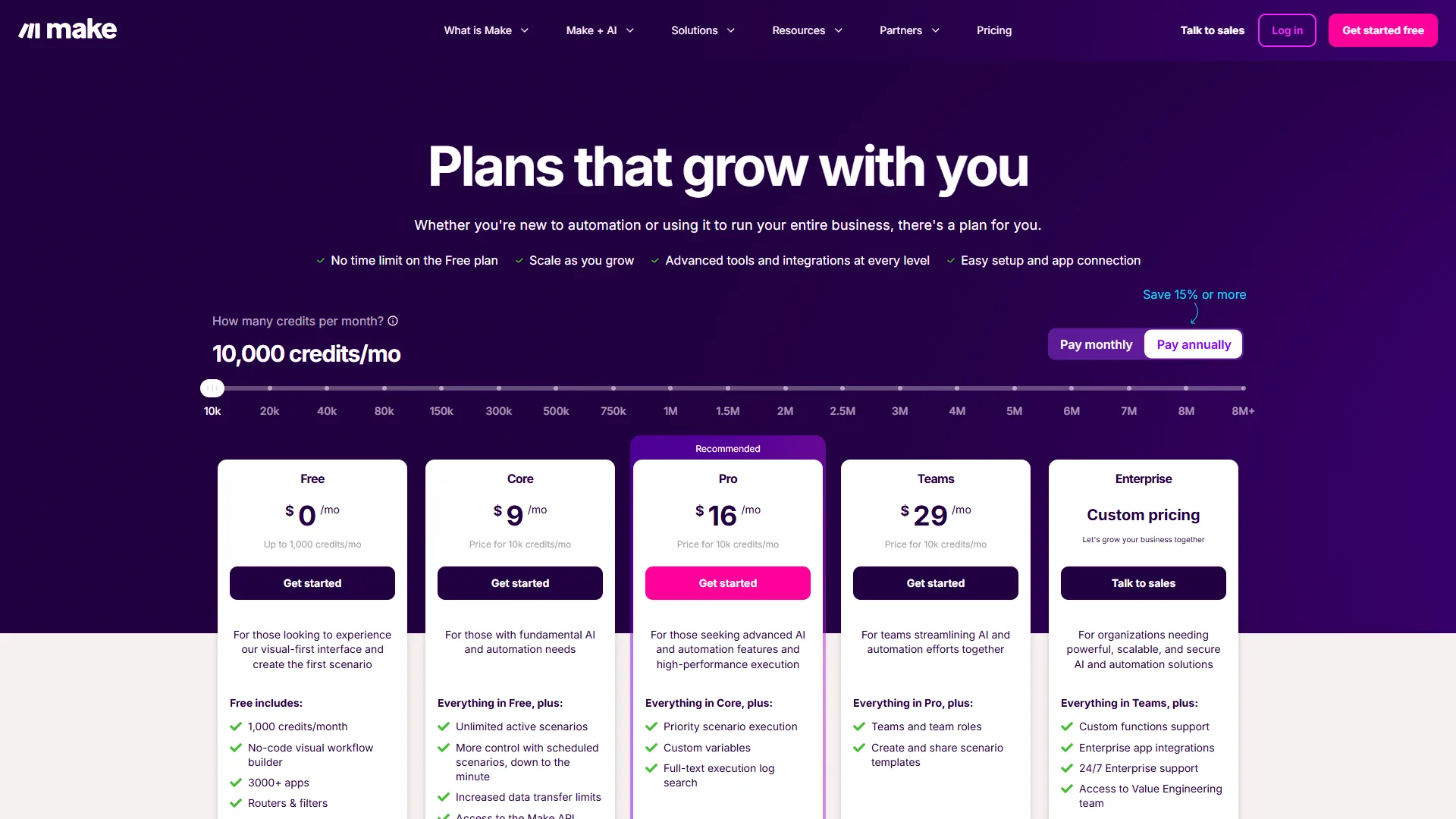
| Plan | Monthly | Annual (per month) | Key Limits |
|---|---|---|---|
| Free | $0 | $0 | 1,000 ops/month, 15-min intervals |
| Core | $10.59 | $9 | Up to 300,000 ops/month |
| Pro | $18.82 | $16 | Up to 8 million ops/month |
| Teams | $34.12 | $29 | Pooled ops, collaboration |
| Enterprise | Custom | Custom | SSO, audit logs, dedicated support |
Real Cost at Different Usage Levels
The headline prices only tell part of the story. One Zapier “task” is a single action step and one Make “operation” is a single module execution, so a 5-step workflow running once counts as around 5 units on either platform.
| Monthly Volume | Zapier Cost | Make Cost | Savings with Make |
|---|---|---|---|
| 500 operations | $29.99 (Professional) | $0 (Free tier covers it) | 100% |
| 2,000 operations | $29.99 (Professional) | $10.59 (Core) | Around 65% |
| 5,000 operations | $73.50+ (scaled Professional) | $10.59 (Core) | Around 85% |
At 5,000 operations, Zapier costs around $73.50 or more while Make’s Core plan covers the volume with room to spare. The free tier gap is just as wide: Zapier gives 100 tasks per month limited to 2-step Zaps; Make gives 1,000 operations with unlimited steps, routers, and filters.
Verdict on pricing: Make wins decisively at every volume level. Zapier’s premium is the price of simplicity and ecosystem breadth. Buyers can cross-check the live tiers on the Zapier pricing page.
AI Features: Two Different Visions
Zapier and Make have both invested heavily in AI agents and natural-language workflow builders. Zapier’s AI is more production-ready today while Make’s adaptive agent architecture is more ambitious long-term. According to research by Gartner, more than 80% of organizations will have adopted AI-driven hyperautomation by 2027.
Zapier’s AI Ecosystem
Zapier offers the more mature AI feature set today:
- Zapier Agents (rebranded from Zapier Central in January 2026) - AI teammates that work autonomously across connected apps, handling multi-step tasks based on context
- AI by Zapier app - multi-model support for OpenAI GPT, Anthropic Claude, Google Gemini, and Azure OpenAI with custom API keys
- Python Functions - run custom Python code with AI libraries like Pandas and NumPy inside Zaps, per Zapier’s Code by Zapier guide
The AI by Zapier app is production-ready for content generation, smart routing, summarization, and data analysis. Zapier Agents require the Team tier ($103.50 per month), which puts autonomous AI behind a significant paywall. According to a study by Zapier, “88% of knowledge workers using AI report time savings of at least an hour per week,” a finding the vendor cites to justify the agent-first roadmap.
Make’s AI Direction
Make’s AI features are newer but architecturally ambitious:
- Make AI Agents (beta, April 2026) - autonomous agents that adapt workflows in real time based on data patterns
- Maia AI - a natural-language scenario builder that creates automations from plain English
- AI Content Extractor - processes PDFs, images, and audio with built-in AI analysis
- Custom AI provider connections on all paid plans - GPT-4o, Claude, and other models directly in scenarios
Maia AI deserves special attention. Describe a workflow in plain English and Maia builds around 80% of the scenario automatically, leaving the rest for visual fine-tuning - a hybrid that combines conversational speed with visual precision.
Verdict on AI: Zapier’s AI is more mature today with broader model support, while Make’s adaptive agent architecture and Maia AI builder show a compelling long-term direction. Our best AI automation tools 2026 roundup tracks the wider AI-native landscape.
Integration Ecosystem
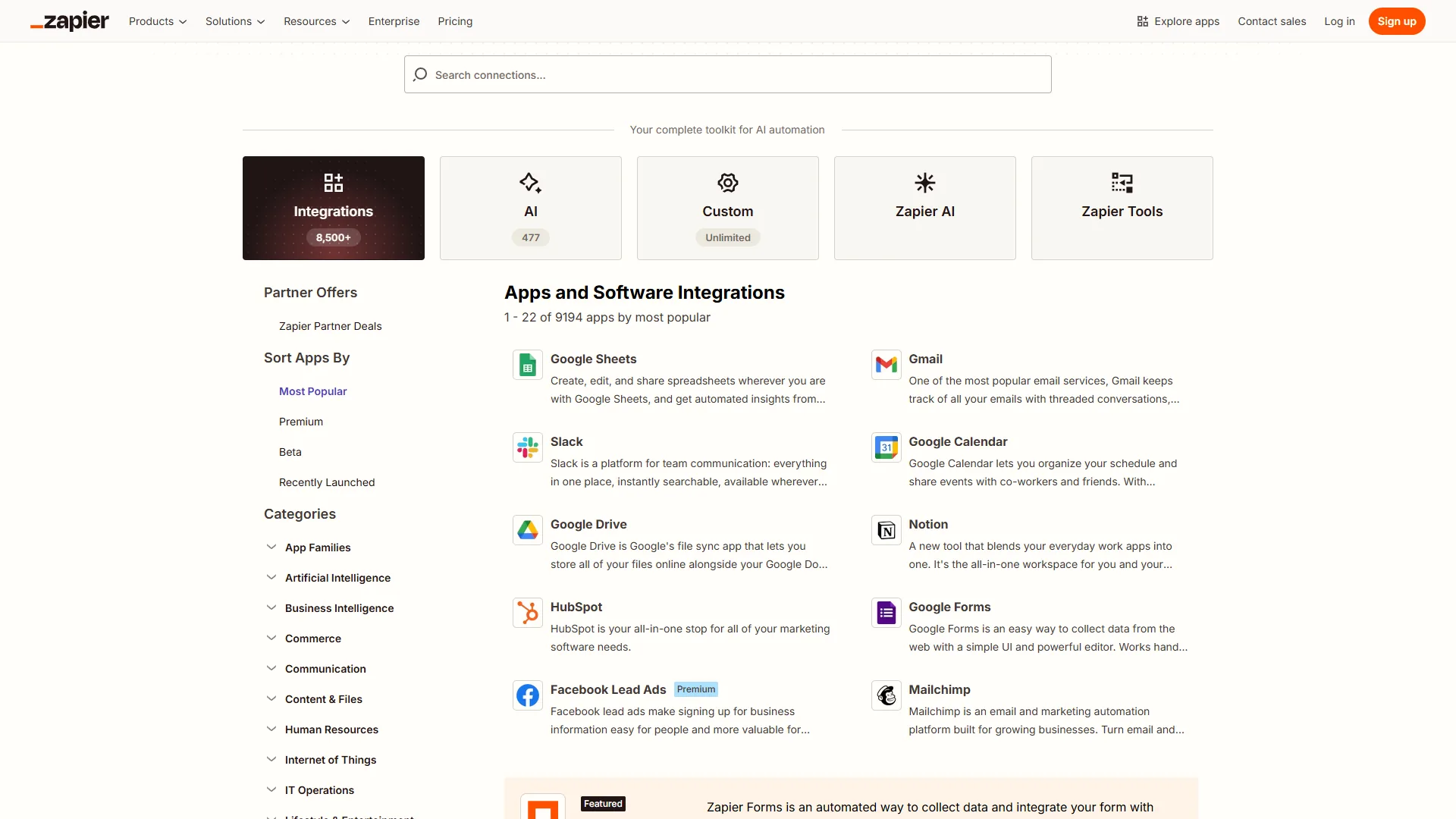
Zapier’s integration library is around 3.5 times larger than Make’s - 7,000+ apps versus 2,000+. Both platforms cover all major business tools (Google Workspace, Slack, HubSpot, Salesforce, Stripe, Shopify, Notion, Airtable) so if you use standard SaaS, both connect to everything you need.
The gap surfaces with niche tools - a specialty CRM, an industry compliance platform, or a product that launched last month - where Zapier is significantly more likely to have a native integration. Make partially bridges the gap with HTTP and Webhook modules, but that adds complexity that Zapier’s native connectors avoid.
Verdict on integrations: Zapier wins on sheer breadth. The gap matters most for niche or industry-specific applications. The best workflow automation tools 2026 breakdown shows where rivals close the integration gap.
Execution Limits and Reliability
Zapier enforces a 30-second timeout per step with 1-2 minute trigger polling, while Make allows up to 40 minutes per scenario with 1-minute polling on its Core plan, so Make handles long-running and data-heavy workflows that would time out on Zapier. Beyond pricing and features, these execution constraints affect which platform fits your use case.
| Limit | Zapier | Make |
|---|---|---|
| Trigger Polling | 2 min (Professional) | 1 min (Core+) |
| Execution Timeout | 30 seconds per step | 40 minutes per scenario |
| Data Transfer | Varies by plan | 1 GB free, scales with plan |
| Concurrent Executions | Unlimited | Varies by plan |
| Error Retry | Automatic (configurable) | Auto-retry with error handlers |
Make’s 40-minute execution timeout is a significant advantage for workflows that process large datasets or call slow APIs. Zapier’s 30-second per-step limit means you have to break long-running processes into multiple Zaps. Both platforms support instant webhooks for real-time triggers, and the Make scheduling documentation describes how to tune intervals for high-frequency workflows.
When to Choose Zapier
Zapier’s limitations - higher per-task cost, 30-second step timeout, weaker visual debugging - are real. Zapier is the right choice when:
- Your team is non-technical. Marketing, sales, and ops staff can build Zaps in minutes, not hours.
- You use niche or industry-specific apps. Zapier’s 7,000+ library covers tools Make does not yet support.
- Speed to deployment matters more than cost. You need automations running today, not next week.
- You want mature AI features now. Multi-model AI and Zapier Agents are production-ready and documented.
- Your automation volume is moderate. Teams under 2,000 tasks per month may find Zapier’s premium acceptable.
When to Choose Make
Choose Make when you build complex multi-branch workflows, process high operation volumes, or need long-running scenarios beyond Zapier’s 30-second per-step limit - the visual canvas and 40-minute scenario timeout handle those cases for 60-85% less cost. Make’s 4-8 hour learning curve, smaller integration library, and less mature AI matter most for non-technical teams. Make is still right when:
- You build complex, multi-branch workflows. The visual canvas transforms how you design and debug automations with conditional logic and parallel paths.
- Cost efficiency matters. Make delivers 60-85% savings vs Zapier at moderate-to-high volumes.
- You process high volumes. Make’s Core plan handles up to 300,000 operations for $10.59 per month.
- You need long-running executions. The 40-minute scenario timeout handles data-heavy workflows.
- You want visual workflow debugging. Inspecting modules in context speeds troubleshooting.
What About Other Platforms?
Both n8n and Power Automate carry meaningful limitations compared with Zapier or Make. n8n is worth considering if you want self-hosted, open-source automation with visual workflow design similar to Make, though setup and maintenance require developer skills - see the n8n documentation. Power Automate fits teams embedded in Microsoft 365, integrating deeply with Excel, Teams, SharePoint, and Dynamics 365 but lacking cross-platform flexibility - see the Power Automate documentation. Neither matches the zapier vs make automation 2026 comparison for breadth, ease of use, and market maturity.
Frequently Asked Questions
Can I migrate from Zapier to Make?
Yes, but there is no automatic migration tool - you rebuild workflows manually in Make’s visual editor. Budget 1-2 hours per complex workflow. Rebuilt automations often end up better designed because Make’s canvas forces you to think about error handling and branching upfront.
How do tasks and operations compare?
One Zapier “task” is a single action step and one Make “operation” is a single module execution, so a 5-step workflow running once counts as around 5 units on either platform. The Zapier task counting reference covers exactly which actions count as billable tasks.
Which platform has better uptime?
Both are reliable for production. Zapier has a longer track record, processing billions of tasks monthly since 2011 with documented 99.9% uptime. Make’s infrastructure is solid and improving with each release.
Is it worth using both platforms?
Some teams run both - Zapier for simple, high-reliability workflows non-technical staff manage and Make for complex, high-volume automations technical staff own. The how to automate email with AI guide is a good starting point for hybrid stacks.
What does this Zapier vs Make automation 2026 review conclude on overall cost?
This Zapier vs Make automation 2026 review finds Make the cheaper platform at high volume, with Make charging from $9 per month for 10,000 operations versus Zapier’s $19.99 per month entry tier, so the Zapier vs Make automation 2026 cost gap widens sharply once monthly volume crosses about 2,000 tasks.
The Bottom Line: Zapier vs Make Automation 2026
Choose Zapier for fast, low-friction automations across 7,000+ apps with non-technical staff; choose Make for a visual canvas, complex branching, or 60-85% lower cost at high volumes. The zapier vs make automation 2026 decision is a clear trade-off: simplicity and ecosystem breadth versus visual power and cost efficiency.
Zapier is the right choice if you want automation working in minutes, have non-technical team members building workflows, or need niche-app integrations. The 7,000+ app ecosystem, intuitive linear interface, and mature AI features make it the lowest-friction path to automation.
Make is the right choice if you build complex workflows, care about cost at scale, or want visual control over your automation logic. At $10.59 per month for up to 300,000 operations, the value proposition is hard to beat.
The recommendation: Start on Make’s free tier. If the canvas clicks, savings compound monthly. If the learning curve frustrates, switch to Zapier.
Related Reading
These related guides expand on the zapier vs make automation 2026 comparison with adjacent automation, workflow, and AI-tooling deep dives.
- Best AI Automation Tools 2026
- Best Workflow Automation Tools 2026
- How to Automate Email with AI
- AI Tools for Small Business
- Zapier Review
- Make Review
External Resources
These external references include official vendor documentation, community forums, and third-party industry research that informed the zapier vs make automation 2026 analysis.
- Zapier Blog - Official automation guides, templates, and product updates
- Make Blog - Platform tutorials and automation case studies
- Make Community Forum - User discussions, shared templates, and troubleshooting