



The best AI coding assistants in 2026 are GitHub Copilot for general-purpose coding at $10 per month, Cursor for codebase-wide context at $20 per month, Tabnine for privacy-focused teams at $12 per user/month, and Amazon Q Developer for AWS workflows at $19 per user/month. These tools use large language models trained on billions of lines of code to suggest completions, generate entire functions, and produce boilerplate from natural language prompts.
This guide compares the four leading options to help you find the best AI coding assistants for your workflow: GitHub Copilot, Cursor, Tabnine, and Amazon Q Developer.
Methodology: Our analysis draws on vendor documentation, published pricing pages current as of May 2026, and independent industry research (Stack Overflow Developer Survey 2024, JetBrains Developer Ecosystem 2024) rather than sponsored placement or hands-on testing the site did not perform. AI Productivity may earn a commission from links on this page; rankings are editorially independent.
Comparison Table: AI Coding Assistants at a Glance
The four leading AI coding assistants are GitHub Copilot at $10 per month, Cursor at $20 per month, Tabnine at $12 per user per month, and Amazon Q Developer at $19 per user per month. The table below compares them on pricing, ratings, and key differentiators so the right choice depends on budget, team size, and target workflows.
| Tool | Rating | Starting Price | Best For | Key Differentiator |
|---|---|---|---|---|
| GitHub Copilot | $10/mo | GitHub users, pair programming | Native GitHub integration, context-aware suggestions | |
| Cursor | $20/mo | Modern codebases, chat-driven dev | AI-first editor with codebase understanding | |
| Tabnine | $12/mo | Privacy-focused teams, custom models | On-premises deployment, team training | |
| Amazon Q Developer | $19/user/mo | AWS development, enterprise security | Deep AWS integration, vulnerability scanning |
GitHub Copilot: The Industry Standard
GitHub Copilot is the most widely adopted AI coding assistant, pioneering the category when it launched in 2021 and remaining the default choice for developers in the GitHub ecosystem. AI coding tools have become mainstream: 76% of developers are using or planning to use AI tools in their development process, according to the Stack Overflow 2024 Developer Survey. Built on OpenAI’s Codex model (a descendant of GPT-3), Copilot integrates directly into your IDE to suggest code completions, entire functions, and even documentation. “GitHub Copilot leads in popularity among developers using AI tools,” reports the Stack Overflow 2024 Developer Survey, which found GitHub Copilot to be the most-used AI search and developer tool.
What Makes GitHub Copilot Stand Out
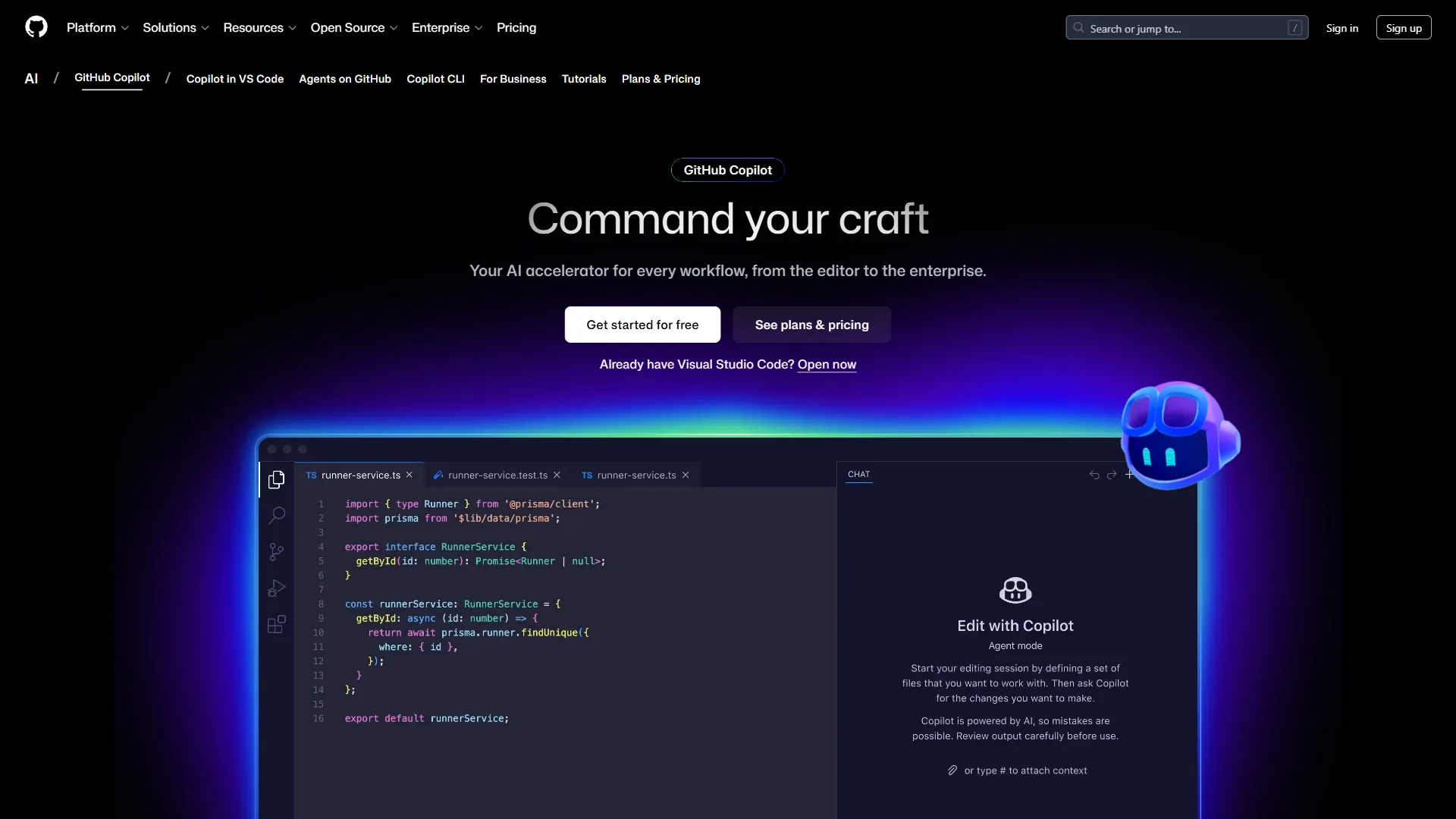
Copilot’s defining feature is contextual awareness - it analyzes the active file, recently opened files, and inline comments to surface suggestions that match the surrounding code, including test cases with edge conditions and assertions.
Copilot Chat lets developers ask questions about a codebase, request refactoring suggestions, or generate code from natural language descriptions, which is useful for explaining complex sections during code review or scaffolding boilerplate for new features.
Pricing and Plans
- Individual: $10 per month or $100 per year
- Business: $19 per user/month with centralized billing and policy management
- Enterprise: $39 per user/month with additional security and compliance features
Students, teachers, and maintainers of popular open-source projects get Copilot for free.
Pros and Cons
Pros:
- Excellent IDE integration (VS Code, Visual Studio, JetBrains, Neovim)
- Strong at understanding project context and coding patterns
- Regular model updates with the latest OpenAI improvements
- Massive community and extensive documentation
- Native GitHub integration for seamless workflow
Cons:
- Requires internet connection (no offline mode)
- Suggestions quality varies by programming language
- No option for on-premises deployment
- Can occasionally suggest deprecated or vulnerable code patterns
Who Should Choose GitHub Copilot
GitHub Copilot is ideal for developers in the GitHub ecosystem who want a battle-tested AI assistant. The $10/month Individual plan offers strong value; Business and Enterprise add security controls larger organizations need. If broad IDE support matters and on-premises deployment is not required, Copilot is the safe default.
Cursor: The AI-First Code Editor
Cursor is a standalone, AI-first code editor built from the ground up around AI capabilities, rather than a plugin bolted onto an existing editor. Cursor is based on VS Code, so it inherits the familiar interface and extension ecosystem while adding powerful AI features such as codebase-wide indexing and multi-file edits.
What Makes Cursor Stand Out
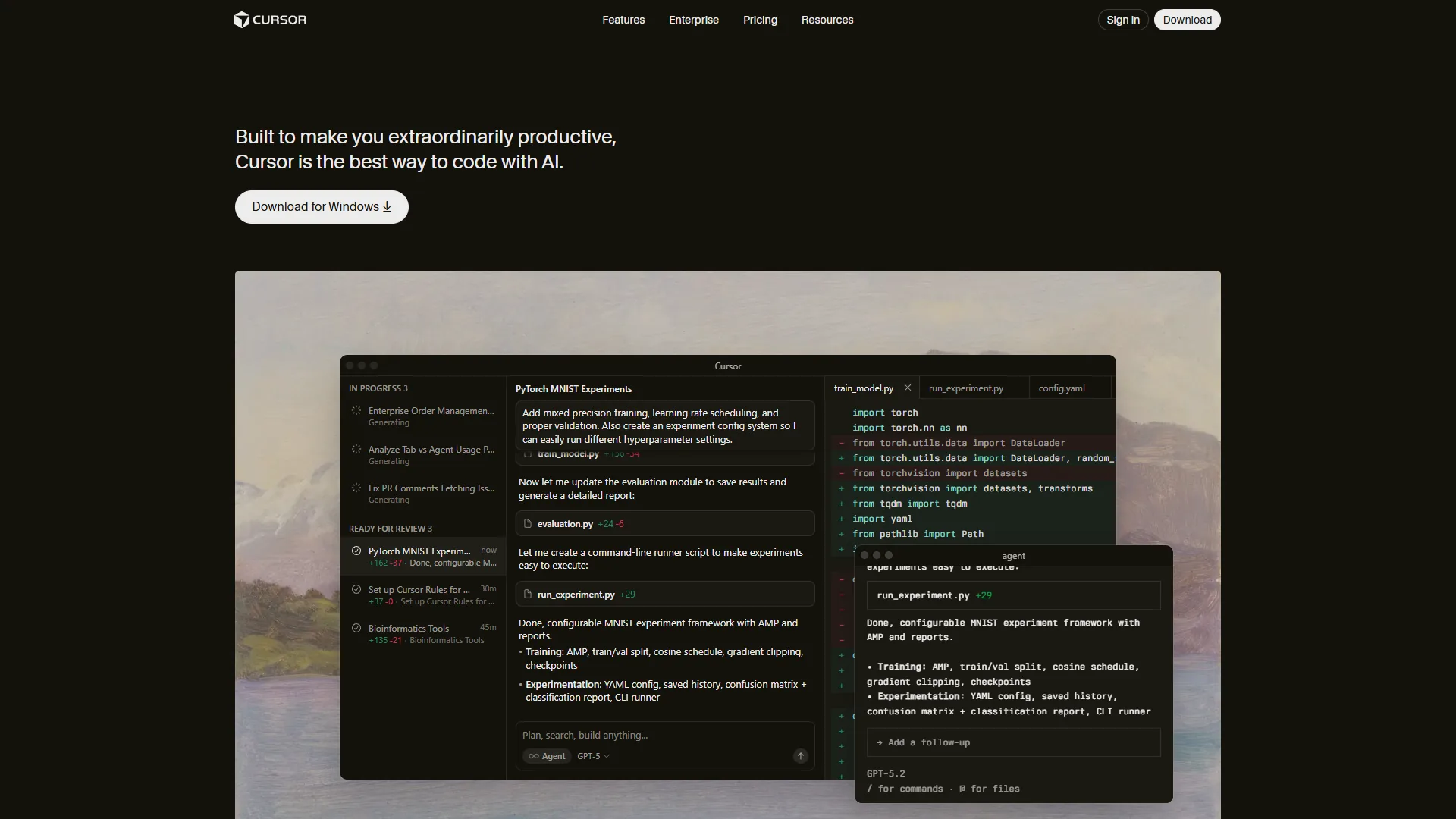
Cursor’s defining feature is deep codebase understanding - it indexes the full project and can reference specific files, functions, or patterns across the codebase, which makes it strong on architectural questions and large-scale refactoring.
The chat interface is inline rather than panel-based, and developers can reference specific code blocks with @filename or @function to keep conversations precise and contextual. Cursor also handles multi-file edits coherently, understanding ripple effects and suggesting coordinated changes across files when refactoring shared components.
Pricing and Plans
- Free: 2,000 completions and 50 slow premium requests per month
- Pro: $20 per month with unlimited completions and 500 fast premium requests
- Business: Custom pricing with team features and priority support
Pros and Cons
Pros:
- Exceptional codebase-wide context and understanding
- Smooth, intuitive chat interface for code conversations
- Familiar VS Code interface with enhanced AI capabilities
- Composer feature for multi-file edits is incredibly powerful
- Fast model switching between GPT-4, Claude, and others
Cons:
- Requires switching from your existing editor
- More expensive than GitHub Copilot Individual
- Smaller user community compared to established tools
- Some VS Code extensions may have compatibility issues
Who Should Choose Cursor
Cursor fits developers working on complex, modern codebases who need AI that understands the full project context. The $20/month Pro plan pays off when refactoring large sections of code is frequent, and it is especially valuable for full-stack developers juggling frontend, backend, and infrastructure code.
Tabnine: Privacy-First AI Code Completion
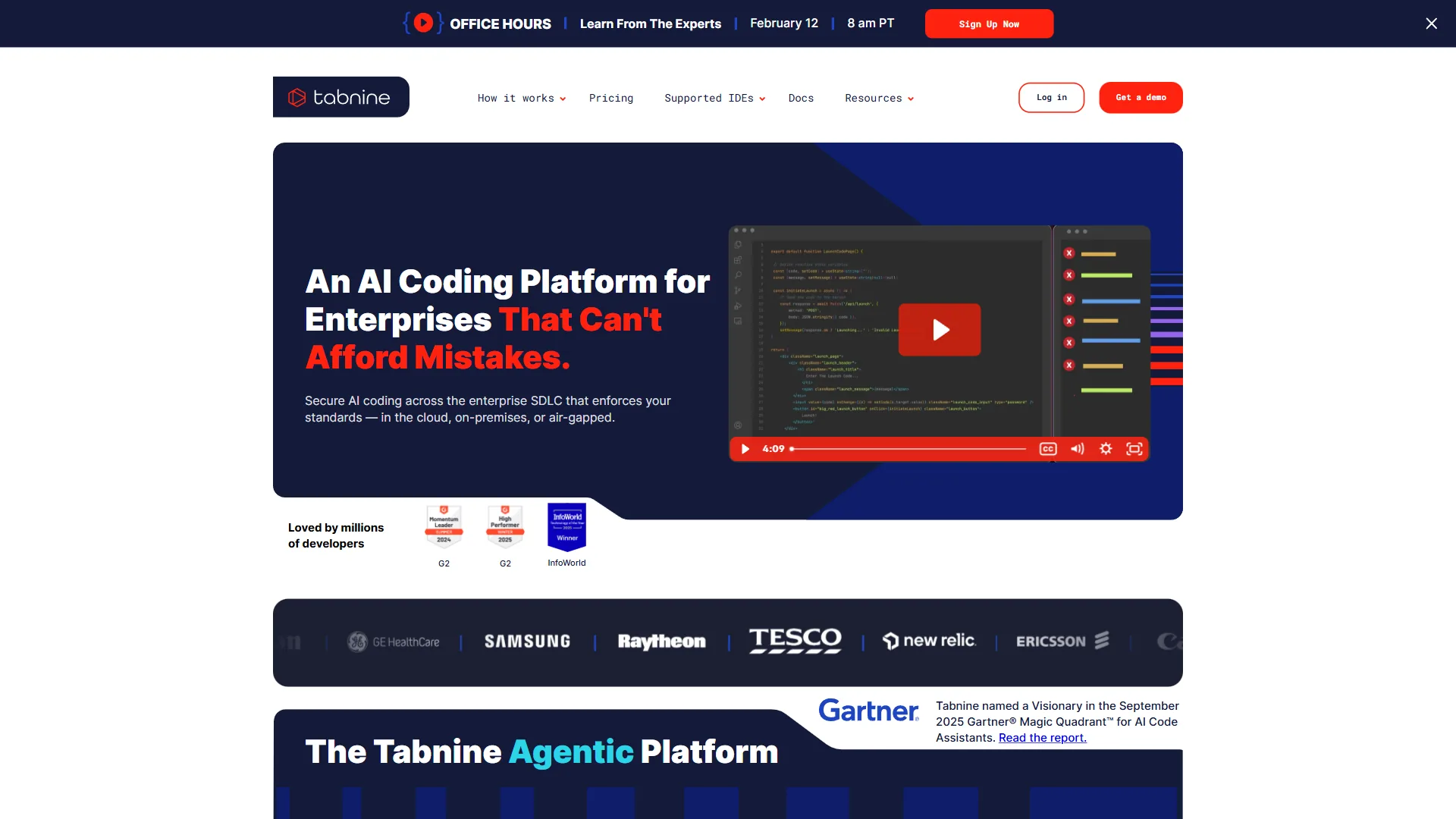
Tabnine is the privacy-first AI code completion tool, offering on-premises deployment and custom model training so your code never leaves your own infrastructure. While most AI coding assistants send your code to cloud servers for processing, Tabnine lets teams train models on their codebase and run the AI entirely behind their own firewall.
What Makes Tabnine Stand Out
For teams with strict security requirements, Tabnine’s privacy model is a major upgrade over cloud-only competitors. The Enterprise plan runs the AI model entirely on customer infrastructure so sensitive code never touches external servers; the cloud-based Pro plan encrypts code in transit and at rest with documented retention policies.
Team training lets Tabnine learn an organization’s specific patterns, naming conventions, and architectural preferences, so suggestions align more closely with house style than generic AI models do.
Tabnine is particularly strong at pattern recognition - it picks up consistent error-handling or API-call conventions and surfaces suggestions that match those established patterns.
Pricing and Plans
- Free: Basic code completions (short suggestions only)
- Pro: $12 per user/month with full-line and function completions
- Enterprise Starter: $39 per user/month with team training
- Enterprise: Custom pricing with on-premises deployment and advanced security
Pros and Cons
Pros:
- Strong privacy controls and on-premises deployment options
- Custom model training on team codebases
- Excellent support for less common programming languages
- Lower price point than competitors for Pro tier
- Compliant with strict enterprise security requirements
Cons:
- Suggestions can be less sophisticated than GPT-4-based competitors
- Chat interface is more limited compared to Copilot or Cursor
- Smaller training dataset means fewer language-specific idioms
- UI feels less polished than GitHub Copilot
Who Should Choose Tabnine
Tabnine is the right choice for privacy-conscious developers and enterprises with strict data governance requirements. In healthcare, finance, or defense, the on-premises option may be the only viable AI coding assistant. Team training also makes it valuable for large development teams with established coding standards.
Amazon Q Developer: AI Assistance for AWS Workflows
Amazon Q Developer is Amazon’s answer to AI coding assistants, with a specific focus on AWS development workflows. While it provides general code completion like other tools, its real strength lies in AWS-specific tasks: writing infrastructure-as-code, debugging Lambda functions, and optimizing cloud architectures.
What Makes Amazon Q Developer Stand Out
The standout feature is integrated security scanning - Amazon Q analyzes code for security vulnerabilities, compliance issues, and AWS best practices in real time, flagging risks in Lambda functions and suggesting more efficient API calls before deployment.
The AWS integration is deep: Q understands AWS service relationships and suggests appropriate configurations for CloudFormation templates or CDK code, including which IAM permissions a specific API call requires and which CloudWatch metrics to monitor.

Amazon Q is also useful for upgrading legacy AWS code - it identifies deprecated APIs, suggests modern alternatives, and helps migrate older SDK versions to current best practices.
Pricing and Plans
- Free Tier: Basic code suggestions and limited chat queries
- Pro: $19 per user/month with unlimited code suggestions, security scanning, and AWS expertise
The Pro tier includes features like code transformation for Java upgrades and security vulnerability remediation, which can save significant time on maintenance tasks.
Pros and Cons
Pros:
- Deep integration with AWS services and workflows
- Built-in security scanning and vulnerability detection
- Excellent for infrastructure-as-code (CloudFormation, CDK, Terraform)
- Understands AWS-specific patterns and best practices
- Includes code transformation tools for legacy upgrades
Cons:
- Less useful if you don’t work heavily with AWS
- Code suggestions outside AWS context lag behind competitors
- Smaller community and fewer learning resources
- IDE integration more limited than GitHub Copilot
Who Should Choose Amazon Q Developer
Amazon Q Developer is purpose-built for teams heavily invested in AWS infrastructure. For developers writing Lambda functions, managing CloudFormation stacks, or optimizing AWS architectures, the $19/month Pro plan delivers clear ROI through security scanning alone. For workflows that are not AWS-centric, other tools offer better general-purpose coding assistance.
Best Picks by Use Case: Choosing the Right AI Coding Assistant
Best picks by use case are GitHub Copilot for GitHub-based teams at $10 per month, Cursor for complex multi-file codebases at $20 per month, Tabnine for privacy-regulated industries at $12 per user per month, and Amazon Q Developer for AWS-heavy workflows at $19 per user per month. This AI coding agent ranking maps each tool to the scenario it fits best, and the decision framework below covers the most common Reddit-style head-to-head questions on the best free AI coding assistant and the best AI coding assistant for Visual Studio:
Choose GitHub Copilot if:
- You’re already using GitHub for source control
- You want the most battle-tested, widely adopted solution
- You need broad IDE support across your team
- You’re looking for the best value at $10 per month individual tier
- You don’t require on-premises deployment
Choose Cursor if:
- You work on complex, multi-file codebases
- You’re comfortable switching to a new editor
- You value AI-driven refactoring and architectural discussions
- You want the most sophisticated codebase understanding
- Budget isn’t a primary concern at $20 per month
Choose Tabnine if:
- Privacy and data security are non-negotiable requirements
- You need on-premises deployment for compliance
- You want to train models on your proprietary codebase
- You work in regulated industries (healthcare, finance, defense)
- You value team-wide coding standard enforcement
Choose Amazon Q Developer if:
- AWS is central to your development workflow
- You write significant infrastructure-as-code
- Security scanning and vulnerability detection are priorities
- You need help maintaining and upgrading AWS-based applications
- You want AWS-specific expertise alongside general coding help
Can You Use Multiple Tools?
Yes. Many developers run GitHub Copilot for day-to-day coding and Cursor for complex refactoring, or pair Amazon Q for AWS work with Tabnine for general development. Most tools sell monthly subscriptions, so combinations can be tested without long-term commitment.
Conclusion: The Best AI Coding Assistants for Most Developers
GitHub Copilot is the best AI coding assistant for most developers in 2026 at $10 per month, because its IDE integration, GitHub-native context, and access to OpenAI Codex and Anthropic Claude models deliver consistent quality across mainstream languages and small-team workflows. “AI tools are now part of the daily workflow for most developers, with GitHub Copilot leading adoption among paid tools,” according to Erin Yepis, senior analyst at Stack Overflow, in the 2024 Developer Survey AI section. This conclusion draws on each vendor’s current pricing and feature documentation alongside independent industry research such as the JetBrains Developer Ecosystem Survey.
However, the “best” tool truly depends on your context:
- For complex codebases: Cursor’s superior context understanding justifies the higher price
- For privacy-focused teams: Tabnine’s on-premises option may be your only choice
- For AWS-heavy workflows: Amazon Q Developer’s specialized capabilities deliver clear value
The recommendation: start with GitHub Copilot’s free trial, switch to Cursor if codebase-wide understanding becomes the bottleneck, test Amazon Q Developer for AWS-heavy work, and evaluate Tabnine when privacy is paramount. All four tools receive regular model updates, and the category is moving fast enough that revisiting the decision every six months is worthwhile.
FAQ
Frequent FAQ questions about AI coding assistants in 2026 cover price (free tiers vs paid), privacy (on-premises vs cloud), which underlying model each tool runs (GPT-4, Claude, custom), and how the leading options compare on best ai coding assistants reddit head-to-head threads - the answers below address each directly.
What is the best AI coding assistant for most developers?
GitHub Copilot remains the best general-purpose AI coding assistant for most developers. Its $10 per month Individual tier, excellent IDE integration across VS Code, Visual Studio, JetBrains, and Neovim, and consistent quality make it hard to beat for individual developers and small teams already working within the GitHub ecosystem.
How much do AI coding assistants cost in 2026, and is there a free AI coding option?
GitHub Copilot starts at $10 per month for Individual, $19 per user/month for Business, and $39 per user/month for Enterprise. Cursor Pro is $20 per month. Tabnine Pro is $12 per user/month, with Enterprise Starter at $39 per user/month. Amazon Q Developer Pro is $19 per user/month. Free AI coding tiers are available across Cursor (2,000 completions/month), Tabnine (short suggestions), and Amazon Q Developer (basic suggestions); GitHub Copilot is free for verified students, teachers, and popular open-source maintainers.
Which AI coding assistant is best for privacy-focused teams?
Tabnine is the right choice for privacy-conscious developers and enterprises with strict data governance requirements. It offers on-premises deployment so sensitive code never leaves your infrastructure, plus custom model training on team codebases. This makes it especially suitable for healthcare, finance, and defense teams where code security is paramount.
Is Cursor better than GitHub Copilot?
Cursor excels at deep codebase-wide understanding and multi-file edits, making it ideal for complex, modern codebases and large-scale refactoring. GitHub Copilot offers broader IDE support, a larger community, and a lower $10 per month price. Cursor is worth the $20 per month Pro plan if you frequently refactor large sections of code across multiple files.
Can you use multiple AI coding assistants together?
Yes. Many developers run GitHub Copilot for day-to-day coding and Cursor for complex refactoring, or pair Amazon Q Developer for AWS work with Tabnine for general development. Monthly subscriptions make it easy to test combinations.
Related Reading
Related guides cover each of the four AI coding assistants in this article - GitHub Copilot, Cursor, Tabnine, and Amazon Q Developer - and go deeper on the best AI coding assistant for Visual Studio and VSCode setup as well as broader AI-assisted development workflows.
Tools covered in this article:
- GitHub Copilot - AI pair programmer integrated with your IDE
- Cursor - AI-first code editor with codebase understanding
- Tabnine - Privacy-focused AI code completion
- Amazon Q Developer - AWS-specialized AI coding assistant
More developer productivity guides:
- AI Pair Programming Guide - Master AI-assisted development
- AI Coding Editor Comparison 2026 - AI coding tools showdown
- Raycast Extensions for Developers - Developer workflow tools
External Resources
External resources below are the independent industry sources that informed this comparison of the best AI coding assistants and offer further data on AI coding tool adoption, developer survey responses, and AI coding agent ranking benchmarks.