


Taskade, ClickUp and Notion are the best AI project management tools in 2026 - Taskade wins on AI value with unlimited agents at $20 per month, ClickUp leads on feature depth and multi-model AI, and Notion is strongest for context-aware AI in documentation-heavy workspaces. For a focused head-to-head, see our ClickUp vs Notion breakdown.
This comparison draws on current vendor documentation, published pricing pages and independent research rather than sponsored placement; AI Productivity may earn a commission from links on this page and our rankings remain editorially independent.
The difference comes down to design origin: Taskade was built around AI from day one, while ClickUp and Notion added AI to existing platforms. Both approaches work - differently.
Quick Verdict: Which AI PM Tool Should You Choose?
Taskade is the best AI project management tool overall at $20 per month for unlimited agents, with ClickUp ranked best for feature depth and Notion ranked best for context-aware AI. This guide evaluates the leading AI project management tools in 2026 on pricing, ease of use and integration depth.
Choose Taskade if you want unlimited AI agents at $20 per month, Genesis one-prompt apps and built-in video - speed and budget matter more than advanced Gantt charts.
Choose ClickUp if you need comprehensive PM features plus multi-model AI (GPT-5, Claude Opus 4.1, o3) and enterprise search across 100+ connected apps, and tolerate a $9-28/user/month AI add-on.
Choose Notion if documentation is as important as task management, you need flexible databases with context-aware AI Agents and the Business tier at $15/seat fits your budget.
Selection Criteria: What Makes These the Best AI Project Management Tools 2026
Genuine AI project management is defined by autonomous agents, natural-language automation, context-aware intelligence and multi-model support - not table-stakes like AI task descriptions or smart search that every tool ships.
Table-stakes: AI task descriptions, smart workspace search, basic content summarization. Differentiating: autonomous agents that execute multi-step workflows, natural-language automation, context-aware intelligence reading your calendar and Slack, multi-model support (GPT-5, Claude, o3) and agent training with custom data.
All three tools in this comparison deliver differentiating features - their approaches differ.
Taskade: The AI-Native Workspace
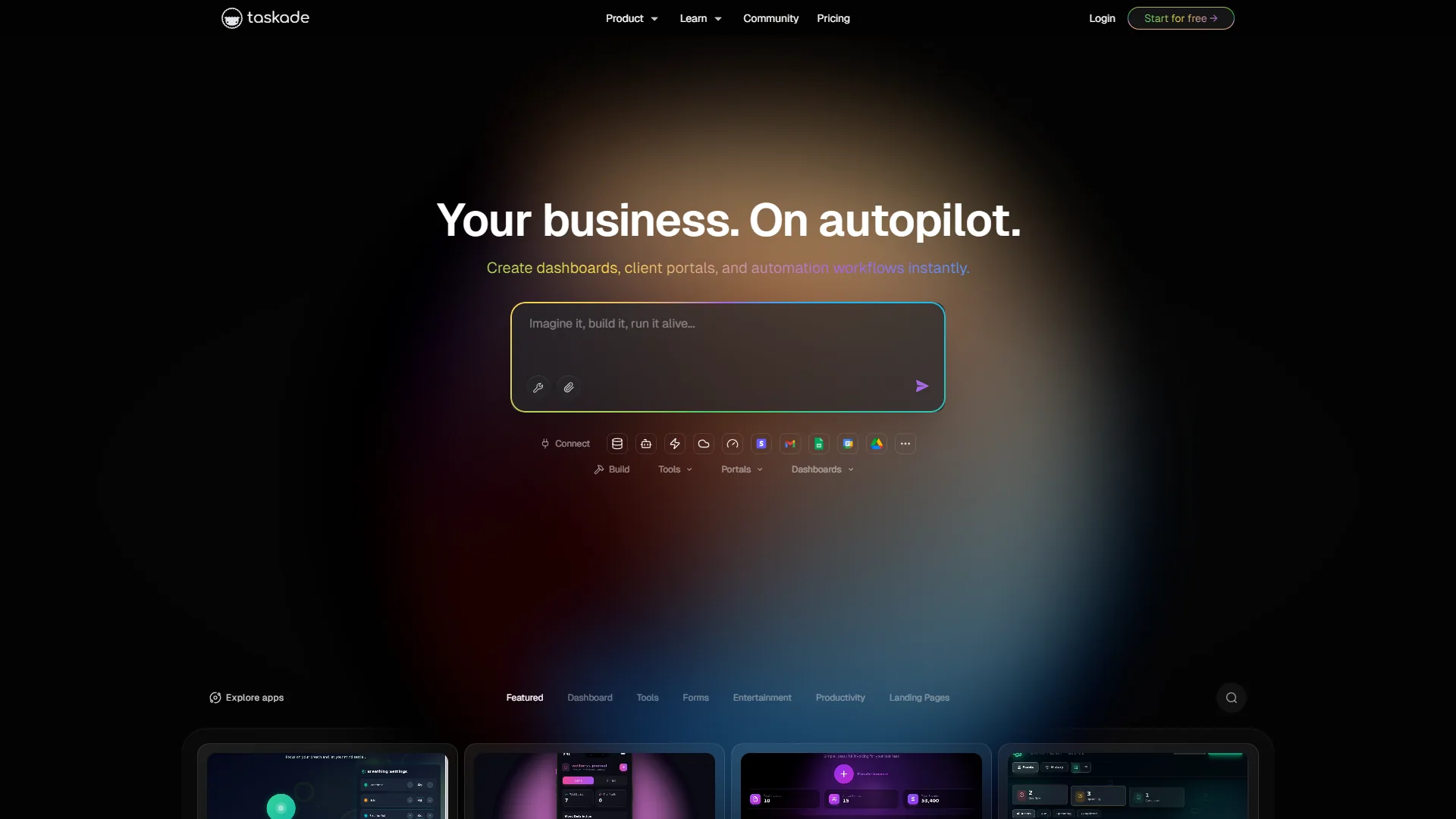
Taskade is the AI-native option built with AI as the foundation rather than an add-on, and the value proposition is clear: unlimited AI agents at $20 per month total (not per seat) is genuinely unprecedented.
What Taskade Does Better Than Anyone
Unlimited AI agents on Pro tier. Taskade Pro ($20 per month for 10 users) includes unlimited AI agents with custom training. A 10-person team pays $200 per month on ClickUp for full AI, $150 per month on Notion, or $20 per month on Taskade.
Taskade Genesis creates apps from one prompt. Type “content calendar with SEO tracking and approval workflow” and Genesis builds a functional workspace - custom fields, views, automations - in 30 seconds. Sprint planning boards, client dashboards and content pipelines each take under a minute versus 20-40 minutes manually.
Built-in video conferencing eliminates tool sprawl. Taskade includes video calls, screen sharing and real-time chat, so many teams drop Zoom Pro at $15 per user/month for internal syncs.
AI Autopilot generates entire workflows. Describe your workflow goals and Autopilot creates complete AI workforces - agents, automations and triggers - automatically.
Limitations: Where Taskade Falls Short
Timeline views exist but do not match Monday.com or Asana for dependency tracking and critical path analysis, so enterprise teams with 50+ task dependencies feel the gap. AI features, real-time sync and video require internet, ruling out low-connectivity work. Detailed reporting dashboards require Ultra ($60 per month) rather than Pro. Mobile apps handle task updates but lack automation setup.
Taskade Pricing Breakdown (December 2026)
Pricing verified April 2026 from Taskade's pricing page:
- Free: $0/mo (1 user, 1 workspace)
- 0 AI credits
- Limited AI agents
- Best for: Solo exploration
- Starter: $8/user/mo (3 users)
- 15,000 AI credits
- Limited AI agents
- Best for: Small teams
- Pro: $20/user/mo (10 users)
- 40,000 AI credits
- Unlimited AI agents
- Best for: Growing teams
- Ultra: $60/user/mo (25 users)
- 120,000 AI credits
- Unlimited AI agents
- Best for: Agencies
- Team: $200/user/mo (Unlimited users)
- 400,000 AI credits
- Unlimited AI agents
- Best for: Enterprise
Real cost comparison for a 10-person team wanting unlimited AI agents: Taskade Pro runs $20 per month ($2 per user), ClickUp Business plus Brain runs $120 + $90 = $210 per month, and Notion Business totals $150 per month. Taskade delivers the same AI capability at 90% less cost.
Users love unlimited AI agents and 30-second Genesis builds; users hate the lack of proper Gantt charts and rough mobile experience.
ClickUp: The Feature-Dense AI Powerhouse
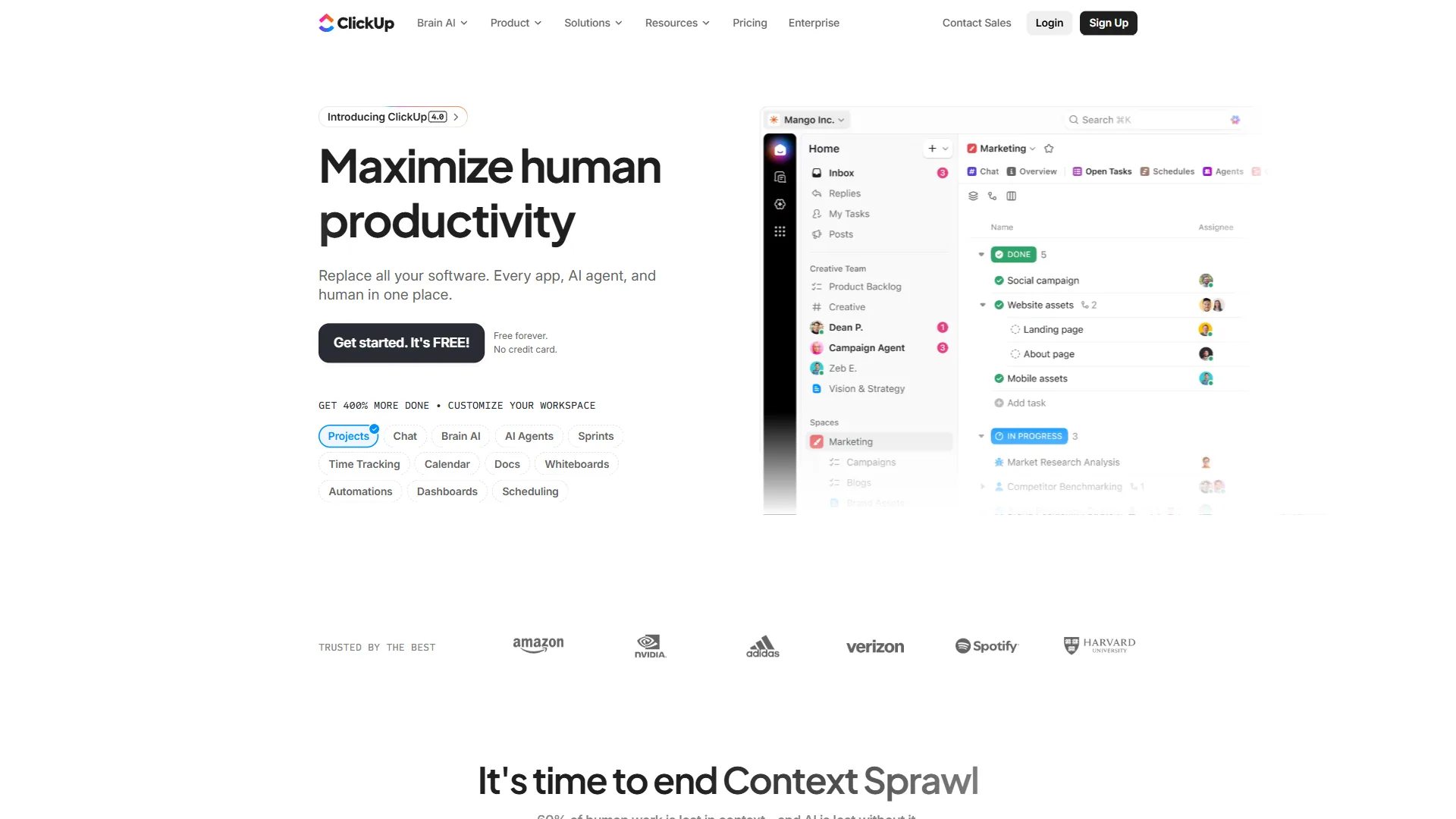
ClickUp is the most feature-dense AI project management tool of 2026, pairing 35+ views with ClickUp Brain’s multi-model AI (GPT-5, Claude Opus 4.1, o3) at the cost of a steep learning curve and a paid AI add-on.
What ClickUp Does Better Than Anyone
Multi-model AI with ClickUp Brain. The November 2026 4.0 release upgraded Brain to support GPT-5, Claude Opus 4.1 and o3 - Claude for writing, GPT-5 for analysis, o3 for reasoning. According to the official 4.0 release notes, Brain lets teams choose the best model per job.
AI Knowledge Manager searches everything. Brain searches your tasks, docs, chats and 100+ connected apps - Google Drive, Teams, Figma, Slack. Ask “What did marketing decide about Q1 campaign timing?” and it surfaces the Figma comment from three weeks ago.
Autopilot Agents handle complex workflows. Configure agents for automated standups, project updates and workflow execution - a weekly sprint summary agent that pulls completion rates and posts to Slack saves 2 hours of manual reporting weekly.
35+ views for any workflow. List, Board, Gantt, Timeline, Calendar, Mind Map, Workload - ClickUp accommodates any working style.
384% documented ROI. According to a published Nucleus Research ROI case study, construction companies using ClickUp saved 576 hours weekly and realized a 384% return on investment, with implementation completed in two weeks. “Consolidating project management, documents and communication into a single platform delivered a 384% ROI within months, not years,” the firm wrote in its 2026 ClickUp ROI analysis.
Limitations: Where ClickUp Falls Short
ClickUp Brain is a paid add-on - $9/user/month (AI Standard) or $28/user/month (AI Autopilot), so a 10-person Autopilot team pays $280 on top of base subscription versus Taskade’s $20. Feature overload is real - teams spend months configuring ClickUp, and the learning curve averages 10+ hours before users feel productive.
ClickUp Pricing Breakdown (December 2026)
| Plan | Per Seat | Storage | Automations | AI Add-on | Best For |
|---|---|---|---|---|---|
| Free | $0 | 100 MB | Limited | Trial | Testing |
| Unlimited | $7 | Unlimited | Basic | $9/user | Growing teams |
| Business | $12 | Unlimited | 250+/mo | $9/user | Power users |
| Enterprise | Custom | Unlimited | Unlimited | Custom | Large orgs |
Real cost with AI: 10-person team on Business + AI Standard runs $210 per month ($120 + $90), and Business + AI Autopilot runs $400 per month ($120 + $280).
Users love multi-model AI and the Knowledge Manager finding forgotten Figma comments; users hate the cost of the AI add-on at scale and weeks of configuration time.
Notion: The Context-Aware AI Workspace
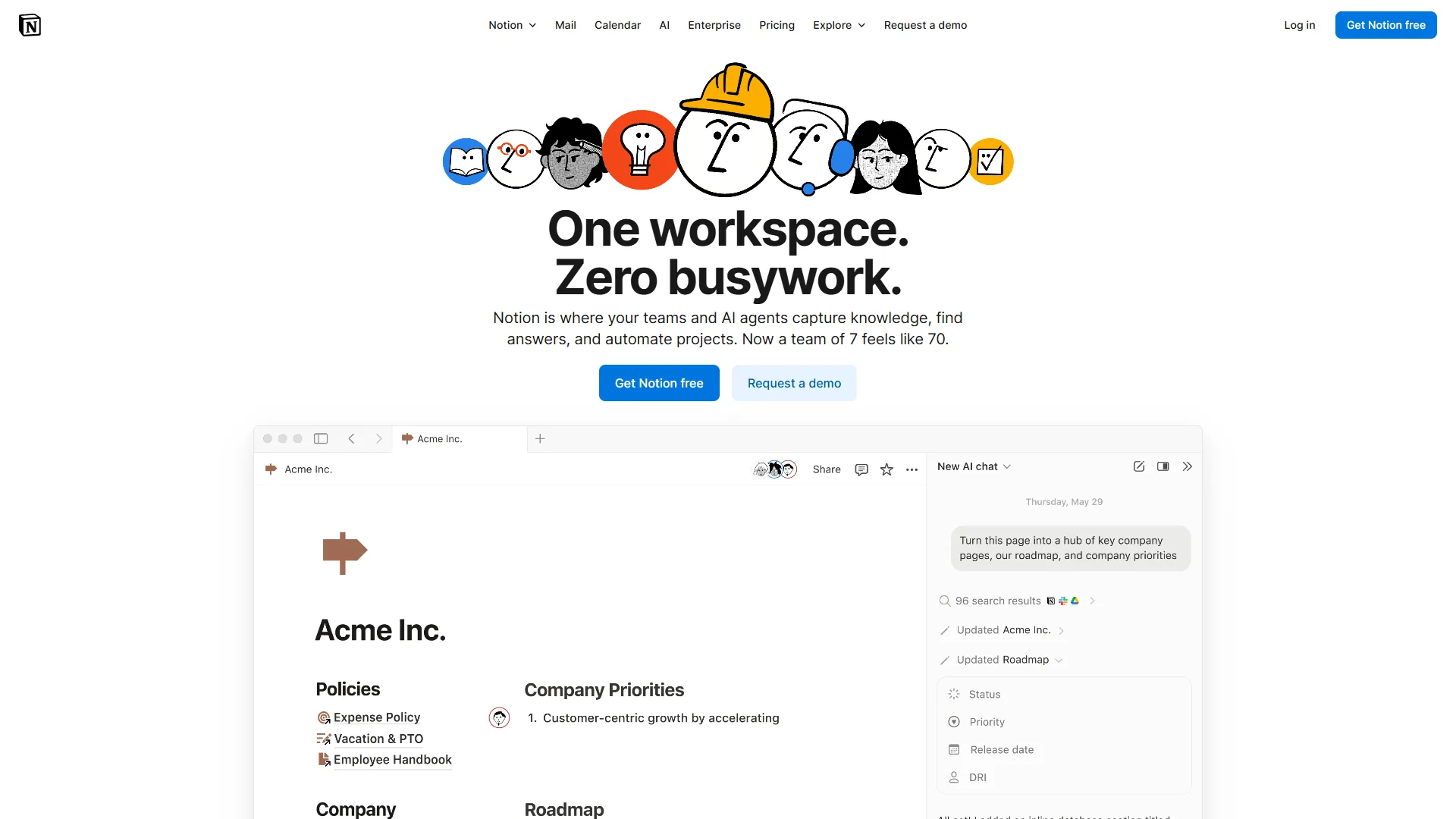
Notion is the best AI project management tool for documentation-heavy teams, pairing wiki and database PM with context-aware AI Agents that read your comments, calendar and Slack. Notion 3.0 (September 2026) rebuilt AI as autonomous Agents, not a bolted-on chatbot.
What Notion Does Better Than Anyone
AI Agents understand your full workspace context. Notion AI reads your task database, meeting notes, calendar and Slack messages (via connector) to give genuinely informed answers - context awareness that exceeds ClickUp and Taskade.
Multi-model support with GPT-5, Claude Opus 4.1 and o3. Like ClickUp, Notion offers model flexibility, but the context awareness makes responses more accurate - ask about budget allocation and it references a Slack conversation from weeks ago.
Autonomous workflow orchestration. Notion AI Agents execute multi-step workflows from natural language - “Prepare next week’s sprint planning” generates the agenda, pulls incomplete tasks and creates calendar blocks.
Documentation + PM in one workspace. Wiki capabilities combined with database-driven projects eliminate the docs-PM gap, replacing Confluence + Jira with one tool.
35% reduction in information search time. According to a customer case study published by Notion, Osaka Gas documented teams saving 35% of the time previously spent searching for information after adopting Notion.
Limitations: Where Notion Falls Short
Notion AI requires the Business tier at $15/seat - after August 2026 it is no longer an add-on for Free/Plus users, a significant jump from Plus ($10/seat). Notion is not a dedicated PM tool, so native dependencies, resource allocation and time tracking require building from database primitives that Monday.com, Asana and ClickUp ship out of the box. The mobile app lags desktop for complex workspaces, and building PM workflows in Notion takes 4-6 weeks versus 2 weeks for Taskade or ClickUp because you construct rather than configure.
Notion Pricing Breakdown (December 2026)
| Plan | Per Seat | AI Access | Guests | Best For |
|---|---|---|---|---|
| Free | $0 | Trial only | 10 | Individuals |
| Plus | $10 | None | 100 | Small teams |
| Business | $15 | Unlimited | 250 | Teams needing AI |
| Enterprise | Custom | Unlimited + custom | Custom | Security needs |
Real cost comparison: 10-person team wanting AI pays $150 per month for Notion Business versus $20 per month for Taskade Pro with unlimited agents.
Users love workspace-aware AI Agents and the docs-plus-PM unification; users hate the Business-tier AI gate and weaker mobile experience.
Feature-by-Feature: AI Feature Comparison
Taskade wins AI value and one-prompt app creation, ClickUp wins multi-model flexibility, and Notion wins workspace context awareness. The table below compares all three AI project management tools in 2026 head to head.
| Feature | Taskade | ClickUp | Notion |
|---|---|---|---|
| AI Agents | Unlimited (Pro+) | Autopilot ($28/user add-on) | Business tier |
| LLM Models | Frontier (unspecified) | GPT-5, Claude 4.1, o3 | GPT-5, Claude 4.1, o3 |
| Natural Language Automation | Genesis | Brain | AI Agents |
| Context Awareness | Basic | Strong (100+ apps) | Best (deep workspace) |
| One-Prompt App Creation | Yes (Genesis) | No | No |
| Built-in Video | Yes | No | No |
| Enterprise Search | Limited | Yes (100+ apps) | Yes (Slack connector) |
| Minimum AI Cost (10 users) | $20/mo | $90-280/mo | $150/mo |
| Training with Custom Data | Yes (Pro+) | Yes (Enterprise) | Yes (Business+) |
AI winners by category: Taskade for value (unlimited agents at $20/month) and one-prompt creation (Genesis), ClickUp for multi-model flexibility (GPT-5, Claude, o3), Notion for context awareness (reads workspace, calendar, Slack).
Pricing Comparison: AI PM Tools for Different Team Sizes
Taskade is the cheapest AI project management tool at every team size, costing $20 per month for unlimited AI agents on a 10-user team versus $150 for Notion Business and $210 to $400 for ClickUp with AI. The table below breaks down the real monthly cost across small, medium and large teams.
| Team size | Taskade | ClickUp + AI | Notion Business |
|---|---|---|---|
| 5 users | Pro $20 (unlimited agents) | Unlimited + Brain $80 | $75 |
| 10 users | Pro $20 (unlimited agents) | Business + Brain $210; + Autopilot $400 | $150 |
| 25 users | Ultra $60 (unlimited agents) | Business + Autopilot $1,000 | $375 |
Taskade Pro is 10x cheaper than ClickUp with Autopilot at 10 users, and Taskade Ultra saves $940 per month versus ClickUp at 25 users.
Best Picks by Use Case: Which AI PM Tool is Right for Your Team
Taskade fits budget-conscious teams that prioritize AI automation and speed, ClickUp fits teams needing comprehensive PM features with multi-model AI, and Notion fits documentation-driven teams building custom context-aware workflows.
Choose Taskade if you prioritize AI automation value (unlimited agents at $20 per month, Genesis app creation, Autopilot workflows), want an all-in-one workspace where built-in video eliminates Zoom, are budget-conscious with no per-seat AI pricing, and value speed over feature depth.
Choose ClickUp if you need comprehensive PM alongside AI (35+ views, native Gantt charts, advanced reporting, time tracking), want multi-model flexibility (GPT-5, Claude Opus 4.1, o3), rely on enterprise search across 100+ connected apps, and your team can handle complexity.
Choose Notion if documentation equals task management, context-aware AI is paramount (it reads your comments, calendar and Slack), you build custom workflows from database primitives, or your team already lives in the Notion ecosystem.
Pro Tips: Migration Considerations
Migration takes 1 to 3 weeks for Taskade, 2 to 4 weeks for ClickUp, and 4 to 6 weeks for Notion because you construct custom systems rather than configure templates. The notes below cover the practical considerations for each move when switching between AI project management tools in 2026.
Moving to Taskade: 1-2 weeks from Trello/Asana (familiar board views, AI value lands immediately), 2-3 weeks from ClickUp or Notion as the simpler interface speeds adoption but you give up some advanced PM features.
Moving to ClickUp: 3-4 weeks from Taskade (more features to learn), 2-3 weeks from Notion (more structured PM than Notion’s databases). ClickUp’s complexity means longer time-to-value but more eventual capability.
Moving to Notion: 4-6 weeks from any tool. Notion migrations are investments - you construct custom systems rather than configure templates.
The Bottom Line
Taskade is the best AI project management tool for most teams in 2026 on price and AI value, ClickUp is the best for feature depth, and Notion is the best fit when documentation and databases drive your workflow. Start with free tiers, test with a real project for two weeks, and let your team’s daily workflow guide the decision.
Frequently Asked Questions
Taskade offers the best AI value, ClickUp offers the deepest features, and Notion offers the strongest workspace context. The questions below cover value, capability and whether to switch tools now.
Q: Which AI PM tool has the best value in 2026?
Taskade Pro at $20 per month for 10 users with unlimited AI agents is unmatched for pure AI value. ClickUp offers more features but costs roughly 10x more for AI capabilities, and Notion balances AI with documentation at $15 per user.
Q: Can Taskade replace ClickUp for complex projects?
Yes for teams prioritizing speed, collaboration and AI automation. ClickUp remains superior for advanced Gantt charts, dependency tracking and extensive reporting.
Q: Is Notion AI worth the Business tier upgrade?
Yes if you already use Notion for docs and want AI to understand your full workspace context. Otherwise Taskade offers more AI for less.
Q: Which tool has the best AI agents?
Taskade for unlimited agents at lowest cost, ClickUp for multi-model flexibility and enterprise search, and Notion for deepest workspace context understanding. All three are genuine autonomous capabilities - the difference is pricing and focus.
Q: Should I wait for better AI features?
No. All three tools release AI improvements quarterly, so choose based on current capabilities and your team’s needs.
Related Reading
Taskade, ClickUp, Notion and Monday are linked below alongside related guides for calendars, automation and small-team workflows. These resources extend this comparison of the best AI project management tools in 2026 into adjacent productivity workflows.
Tools covered: Taskade (AI-native, unlimited agents at $20/mo), ClickUp (feature-dense PM with multi-model Brain), Notion (database-first workspace with AI Agents), Monday.com (visual PM with monday agents).
More guides: Best AI Calendar Apps 2026 for time management, Best Workflow Automation Tools 2026 to automate beyond task management, Project Management for Small Teams for lean teams.
External Resources
Vendor blogs and release notes are the primary source for current pricing and AI features. The links below cover official documentation and updates from these AI project management tools in 2026.
- Taskade Blog - AI agents and workspace automation updates
- ClickUp Blog - PM strategies and ClickUp Brain features
- Notion Blog - Workspace design and AI Agents announcements
Bottom line: Taskade Pro at $20 per month wins on AI automation cost, ClickUp justifies its premium for comprehensive PM features, and Notion AI Agents deliver unique value for documentation-heavy teams. Start with free tiers, validate fit with a real project, then invest.