


ClickUp, Asana, and Notion are the best free project management tools for small teams in 2026 - ClickUp for the broadest free-plan feature set, Asana for teams up to 10 users, and Notion for solo docs-plus-tasks workflows. Trello, Wrike, and Linear round out the shortlist for pure Kanban work, unlimited-user basics, and dev teams under 250 active issues.
According to the Project Management Institute’s Pulse of the Profession report, organizations that align tools to project type see meaningfully higher success rates - which is why the free tier choice matters more than the price suggests. According to Mike Cannon-Brookes, co-founder at Atlassian, “the best teams reach for the simplest tool that fits the work at hand.”
Our analysis draws on each vendor’s published free-plan documentation, pricing pages, and changelogs reviewed May 2026, plus independent PMI and Atlassian research - not hands-on enterprise testing. Affiliate disclosure: AI Productivity earns commissions on some paid-plan upgrades; this never affects free-tier rankings.
Comparison Table
Free project management plans differ most on user caps, task limits, storage, and views - the four constraints that decide whether a free tier is usable or a trial in disguise.
| Feature | Trello | Asana | Notion | ClickUp | Wrike | Linear |
|---|---|---|---|---|---|---|
| Users | Unlimited | Up to 10 | Unlimited (individual) | Unlimited | Unlimited | Unlimited |
| Projects/Boards | 10 boards | Unlimited | Unlimited pages | Unlimited | Unlimited | Unlimited |
| Tasks | Unlimited cards | Unlimited | Unlimited | Unlimited | Limited active | 250 active issues |
| Storage | 10 MB/file | 100 MB/file | 5 MB/file | 100 MB total | Limited | N/A |
| Views | Board only | List, Board, Calendar | All views | All views | Board, Table | Board, List |
| Rating | - | |||||
| Best Free For | Visual task boards | Small team workflows | Solo knowledge work | Feature-heavy free plan | Basic task tracking | Dev team issue tracking |
Quick Verdict: Which Free Plan Is Right for You?
The right free PM plan is ClickUp for maximum features, Asana for small teams up to 10, Notion for solo knowledge workers, Trello for simple Kanban, Linear for dev teams under 250 issues, and Wrike for unlimited users.
Trello: Simplest Kanban experience, zero learning curve - best for freelancers running up to 10 boards.
Asana: Small teams under 10 needing dependencies, multiple views, and structured workflows at no cost.
Notion: Solo users wanting projects, docs, wikis, and databases in one workspace.
ClickUp: Maximum features on a free plan - unlimited tasks, multiple views, built-in docs.
Wrike: Simple task management with customizable Kanban across desktop, web, and mobile.
Linear: Software teams that value speed and can work within 250 active issues.
1. Trello - Best Free Kanban Board
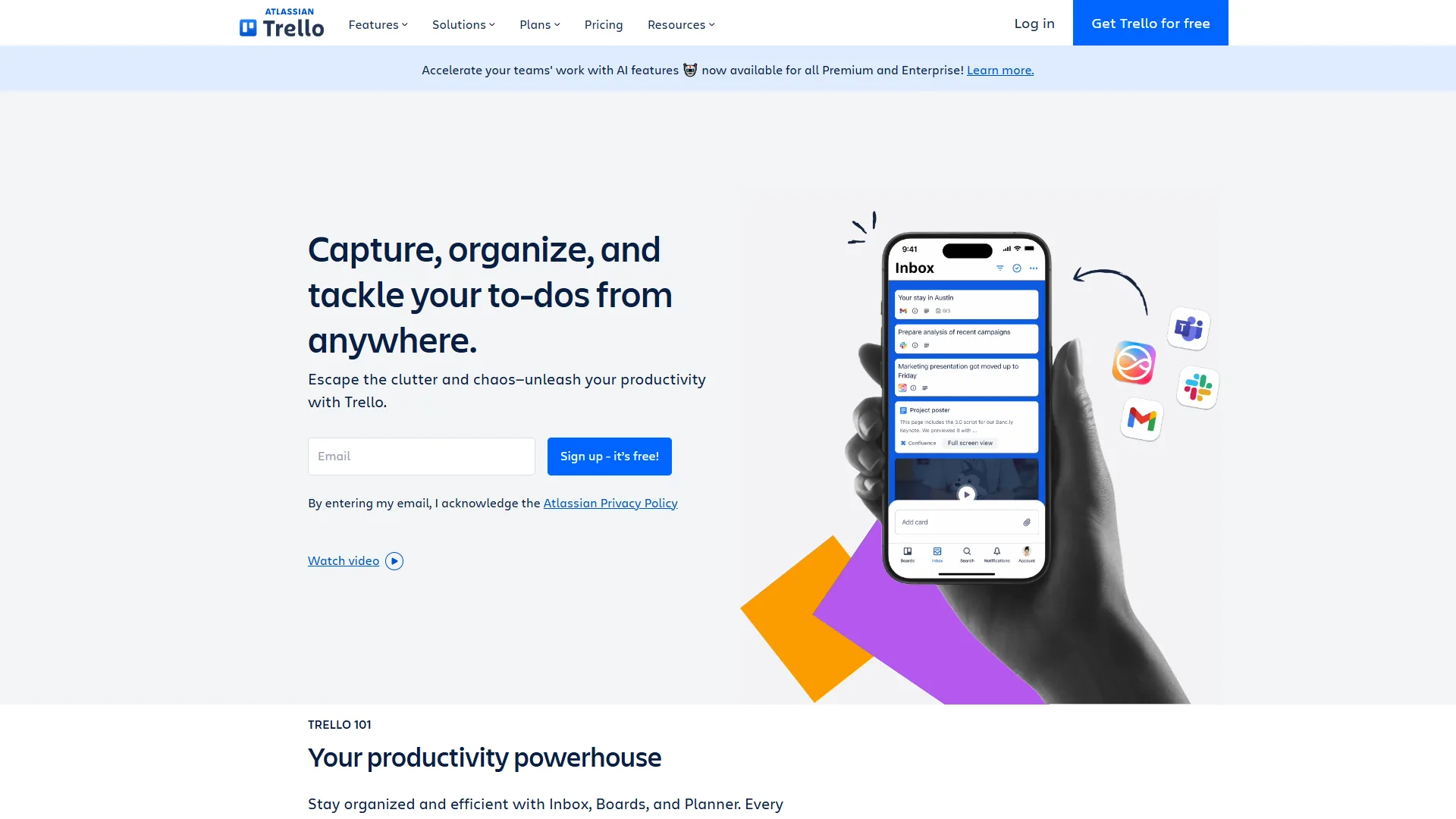
Trello is the best free Kanban tool in 2026 because its free tier includes 10 boards with unlimited cards, unlimited Power-Ups, and 250 monthly Butler automation runs - enough for solo users and freelancers managing a handful of simple projects.
What You Get Free
- Unlimited cards across up to 10 boards per workspace
- Unlimited Power-Ups per board
- 250 Butler automation runs per month
- Basic checklists, due dates, iOS/Android apps
- 10 MB file attachment limit per file
What You Miss
The 10-board limit is the real constraint - manage multiple clients and you hit it fast. Custom fields, advanced checklists, and additional views (Calendar, Timeline, Dashboard) require the Standard plan at $5/user/month.
Who It Actually Works For
Freelancers and micro-teams running 2-3 active projects - content creators tracking blog posts, consultants managing deliverables, agencies handling a few client boards. If your work fits into 10 boards with simple column-based workflows, Trello’s free plan is complete.
The honest limitation: No Gantt charts, no workload management, no reporting. When projects need structure beyond visual boards, you outgrow Trello quickly.
2. Asana - Best Free Plan for Small Teams
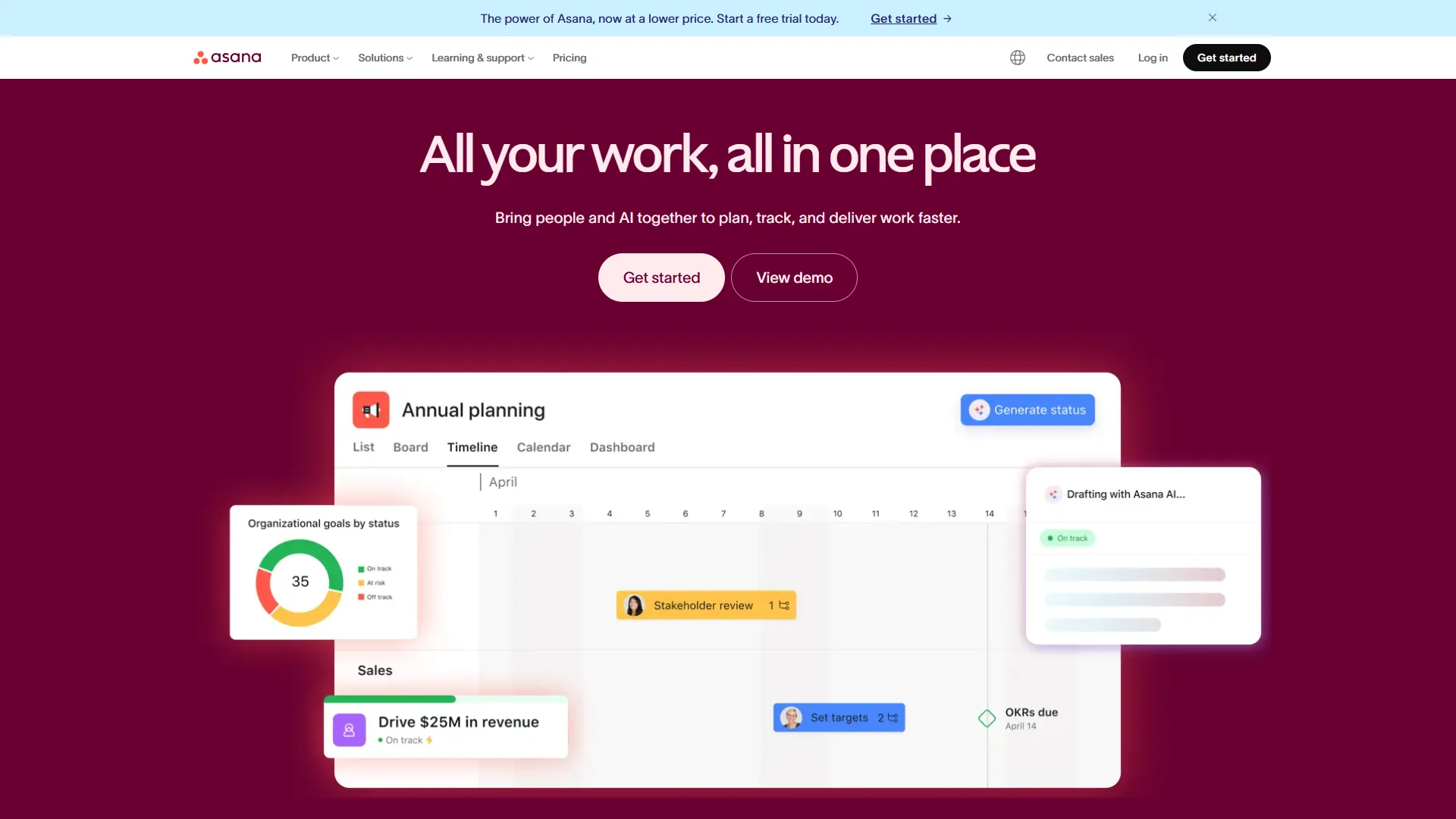
Asana has the strongest free plan for small-team collaboration in 2026, supporting up to 10 users with unlimited tasks and projects, plus List, Board, and Calendar views - a combination most competitors restrict on their free tiers.
What You Get Free
- Up to 10 team members with full access
- Unlimited tasks and projects
- List, Board, and Calendar views
- Basic forms for intake
- 100 MB file storage per file
- Slack, Gmail, Microsoft Teams integrations
What You Miss
No Timeline (Gantt) view, no custom fields, no task dependencies, and no workflow automation - meaningful gaps for growing teams. AI features (AI Studio, smart summaries) require the Starter plan at $10.99/user/month. Multi-homing and advanced search are also paywalled.
Who It Actually Works For
Teams of 3-10 people managing collaborative projects with straightforward task flows - marketing campaigns, product feature tracking, operations workflows. The Calendar view alone makes Asana’s free tier more useful than many competitors’ paid plans.
The honest limitation: The 10-user cap is a hard wall. User 11 requires an upgrade, and without custom fields or dependencies, complex projects with interrelated timelines feel clunky.
3. Notion - Best Free All-in-One for Solo Users
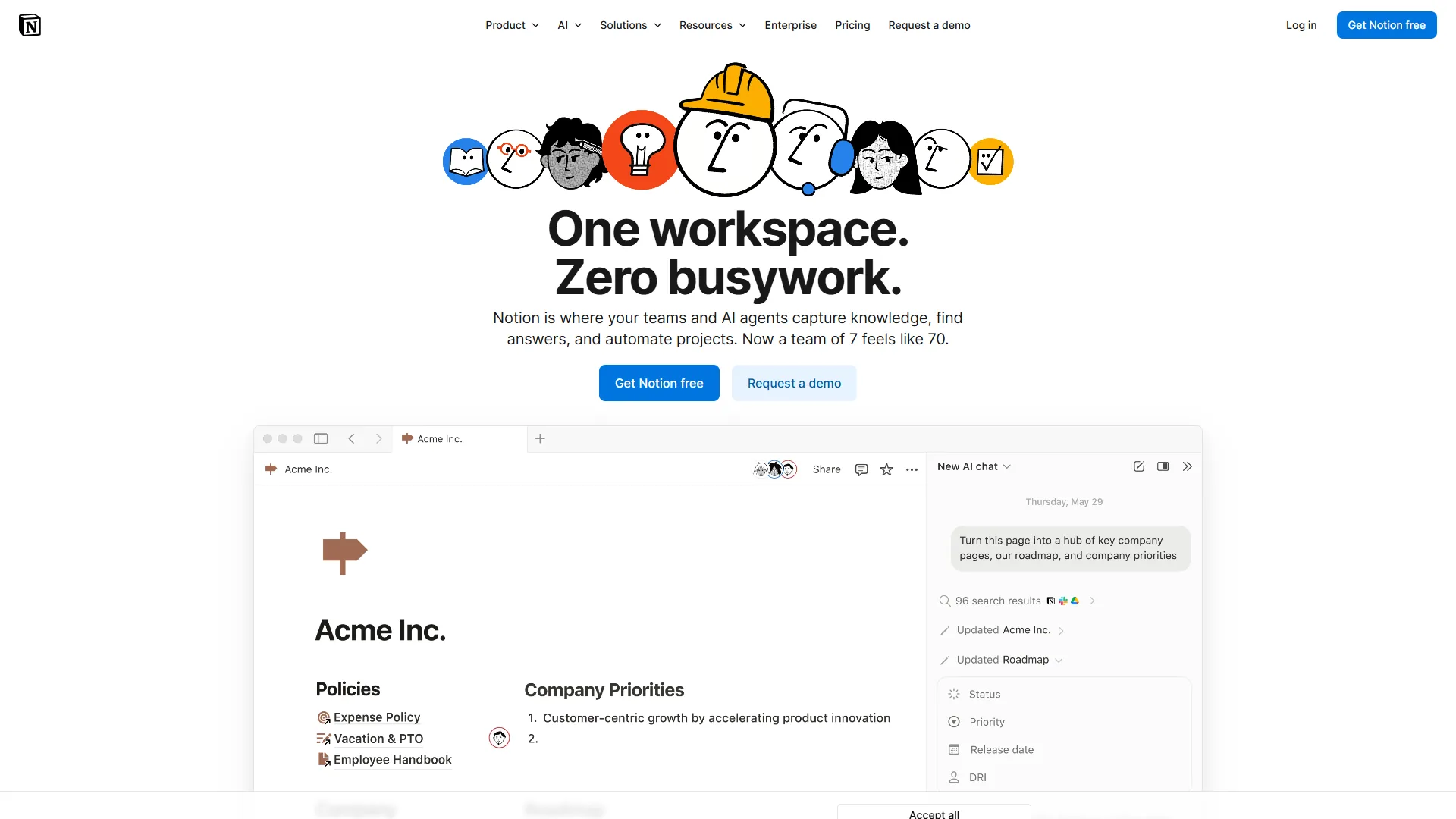
Notion is the best free all-in-one workspace for solo users because its Personal plan combines unlimited pages, every database view (Table, Board, Calendar, Timeline, Gallery, List), and built-in docs - replacing a project tracker, notes app, and wiki at once. As Atlassian’s agile project management guide notes, modern teams prefer flexible, composable tools over rigid templates.
What You Get Free
- Unlimited pages and blocks for individual use
- All database views (Table, Board, Calendar, Timeline, Gallery, List)
- Basic page analytics and cross-platform access
- Up to 10 guest collaborators
- Web clipper, API access, community templates
What You Miss
The free plan is designed for individuals, not teams. Guests have limited permissions, and team workspaces restrict blocks. AI features (GPT-5, Claude Opus 4.1) require the Plus plan at $10/user/month. File uploads cap at 5 MB, version history at 7 days.
Who It Actually Works For
Solo knowledge workers who want a project tracker, note system, and documentation in one tool. Freelance developers tracking personal projects alongside client notes, or students unifying coursework, research, and schedules.
The honest limitation: Notion requires setup time - hours of configuring databases, relations, and views before the system is usable. The 5 MB file limit also makes it impractical for sharing design files.
4. ClickUp - Most Feature-Rich Free Plan
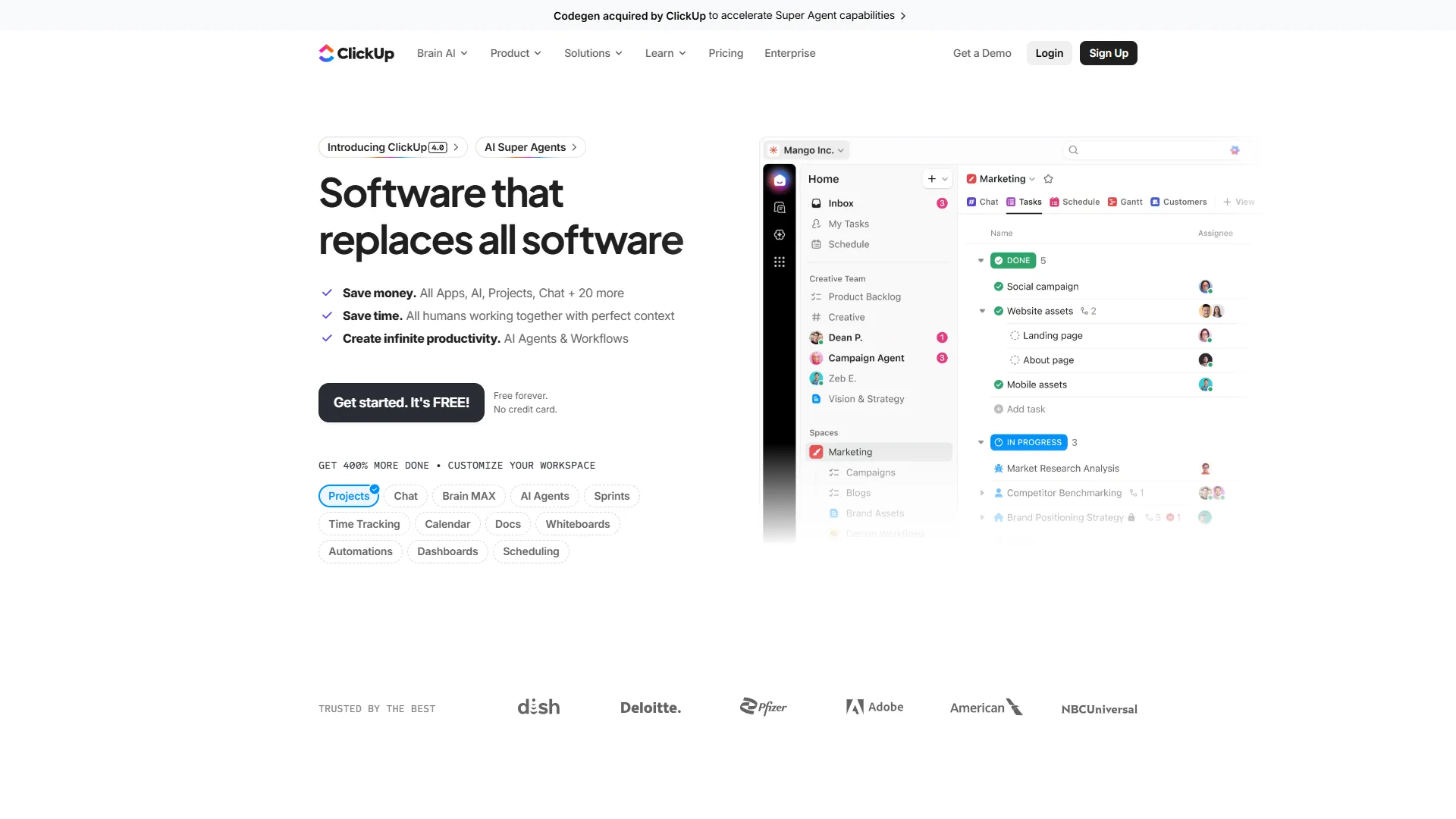
ClickUp has the most feature-rich free project management plan in 2026, bundling unlimited tasks, unlimited users, collaborative docs, whiteboards, in-app chat, video recording, and sprint management - features competitors typically gate behind $10-25 per user per month plans.
What You Get Free
- Unlimited tasks and users
- Collaborative docs and whiteboards built in
- Kanban boards, sprint management, calendar view
- Real-time chat and in-app video recording
- 24/7 support on the free tier
- Limited ClickUp Brain AI trial
What You Miss
Storage caps at 100 MB total - not per file, total - which fills fast with attachments. No Gantt charts, no custom fields, no native time tracking, no integrations beyond the basics. Dashboards and goals require the Unlimited plan at $7/user/month. Full ClickUp Brain AI requires a paid plan.
Who It Actually Works For
Small teams that want maximum free functionality and can live with minimal storage - early-stage startups, student groups, or side-project teams coordinating tasks, docs, and chat without paying for Slack plus Google Docs plus a PM tool separately.
The honest limitation: 100 MB total storage is brutally low - a few screenshots and PDFs fill it. The feature count also creates a steep learning curve, and the most useful features (custom fields, Gantt charts, reporting) are locked behind paywalls.
5. Wrike - Best Free Plan for Simplicity at Scale
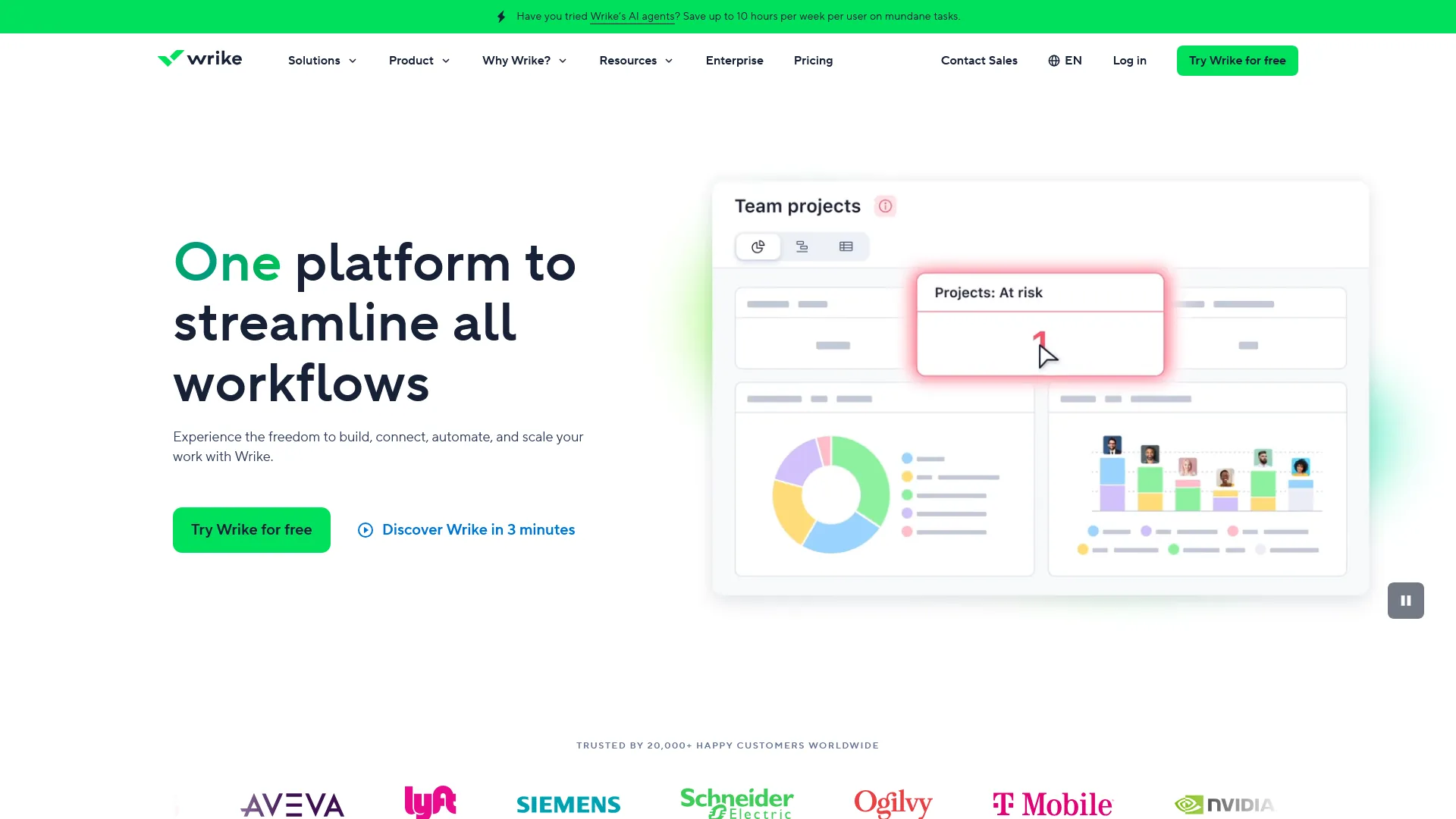
Wrike’s free plan offers unlimited users with basic project and task management - a rare combination at zero cost. It is primarily an enterprise tool, but the free tier remains viable for teams that need structure without cost.
What You Get Free
- Unlimited users with web, desktop, and mobile access
- Project and task management with subtasks
- Customizable Kanban boards for visual workflow
- Board and table views for flexible organization
- Basic file sharing and real-time editing
What You Miss
Storage and active task limits are not published publicly (worth noting). No Gantt charts, no custom workflows, no reporting, zero AI. Wrike Copilot requires the Team plan at $9.80/user/month, and AI Elite needs Business at $24.80/user/month.
Who It Actually Works For
Teams that need a clean, no-frills task management tool with unlimited seats - nonprofits, volunteer coordinators, or departmental groups that mainly need to assign tasks, track status, and share files.
The honest limitation: Wrike’s free plan feels intentionally limited to push you toward paid tiers, and the lack of published storage limits makes it hard to evaluate. Gantt charts, time tracking, and reporting are all paywalled.
6. Linear - Best Free Plan for Dev Teams
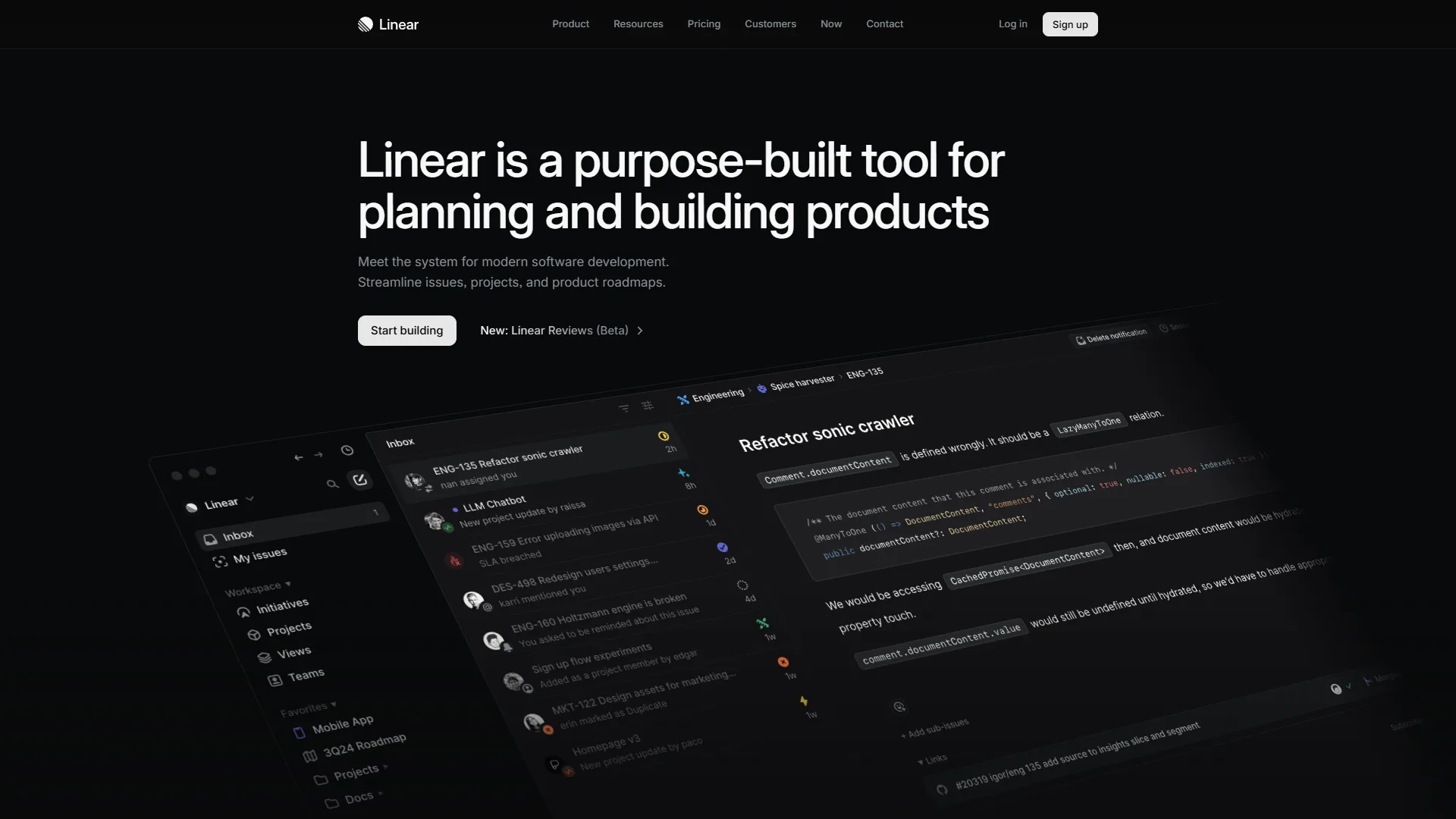
Linear is the best free project management plan for software teams because it is purpose-built as a keyboard-driven issue tracker with sub-second page loads, allowing up to 250 active issues and unlimited team members at no cost.
What You Get Free
- Unlimited team members
- Up to 250 active issues (closed issues do not count)
- Basic issue tracking with priorities and labels
- Full keyboard shortcuts
- GitHub integration and board/list views
What You Miss
The 250 active issue limit is the defining constraint - growing teams hit it quickly if they track bugs, features, and chores simultaneously. AI triage, cycle planning, multi-team management, and advanced integrations require the Standard plan at $8/user/month. No analytics or reporting on the free tier.
Who It Actually Works For
Small engineering teams (2-5 developers) in early-stage startups or on side projects. The keyboard-first design makes it measurably faster than clicking through Jira or Asana.
The honest limitation: 250 active issues sounds like plenty until two sprints pass without a backlog cleanup. Linear’s software-development focus also means no docs, no whiteboards, and no multi-department workflows.
Best Picks by Use Case: Best Free Project Management Tools
Notion wins for solo users, Asana wins for small teams under 10, Linear wins for developer teams, and ClickUp wins on the most generous overall free-plan feature set.
Best for Solo Users
Winner: Notion - unlimited pages, all views, and the flexibility to build the exact system you need. Runner-up: Trello - simpler, faster setup if customization is not the priority.
Best for Small Teams (2-10 People)
Winner: Asana - 10-user cap with unlimited tasks and List/Board/Calendar views makes it the most practical team-oriented free plan. Runner-up: ClickUp - more features, but 100 MB storage and a steeper learning curve hold it back.
Best for Developer Teams
Winner: Linear - purpose-built for software teams with the speed engineers expect. The 250-issue cap is manageable with backlog hygiene. Runner-up: ClickUp - sprint management and chat make it viable for dev teams that also need docs.
Most Generous Free Plan Overall
Winner: ClickUp - unlimited tasks, unlimited users, docs, whiteboards, chat, and video recording. Storage is the only significant drawback.
Pro Tips: When to Upgrade
Free PM plans have hard ceilings that trigger the upgrade decision in predictable ways:
| Trigger | Tool | Upgrade Cost |
|---|---|---|
| Need more than 10 boards | Trello | $5/user/mo (Standard) |
| Team grows past 10 users | Asana | $10.99/user/mo (Starter) |
| Need team collaboration | Notion | $10/user/mo (Plus) |
| Hit 100 MB storage cap | ClickUp | $7/user/mo (Unlimited) |
| Need Gantt charts or reporting | Wrike | $9.80/user/mo (Team) |
| Exceed 250 active issues | Linear | $8/user/mo (Standard) |
When custom fields, advanced views, AI features, or reporting become non-negotiable, every platform pushes you to paid tiers. Budget $7-11/user/month for the first upgrade.
The Bottom Line
The best free project management tool depends on team size and workflow complexity. ClickUp wins on raw feature count, Asana wins for team collaboration up to 10 users, Notion wins for solo flexibility, Trello wins for simplicity, Linear wins for engineering speed, and Wrike offers a clean unlimited-user baseline.
Start with the free plan that matches your primary need. Use it for at least two weeks with real projects before deciding if the limitations matter. The right tool is the one your team opens every morning.
FAQ
Free project management tools answer five questions most often: whether they are production-worthy, whether Google offers one, whether they replace Microsoft Project, which suits small teams, and which packs the most features.
Q: Are free project management tools worth it?
Yes, for small teams and solo users with simple workflows - free plans from ClickUp, Asana, Trello, Notion, Linear, and Wrike all support real production use within their published limits. The upgrade decision typically triggers when a team needs Gantt charts, custom fields, AI features, or more than 100 MB of storage.
Q: Is there a free Google project management tool?
Google Workspace does not include a dedicated project management product, but Google Tasks and Google Sheets cover lightweight task tracking. For richer free PM features that integrate with Google accounts, Asana, Trello, and ClickUp all support Google sign-in and Drive attachments on their free tiers.
Q: Is there a free alternative to Microsoft Project?
Yes - ClickUp, Asana, and Wrike all offer free tiers that cover most Microsoft Project use cases for small teams, though Gantt-chart-equivalent views typically require a paid upgrade. For dev teams, Linear’s free plan replaces Project entirely for issue-level planning.
Q: Which free project management tool is best for small teams under 10 people?
Asana is the strongest pick for small teams under 10 users. Its free Personal plan supports up to 10 members with unlimited tasks, multiple views (List, Board, Calendar), and structured workflows at no cost.
Q: Which free plan has the most features?
ClickUp has the most feature-rich free plan: unlimited tasks, unlimited users, multiple views, and built-in docs at zero cost. The trade-off is 100 MB of total storage, which fills faster than per-file caps on competing platforms.
Related Reading
Related guides cover each shortlisted tool’s full review plus adjacent comparisons across note-taking, automation, and enterprise wiki categories.
- Asana review - pricing, features, and alternatives
- Notion review - pricing, features, and alternatives
- ClickUp review - pricing, features, and alternatives
- Linear review - pricing, features, and alternatives
- Best Note-Taking Apps 2026: Craft vs Notion vs Obsidian
- Best Workflow Automation Tools 2026: Make vs Zapier vs n8n
- Confluence vs Notion - enterprise wiki comparison
External Resources
External resources include each vendor’s primary documentation pages, which publish current free-tier limits and upgrade triggers - the same sources reviewed for this comparison.