


Asana is the default project management platform for teams that value structured workflows and clean execution. According to Forrester Consulting, in a 2024 Total Economic Impact study commissioned by Asana, “a composite organization based on interviewed customers experienced benefits of $40.6 million over three years versus costs of $7.6 million, a net present value of $33 million and an ROI of 437%.” But “best for most teams” is not “best for your team.”
If you are evaluating Asana competitors, you likely fall into one of these camps: the free tier capped out at 10 users, the Starter or Advanced pricing does not match your budget, you need heavier customization, or your work is knowledge-heavy rather than task-heavy.
This guide covers eight Asana competitors in depth - how they compare on price, features, and the use cases where each one beats Asana outright. Our analysis draws on current vendor pricing pages and independent research rather than sponsored placement, and AI Productivity may earn a commission from links on this page while rankings remain editorially independent.
Why People Leave Asana for a Competitor
Asana Competitors are platforms operating in the same market as Asana, each targeting slightly different workflows or team sizes. Understanding where each competitor has an edge helps you evaluate whether Asana is still the right fit or if a switch makes sense.
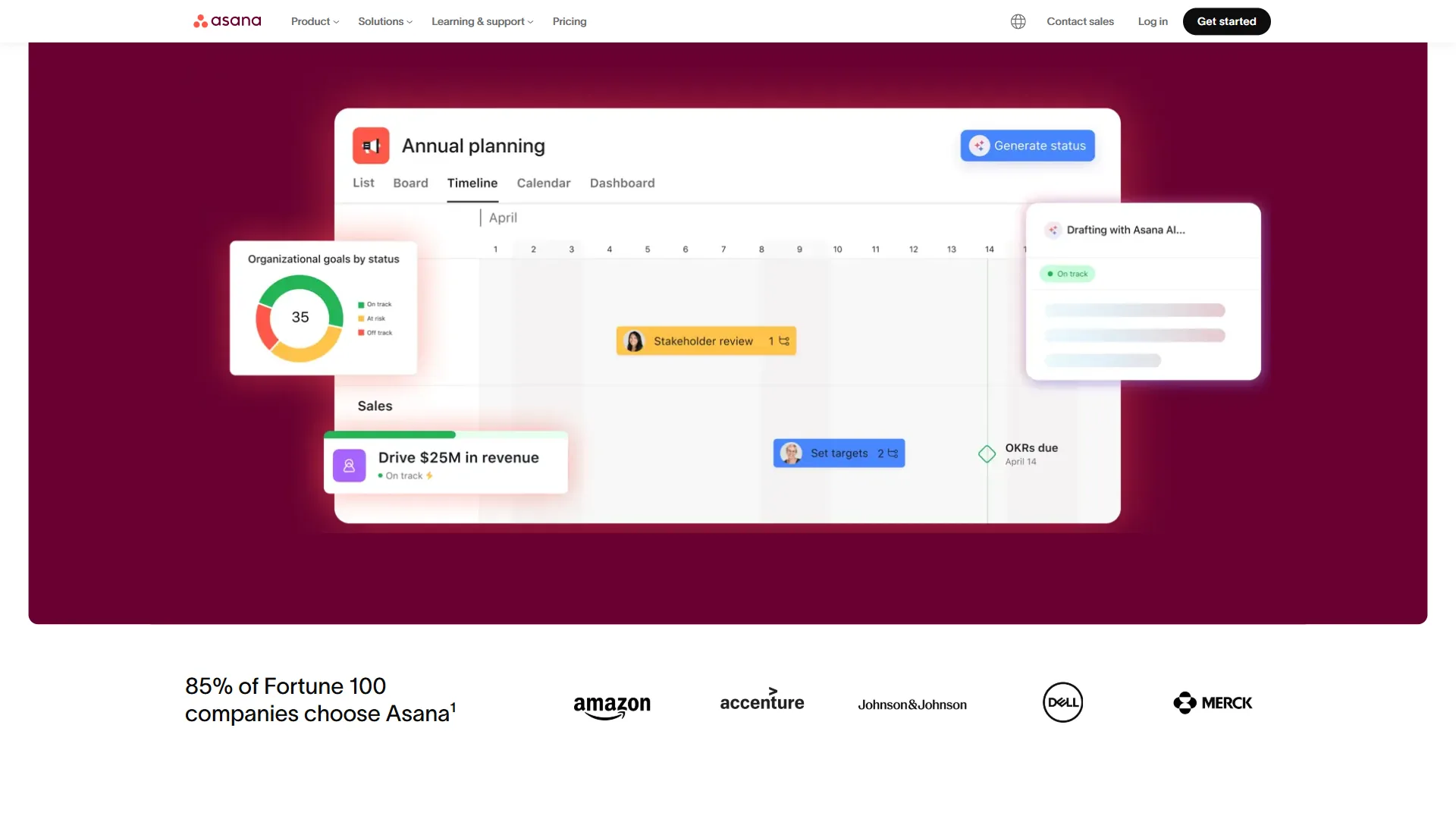
Asana is well-rated across major review platforms, but consistent complaints point to the same pain points:
- Free tier is too limited - 10-user cap, no timeline views, no automations, no custom fields. ClickUp’s free tier is dramatically more generous.
- Pricing jumps are steep - Personal (free) to Starter ($13.49 per user/month) to Advanced ($30.49 per user/month), documented on the official Asana pricing page. The gap between tiers is wide.
- Less flexible than competitors - Asana is opinionated about how work gets structured. ClickUp and Notion give teams more room to experiment.
- Limited native documentation - Asana is not a great home for wikis or long-form docs. Notion wins here by design.
- Time tracking locked to Advanced tier - Built-in time tracking only appears at $30.49 per user/month, which Agencies and freelancers often need at a lower price point.
Comparison Table: Asana Competitors at a Glance
The eight strongest Asana competitors in 2026 are ClickUp, Monday.com, Trello, Notion, Basecamp, Wrike, and Linear, with starting prices that range from $5 to $15 per user per month.
| Tool | Free Tier | Starting Price | Best For |
|---|---|---|---|
| Asana | 10 users | $13.49/user/mo | Structured workflows, enterprise |
| ClickUp | Unlimited users | $10/user/mo | All-in-one, maximum features |
| Monday.com | 2 seats | $9/user/mo | Visual PM, reporting dashboards |
| Trello | Unlimited users | $5/user/mo | Kanban simplicity, visual boards |
| Notion | 1 user | $10/user/mo | Knowledge + projects, documentation |
| Basecamp | No | $15/user/mo | Simple team communication |
| Wrike | 5 users | $9.80/user/mo | Enterprise PM, complex workflows |
| Linear | Unlimited | $8/user/mo | Engineering teams, sprint management |
1. ClickUp - Best All-in-One Asana Competitor
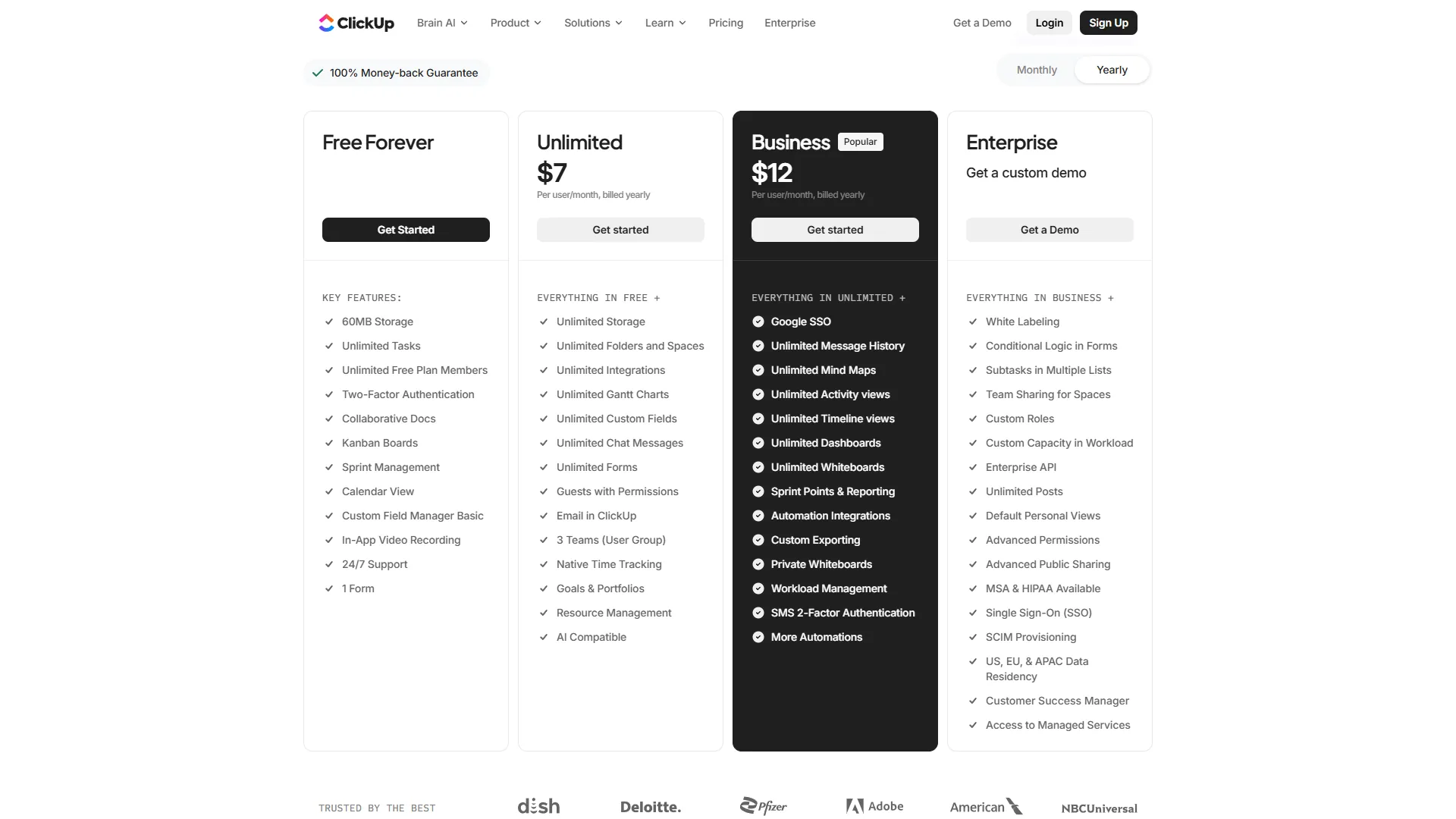
Pricing: Free forever / Unlimited: $10 per user/mo / Business: $19 per user/mo Free tier: Unlimited users and tasks, 100MB storage
ClickUp is the most direct Asana competitor and the one most teams evaluate first. It packages everything Asana offers - timeline views, automations, custom fields, dashboards - plus docs, whiteboards, time tracking, goals, and built-in chat, all at a lower per-seat price.
The standout differentiator in 2026 is ClickUp Brain, an AI assistant with multi-model support spanning GPT-5, Claude Opus 4.1, and o3. Brain includes an AI Knowledge Manager, an AI Project Manager for automated task assignment, and Autopilot Agents for custom workflow automation.
Where ClickUp beats Asana:
- Unlimited users on the free tier (Asana caps at 10)
- Time tracking included on Unlimited tier ($10 per user/mo vs Asana’s $30.49)
- 15+ native views including Gantt, List, Board, Calendar, Table, Workload, Mind Map
- Docs and wikis built in - no separate Notion workspace needed
- ClickUp Brain included on paid tiers with multi-model AI access
Where Asana still wins:
- Cleaner interface - teams adopt Asana faster with less training
- Better enterprise security (HIPAA on Enterprise+, advanced audit logs)
- 200+ integrations that feel native rather than bolted on
- Proven enterprise deployment at scale (Zoom, Adobe, and similar)
Best for: Teams that want the most features for the least money - the ClickUp vs Asana head-to-head dives deeper.
2. Monday.com - Best for Visual Project Management
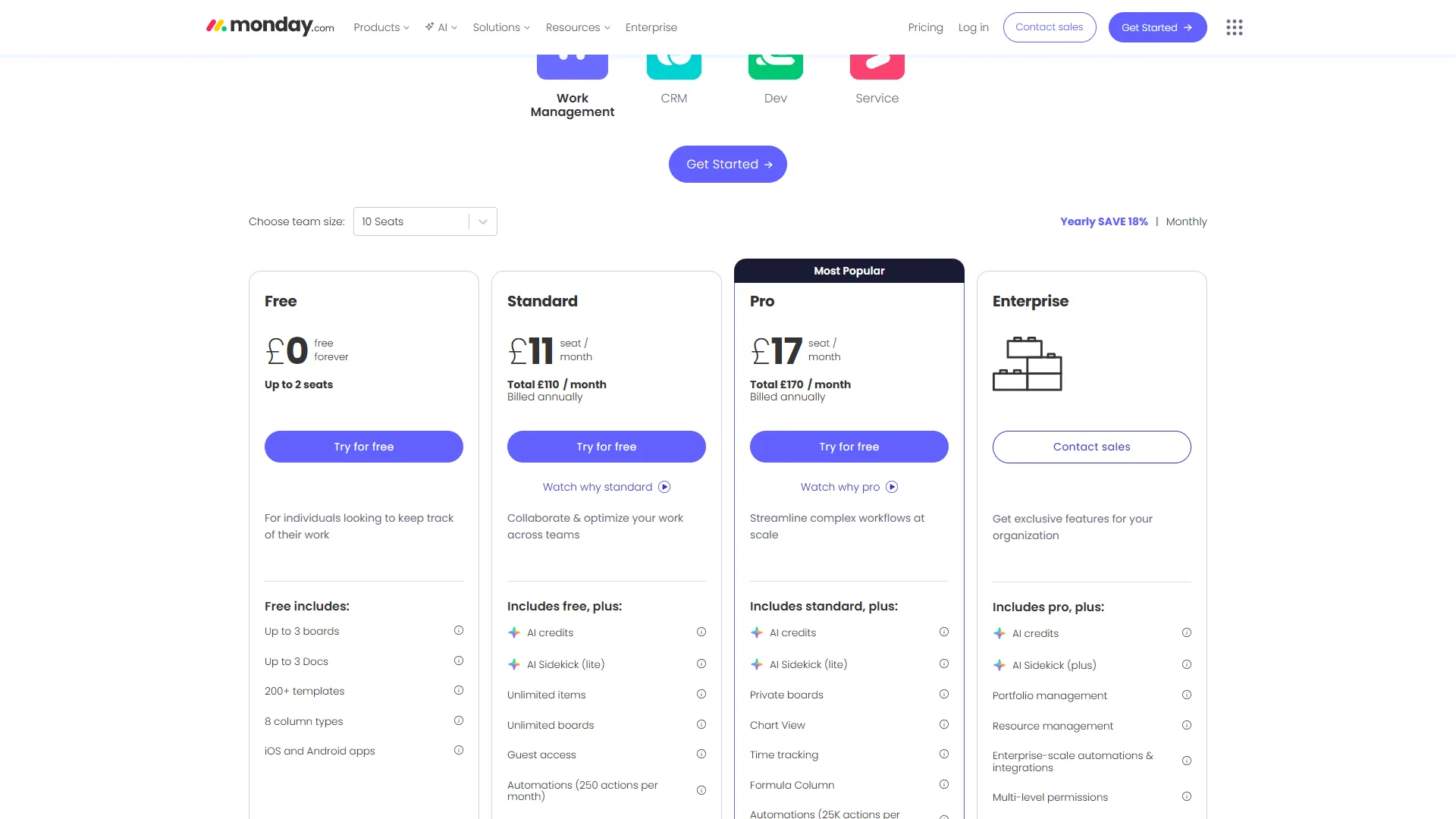
Pricing: Free (2 seats) / Basic: $9 per user/mo / Standard: $12 per user/mo / Pro: $19 per user/mo Free tier: 2 seats, 3 boards, 200+ templates
Monday.com is the best Asana competitor for visual project management, starting at $9 per user per month with 200+ flexible column types and dashboard reporting. Where Asana emphasizes task structure and dependencies, Monday.com emphasizes colorful boards, flexible column types, and dashboards that let you visualize project status at a glance.
Monday.com is highly rated because the onboarding is faster and the visual interface feels more approachable for non-technical teams. Its 200+ column types and automation recipes give it serious customization depth without engineering-level setup.
Key strengths over Asana:
- More flexible column types for custom data capture
- Better dashboard visualization with charts, graphs, and pivot tables
- Faster onboarding than Asana’s projects
- Monday AI generates task descriptions, summarizes projects, automates handoffs
Limitations compared to Asana:
- Free tier limited to 2 seats (Asana offers 10)
- Gantt-style timeline views require the Standard tier ($12 per user/mo) or higher
- Can become visually overwhelming for teams with many active boards
Best for: Marketing, operations, and client-facing project managers who need flexible boards with strong reporting - see the Monday.com vs Wrike comparison for adjacent options.
3. Trello - Best for Kanban Simplicity
Pricing: Free / Standard: $5 per user/mo / Premium: $10 per user/mo / Enterprise: $17.50+/user/mo Free tier: Unlimited users and cards, 10 boards per workspace
Trello is the lightweight end of the Asana competitor spectrum - a focused Kanban board tool rather than a full work management platform. That simplicity is its strength.
The free tier is genuinely useful: unlimited cards, unlimited members, and 10 boards per workspace covers most small team needs. Butler automation handles repetitive board actions without code.
Where Trello beats Asana:
- Dramatically simpler interface - 5-minute onboarding vs Asana’s hour-long learning curve
- Power-Ups ecosystem with 200+ integrations
- Lower price at every tier - Standard is $5 per user/mo vs Asana’s $13.49
Where Asana wins:
- Timeline/Gantt views built-in on Starter; Trello does not have a true Gantt view
- Task dependencies, milestones, and portfolio management are Asana-native
- Advanced reporting and analytics on higher tiers
Best for: Small teams and solopreneurs who primarily need visual Kanban boards and simple task tracking. Once you need dependencies, timeline views, or cross-project reporting, Trello’s limitations become apparent.
4. Notion - Best for Knowledge-Heavy Teams
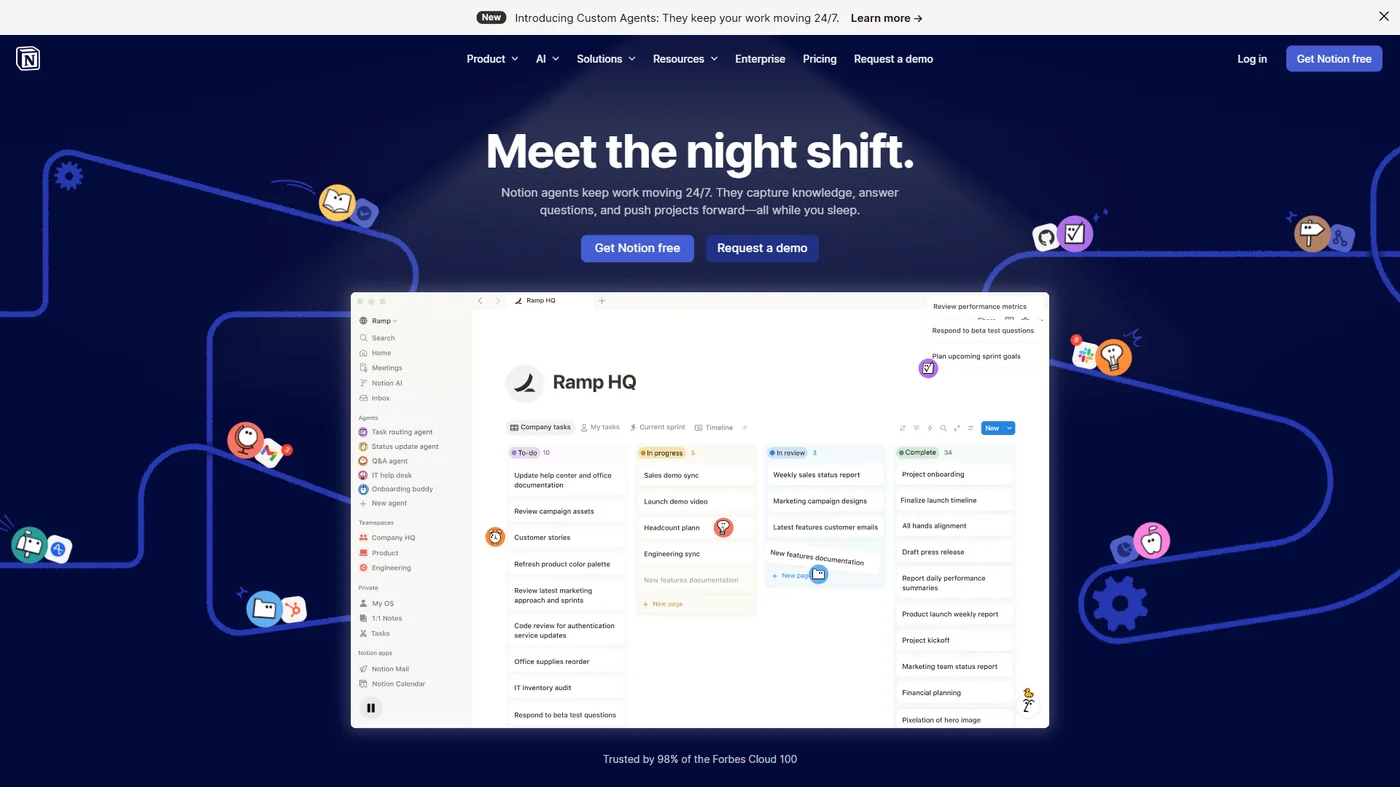
Pricing: Free (1 user) / Plus: $10 per user/mo / Business: $15 per user/mo / Enterprise: custom Free tier: Unlimited blocks for one user, limited for teams
Notion is the best Asana competitor for knowledge-heavy teams because it is a connected workspace that combines documentation, databases, and project tracking in a single tool. Where Asana organizes work around tasks and projects, Notion organizes work around pages, databases, and relationships between them.
The 2026 version of Notion has significantly improved its project management capabilities with dedicated project and task databases, timeline views, and Notion AI that works across your entire workspace.
Where Notion beats Asana:
- Documentation and knowledge management are first-class features
- Extreme flexibility - build databases and views for any information structure
- Notion AI works across all content: generates text, summarizes, extracts data
- More affordable starting price for teams that need both docs and tasks
Where Asana wins:
- Task dependencies and timeline management are more robust
- Portfolio management and workload views (Advanced tier) have no Notion equivalent
- Asana’s 200+ integrations are more polished for enterprise workflows
- Onboarding to Notion is slower - flexibility creates its own learning curve
Best for: Startups, content teams, and remote-first companies that want one tool for documentation, wikis, and project tracking. If you are paying for both Asana and Confluence, switching to Notion alone can simplify your stack.
5. Basecamp - Best for Simple Team Communication
Pricing: Free (trial) / Plus: $15 per user/mo / Pro Unlimited: $299 per month flat rate Free tier: 30-day trial only
Basecamp is the best Asana competitor for simple team communication, with a flat $299 per month rate that includes unlimited users on its Pro plan. Instead of feature maximalism, Basecamp strips project management down to what a small team actually needs: message boards, to-do lists, file storage, a group chat (Campfire), and a simple schedule. No Gantt charts, no custom fields, no complex automations.
The $299 per month flat rate for unlimited users on Pro Unlimited is compelling at 20+ users. A 30-person team on Asana Starter costs $404.70 per month; Basecamp Pro Unlimited is $299 per month with no per-seat ceiling.
Where Basecamp beats Asana:
- Flat-rate pricing becomes very cost-effective at 20+ users
- Simpler to learn and use - reduced cognitive overhead for non-technical teams
- Automatic check-ins reduce status meetings
- Better async communication model with message boards
Where Asana wins:
- Timeline views, dependencies, and Gantt charts do not exist in Basecamp
- No custom fields, limited reporting, no portfolio management
- Asana integrates with more tools (200+ vs Basecamp’s limited ecosystem)
Best for: Small agencies, consulting teams, and organizations where the primary need is team communication - the best free project management tools guide covers more lightweight options.
6. Wrike - Best for Enterprise Project Management
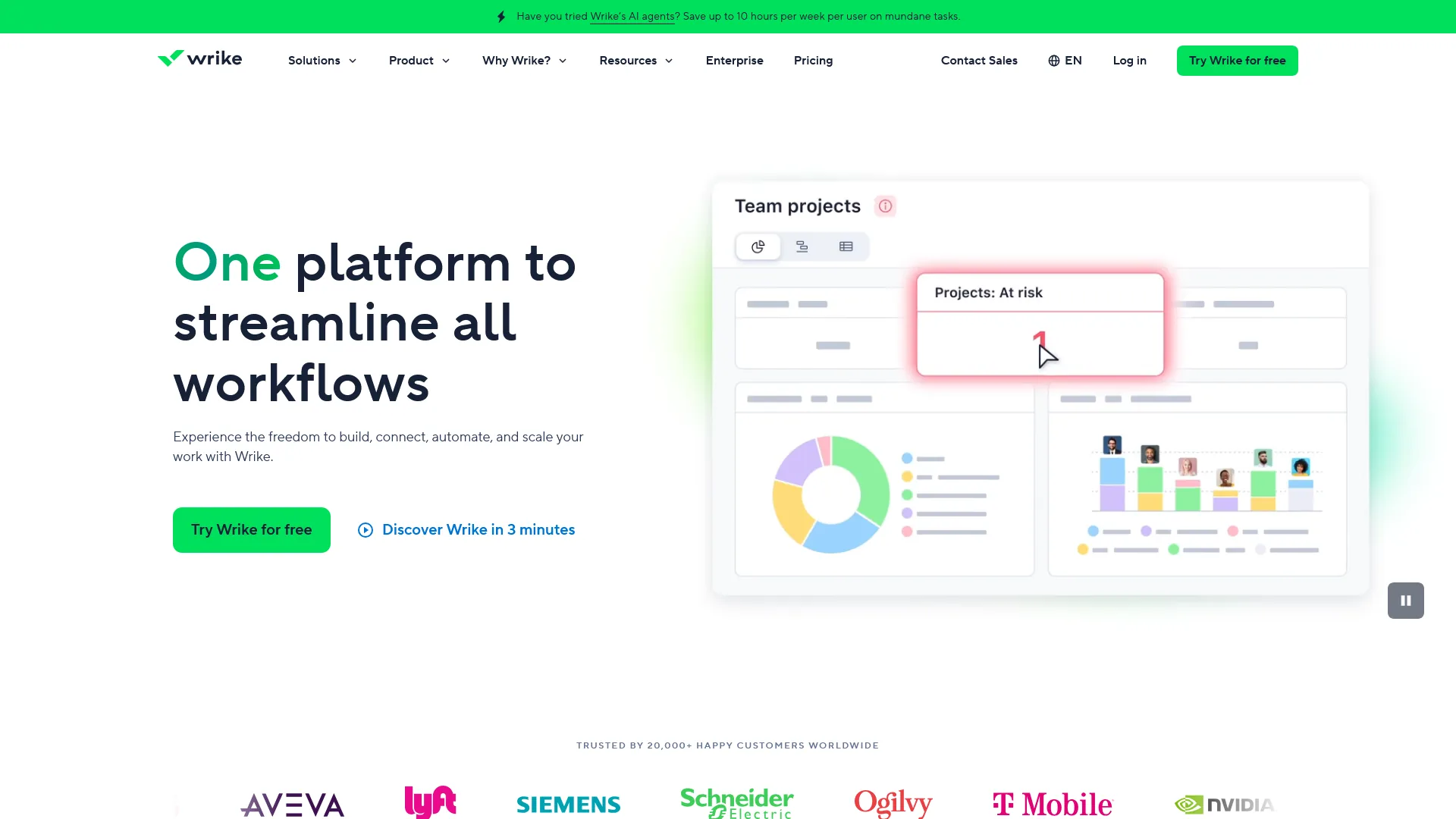
Pricing: Free (5 users) / Team: $9.80 per user/mo / Business: $24.80 per user/mo / Enterprise: custom Free tier: 5 users, limited storage and features
Wrike is the best Asana competitor for enterprise project management, offering stronger compliance, security, and reporting features than Asana’s comparable tiers. User satisfaction is slightly below Asana’s, but Wrike wins in specific enterprise contexts - particularly for organizations that need granular permission controls, advanced proofing workflows, or deep resource management at scale.
Wrike Integrate handles complex multi-step workflows across 400+ tools, which makes it meaningful for organizations whose integration needs exceed Asana’s standard connectors.
Where Wrike beats Asana:
- More granular permission controls at lower tiers
- Built-in proofing and approval workflows on Business tier and above
- Advanced request intake forms that rival dedicated intake tools
- Wrike Integrate for complex automation across 400+ tools
Where Asana wins:
- Higher user satisfaction scores across review platforms
- Cleaner interface - Wrike’s feature depth can feel overwhelming
- Asana’s AI Studio is more accessible and polished
- Better free tier (10 users vs Wrike’s 5)
Best for: Enterprise teams with complex approval workflows, proofing requirements, or resource allocation needs that exceed Asana’s Advanced tier.
7. Linear - Best for Engineering Teams
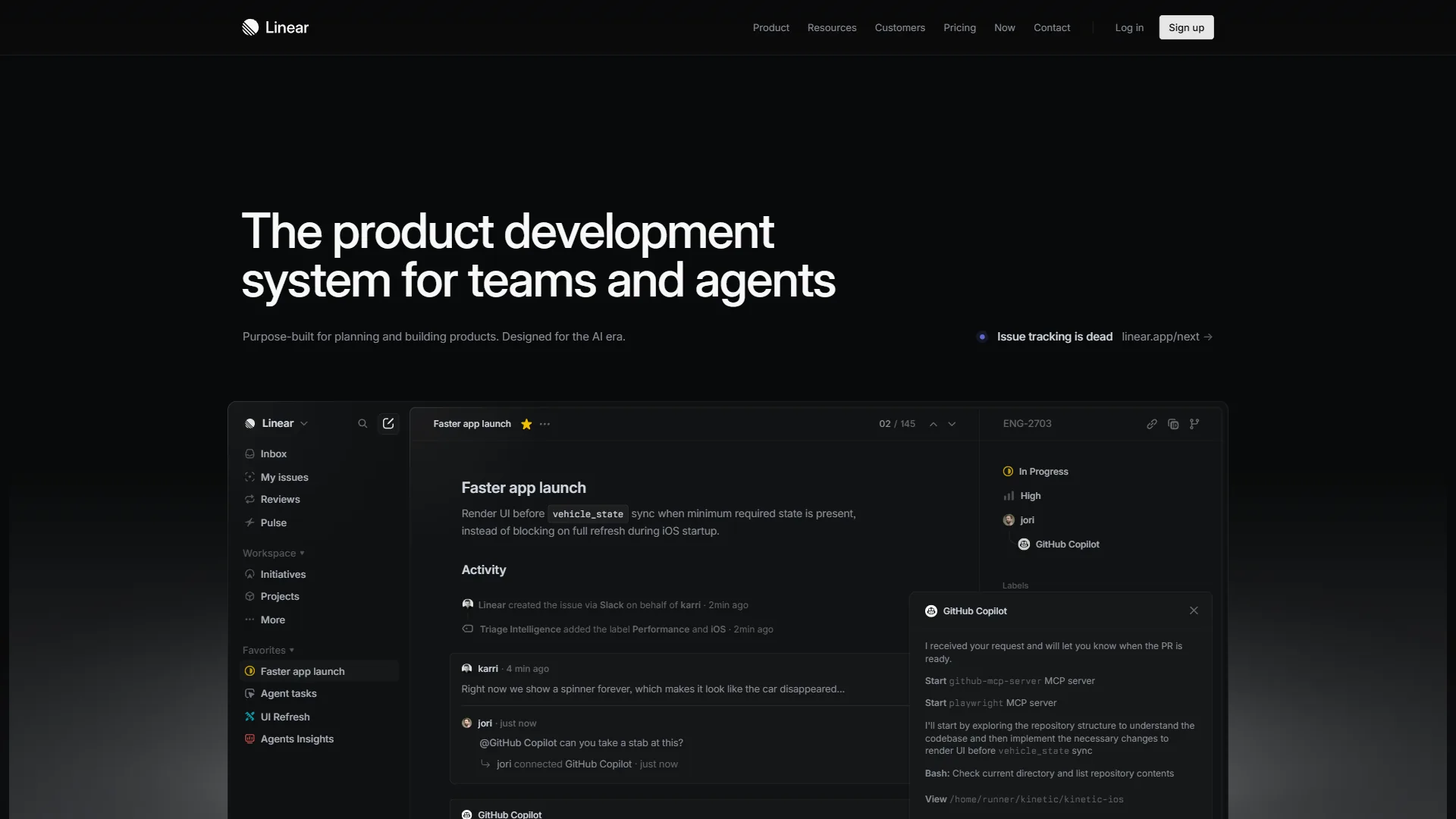
Pricing: Free / Standard: $8 per user/mo / Plus: $14 per user/mo Free tier: Unlimited members, unlimited issues, limited history
Linear is purpose-built for software engineering teams - the interface is fast (keyboard-first navigation, sub-50ms interactions), the mental model is built around engineering cycles and sprints, and integration with GitHub, GitLab, and Figma is genuinely native rather than bolted on.
Where Asana treats engineering work like any other project, Linear treats it as its own discipline. Issues have built-in priority triage, sprint cycles have velocity tracking, and the project roadmap connects directly to individual issues and pull requests.
Where Linear beats Asana:
- Purpose-built for engineering - the mental model fits developer workflows
- Keyboard-first interface with sub-50ms response times
- Native GitHub/GitLab integration that actually works as expected
- Lower price at every tier ($8 per user/mo vs Asana’s $13.49)
Where Asana wins:
- Cross-functional work beyond engineering - Linear is not built for marketing or operations
- Portfolio management, workload views, and multi-department reporting
- More extensive integration ecosystem for non-engineering tools
Best for: Software engineering teams and developer-led startups - the Linear vs Asana for engineering deep dive expands on the trade-offs.
Which Tool Fits Your Team’s Workflow
The right Asana competitor is ClickUp for all-in-one features, Monday.com for visual dashboards, Notion for documentation-heavy teams, Basecamp for flat-rate pricing, Linear for engineering, and Wrike for enterprise needs.
Your free tier hit 10 users and you need to stay free: Go with ClickUp (unlimited users on free) or Trello (unlimited members, 10 boards). ClickUp gives you more features; Trello gives you more simplicity.
You want the best visual project management: Choose Monday.com. The dashboard reporting and visual boards are better than Asana’s equivalent, and the onboarding is faster for non-technical teams.
Your team is documentation-heavy: Pick Notion. If your work lives in wikis, notes, and interconnected knowledge bases as much as task lists, Notion’s unified workspace beats maintaining Asana plus a separate documentation tool.
You have 20+ users and want flat-rate pricing: Look at Basecamp ($299 per month unlimited users). The per-seat savings are meaningful at scale, though you trade away advanced PM features.
Your team is primarily engineers: Switch to Linear. The keyboard-first interface, GitHub integration, and sprint management are purpose-built for software development in a way Asana isn’t.
You need enterprise-grade features at a lower price: Evaluate Wrike alongside Asana. Better proofing workflows and resource management at comparable pricing.
You need the most features for the least money: ClickUp wins this comparison outright. More views, more AI features, more free tier generosity, and lower pricing than Asana at every equivalent tier.
The Bottom Line
Asana is a great tool, and strong user satisfaction across review platforms reflects genuine quality. The timeline views, AI Studio automation, and enterprise security stack are legitimately best-in-class for structured project management.
But the competitive landscape in 2026 is strong. ClickUp delivers more features at lower cost. Monday.com offers better visual dashboards. Notion handles documentation plus projects in one workspace. Linear is faster and more focused for engineering teams. The case for sticking with Asana is strongest when you value interface polish, reliable enterprise compliance, and a tool your non-technical stakeholders can adopt without extensive training.
The best approach: identify the two or three features where Asana is falling short for your team, then match those gaps to the tools above, following the criteria in PMI’s project management software selection guide. Most teams find the right fit in their first or second trial.
FAQ
Q: What is Asana comparable to?
Asana is comparable to eight project management competitors covered in depth in this guide. They compare on price, features, and the specific use cases where each one beats Asana outright. Each competitor operates in the same project management market but targets slightly different workflows, team sizes, or budget tiers.
Q: What is better, Jira or Asana?
You need enterprise-grade features at a lower price: Evaluate Wrike alongside Asana. Better proofing workflows and resource management at comparable pricing.
Q: What are the top 5 project management tools?
Asana is a great tool, and strong user satisfaction across review platforms reflects genuine quality. The timeline views, AI Studio automation, and enterprise security stack are legitimately best-in-class for structured project management.
Q: What is better, Trello or Asana?
Where Asana wins: - Timeline/Gantt views are built-in on Starter; Trello doesn’t have a true Gantt view - Task dependencies, milestones, and portfolio management are Asana-native - Better for complex multi-project organizations with interdependencies - Advanced reporting and analytics on Asana’s higher tiers
Q: Why do teams look for Asana alternatives?
Teams evaluate Asana competitors when the free tier caps out at 10 users, when Starter or Advanced pricing does not match their budget, when they need heavier customization than Asana’s structured model allows, or when their work is knowledge-heavy rather than task-heavy. All are valid reasons to look elsewhere.
Related Reading
The related guides below cover head-to-head comparisons and full reviews of every project management tool referenced above.
- ClickUp vs Asana: Complete Comparison 2026 - Head-to-head breakdown of the two most popular PM tools
- ClickUp vs Notion: Productivity Workspace Showdown - When you need projects and docs in the same platform
- ClickUp Alternatives 2026 - What to use when ClickUp’s complexity is the problem
- Asana - Full Asana review with pricing, ratings, and enterprise features
- ClickUp - All-in-one project management platform with generous free tier
- Notion - Knowledge management platform that doubles as a lightweight PM tool
- Monday.com - Visual project management platform with reporting dashboards
- Wrike - Enterprise project management for complex workflows
- Linear - Keyboard-first project management built for engineering teams
External Resources
The external resources below are the primary vendor and standards-body documents that ground the pricing, ROI, and methodology claims in this comparison.