



The best kanban board tools 2026 are Trello, ClickUp, Asana, Monday.com, Notion, and Linear, ranked across pricing, AI features, and team fit. This guide compares six leading Kanban boards on pricing, AI capabilities, customization depth, and fit for developer sprints versus marketing teams tracking campaign assets, so you pick the right board. Our analysis draws on each vendor’s current pricing pages, product documentation, and independent industry research rather than sponsored placement, and AI Productivity may earn a commission from links on this page - our rankings remain editorially independent.
Kanban boards turned project management into something visual, intuitive, and satisfying. Drag a card from “To Do” to “Done” and watch your brain release a small hit of dopamine. Simple concept, massive impact - and according to the 17th State of Agile report, 56% of agile teams use Kanban, making it the second most popular framework after Scrum.
But choosing the best kanban board tools 2026 has to offer is no longer simple. Platforms differ wildly in pricing, AI capabilities, customization depth, and who they are built for - a developer running sprints needs something fundamentally different from a marketing team tracking campaign assets.
Six leading kanban platforms were evaluated across real team workflows - from best kanban board tools 2026 free picks through best kanban board tools 2026 github favorites, best kanban board for personal use, and best kanban board for Microsoft Teams setups - and the differences are sharper than any feature matrix suggests.
Comparison Table: Best Kanban Board Tools 2026
The Best Kanban Board Tools 2026 include Trello, ClickUp, Asana, Monday.com, Notion, and Linear. Each takes a different approach, and the right choice depends on your budget, team size, and the workflows you need to optimize.
| Feature | Trello | ClickUp | Asana | Monday.com | Notion | Linear |
|---|---|---|---|---|---|---|
| Free Plan | 10 boards, unlimited cards | Unlimited tasks & users | Up to 10 users | Up to 2 users | Unlimited pages (solo) | 250 active issues |
| Paid From | $6/user/mo | $10/user/mo | $13.49/user/mo | $12/seat/mo (3-seat min) | $12/user/mo | $8/user/mo |
| Kanban Quality | Best-in-class | Excellent | Strong | Excellent | Good (database-based) | Developer-focused |
| AI Features | None (Butler only) | ClickUp Brain (add-on) | AI Studio | monday agents | AI Agents (Business+) | AI triage & summaries |
| Best For | Simple visual boards | All-in-one workspace | Structured PM | Visual team collaboration | Docs + project management | Software dev teams |
| Rating | 4.1/5 |
1. Trello - Best Free Kanban Board
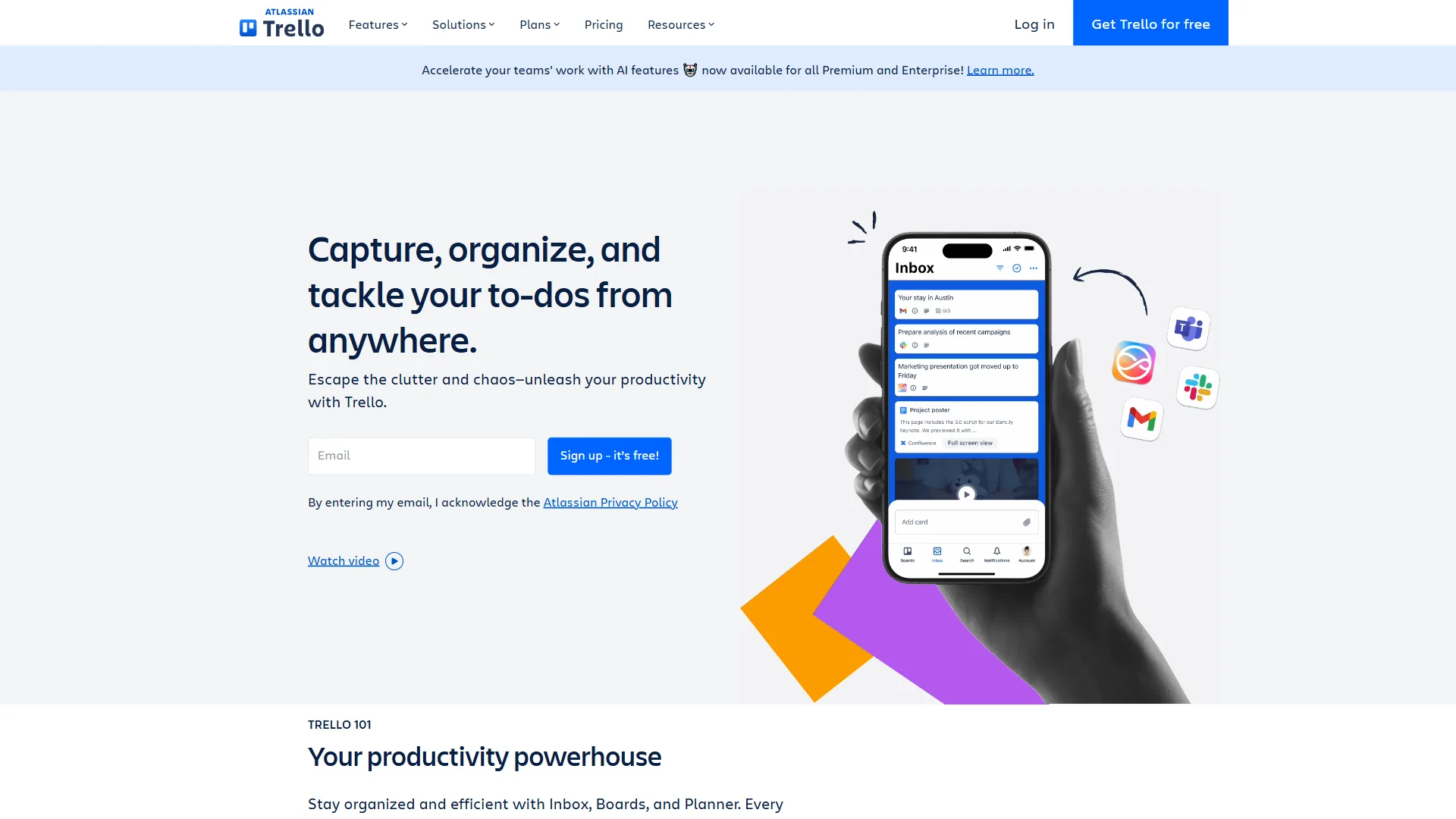
Trello is the best free kanban board in 2026 because its free tier includes unlimited cards, 10 boards, and 250 monthly Butler automation runs, with no learning curve. Trello invented the digital Kanban board experience, and nothing else matches its drag-and-drop simplicity. If you want boards, lists, and cards without a learning curve, this is still the tool to beat.
Pricing: Free / $6 Standard / $12.50 Premium per user/month
What makes it stand out: The free tier includes unlimited cards, unlimited Power-Ups per board, and 250 Butler automation runs per month. New users understand the interface within minutes - no onboarding needed. Atlassian’s backing since 2017 means reliable infrastructure without the startup risk.
Where it falls short: No AI features at all - Butler is rule-based automation, not intelligent workflow optimization. The 10-board limit on the free plan constrains multi-project teams. Timeline and calendar views require Premium ($12.50 per month). If your projects involve dependencies, milestones, or portfolio-level reporting, Trello will feel too simple.
Best for: Freelancers and small teams under 10 who value simplicity over feature depth. If “drag a card between columns” is 80% of your workflow, Trello delivers it best.
2. ClickUp - Best Kanban for Power Users
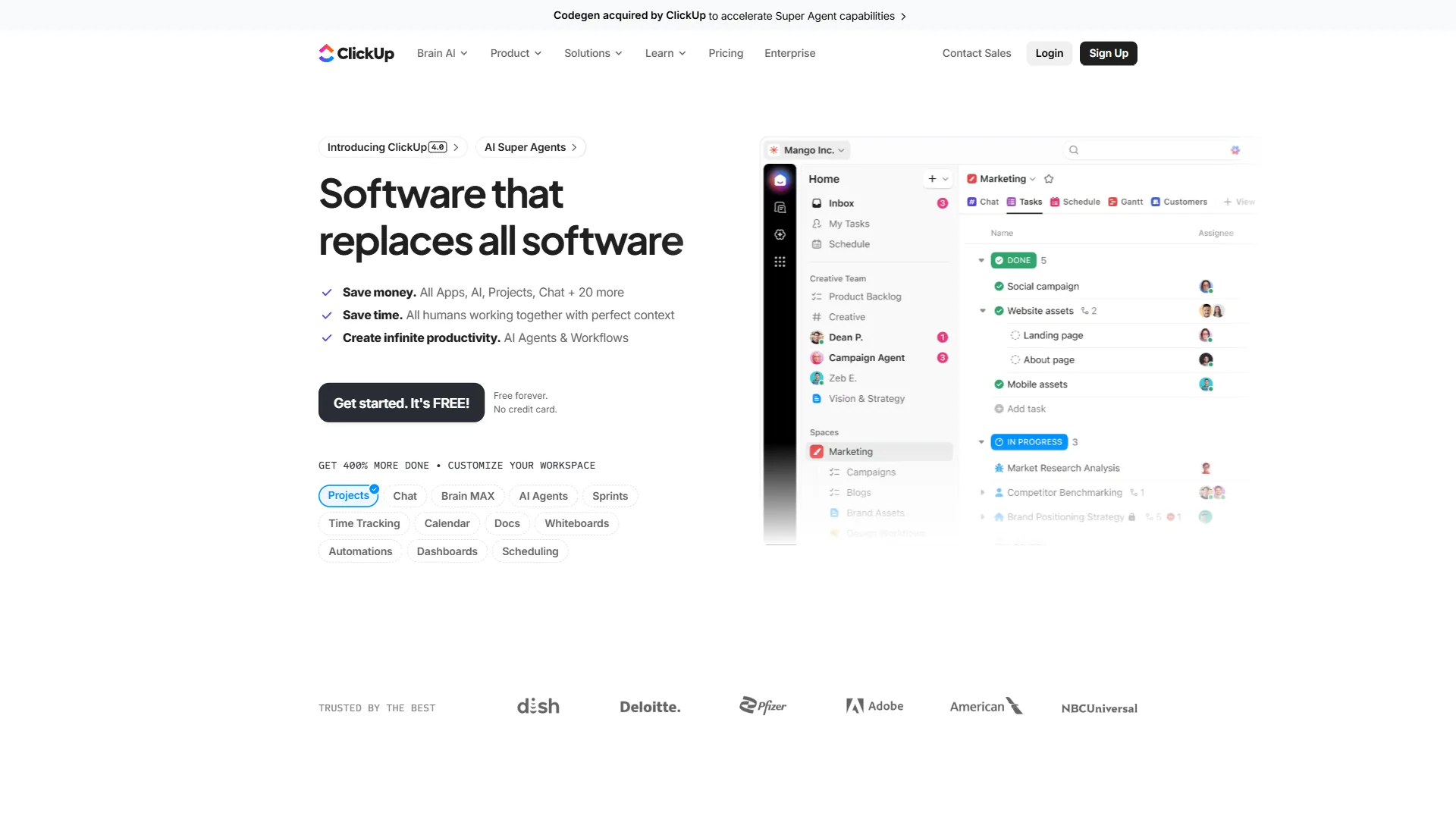
ClickUp is the Swiss Army knife of project management. Its Kanban boards are just one of 35+ views available, and the free tier is the most generous in this comparison - unlimited tasks and unlimited users at zero cost.
Pricing: Free / $10 Unlimited / $19 Business per user/month. ClickUp Brain AI is an add-on at $9 per user/month.
What makes it stand out: The feature density is unmatched. Kanban boards, Gantt charts, docs, whiteboards, time tracking, goals, and ClickUp Brain AI with multi-model support (GPT-5, Claude Opus 4.1, o3) all live under one roof. For teams consolidating multiple tools, the cost savings are substantial - one subscription replacing Trello, Notion, and Slack.
Where it falls short: That feature depth creates a real learning curve. Expect 2-3 weeks for teams to reach proficiency. ClickUp Brain requires a paid add-on ($9-$28 per user/month), which erodes the pricing advantage. Performance can feel sluggish in large workspaces with 1,000+ tasks.
Best for: Startups, growing teams, and budget-conscious organizations who want maximum features per dollar and can invest time in learning the platform.
3. Asana - Best Kanban for Structured Workflows
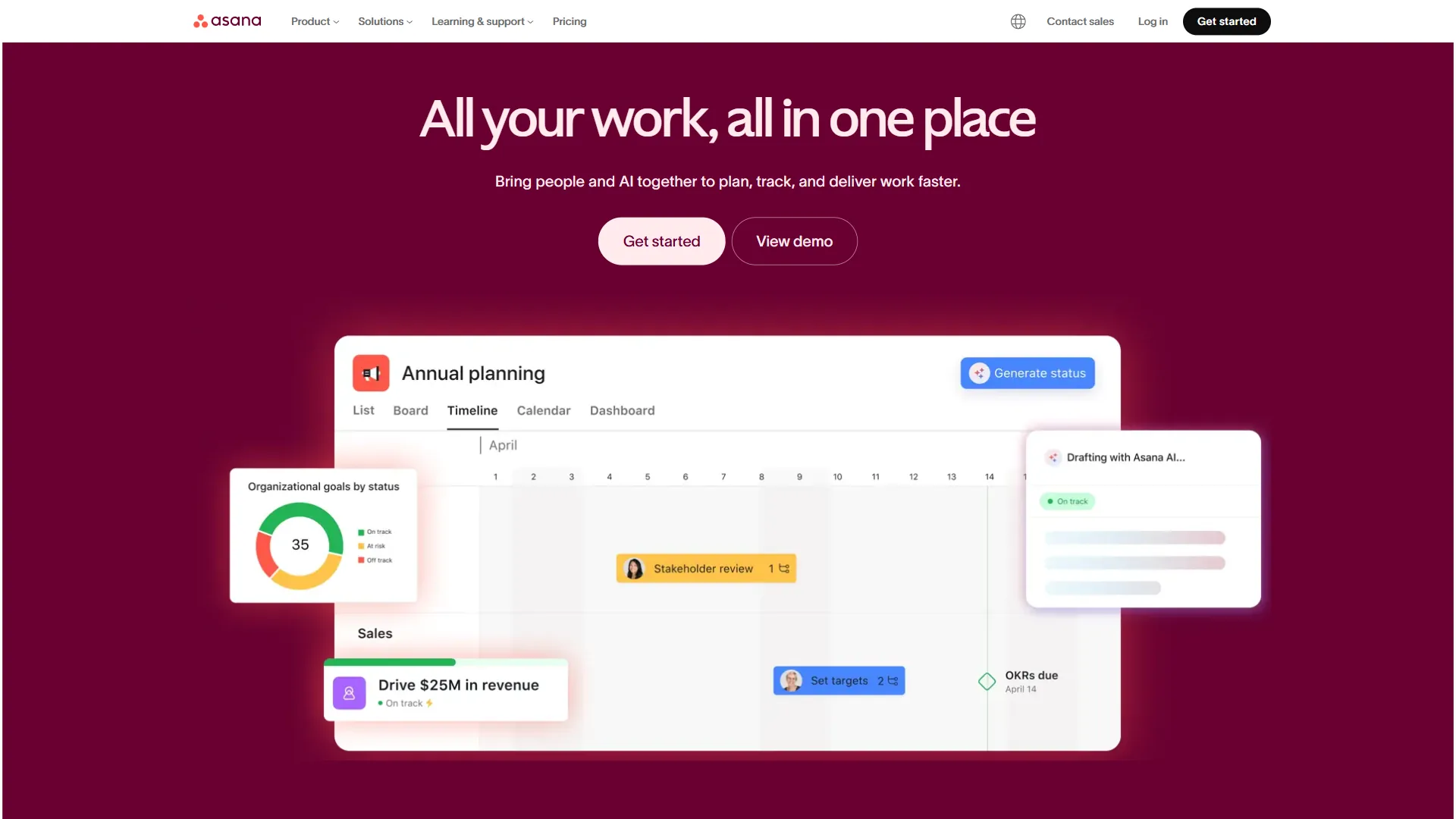
Asana is the best kanban tool for structured workflows because it links Kanban boards to timelines, dependencies, and portfolio reporting on every paid tier from $13.49 per user each month. The board view works well, but Asana’s real strength is connecting those boards to timelines, dependencies, and portfolio-level reporting across complex projects.
Pricing: Free / $13.49 Starter / $30.49 Advanced per user/month
What makes it stand out: AI Studio is available on all paid tiers, letting you create no-code automations with natural language. Timeline views with task dependencies show how delays cascade across projects - a feature Trello simply does not have. According to IDC, research firm covering enterprise software, Asana delivers “a 437% three-year ROI and payback in under six months” for organizations that standardize on the platform, per a 2024 IDC business value study commissioned by Asana - real productivity gains for teams managing complex workflows.
Where it falls short: The free tier is limited to 10 users with no timeline views, no automations, and no custom fields. Time tracking requires the Advanced tier at $30.49 per month. The Kanban board alone is not as polished as Trello’s - Asana boards feel like a view within a system, not the core experience.
Best for: Marketing teams running campaigns, product teams managing roadmaps, and mid-size organizations (10-50 people) that need structured project management with dependencies and automation.
4. Monday.com - Best Kanban for Visual Teams
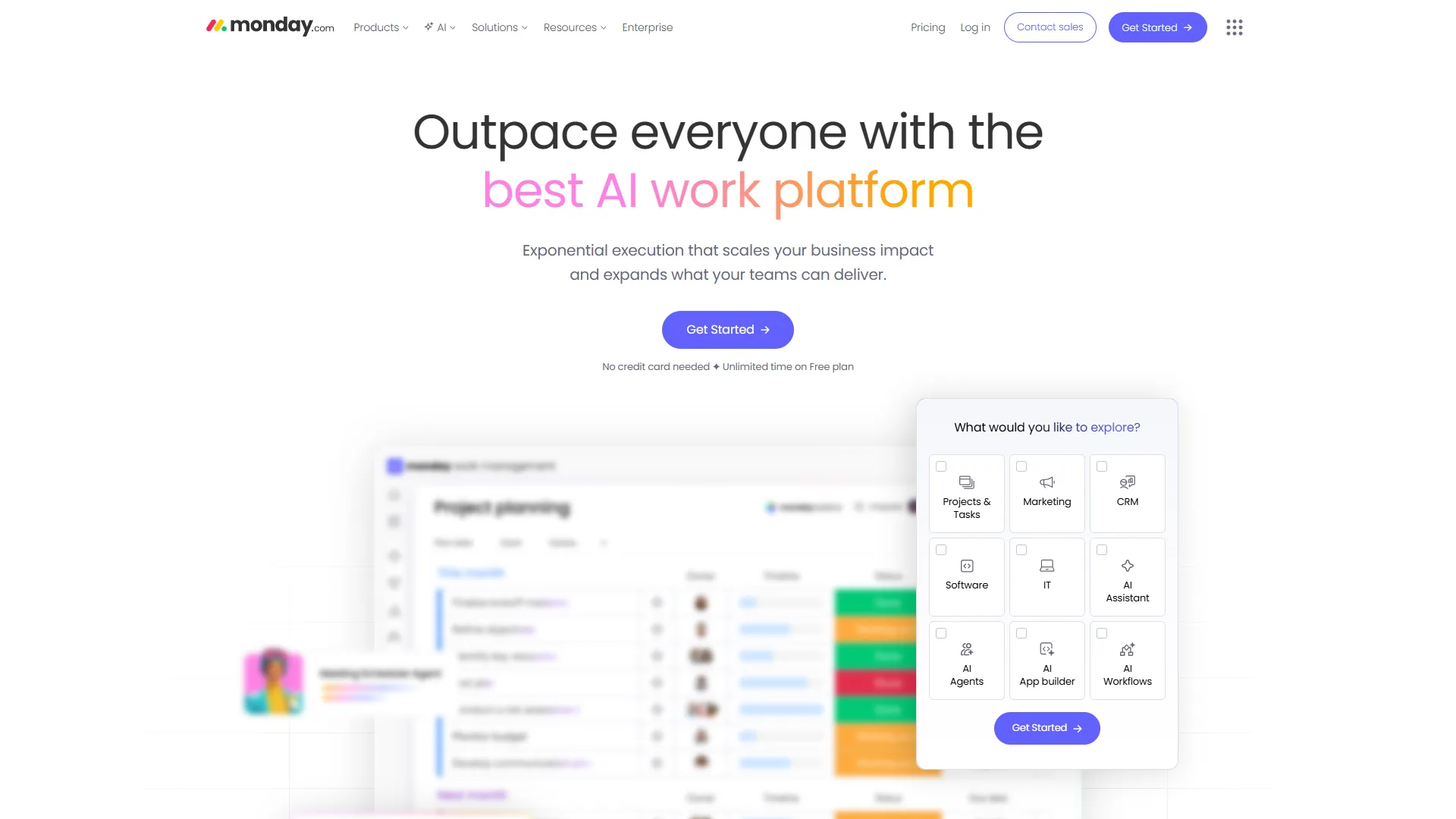
Monday.com is a visual work operating system where Kanban boards are color-coded, customizable, and immediately understandable by non-technical team members. If your team includes designers, marketers, and managers alongside developers, Monday.com bridges the skills gap better than any competitor.
Pricing: Free (2 users) / $12 Basic / $14 Standard / $24 Pro per seat/month (3-seat minimum on paid plans)
What makes it stand out: The visual clarity is unmatched. Color-coded status columns, timeline views, and dashboards that combine data from multiple boards make project health visible at a glance. AI features include monday agents for end-to-end task execution and monday magic for natural language solution creation. The Forrester-documented 288% ROI over three years is backed by real case studies from Motorola and Universal Music Group.
Where it falls short: The 3-seat minimum on paid plans means solo users or two-person teams are paying for unused capacity ($36 per month minimum on Basic). 500 AI credits per month limits heavy AI usage. Advanced reporting requires Enterprise pricing, and the platform can get cluttered with 50+ items per board.
Best for: Cross-functional teams of 5-25 with mixed technical abilities who need instant visual understanding of project status.
5. Notion - Best Kanban for Documentation-Heavy Teams
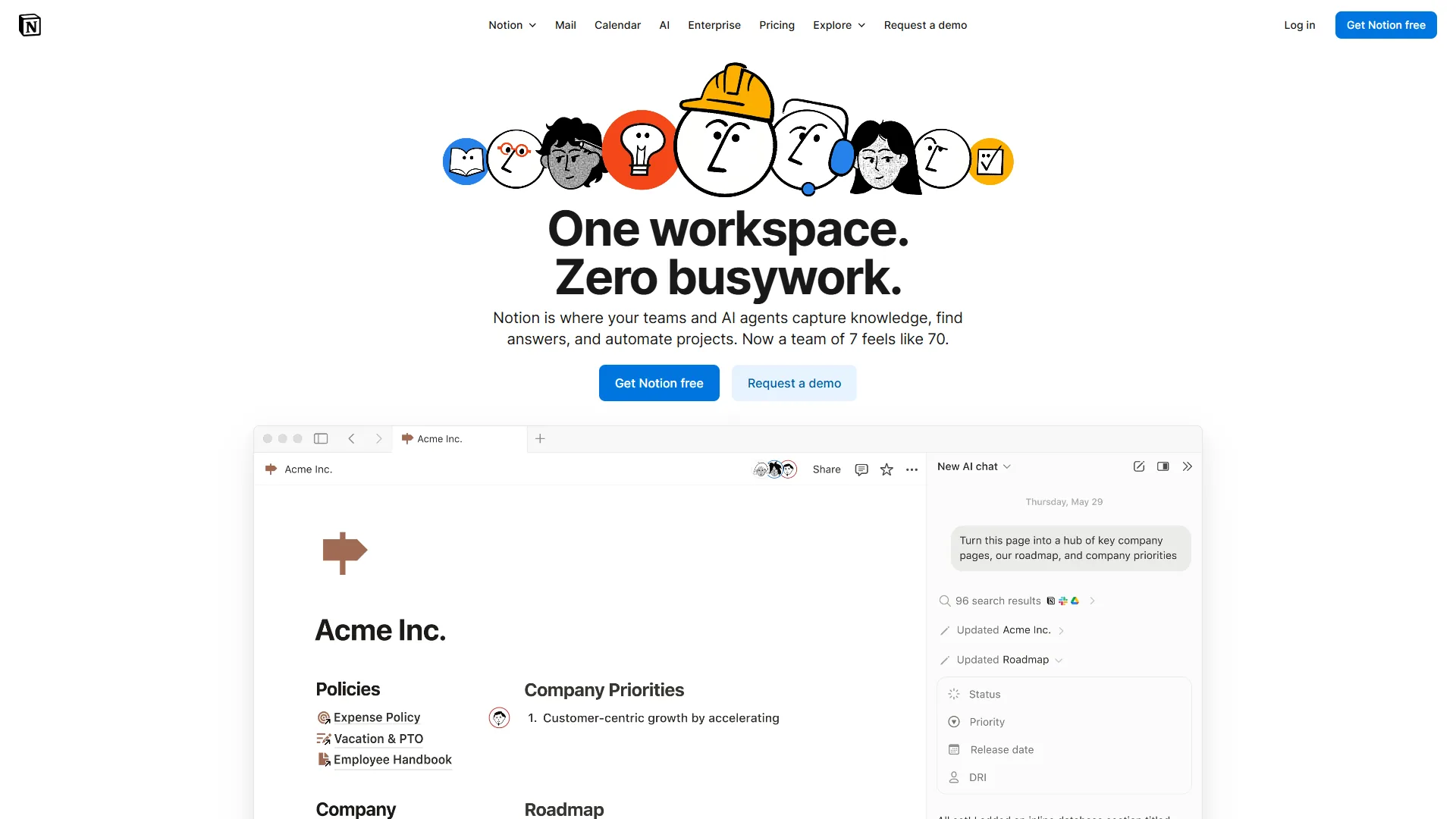
Notion is the best kanban tool for documentation-heavy teams because it builds Kanban views on top of its database system, turning one dataset into a board, table, calendar, and wiki at once. Instead of dedicated board features, Notion layers Kanban onto its powerful database engine. That means your board is simultaneously a table, a calendar, a gallery, and a timeline - all showing the same underlying data.
Pricing: Free / $12 Plus / $18 Business per user/month
What makes it stand out: The flexibility is extraordinary. A single Notion database can power a Kanban board, a content calendar, a client tracker, and a team wiki. Business plan users get unlimited AI with multi-model access (GPT-5, Claude Opus 4.1, o3) and autonomous AI Agents. For teams that need docs and project management in one place, Notion eliminates the gap between planning work and documenting it.
Where it falls short: Kanban boards in Notion require setup - you need to create a database, configure properties, and build the board view. It is not drag-and-drop-ready like Trello. Full AI features require the Business plan at $18 per month. Performance can lag with large pages and complex databases. The mobile experience is noticeably weaker than desktop.
Best for: Content teams, knowledge workers, and startups that want project management embedded within their documentation system. If you spend as much time writing about work as doing it, Notion makes that integration seamless.
6. Linear - Best Kanban for Software Teams
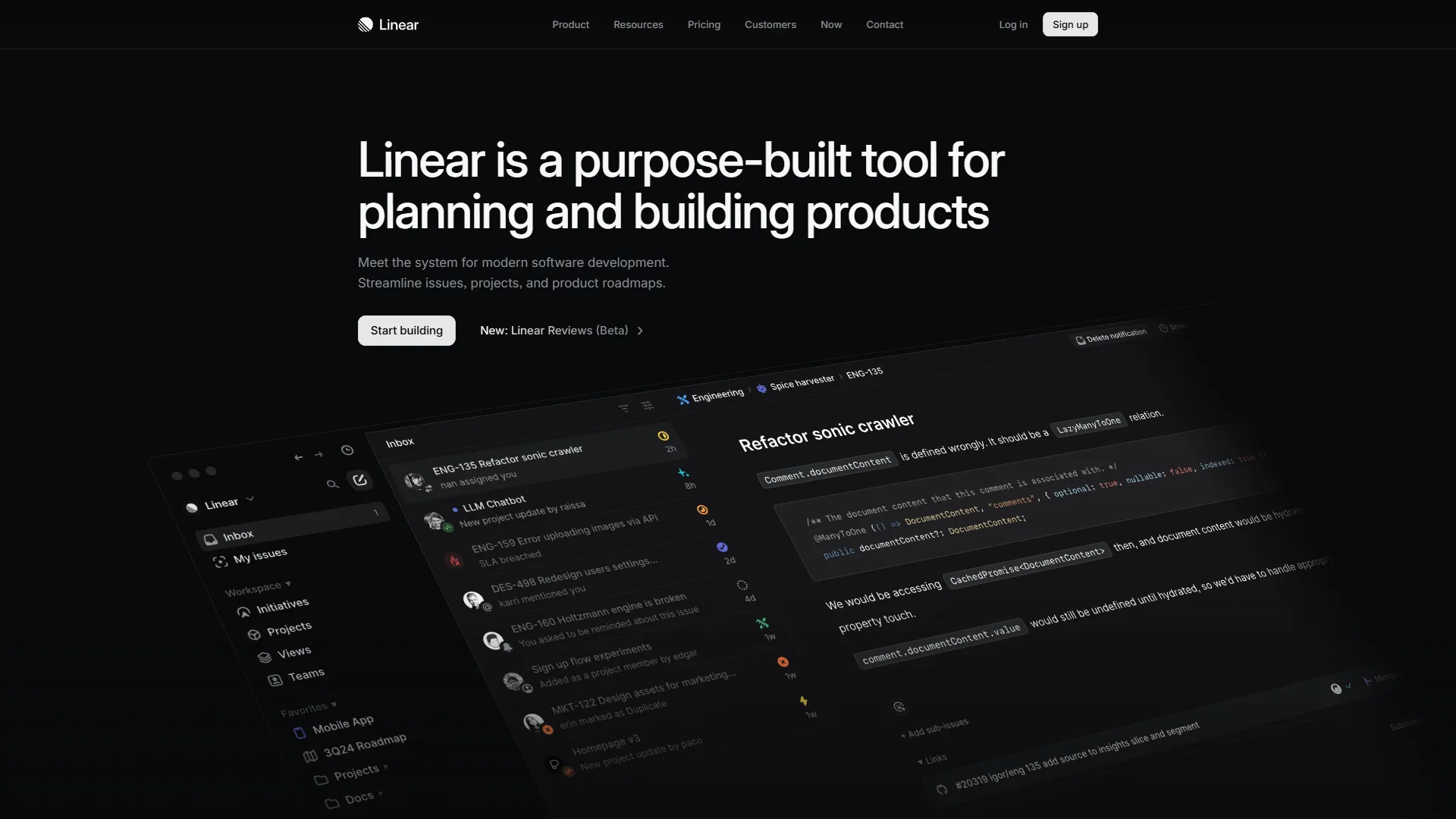
Linear is Kanban for developers who refuse to tolerate slow software. The board loads in under 50 milliseconds, keyboard shortcuts handle every action, and GitHub integration syncs issues to pull requests automatically. Companies like OpenAI, Ramp, and Vercel use Linear because it stays out of the way while keeping engineering work organized.
Pricing: Free / $8 Standard / $14 Plus per user/month
What makes it stand out: Speed. Linear loads 50% faster than Jira and feels instantly responsive in a way that traditional PM tools do not. AI-powered issue triage, summarization, and workflow automation help teams prioritize work intelligently. The free tier includes unlimited team members with up to 250 active issues - generous for early-stage startups.
Where it falls short: No mobile apps for iOS or Android. Limited custom fields make it difficult for non-technical teams. The developer-centric design means marketing, operations, and creative teams will find it restrictive. Fewer integrations than competitors like ClickUp or Monday.com.
Best for: Software engineering teams running Scrum or Kanban sprints who prioritize speed and keyboard-driven workflows tied to GitHub.
Best Picks by Use Case
The best kanban board tool for your team depends on three questions about workflow, budget, and AI needs - each answered below with a specific pick. Choosing from the best kanban board tools 2026 comes down to these three questions:
What is your team’s primary workflow?
- Simple visual task tracking: Trello - nothing beats its drag-and-drop simplicity
- Complex multi-project management: Asana - dependencies, timelines, and portfolio views
- All-in-one workspace: ClickUp - replace multiple tools with one platform
- Visual cross-functional collaboration: Monday.com - color-coded clarity for mixed-skill teams
- Documentation + project management: Notion - databases powering boards and wikis
- Software development: Linear - keyboard-first speed for engineering sprints
What is your budget?
| Budget | Best Option | What You Get |
|---|---|---|
| $0 | Trello or ClickUp | Trello: 10 boards, unlimited cards. ClickUp: unlimited everything (100 MB storage) |
| $6-10/user | Linear or ClickUp | Linear Standard or ClickUp Unlimited with full features |
| $12-14/user | Monday.com or Asana | Monday Standard or Asana Starter with automations and timeline views |
| $18+/user | Notion or Asana | Notion Business with AI or Asana Advanced with portfolio management |
Do you need AI features?
AI capabilities across the best kanban board tools 2026 range from non-existent to genuinely useful. Here is the honest breakdown:
- Asana: AI Studio on all paid tiers - the most accessible AI integration
- Monday.com: monday agents and monday magic - powerful but limited to 500 credits/month
- ClickUp: ClickUp Brain with multi-model AI - impressive but requires a paid add-on ($9-28/user/month)
- Notion: Autonomous AI Agents - excellent but locked behind the $18 per month Business plan
- Linear: AI triage and summarization - focused and useful for dev teams
- Trello: No AI features - Butler is rule-based automation only
If AI-powered workflow optimization is a priority, Asana and Monday.com currently offer the best balance of capability and accessibility. If you are comparing the best kanban board tools in 2026 specifically for AI features, Trello falls behind significantly.
The Bottom Line
The best kanban board tools 2026 are not universally “best” - they are best for specific teams with specific needs. Trello wins on simplicity and free-tier generosity. ClickUp wins on feature density and value. Asana wins on structured project management. Monday.com wins on visual clarity for mixed-skill teams. Notion wins on documentation integration. Linear wins on speed for engineering teams.
Start with the free plan that matches your primary workflow. Test it with real projects for at least two weeks before committing to a paid tier - look for the platform that will boost your team’s productivity, reduce lead times in 2026, and improve workflow efficiency in 2026 without forcing a process change. The right kanban tool is not the one with the most features - it is the one your team actually uses every day for efficient project management.
FAQ
Q: What is the best Kanban Tool?
There is no single best Kanban tool - it depends on your team’s needs. Trello wins on simplicity, ClickUp on feature density and value, Asana on structured project management, Monday.com on visual clarity for mixed-skill teams, Notion on documentation integration, and Linear on speed for engineering teams. The right tool is the one your team actually uses every day.
Q: Is Kanban still relevant?
Yes, Kanban is still very relevant. According to the State of Agile report, Kanban is now the second most popular agile framework after Scrum, demonstrating its continued widespread adoption across teams and industries.
Q: What is the best Microsoft tool for Kanban?
Microsoft Planner is the native Microsoft 365 kanban tool, but Trello and Monday.com both integrate cleanly with Microsoft Teams and offer richer board features for cross-functional teams.
Q: Which kanban board tool is best for beginners in 2026?
Trello remains the easiest starting point - new users understand the interface within minutes, no onboarding needed. The free tier includes unlimited cards and unlimited Power-Ups per board. If your workflow is mostly dragging cards between columns, Trello delivers that experience better than any competitor on this list.
Q: What is the best free kanban tool for small teams?
Trello and ClickUp are the strongest free options. Trello offers 10 boards with unlimited cards, while ClickUp provides unlimited tasks and unlimited users at zero cost. For teams that need more than basic boards - docs, goals, time tracking - ClickUp’s free tier is the more generous of the two.
Related Reading
Related reading covers our full reviews of each kanban platform compared above plus adjacent guides on project management and workflow automation.
- Asana - Our full review with pricing, features, and alternatives
- ClickUp - Our full review with pricing, features, and alternatives
- Monday.com - Our full review with pricing, features, and alternatives
- Notion - Our full review with pricing, features, and alternatives
- Linear - Our full review with pricing, features, and alternatives
- Jira - Our full review with pricing, features, and alternatives
- Best Free Project Management Tools for Small Teams - Free tier comparison across major PM platforms
- Best AI Project Management Tools 2026 - AI-powered PM tools ranked and tested
- Best Project Management Tools 2026 - Comprehensive PM tool comparison
- Best Workflow Automation Tools 2026 - Automate your kanban workflows across tools
External Resources
External resources collect each vendor’s official kanban documentation so you can verify pricing, features, and methodology before picking a platform.
- Trello Getting Started Guide - Official Trello tutorials and board setup
- Asana Guide - Asana project management best practices
- ClickUp Kanban Guide - How to build kanban workflows in ClickUp
- Monday.com Kanban Guide - Kanban methodology and board setup
- Linear Documentation - Linear issue tracking and workflow setup