


Linear costs $8 per user per month and is purpose-built for engineering speed with native GitHub sync, while Asana starts at $13.49 per user per month and serves engineering alongside product, marketing, and operations teams. Our analysis draws on vendor documentation and independent industry research. Some links on this page are affiliate links; our analysis remains independent.
An engineering-focused Linear Asana comparison covering sprints, GitHub, APIs, and team scaling.
According to Asana’s Anatomy of Work report, knowledge workers spend 58% of their day on “work about work” rather than skilled tasks, which is why the Linear vs Asana decision matters: the tools take opposite approaches. Linear was built by engineers who wanted issue tracking as fast as a code editor (the Linear app vs broader work-management platforms split is a deliberate design choice), while Asana was built as a cross-functional platform that happens to serve engineering. The right choice depends on team size, whether engineering operates independently, and how much you value speed versus breadth.
Quick Verdict: Linear vs Asana Comparison Table
Linear is the better engineering-only tracker; Asana is the better cross-functional platform that also covers engineering.
| Factor | Linear | Asana |
|---|---|---|
| Rating | ||
| Free Tier | Unlimited members, 250 issues | Up to 10 users, basic views |
| Paid Start | $8/user/mo (Standard) | ~$13.49/user/mo (Starter) |
| Sprint Management | Cycles with velocity tracking | Sprints via board rules + timeline |
| GitHub Integration | Native bi-directional PR sync | Via integration (one-directional) |
| API | GraphQL, webhooks, TypeScript SDK | REST, webhooks, multi-language SDKs |
| AI Features | AI triage, summaries (Standard+) | AI Studio, AI Teammates (paid tiers) |
| Best For | Dev teams wanting speed and focus | Cross-functional orgs with eng teams |
Quick Verdict
Linear is the better fit for engineering-only teams that value speed; Asana is the better fit for organizations where engineering coordinates with product, design, marketing, or operations. Linear loads instantly and treats sprint management as a first-class feature, while Asana provides portfolio views, goals tracking, and workload management across every department.
What Is Linear?
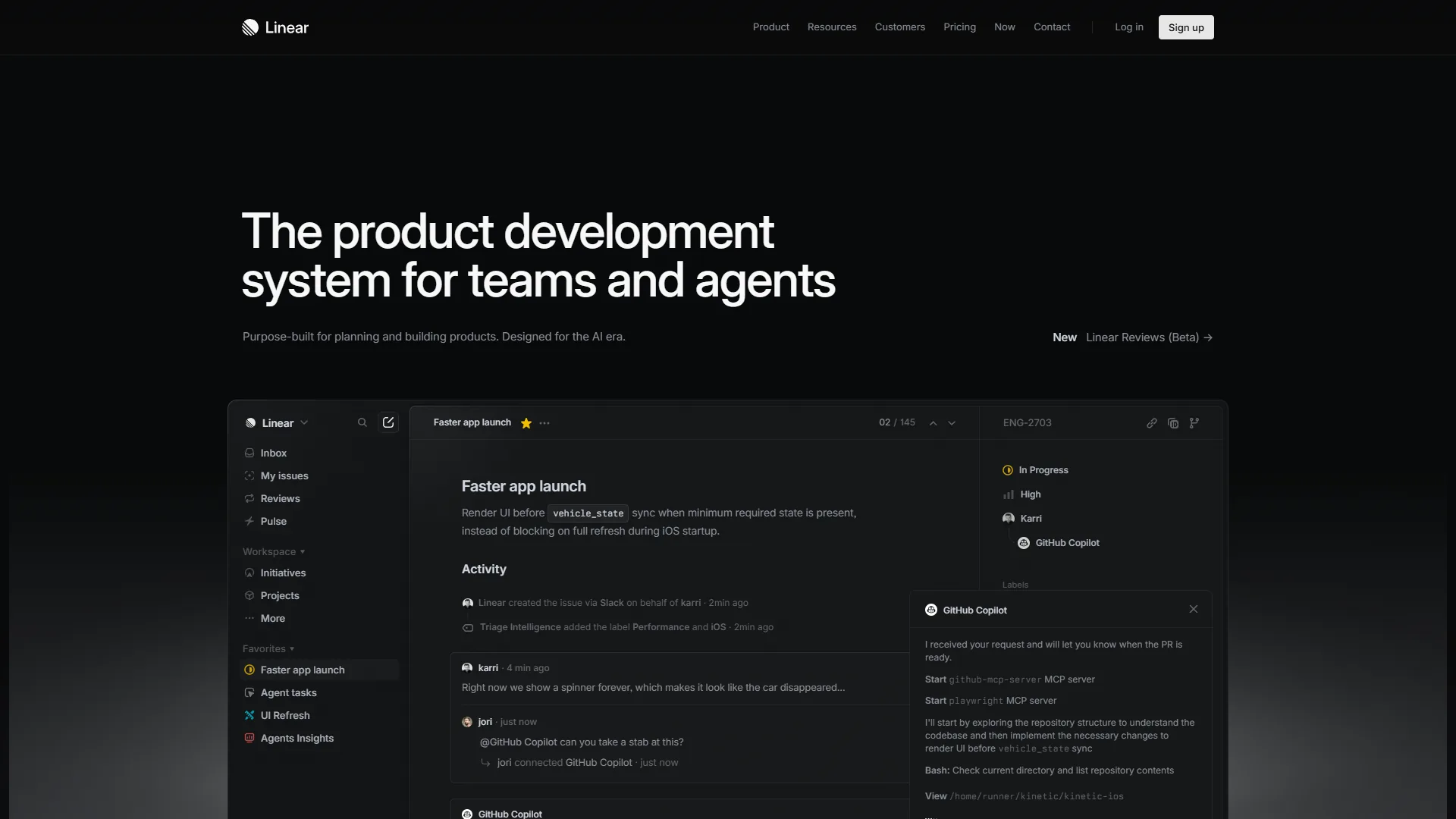
Linear is a modern issue tracking tool founded in 2019 and used by engineering teams at OpenAI, Ramp, Vercel, and Retool. According to Karri Saarinen, co-founder and CEO at Linear, “We are building Linear for the world’s best product teams. From next-generation startups to established enterprises.” The fastest-growing dev teams - the kind GitHub spotlights in its Octoverse report - skew heavily toward keyboard-first tooling like this. Linear delivers sub-second page loads, real-time sync, and keyboard shortcuts for virtually every action.
Key strengths for engineering: sub-second page loads, keyboard-first navigation, native bi-directional GitHub integration, Cycles with built-in velocity tracking, and a GraphQL API for custom automation.
Notable limitations: no native mobile apps (mobile web only), limited cross-functional visibility, a free-tier cap of 250 active issues (our Linear pricing breakdown walks through where the cap pinches teams), and fewer integrations outside the core developer tool stack.
What Is Asana?
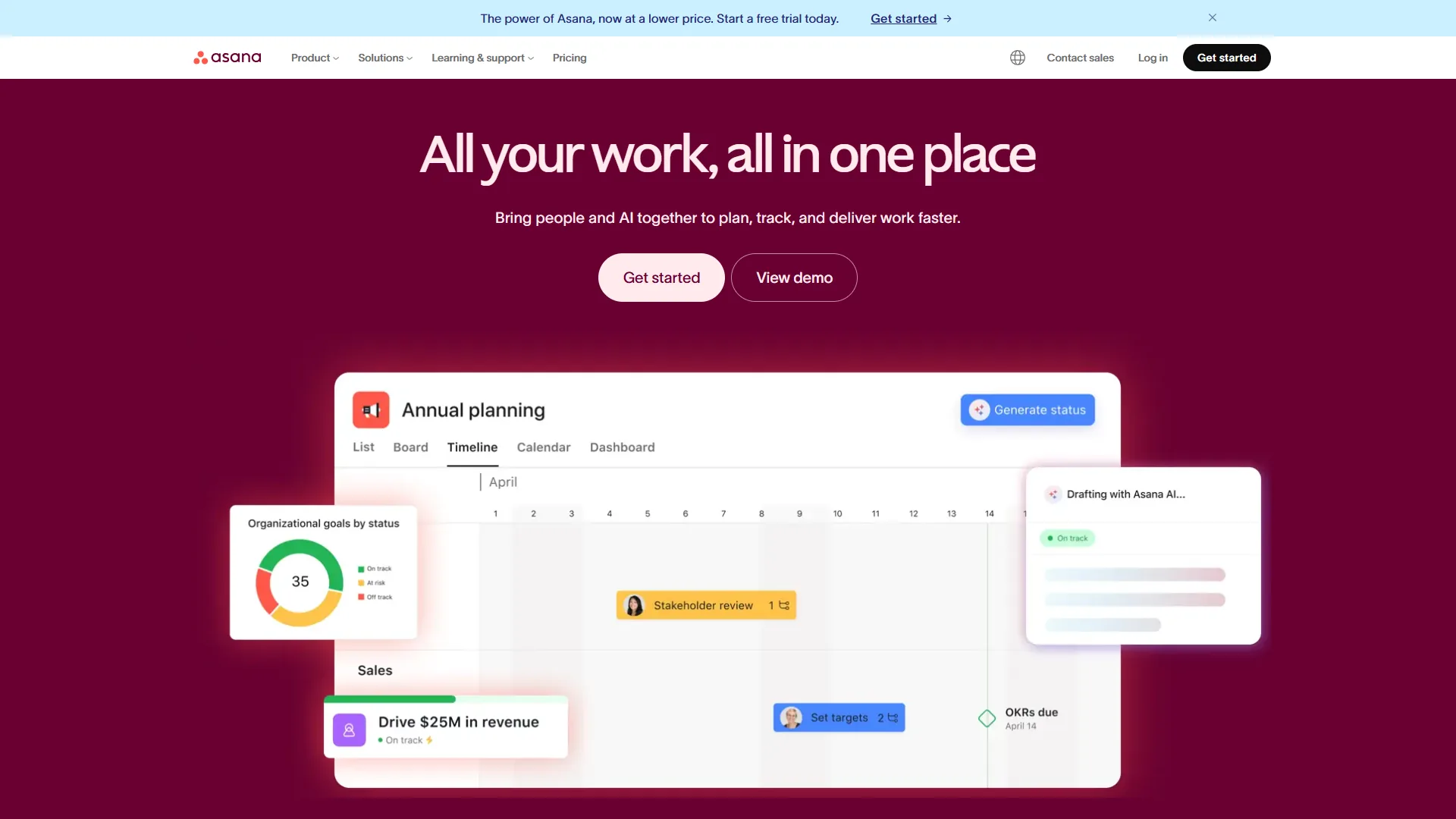
Asana is a work management platform founded in 2008 by Facebook co-founder Dustin Moskovitz, with over 150,000 paying organizations and millions of users worldwide. The product offers six different project views (list, board, timeline, calendar, Gantt, and dashboard), portfolio management, cascading goals, and workload views that surface capacity across team members. In 2026, Asana’s AI Studio - available on all paid tiers - lets teams build no-code workflows using natural language, with the beta AI Teammates feature adding collaborative agents for task routing and cross-project coordination.
Key strengths for engineering: six project views, portfolios for multi-project tracking, goals that connect work to company OKRs, AI Studio on all paid tiers, and 200+ integrations including Slack, GitHub, Jira, and CI/CD tools.
Notable limitations: noticeably slower than Linear in daily use, shallower GitHub integration, no built-in sprint/cycle management (requires board configuration - the Asana competitors roundup lists alternatives that ship native sprints), and time tracking limited to the Advanced tier at around $30.49 per user/mo.
Feature-by-Feature: Sprint Workflow
Linear handles sprints natively through Cycles, while Asana requires board-and-rules configuration to replicate the same workflow. Teams tracking DORA metrics research care most about cycle time and deploy frequency, which both tools surface differently.
Linear: Cycles as a First-Class Feature
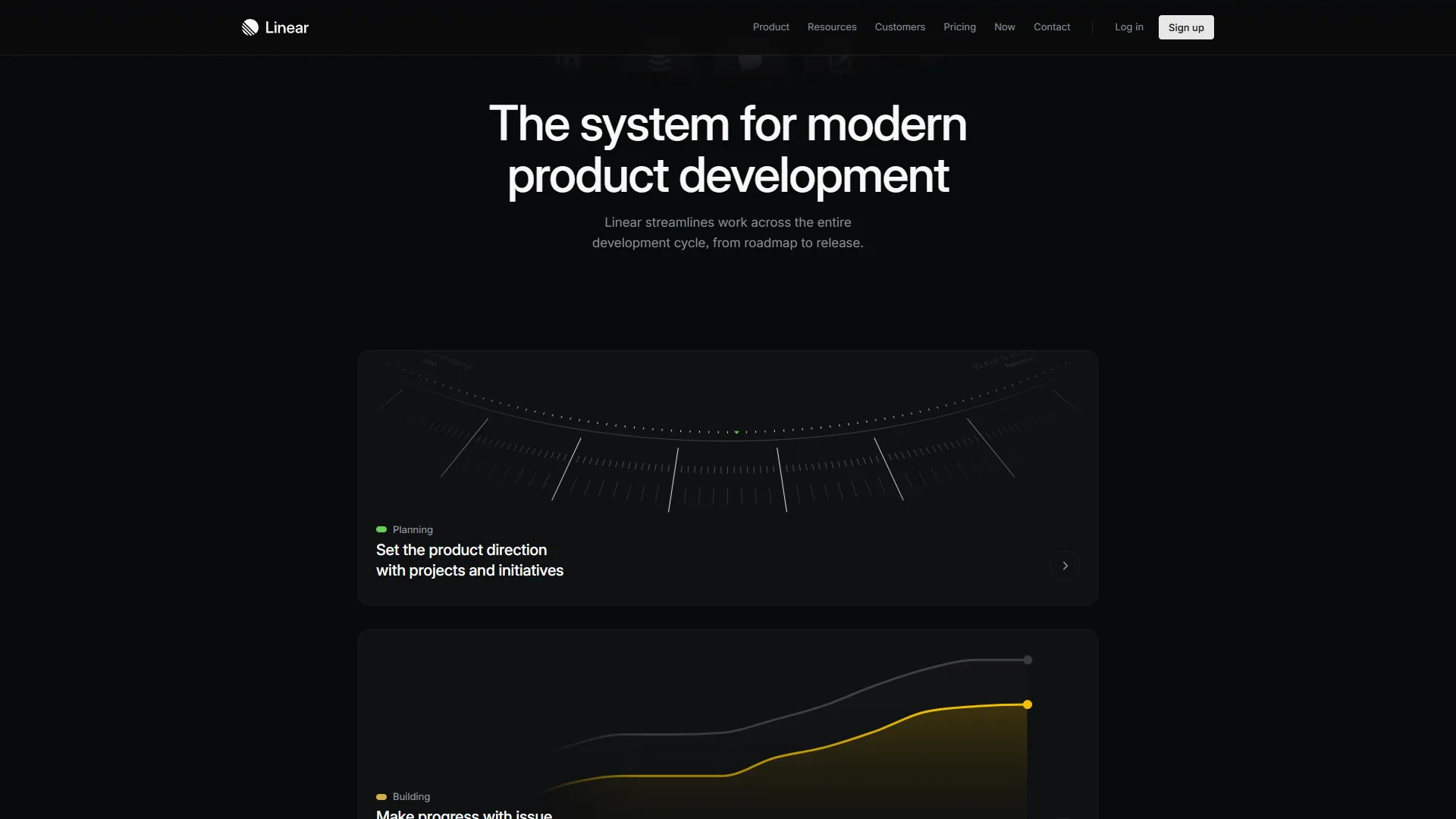
Linear treats sprint management as a core feature: cycles have fixed durations (1 week, 2 weeks, or custom), real-time burndown and velocity charts, auto-archival with carry-over of unfinished work, and historical views across past cycles for estimation tuning. For a team running two-week sprints, the overhead of managing cycles in Linear is essentially zero. The official Linear Method handbook documents the cycle and project structure.
Asana: Sprints Through Configuration
Asana does not have a dedicated sprint feature. Instead, you build sprint workflows using board views, custom fields, and automation rules. The advantage is flexibility - you can model any sprint variation. The disadvantage is that every team has to build and maintain their own sprint system, with no built-in velocity tracking or burndown chart without third-party integrations.
Winner: Linear for sprint management. The Asana vs ClickUp 2026 comparison shows where Asana’s flexibility shines for non-engineering teams.
GitHub and Git Integration
Linear ships native bi-directional GitHub sync with automatic branch creation and PR-to-issue linking, while Asana requires PR descriptions, GitHub Actions, or third-party connectors to achieve similar results.
Linear: Deep, Bi-Directional Git Integration
Linear’s GitHub and GitLab integration, documented in their integrations guide, is native and bi-directional. Clicking an issue generates a branch name following your team’s convention; PRs auto-link via branch names or issue IDs in commit messages; merging a PR moves the linked issue to “Done”; PR review status surfaces inside the issue view; and a single workspace can connect multiple GitHub repositories. If your team uses AI coding tools alongside Linear, our GitHub Copilot vs Cursor comparison covers how those tools integrate with Git-based workflows.
Asana: Functional but Surface-Level Git Integration
Asana’s GitHub integration operates at a shallower level: PRs can reference Asana tasks via URLs in PR descriptions, GitHub Actions or third-party connectors can update task status on merge, and PR comments can forward to Asana tasks. There is no automatic branch creation from tasks and no bi-directional sync without Zapier or custom webhooks.
Winner: Linear, decisively. GitHub’s official Issues documentation details the linking mechanics that Linear leverages.
Tradeoffs: Linear’s integration assumes a single primary GitHub org, and bi-directional sync can create noisy notifications on busy repos. Skip Linear’s deep sync if your team uses GitLab self-hosted or pushes to multiple disconnected GitHub orgs.
Tier-by-Tier Team Scaling: 5, 50, and 500 Engineers
Linear is cheapest and fastest for teams under 200 engineers, while Asana’s cross-functional features become essential at 200+ engineers or in mixed-discipline organizations.
Small Teams (5-15 Engineers)
Linear is essentially free or very cheap at this scale: the free tier supports unlimited members with up to 250 active issues, and Standard at $8 per user/month adds AI, unlimited issues, and Cycles ($80/mo for 10 engineers). Asana caps its free tier at 10 users; the Starter plan at around $13.49 per user/month runs around $135/mo for the same 10-person team. Recommendation: Linear.
Mid-Size Teams (50-100 Engineers)
Linear handles 50-100 engineers through multiple teams running independent cycles against a unified backlog; the Plus plan at $14 per user/month adds analytics and guest accounts ($700/mo for 50). Asana’s cross-functional strengths emerge here: portfolios track 10-15 active projects simultaneously, and Advanced at around $30.49 per user/month adds custom fields and approvals ($1,525/mo for 50 - around $9,900/year more than Linear Standard). Recommendation: Linear if engineering operates independently; Asana if integrated with non-technical teams. The ClickUp vs Asana breakdown covers another cross-functional choice.
Large Teams (200-500+ Engineers)
Linear can technically handle large teams but hits enterprise-governance limits: custom roles, audit logging, SCIM provisioning, and compliance certifications require the Enterprise plan. Asana was designed for this scale from the ground up, with org-wide admin controls, SAML SSO, SCIM, and integrations with Workday, ServiceNow, and Salesforce. Recommendation: Asana for 200+ engineers, especially with cross-functional needs. The AI impact on software engineering teams post covers what changes past 200.
API and Developer Experience
Linear offers a GraphQL API with a TypeScript SDK that developers consistently rate as best-in-class, while Asana provides a REST API with broader multi-language SDK coverage.
Linear API
Linear provides a single GraphQL endpoint, real-time webhooks, an official TypeScript SDK with full type safety, an interactive API explorer, and generous rate limits suitable for CI/CD integration.
Asana API
Asana provides traditional REST endpoints, event-based webhooks, official SDKs for Python, JavaScript, Java, Ruby, and PHP, detailed reference docs with code samples, and standard rate limiting with burst allowance. Asana’s official API overview documents the SDK matrix; the GraphQL specification explains why single-endpoint queries beat REST round-trips.
Winner: Linear for API elegance and developer experience. Asana for breadth of SDK language support.
Tradeoffs: Linear’s GraphQL-only approach is a drawback for Python or Ruby stacks - the SDK is TypeScript-first. Asana’s REST API is verbose and chatty, and rate limits bite earlier than Linear’s.
AI Features for Engineering Workflows
Linear’s AI focuses on engineering-specific tasks (issue triage, summarization) while Asana AI Studio offers broader natural-language workflow automation across all paid tiers.
Linear AI (Standard plan, $8 per user/mo)
Linear AI focuses on engineering-specific tasks: automatic issue triage routing bugs to the right team, AI summarization of long discussion threads, smart project suggestions for prioritization, and AI-assisted workflow rules that learn from team behavior. For a wider lens, see the best AI project management tools 2026 roundup.
Asana AI (All paid tiers)
Asana AI includes AI Studio (a no-code workflow builder driven by natural language prompts), AI Teammates in beta (collaborative agents for task routing and status updates), Smart Summaries across projects and tasks, semantic and multilingual Smart Search, and a Smart Workflow Gallery of pre-built templates.
Winner: Asana for AI breadth and cross-functional automation; Linear for focused, engineering-specific AI at a lower price point. The Trello vs Asana 2026 comparison shows another lens on Asana’s automation toolkit.
Pricing Comparison for Engineering Teams
Linear costs significantly less than Asana at every tier and team size, with the annual gap widening from around $660 at 10 engineers to roughly $9,900 at 50 engineers on equivalent plans.
Linear and Asana Tier Pricing
| Tier | Linear | Asana |
|---|---|---|
| Free | $0 - unlimited members, 250 issues | $0 - up to 10 users, basic views |
| Entry paid | Standard $8/user/mo - unlimited issues, AI, Cycles | Starter around $13.49/user/mo - timeline, AI Studio |
| Mid paid | Plus $14/user/mo - analytics, guest accounts | Advanced around $30.49/user/mo - portfolios, goals, approvals |
| Enterprise | Custom - SSO, SCIM, audit logs | Custom - SAML SSO, SCIM, data export |
Cost Comparison at Scale
| Team Size | Linear Standard | Asana Starter | Linear Plus | Asana Advanced |
|---|---|---|---|---|
| 10 engineers | $80/mo | ~$135/mo | $140/mo | ~$305/mo |
| 50 engineers | $400/mo | ~$675/mo | $700/mo | ~$1,525/mo |
| 100 engineers | $800/mo | ~$1,349/mo | $1,400/mo | ~$3,049/mo |
Software cost is only part of the equation: if Asana eliminates the need for a separate tool for product and design teams, the total cost of ownership calculation shifts. Asana’s official pricing page documents which capabilities ship at each tier.
Migration and Switching Costs
Switching between Linear and Asana is feasible in both directions but typically takes one to two weeks, with Asana-to-Linear being the more common path for engineering teams.
Linear to Asana: Less common; happens when engineering teams join larger Asana-standardized organizations. Asana’s CSV import handles basic data migration; the main challenge is reconstructing sprint workflows without native cycles.
Asana to Linear: More common as engineering teams seek faster tooling. Linear offers importers for Asana, Jira, and GitHub Issues; most teams finish in a day or two. Linear documents the move in its official import guide.
Hybrid approach: Some organizations run Linear for engineering and Asana for product/marketing/operations - it works but adds coordination overhead. The linear-vs-jira-2026 head-to-head covers another alternative for engineering-led shops.
Tradeoffs: Asana-to-Linear drops portfolios, goals, and most custom fields. Linear-to-Asana loses cycle history and velocity charts. Skip migration if your team is shipping reliably.
The Bottom Line
Linear is the better choice for engineering-only teams under 200 developers, while Asana is the better choice for organizations where engineering coordinates with product, design, marketing, and operations. Linear is the natural home for engineering work at $8 per user/month with native GitHub integration, built-in cycles, and a GraphQL API developers enjoy. Asana earns its higher price when engineering work does not exist in isolation - portfolio views, cascading goals, and AI Studio automation keep cross-functional teams aligned in one tool. If you are a startup or a pure engineering team under 100 people, start with Linear; if you are inside a larger org where cross-functional visibility matters more than developer UX, Asana is worth the investment.
FAQ
Q: Is Linear similar to Asana?
Linear and Asana are both project management tools but target different use cases: Linear is engineering-focused with native GitHub integration and Cycles, while Asana is a cross-functional work management platform serving engineering alongside other departments.
Q: Is there anything better than Asana for engineering teams?
For pure engineering teams under 200 developers, Linear is typically faster, cheaper, and better integrated with Git workflows than Asana. For cross-functional organizations, Asana remains stronger because of its portfolios, goals, and AI Studio automation.
Q: How does Linear vs Asana pricing compare at 50 engineers?
Linear Standard costs $400 per month for 50 engineers, while Asana Starter costs around $675 per month for the same headcount - a difference of around $3,300 per year on equivalent plans.
Related Reading
This Related Reading section lists the most useful follow-up guides for engineering teams weighing Linear vs Asana.
Tools covered in this article:
- Linear - Modern issue tracking for engineering teams
- Asana - Cross-functional work management platform
More project management and developer tool guides:
- Linear vs Jira 2026 - Linear and Jira compared for dev teams
- Trello vs Asana 2026 - Trello and Asana compared head-to-head
- Best Free Project Management Tools - Free PM tools for small teams
- Best Kanban Tools 2026 - Top kanban board tools compared
External Resources
The External Resources below link to vendor documentation and API references used in this analysis.
- Linear - Official website
- Asana - Official website
- Linear API Documentation - GraphQL API reference
- Asana Developer Documentation - REST API reference