


The best ClickUp alternatives in 2026 are Asana for structured workflows, Linear for engineering teams, Notion for knowledge-intensive work, Monday.com for visual dashboards, Basecamp for simplicity, Wrike for enterprise compliance, and Todoist for personal task management. Each replaces a specific ClickUp pain point - onboarding overhead, notification overload, performance at scale, or feature bloat - that drives teams to switch.
ClickUp is the most feature-dense project management platform on the market, and that density is both its strength and the most common reason people leave. With 15+ view types, ClickUp Brain AI, built-in docs, whiteboards, time tracking, goals, and sprint management, it can do almost anything - but the complexity required to set it up at scale pushes many teams toward simpler alternatives. According to Zeb Evans, founder and CEO at ClickUp, “Our mission is to make the world more productive by removing friction from how teams collaborate.” This guide covers seven ClickUp alternatives reviewed in 2026, each with a specific use case where it outperforms ClickUp. Our analysis draws on current vendor documentation and independent research; AI Productivity may earn a commission from links on this page, but rankings are editorially independent.
Why People Leave ClickUp
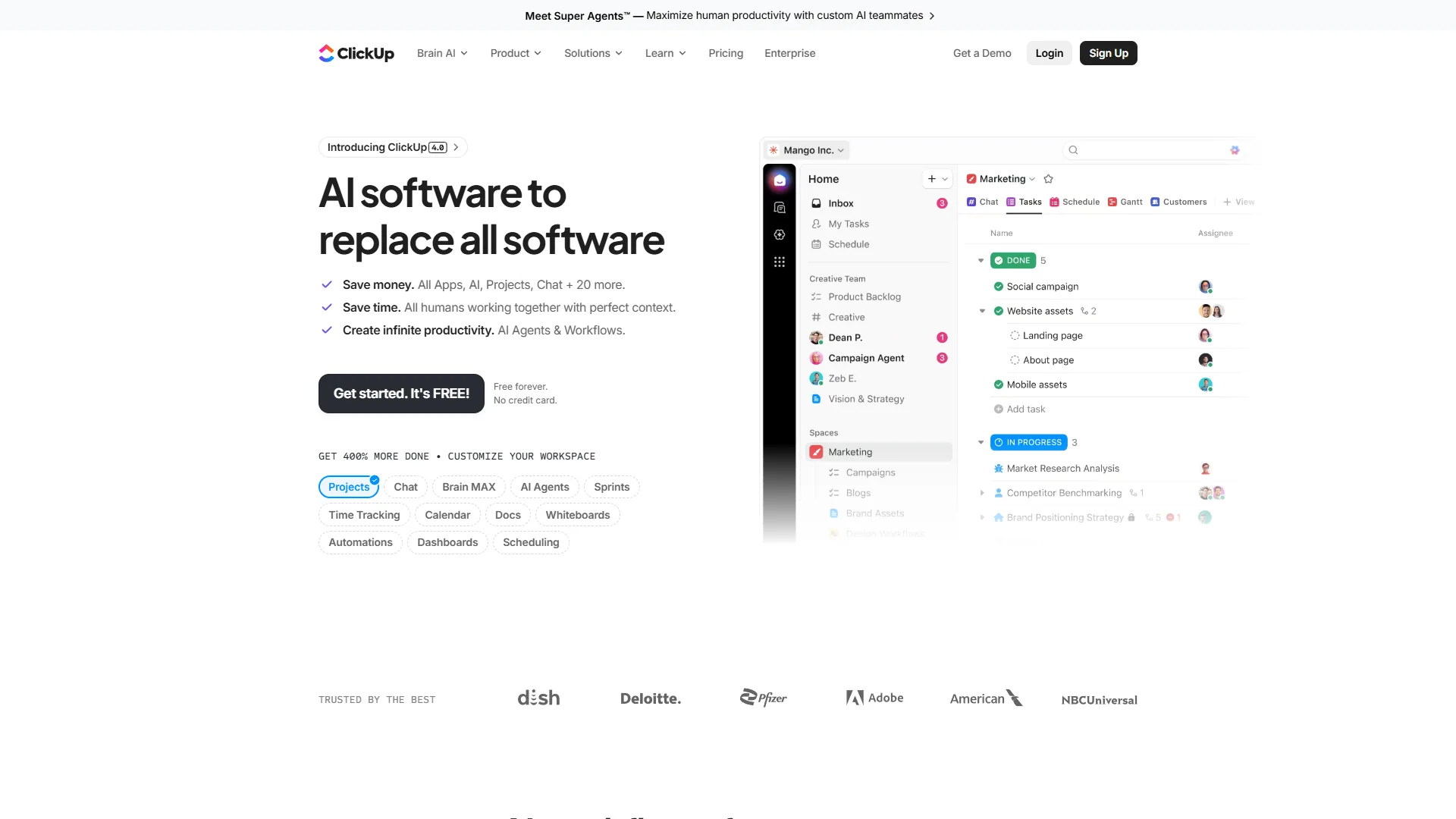
ClickUp’s free tier includes unlimited users and tasks, with paid plans starting at $10 per user/month (Unlimited) and $19 per user/month (Business) - ClickUp Brain included. The numbers look good on paper; the pain points surface in practice:
- Onboarding overhead - getting a team productive takes weeks because the flexibility creates its own complexity.
- Notification overload - the notification system is powerful but defaults to aggressive, burying new users in alerts.
- Performance at scale - large workspaces with thousands of tasks slow down, a recurring complaint in long-term reviews.
- Feature bloat - teams that only need task management pay for features they never touch.
- Learning curve for non-technical users - ClickUp Brain and custom automations assume technical comfort.
- Mobile experience - the desktop product is excellent; the mobile app is less polished.
Comparison Table: ClickUp Alternatives at a Glance
The table below summarizes the seven ClickUp alternatives reviewed in 2026, with starting per-seat price, free-tier limits, and the primary use case each tool replaces ClickUp for.
| Tool | Free Tier | Starting Price | Best For |
|---|---|---|---|
| ClickUp | Unlimited users | $10/user/mo | All-in-one, maximum features |
| Asana | 10 users | $13.49/user/mo | Structured workflows, clean UI |
| Monday.com | 2 seats | $9/user/mo | Visual PM, dashboards |
| Notion | 1 user | $10/user/mo | Knowledge + projects |
| Basecamp | No | $15/user/mo | Simple team communication |
| Linear | Unlimited | $8/user/mo | Engineering teams |
| Wrike | 5 users | $9.80/user/mo | Enterprise PM |
| Todoist | Limited | $4/user/mo | Personal + small team tasks |
1. Asana - Best for Structured Workflows
Pricing: Free (10 users, unlimited tasks) / Starter: $13.49 per user/mo / Advanced: $30.49 per user/mo
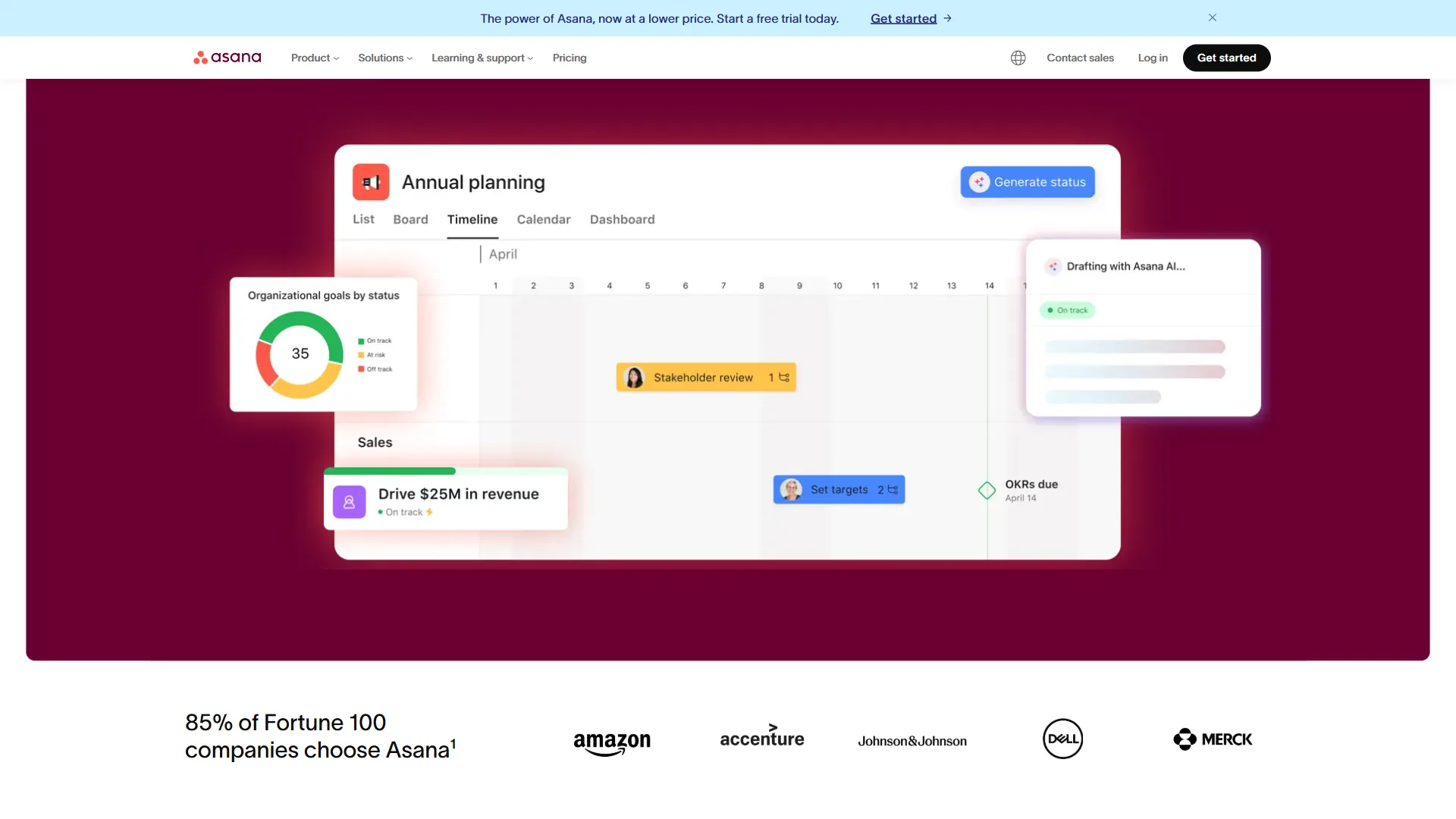
Asana is the best ClickUp alternative for teams leaving because of setup complexity. Where ClickUp’s strength is maximum configurability, Asana’s strength is a clean, opinionated structure that gets teams productive faster. The interface is more constrained - fewer view types, fewer custom fields, fewer automation templates - but that constraint reduces decision fatigue and accelerates adoption. If you are also weighing Asana against Trello, our Trello vs Asana 2026 comparison covers that matchup. Asana reviews emphasize ease of use; ClickUp reviews split between power users who love the depth and new users who struggle with the breadth.
Where Asana beats ClickUp: cleaner interface, more reliable performance at scale, better enterprise compliance (HIPAA, SCIM, advanced audit logs on Enterprise+), a more polished 200+ integration ecosystem, and a more accessible no-code workflow builder in AI Studio.
Where ClickUp still wins: more generous free tier (unlimited users vs Asana’s 10-user cap), time tracking in the $10 Unlimited tier (Asana puts it in Advanced at $30.49 per user/mo), more native views, built-in Docs and Whiteboards, and lower price at comparable feature sets.
Best for: Teams that found ClickUp’s setup excessive, and marketing or cross-functional groups where a clean workflow matters more than maximum flexibility.
2. Monday.com - Best for Visual Project Management
Pricing: Free (2 seats, 3 boards) / Basic: $9 per user/mo / Standard: $12 per user/mo / Pro: $19 per user/mo
Monday.com is the best ClickUp alternative for visual project management and dashboard reporting. Where ClickUp optimizes for depth, Monday.com optimizes for visual clarity, with a board-centric approach and 200+ column types that create flexible workflows without ClickUp’s nested-hierarchy overhead. For a deeper look at how their AI stacks up, see our ClickUp AI vs Monday AI comparison.
Monday.com’s 200+ automation recipes handle common workflow automation without code, which is more accessible than ClickUp’s engine for teams without an internal automation owner.
Where Monday.com beats ClickUp: faster onboarding (the visual board model is immediately intuitive), better dashboard and reporting tools (charting, pivot tables, visualization), Monday AI-generated task descriptions and status updates, workdocs alongside project boards, and a more visually polished interface for stakeholder presentations.
Where ClickUp still wins: a far more generous free tier (unlimited users vs Monday.com’s 2 seats), ClickUp Brain’s more powerful multi-model AI, more native view types (15+ vs Monday’s fewer options), better sprint management, and a lower starting price for teams with many users.
Best for: Operations teams, marketing departments, and client-facing PMs who decide on visual status boards. Monday.com’s reporting beats ClickUp’s at the Business tier when leadership visibility matters as much as day-to-day task management. Our best free project management tools roundup covers cheaper alternatives.
3. Notion - Best for Knowledge-Intensive Work
Pricing: Free (1 user, unlimited blocks) / Plus: $10 per user/mo / Business: $15 per user/mo / Enterprise: custom
Notion is the go-to alternative for teams whose work involves as much knowledge creation as task execution, combining documentation, databases, project tracking, and wikis in one connected workspace. Notion AI works across all of this content - summarize a spec, extract action items from meeting notes, draft a project brief from a database view. For a deeper compare, see our ClickUp vs Notion guide.
The 2026 version has improved project management significantly: dedicated project databases with timeline views, task tracking, and sprint boards bring it closer to feature parity with ClickUp on the PM side. It still lacks ClickUp’s depth in time tracking and complex automation, but for teams already on Notion the hybrid approach avoids tool sprawl.
Where Notion beats ClickUp: documentation is a first-class feature (wikis, specs, meeting notes live alongside projects), extreme database flexibility, Notion AI working across all content types (not just tasks), and a better fit for async, documentation-heavy, remote-first workflows.
Where ClickUp still wins: more robust project management features (dependencies, workload, time tracking), faster pure task management, a better automation engine, more task-focused AI in ClickUp Brain, and a more generous free tier for teams.
Best for: Startups and remote-first teams that want documentation, wikis, and project management in one place. Teams running ClickUp plus Confluence or ClickUp plus Notion can often consolidate to Notion alone without losing critical PM functionality.
4. Basecamp - Best for Simplicity
Pricing: 30-day trial / Plus: $15 per user/mo / Pro Unlimited: $299 per month flat rate
Basecamp is the anti-ClickUp, deliberately rejecting feature maximalism in favor of message boards, to-do lists, file storage, group chat, and automatic check-ins. Basecamp has no custom fields, Gantt charts, automations, or AI - just the essentials for a team to communicate and track work. As 37signals co-founder Jason Fried writes in the company’s Shape Up handbook, “It is about giving teams the right amount of structure, the right kind of interaction, and the right tools to do work that matters.” Flat-rate pricing ($299 per month for unlimited users) makes Basecamp cost-effective for teams over 20 people compared with ClickUp’s per-seat model.
Where Basecamp beats ClickUp: near-zero onboarding (teams productive on day one), an intentionally calmer notification model, flat-rate pricing that beats per-seat for teams of 20+ users, and automatic check-ins that reduce status meetings without setup.
Where ClickUp still wins: dramatically more features (Gantt charts, custom fields, automations, time tracking), a free tier, ClickUp Brain AI (Basecamp has no equivalent), and a better fit for complex multi-project organizations with dependencies.
Best for: Small agencies and consulting firms whose project structure is “one board per client” and whose primary need is communication plus basic task lists.
5. Linear - Best for Engineering Teams
Pricing: Free (unlimited members, limited history) / Standard: $8 per user/mo / Plus: $14 per user/mo
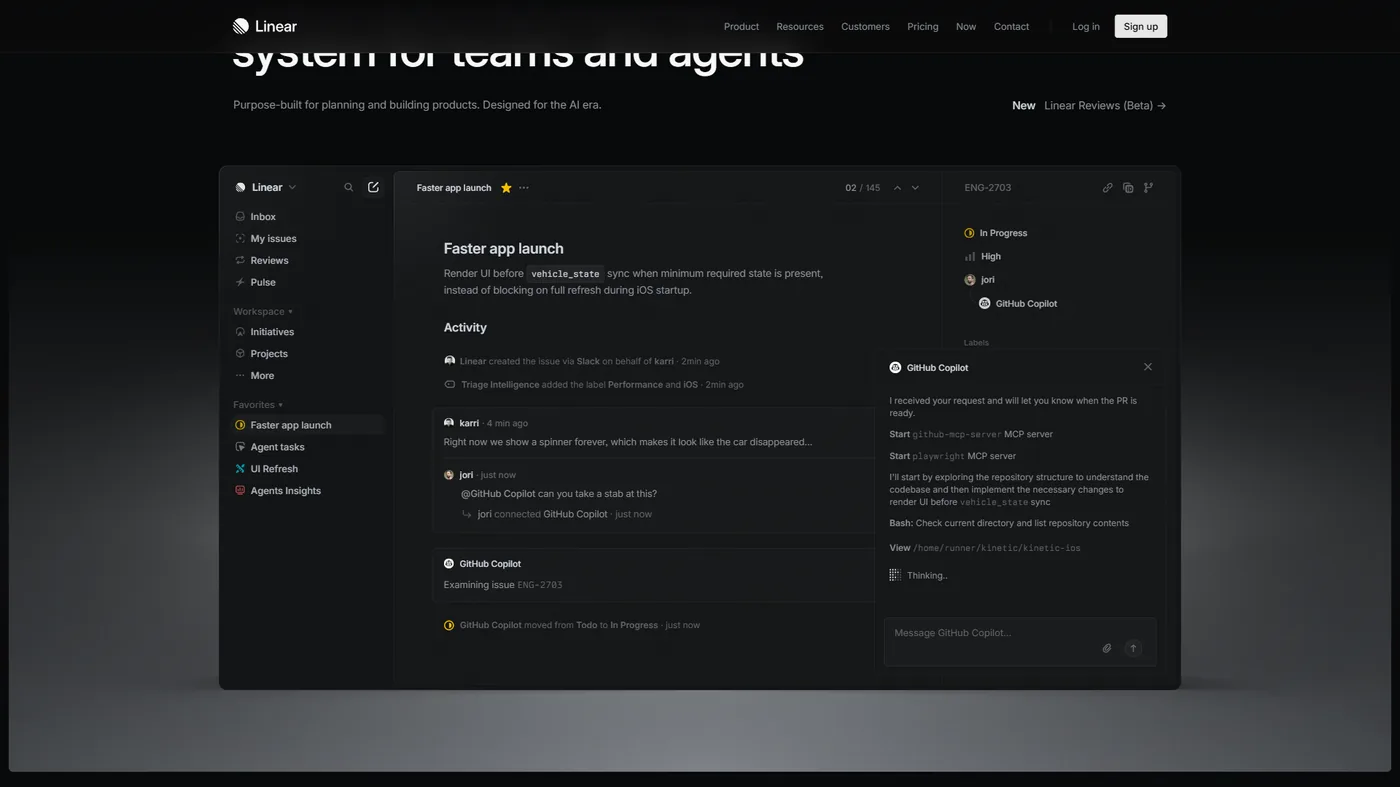
Linear is the best ClickUp alternative for software engineering teams that ship code on a cadence. Linear’s keyboard-first interface responds in under 50ms, and issues are structured around engineering concepts - cycles (sprints), initiatives, projects, and milestones - rather than generic tasks. GitHub and GitLab integrations link pull requests to issues automatically. See Linear’s documentation for setup guidance, and our Linear alternatives roundup for more options. Teams that previously used ClickUp for engineering describe the switch as a relief - the tool does not require constant maintenance to stay useful.
Where Linear beats ClickUp: sub-50ms response times, a mental model purpose-built for software development, native GitHub/GitLab/Figma integration with automatic pull-request linking, cycle planning and velocity tracking in the core, a cleaner interface, and a lower price ($8 vs ClickUp’s $10 per user/mo Unlimited).
Where ClickUp still wins: cross-functional work (Linear is not built for marketing, operations, or client management), an unlimited-user free tier, broader AI coverage in ClickUp Brain, and a better fit for organizations where engineering is one team among many on a shared platform.
Best for: Software engineering teams and product-engineering startups whose primary work is writing code and shipping features. Non-engineering teams working alongside engineers should use a separate tool.
6. Wrike - Best for Enterprise Workflows
Pricing: Free (5 users, limited storage) / Team: $9.80 per user/mo / Business: $24.80 per user/mo / Enterprise: custom
Wrike is the best ClickUp alternative for enterprise teams that need granular security and compliance controls. It competes with ClickUp at the enterprise end of the market, emphasizing security, compliance, and advanced resource management over feature breadth. Wrike’s permission model is more granular than ClickUp’s, and the built-in proofing and approval workflows are designed for content-review cycles - creative agencies, marketing departments, and professional services firms. Wrike Integrate supports 400+ tool connections for complex integrations, and Wrike’s project management guide covers enterprise workflow setup best practices.
Where Wrike beats ClickUp: more granular permission controls at Business tier and below, built-in proofing and approval workflows, more detailed resource management and workload analysis, Wrike Integrate across 400+ tools, and a stronger compliance posture for regulated industries.
Where ClickUp still wins: significantly more capable AI in ClickUp Brain, a more generous free tier (unlimited users vs Wrike’s 5), more native view types, a lower price at equivalent tiers, and a faster development pace.
Best for: Enterprise teams with complex approval workflows, content proofing requirements, or security controls beyond ClickUp’s Business tier - particularly professional services firms and agencies managing client content review.
7. Todoist - Best for Simplicity and Personal Productivity
Pricing: Free (5 projects, 5 collaborators) / Pro: $4 per user/mo / Business: $6 per user/mo
Todoist is the lightweight end of the ClickUp alternatives spectrum - a focused task manager without project management depth. Where ClickUp spans task management, documentation, whiteboards, goals, and AI, Todoist does one thing: capture and complete tasks reliably. The Todoist productivity methods library covers GTD, time-blocking, and similar frameworks. Natural-language input (type “Submit report every Friday” and Todoist creates a recurring task) reduces friction to near zero, and Todoist’s $4 per user/month Pro plan covers daily task management at a fraction of ClickUp’s cost.
Where Todoist beats ClickUp: near-zero onboarding, best-in-class mobile apps to manage tasks on the go, natural-language task entry faster than ClickUp’s form-based creation, a much lower price ($4 vs $10 per user/mo), and integrations with Google Calendar, Slack, and 80+ tools via Zapier.
Where ClickUp still wins: no project views, Gantt charts, or timeline features in Todoist; no built-in documentation, whiteboards, or collaboration tools; limited reporting and analytics; no native time tracking; and not designed for complex multi-project dependencies.
Best for: Freelancers, solopreneurs, and small teams whose primary need is personal task management and simple shared to-do lists at the lowest price in this comparison.
Which Alternative Fits Your Team’s Workflow
The right alternative depends on which ClickUp friction is driving the switch - setup complexity, documentation gaps, engineering fit, dashboards, cost at scale, or enterprise compliance. If AI-powered project management is a priority, our best AI project management tools 2026 roundup covers the full landscape.
- Complexity overwhelmed your team - Asana for timeline views and dependencies; Basecamp for communication plus basic task lists.
- Documentation alongside projects - Notion combines wikis, databases, and project management in one tool.
- Primarily engineering - Linear. Keyboard-first interface, native GitHub integration, and sprint management fit software development better.
- Visual dashboards and reporting - Monday.com. Chart and pivot-table capabilities beat ClickUp’s, and onboarding is faster for non-technical stakeholders.
- 20+ users, control costs - Basecamp ($299/month flat) or Todoist Business ($6/user/month).
- Enterprise compliance - Wrike or Asana Enterprise+ for stronger compliance than ClickUp at comparable price points.
The Bottom Line
Of the seven ClickUp alternatives to try in 2026, ClickUp itself still earns strong user ratings that reflect genuine power - the most generous free tier in the category, multi-model AI in ClickUp Brain, and a real all-in-one value proposition for teams that invest the time to set it up. But “best for everyone” is not always best for you: Asana is cleaner for structured workflows, Monday.com offers better visual reporting, Notion handles knowledge work better, Linear is purpose-built for engineering, and Todoist serves individual task management at a fraction of the cost.
The clearest switch signal is when the team spends more time configuring ClickUp than using it, or when people avoid the tool because setup feels disproportionate to the work. The right alternative is usually the simplest one that covers actual requirements - not the most feature-rich.
FAQ
Q: Is there anything better than ClickUp?
The best ClickUp alternative depends on the friction driving the switch: Asana for structured workflows, Linear for engineering teams, Notion for knowledge-intensive work, Monday.com for visual dashboards, Basecamp for simplicity, Wrike for enterprise compliance, and Todoist for personal task management. No single tool beats ClickUp on every axis.
Q: What is the Microsoft equivalent of ClickUp?
Microsoft Planner (bundled with Microsoft 365 Business) and Microsoft Project are the closest Microsoft-stack equivalents. Planner handles Kanban-style task boards; Microsoft Project covers Gantt charts, resource leveling, and portfolio management. Microsoft Loop adds collaborative documents that overlap with ClickUp Docs.
Q: What is the best ClickUp alternative for engineering teams?
Linear is the best ClickUp alternative for engineering teams. The keyboard-first interface responds in under 50ms, issues are structured around engineering concepts (cycles, initiatives, projects, milestones), and GitHub/GitLab integrations link pull requests to issues automatically. Linear Standard costs $8 per user/mo versus ClickUp’s $10 Unlimited tier.
Q: Which ClickUp alternative is simplest to use?
Basecamp is the simplest ClickUp alternative. It rejects feature maximalism in favor of message boards, to-do lists, file storage, group chat, and automatic check-ins - no custom fields, Gantt charts, automations, or AI. Flat-rate pricing of $299 per month makes it cost-effective for teams over 20 people.
Q: Is Notion a good replacement for ClickUp?
Notion is a good ClickUp replacement for teams whose work involves as much knowledge creation as task execution. It combines documentation, databases, project tracking, and wikis in a single workspace; the 2026 version adds dedicated project databases, timeline views, and sprint boards, though it still lacks ClickUp’s depth in time tracking and complex automation.
Related Reading
Related project management coverage extends this guide with head-to-head comparisons and deeper roundups.
Tools covered:
- ClickUp - all-in-one PM with 15+ views and AI
- Asana - structured workflows with AI Studio on all paid plans
- Notion - knowledge management and project tracking in one workspace
More project management comparisons:
- ClickUp vs Asana: Complete Comparison 2026
- ClickUp vs Notion: Productivity Workspace Showdown
- Asana Competitors 2026
- Apps Like Notion: Knowledge Management Alternatives
External Resources
External resources link to primary vendor documentation and independent research that informed this comparison.