






The best power bi alternatives in 2026 are Tableau for visual analytics, Looker for governed semantic modeling, Metabase for self-hosted budget teams, Google Sheets for lightweight collaboration, and Domo for real-time data integration. This guide ranks five power bi alternatives for data-driven insights by role, pricing, and AI features.
License complexity, Windows-only authoring, DAX, and per-capacity pricing send analysts searching for power bi alternatives monthly. Each option below solves a specific Power BI pain point; our best BI tools 2026 roundup covers more contenders.
Methodology: This comparison is based on each vendor’s current pricing and product documentation plus independent research - not sponsored placement. AI Productivity may earn a commission from links; rankings are editorially independent.
Quick Picks: Power BI Alternatives Compared
Power BI alternatives are business intelligence tools that match or exceed Power BI’s core capabilities with different pricing, features, or deployment models. Leading options include Tableau, Looker, Metabase, Google Sheets, and Domo - the same vendors that surface in Gartner’s official Power BI competitors 2026 listing.
| Feature | Power BI | Tableau | Looker | Metabase | Google Sheets | Domo |
|---|---|---|---|---|---|---|
| Starting Price | Free (Desktop) / $10/user/mo | $15/user/mo (Viewer) | Custom (enterprise) | Free (open-source) | Free | Custom (credit-based) |
| Full Creator Price | $10-$20/user/mo | $75/user/mo (Creator) | ~$150-200/user/mo | $85/mo (5 users, cloud) | $7-14/user/mo | ~$83/user/mo (est.) |
| AI Features | Copilot, Q&A | Tableau Agent, Pulse, Ask Data | Gemini Conversational Analytics, LookML Assistant | Natural language queries | Gemini AI, Smart Fill | Domo AI, Agent Catalyst |
| Best For | Microsoft-heavy orgs | Visual analytics, enterprise BI | Embedded analytics, data modeling | Self-hosted BI | Lightweight analysis | Real-time dashboards |
| Learning Curve | Moderate-Steep | Steep | Steep | Low-Moderate | Low | Moderate |
| Self-Hosting | No | Yes (Tableau Server) | No | Yes (Docker/JAR) | No | No |
| Free Tier | Desktop only | No (Public only) | No | Yes (open-source) | Yes | No (30-day trial) |
| Rating | N/A | N/A | N/A |
Quick verdict: Tableau is the closest direct Power BI replacement for visual analytics. Looker is the pick for code-driven modeling with governed metrics. Metabase delivers remarkable value at zero cost. Google Sheets covers teams whose BI needs are really shared charts. Domo fits orgs that need 1,000+ connectors feeding real-time dashboards.
Why People Leave Power BI
Teams leave Power BI for five recurring reasons: confusing license tiers, Windows-only desktop authoring, the steep DAX learning curve, Microsoft ecosystem lock-in, and the extra Copilot license required for AI features - the same complaints surfaced in the r/BusinessIntelligence Power BI alternatives for a Microsoft-independent thread.
License complexity is the top complaint. Power BI Pro, Premium Per User, Premium Per Capacity, Embedded, and Fabric form a confusing matrix; a 50-person team can face a $50,000+ annual surprise when upgrading from Pro to Premium.
Windows dependency limits deployment. Power BI Desktop runs only on Windows; macOS analysts need virtual machines or the limited browser-only Power BI Service.
DAX is powerful but punishing. Data Analysis Expressions is steeper than SQL for most analysts.
Microsoft ecosystem lock-in. Power BI works best when data lives in Azure, files in SharePoint, and the team in Teams - multi-cloud organizations find non-Microsoft connectors slower.
AI features are Copilot-dependent. Power BI’s AI requires Microsoft Copilot, a separate $30 per user/mo license. Competitors bake AI into base pricing - a trend we cover in best AI analytics platforms comparison.
1. Tableau - Best for Visual Analytics and Enterprise Dashboards
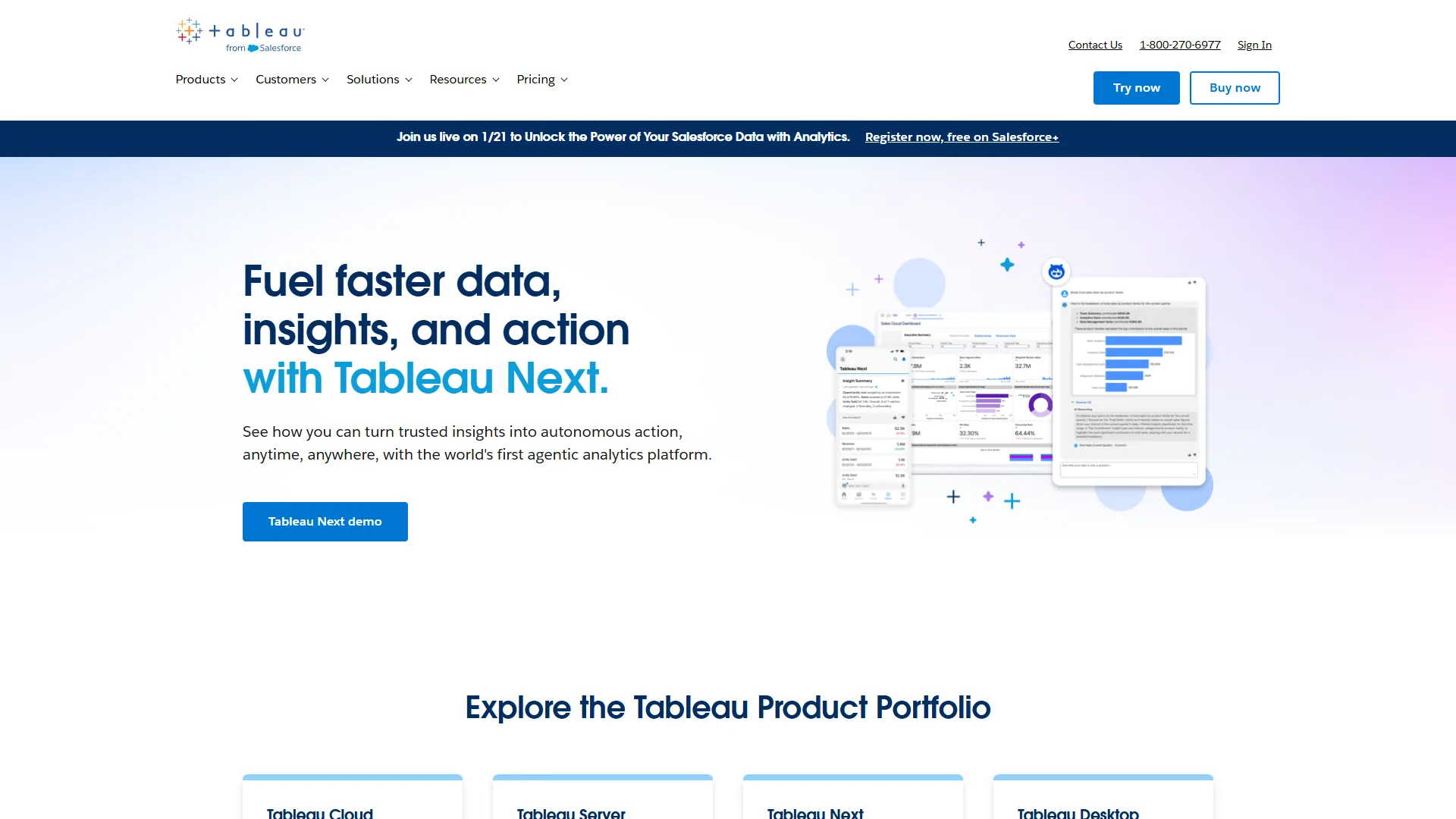
Tableau () is the closest direct Power BI competitor and remains the gold standard in data visualization. Now part of Salesforce, Tableau ships cross-platform authoring and the strongest visual grammar in the category - the same conclusion reached in Quadratic’s identifying the best alternative to power bi and tableau review.
Why Tableau Beats Power BI
Visual grammar is superior. Tableau’s VizQL engine produces polished visualizations more flexibly than Power BI’s chart library.
Cross-platform authoring. Tableau Desktop runs on Windows and macOS natively, and Tableau Cloud handles web authoring - a benefit our best Mac productivity tools 2026 review highlights.
AI is included in base pricing. Tableau Agent, Pulse, Ask Data, and Explain Data ship with standard licenses - no separate $30 per user/mo add-on.
Pricing
| Tier | Monthly Price | What You Get |
|---|---|---|
| Viewer | $15/user/mo | View and interact with dashboards |
| Explorer | $42/user/mo | Edit workbooks, limited authoring |
| Creator | $75/user/mo | Full authoring, data prep, all AI features |
TCO for a 25-person team: Roughly $14,400/year for a 5 Creator / 5 Explorer / 15 Viewer split.
Limitations. LOD expressions, table calculations, parameter actions, and set operations take weeks to master - the best AI tools for data analysts guide flags lower-friction alternatives.
Choose Tableau if: You need enterprise visual analytics with cross-platform support and at least one dedicated analyst.
2. Looker (Google Cloud) - Best for Data Modeling and Embedded Analytics
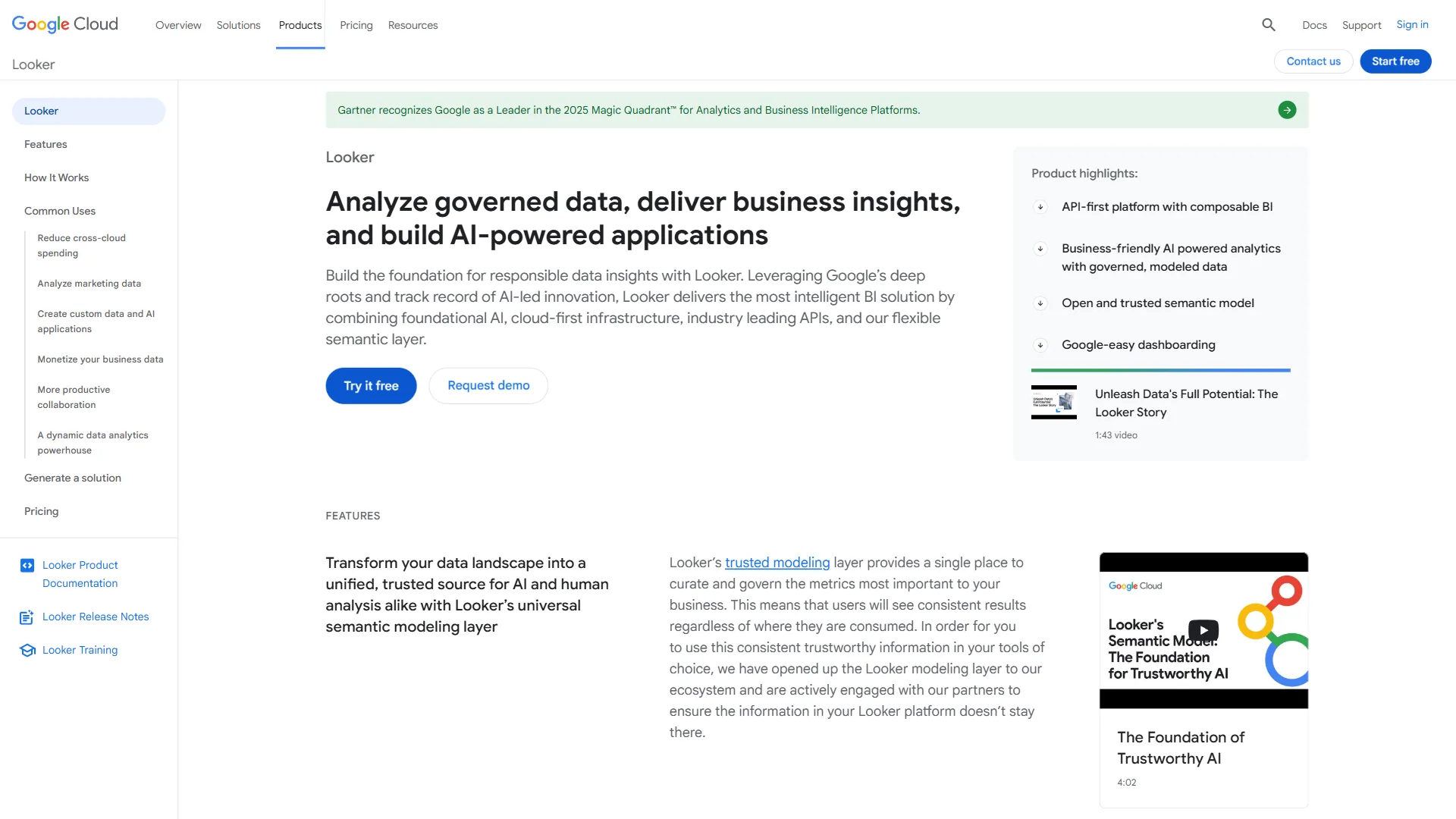
Looker () is the Power BI alternative built for governed, code-managed metrics, using a semantic modeling layer called LookML that defines metrics in code rather than in each report. According to Kate Wright, Senior Director of Product Management at Google Cloud, “Looker’s semantic layer reduces generative AI data errors by 66%” - the Google Cloud Looker documentation credits this to giving every dashboard one trusted source of truth.
Why Looker Beats Power BI
Semantic layer eliminates metric inconsistency. In Power BI, report authors can each calculate “revenue” differently; in Looker, LookML defines revenue once for every downstream consumer.
Embedded analytics is a first-class feature. Looker was built for embedding into customer-facing applications - a pattern many of our best data analytics platforms review use cases lean on.
Gemini AI is deeply integrated. Conversational Analytics handles natural-language queries and the LookML Assistant automates model creation, both included in Looker licensing.
Pricing
Looker does not publish self-service pricing; all deals are negotiated through Google Cloud sales.
| Team Size | Estimated Annual Cost |
|---|---|
| 10-25 users | $36,000-$60,000/year |
| 50-100 users | $84,000-$120,000/year |
| 250+ users | $216,000-$360,000+/year |
TCO reality check: The average deal size is approximately $150,000/year. This investment makes sense for governed metrics at scale or customer-facing embedded analytics.
Limitations. LookML has its own learning curve comparable to DAX; you need developers or technically-inclined analysts to build the semantic layer.
Choose Looker if: You need governed metrics across a large organization, or you are embedding analytics into a SaaS product.
3. Metabase - Best for Self-Hosted and Budget-Conscious Teams
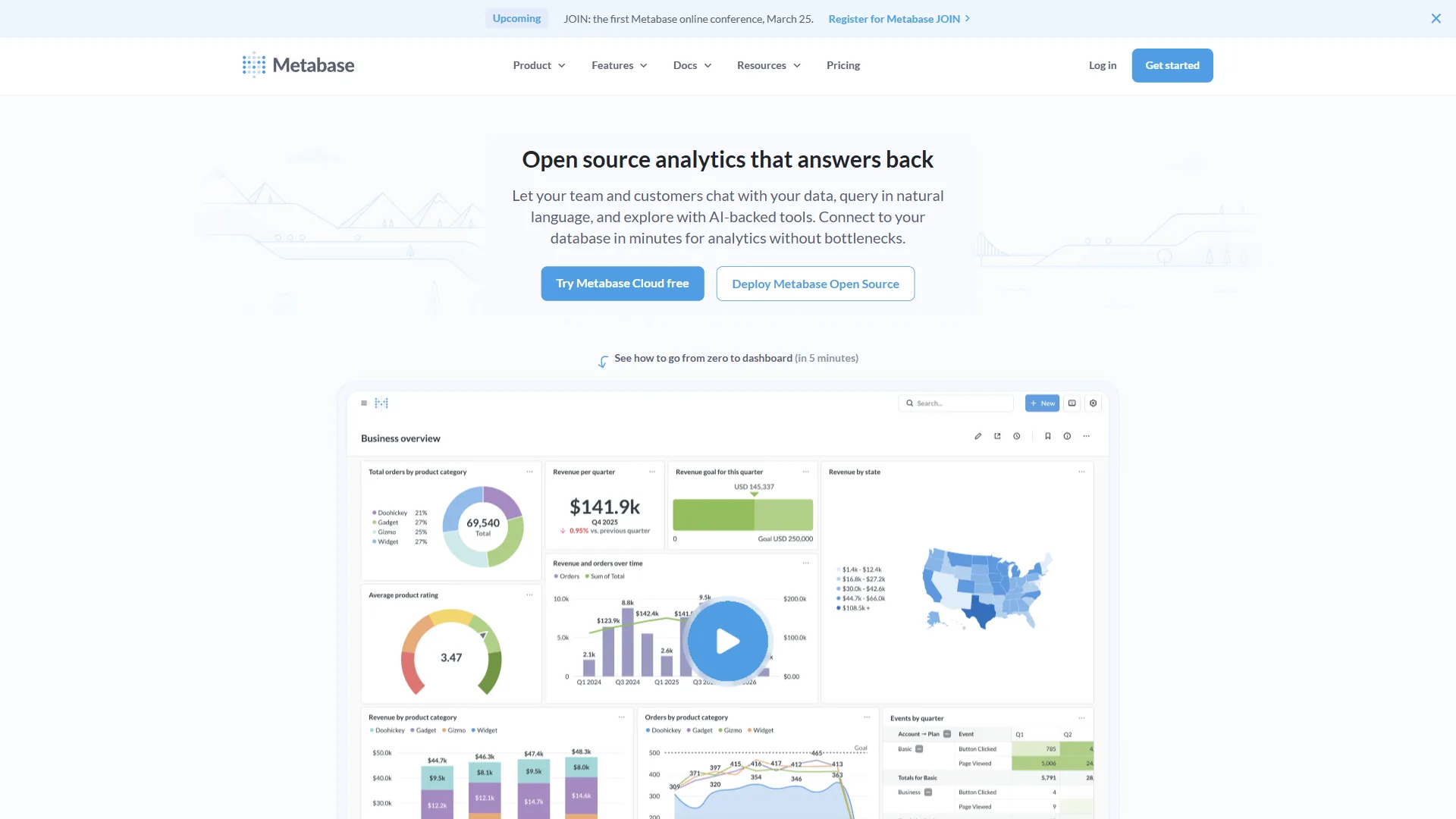
Metabase is the most practical free power bi alternative available - open-source, self-hostable, and used by over 30,000 companies in 200+ countries, according to the Metabase documentation. The open-source edition ships full BI features with unlimited users at zero license cost.
Why Metabase Beats Power BI
Genuinely free. Self-host via Docker or JAR with no license cost; Power BI Desktop is free for individual use but team sharing requires Pro or Premium.
Setup takes minutes, not days. Non-technical users start asking questions immediately via the visual query builder - no semantic modeling layer, no DAX.
Developer-friendly architecture. Metabase offers a robust API, iframe and SDK embedding, and Docker deployment.
Pricing
| Tier | Price | What You Get |
|---|---|---|
| Open Source | Free | Full BI features, unlimited users, self-hosted |
| Starter (Cloud) | $85/mo | 5 users, cloud hosting, email support |
| Pro (Cloud) | $500/mo | Unlimited users, SSO, priority support |
| Enterprise | Custom | Advanced permissions, audit logs |
TCO for a 25-person team: $0/year self-hosted; Pro at $6,000/year supports unlimited users - dramatically cheaper than Power BI, Tableau, or Looker at any size.
Limitations. Metabase does not match Tableau or Looker in visualization depth and its AI features are basic. Self-hosting means owning uptime, backups, and patches - the best AI database tools 2026 shortlist covers managed back-ends to pair with it.
Choose Metabase if: You want capable BI without license fees and can handle basic self-hosting.
4. Google Sheets - Best for Lightweight Analysis and Collaboration
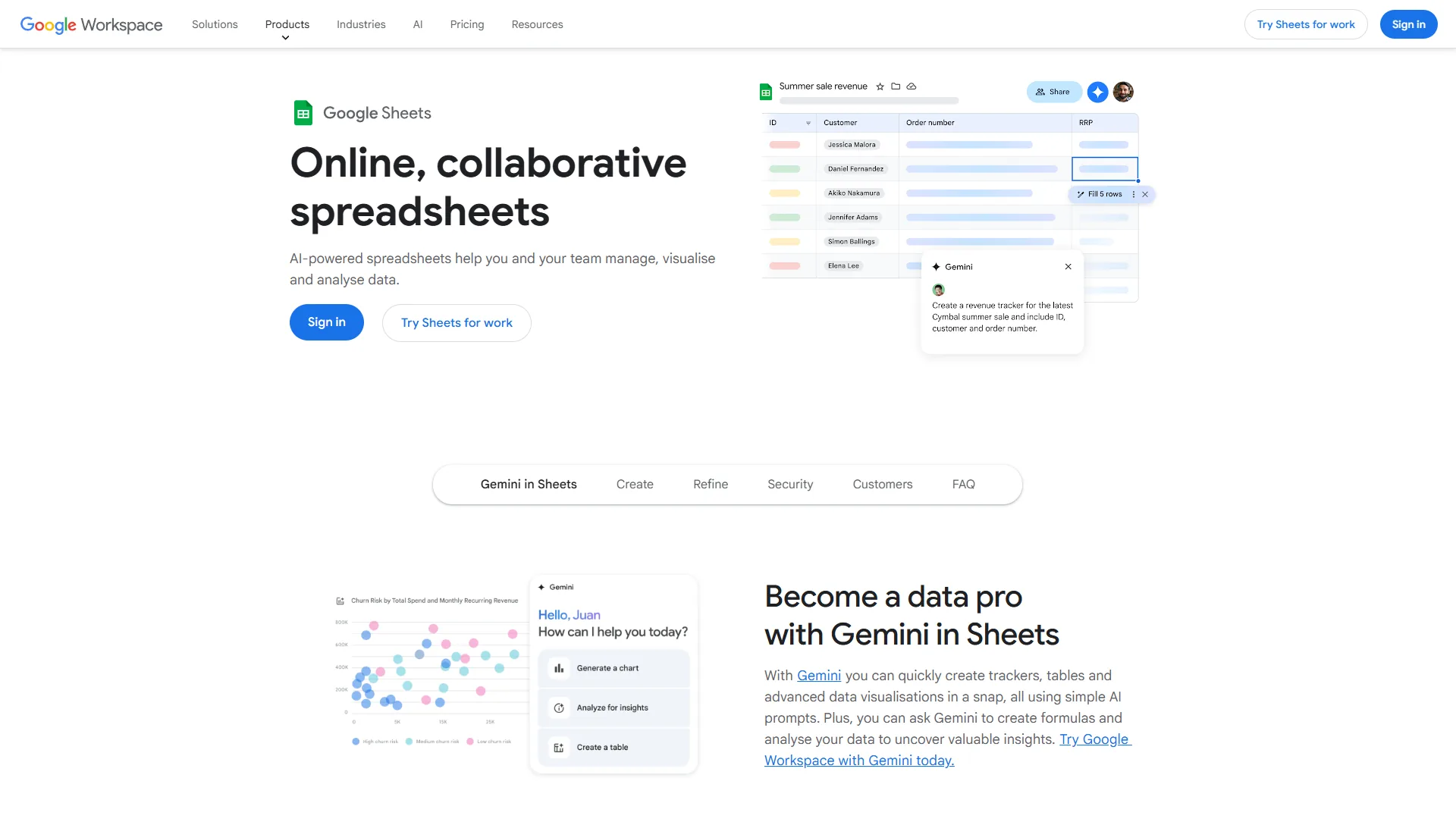
Google Sheets is the right power bi alternative when your real need is shared spreadsheets with charts and pivot tables rather than a full BI platform - this lighter footprint beats Power BI on cost, onboarding, and collaboration.
Why Google Sheets Beats Power BI (for the Right Use Cases)
Zero barrier to entry. Every team member already knows spreadsheets - no training budget, no BI champion needed.
Real-time collaboration is unmatched. Five people can co-edit with visible cursors and cell-anchored comments.
Gemini AI makes it smarter. Smart Fill auto-completes columns and the Explore panel answers natural-language questions like “What was our best-performing region last quarter?” - all included in Google Workspace at no AI surcharge.
Cost is negligible. Business Starter is $7/user/mo; Business Standard $14/user/mo - a fraction of Power BI Pro plus Copilot, and a natural pair with the picks in best AI spreadsheet tools 2026.
Pricing
| Tier | Monthly Price | Key Features |
|---|---|---|
| Personal (Free) | $0 | Full spreadsheet features, 15 GB storage |
| Business Starter | $7/user/mo | Custom email, 30 GB storage |
| Business Standard | $14/user/mo | 2 TB storage, Gemini AI features |
| Business Plus | $22/user/mo | 5 TB storage, advanced security |
TCO for a 25-person team: $0-$4,200/year - less than five Power BI Pro licenses even at Business Standard with Gemini AI.
Limitations. Google Sheets caps at ~10 million cells with no modeling layer, row-level security, or metric governance.
Choose Google Sheets if: Your analytics needs are shared spreadsheets, charts, and pivots rather than governed enterprise dashboards.
5. Domo - Best for Real-Time Dashboards and Data Integration
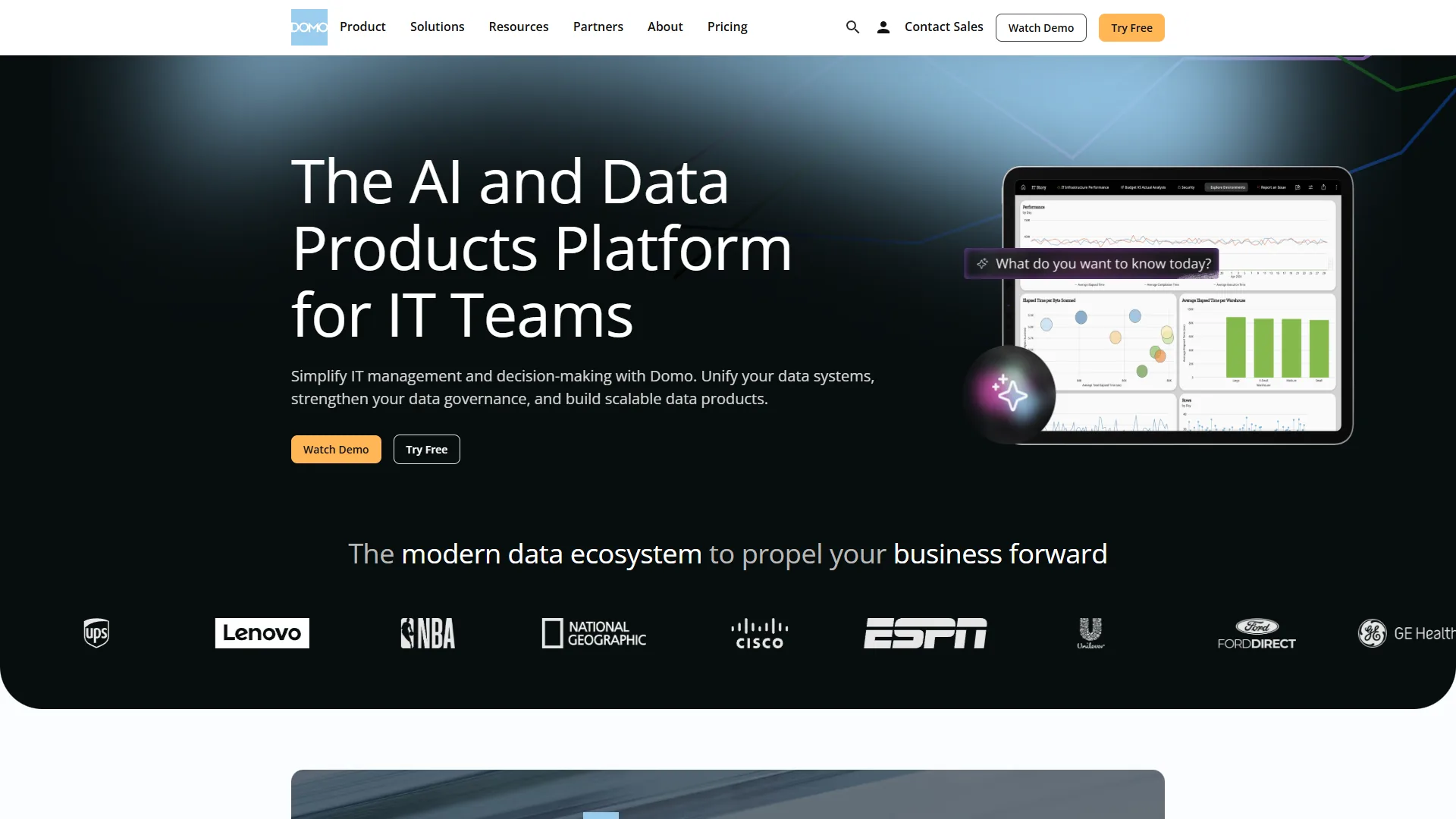
Domo () is the power bi alternative for teams that need real-time dashboards fed by hundreds of pre-built connectors, not a separate ETL pipeline. Domo connects to over 1,000 sources and refreshes them continuously - the core strength that separates it from Power BI’s DirectQuery model.
Why Domo Beats Power BI
1,000+ pre-built connectors eliminate ETL work. Domo treats ingestion as core, collapsing the pipeline timeline Power BI users typically spend months on.
Real-time data is a default, not an upgrade. Power BI’s real-time path requires DirectQuery (with performance trade-offs) or Premium capacity; Domo refreshes continuously - many of the workflows in best AI tools for data analysis depend on this.
Agent Catalyst brings agentic AI. Domo’s 2026 AI strategy enables autonomous agents that monitor data, detect anomalies, and trigger workflows without human intervention.
Pricing
Domo uses a credit-based consumption model with custom pricing; no self-service signup is available.
| Team Size | Estimated Annual Cost |
|---|---|
| Mid-sized (25-50 users) | $20,000-$50,000/year |
| Enterprise (50-100 users) | $50,000-$100,000/year |
| Large Enterprise (250+ users) | $100,000+/year |
TCO reality check: Domo’s average deal size is approximately $134,000/year. A 50-user team handling 250 million rows runs $75,000-$85,000 annually.
Limitations. Credit-based pricing is opaque and the authoring experience does not match Tableau’s visual depth.
Choose Domo if: You need to connect dozens of sources into real-time dashboards without first building a data warehouse.
Best Picks by Use Case
Different roles match different power bi alternatives:
- Data Analysts - Tableau for VizQL depth, or Metabase if analysts are SQL-comfortable.
- Business Managers - Google Sheets for lightweight KPI trackers; Domo for polished real-time dashboards.
- Data Engineers - Metabase for Docker and API, or Looker for LookML metrics-as-code.
- Embedded Analytics - Looker was purpose-built for SaaS embedding; Metabase covers simpler cases on a budget.
Total Cost of Ownership by Team Size
| Cost Factor | Tableau | Looker | Metabase | Google Sheets | Domo |
|---|---|---|---|---|---|
| 10-person team (annual) | $4,500-$9,000 | $36,000+ | $0-$1,020 | $0-$1,680 | $20,000+ |
| 50-person team (annual) | $18,000-$45,000 | $84,000+ | $0-$6,000 | $0-$8,400 | $50,000+ |
| Training investment | High | High (LookML) | Low | Minimal | Moderate |
| Implementation timeline | 2-6 weeks | 4-12 weeks | 1-3 days | Immediate | 4-8 weeks |
The cheapest option is rarely the best - match total cost to team capability, not procurement budget alone.
How Do You Migrate from Power BI?
Migrating from Power BI takes 4-8 weeks for a small analytics team because reports do not transfer - every dashboard and calculated measure must be rebuilt by hand.
- Data connections transfer easily - all five alternatives connect to the same databases and cloud services.
- Reports do not transfer at all - no “import Power BI workbook” button anywhere. Plan for full rebuilds.
- DAX knowledge partially transfers - logical patterns carry to Tableau calculations, LookML, or SQL.
- Start with parallel deployment - run the new tool alongside Power BI for 60-90 days, validate numbers, then migrate users in waves.
- Budget 2-3x your expected timeline - edge cases and retraining always add time, as the best business intelligence tools 2026 roundup shows.
The Bottom Line
The right power bi alternative depends on the Power BI pain point you are solving - visualization depth, governed metrics, cost, collaboration, or real-time integration.
- Better visualizations and cross-platform authoring? Tableau is the most direct upgrade.
- Governed metrics and embedded analytics? Looker is built for exactly this.
- BI on a budget with self-hosting? Metabase delivers remarkable value at zero cost.
- Shared charts and collaborative analysis? Google Sheets is the pragmatic choice.
- Real-time dashboards from hundreds of sources? Domo handles integration and visualization together.
BI tool mismatch costs more in lost productivity than any migration project. For the head-to-head between two front-runners, see our power BI vs tableau deep dive.
FAQ
What is the best alternative to Power BI?
The best alternative to Power BI is Tableau for most teams because it matches Power BI’s enterprise feature set, adds cross-platform desktop authoring, and includes AI in base pricing. Looker is the better pick for governed embedded analytics; Metabase wins for budget self-hosting.
Is Power BI being discontinued?
Power BI is not being discontinued. Microsoft continues investing in Power BI as part of the Microsoft Fabric platform in 2026. The pressure to evaluate power bi alternatives comes from pricing and Windows-only authoring, not from any sunset.
Is Power BI still in demand in 2026?
Power BI is still in demand in 2026, particularly inside Microsoft-heavy organizations, and remains a top-three BI platform by market share. Demand is softening at the edges as multi-cloud teams adopt Looker, Tableau, or Metabase.
Is Power BI just fancy Excel?
Power BI is not just fancy Excel - it is a full BI platform with a semantic model, DAX, scheduled refresh, row-level security, and governed sharing. Excel handles ad-hoc analysis; the two are complementary.
Can you run Power BI on a Mac?
Power BI Desktop runs only on Windows; Mac users are limited to the browser-only Power BI Service, which lacks full authoring. Tableau Desktop, by contrast, runs natively on both Windows and macOS with no feature gaps.
What does it cost to migrate from Power BI to a free alternative?
Metabase is free to self-host, but migration cost comes from rebuilding reports - there is no Power BI workbook import button. Budget four to eight weeks for two analysts and run both tools in parallel for 60-90 days.
Related Reading
Power BI alternatives in 2026 covered in this article:
- Tableau Review - Visual analytics and enterprise dashboards
- Looker Review - Data modeling and embedded analytics
- Metabase - Open-source business intelligence
- Google Sheets - Collaborative spreadsheet analytics
- Domo Review - Real-time dashboards and data integration
More data and analytics guides:
- Best AI Data Visualization Tools 2026
- Best AI Spreadsheet Tools 2026
- How to Analyze Data with AI
- Best AI Tools for Data Analysts in 2026
- Domo vs Power BI 2026
- Looker vs Power BI 2026
External Resources
Authoritative third-party documentation referenced throughout this comparison:
- Tableau AI Product Page - Official overview of Tableau’s AI features including Agent, Pulse, and Ask Data
- Metabase Documentation - Complete setup and configuration guide for self-hosted and cloud deployments
- Looker Documentation - Google Cloud’s official Looker documentation including LookML reference
- Gartner: Top Microsoft Power BI Alternatives & Competitors 2026 - Independent enterprise review platform listing