



Power BI costs $14 per user per month while Domo uses custom enterprise pricing typically starting around $1,000 per month, making Power BI the clear value play for most analytics teams. Domo and Power BI both promise to turn raw data into business decisions. They both connect to hundreds of data sources, both build interactive dashboards, and both claim to serve everything from small teams to global enterprises. But they are fundamentally different products built on different philosophies - and choosing the wrong one for your organization has real consequences.
According to a Gartner Magic Quadrant for Analytics and Business Intelligence Platforms report, “Microsoft is positioned as a Leader for the seventeenth consecutive year, with Power BI’s user base now exceeding hundreds of thousands of organizations worldwide.” This comparison cuts through the marketing to give you a clear picture of where each platform excels, where each falls short, and which one makes sense for your situation. AI Productivity may earn a commission from links on this page; our rankings are editorially independent.
Gartner’s Magic Quadrant for Analytics and Business Intelligence Platforms positions both vendors, the Forrester Total Economic Impact study for Power BI documents 366% three-year ROI, and McKinsey’s research on data-driven enterprises frames the broader infrastructure decision.
Domo vs Power BI: The Core Difference
Domo is a cloud-native managed BI platform built for non-Microsoft enterprises, while Power BI is a Microsoft-stack tool that integrates natively with Excel, Teams, and Azure. Before getting into features and pricing, one distinction matters more than any other:
Domo is a cloud-native, fully managed BI platform designed around the assumption that your entire data operation lives in their cloud. Everything - data connectors, transformation, storage, visualization, sharing - runs inside Domo’s infrastructure. It’s designed for organizations that want to outsource their data infrastructure complexity.
Power BI is a Microsoft product designed for organizations already living in the Microsoft ecosystem. It integrates deeply with Excel, Teams, SharePoint, Azure, and the broader Microsoft 365 stack. It’s a power tool for organizations where Microsoft is the default - and it gets out of the way for organizations where Microsoft isn’t central.
This fundamental difference determines which platform serves you better more reliably than any individual feature comparison.
Power BI: Overview and Pricing
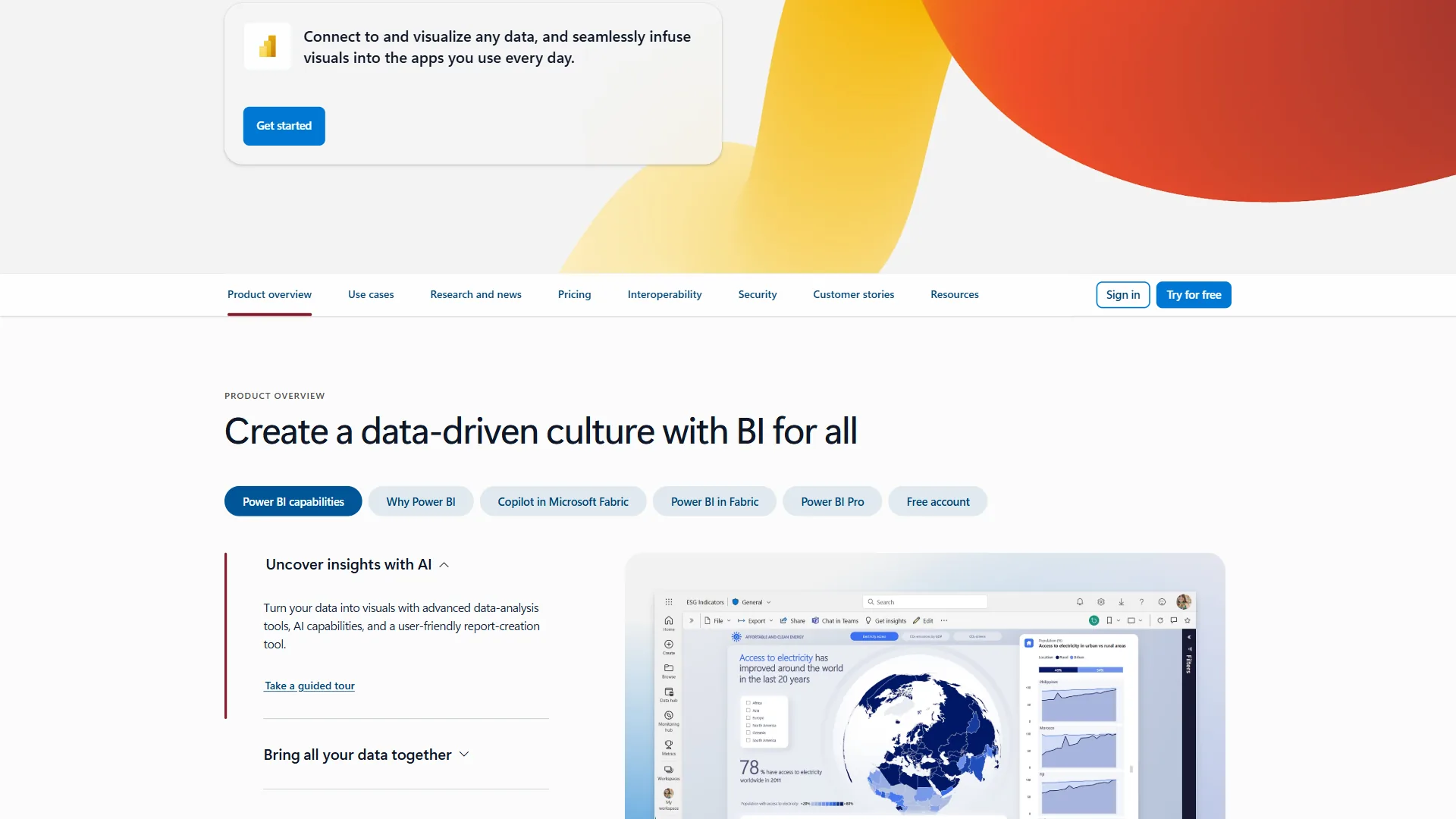
Power BI is Microsoft’s flagship business intelligence platform, and for Microsoft 365 organizations it’s the obvious choice. The platform has evolved significantly since its 2015 launch, adding AI capabilities, deeper Azure integration, and the Microsoft Fabric data platform that now sits beneath Power BI’s enterprise tier. The official Power BI overview documentation details how Desktop, Service, and Mobile components fit together.
Power BI Pricing:
| Plan | Monthly Price | Key Limits |
|---|---|---|
| Power BI Free | $0 | Personal use only, no sharing |
| Power BI Pro | $14/user/month | 10GB storage, 8 daily refreshes |
| Power BI Premium Per User (PPU) | $24/user/month | 100GB storage, 48 daily refreshes |
| Power BI Premium Per Capacity | Custom | Unlimited users, enterprise capacity |
Pro at $14 enables team sharing, PPU at $24 unlocks paginated reports and larger datasets, and Premium Per Capacity removes per-user licensing entirely. One important caveat: Copilot AI requires Fabric F64+ or Premium P1+ capacity, so Pro and PPU tiers do not get the full Copilot experience.
Power BI Key Strengths:
Microsoft 365 Integration. Excel data flows directly into reports, dashboards embed natively in Teams and SharePoint, and OneDrive handles backup. For Microsoft 365 customers, the integration eliminates weeks of custom development - one manufacturing case reduced report creation from 5 hours to 4 minutes.
DAX Data Modeling. The DAX formula language gives analysts time intelligence, calculated columns, measures, and relationships without writing SQL. Steep learning curve, real payoff.
Price-to-Value Ratio. At $14 per month for Pro versus Domo’s six-figure enterprise contracts, Power BI delivers most enterprise BI capabilities at a fraction of the cost - and Forrester documented 366% three-year ROI for full deployments.
100+ Data Connectors. Power BI connects to SQL databases, Azure services, Salesforce, Google Analytics, SAP, and over 100 other sources documented in the Power BI data sources reference. Power Query handles data transformation and cleaning without requiring custom code, and our best business intelligence tools 2026 roundup compares this connector breadth to the rest of the field.
Domo: Overview and Pricing
Domo is a cloud-native BI platform founded in 2010 with a strong focus on the executive and business-user experience. Where Power BI was built by engineers for analysts, Domo was built for business leaders who need answers, not tools.
Domo Pricing:
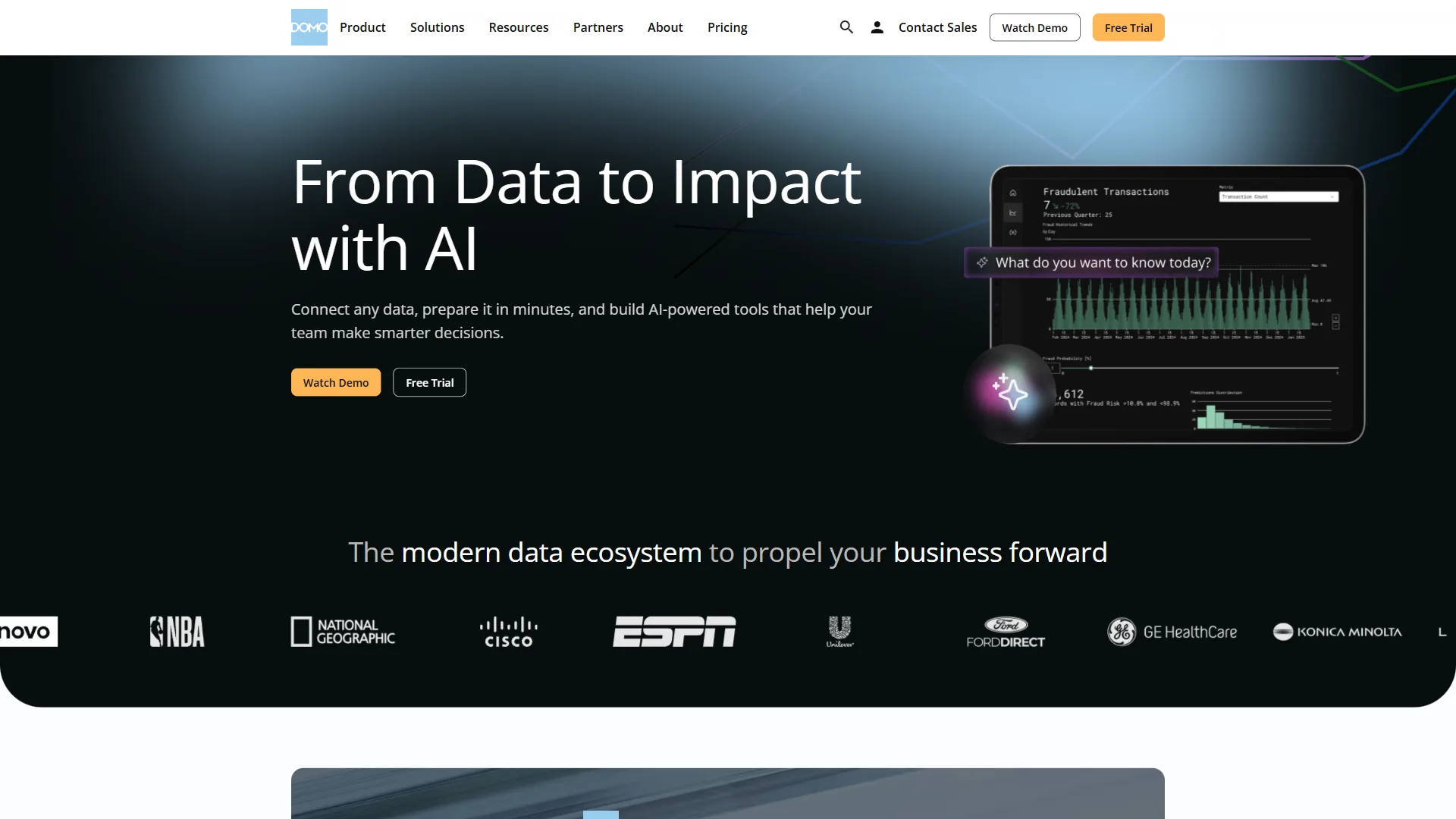
Domo does not publish standard pricing. Custom enterprise contracts vary with user count, data volume, and terms, with public reports citing $100,000-$150,000 annually for mid-sized organizations. You cannot evaluate Domo without going through a sales process, which makes comparison difficult and introduces vendor lock-in risk. A limited free trial and smaller entry packages exist, but the sweet spot is enterprise customers with integration complexity and budgets to match.
Domo Key Strengths:
Cloud-Native Architecture. Domo’s infrastructure is entirely cloud-based with no desktop component, as outlined in the official Domo platform architecture documentation. Every user accesses the same dashboards from any device, real-time data is genuinely real-time, and there’s no software to install or update. For organizations that want to eliminate on-premises infrastructure complexity, this is a meaningful advantage worth weighing alongside our Domo review.
Data Integration Depth. Domo’s connector library is extensive - over 1,000 pre-built connectors covering everything from enterprise ERP systems to social media APIs to IoT data streams. For organizations with complex, heterogeneous data sources, Domo’s integration capabilities can eliminate significant custom development work. Our enterprise data integration guide covers the broader landscape of connecting disparate data sources.
Business User Experience. Domo’s interface is designed for non-technical users. The drag-and-drop dashboard builder, mobile apps, and executive-focused views reduce dependence on dedicated BI analysts. Business leaders can explore data independently without waiting for IT.
Collaboration and Workflows. Domo includes features for business process automation beyond dashboards - workflow tools, card-level discussions, alerts, and scheduled reports. It’s designed to be the operational center of a data-driven organization, not just a reporting tool.
Domo AI (Magic ETL + AI). Domo has added AI capabilities through its Magic ETL data transformation pipeline and Domo.AI features including natural language querying and automated insight detection. The AI features are maturing but not as deep as Power BI’s Copilot integration with Microsoft Fabric. For a broader perspective, see our best AI analytics platforms roundup.
Feature-by-Feature Comparison
Domo wins on connector breadth and real-time data, while Power BI wins on Microsoft 365 integration, DAX data modeling, and transparent pricing. The table below summarizes the head-to-head differences across the 14 dimensions enterprise buyers weigh.
| Feature | Domo | Power BI |
|---|---|---|
| Pricing model | Custom enterprise | Transparent per-user |
| Entry price | Custom (high) | Free / $14/user/month |
| Desktop client | Web-only | Power BI Desktop (Windows) |
| Microsoft 365 integration | Third-party connectors | Native, deep integration |
| Data connectors | 1,000+ | 100+ |
| AI features | Domo AI (NLQ, Magic ETL) | Copilot (enterprise only) |
| Real-time data | Yes | Yes (refresh-based) |
| Mobile apps | Strong native apps | Good (iOS/Android) |
| Self-service analytics | Good (biz users) | Good (with training) |
| Collaboration features | Built-in workflows | Teams/SharePoint integration |
| Large dataset performance | Strong at scale | Limited on Pro tier (1GB) |
| Learning curve | Moderate | Steep (DAX) |
| Vendor lock-in risk | High | Moderate |
| Open-source components | No | No |
Pricing Comparison
Power BI costs $14 per user per month on the Pro tier, while Domo runs $80,000 to $120,000 per year for a typical 50-person enterprise contract. The pricing gap between Domo and Power BI is significant and deserves direct attention.
Power BI: $14 per user/month for Pro, $24 per user/month for PPU per the Power BI Premium licensing guide. A 50-person team pays around $700-$1,200/month. A 200-person team pays around $2,800-$4,800/month - see our Power BI pricing breakdown for full tier details.
Domo: Custom pricing starting much higher, with typical enterprise contracts in the six-figure annual range. For a 50-person implementation, you might be looking at $80,000-$120,000 annually depending on usage, connectors, and support tier.
For the majority of organizations, Power BI’s price advantage is decisive. Domo commands a premium for its cloud-native architecture, connector breadth, and business-user focus - but whether those advantages justify a 10x or 20x price premium depends entirely on whether your specific requirements demand what Domo uniquely offers.
Choose Domo if
Choose Domo if your organization runs on a non-Microsoft stack, integrates 30 or more data sources, or needs an executive-first mobile experience that justifies a six-figure annual contract. The four scenarios below are where Domo’s premium genuinely pays back.
1. Complex, Multi-Source Data Integration. If your organization pulls data from 30+ systems - legacy ERP, Salesforce, custom APIs, social platforms, IoT sensors - Domo’s 1,000+ connector library and Magic ETL pipeline reduce integration work dramatically.
2. Non-Microsoft Technology Stack. Organizations running primarily on AWS, Google Cloud, or Salesforce do not benefit from Power BI’s Microsoft ecosystem advantages. Our best data analytics platforms guide covers cloud-agnostic options in depth.
3. Executive-Driven Analytics Programs. Domo was designed for business leaders who want data without analyst intermediaries. The mobile experience and executive dashboards are more polished than Power BI’s equivalents.
4. Real-Time Operational Data. Domo’s cloud-native architecture handles streaming data more naturally than Power BI’s refresh-based model - a decisive advantage for operations centers, customer service floors, and executive war rooms.
Choose Power BI if
Choose Power BI if you run on Microsoft 365, need transparent per-seat pricing under six figures, have Excel-proficient analysts, or face strict compliance requirements. The five scenarios below cover where Power BI is the default-correct answer.
1. Microsoft 365 Organizations. If your team lives in Teams, SharePoint, Excel, and Azure, Power BI is the obvious choice. The native integration means analysts and executives stay inside the Microsoft security and compliance framework.
2. Budget-Conscious Organizations. For organizations that need enterprise BI capabilities without enterprise pricing, Power BI is unmatched. Strong analytics, broad connectivity, and $14 per user per month make it the right tool for companies outside the Fortune 500.
3. Self-Service Analytics with Existing Excel Users. Analysts who already know Excel can get productive in Power BI quickly. For AI-augmented reporting workflows, see our how to create reports with AI guide.
4. Data Modeling Complexity. For organizations with multiple fact tables, sophisticated business logic, and fiscal calendar calculations, Power BI’s DAX modeling layer gives analysts tools visual-only platforms cannot match.
5. Compliance and Security Requirements. Power BI inherits Microsoft’s enterprise security stack: Microsoft Purview integration, sensitivity labels, row-level security, BYOK encryption, and HIPAA/FedRAMP compliance options.
Why People Leave Power BI
Teams leave Power BI when they hit the 1GB Pro-tier dataset cap, need Tableau-grade visual design, or run primarily on Google Cloud where Looker integrates more naturally. Despite its advantages, Power BI is not the right choice for everyone.
Organizations primarily on Google Cloud should evaluate Looker, which is purpose-built for BigQuery and the Google Cloud ecosystem. Our Looker vs Power BI comparison covers this matchup in detail. Power BI connects to GCP data sources but doesn’t integrate as seamlessly.
Teams that prioritize beautiful data storytelling and visualization design should consider Tableau. Power BI visualizations are functional but lack Tableau’s design polish and interactive storytelling capabilities. For executive presentations that need to impress, Tableau still leads. Our Tableau vs Power BI breakdown explores this comparison directly.
Organizations that have outgrown Power BI’s dataset limits on Pro tier (1GB per dataset, 8 daily refreshes) and can’t justify Premium Per Capacity pricing may find the middle ground frustrating. The jump from Pro to enterprise capacity pricing can be steep.
Why People Leave Domo
Teams leave Domo when they need transparent per-seat pricing, want native Excel and Teams integration, or cannot commit to the six-figure annual contracts the platform is built around. Domo’s pricing model creates a natural selection effect: it is genuinely not designed for small businesses or teams with limited BI budgets. If you cannot commit to a six-figure annual contract, Domo’s enterprise sales process will be frustrating.
Organizations that want transparent, predictable pricing will find Domo’s custom contracts uncomfortable. Benchmarking Domo’s cost against alternatives requires going through procurement, which creates delays and uncertainty.
Microsoft shops will find Domo’s Microsoft integration inferior to Power BI’s native approach. You can connect Domo to Microsoft data sources, but you lose the seamless Excel, Teams, and SharePoint experience that makes Power BI compelling.
Final Verdict: Domo vs Power BI
Power BI is the right choice for most organizations evaluating it against Domo in 2026, while Domo wins only at the edges of enterprise data complexity.
The combination of accessible pricing, deep Microsoft ecosystem integration, enterprise-grade data modeling, and the Forrester-validated ROI makes Power BI the default recommendation for most teams. The $14 per month Pro tier delivers serious analytics capabilities that would have required a six-figure platform spend a decade ago.
Domo earns its position in organizations where the specific advantages justify the premium: complex multi-source data integration at enterprise scale, non-Microsoft technology stacks, and business-user-driven analytics programs where the executive UX matters enough to pay for.
The Bottom Line
Power BI is the better fit for most teams at $14 per user per month, while Domo earns its premium only when complex multi-source integration, non-Microsoft infrastructure, or executive-first design specifically demand it. Choosing between Domo and Power BI comes down to your technology stack, budget, and specific data integration requirements.
Choose Power BI if: You’re a Microsoft 365 organization, you need transparent pricing, your budget is under six figures for BI tooling, or you have analysts who are already Excel-proficient. The value proposition is exceptional.
Choose Domo if: You have genuinely complex multi-source data integration at enterprise scale, your organization runs on non-Microsoft infrastructure, or you have specific requirements for real-time data or business-user-first design that justify the enterprise investment.
If you are also evaluating other BI alternatives, our Power BI alternatives roundup and how to create reports with AI guide cover the broader analytics landscape.
FAQ
Q: Is Power BI similar to Domo?
Domo and Power BI are both enterprise BI platforms, but Domo is cloud-native and built for business leaders, while Power BI is engineering-led and built for analysts inside the Microsoft 365 stack.
Q: What are the disadvantages of using Domo?
Domo’s main disadvantages are opaque pricing, six-figure annual contracts, and weaker Microsoft 365 integration than Power BI’s native Excel, Teams, and SharePoint experience.
Q: Why is Domo so expensive?
Domo commands a premium for its fully managed cloud architecture, 1,000+ connectors, Magic ETL, and mobile-first executive dashboards. A 50-person contract typically runs $80,000 to $120,000 per year versus Power BI Pro at $14 per user per month.
Q: Does Power BI include AI features like Copilot?
Power BI includes Copilot, but it requires Fabric F64+ or Premium P1+ capacity. Pro at $14 and PPU at $24 do not unlock the full Copilot experience. Domo offers its own AI through Magic ETL and natural language querying.
Q: Which platform handles real-time data better?
Domo handles real-time data better than Power BI because its cloud-native architecture streams natively, while Power BI Pro is capped at 8 daily refreshes and PPU at 48.
Related Reading
These related guides cover the broader BI landscape, vendor-specific reviews, and adjacent analytics comparisons readers evaluating Domo and Power BI typically need next.
- Power BI Review
- Domo - Cloud-native BI platform for enterprise data integration
- Salesforce - CRM platform with BI data source integrations
- Tableau - Data visualization and analytics platform
- Best Business Intelligence Tools 2026
- Tableau vs Power BI: The Honest Comparison
- Best AI Analytics Platforms for Enterprise
- Best Data Analytics Platforms for 2026
External Resources
These primary-source links go directly to vendor pricing pages and the Forrester economic-impact study referenced throughout this comparison.