


The best Mac productivity tools 2026 are Raycast, Alfred, LaunchBar, Rectangle, Maccy, and Paste - launchers, window managers, and clipboard tools that extend macOS workflows with AI automation, cross-platform sync, and native integration. These are the essential apps for 2026 on Mac: Raycast leads with 1300+ extensions on a free tier, while Alfred and LaunchBar offer one-time purchases and Rectangle delivers free open-source window snapping.
Our analysis draws on current vendor documentation, official pricing pages, and independent productivity research rather than sponsored placement or hands-on benchmarking. AI Productivity may earn a commission from links on this page; our rankings are editorially independent.
According to Microsoft’s 2024 Work Trend Index, researchers at Microsoft, “75 percent of knowledge workers now use AI tools in some capacity at work,” which makes a launcher with native AI commands the highest-leverage upgrade for Mac users in 2026. Forrester research puts average ROI on workflow-automation investments at 250 percent.
Selection Criteria: Best Mac Productivity Tools 2026 Landscape
The best Mac productivity tools 2026 are evaluated on price-to-value, native macOS integration, AI capability, and extension ecosystems. Apple’s macOS Human Interface Guidelines push third-party developers to feel native, and Apple’s official Spotlight documentation still anchors file search.
Four shifts defined the 2026 landscape: AI workflows became standard in premium launchers; privacy-first clipboard managers emerged as open-source alternatives; one-time purchases came back against subscription fatigue; and native Mac features pushed tools to specialize.
Which Launcher Apps Make the Best Mac Command Center?
Raycast, Alfred, and LaunchBar are the three launchers that make the best Mac command center in 2026 - each replaces Spotlight with faster search, custom workflows, and extensibility for a different audience. These are the launcher apps in 2026 every power user installs first.
Raycast: The Developer’s Swiss Army Knife
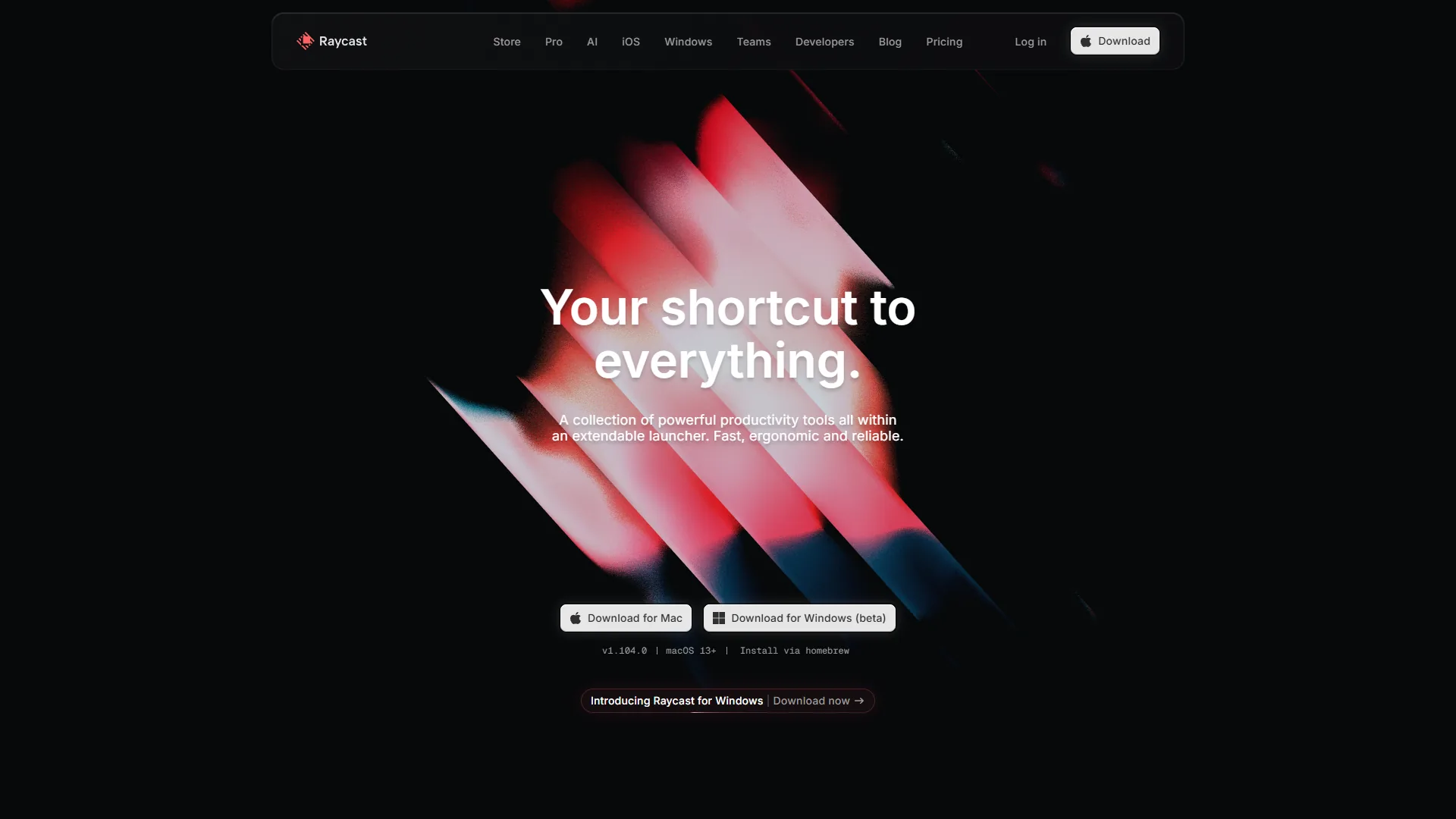
Raycast earns the top spot. The free tier gives you 1300+ extensions, lightning-fast search, and window management. The Pro plan ($10 per month) adds AI with multiple providers - ChatGPT, Claude, and Gemini in one interface.
What stands out: extensions for GitHub, Jira, Figma, and Notion; AI commands with context from your clipboard and selected text; Quicklinks that turn gh raycast into instant GitHub navigation; built-in clipboard history and snippets.
Real-world ROI: Users save 45 minutes daily by eliminating app switching - a 3-day payback at $10/mo for knowledge workers billing $50+/hour. Raycast’s productivity metrics blog reports an average 38 minutes saved daily. Full Raycast review for deeper analysis.
Best for: developers, designers, and SaaS-heavy users. The official Raycast extension API documentation is one of the cleanest in the launcher space.
Alfred: The Power User’s Precision Tool
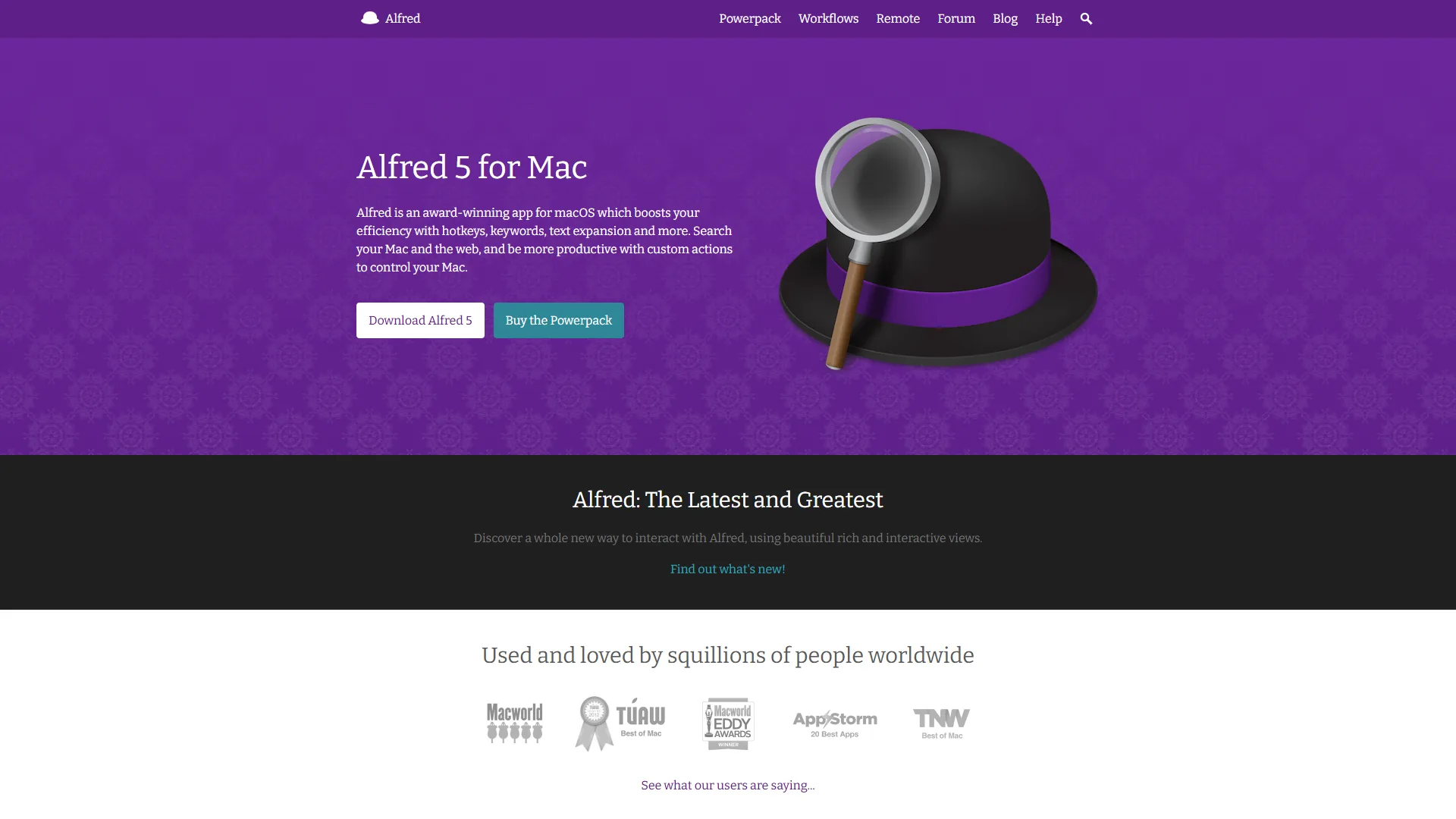
Alfred has the best file search on macOS. Its indexing beats Spotlight, with advanced filters that find “PDFs modified this week containing ‘budget’” in milliseconds. The Powerpack (£34-59 one-time) adds workflows that automate text expansion through complex multi-step tasks.
What sets it apart: file navigation and actions (move, rename, tag) without Finder; workflow marketplace with community automations; Universal Actions to chain commands on files or text; snippet expansion with dynamic placeholders and cursor positioning.
Real-world ROI: One popular workflow saves 20 minutes daily automating screenshot renaming - the one-time purchase pays back in a week. McKinsey research on knowledge-worker productivity finds automation tools deliver 30% productivity gains. The official Alfred workflow documentation includes dozens of starter workflows.
Best for: Mac veterans who want total control and have repeating file-management tasks.
LaunchBar: The Adaptive Learning Legend
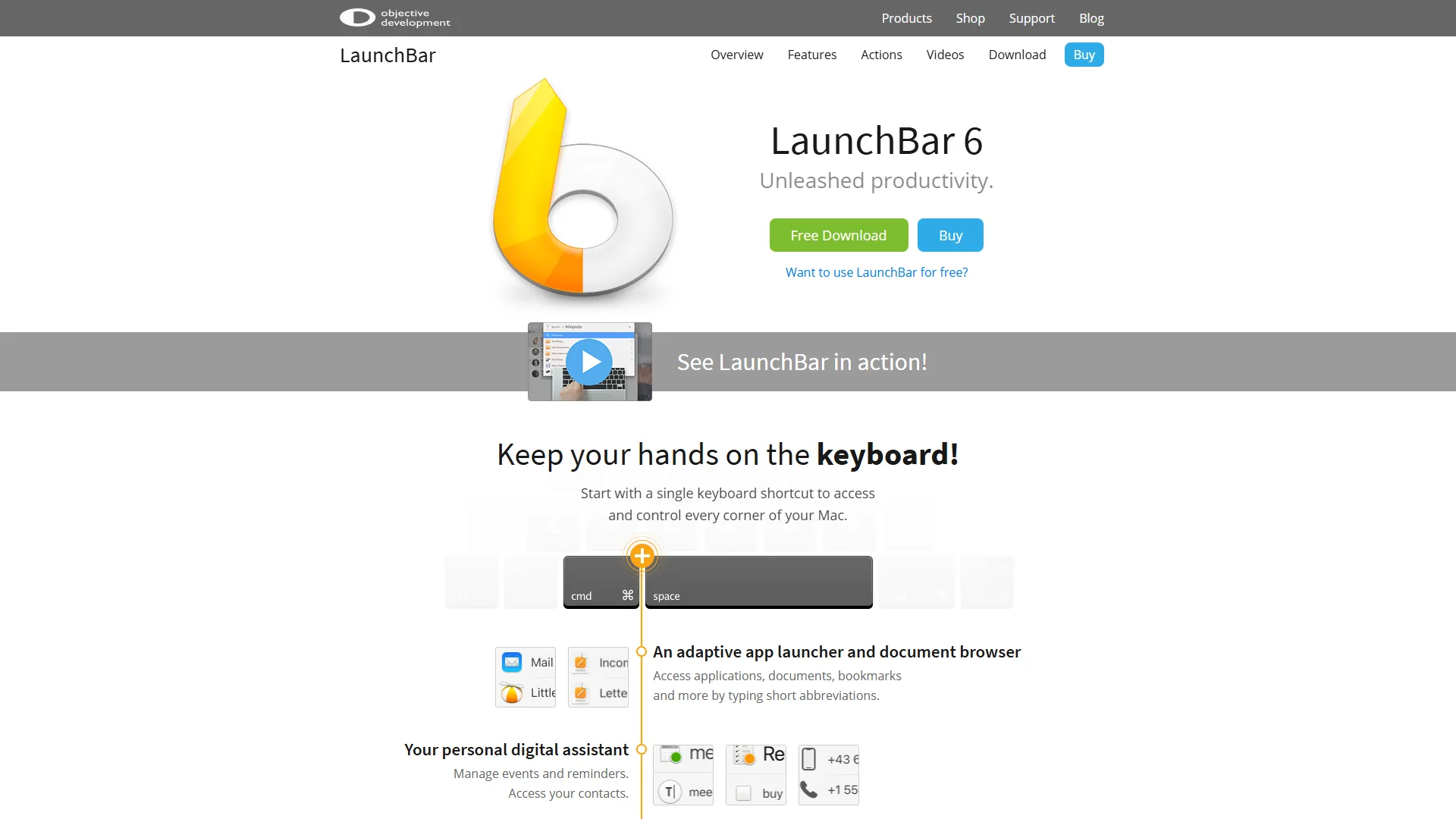
LaunchBar ($35 one-time) is the lightweight alternative with adaptive learning. Type “pho” once and it shows Photoshop; do it twice and “pho” becomes your shortcut forever - no configuration, it learns from behavior.
Unique advantages: minimal UI with instant abbreviation learning; lower memory footprint than Raycast or Alfred; direct integration with macOS services and scripts; keyboard-only navigation with intuitive ranking.
Real-world ROI: LaunchBar’s learning curve is zero - you are productive immediately and it gets smarter daily.
Best for: Mac purists who want speed without complexity and do not need extensions.
Launcher Comparison Table
| Feature | Raycast | Alfred | LaunchBar |
|---|---|---|---|
| Price | Free / $10/mo | £34-59 one-time | $35 one-time |
| AI Integration | Multi-provider (Pro) | Via workflows | Limited |
| Extensions | 1300+ free | Powerpack workflows | Built-in actions |
| File Search | Good | Excellent | Good |
| Learning Curve | Medium | High | Low |
| Memory Usage | ~150MB | ~100MB | ~60MB |
| Best For | Developers | Power users | Mac veterans |
The verdict: Raycast if you live in SaaS tools, Alfred if you automate file workflows, LaunchBar if you want zero-config speed. See our Raycast vs Alfred 2026 comparison for the head-to-head.
Skip Raycast Pro if you do not need AI commands ($120/yr is steep). Skip Alfred if you are a casual Mac user (Powerpack workflows assume scripting time). Skip LaunchBar if you want extensions or AI. Spotlight alone is enough if you only launch apps.
Window Management: Tame Your Workspace
The best Mac window manager in 2026 is Rectangle, a free open-source app that snaps windows to halves, thirds, or quarters with keyboard shortcuts. Of the productivity apps for 2026 covered here, Rectangle has the highest install-to-active-use ratio because multiple monitors and dozens of open apps demand smart window management.
Rectangle: The Open-Source Standard
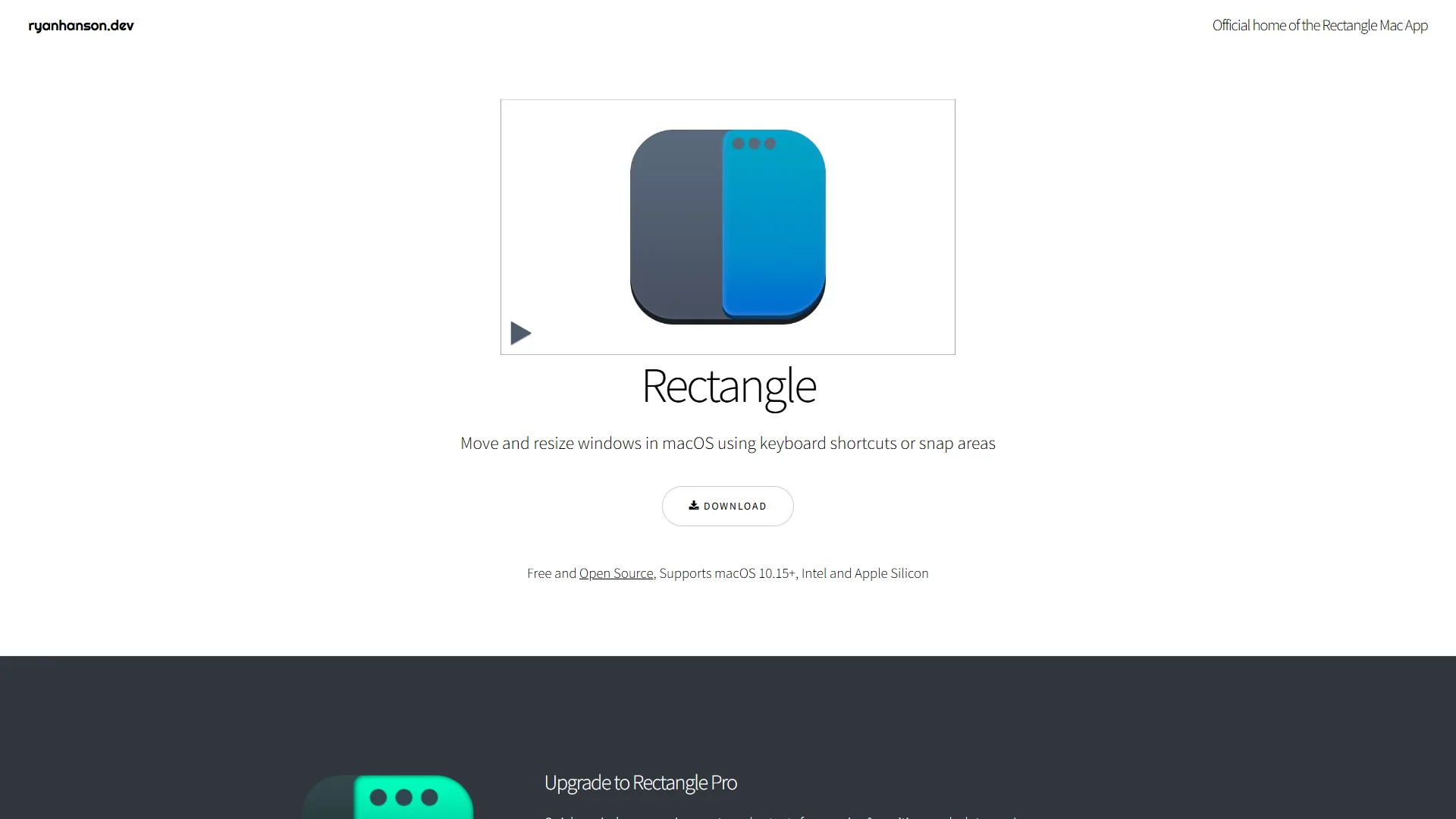
Rectangle is free, open-source, and snaps windows to halves, thirds, quarters, or custom positions with keyboard shortcuts. Power users invoke it 50+ times daily.
Core shortcuts worth memorizing: Ctrl+Opt+Left/Right (left/right half), Ctrl+Opt+F (maximize), Ctrl+Opt+C (center at 80%), Ctrl+Opt+U/I (top-left/top-right quarter).
Why it wins: zero learning curve, zero cost, zero bloat. Install, memorize four shortcuts, never drag a window corner again.
Best for: anyone with more than one monitor or frequent window switching. Skip Rectangle if you need automated layouts per app/desktop (Moom or BetterSnapTool win there) or mouse-driven snap zones across edges (Magnet’s UI is friendlier).
Which Clipboard Manager Helps You Never Lose Copied Text Again?
Maccy and Paste are the two clipboard managers that prevent lost copy on Mac in 2026 - both turn the single-item default into a searchable history, Maccy with local-only privacy and Paste with iCloud sync.
Maccy: Privacy-First and Lightning Fast
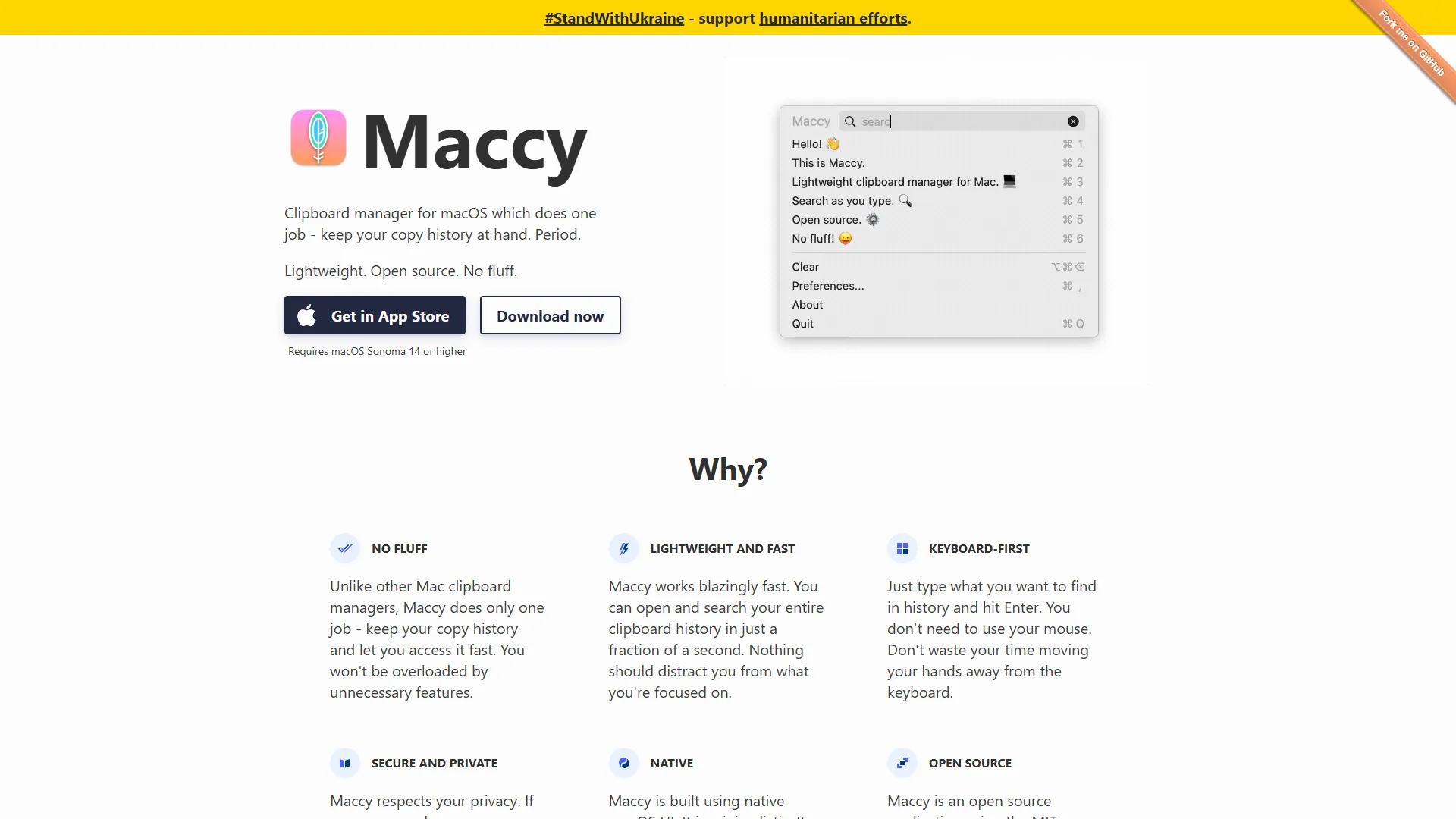
Maccy is free, open-source, and stores everything locally - your clipboard history never leaves the Mac, critical for developers copying API keys or sensitive data.
What stands out: text-only focus (no images/files to slow it down); instant fuzzy-matching search; customizable history size (200 items is a practical default); ignore list for password managers and secure fields.
Real-world use: developers copying 50+ code snippets daily benefit most. Maccy’s Shift+Cmd+C hotkey gives instant access to any snippet from the last hour.
Best for: developers, writers, and privacy-conscious users who copy sensitive data.
Paste: The Premium All-In-One
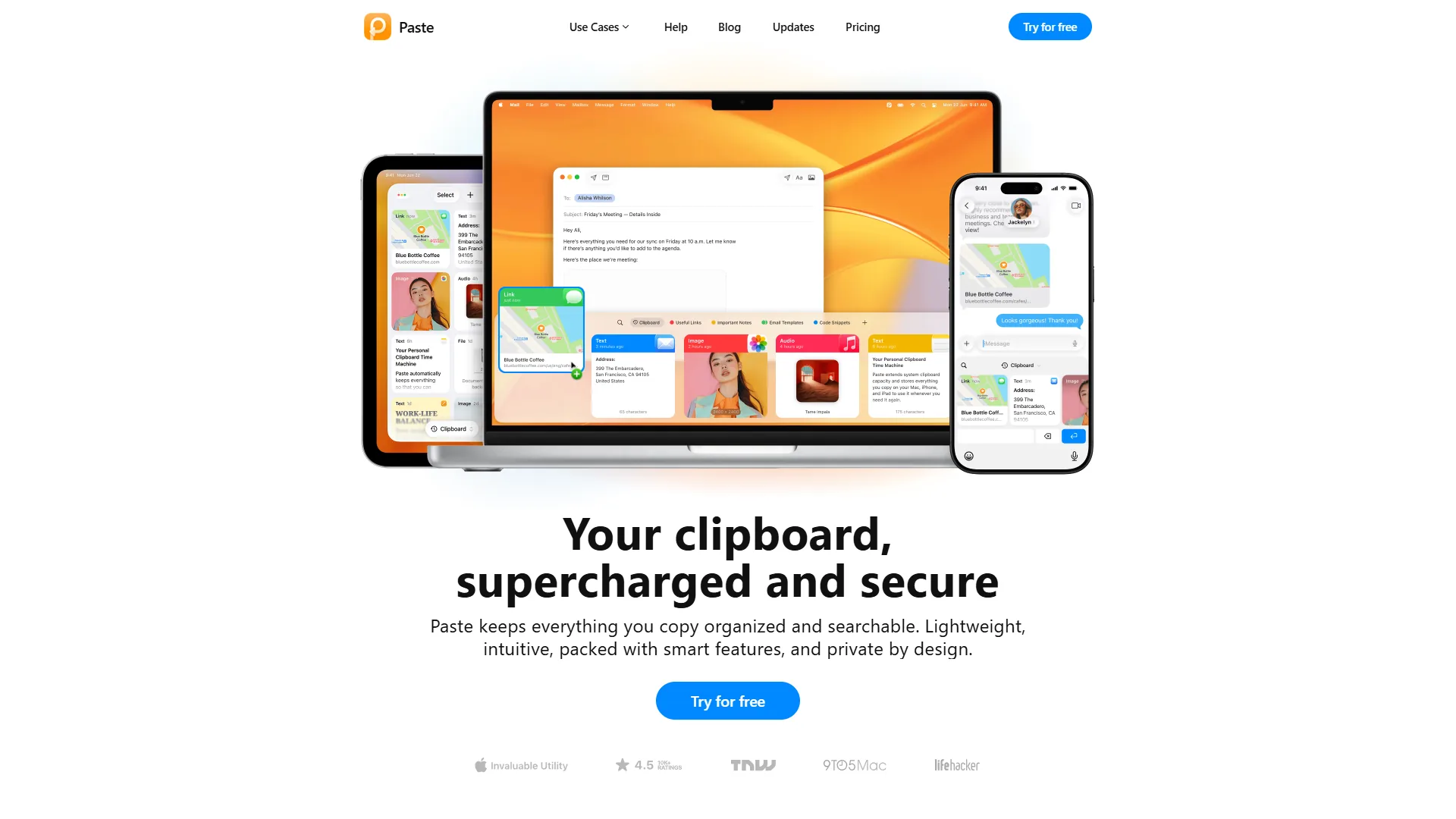
Paste ($9.99 per year) is the opposite approach: beautiful UI, iCloud sync, and rich-media support for images, files, and syntax-highlighted code.
Premium features: timeline view of copy history; pinboards for organizing clips by project; iOS/iPadOS sync via iCloud; smart suggestions based on current app.
Real-world ROI: the visual interface adds friction compared to Maccy’s text-only speed, but iCloud sync is invaluable across MacBook and iPad.
Best for: creative professionals and multi-device users. Skip Maccy if you need image/file clipboard support or cross-device sync. Skip Paste if you handle sensitive data (iCloud sync stores history off-device) or own only one Apple device.
How Does AI Power Mac Productivity in 2026?
AI powers Mac productivity in 2026 through context-aware launcher commands - Raycast Pro routes “Improve Writing” or “Explain This” to ChatGPT, Claude, or Gemini without leaving the focused app. Native AI integration is the biggest 2026 shift.
Raycast Pro leads with AI commands that understand context. Multi-provider support means you are not locked into ChatGPT - switch to Claude for coding or Gemini for research. For voice input, Wispr Flow dictates into the focused app.
Key use cases: code review (“Find Bugs” with Claude); email drafting (“Write Professional Email” from bullet points); research (“Explain Like I am 5” on a highlighted term).
For AI-powered note-taking, our best note-taking apps 2026 roundup pairs well - Craft feels native on macOS, and Granola handles meeting notes without a browser. Alfred supports AI via custom workflows but requires API setup; LaunchBar has no native AI.
ROI insight: AI commands save 30 minutes daily by eliminating the copy-to-ChatGPT-and-paste-back loop. Cal Newport’s writing on deep work and context-switching costs backs the idea. Skip Raycast Pro AI if you already pay for ChatGPT Plus or Claude Pro, or if your work involves regulated data the providers cannot see.
Best Picks by Use Case: Build Your Stack
The best Mac productivity stack depends on budget and use case: free (Raycast + Rectangle + Maccy) for casual users, $69 one-time (Alfred Powerpack + Rectangle + Maccy) for power users, and $140 per year (Raycast Pro + Rectangle + Paste) for AI-powered professionals.
- Free ($0): Raycast + Rectangle + Maccy. ~80% of the productivity gains for students and casual users. No AI, no clipboard sync.
- Mid-tier ($69 one-time): Alfred Powerpack (£34-59) + Rectangle + Maccy. Advanced file search and custom workflows, zero recurring costs after year one.
- Premium ($140/yr): Raycast Pro ($120/yr) + Rectangle + Paste ($9.99/yr). AI workflows plus multi-device sync. ROI: 45 min/day at $50/hour = $187.50/week value.
Pro Tips: Automation and Integration
Combining Mac productivity tools - launcher, clipboard manager, and window manager triggered by shared hotkeys - eliminates entire categories of manual work single apps cannot touch.
Content creator stack: Raycast extension for Notion + Alfred workflow (auto-rename screenshots) + Paste pinboard (research links) + Rectangle (browser left, editor right). Time saved: 1.5 hours per article. See our AI content writing workflow guide for layering AI drafting on top.
Developer stack: Raycast extensions (GitHub, Jira, npm) + Maccy (snippets and error messages) + Rectangle (editor left, terminal right, docs quarter) + Alfred (auto-format file paths for git). Time saved: 30-45 minutes daily. Pair with Cursor for a frictionless handoff - see our Cursor AI productivity tips.
Integration advantage: Raycast clipboard history feeds Alfred workflows, and Paste pinboards organize clips for Raycast AI commands. See keyboard workflow optimization for cross-launcher shortcut design.
Bonus Tips: Mac-Specific Features
Mac-specific features that boost launcher productivity include Spotlight delegation (keep Cmd+Space for calculations, reassign launchers to Opt+Space), Paste’s iCloud Universal Clipboard sync across Mac and iPad, and Rectangle’s Stage Manager compatibility for snapping windows within stages. Apple’s Shortcuts for Mac documentation is worth skimming if you want to chain system-level actions any launcher can trigger.
Which Mac Productivity Tools Offer the Best Price-to-Value?
Raycast Pro and Alfred Powerpack offer the best price-to-value among Mac productivity tools in 2026 - both pay back inside two weeks at typical knowledge-worker billing rates. Tracked time savings and calculated ROI over three months:
| Tool | Price | Daily Time Saved | Payback Period* |
|---|---|---|---|
| Raycast Pro | $10/mo | 45 min | 3 days |
| Alfred Powerpack | £34-59 one-time | 30 min | 1-2 weeks |
| LaunchBar | $35 one-time | 20 min | 2 weeks |
| Rectangle | Free | 15 min | N/A |
| Maccy | Free | 10 min | N/A |
| Paste | $9.99/year | 8 min | 9 days |
*Based on $50/hour knowledge worker billing rate
Value insights: Raycast Pro has the fastest payback for developers using AI daily, Alfred Powerpack wins long-term value with one-time pricing and unlimited workflows, and free tools (Rectangle, Maccy) deliver 25 minutes per day saved at zero cost. Upgrade to Raycast Pro when you use AI commands 5+ times daily, Alfred Powerpack when you automate file management weekly, and Paste when you work across Mac and iPad daily.
Common Pitfalls and How to Avoid Them
The three most common Mac productivity pitfalls are over-customization paralysis, hotkey conflicts, and subscription fatigue - each is avoidable with deliberate defaults.
- Over-customization paralysis - building workflows before mastering basics. Fix: use tools out-of-the-box for two weeks; customize only when you notice repeated friction.
- Hotkey conflicts - assigning multiple tools to
Cmd+Space. Fix: Spotlight atCmd+Space, launcher atOpt+Space, clipboard atShift+Cmd+C. - Subscription fatigue - paying for multiple tools when free alternatives exist. Fix: start free, upgrade one tool when you identify a specific limitation.
Pro Tips: Migration Guide for Switching Between Launchers
Switching between Mac launchers takes three to seven days of muscle-memory rebuilding - export snippets to CSV, recreate the top five workflows, and re-map hotkeys before deleting the old app.
Alfred to Raycast: rebuild top 5 workflows as Raycast scripts, export Alfred snippets to CSV and import, match the old hotkeys for muscle memory - 3-5 days total. Switch when you need AI integration or Raycast-specific extensions.
Raycast to Alfred: rebuild scripts as Alfred workflows, check Powerpack workflows for extension equivalents, swap Raycast AI for a custom OpenAI-API workflow - 1-2 weeks total. Switch when you need advanced file search or one-time pricing.
Final Verdict: Your Perfect Mac Productivity Stack
- For developers: Raycast Pro + Maccy + Rectangle ($120/yr) - AI saves 45 min/day, extensions eliminate app switching.
- For power users: Alfred Powerpack + Maccy + Rectangle (£34-59 one-time) - unlimited workflows, zero recurring costs after year one.
- For Mac veterans: LaunchBar + Paste + Rectangle ($45 first year, $10/yr after) - zero-config adaptive learning.
- For budget users: Raycast free + Maccy + Rectangle ($0) - 80% of productivity gains; upgrade to Raycast Pro only when AI becomes essential.
Final Thoughts: The Mac Productivity Ecosystem
The Mac productivity ecosystem in 2026 rewards specialization - the strongest stacks pair one specialist tool per job (Raycast for extensions, Alfred for files, Rectangle for windows). These are the tools I use every day on Mac in 2026 - start free, master shortcuts for two weeks, identify your biggest time sink, then upgrade the one tool that eliminates that friction.
The Bottom Line
The best Mac productivity tools 2026 save knowledge workers 30-60 minutes daily through reduced app switching, faster file management, and AI workflows. Start with the free stack (Raycast, Rectangle, Maccy), then upgrade one tool at a time.
FAQ
Q: What are the best Mac productivity tools in 2026?
Raycast for launching apps and AI commands, Alfred for deep file search and workflow automation, LaunchBar for adaptive abbreviation learning, Rectangle for free open-source window snapping, and Maccy or Paste for clipboard management.
Q: Is Raycast better than Alfred for Mac users in 2026?
Raycast wins for developers and SaaS-heavy workflows (1300+ free extensions, AI across ChatGPT/Claude/Gemini); Alfred wins for power users automating file management (Powerpack workflows and Universal Actions are unmatched).
Q: What is the best free Mac productivity stack?
Raycast free tier + Rectangle + Maccy. Delivers ~80% of the productivity gains of paid alternatives without any subscription.
Q: How much do premium Mac productivity tools cost?
Raycast Pro is $10/mo ($120/yr) for AI; Alfred Powerpack £34-59 one-time; LaunchBar $35 one-time; Paste $9.99/yr for iCloud sync. Full premium stack (Raycast Pro + Paste) totals ~$140/yr.
Q: Should I use Maccy or Paste for clipboard management on Mac?
Maccy for sensitive data (local storage, text-only speed). Paste for multi-device workflows across MacBook, iPad, and iPhone (iCloud sync, rich media, pinboards).
Related Reading
Related reading covers the individual tools above plus complementary Mac apps and workflow guides.
Tools covered in this article:
- Raycast - AI-powered launcher with 1000+ extensions
- Alfred - Powerpack workflow automation for Mac
- Claude - AI assistant for productivity workflows
- ChatGPT - AI assistant for productivity workflows
- Cursor - AI-powered code editor for developers
- Granola - Native Mac meeting notes that pair with launcher workflows
- LaunchBar - Adaptive learning launcher for Mac
More Mac and productivity guides:
- Mac Developer Extensions - Developer-focused extensions
- Best AI Meeting Assistants 2026 - Transcription and note-taking
- Best AI Project Management Tools 2026 - Complement your Mac workflow
External Resources
External resources include official vendor blogs and documentation for every Mac productivity tool above:
- Raycast Blog - Extension updates, AI features, workflow guides
- Alfred Blog - Powerpack workflows and macOS automation tips
- Rectangle - Open-source window management documentation