



Julius AI is the best AI tool for data analysis in 2026 for non-technical users, with Power BI Copilot leading for Microsoft business dashboards, Tableau for visualization, and Google Looker for enterprise governance. Our analysis draws on vendor documentation and independent industry research, including the Gartner Magic Quadrant for Analytics and BI Platforms and primary product documentation. Some links on this page are affiliate links; our analysis remains independent.
According to a 2026 study by McKinsey, “companies using AI-driven analytics report 20-30% productivity gains in data-heavy roles within the first year,” with similar uplift documented in the firm’s State of AI report. The right pick depends on your skill level, data volume, and whether you need a dashboard, a predictive model, or a quick answer - and on whether you want the strongest AI tools for 2026 ranked by use case.
Comparison Table: AI Data Analysis Tools 2026
The comparison table below ranks the 10 best AI tools for data analysis in 2026 by skill level and price, covering conversational analysis, dashboards, predictive ML, and enterprise governance.
| Tool | Best For | Price Range | Skill Level |
|---|---|---|---|
| Julius AI | Instant data chat, spreadsheet analysis | Free - around $50/mo | Beginner |
| Power BI + Copilot | Business dashboards, Microsoft ecosystem | Free - around $30/mo | Beginner - Intermediate |
| Tableau AI | Visual analytics, executive dashboards | Around $15 - $115/mo | Intermediate |
| Google Looker | Enterprise governance, BigQuery workloads | From $36K/yr | Advanced |
| ChatGPT + Claude | SQL help, data interpretation, ad hoc queries | Free - around $20/mo | Any |
| Python + AI Coding Assistants | Custom analysis, automation, ML pipelines | Free - around $20/mo | Advanced |
| Obviously AI | No-code predictive ML, churn/sales forecasting | Around $75/mo | Beginner |
| Databricks AI | Large-scale data engineering and ML | Custom enterprise | Advanced |
| DataRobot | Automated ML, regulated industries | Custom enterprise | Intermediate - Advanced |
| Polymer | Smart spreadsheet analysis, instant dashboards | Around $20/mo | Beginner |
Which AI Tools Are Best for Data Analysis?
Ten tools lead the AI data analysis category in 2026: Julius AI, Power BI Copilot, Tableau, Google Looker, ChatGPT, Claude, Python coding assistants, Obviously AI, Databricks, and DataRobot - each targeting a different combination of skill level and workflow.
1. Julius AI - Best for Instant Data Chat
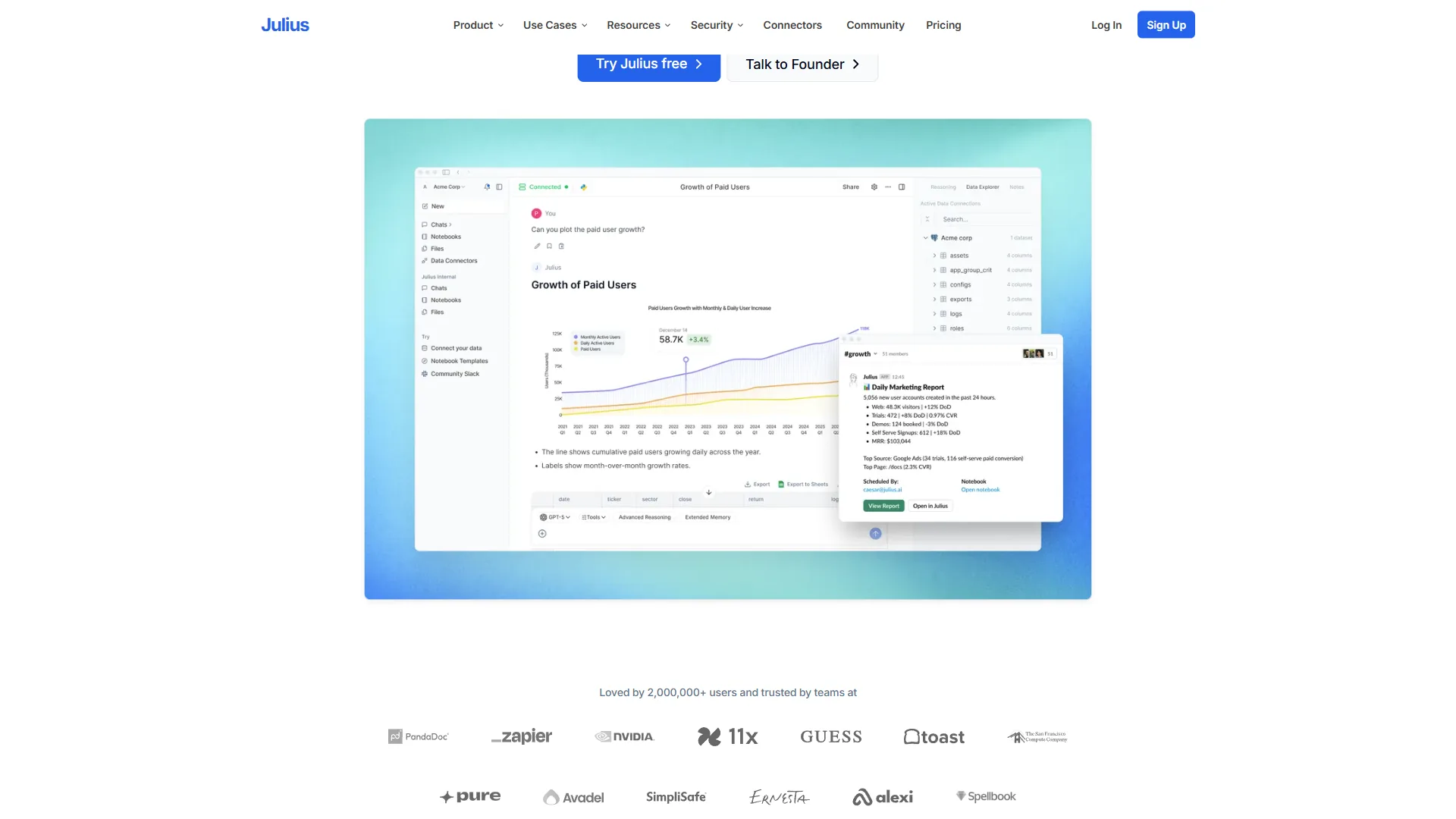
Julius AI is the most accessible AI data analyst available right now. You upload a CSV, Excel file, or Google Sheet, and have a conversation with your data. Ask “what is the average order value by region?” and Julius generates the answer, the visualization, and the underlying Python code that produced it.
What separates Julius from ChatGPT is its tight integration with data files. It handles messy real-world spreadsheets - misaligned headers, mixed date formats, missing values - without requiring you to clean anything first.
According to Rahul Sonwalkar, founder at Julius AI, “We built Julius to let anyone do data analysis free of the friction of writing code - just upload a file and ask questions.” The paid plan at around $20-50/month unlocks higher file sizes and database connections. For freelancers and consultants who need quick data answers, Julius is the starting point. For broader options, our best AI database tools roundup covers platforms across the full spectrum.
Best for: Non-technical users, quick ad hoc analysis, spreadsheet interpretation.
Limitations: Not built for large-scale automated reporting or live database pipelines.
2. Power BI + Microsoft Copilot - Best for Business Teams

Power BI with Microsoft Copilot is a compelling AI data analysis platform for teams already inside the Microsoft ecosystem. Copilot lets you describe a report in plain English and it builds the visualization automatically, then writes narrative summaries you can email to non-technical stakeholders.
Power BI Desktop remains free for individual use. The Pro tier at around $10 per user/month adds cloud sharing. Premium Per User at around $20-24/month unlocks Copilot. The integration with Microsoft 365, Teams, and Azure is frictionless - governance policies, permissions, and single sign-on carry over automatically.
The main limitation is governance at scale. Unlike Looker’s centralized metric definitions, Power BI allows each user to define metrics independently, which creates the classic “three different revenue numbers” problem in larger organizations.
Best for: Microsoft-centric organizations, budget-conscious teams, business users.
Limitations: Data governance gets complex at scale. DAX and Power Query have a real learning curve.
3. Tableau + AI Features - Best for Visualizations
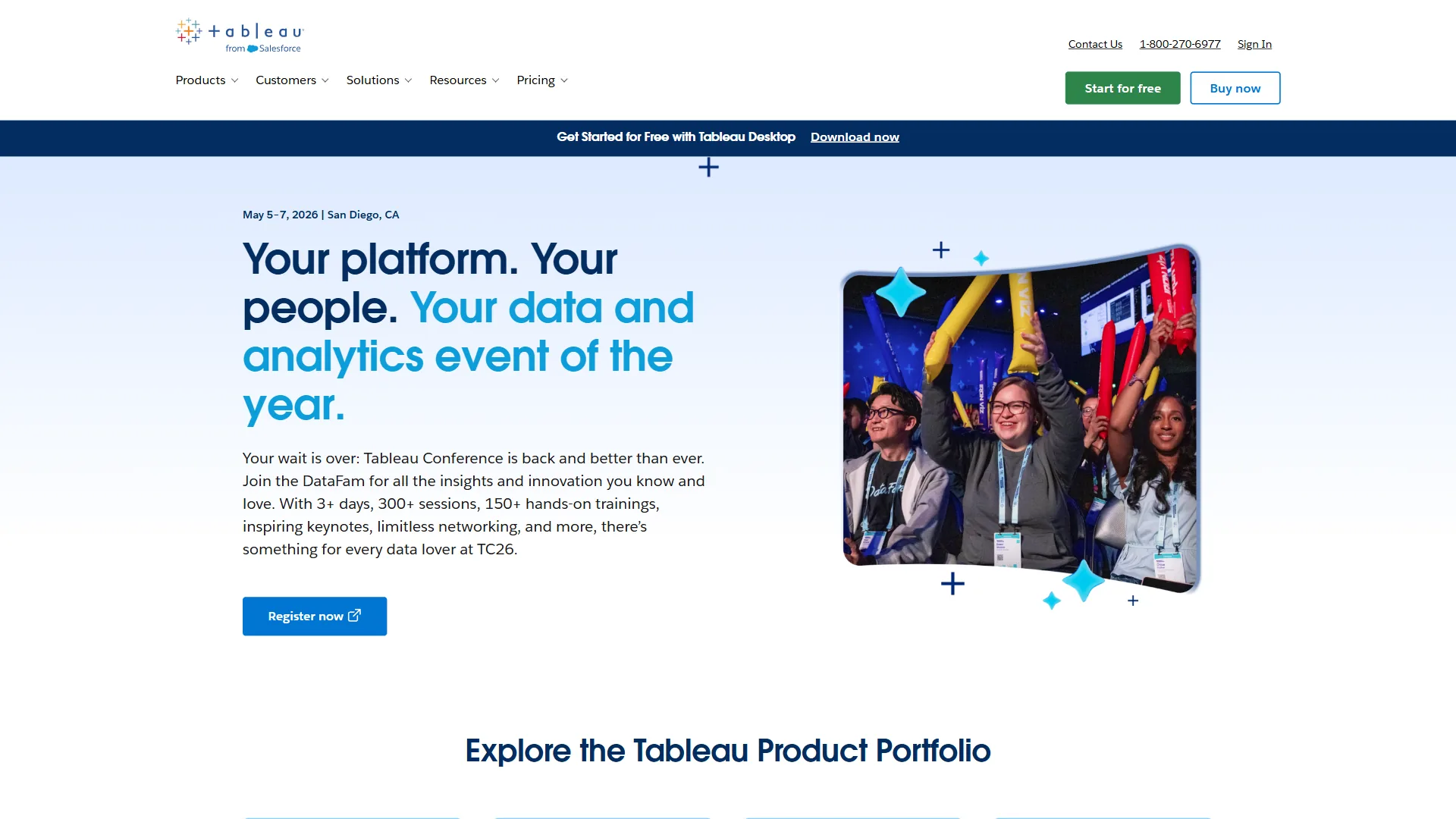
Tableau is the gold standard for data analysis and visualization, with AI features anchored by Einstein Discovery and the Ask Data natural language interface. Ask Data handles contextual follow-up queries: “show sales by region” followed by “now break that down by product category” works without starting over. Einstein Discovery identifies patterns and explains them in plain English.
Viewer licenses start at around $15 per user/month, but content creators need Creator licenses at around $115 per user/month. For organizations where many people build their own reports, this adds up quickly.
Best for: Analyst teams, executive reporting, customer-facing analytics portals.
Limitations: Higher cost per user than Power BI. Natural language features still lag behind dedicated conversational tools.
4. Google Looker + AI - Best for Enterprise Data Governance

Google Looker is the enterprise standard for governed AI data analysis: define your business logic once in LookML, then let everyone query it consistently. “Monthly recurring revenue” means the same thing in every dashboard because a data engineer defined it once.
Natural language queries work well because the LookML layer gives the AI explicit context about your business terminology. Full Looker starts at around $36,000/year. The payoff is enormous for organizations that have dealt with “which revenue number is correct?” debates - but for small teams, it is overkill.
Best for: Enterprises with dedicated data teams, BigQuery workloads, embedded analytics.
Limitations: Enterprise pricing, steep learning curve, requires dedicated data engineering investment.
5. ChatGPT and Claude - Best for Ad Hoc Analysis and SQL Help
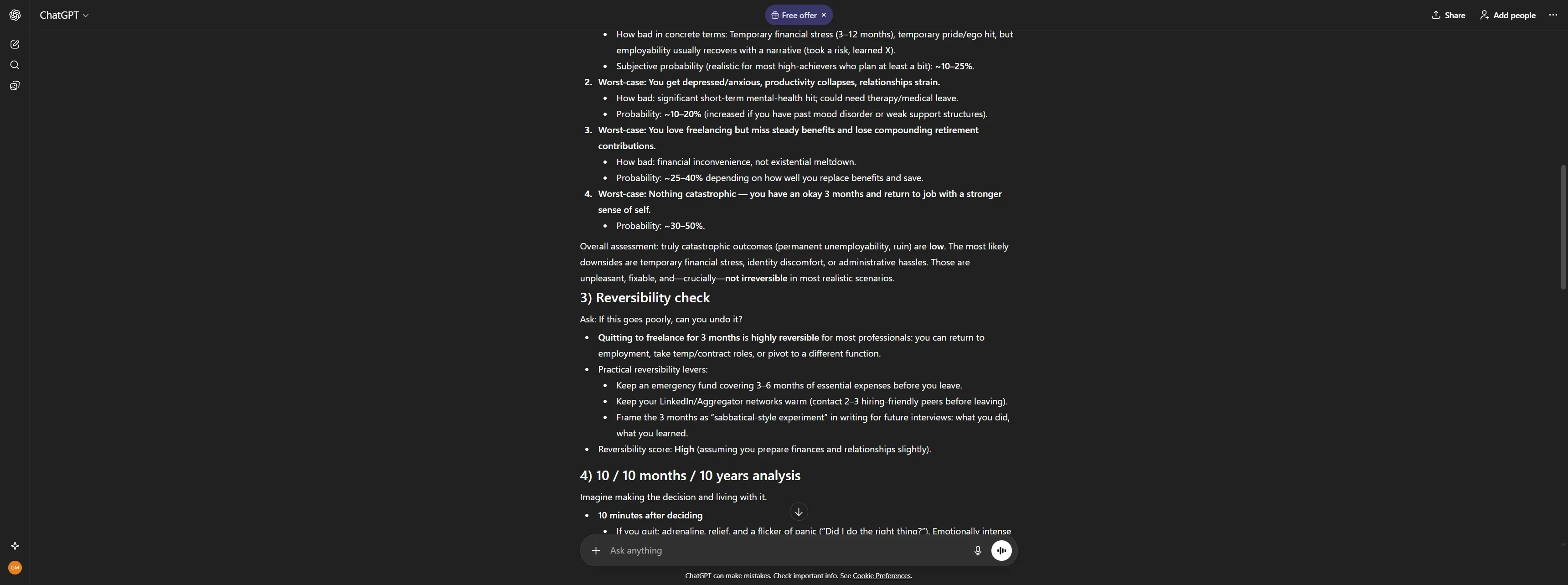
ChatGPT and Claude can do data analysis as intelligent collaborators rather than standalone BI platforms. ChatGPT’s Code Interpreter lets you upload files and run actual Python analysis. Drop in a CSV with 50,000 rows, ask for a cohort analysis, and it writes Pandas code, executes it, fixes errors, and returns results with a visualization.
Claude excels at interpreting complex data outputs and writing or debugging SQL. Paste a gnarly JOIN, describe what you want differently, and Claude rewrites it cleanly while explaining the logic. Both tools are excellent for turning tables of numbers into written analysis ready for a slide deck. At around $20 per month, they are accessible to anyone.
Best for: SQL writing and debugging, data interpretation, analysis code generation.
Limitations: Not designed for persistent dashboards, live data connections, or automated reporting.
6. Python + AI Coding Assistants - Best for Custom Analysis
For analysts who work in Python, the combination of Pandas, scikit-learn, and an AI coding assistant like GitHub Copilot or Cursor is the most powerful analysis workflow available.
Rather than writing boilerplate, you describe the transformation you need and Copilot generates the Pandas code. Jupyter notebooks with inline AI assistance work well for exploratory analysis - run a cell, see a result, ask “why might this distribution be bimodal?”
Best for: Data scientists, advanced analysts, ML pipelines, custom automation.
Limitations: Requires Python knowledge. Not suitable for non-technical users.
7. Obviously AI - Best No-Code Predictive ML
Obviously AI is the leading no-code predictive ML platform - more powerful than a spreadsheet tool but without the technical knowledge required by scikit-learn or DataRobot. Connect a dataset, choose what you want to predict (customer churn, sales next month), and Obviously AI builds and validates a predictive model automatically.
A sales ops manager can build a lead scoring model. A retention manager can build a churn predictor. Pricing starts at around $75 per month. For complex multi-feature models, dedicated ML platforms like DataRobot will outperform it.
Best for: Business teams needing predictive analytics without data science resources.
Limitations: Less flexible than code-based ML. Limited output customization.
8. Databricks and DataRobot - Best for Enterprise ML
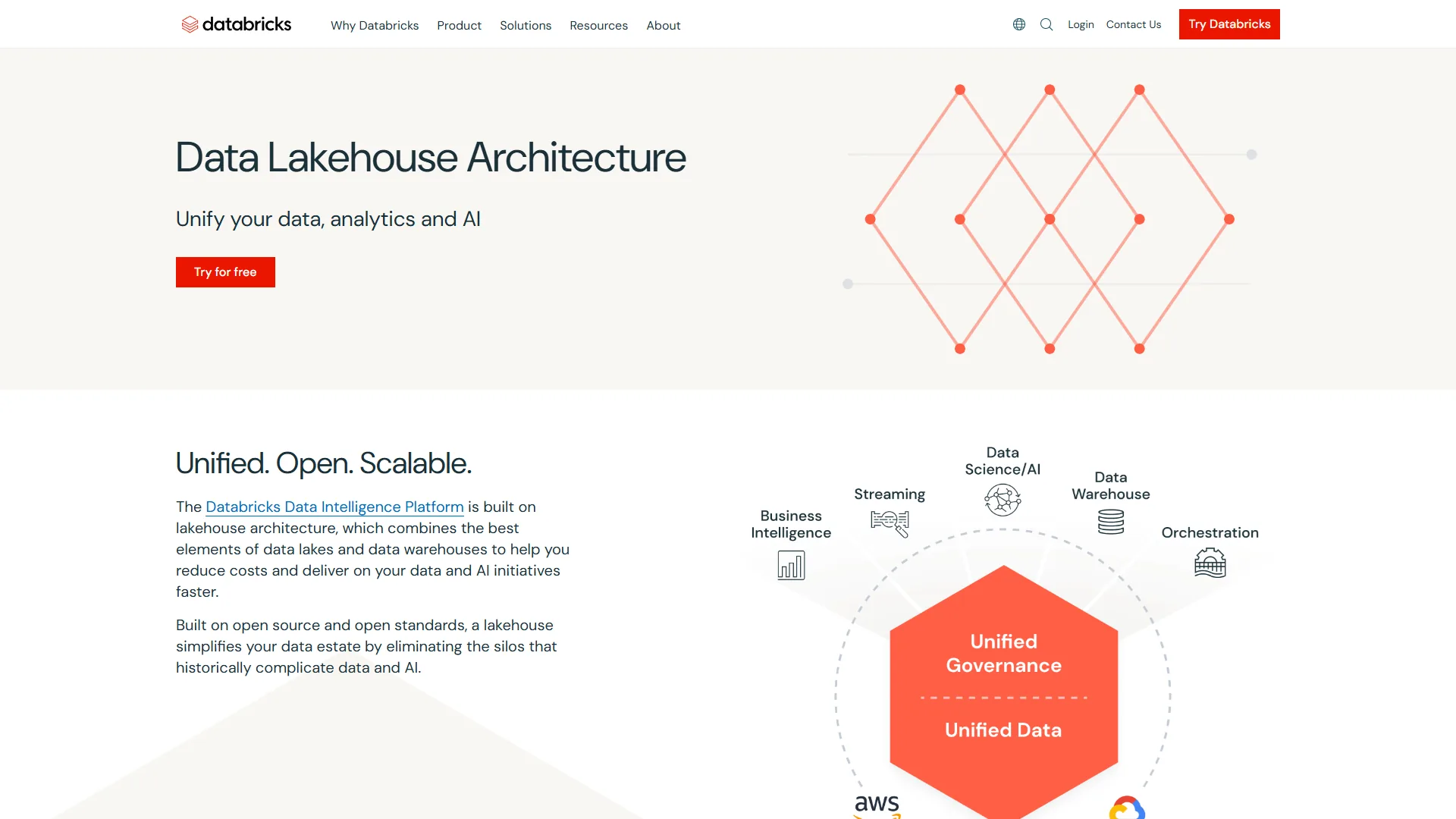
Databricks and DataRobot occupy the enterprise end of the AI data analysis spectrum, both requiring custom pricing.
Databricks combines data engineering, data science, and AI in a unified lakehouse platform. The Databricks Assistant suggests code completions and explains errors inside notebooks. DataRobot focuses on automated machine learning for production deployment - feature engineering, training, validation, monitoring - with governance features relevant for regulated industries.
Best for: Enterprise data engineering teams, production ML, regulated industries.
Limitations: Enterprise pricing, significant technical overhead.
Which Tool Fits Your Data Analysis Workflow?
Your data analysis workflow fits Julius AI if you are non-technical, Power BI or Tableau plus ChatGPT if you are an analyst, AI coding assistants on Python if you are a data scientist, and Looker or Power BI Premium if you are an enterprise team - mapped by skill level and cloud ecosystem.
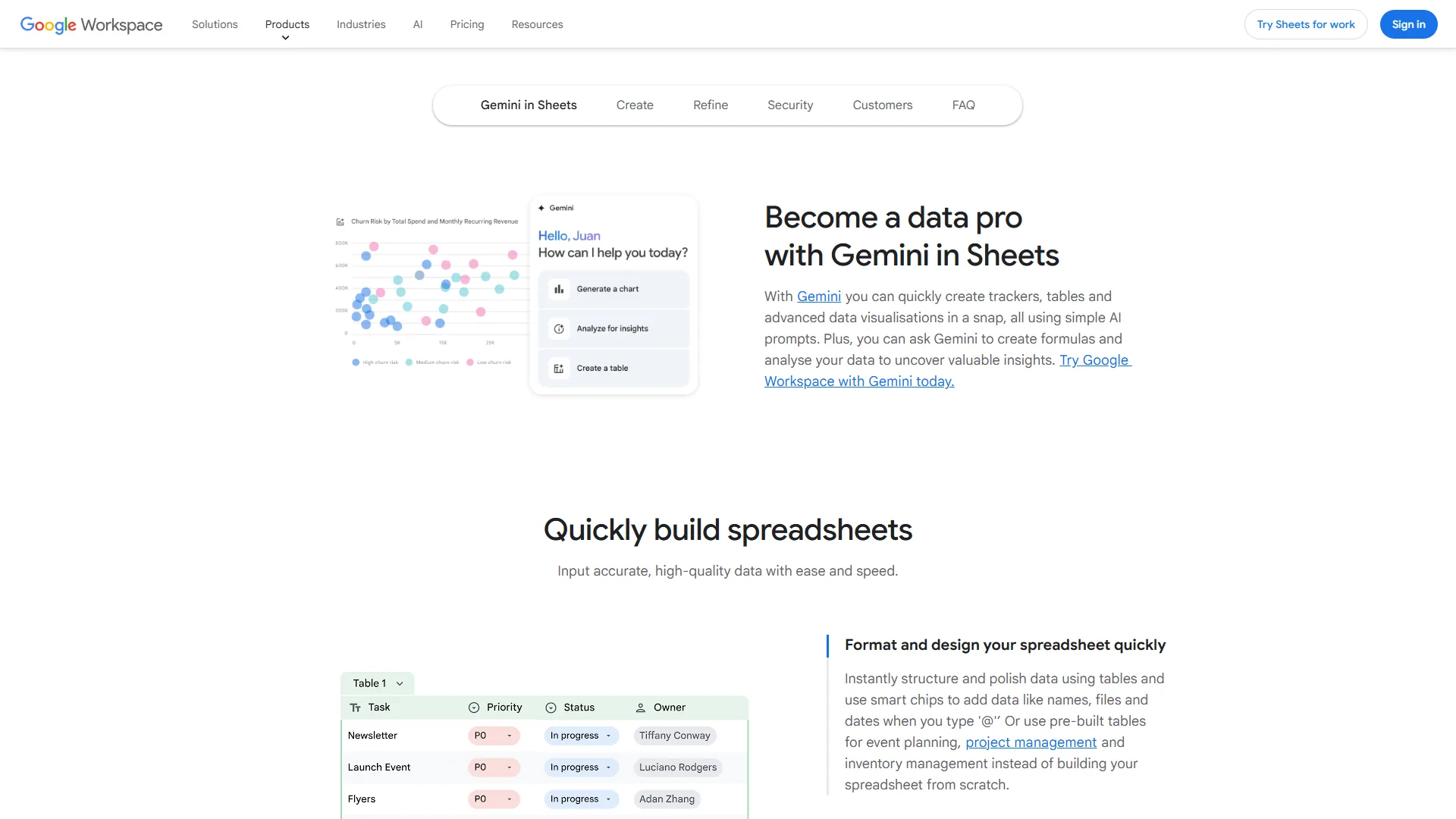
For teams already on Google Workspace, Google Sheets with native Gemini integration offers conversational data analysis directly in the spreadsheet - useful for ad hoc work before stepping up to Looker or BigQuery.
What Is the Best Free AI Tool for Data Analysis?
ChatGPT’s Code Interpreter is the best free AI tool for data analysis in 2026, with Julius AI’s free tier and Power BI Desktop covering conversational analysis and dashboards respectively - mirroring how the Splunk roundup of must-have data analysis tools ranks the leading data analytics tools for 2026.
The Non-Technical Business Owner
You need answers without learning SQL. Start with Julius AI or Polymer for conversational analysis of your spreadsheets. Add Obviously AI if you need predictions. Avoid enterprise platforms until you have dedicated analytical staff.
The Business Analyst
You read SQL and need tools that accelerate your workflow without engineering support:
- Power BI or Tableau for dashboards
- ChatGPT or Claude for SQL debugging and turning analysis into written narratives
- Julius AI for quick ad hoc work
This stack covers most needs at around $30-50/month total.
The Data Scientist or ML Engineer
Your workflow is Python-native. Prioritize:
- AI coding assistants (Copilot, Cursor, or Claude in your IDE)
- ChatGPT Code Interpreter or Claude for exploratory analysis
- Databricks for Spark or production ML
For a deeper look at pairing AI with code, see our best AI coding assistants comparison.
The Enterprise Data Team
You need governance and scalability. The decision comes down to your cloud:
- Google Cloud - Looker, with deep BigQuery integration
- Microsoft - Power BI Premium with Copilot
- Regulated ML - DataRobot adds model governance
The Bottom Line: AI Tools for Data Analysis 2026
Julius AI wins for non-technical users in 2026, Power BI with Copilot wins for Microsoft shops, Tableau wins for visual analysts, and Looker wins for enterprise governance - your right pick depends on skill level, data volume, and output format.
For most non-data professionals, Julius AI delivers immediate value with zero learning curve. For organizations with dedicated data teams, Looker or Tableau justify their higher price points with capabilities simpler tools cannot match.
These tools work best as accelerators, not replacements. They eliminate the technical barriers between a good question and a clear answer - they do not replace the analytical thinking required to ask the right questions.
Start with the tool that matches your current skill level - Power BI for Microsoft shops, Tableau for visual-first analysts, or ChatGPT for quick ad hoc queries. Our guide on how to analyze data with AI walks through a practical workflow from raw data to finished report.
FAQ
This FAQ answers the most common reader questions about AI tools for data analysis in 2026 - covering cost, no-code options, ChatGPT capability, and the strongest picks by use case.
Q: Which AI tool is best for data analysis?
Julius AI is the best AI tool for data analysis for non-technical users, Power BI with Copilot is best for Microsoft-centric teams, Tableau is best for visualization, and Google Looker is best for enterprise governance.
Q: Can ChatGPT do data analysis?
Yes. ChatGPT with Code Interpreter can do data analysis on uploaded CSVs by writing and executing Python automatically. Claude offers similar capability and is especially strong for SQL debugging and interpreting outputs.
Q: Can I use AI to analyze data without coding?
Yes. Julius AI, Power BI Copilot, and Obviously AI all let you upload spreadsheets and ask questions in plain English. They build visualizations, run predictive models, and clean messy data without requiring you to write code.
Q: What are the top AI tools for data analysis in 2026?
The top picks include Julius AI for instant data chat, Power BI with Copilot for business dashboards, Tableau with Einstein Discovery for visual analytics, and Google Looker for enterprise governance. ChatGPT and Claude cover ad hoc work; Obviously AI and Polymer cover no-code predictive analysis.
Q: How much do AI data analysis tools cost?
Julius AI runs free to around $50 per month. Power BI Premium Per User is around $20-24/month. Tableau Viewer starts at $15/user/month; Creator at $115/user/month. Google Looker starts at around $36,000/year. ChatGPT and Claude Pro plans are around $20 per month.
Related Reading
These guides extend this analysis with deeper companion coverage of AI data analysis, dashboards, and BI platforms on this site - including top platforms compared head-to-head.
- AI Tools for Data Analysts: A Practical Workflow Guide
- Looker vs Power BI: Which BI Platform Wins in 2026?
- Domo vs Power BI: Full Comparison for Business Teams
- AI Tools for Accountants: Automate the Numbers Work
- Power BI - Microsoft’s BI platform with Copilot AI integration
- Tableau - Visual analytics platform for dashboards
- ChatGPT - AI assistant for ad hoc data queries and SQL generation
- Claude - AI assistant with strong analytical reasoning
- Databricks - Unified data engineering and ML platform
- Best Data Analytics Platforms 2026: Complete Comparison
External Resources
The external resources below are the authoritative vendor docs and industry research we drew on for this analysis.