









The six best AI tools for data analysts in 2026 are ChatGPT, Claude, Perplexity, Notion, Microsoft Power BI, and Looker - each strongest at one part of the analyst workflow. Our analysis is based on independent research and current vendor documentation rather than sponsored placement, and AI Productivity may earn a commission from links on this page - our rankings are editorially independent.
The right tool depends on the task. A general-purpose chatbot handles some tasks well and others badly, dedicated BI platforms have added AI layers of varying quality, and knowing which tool to reach for is its own skill. Tools compress the routine parts of data analysis in 2026 - data cleaning, report narrative, benchmark research - without replacing judgment. This is an honest review for analysts choosing among the six that have demonstrated real value.
Can ChatGPT Handle Exploratory Analysis and Data Cleaning?
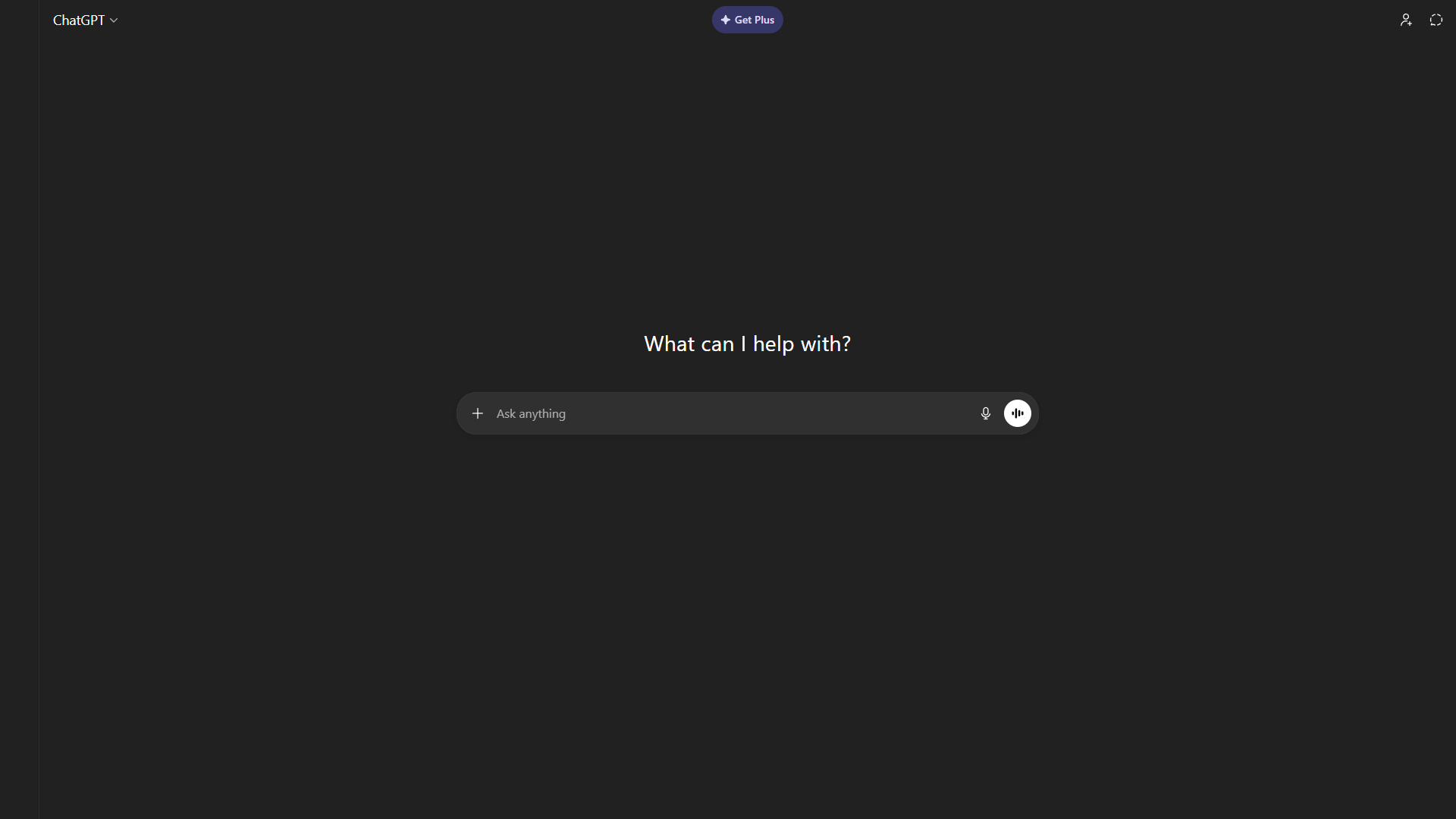
ChatGPT’s most useful feature for data analysts is Advanced Data Analysis (formerly Code Interpreter), which uploads files and runs Python in-browser. You can paste a messy CSV, describe what you want, and get working pandas or Python code in seconds - a fast way to draft boilerplate even for analysts who write Python regularly.
What it does well for data work:
ChatGPT handles exploratory analysis and data cleaning by running Python on uploaded files inside a sandboxed Advanced Data Analysis session, which is sufficient for most ad hoc analyst tasks. The file upload feature accepts CSVs, Excel files, and JSONs up to 512MB on the Plus tier (80 uploads per 3 hours). You can ask it to clean a dataset, identify outliers, build a quick chart with matplotlib, or write a SQL query against a schema you describe. For teams looking for the best AI tool for data analysis and visualization in one place, it handles straightforward data transformation tasks competently.
For writing work that data analysts often do - executive summaries, slide narration, methodology sections, email explanations of statistical findings - ChatGPT turns drafts around quickly and they usually need less editing than expected.
Where it falls short:
ChatGPT does not have access to your live data systems, so it is not useful for real-time dashboards or production database queries. The AI for data analysis free tier is limited to GPT-4o mini with reduced context. Web browsing works but does not cite sources, which matters when benchmarking a metric against industry data. For complex multi-step analysis requiring domain expertise, it hallucinates more than Claude - confident-sounding results that are sometimes wrong in subtle ways.
Pricing: Free tier includes limited GPT-4o access with Advanced Data Analysis. Plus is around $20 per month and covers most analyst use cases. Pro at around $200 per month is hard to justify unless you’re hitting rate limits constantly.
Best for: Exploratory data analysis, quick Python scripts, data cleaning, writing report narrative, ad hoc SQL drafting.
Can Claude Handle Long-Document Analysis and Complex Reasoning?
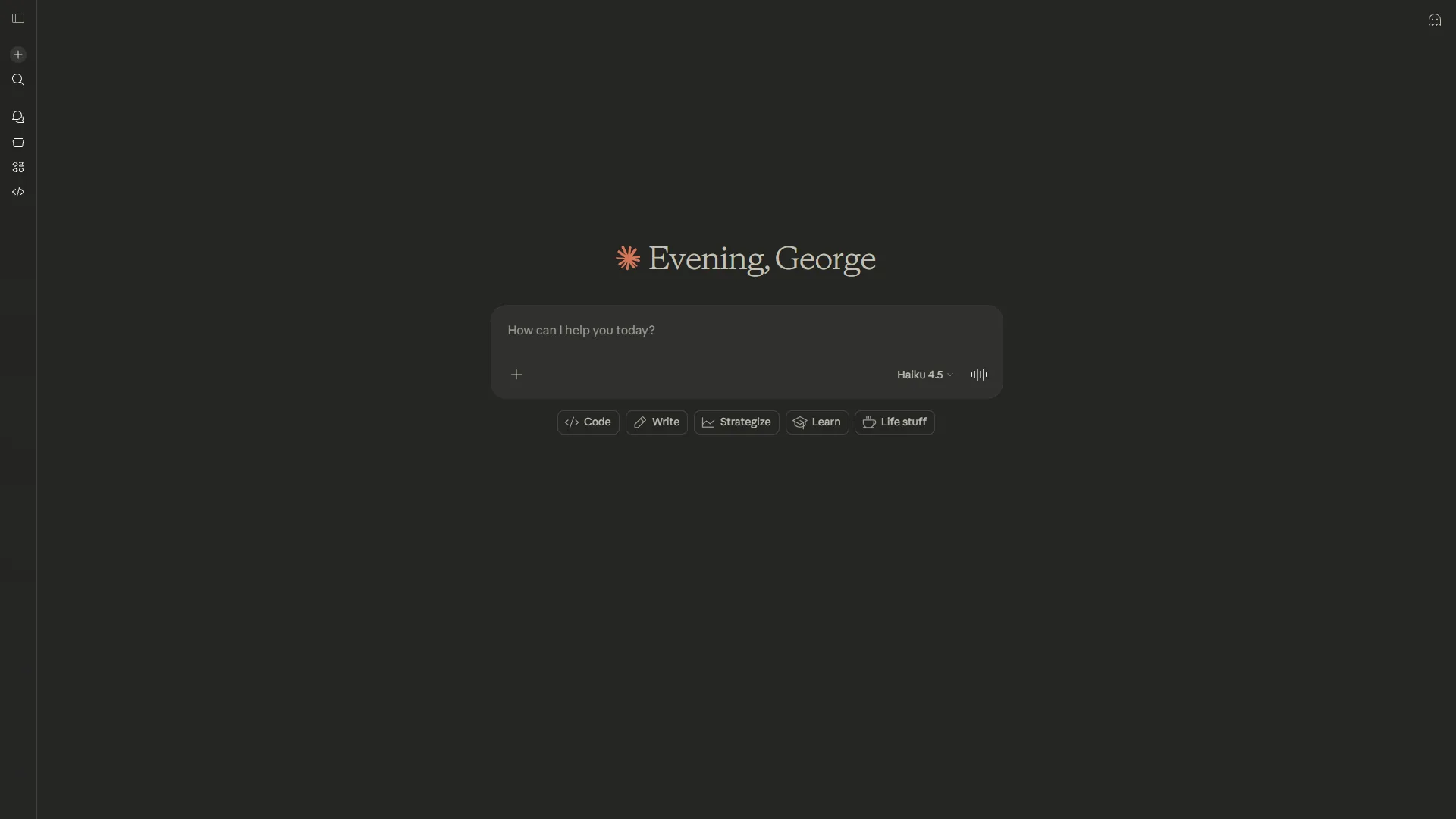
Claude handles long-document analysis and complex reasoning better than ChatGPT thanks to a 200K-token context window (roughly 150,000 words). You can paste an entire data dictionary, a complex SQL schema, or a lengthy methodology document and ask questions about it without chunking. Claude is also better at acknowledging when a question is ambiguous, asking clarifying questions, and flagging when a conclusion does not follow cleanly from the data.
What it does well for data work:
Statistical methodology questions - when to use a paired vs. independent t-test, how to interpret a confidence interval for a non-statistical audience, what assumptions a regression model requires - Claude handles with more nuance than most alternatives. For code review, Claude reads an entire Python script at once and identifies where the logic goes wrong, or refactors an unmanageable SQL query.
Where it falls short:
Claude Pro’s web search works but is not a research tool in the way Perplexity is. For sourced statistics in a report, Perplexity remains faster and more reliable. The free tier is limited to roughly 20 queries per day, which runs out quickly in a working session - Claude Pro at $20 per month is the minimum useful tier.
Pricing: Free with approximately 20 daily queries. Pro is $20 per month. Max is $100 per month for heavier Claude Code and Opus usage.
Best for: Long document analysis, statistical methodology questions, code review, complex reasoning about ambiguous problems, writing-heavy outputs that need precision.
Perplexity - For Research and Benchmarking
Perplexity is the research tool data analysts reach for when they need sourced benchmarks rather than synthesis. Data analysts spend more time on research than outsiders realize - understanding a domain before modelling, finding industry benchmarks before presenting, checking what comparable companies measure before recommending a KPI framework.
Every Perplexity answer includes inline citations you can click to verify. The difference between “revenue per employee benchmarks SaaS” in Perplexity versus a standard search engine is roughly the difference between reading a synthesized answer and sifting through ten articles.
What it does well for data work:
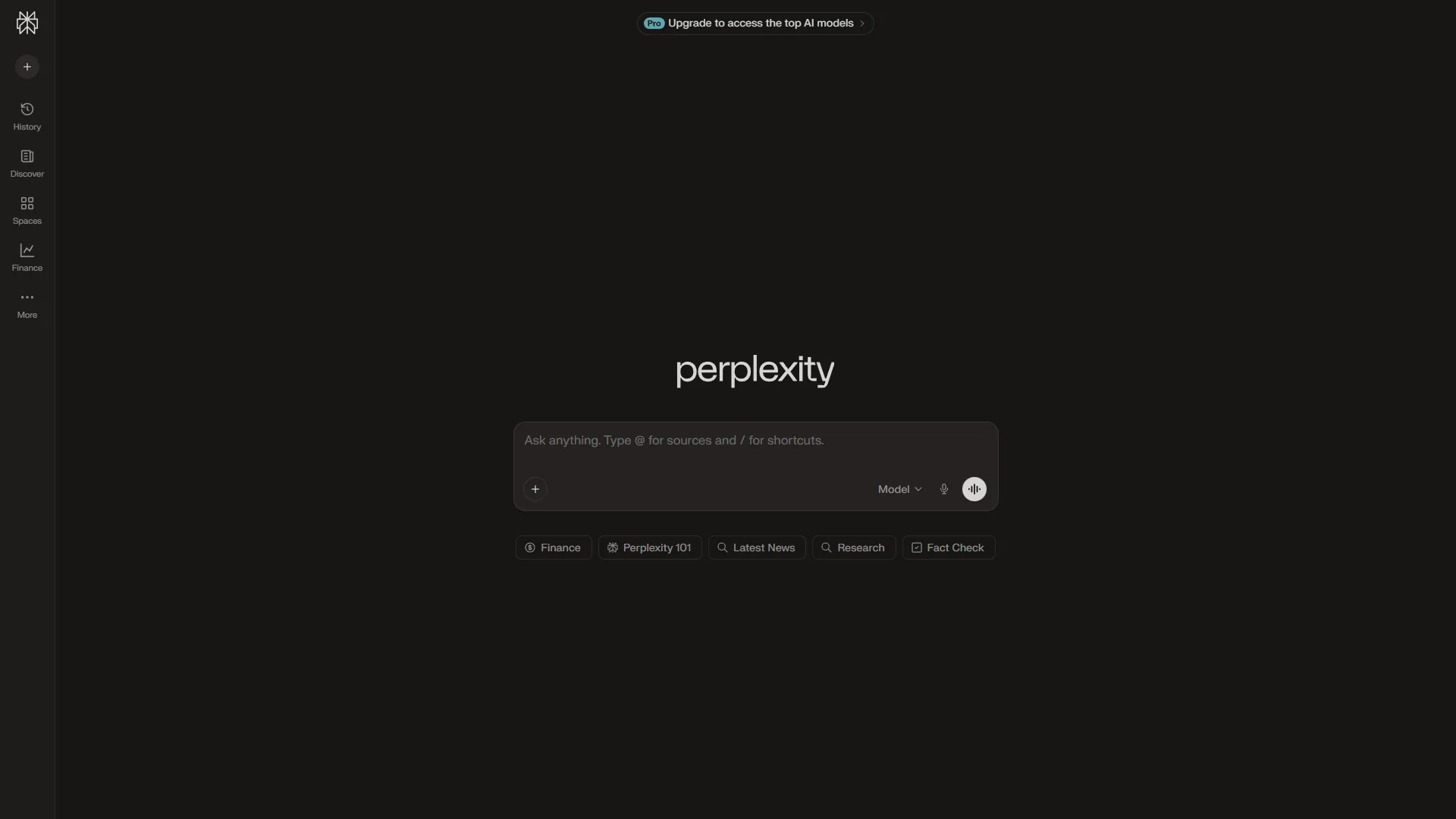
Focus modes are underused by analysts - Academic mode searches peer-reviewed papers via Google Scholar, useful for methodology references. The ability to switch between models mid-session (GPT-5 for analysis, Claude 4 for writing, Gemini 2.5 for multimodal) gives flexibility without managing multiple subscriptions. For preparing for a stakeholder meeting in an unfamiliar domain, Perplexity is the fastest way to develop enough context to ask good questions.
Where it falls short:
Perplexity does not do data analysis - no code execution, no file processing, no connections to data systems. For hands-on data practice, Kaggle Datasets remains the go-to source for real-world data. The free tier gives 5 Pro searches per day, which runs out quickly; the $20 per month Pro tier unlocks unlimited searches and is the realistic minimum for regular research use.
Pricing: Free with 5 Pro searches/day. Pro is $20 per month ($200 per year). Max is $200 per month for frontier models including o3-pro and Claude Opus 4.5.
Best for: Industry benchmarking, methodology research, market context, finding sourced statistics for presentations, domain knowledge before unfamiliar projects.
Notion - For Analysis Documentation and Knowledge Management
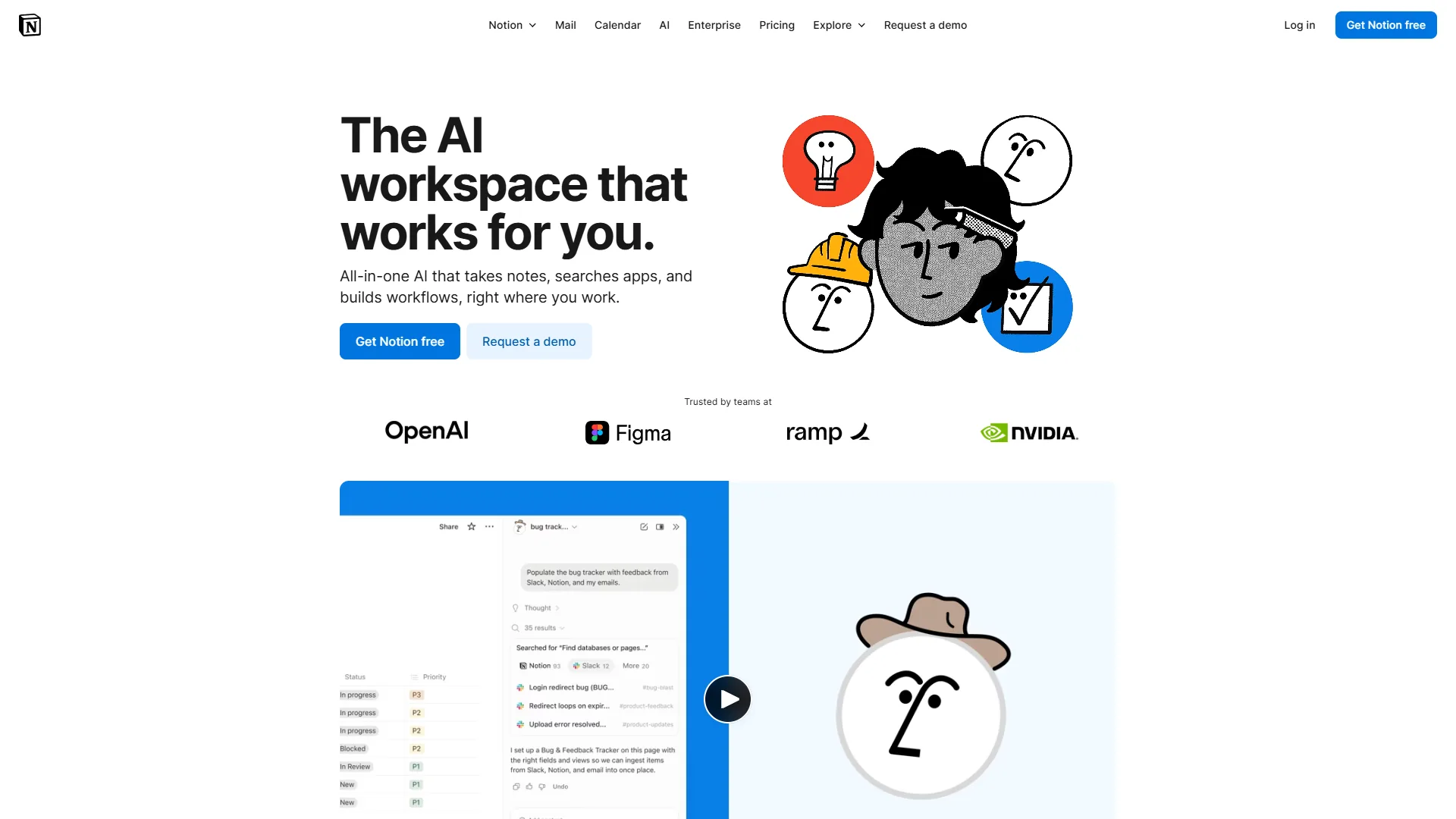
Notion is a documentation and knowledge management workspace where data analysts capture the methodology notes, data dictionary entries, analysis runbooks, findings summaries, and stakeholder meeting notes that keep analytical teams from reinventing the wheel. The September 2026 Notion 3.0 update added AI Agents powered by GPT-5, Claude Opus 4.1, and o3 that can autonomously execute workspace tasks - drafting summaries from notes, answering questions about documented processes, and connecting information across pages.
What it does well for data work:
Database features track analytical projects - linking findings pages to underlying data sources, tagging analyses by business question, building a searchable library of past work. The AI Q&A feature searches across the workspace and surfaces prior analyses. For teams, the Slack AI Connector (Business plan) reads internal Slack context when answering questions, and according to a Notion customer case study, Osaka Gas saw a 35% reduction in time spent searching for information across 3,000 employees.
Where it falls short:
Notion is not a data analysis tool - it does not run code, process datasets, or connect to data warehouses. AI requires the Business plan ($18 per month per seat), reasonable for teams but more expensive than it sounds at scale.
Pricing: Free for individuals. Plus is $12 per month per seat ($10 per year). Business is $18 per month per seat ($15 per year) and required for AI features.
Best for: Analysis documentation, methodology wikis, team knowledge management, meeting notes for analytical projects, tracking findings across a portfolio of work.
How Does Power BI Handle Team Dashboards and Microsoft 365 Integration?
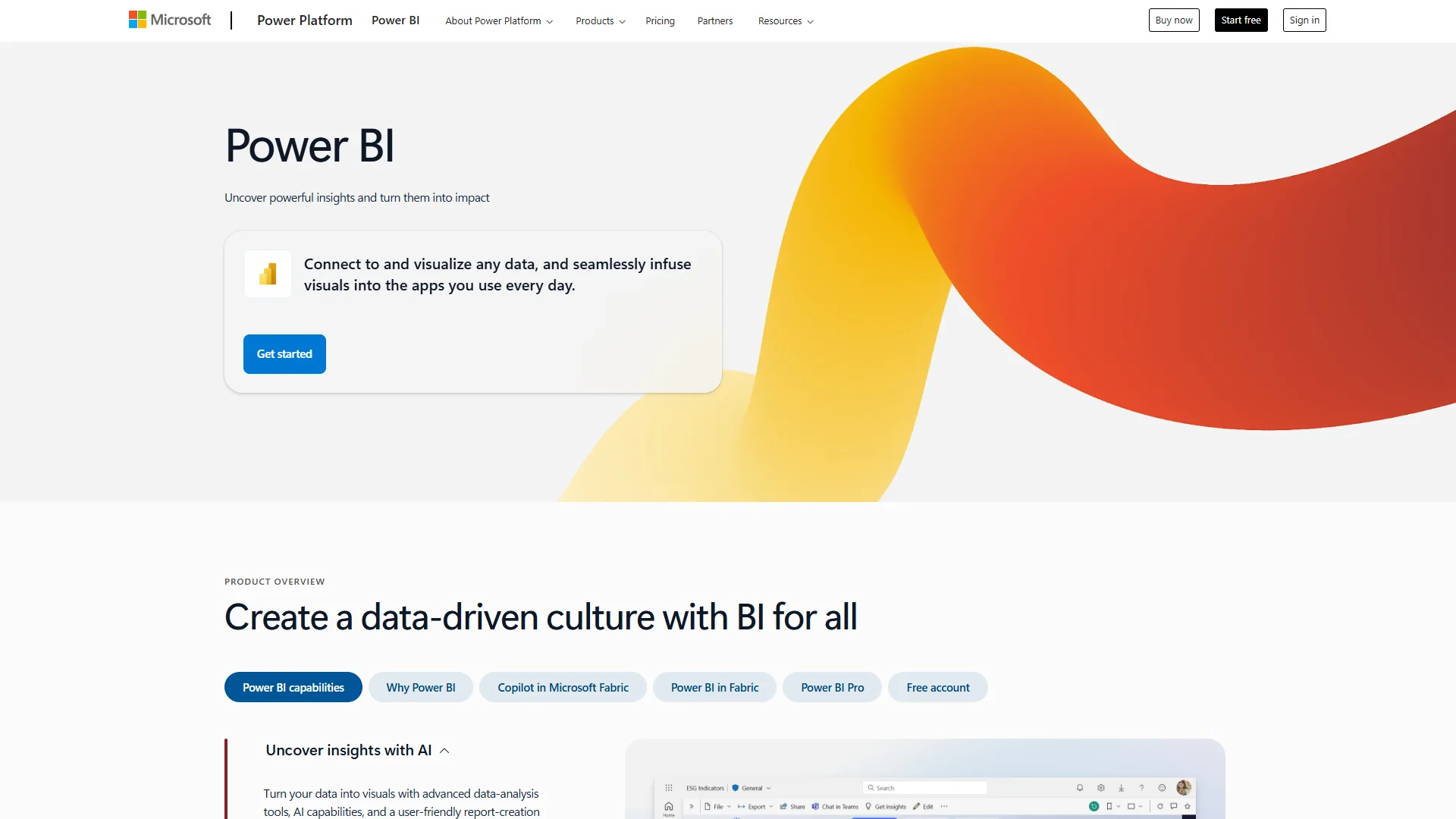
Microsoft Power BI is the most practical choice for team dashboards inside Microsoft 365, with native integration to Excel, Teams, SharePoint, and Azure that eliminates custom development. It is a dedicated business intelligence platform with integrated AI capabilities rather than an AI tool that helps with analytics, and that distinction matters for how you use it.
Reports embedded in Teams channels, Excel data flowing directly to dashboards, and scheduled refreshes syncing with organizational data sources work without configuration.
What it does well for data work:
Power BI handles team dashboards and Microsoft 365 integration through native connectors to Excel, Teams, SharePoint, and Azure that eliminate custom development work. The Smart Narratives feature generates automatic text summaries of dashboard data, which saves time on the narration work analysts often do manually. Anomaly Detection surfaces unusual patterns in time series data automatically. The Q&A feature lets stakeholders ask questions in natural language against published reports.
DAX, Power BI’s formula language, is genuinely powerful for analytical calculations - time intelligence functions, running totals, complex conditional aggregations. It has a learning curve but rewards investment. According to the Total Economic Impact study by Forrester Consulting, commissioned by Microsoft, “a composite organization experiences benefits of $13.46 million over three years versus costs of $2.89 million, adding up to a net present value of $10.57 million and an ROI of 366%,” with report creation dropping from five hours to four minutes in some organizations.
At $14 per month for Pro (team collaboration) or $24 per month for Premium Per User (advanced features including paginated reports and 48 daily refreshes), Power BI offers enterprise BI capability at a price that’s difficult to argue with compared to Tableau ($75 per month) or Looker ($150-200/user/month).
Where it falls short:
Copilot AI - Power BI’s most prominent AI feature - requires Fabric F64+ or Premium P1+ capacity, both enterprise pricing tiers. Pro and Premium Per User subscribers do not get Copilot, which matters if AI-generated reports are part of your evaluation criteria. Performance degrades with large datasets on the Pro tier (1GB dataset limit), and Power BI’s integration advantages disappear for teams in Google Cloud or AWS ecosystems.
Pricing: Free for personal use (no sharing). Pro is $14 per month per user. Premium Per User is $24 per month. Copilot requires Fabric F64+ capacity (enterprise pricing, contact sales).
Best for: Microsoft 365 organizations, team dashboards requiring sharing and collaboration, financial reporting, stakeholder self-service analytics, budget-conscious teams needing enterprise BI.
Looker - For Enterprise Data Governance and Google Cloud
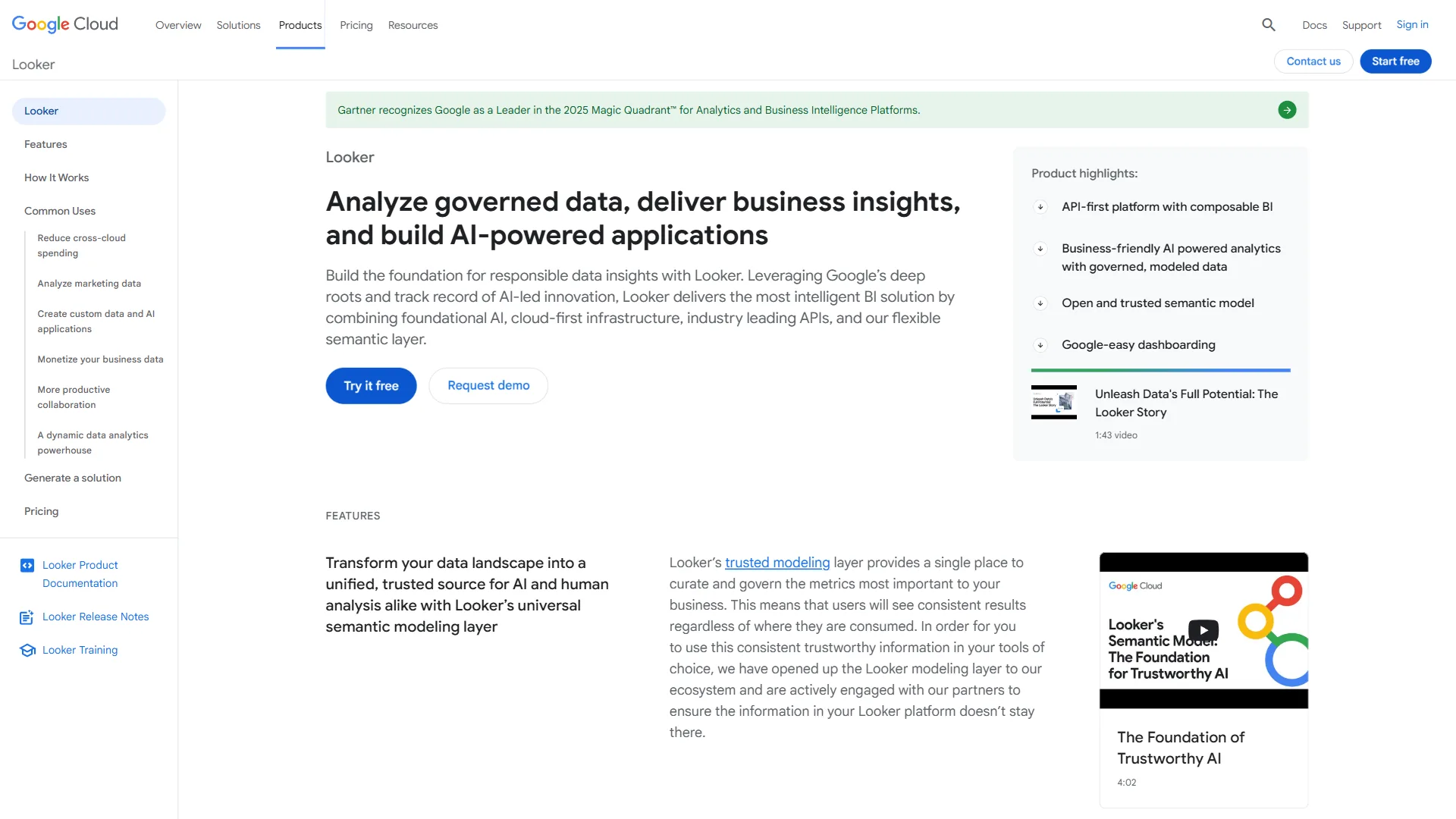
Looker is the enterprise BI platform for data governance and Google Cloud workloads, designed for data-mature organizations that have solved the pipeline problem and now need consistency and scale. The LookML semantic layer - Looker’s defining technical feature - addresses a specific pain: when different teams calculate the same metric differently, you lose credibility with stakeholders and waste time reconciling numbers.
What it does well for data work:
Looker handles enterprise data governance by enforcing one metric definition across every dashboard through its LookML semantic layer. This version-controlled data model defines metrics once and inherits them across all dashboards and reports, so changes to the definition of “active user” or “monthly recurring revenue” propagate automatically. The result is less analyst time spent on metric reconciliation and more trust in reported numbers.
Looker’s Gemini AI integration includes Conversational Analytics (now generally available), which lets business users query data using natural language. The Code Interpreter feature, currently in preview, generates Python for forecasting and anomaly detection from natural language descriptions. The LookML Assistant automates semantic model code generation.
The semantic layer also reduces AI data errors by 66%, according to Looker’s documentation - because the AI is querying against a governed model rather than raw data, it operates within defined constraints.
Where it falls short:
Cost is significant - enterprise pricing starts at approximately $36,000-$60,000 per year for small teams (10-25 users) and scales to $216,000-$360,000+ for 250+ users. Add BigQuery warehouse costs and implementation, and total cost of ownership for mid-market organizations often exceeds $200,000 annually. Visualization is functional but weaker than Tableau - many enterprises end up using Looker for governed metrics and Tableau for executive presentations. The learning curve requires SQL and LookML expertise; it is not self-service for non-technical users.
Pricing: Enterprise only, all pricing negotiated through sales. Estimated $150-200/user/month. No free tier, no transparent self-service pricing.
Best for: Google Cloud-native enterprises, organizations with metric consistency problems, companies needing embedded analytics in products, large teams where data governance is a recurring issue.
Comparison Table: AI Tools for Data Analysts
The table below ranks the six AI tools by starting price, from $14 per month (Power BI Pro) up to roughly $200 per user per month (Looker enterprise).
| Tool | Best Use Case | Starting Price | Free Tier |
|---|---|---|---|
| ChatGPT | Exploratory analysis, quick Python, report writing | $20/month (Plus) | Yes (limited) |
| Claude | Long-document analysis, complex reasoning, code review | $20/month (Pro) | Yes (approx. 20 queries/day) |
| Perplexity | Research, benchmarking, sourced statistics | $20/month (Pro) | Yes (5 Pro searches/day) |
| Notion | Documentation, knowledge management, team wikis | $18/month/seat (Business) | Yes (personal use) |
| Power BI | Team dashboards, Microsoft 365 integration | $14/month (Pro) | Yes (personal, no sharing) |
| Looker | Enterprise governance, Google Cloud, embedded analytics | around $150-200/user/month | No |
The Bottom Line
The bottom line is that the best AI tools for data analysts work in combination rather than isolation, because no single tool covers every analyst use case well. The stack that pays off for most analysts in 2026 is some version of:
A general-purpose AI assistant (ChatGPT or Claude) for analysis, code drafting, and writing. Perplexity for research when you need sourced information rather than AI synthesis. A BI platform (Power BI for most organizations, Looker for enterprises that need governance at scale) for distributing findings to stakeholders. And Notion or a similar documentation tool for the knowledge management work that keeps analytical teams from reinventing the wheel.
The $20 per month tier of ChatGPT, Claude, or Perplexity each pays for itself quickly at any substantial volume. Power BI at $14 per month is similarly easy to justify for teams already in the Microsoft ecosystem. Looker at $200,000+ annually requires a clear answer to “what specific problem does this solve that we cannot solve with cheaper tools?” - for organizations struggling with metric consistency at scale that answer often exists; for everyone else Power BI is the more defensible choice.
FAQ
The FAQs below are the most common reader questions about AI tools for data analytics.
Q: Which AI is best for data analysts?
ChatGPT is the best single AI for most data analysts because Advanced Data Analysis runs Python on uploaded files inside one session. Claude wins on long-document analysis (200K tokens), and Perplexity wins on sourced research. Most working analysts use two or three of these in combination rather than picking one.
Q: Is there an AI for data analysis?
Yes - ChatGPT, Claude, and dedicated tools such as Julius AI run Python or SQL on uploaded data to produce charts, summaries, and forecasts. Power BI Copilot and Looker’s Gemini integration add AI on top of governed enterprise data, while Notion is not a data analysis tool because it does not run code, process datasets, or connect to data warehouses.
Q: What are the 5 C’s of data analytics?
The 5 C’s of data analytics are commonly cited as Context, Consistency, Completeness, Connectivity, and Correctness - a quality framework rather than a tool category. None of the tools in this guide enforce the 5 C’s directly, though Looker’s governed semantic layer is the closest match because it pushes Consistency and Correctness into the data model.
Q: Which Gen AI tool is best for data analysis?
For generative AI specifically, ChatGPT and Claude are the strongest general-purpose tools for 2026, while Looker’s Gemini integration and Power BI’s Copilot lead inside their respective BI ecosystems. The right choice depends on whether your data is in files, in a warehouse, or already inside a Microsoft 365 or Google Cloud stack.
Q: What are the limitations of using AI tools for data analysis?
General-purpose AI assistants like ChatGPT and Claude do not connect to live data systems - they work only with what you upload. ChatGPT can produce confident-sounding but subtly wrong results on complex multi-step analysis. Perplexity handles research well but does not run code or process datasets. Each tool has a defined boundary that analysts need to understand before relying on it.
Related Reading
The related guides below are adjacent reading for data analysts choosing AI and BI tooling in 2026.
- Best BI Tools 2026: Complete Buyer’s Guide
- Power BI vs Tableau: The Honest Comparison for 2026
- Best AI Analytics Platforms for Enterprise Decision Intelligence
- Claude vs ChatGPT: Complete Comparison for Productivity
- AI Hype vs Reality: Why Your CEO is Wrong (But AI Still Wins)
Tools Reviewed
External Resources
The primary vendor and research sources below are the references that informed this analysis, useful for verifying pricing, capabilities, and methodology claims directly.
- Microsoft Power BI Documentation - Official documentation for DAX, connectors, and deployment guides
- Looker Conversational Analytics Documentation - Technical overview of Gemini-powered NL queries in Looker
- Gartner Magic Quadrant for Analytics and BI Platforms - Independent analyst evaluation of BI platforms including Power BI and Looker