


Trello costs $6 per user per month and offers Kanban boards with a free 10-board tier, while Asana starts at $13.49 per user per month and adds AI Studio, timeline views, task dependencies, and portfolio tracking for growing teams. Both serve different problems: Trello suits visual Kanban work and Trello vs Asana for personal use; Asana suits structured execution across multi-project teams.
Our analysis draws on vendor documentation and independent industry research from sources including Forbes Advisor and Zapier. Some links on this page are affiliate links; our analysis remains independent. This trello vs asana comparison breaks down every meaningful difference between the two project management tools.
Comparison Table: Trello vs Asana
The Trello vs Asana comparison table below summarizes pricing, AI features, views, and tier-by-tier capabilities at a glance.
| Factor | Trello | Asana |
|---|---|---|
| Rating | 4.1/5 | |
| Free Tier | Unlimited cards, 10 boards | Up to 10 users, basic views |
| Paid Starting Price | $6/user/mo (Standard) | $13.49/user/mo (Starter) |
| Primary View | Kanban boards | List, board, timeline, calendar |
| AI Features | None (Butler is rule-based) | AI Studio, AI Teammates (beta) |
| Task Dependencies | Premium tier only ($12.50) | Starter tier ($13.49) |
| Timeline/Gantt | Premium tier only | Starter tier |
| Portfolio Management | Not available | Advanced tier ($30.49) |
| Automation | Butler (250-unlimited runs) | 250-25,000 actions/month |
| Best For | Small teams, visual thinkers | Growing teams, structured PM |
| Learning Curve | Minutes | Days to weeks |
Trello: Visual Simplicity That Just Works
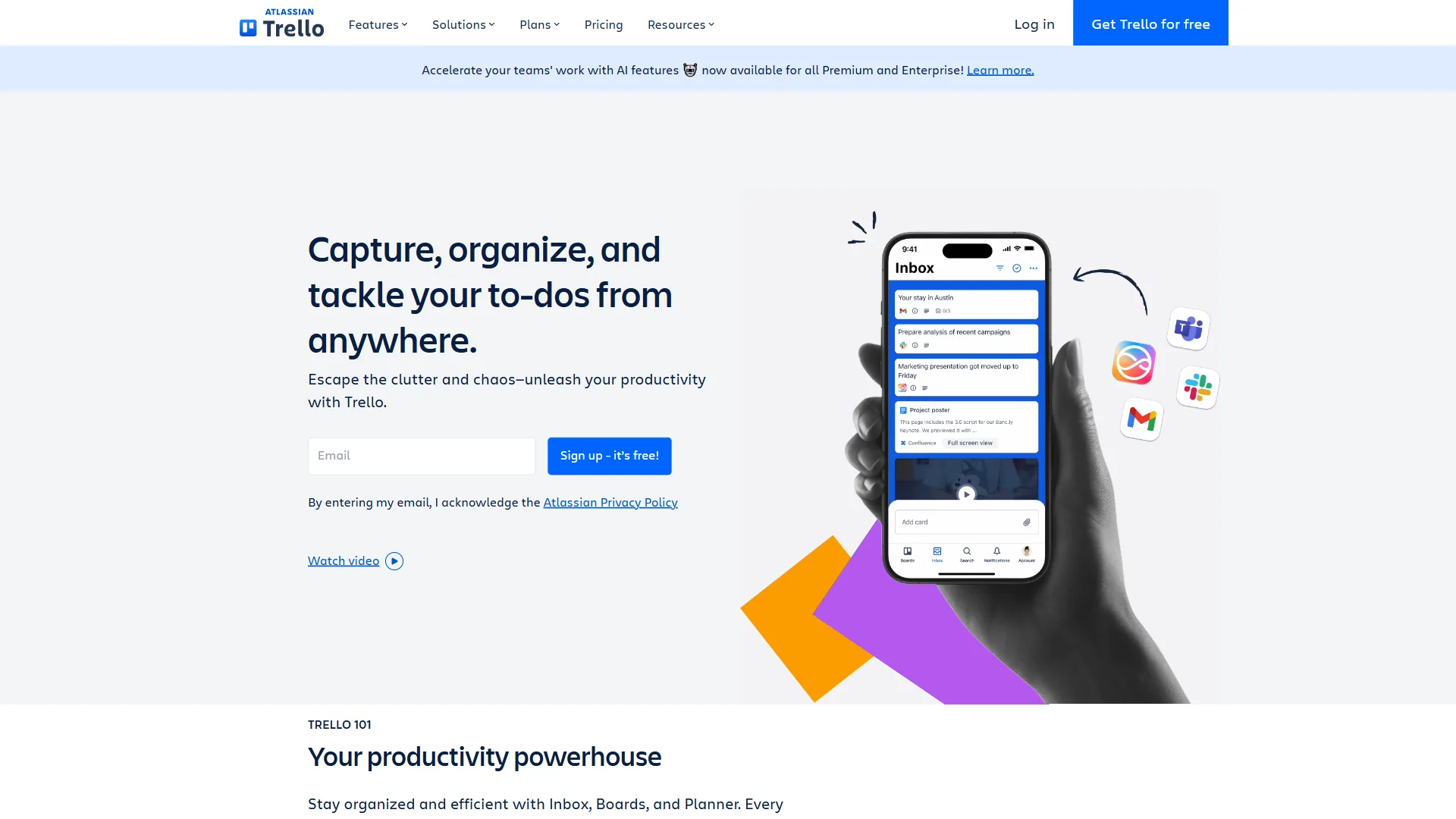
Trello is a visual Kanban tool owned by Atlassian that uses a board-list-card metaphor to manage tasks, serving 90 million registered users with a free tier that supports unlimited cards across 10 boards. You create a board, add lists for each stage of your workflow, and drag cards between them.
Onboarding new contractors onto a Trello board takes minutes. According to a Forbes Advisor analysis of project management software, “Trello is a great option for individuals and small teams seeking a simple, visual way to manage tasks and projects.” That instant adoption is rare in project management software.
Where Trello Excels
Kanban done right. Trello’s drag-and-drop interface remains the gold standard. Cards support checklists, due dates, labels, attachments, and custom fields.
Generous free tier. Unlimited cards, unlimited Power-Ups per board, and up to 10 boards per workspace at zero cost. Viewers and commenters are always free on every tier.
Butler automation. Rule-based workflows like “When a card is moved to Review, assign it to the editor and set a due date for 3 days.” Free tier gets 250 runs per month; Standard 1,000; Premium unlimited.
Atlassian ecosystem. Native integrations with Jira, Confluence, and Bitbucket. The Power-Up marketplace adds Slack, Google Drive, GitHub, and hundreds more.
Where Trello Falls Short
No AI features. Butler automation is rule-based, not intelligent. Asana offers AI Studio with natural language workflows; Trello relies on if-then rules built from scratch.
Limited views on lower tiers. Calendar, Timeline, Table, Dashboard, and Map views unlock only on Premium ($12.50 per user/mo).
Scalability ceiling. No native portfolio management, no workload views, and minimal reporting. Teams managing complex multi-project workflows will outgrow Trello. Our best Kanban tools roundup covers alternatives with more headroom.
Skip Trello if your team has more than 15 people, your projects have task dependencies, or stakeholders expect Gantt charts and burndown reports. Cross-board search is awkward, dependency tracking does not exist natively, and reporting stops at simple card counts.
Trello Pricing Breakdown
| Tier | Monthly Price | Annual Price | Key Features |
|---|---|---|---|
| Free | $0 | $0 | Unlimited cards, 10 boards, 250 Butler runs |
| Standard | $6/user | $5/user | Unlimited boards, custom fields, 1,000 Butler runs |
| Premium | $12.50/user | $10/user | Timeline + 4 views, unlimited Butler, admin tools |
| Enterprise | Contact sales | $17.50/user | Org-wide permissions, multi-board guests |
Save up to 17% with annual billing across all paid tiers.
Asana: Structured Project Management With AI
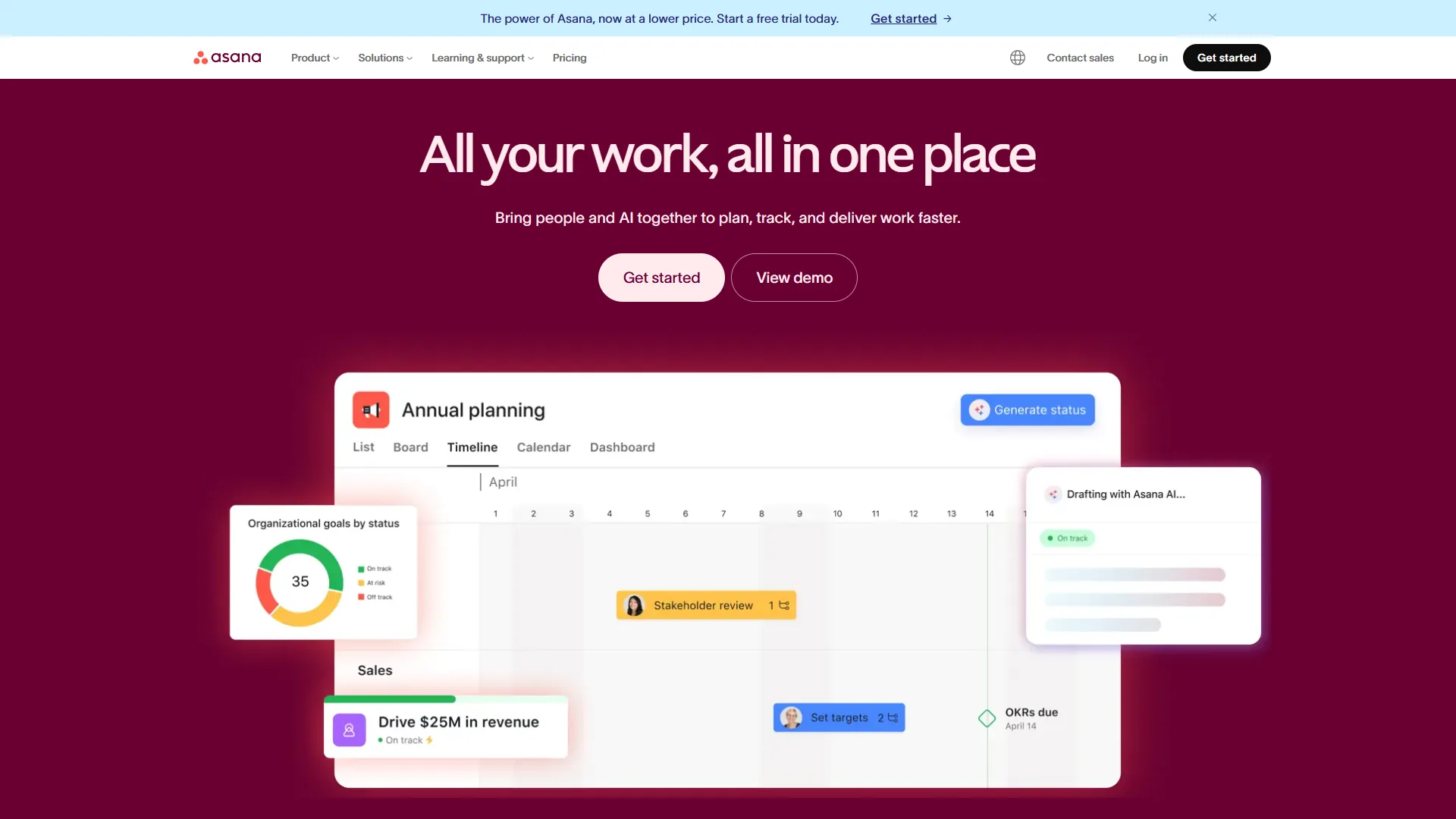
Asana started in 2008 and is a work management platform used by 150,000+ organizations. Where Trello focuses on visual simplicity, Asana focuses on structured execution - timelines, dependencies, portfolios, and AI-powered workflow automation.
Where Asana Excels
Timeline and dependency tracking. Gantt-style views map task dependencies and show how delays cascade. Drag a task to reschedule it, and every dependent task shifts automatically. Available from Starter tier ($13.49 per user/mo).
AI Studio. Available on all paid tiers, AI Studio builds no-code automations using natural language: “When a task is marked complete in Marketing, notify Sales and create a follow-up task.”
AI Teammates (beta). Collaborative AI agents on AI Studio Pro handle multi-step workflows - summarizing project status, identifying blockers, and recommending task assignments.
Portfolio management. Advanced tier ($30.49 per user/mo) tracks multiple projects from a unified dashboard - project health, resource allocation, and cross-department progress.
Robust reporting. Custom dashboards, filtered reports, and workload views give managers visibility Trello’s basic Dashboard cannot match.
Where Asana Falls Short
Expensive for small teams. Starter at $13.49 per user/mo is more than double Trello Standard. For 10 users, that is $134.90 vs $60 per month.
Steeper learning curve. Timeline views, portfolio management, and workflow builders take days of onboarding, not minutes.
Free tier is restrictive. Limited to 10 users with no timeline views, no custom fields, no automations, and no task dependencies.
Time tracking locked behind Advanced. Built-in time tracking requires the Advanced tier at $30.49 per user/mo. Starter users need third-party tools like Harvest or Toggl.
Skip Asana if your team is under 10 people running independent tasks, you need a fast-onboarding tool, or budget is the deciding factor. The price gap over Trello matters at small scale, onboarding non-technical contractors takes days, and AI Teammates remain in beta with uneven reliability.
Asana Pricing Breakdown
| Tier | Monthly Price | Annual Price | Key Features |
|---|---|---|---|
| Personal | $0 | $0 | 10 users, list/board/calendar views, basic forms |
| Starter | $13.49/user | $10.99/user | Timeline, dependencies, AI Studio, 250 automations |
| Advanced | $30.49/user | $24.99/user | Portfolio, workload, time tracking, 25,000 automations |
| Enterprise | Custom | Custom | SSO/SAML, SCIM, unlimited automations, priority support |
Annual billing saves approximately 18% across paid tiers.
Feature-by-Feature: Trello vs Asana
Trello and Asana diverge most on views, AI automation, reporting, and onboarding speed, with Asana offering deeper structure and Trello offering faster adoption.
Views and Visualization
Asana offers list, board, timeline, calendar, portfolio, and workload views from its Starter tier, while Trello centers on Kanban boards and unlocks Calendar, Timeline, Table, Dashboard, and Map views only at Premium ($12.50 per user/mo).
Trello is a Kanban-first tool with a clean board view; Premium tier adds Calendar, Timeline, Table, Dashboard, and Map views as additions to the core Kanban experience.
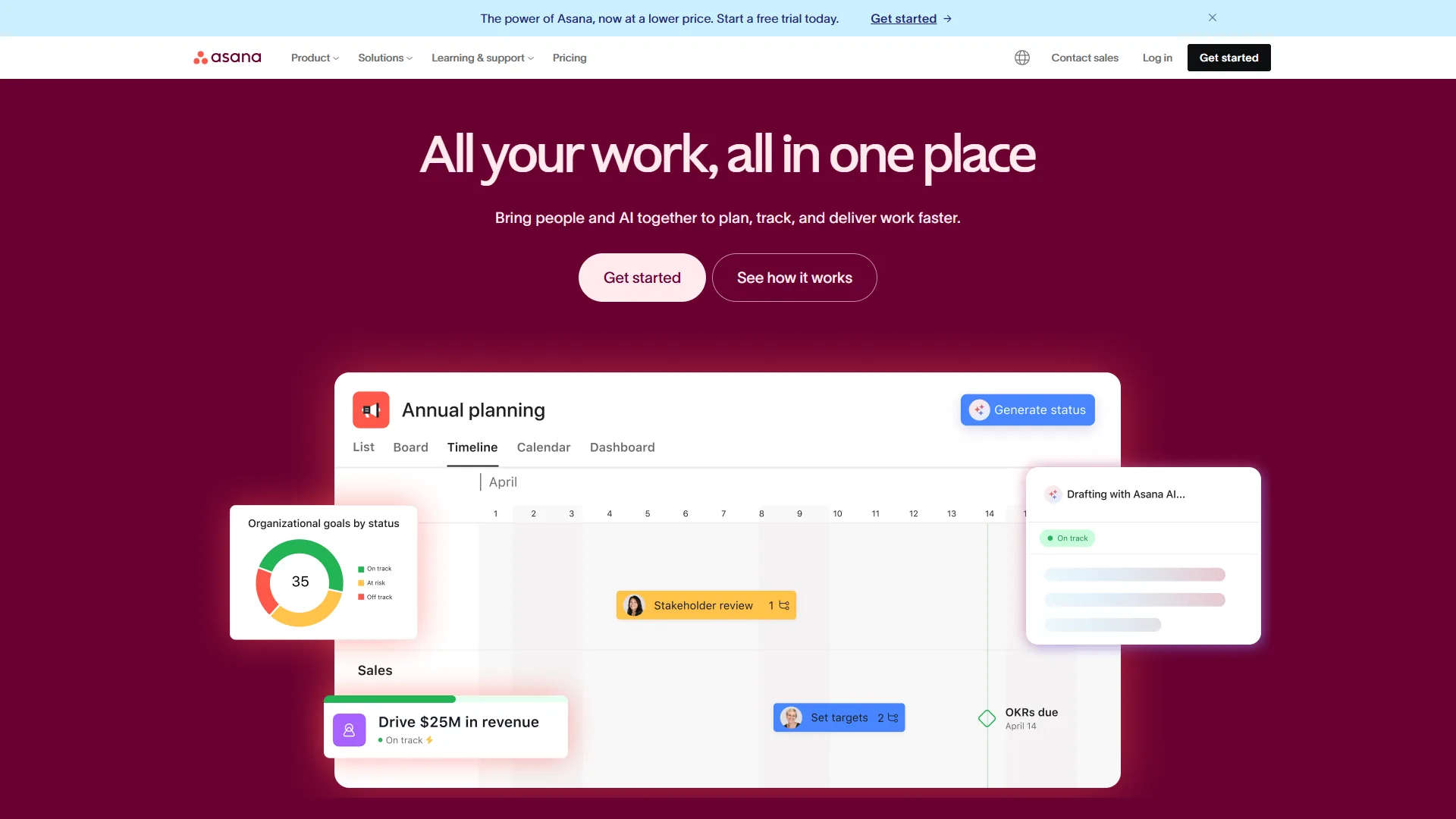
Asana treats every view as first-class. List, board, timeline, and calendar are all available from Starter tier. Advanced tier adds portfolio and workload views. The timeline view supports dependencies, milestones, and multi-project visualization.
Edge: Asana - unless you only need Kanban, in which case Trello is cleaner.
Automation and AI
Trello Butler is a rule-based engine - triggers and actions like “When a card is added to this list, assign team member X.” It handles routine workflows well, but every rule must be manually built.
Asana AI Studio uses natural language to build automations. AI Teammates execute multi-step workflows, generate project summaries, and surface bottlenecks. AI Studio Basic is included on all paid tiers.
Edge: Asana - AI Studio is a genuine differentiator.
Integrations
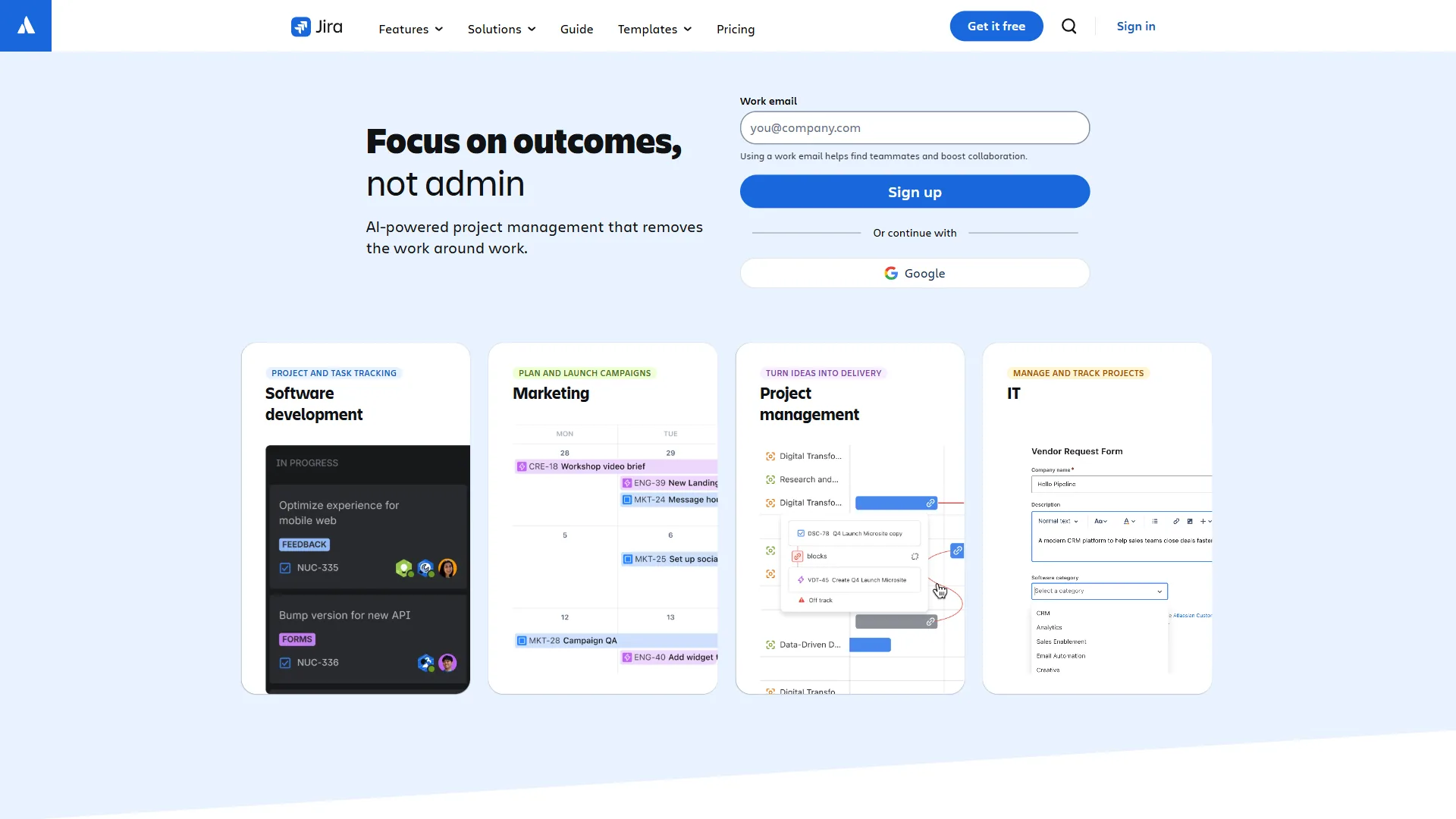
Trello uses Power-Ups - marketplace integrations on all tiers including Free, with unlimited Power-Ups per board. Atlassian-owned integrations (Jira, Confluence, Bitbucket) are particularly polished.
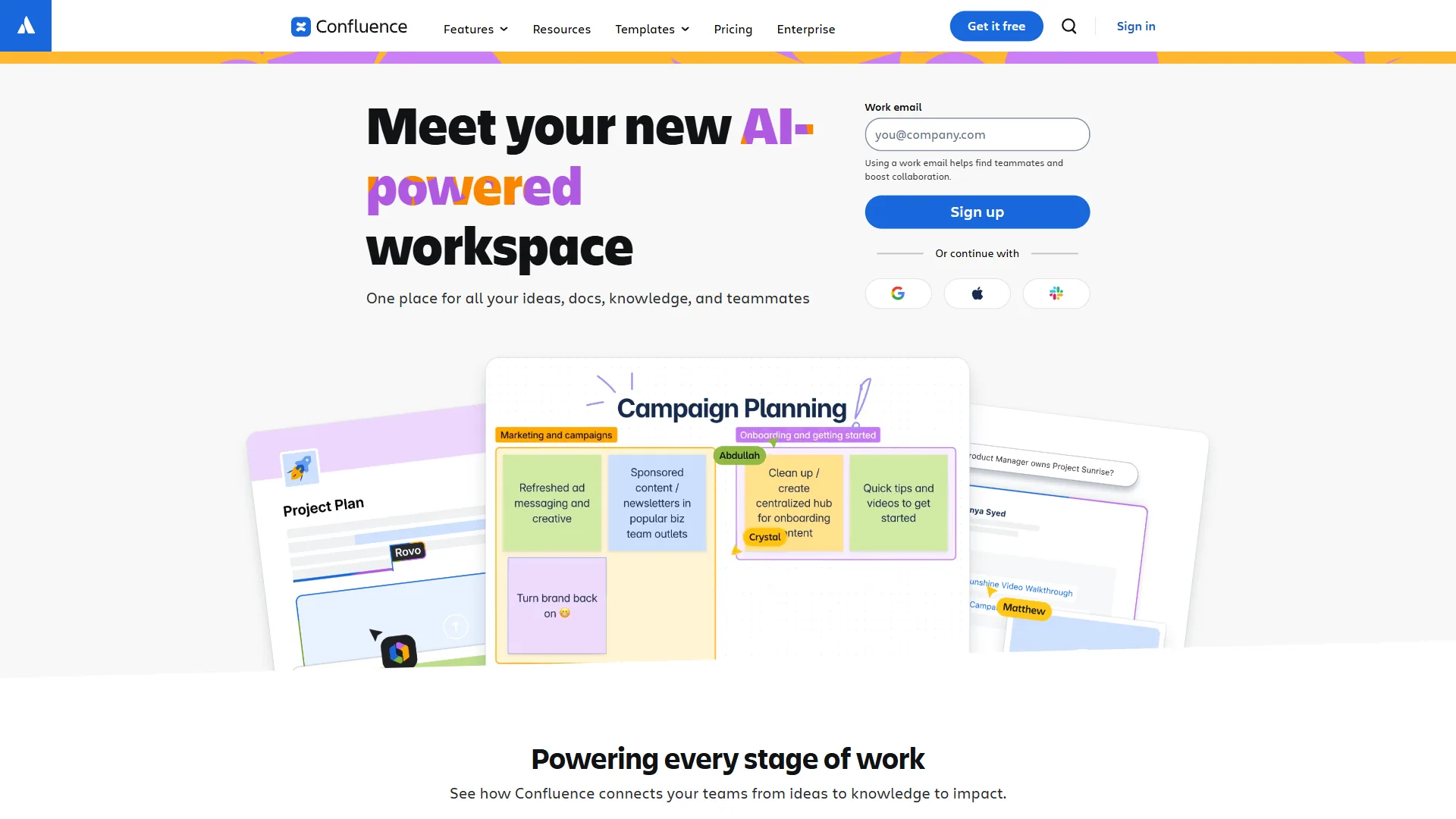
Asana offers 200+ native integrations including Slack, Microsoft Teams, Salesforce, Google Workspace, and Microsoft 365 Copilot. Starter tier gives access to 100+ integrations.
Edge: Tie - Trello on free-tier integration access; Asana on enterprise connector depth.
Collaboration
Trello collaboration revolves around cards: comments, @mentions, file attachments, and activity feeds. Viewers and commenters are free on all tiers - a genuine advantage for client-facing work. There is no built-in chat, no workload management, and no approval workflows.
Asana adds task comments, project conversations, approvals (Starter+), proofing for creative assets (Advanced+), and workload views that show who is overloaded.
Edge: Asana for cross-department team coordination; Trello for simple, transparent client collaboration.
Learning Curve and Onboarding
Trello’s board-list-card metaphor is universally understood - it rarely takes more than 10 minutes to explain to a new team member.
Asana’s interface is clean, but timeline views, portfolio management, custom fields, and workflow builders all require explanation. Expect 1-2 days for basic proficiency and 1-2 weeks for advanced features. Our best free project management tools roundup includes other lightweight options.
Edge: Trello - and it is not close.
Reporting and Analytics
Trello’s reporting is minimal: Dashboard view (Premium only) shows basic card counts, due-date status, and member activity. No burndown charts, no velocity tracking, no cross-board analytics.
Asana delivers project dashboards on Starter, with Advanced unlocking custom charts, filtered reports, and cross-project analytics. Enterprise adds executive dashboards and compliance reporting.
Edge: Asana - significantly better reporting at every tier.
Pricing Comparison: The Real Cost
Trello costs $60 per month for a 10-person team on the Standard tier, while Asana costs $134.90 per month on the Starter tier for the same headcount - a 125% premium that reflects Asana’s added timeline views, task dependencies, and AI Studio automation.
For a 10-Person Team (Monthly Billing)
| Trello | Asana | |
|---|---|---|
| Free option | 10 boards, unlimited cards | 10 users, basic views |
| Entry paid tier | $60/mo (Standard) | $134.90/mo (Starter) |
| Mid tier | $125/mo (Premium) | $304.90/mo (Advanced) |
| Annual savings | $120/year (Standard) | $300/year (Starter) |
Trello Standard at $60/mo gives a 10-person team unlimited boards, custom fields, and 1,000 Butler runs. Asana Starter at $134.90/mo adds timeline views, task dependencies, AI Studio, and 250 automations.
For a Solo Freelancer or Very Small Team
Trello’s free tier handles most freelance workflows without spending a dollar. Asana’s free tier caps at 10 users but lacks timeline views, custom fields, and automations.
For Mid-Size Teams (20-50 People)
Asana’s structural advantages justify the higher cost. Portfolio management, workload views, and 25,000 monthly automations on Advanced tier give managers oversight Trello cannot provide. See our best AI project management tools comparison for alternatives.
Which Tool Fits Your Team
Trello fits teams of 2-15 people running independent Kanban workflows, while Asana fits teams of 15 or more managing dependencies, portfolios, and multi-project execution.
Choose Trello If You:
- Need simple, visual task management without complexity
- Want the best free tier in project management
- Prefer a tool that requires zero training
- Work in small teams (2-15 people) with straightforward workflows
- Value affordable paid tiers ($6-$12.50 per user/mo)
- Already use Atlassian tools (Jira, Confluence)
- Manage freelance or client projects where simplicity matters
Choose Asana If You:
- Manage projects with task dependencies and deadlines
- Need timeline and Gantt chart views for project planning
- Want AI-powered workflow automation, not just rule-based triggers
- Run a team of 15+ people across multiple projects
- Require portfolio-level visibility and reporting
- Need workload management to prevent team burnout
- Plan to scale your project management as your organization grows
The Team Size Sweet Spot
In practice, the tipping point is around 10-15 people. Below that, Trello’s simplicity outweighs Asana’s power. Above that, Asana’s structure prevents the organizational chaos that Trello boards cannot solve.
If your team is exactly at that threshold, ask one question: Do your projects have dependencies? If tasks block other tasks, and delays in one area cascade to another, Asana’s timeline views will save you from missed deadlines. If your work is largely independent tasks moving through stages, Trello’s Kanban boards are all you need.
The Bottom Line
The trello vs asana decision is not about which tool is better - it is about which problem you are solving. Trello offers simplicity, price, and speed of adoption: the free tier is genuinely useful, paid tiers undercut nearly every competitor, and the Kanban interface remains the most intuitive in the market. For small teams and freelancers who value visual clarity, Trello is the right choice.
Asana offers structure, AI, and scalability. Timeline views, task dependencies, AI Studio, and portfolio management give growing teams the tools to manage complexity. The price premium is real - but so is the capability gap. For teams managing multiple projects with cross-functional dependencies, Asana provides the organizational backbone that prevents work from falling through cracks.
Both tools offer free tiers. Switching from Trello to Asana, or piloting both for a week, costs nothing.
FAQ
Q: Are Trello and Asana free?
Both tools offer free tiers. Trello’s free plan allows unlimited cards across 10 boards; Asana’s free Personal plan supports up to 10 users with list, board, and calendar views.
Q: Is Trello or Asana better for small teams?
Trello is generally the better choice for small teams under 10 to 15 people. Paid tiers start at $6 per user per month, and new team members can get up to speed in minutes. Asana’s timeline views, dependencies, and portfolio tracking become more valuable once team complexity grows beyond what Kanban boards can handle.
Q: What is the main pricing difference between Trello and Asana?
Trello Standard costs $6 per user per month while Asana Starter costs $13.49 per user per month - more than double. For a 10-person team on monthly billing, that is $60 per month for Trello versus $134.90 for Asana.
Related Reading
Related Reading covers tools mentioned in this comparison plus broader project management guides for teams evaluating alternatives.
Tools covered in this article:
- Trello - Visual Kanban boards for simple task management
- Asana - AI-enhanced work management platform
- Jira - Atlassian project tracking for development teams
- Confluence - Atlassian team wiki and documentation platform
- Salesforce - CRM platform with Asana integration
- Google Workspace - Productivity suite that integrates with both Trello and Asana
More project management guides:
- Trello Alternatives 2026 - Five project management tools that go beyond Kanban
- Best Project Management Tools 2026 - Top PM tools compared
- Project Management for Small Teams - PM strategies for teams under 20
External Resources
External Resources include official vendor pages and integration directories for Trello and Asana.
- Trello - Official website
- Asana - Official website
- Trello Power-Ups Marketplace - Browse integrations
- Asana App Directory - Browse integrations