

ClickUp wins for tool consolidation and customization at $7 per user/month, while Asana wins for structured workflows with AI Studio included at $10.99 per user/month. Both tools have free tiers, both overhauled their AI in 2026, and both can handle a 10-person team or a 500-person org - the surface-level specs look similar enough to cause real decision paralysis, and most “which is best” guides skip the cost math that decides it.
A practical guide to ClickUp vs Asana covering AI, pricing, and who should use which - with clear verdicts by team type.
This comparison is based on each vendor’s current pricing and feature documentation plus independent research rather than sponsored placement. AI Productivity may earn a commission from links on this page; our rankings and verdicts are editorially independent.
Past the marketing, these tools solve fundamentally different problems. ClickUp bets on consolidation - running your entire work life (tasks, docs, goals, chat, time tracking) from one app. Asana bets on clarity - structured workflows, clean timelines, and automation that runs without configuration nightmares. For more pricing context, see our ClickUp pricing breakdown. This guide compares every dimension that matters, including 2026’s AI additions, real 12-month costs, and a clear verdict per team type.
ClickUp vs Asana at a Glance
ClickUp is a consolidation platform with 15+ views and AI as a paid add-on, while Asana is a structured work-management tool with 6 polished views and AI included on every paid plan. The right choice for your business depends on your workflow, budget, and team size. “ClickUp is more customizable, but Asana is easier to use,” according to Miguel Rebelo, senior writer at Zapier’s independent comparison - a tradeoff that frames almost every decision below.
| Factor | ClickUp | Asana |
|---|---|---|
| Rating | ||
| Free Tier | Yes - unlimited tasks and users | Yes - up to 10 users |
| Starting Price | $7/user/mo (annual) | $10.99/user/mo (annual) |
| Business Plan | $12/user/mo (annual) | $24.99/user/mo (annual) |
| AI Included | Add-on ($9/user/mo+) | Included on all paid tiers |
| Task Views | 15+ (List, Board, Gantt, etc.) | 6 (List, Board, Timeline, etc.) |
| Automations | 250+/mo (Business) | 250/mo (Starter) |
| Best For | Tool consolidation, power users | Structured workflows, enterprise clarity |
| Learning Curve | High | Moderate |
TL;DR: Choose ClickUp if you want to replace multiple tools and can invest time in configuration. Choose Asana if you want structured workflows with AI baked in at a lower entry point.
Honest tradeoffs upfront: ClickUp’s main limitations are a steep learning curve, AI as a paid add-on (not included), and a UI that overwhelms casual users; it’s not for teams that want to start tracking work in 30 minutes. Asana’s drawbacks are a more rigid hierarchy, a higher entry price, and fewer view types; skip Asana if your team needs deeply nested subtasks, embedded whiteboards, or wants to consolidate time tracking and docs into one app.
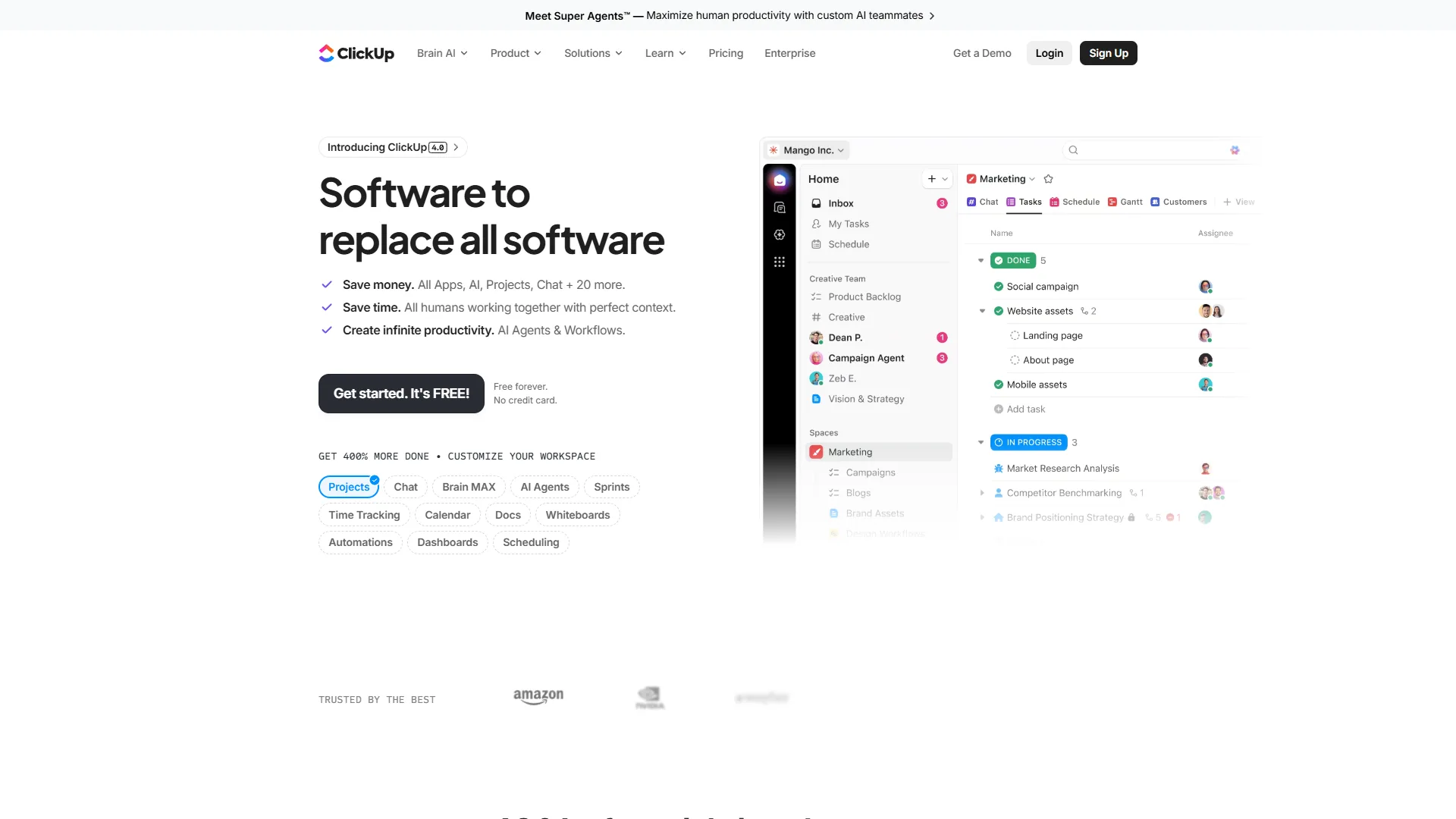
Feature-by-Feature Comparison
Task Management
Both tools handle core task management well; the difference is depth vs. focus.
ClickUp gives you custom statuses, unlimited nested subtasks, task dependencies, custom fields, priorities, assignees, watchers, and tags - all on the free plan, enough to mirror any workflow imaginable. The flip side is that new users frequently feel overwhelmed before their first week is done.
Asana keeps the structure flatter by design. Tasks sit in projects, projects sit in portfolios, and the hierarchy is clean and enforced. Subtasks are one level by default - Asana steers you toward dependencies and sections instead of deep nesting, as documented in the Asana subtasks guide. That constraint is a feature for teams that have suffered ClickUp rabbit holes.
Winner: ClickUp for customization. Asana for clarity.
Views
ClickUp offers over 15 view types - List, Board, Calendar, Gantt, Timeline, Workload, Table, Map, Whiteboard, Mind Map, Chat, Embed, and more, as listed in the official ClickUp views overview. Most are available on the Unlimited plan ($7 per month), so engineers can work in List, managers in Gantt, and designers in Whiteboard.
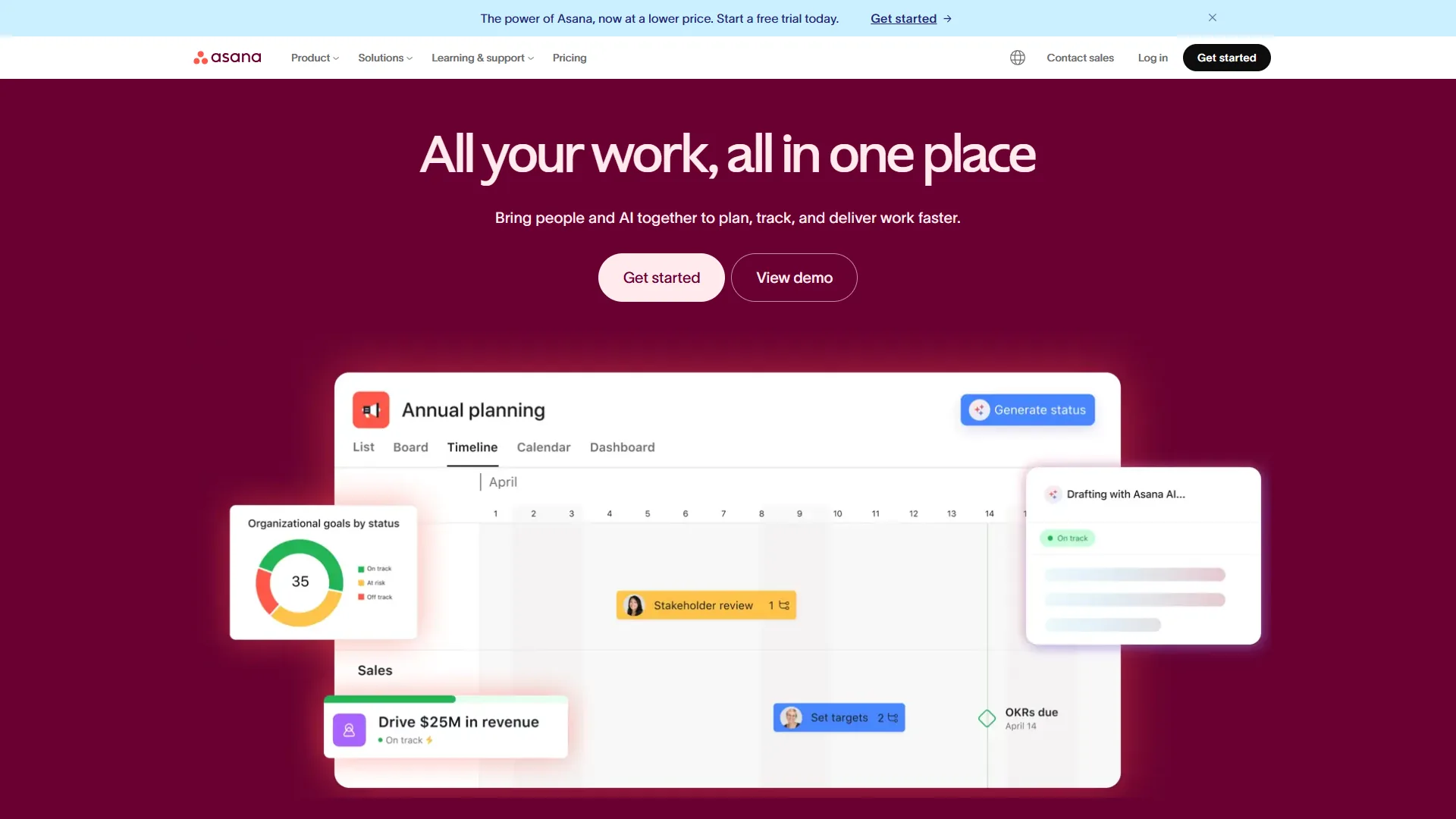
Asana offers List, Board, Timeline, Calendar, Gantt, and Portfolio views. Fewer options, but each is polished and well-maintained. The Timeline view in particular is clean and widely praised for milestone planning.
Winner: ClickUp on volume. Asana on polish.
AI Features in 2026
This is where the comparison gets genuinely interesting in 2026.
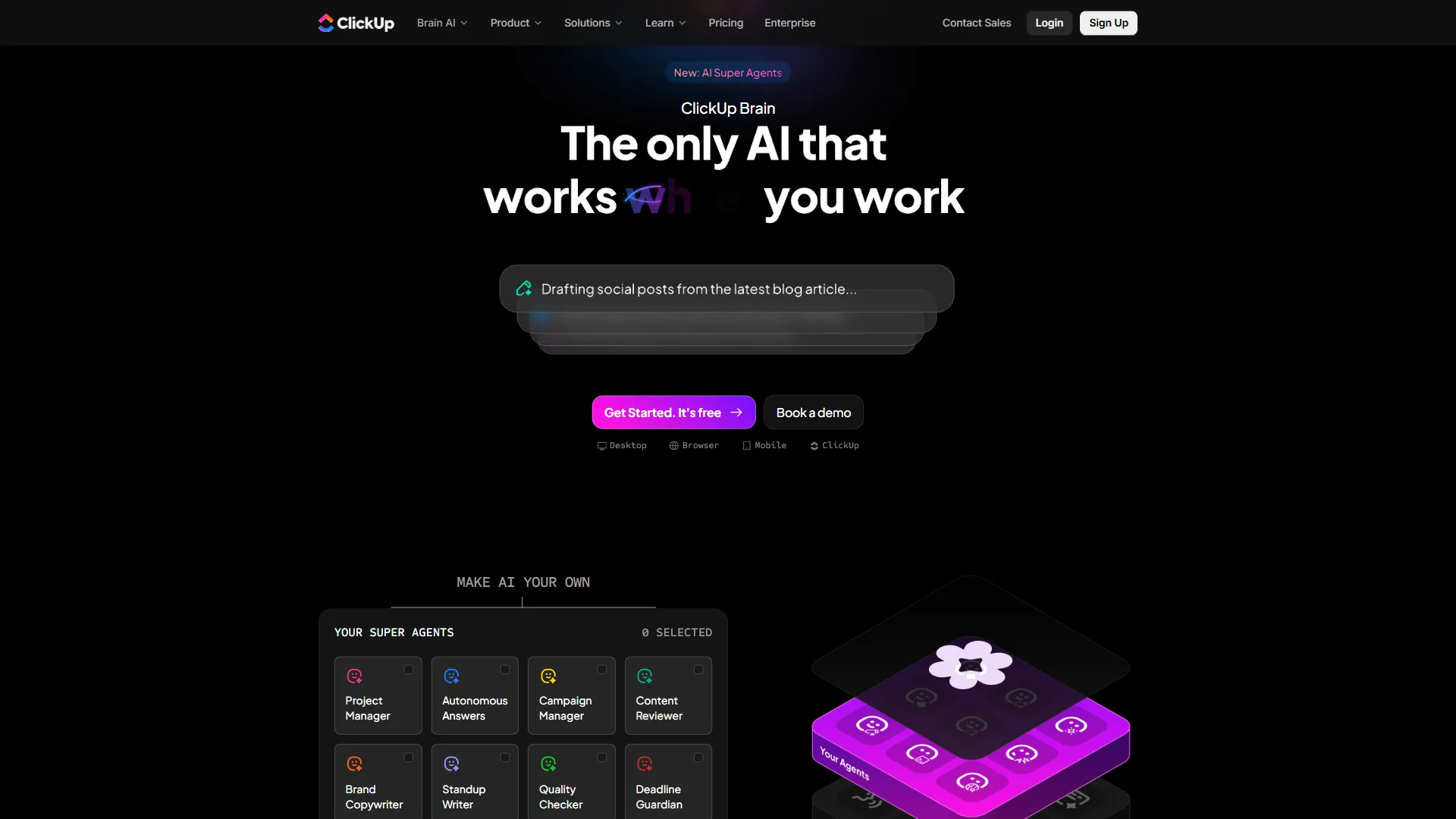
ClickUp Brain is a paid add-on: $9 per user/month for AI Standard (unlimited AI essentials, Brain MAX desktop app, premium models including GPT-5, Claude Opus 4.1, and o3), per ClickUp’s Brain product page. The $28 per user/month Autopilot tier adds unlimited automations, Autopilot Agents, and the AI Notetaker for meetings.
Brain MAX is ClickUp’s most ambitious feature - a system-wide desktop AI that works across apps, not just inside ClickUp. The AI Project Manager assigns tasks by availability, detects drifting projects, and generates progress summaries automatically. The AI Knowledge Manager answers questions from across your connected tools, supported by premium models like Claude and GPT-5. The catch: ClickUp Brain is an add-on - a Business plan plus AI Standard costs $12 + $9 = $21 per user/month annually.
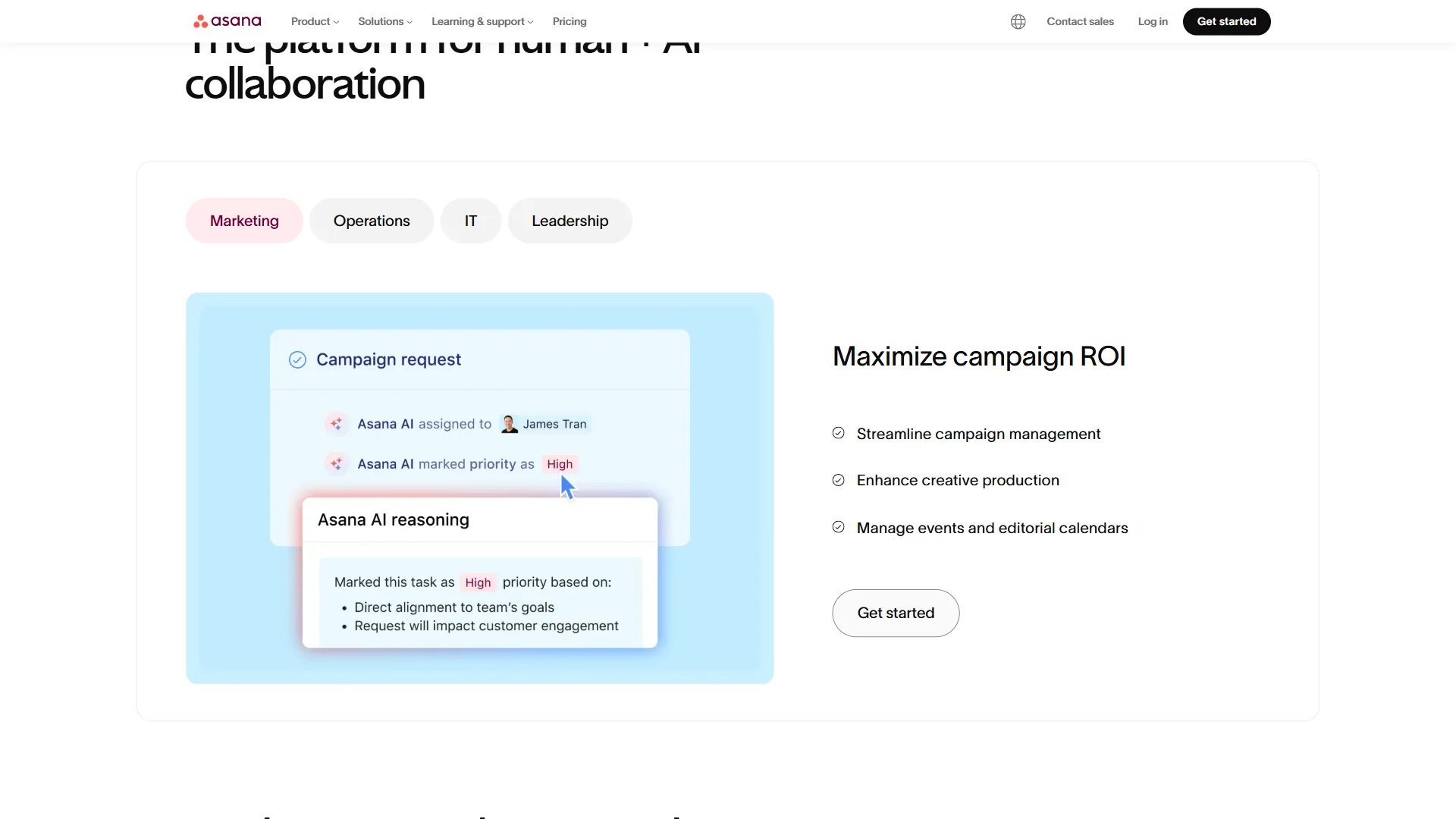
Asana AI takes a different approach. Asana AI Studio (the no-code AI workflow builder) is included on all paid plans - even Starter at $10.99 per user/month annually. AI Teammates (collaborative AI agents that can trigger workflows, update task statuses, and handle rule-based decisions) launched in beta for AI Studio Pro customers in late 2026.
Asana’s Smart Summaries, Smart Search (multilingual and semantic), and Change Summaries are available across plans - meaningful AI without an extra add-on layer.
Winner: Asana for value. ClickUp Brain for raw power (if you pay for Autopilot).
Automation
ClickUp automations are powerful but require setup. You build trigger-action rules (e.g., “when a task moves to Done, close all subtasks and notify the assignee”). The Business plan gets 250+ automations per month, with custom triggers, conditions, and actions; Zapier and Make extend this further.
Asana’s automations follow similar logic with a cleaner builder. The Starter plan includes 250 automations per month. Asana does better on pre-built templates - you can activate useful rules (escalate overdue tasks, send weekly digests, move tasks when dependencies clear) in seconds.
AI Studio in Asana adds another layer: AI-powered rule creation where you describe what you want in plain English and Asana generates the automation. This is a meaningful quality-of-life improvement.
Winner: Asana for ease of setup. ClickUp for complex, conditional automation logic.
Integrations
Both tools connect to the major platforms (Slack, Google Workspace, Microsoft Teams, Salesforce, Zoom, GitHub, HubSpot). ClickUp advertises 1,000+ integrations including Zapier and Make; Asana offers 200+ native integrations with a native Salesforce integration on the Advanced plan. ClickUp also supports embedding external content into tasks and views, partially reducing the need for separate integrations.
Winner: ClickUp on sheer volume. Asana on depth of Salesforce/enterprise integration.
Pricing Comparison
All figures below are drawn from each vendor’s published pricing pages - ClickUp pricing and Asana pricing - using annual-billing rates.
Detailed Tier Breakdown
| Plan | ClickUp | Asana |
|---|---|---|
| Free | $0 - unlimited users, unlimited tasks, 100MB storage | $0 - up to 10 users, unlimited tasks |
| Entry Paid | $7/user/mo (Unlimited, annual) | $10.99/user/mo (Starter, annual) |
| Mid-Tier | $12/user/mo (Business, annual) | $24.99/user/mo (Advanced, annual) |
| AI Add-on | +$9/user/mo (Standard) or +$28/user/mo (Autopilot) | Included in paid plans |
| Enterprise | Custom | Custom |
Real 12-Month Cost: 10-Person Team
Let’s model actual costs for a team of 10 that needs Gantt views, automations, and AI features:
ClickUp Business + AI Standard: $12 + $9 = $21 per user/month × 10 users × 12 months = $2,520/year
Asana Advanced: $24.99 per user/month × 10 users × 12 months = $2,999/year
Asana Starter (with AI Studio included): $10.99 per user/month × 10 users × 12 months = $1,319/year
For a 10-person team that needs solid AI but not portfolio management, Asana Starter with included AI Studio beats ClickUp Business + AI on cost by a wide margin. For teams needing portfolio views, advanced reporting, and Salesforce integration, Asana Advanced at around $3k/year competes with ClickUp Business + AI at around $2.5k/year - giving ClickUp the edge.
Winner: Asana for budget-conscious teams (AI included at entry). ClickUp for value at Business+ tier when AI is essential.
Choose ClickUp or Asana If…
Choose ClickUp if you are a solopreneur, freelancer, or agency that values customization and tool consolidation, and choose Asana if you are a small team or enterprise that needs fast setup, structured workflows, and AI included by default. The role-by-role verdicts below break down each case.
Solopreneurs and Freelancers
Choose ClickUp. The free plan is genuinely powerful - unlimited tasks, unlimited users, collaborative docs, and whiteboards on $0 per month. ClickUp’s consolidation pitch matters most here: replacing your note-taking app, time tracker, and project board with one tool eliminates subscription costs.
For freelancers who occasionally need to share progress with clients, ClickUp’s guest permissions and public sharing features on the Unlimited plan ($7 per month) offer good value.
Asana’s free tier caps at 10 users and lacks Gantt/timeline views - less compelling for solopreneurs who need to visualize project timelines.
Small Teams (2-25 People)
Lean toward Asana Starter. At $10.99 per user/month with AI Studio included, timeline views, task dependencies, and 250 automations per month, it covers most of what small teams need without configuration overhead.
ClickUp can work here too, but the setup investment is real. If your team has someone willing to configure ClickUp properly, the result is a more tailored system. If everyone just needs to start tracking work quickly, Asana wins on time-to-value.
Agencies
Choose ClickUp. Agencies managing multiple clients benefit from ClickUp’s flexible workspaces, client-specific spaces, and the ability to toggle between radically different views. Custom statuses and fields mean a content campaign, a software build, and a design sprint can all live in ClickUp with their own logic. For more agency-friendly options, browse our ClickUp alternatives roundup.
Asana’s portfolio view (Advanced plan) is useful for agency overview, but the less flexible structure makes client-specific workflows harder.
Dev Teams
It depends. Engineering teams that value GitHub integration, sprint management, and a lightweight tracker often prefer leaner tools with less visual noise. Both ClickUp and Asana handle dev workflows, but neither is purpose-built for engineering the way Linear is. If you are already in ClickUp company-wide, the Business plan handles dev sprints adequately; for a cleaner Asana experience, the dependency management and milestone tracking on Starter is solid.
For teams primarily doing software sprints, read our Linear vs Asana comparison for engineering teams first.
Enterprise Teams
Choose Asana. Enterprise security requirements (SAML/SSO, SCIM provisioning, enforced MFA, audit logs, HIPAA compliance on Enterprise+) are more mature in Asana, as detailed in the Asana enterprise security overview. Its reliability reputation, 99.9% uptime SLA, and dedicated onboarding make it the safer choice for large compliance-bound organizations. ClickUp Enterprise has closed much of the security gap, but Asana’s track record gives it the edge in procurement conversations.
Migration Considerations
Switching platforms is not trivial. Both offer CSV import and migration tools, but the effort depends on what you are moving.
Migrating to ClickUp: ClickUp’s import handles Asana exports reasonably well - tasks, subtasks, assignees, due dates, and attachments come across, while custom fields and statuses need manual mapping. Plan for 1-3 days of setup for a team of 20, plus 1-2 weeks to find a rhythm with the more complex interface. See the official ClickUp import documentation for step-by-step guidance.
Migrating to Asana: Asana has a dedicated CSV importer and a migration guide, and it imports ClickUp’s flat structure well. The main loss is ClickUp’s unlimited nesting - some task hierarchies need restructuring on import.
Training cost estimate: Budget 4-8 hours per person for onboarding to either tool. Asana’s cleaner interface lands at the lower end; ClickUp’s depth at the higher end.
When to delay migration: Defer the switch if you are mid-sprint, mid-quarter, or mid-campaign - changing project tools during active delivery creates avoidable disruption.
Migration limitations: Both importers lose something. ClickUp flattens Asana’s section hierarchy and drops custom rules; Asana imports drop ClickUp’s deep nesting and Brain-generated content. The cutover productivity hit (2-4 weeks) often outweighs the feature delta.
The Bottom Line
ClickUp is the better pick for teams that value consolidation and deep customization, and Asana is the better pick for teams that value clarity, fast onboarding, and AI included at entry level. The clickup vs asana decision ultimately comes down to whether you prioritize consolidation or clarity.
ClickUp wins for:
- Solopreneurs and freelancers who want one tool for everything
- Agencies needing flexible, client-specific workflows
- Teams willing to invest setup time for maximum customization
- Organizations that want to replace multiple SaaS tools with one platform
Asana wins for:
- Teams that need to move fast with minimal configuration
- Organizations where AI-assisted automation matters but budget is tight
- Enterprise environments with strict compliance and security requirements
- Structured project management with clean timeline and portfolio views
If you are a solopreneur or small agency, start with ClickUp’s free plan and use it with real projects for a week. If the learning curve frustrates you, Asana Starter at $10.99 per month is an easy switch.
If you are evaluating for a 50+ person organization, pilot Asana for its reliability and included AI Studio. ClickUp Enterprise can match it on features, but Asana’s adoption rates in larger teams tend to be higher because the interface does not require training. Teams weighing options can also explore our best Clickup alternatives list and the Asana competitors roundup.
Both tools offer free tiers and trials - no reason to commit without testing.
FAQ
Which is cheaper, ClickUp or Asana?
ClickUp starts at $7 per user/month (Unlimited, annual) while Asana Starter is $10.99 per user/month. For a 10-person team needing AI features, Asana Starter with AI Studio included costs around $1,319/year versus ClickUp Business plus AI Standard at $2,520/year. For advanced tiers, ClickUp Business with AI at $21 per user/month is cheaper than Asana Advanced at $24.99 per user/month.
Does ClickUp or Asana include AI in the base price?
Asana includes AI in all paid plans - AI Studio, Smart Summaries, Smart Search, and Change Summaries are available on Starter at $10.99 per user/month. ClickUp Brain is a paid add-on starting at $9 per user/month extra. A team needing AI pays significantly less with Asana Starter than with ClickUp Business plus the AI Standard add-on.
Which is better for small teams, ClickUp or Asana?
Small teams of 2-25 people should lean toward Asana Starter. At $10.99 per user/month, it includes AI Studio, timeline views, task dependencies, and 250 automations with minimal configuration overhead. ClickUp can work at this scale but requires more setup investment. If the team needs to start tracking work quickly, Asana delivers faster time-to-value.
Which is better for enterprise teams?
Enterprise teams should choose Asana. Its security features - SAML/SSO, SCIM provisioning, enforced MFA, audit logs, and HIPAA compliance on Enterprise+ - are more mature. Asana offers a 99.9% uptime SLA and dedicated onboarding. ClickUp Enterprise has closed the security gap but Asana’s established track record gives it the edge in procurement conversations.
Is ClickUp harder to learn than Asana?
Yes - ClickUp has a high learning curve. New users frequently feel overwhelmed before their first week due to the depth of custom statuses, nested subtasks, custom fields, and 15+ view types. Asana’s flatter structure and cleaner interface means users reach productivity faster, with onboarding typically at the lower end of the 4-8 hours per person estimate.
Which is better for personal use, ClickUp or Asana?
For personal use, ClickUp’s free plan is the stronger choice - it offers unlimited tasks, docs, and whiteboards on $0 per month, whereas Asana’s free tier omits Gantt and timeline views. A solo user who wants a single app for tasks, notes, and time tracking will get more out of ClickUp.
How does the ClickUp vs Trello decision differ from ClickUp vs Asana?
ClickUp vs Trello is a comparison between a full work-management platform and a lightweight Kanban board, while ClickUp vs Asana pits two full platforms against each other. Trello suits simple visual task tracking; both ClickUp and Asana scale to complex projects, dependencies, and portfolio reporting.
Related Reading
Related reading on this site covers each project management tool above plus adjacent comparisons that show how they compare and which to choose for your stack.
More project management comparisons:
- Linear vs Asana for Engineering Teams - Which tool wins for dev sprints
- Best AI Project Management Tools 2026 - Top PM tools with AI compared
- Trello vs Asana 2026 - Kanban-focused comparison
- Best Free Project Management Tools - Zero-cost options for every team type
- ClickUp AI vs Monday AI - AI feature showdown across platforms
External Resources
External resources from each vendor and a major independent analysis let you verify every pricing and feature claim made in this comparison directly.
- ClickUp vs Asana Comparison - Official ClickUp comparison page
- Asana vs ClickUp - Official Asana comparison page
- ClickUp vs Asana: An Independent Analysis - In-depth third-party comparison covering key workflow differences