


GitHub Copilot vs Cursor compares two leading AI coding assistants for 2026. GitHub Copilot costs $10 per month on Pro with multi-IDE support across VS Code, JetBrains, and Visual Studio, delivering a measured 55% faster task completion. Cursor costs $20 per month, runs only as a VS Code fork, and adds 8 parallel agents plus the proprietary Composer model.
The GitHub Copilot vs Cursor 2026 decision is really about which tool saves the most time and money over the next year - and Cursor VS Copilot which is better comes down to how you code and whether you value versatility or raw multi-file power. The github copilot vs cursor decision framework is short: Choose GitHub Copilot for the most affordable, versatile AI assistant across multiple IDEs. Choose Cursor if you will pay double for the most powerful multi-file editing and agent-based workflows. Some Reddit threads frame it as “paying half price” for the same daily productivity wins.
According to Eirini Kalliamvakou, staff researcher at GitHub Next, “developers who used GitHub Copilot completed the task significantly faster - 55% faster than the developers who didn’t use GitHub Copilot,” in the team’s controlled study of 95 professional developers published on the GitHub Blog. Independent evidence from the 2024 Stack Overflow Developer Survey shows AI coding tools have now crossed mainstream adoption among professional developers, making the GitHub Copilot vs Cursor question one most teams now need to answer.
Methodology and disclosure: This comparison draws on current vendor documentation, pricing pages, and published productivity research rather than hands-on benchmarks performed by AI Productivity; AI Productivity may earn a commission from links on this page, but rankings and verdicts are editorially independent.
Comparison Table
GitHub Copilot costs $10 per month across VS Code, JetBrains, and Visual Studio; Cursor costs $20 per month as a VS Code fork with 8 parallel agents and the Composer model. GitHub Copilot vs Cursor is the most common comparison in this category, alongside Github copilot vs cursor vs tabnine for a third option, and is reviewed below on pricing and the features that matter for daily work.
| Feature | GitHub Copilot | Cursor |
|---|---|---|
| Rating | ||
| Starting Price | Free (2,000 completions/mo) | Free (limited trial) |
| Pro Price | $10/month | $20/month |
| Best For | IDE flexibility & budget | Multi-file editing & agents |
| AI Models | GPT-5, Claude, Gemini | GPT-5, Claude, Gemini, Composer |
| IDE Support | VS Code, JetBrains, Visual Studio | VS Code fork only |
| Agent Mode | Preview (limited) | 8 parallel agents |
| Key Strength | Proven ROI, multi-IDE | 4x faster Composer, codebase context |
| Productivity Gain | 55% faster tasks | 25% time savings, 20% more PRs |
Quick verdict: GitHub Copilot offers the best value at $10 per month with proven 55% productivity gains; Cursor earns the $20 per month price for cutting-edge multi-file refactoring and 4x faster agent performance.
GitHub Copilot: The Industry Standard
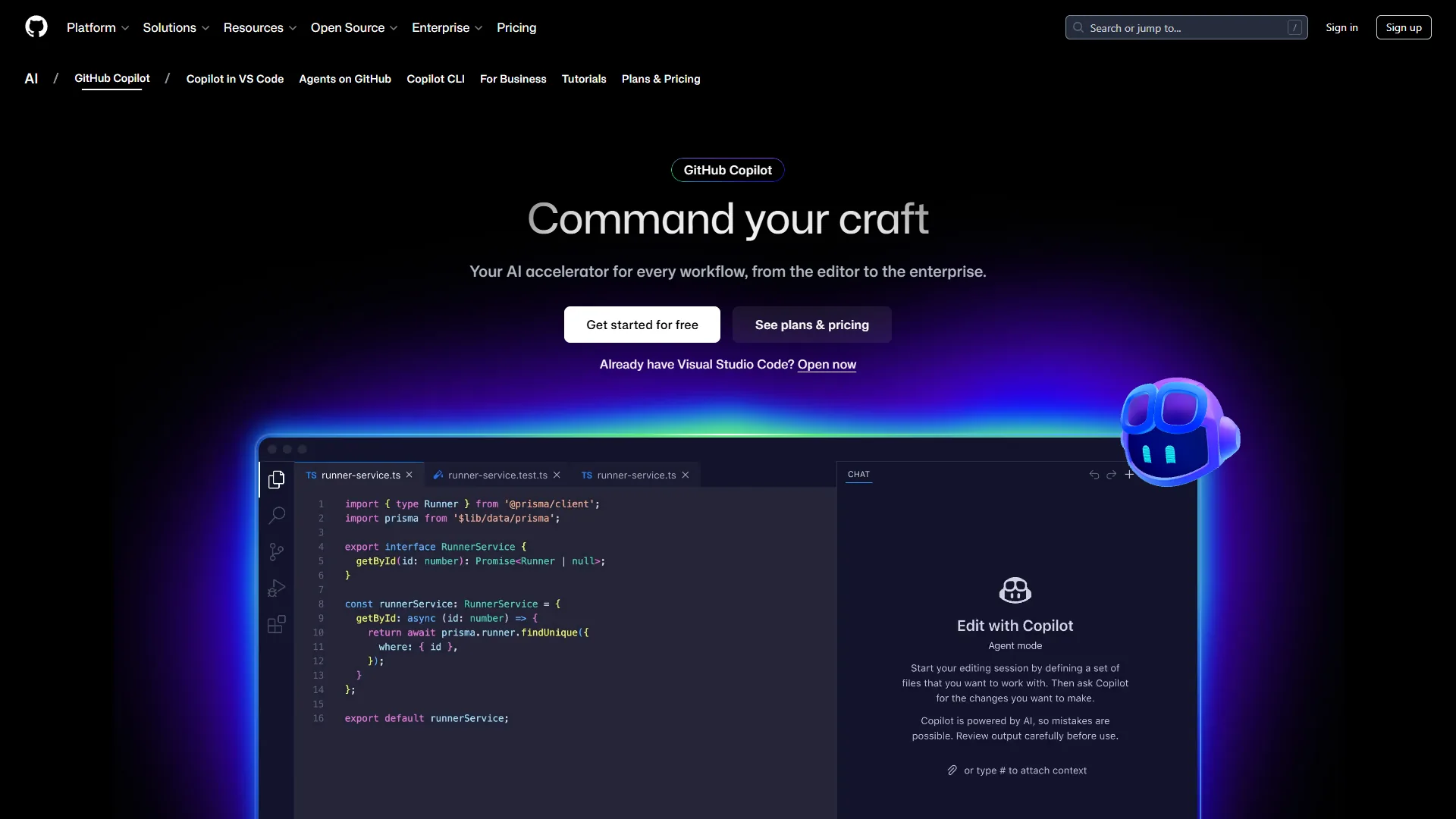
GitHub Copilot is Microsoft’s AI coding assistant powered by OpenAI Codex per GitHub’s original announcement, now offering GPT-5, Claude Sonnet 4/4.5, and Gemini 2.5 Pro. Launched in 2021, it is the most mature AI code assistant on the market with 1.8 million active users across 50,000+ organizations.
Pricing That Makes Sense
GitHub Copilot’s freemium model is the most generous in the category:
Pricing verified April 2026 from GitHub Copilot's pricing page:
- Free: $0/mo (2,000 completions and 50 chat messages per month)
- 2,000 code completions per month
- 50 premium chat requests per month
- Access to GPT-4.1 and Claude Haiku 4.5
- Best for: Casual developers and students validating productivity gains
- Pro: $8.33/user/mo annual ($10 monthly) (300 premium requests per month)
- Unlimited code completions
- 300 premium requests per month
- Multi-model access (GPT-5, Claude Sonnet, Gemini)
- Best for: Individual professional developers
- Business: $19/user/mo (300 premium requests per user/month)
- All Pro features
- IP indemnity protection
- Admin controls and audit logs
- Best for: Teams needing centralized management and compliance
- Enterprise: $39/user/mo (Requires GitHub Enterprise Cloud)
- 1,000 premium requests per user/month
- Custom knowledge bases
- Codebase training and fine-tuning
- Best for: Large organizations with custom AI training requirements
The $10 per month Pro plan is half the cost of Cursor Pro, and the free tier actually provides enough completions for casual developers - unlike most “freemium” tools that gatekeep aggressively.
Real ROI Numbers
GitHub’s official research study of 2,000 developers documented 55% faster task completion, 2+ hours saved per week, 88% reporting feeling more productive, and a 48x ROI multiplier on developer hourly rates. For a developer earning $75/hour, saving 2 hours per week equals $7,800 annually in recovered productivity - a 780% ROI on the $120 annual Pro subscription.
What Makes GitHub Copilot Stand Out
The core strength is versatility. GitHub Copilot works inside your existing IDE without forcing you to switch editors - VS Code, JetBrains, and Visual Studio all get first-class support, and Copilot is available in the CLI and on GitHub Mobile for code reviews on the go.
The multi-model support on Pro is a major upgrade: switch to Claude for complex reasoning or GPT-5 for speed mid-conversation, so you are not locked into a single model’s weaknesses. The agent mode (currently in preview) lets Copilot plan, write, test, and iterate independently per GitHub’s coding agent documentation - less powerful than Composer today, improving fast with Microsoft’s resources.
Where It Falls Short
GitHub Copilot’s main limitation is that it is reactive, not proactive - it does not understand your entire codebase the way Cursor does, so multi-file refactoring requires manual iteration. The agent mode preview is also significantly less capable than Cursor’s parallel execution; you cannot spawn 8 agents working simultaneously on different parts of a feature. Developers who prefer terminal-native tools may also want to consider Claude Code vs Cursor as an alternative comparison.
Cursor: The AI-First Insurgent
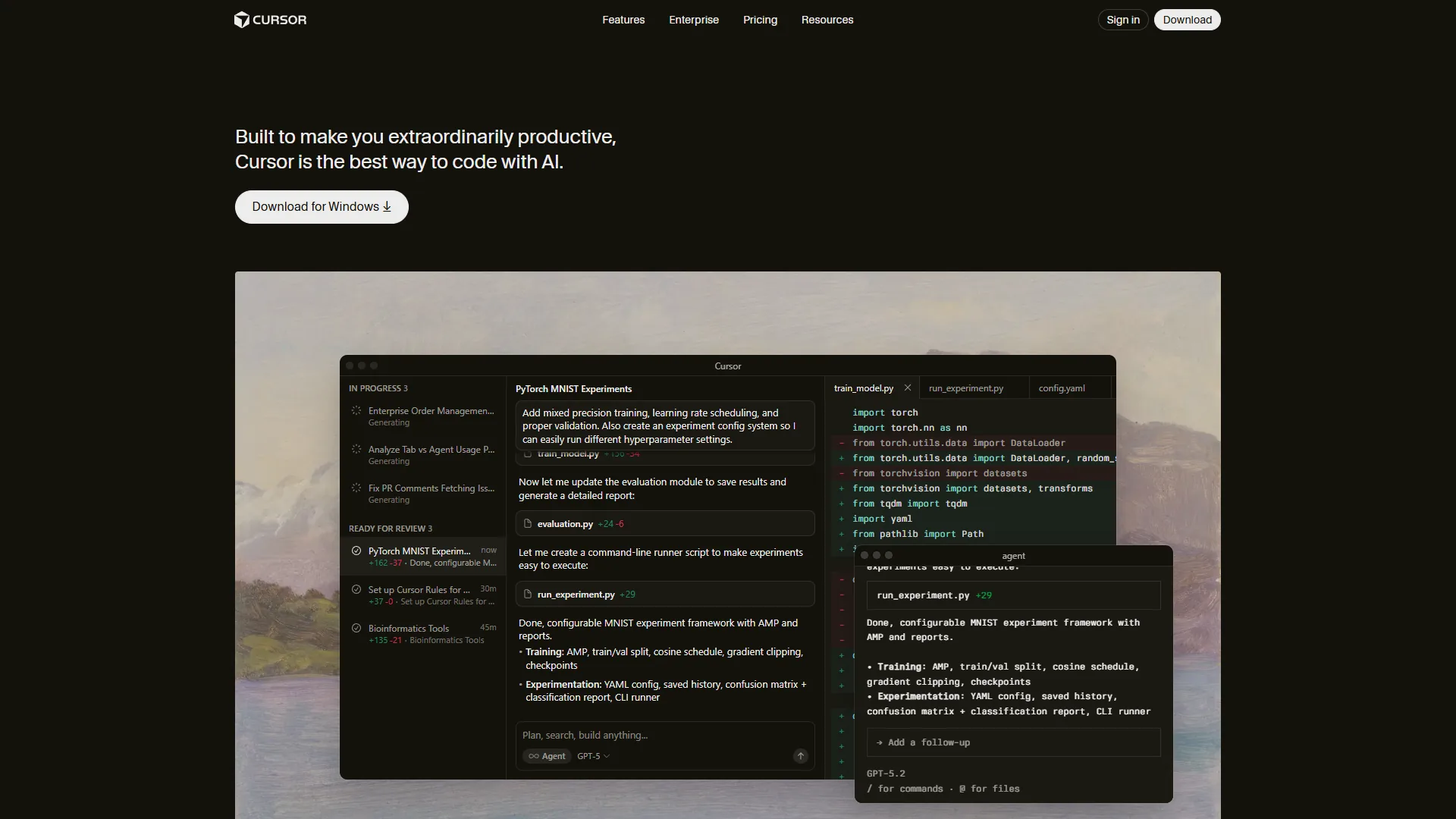
Cursor is an AI-first VS Code fork that, since its 2023 founding, raised $900 million at a $9 billion valuation, reached $500 million ARR by June 2026, and is used by over 50% of Fortune 500 companies. Per Cursor’s product site, the editor is built specifically for AI-assisted development.
Aggressive Pricing for Power Users
Cursor prices itself as a premium product:
Pricing verified April 2026 from Cursor's pricing page:
- Hobby: $0/mo (One-week Pro trial then capped free usage)
- Limited Agent requests
- Limited Tab completions
- One-week Pro trial included
- Best for: Trial users evaluating Cursor before subscribing
- Pro: $20/user/mo ($20 API credit covers ~40-60 Composer requests)
- $20 API credit for agent usage
- Unlimited Tab completions (Fusion model)
- Background Agents and all models
- Best for: Individual developers doing regular multi-file work
- Pro+: $60/user/mo (Higher credit pool but still usage-metered)
- $70 API credit (3.5x Pro usage)
- Frontier model priority access
- All Pro features included
- Best for: Heavy users who burn through Pro credits in 2-3 days
- Ultra: $200/user/mo (Heavy usage tier - only worth it at maxed-out Pro+ thresholds)
- $400 API credit (20x Pro usage)
- Priority access to new features
- All Pro features included
- Best for: Full-time AI-assisted developers running multi-agent workflows 8+ hours daily
- Teams: $40/user/mo (Per-user pricing with pooled organizational features)
- Centralized billing and SSO
- Usage analytics and reporting
- Privacy mode controls
- Best for: Engineering teams needing admin controls and shared billing
For most developers, Pro is the sweet spot. Ultra is only worth it if you run multi-agent workflows 8+ hours daily and max out Pro’s API credits.
The Productivity Multiplier
Cursor’s ROI metrics target different workflows than GitHub Copilot:
- 25% time savings on debugging and refactoring tasks
- 30-50% reduction in development cycles for complex projects
- 20% more pull requests merged per week while maintaining quality
- Under 30 seconds for multi-file Composer tasks (4x faster than GPT-5)
Cursor’s Killer Features
The Composer model is Cursor’s proprietary low-latency agentic AI per Cursor’s technical blog. Refactor a React component across 5 files and Composer ships a diff in under 30 seconds where GPT-5 and Claude take 2+ minutes. Parallel agent execution spawns separate agents for frontend, backend, database migrations, tests, and docs - each in an isolated git worktree - with no equivalent in GitHub Copilot. The Tab completion powered by Fusion (incorporating Supermaven technology) achieves 28% higher acceptance rates with 21% fewer distracting suggestions. Deep codebase context per Cursor’s codebase indexing documentation indexes your entire project to avoid hallucinated filenames; it works best on codebases under 100K lines.
Where Cursor Struggles
The biggest complaint is high memory consumption - Cursor uses 1-2GB more RAM than standard VS Code, and multi-agent mode can spike to 4GB+. Occasional bugginess after updates is a recurring theme; wait 2-3 days after major releases for stability. Credit pool depletion also frustrates heavy users - Pro’s $20 API credit covers roughly 40-60 Composer requests, which constant agent users burn through in 2-3 days. Pro+ or Ultra make sense for full-time AI-assisted development.
Feature-by-Feature Breakdown
Code Completion Quality
Winner: Cursor (by a small margin). Cursor’s Fusion model achieves 28% higher acceptance rates than GitHub Copilot’s defaults, and completions tend to match intent more precisely. GitHub Copilot’s multi-model switch to Claude or Gemini partially offsets the gap when GPT-5 underperforms on a given task.
IDE Integration & Compatibility
Winner: GitHub Copilot (decisively). Copilot works natively in VS Code, all JetBrains IDEs (IntelliJ, PyCharm, WebStorm), Visual Studio, Neovim, the GitHub CLI, and GitHub Mobile. Cursor is a VS Code fork only - if you live in JetBrains or Visual Studio, Cursor is not an option.
Multi-Model AI Support
Winner: Tie. Both expose GPT-5, Claude Sonnet 4/4.5, Claude Opus 4.1/4.5, and Gemini 2.5/3 Pro. Copilot’s Pro tier ($10 per month) includes 300 premium requests; Cursor’s Pro ($20 per month) bundles $20 of API credit. Copilot switches models manually; Cursor’s “Auto mode” picks for you.
Agent Capabilities & Automation
Winner: Cursor (not even close). Composer completes multi-file tasks in under 30 seconds - 4x faster than GPT-5 or Claude - and up to 8 parallel agents each run in an isolated git worktree. Copilot’s agent mode preview can plan and execute but does not support parallel execution.
Codebase Understanding & Context
Winner: Cursor. Cursor indexes your whole codebase for project-wide context and rarely hallucinates filenames. Copilot uses only the current file and open tabs, requiring more iteration on multi-file work. The gap is largest on 10K-100K-line codebases; see our best AI code editors 2026 roundup for a wider review for 2026.
Team Features & Enterprise
Winner: GitHub Copilot (for enterprises). Copilot Business ($19/user/mo) and Enterprise ($39/user/mo) deliver admin controls, audit logs, and IP indemnity, with Enterprise adding custom knowledge bases and codebase training. Cursor Teams ($40/user/mo) covers centralized billing, usage analytics, SSO, and privacy controls but lacks custom model training. Copilot Enterprise’s IP indemnity and custom training remain more mature today.
Learning Curve & Onboarding
Winner: GitHub Copilot. Install, sign in, code - developers are productive within minutes. Cursor introduces Composer mode, parallel agents, git worktrees, and the Tab-vs-agent split, which power users love and newcomers find overwhelming. Our Cursor AI productivity tips guide covers shortcuts that flatten the curve.
Pricing & Total Cost of Ownership
Over a full year, GitHub Copilot Pro costs $120 versus Cursor Pro at $240, and that gap widens for teams - a 20-developer team pays $4,560 annually on GitHub Copilot Business against $9,600 on Cursor Teams.
| Buyer | GitHub Copilot | Cursor | Copilot savings/yr |
|---|---|---|---|
| Solo (Pro) | $120 | $240 | $120 |
| Heavy solo (Pro+/Ultra) | $120 | $720-$2,400 | $600-$2,280 |
| 5-dev team | $1,140 | $2,400 | $1,260 |
| 20-dev team | $4,560 | $9,600 | $5,040 |
Cursor’s premium pays back when a team ships 20% more pull requests per week (Cursor’s documented metric) - at a $150K average developer salary, that is $30K per developer annually in recovered productivity, far above the $480 per seat per year cost difference.
Best Picks by Use Case
GitHub Copilot is the better pick for budget-conscious developers, multi-IDE users, and teams doing mostly single-file work, while Cursor wins for complex multi-file refactoring, full-stack feature work, and agent-driven development on mid-sized codebases.
Choose GitHub Copilot if you use multiple IDEs (JetBrains, Visual Studio, Neovim), want the best value at $10 per month, work mostly single-file, live in the GitHub ecosystem, or need enterprise IP indemnity and custom training.
Choose Cursor if you do complex multi-file refactoring, ship full-stack features touching frontend, backend, DB and tests at once, live in VS Code, will pay $20-$60 per month for the most powerful agent execution, and work on codebases between 10K and 100K lines.
By team size: Solo and freelancers - Copilot Pro for ROI; see our GitHub Copilot vs Cursor vs Gemini guide for a free three-way comparison. Startups (2-10) - Copilot Business default, Cursor for seniors doing complex refactoring. Scale-ups (10-50) - Copilot Business plus a Cursor Teams pilot on heavy multi-file pods. Enterprises (50+) - Copilot Enterprise for IP and compliance, Cursor Enterprise for platform or infra teams that need maximum agent performance.
The Hybrid Approach: Using Both Tools
A hybrid GitHub Copilot plus Cursor setup costs $30 per month ($10 Copilot Pro + $20 Cursor Pro) and is worth it only for developers who spend more than half their time on full-stack or large refactoring tasks. Use Copilot for quick scripts, isolated bug fixes, non-VS Code editors, and CLI help; use Cursor for complex full-stack features, refactoring across 10+ files, and multi-agent parallel implementation. For open-source CLI agents, our Aider vs Cursor comparison breaks down the trade-offs.
Final Thoughts: GitHub Copilot vs Cursor
GitHub Copilot wins this verdict for most developers in 2026 because its $10/month Pro plan covers VS Code, JetBrains, and Visual Studio, while Cursor earns its $20/month premium only for heavy multi-file refactoring and parallel-agent workflows powered by Composer.
For most developers, GitHub Copilot is the right choice - the $10/month Pro plan delivers 55% faster task completion across all major IDEs with minimal learning. For complex multi-file work, Cursor earns the $20/month premium with its 4x speed advantage, parallel agent execution, and deep codebase context.
The practical recommendation: Start with GitHub Copilot Pro for one month, tracking time saved on multi-file vs single-file work using techniques from our AI pair programming guide. If 50%+ of your time goes to complex refactoring, add Cursor Pro and let the results speak. For a terminal-based alternative, see our Warp vs Cursor comparison.
FAQ
Q: Is Cursor better than GitHub Copilot?
Cursor is better for complex multi-file refactoring and agent-driven workflows, while GitHub Copilot is better for IDE versatility, lowest cost, and easiest onboarding. For most developers in 2026, Copilot Pro at $10 per month wins on value; for heavy full-stack work, Cursor Pro at $20 per month earns the premium.
Q: Can I use GitHub Copilot on Cursor?
No - Cursor ships its own native AI stack (Composer, Fusion Tab, parallel agents) and does not run the Copilot extension. To use Copilot, run VS Code, JetBrains, or Visual Studio instead of the Cursor fork.
Q: Why don’t people like GitHub Copilot?
The common complaint is that Copilot is reactive, not proactive - it does not understand your entire codebase like Cursor does, so multi-file refactoring requires manual iteration, and its agent mode preview lags Cursor’s parallel execution.
Q: How much does Cursor cost compared to GitHub Copilot?
GitHub Copilot Pro is $10/month with unlimited completions and 300 premium requests; Cursor Pro is $20/month with unlimited Tab completions and a $20 API credit. Cursor Pro+ is $60/month and Ultra $200/month. Annually, Copilot Pro is $120 versus Cursor Pro $240 - double the price.
Related Reads
Related Reads are the AI Productivity guides that extend this GitHub Copilot vs Cursor comparison into adjacent AI coding assistants and workflow tactics. Tools covered in this article (each carries its own tradeoffs and limitations):
- GitHub Copilot Review
- Cursor Review
- Gemini - Google’s AI model, available in both tools
More AI coding guides:
- Best AI Coding Assistants
- AI Pair Programming Guide
- GitHub Copilot Complete Guide
- Best AI Code Editors 2026
External Resources
External Resources listed below are the primary vendor and research sources that back every pricing, productivity, and adoption claim in this GitHub Copilot vs Cursor comparison.