






The best Notion alternatives in 2026 are Obsidian, ClickUp, Coda, Confluence, Craft, Slite, and Taskade, ranging from free (Obsidian) to $10 per user per month (Coda). Each tool replaces a specific Notion workflow - privacy, project management, no-code documents, enterprise wikis, Apple-native writing, AI-powered knowledge search, or AI-native automation - at a lower cost or with better depth than Notion’s all-in-one workspace.
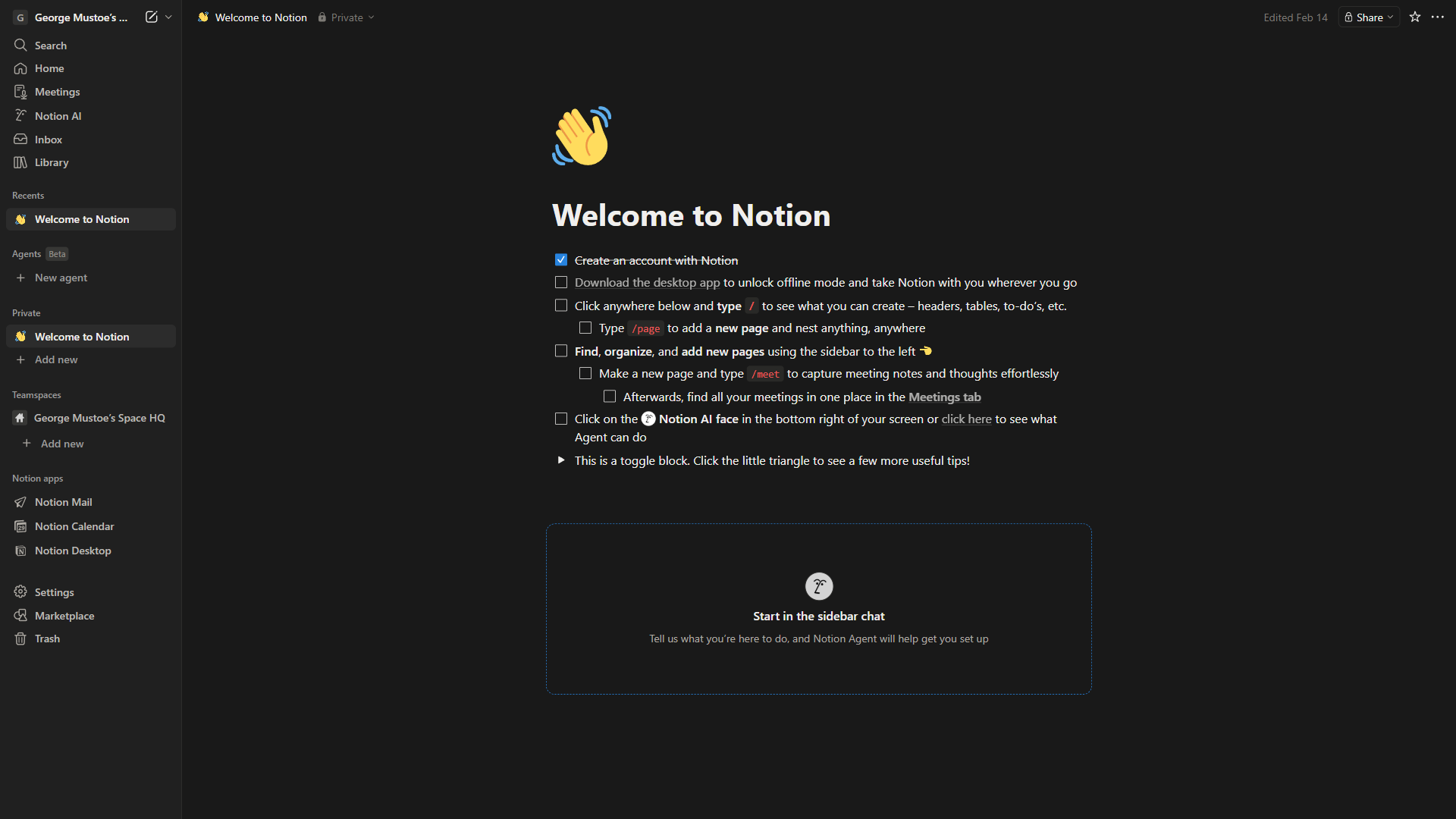
Why People Are Looking for Notion Alternatives
People are looking for Notion alternatives mainly because Notion AI now requires the roughly $15 per user per month Business plan, large workspaces slow down past 20-30 users, and the block-based interface carries a persistent learning curve. The seven tools below each replace Notion for a specific workflow at lower cost or with better depth.
Notion’s databases, while powerful (see the Notion developer documentation for what they expose via API), become unwieldy once a team scales past 20-30 people. Notion AI is also no longer a standalone add-on for new Free or Plus plan users; autonomous AI Agents now require the Business plan, pushing cost-conscious writers to seek lighter Notion alternatives for note-taking.
Our analysis draws on current vendor pricing pages, official product documentation, and independent research rather than sponsored placement. AI Productivity may earn a commission from links on this page, but rankings are editorially independent.
Comparison Table: Notion Alternatives
Notion alternatives cost between $0 (Obsidian) and $10 per user each month (Coda), with most paid plans landing between $6.40 and $8 per user. The table below compares starting price, free tier, and AI features across the seven leading options.
| Tool | Best For | Starting Price | Free Tier | AI Features |
|---|---|---|---|---|
| Obsidian | Privacy & data ownership | Free | Yes (full app) | Via plugins |
| ClickUp | Project management teams | $7/mo | Yes | $9/mo add-on |
| Coda | No-code doc builders | $10/mo | Yes | Built-in |
| Confluence | Enterprise Jira teams | $6.40/mo | Yes (10 users) | Premium tier |
| Craft | Apple users & writers | $8/mo | Yes (limited) | Built-in |
| Slite | Team knowledge bases | $8/mo | 14-day trial | Built-in |
| Taskade | AI-native workflows | $8/mo | Yes | Core feature |
1. Obsidian - Best for Data Ownership and Privacy
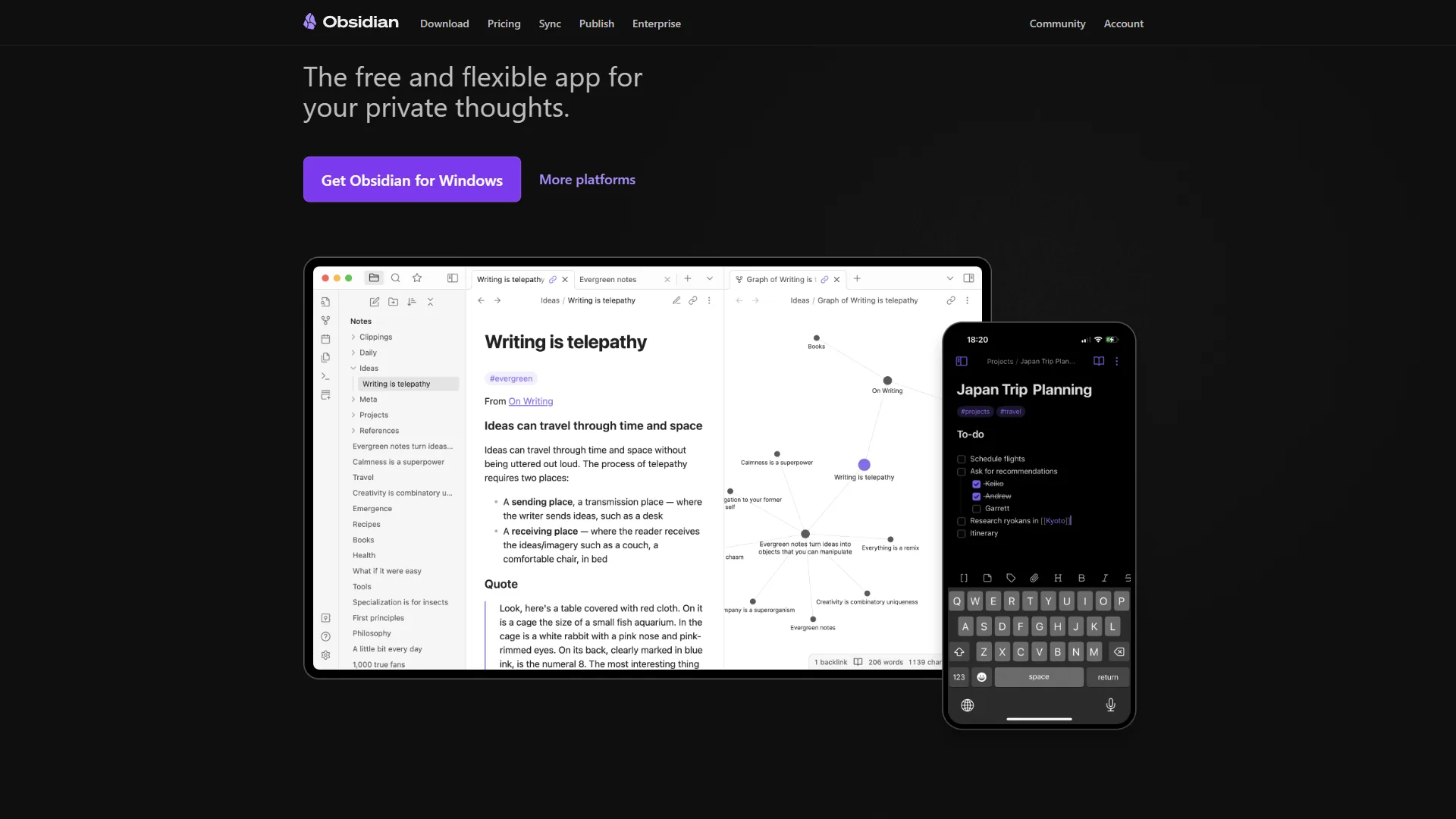
Obsidian is the best Notion alternative for data ownership and privacy because it stores notes as plain Markdown files on a local machine instead of in the cloud. This means complete data ownership - no vendor lock-in, no subscription for core features, and notes that outlast any company’s business model.
Why switch from Notion: Obsidian is free for personal use with no feature restrictions, standing out among knowledge management tools that demand subscriptions for basics. No block limits, no storage caps, no sign-up. The 2,690+ community plugin ecosystem rivals what Notion offers natively, including AI via Smart Connections and CoPilot plugins.
Pricing verified April 2026 from Obsidian's pricing page:
- Personal: $0/mo (Free forever)
- All core features
- Unlimited notes locally
- Full plugin access
- Best for: Individual knowledge workers
- Sync: $4/user/mo annual ($5 monthly) (Per user)
- Cross-device syncing
- End-to-end encryption
- 1-year version history
- Best for: Multi-device users
- Publish: $8/user/mo annual ($10 monthly) (Per published site)
- Web publishing
- Custom domains
- Public knowledge base hosting
- Best for: Writers sharing notes publicly
- Commercial License: $50/year (Per user/year)
- Required for business use
- Per-user license
- All Personal features
- Best for: Teams using Obsidian at work
Where Obsidian beats Notion: Data ownership, privacy, speed with 50,000+ notes, zero cost, plugin extensibility, and superior bidirectional linking.
Where Notion still wins: Real-time collaboration, databases with multiple views, and easier onboarding - Obsidian has a 2-4 week Markdown learning curve.
Best for: Privacy-focused knowledge workers and students who want powerful note-taking without a subscription. Skip Obsidian if your team needs live multiplayer editing.
2. ClickUp - Best for Project Management Teams
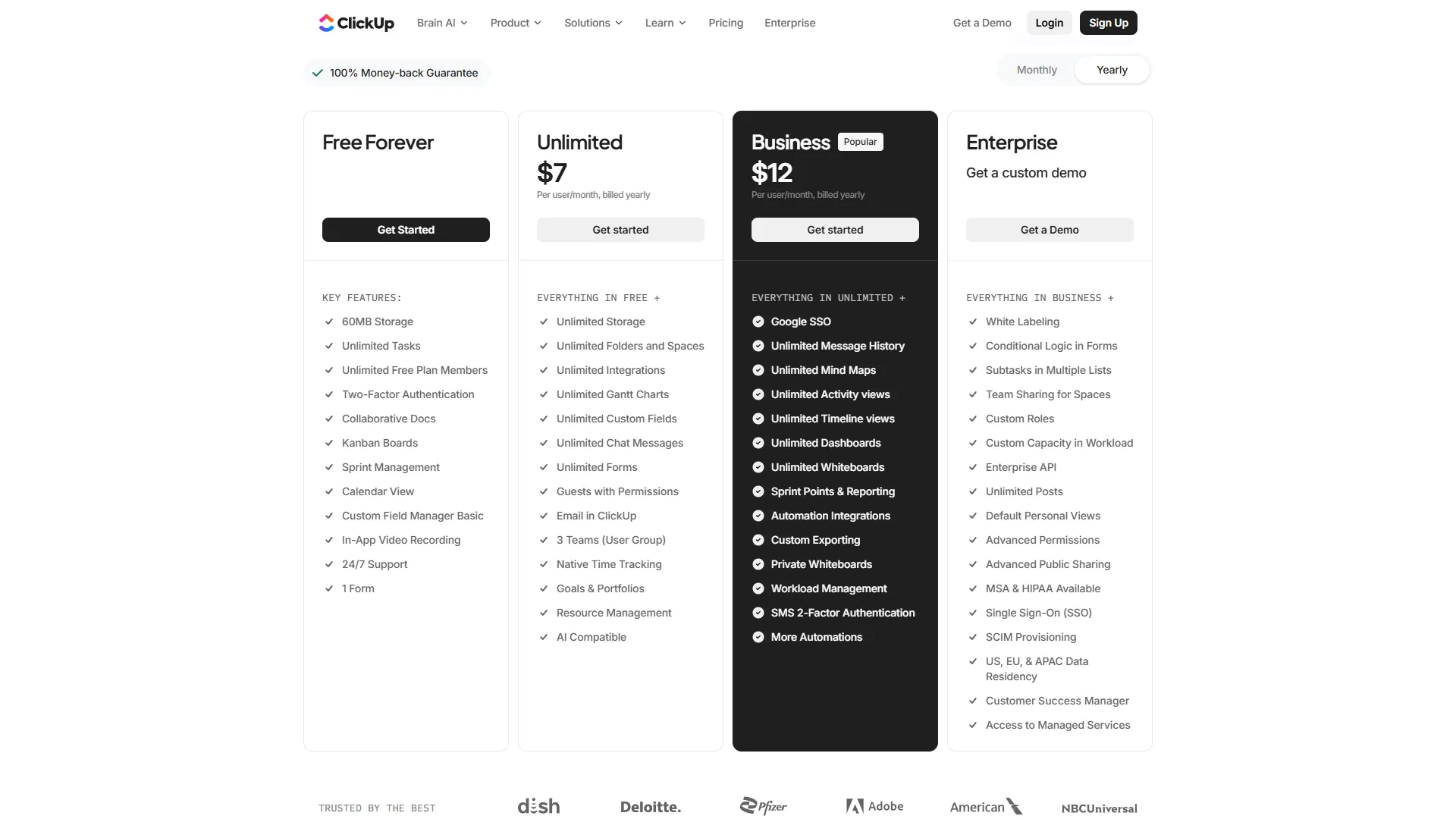
ClickUp is the best Notion alternative for project management teams, providing 35+ views including Gantt charts, workload management, time tracking, and sprint planning out of the box - capabilities Notion offers only as basic database views.
Why switch from Notion: Teams that outgrow Notion’s PM capabilities land on ClickUp for native time tracking, goal setting, automations, and sprint management. “ClickUp deployments returned a documented 3.84x ROI,” according to a case study by Nucleus Research, giving the switching decision a measurable business case.
Pricing verified April 2026 from ClickUp's pricing page:
- Free Forever: $0/mo (100MB storage)
- Unlimited tasks and users
- 100MB storage
- Basic kanban and list views
- Best for: Small teams testing the platform
- Unlimited: $7/user/mo annual ($10 monthly) (Per user/month)
- Unlimited storage and integrations
- Gantt charts
- Custom fields and forms
- Best for: Growing teams needing full project management
- Business: $12/user/mo annual ($19 monthly) (Per user/month)
- Advanced automations
- SSO and Google authentication
- Workload management and timeline
- Best for: Mid-sized teams with complex workflows
- Enterprise: Contact sales (Custom pricing)
- Advanced permissions
- Enterprise API and SLAs
- White labeling
- Best for: Large organizations requiring compliance
Where ClickUp beats Notion: Task management depth, Gantt charts, time tracking, sprint planning, and workload views. ClickUp Brain also offers enterprise search across 100+ connected apps.
Where Notion still wins: Knowledge management, flexible databases, and simpler onboarding - ClickUp’s feature density creates a 2-3 week learning curve.
Best for: Growing teams needing structured project management with built-in time tracking. Skip ClickUp if you primarily need a wiki.
3. Coda - Best for No-Code Document Builders
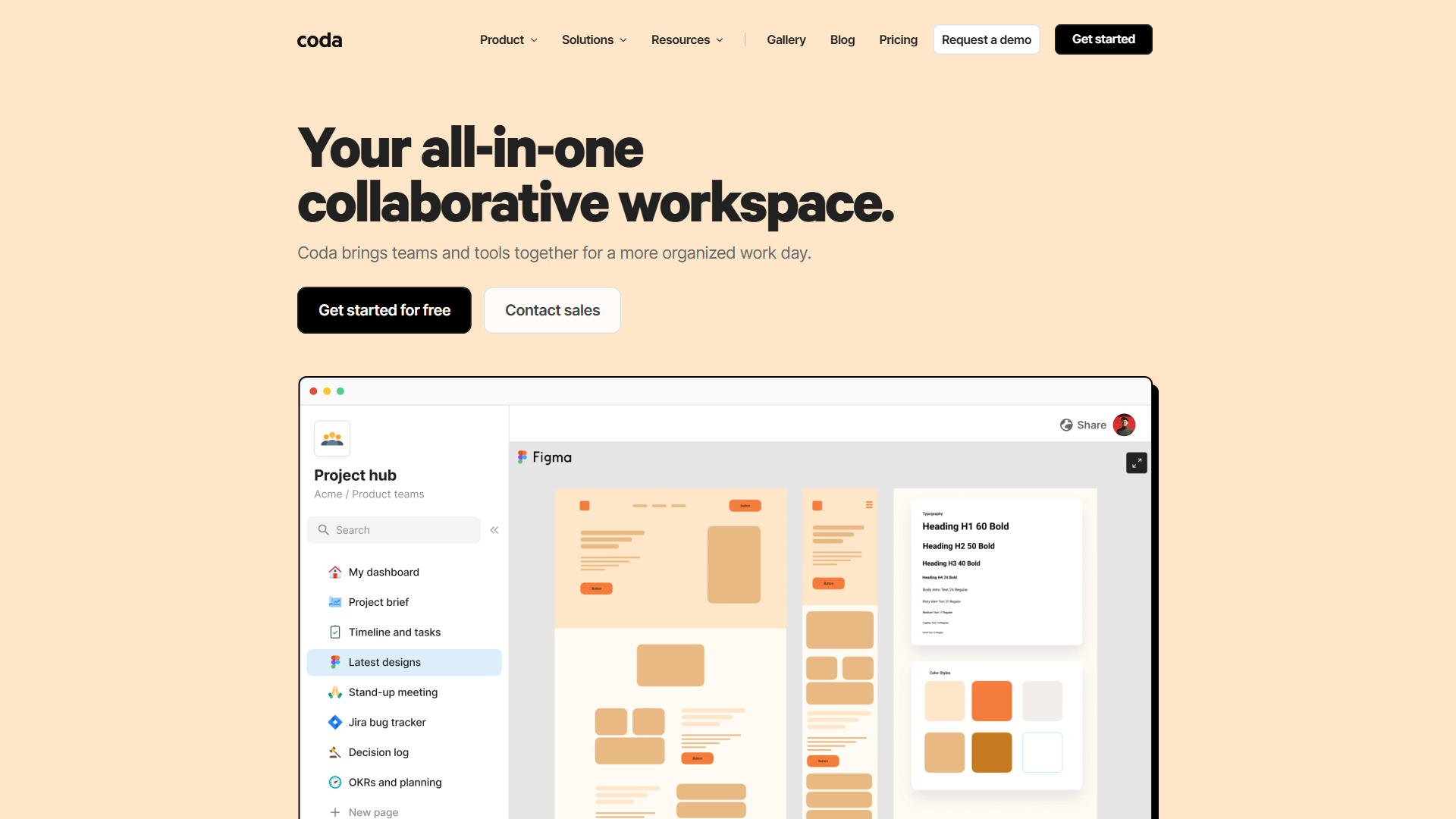
Coda is the best Notion alternative for no-code document builders, turning documents into functional apps with interactive tables, buttons, automations, and formulas - all without writing code. Owned by Grammarly, Coda has deepened its writing and AI capabilities.
Why switch from Notion: Coda’s standout is its Maker billing model - only document creators (“Makers”) pay, while editors and viewers are free. For teams with many stakeholders who only view or lightly edit, this slashes costs versus Notion’s per-seat model.
Pricing verified April 2026 from Coda's pricing page:
- Free: $0/mo (Unlimited Makers)
- Unlimited docs (size limits for shared)
- Basic automations
- Up to 50 objects per doc
- Best for: Solo users and small experiments
- Pro: $10/user/mo annual ($12 monthly) (Per Doc Maker/month)
- Unlimited doc size
- 30-day version history
- Custom domains
- Best for: Doc Makers needing unlimited capacity
- Team: $30/user/mo annual ($36 monthly) (Per Doc Maker/month)
- Unlimited automations
- Cross-doc syncing
- Advanced permissions
- Best for: Teams running interconnected workflows
- Enterprise: Contact sales (Custom pricing)
- SSO and SAML
- Audit logs and compliance
- Dedicated support
- Best for: Large organizations with security needs
Where Coda beats Notion: Automation engine, Maker billing model, 600+ integrations via Packs, and genuinely interactive docs that function as lightweight apps.
Where Notion still wins: Easier learning curve, simple wikis, larger template library, and a polished mobile experience.
Best for: No-code builders, teams with many viewers who benefit from Maker billing, and organizations evaluating database-style tools. Skip Coda if your team has more creators than consumers.
4. Confluence - Best for Enterprise Teams Using Jira
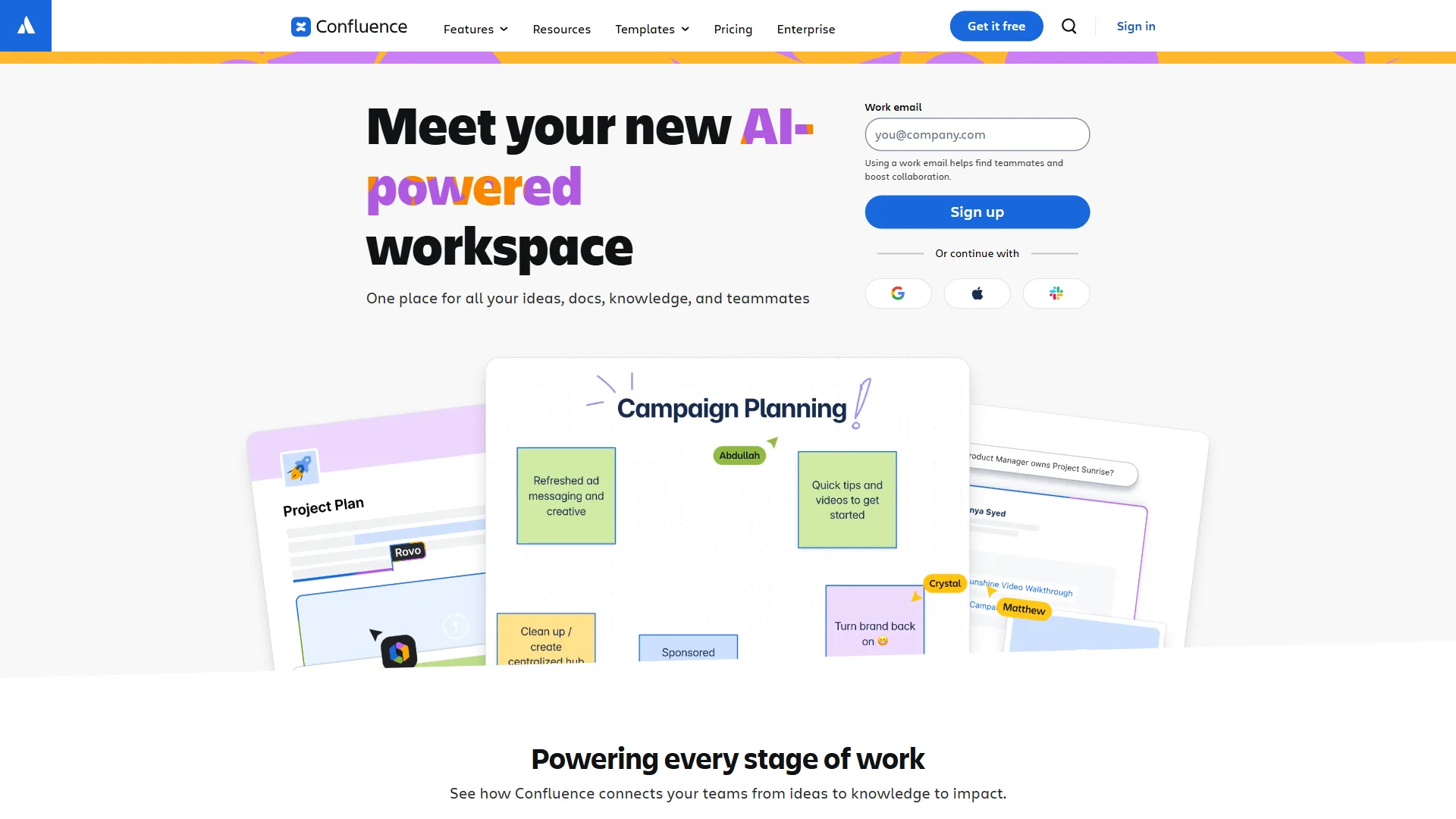
Confluence is the best Notion alternative for enterprise teams using Jira, offering structured knowledge management with enterprise-grade security. According to a Total Economic Impact study by Forrester, Confluence delivered a 428% ROI over three years, and Atlassian reports the platform is trusted by over 60,000 companies worldwide.
Why switch from Notion: Organizations already invested in Atlassian (Jira, Trello, Bitbucket) get native integration Notion cannot match. Highlighting text in Confluence to auto-create a Jira task - without switching tabs - is a workflow enterprise teams value, and the Rovo AI teammate (auto-enabled April 2026) adds cross-product intelligence.
Pricing verified April 2026 from Confluence's pricing page:
- Free: $0/mo (10 users max)
- Up to 10 users
- 2GB storage
- Unlimited spaces and pages
- Best for: Small teams testing Atlassian docs
- Standard: $5.75/user/mo annual ($6.4 monthly) (Per user/month)
- 250GB storage
- Jira integration
- Page permissions
- Best for: Growing teams already using Atlassian
- Premium: $11/user/mo annual ($12.3 monthly) (Per user/month)
- Atlassian Intelligence AI and Rovo AI
- 99.9% uptime SLA
- Advanced analytics
- Best for: Teams needing AI-powered docs and uptime guarantees
- Enterprise: Contact sales (Custom pricing)
- 99.95% uptime SLA
- Unlimited automation
- Data residency
- Best for: Regulated industries and global enterprises
Where Confluence beats Notion: Jira integration depth, enterprise security (99.9% uptime SLA), AI-powered content generation, and structured page trees for large documentation sets.
Where Notion still wins: Flexibility, pricing for small teams, modern UX, and ease of use - Confluence can feel rigid compared to Notion’s block-based approach.
Best for: Enterprise teams of 50+ users already using Jira and organizations needing structured knowledge management at scale. Skip Confluence if you are not already invested in Atlassian.
5. Craft - Best for Apple Users and Beautiful Documents
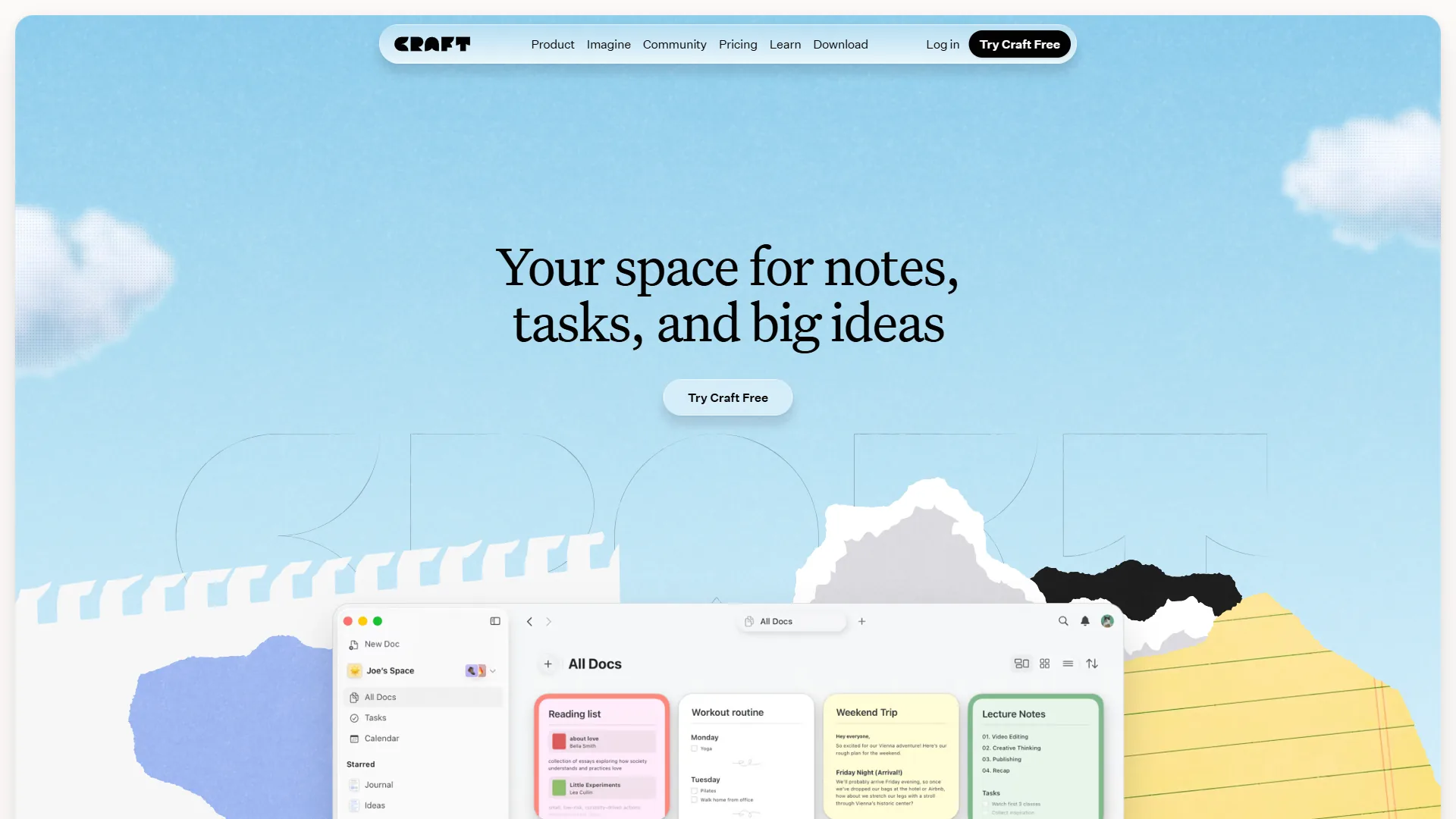
Craft is the best Notion alternative for Apple users and beautiful documents, delivering sub-second page loads and publication-ready documents in an Apple-native experience that makes Notion feel sluggish. Craft 3 (November 2024) expanded beyond notes with Tasks, Calendar, Collections, and Whiteboards.
Why switch from Notion: For document-focused work on Apple devices, Craft delivers a noticeably better experience - the editor feels more responsive, documents look polished by default, and iCloud sync connects Mac, iPhone, and iPad. The built-in AI includes on-device models (DeepSeek R1, Llama 3.2) for privacy alongside cloud options in the Craft help center.
Pricing verified April 2026 from Craft's pricing page:
- Starter (Free): $0/mo (1,500 blocks total)
- 10 documents
- 1,500 blocks
- 15 AI credits/month
- Best for: Casual writers exploring Craft
- Plus: $8/user/mo annual ($10 monthly) (Per user/month)
- Unlimited documents and storage
- Full AI assistant access
- Apple ecosystem integrations
- Best for: Solo writers and Apple power users
- Family: $15/user/mo annual ($18 monthly) (Up to 6 accounts)
- 2-6 members
- Shared spaces
- All Plus features
- Best for: Households and small creative teams
- Team: $50/user/mo annual ($60 monthly) (Up to 10 accounts)
- Up to 10 members
- Team workspaces
- Centralized admin
- Best for: Small teams collaborating on docs
- Business: Contact sales (Per workspace)
- Unlimited members
- SSO and admin controls
- Priority support
- Best for: Larger organizations standardizing on Craft
- Education: $0/mo (Verification required)
- Free for verified students and educators
- All Plus features
- No time limit
- Best for: Students and teachers
Where Craft beats Notion: Document design quality, sub-second loads, Apple ecosystem integration, on-device AI for privacy, and the free Education plan.
Where Notion still wins: Database power, cross-platform consistency, and team workspace features - Craft 3’s Collections are basic compared to Notion’s full database system.
Best for: Writers, Apple ecosystem users, students on the free Education plan, and anyone who wants beautiful documents. Skip Craft if your team uses mixed devices.
6. Slite - Best for Team Knowledge Bases
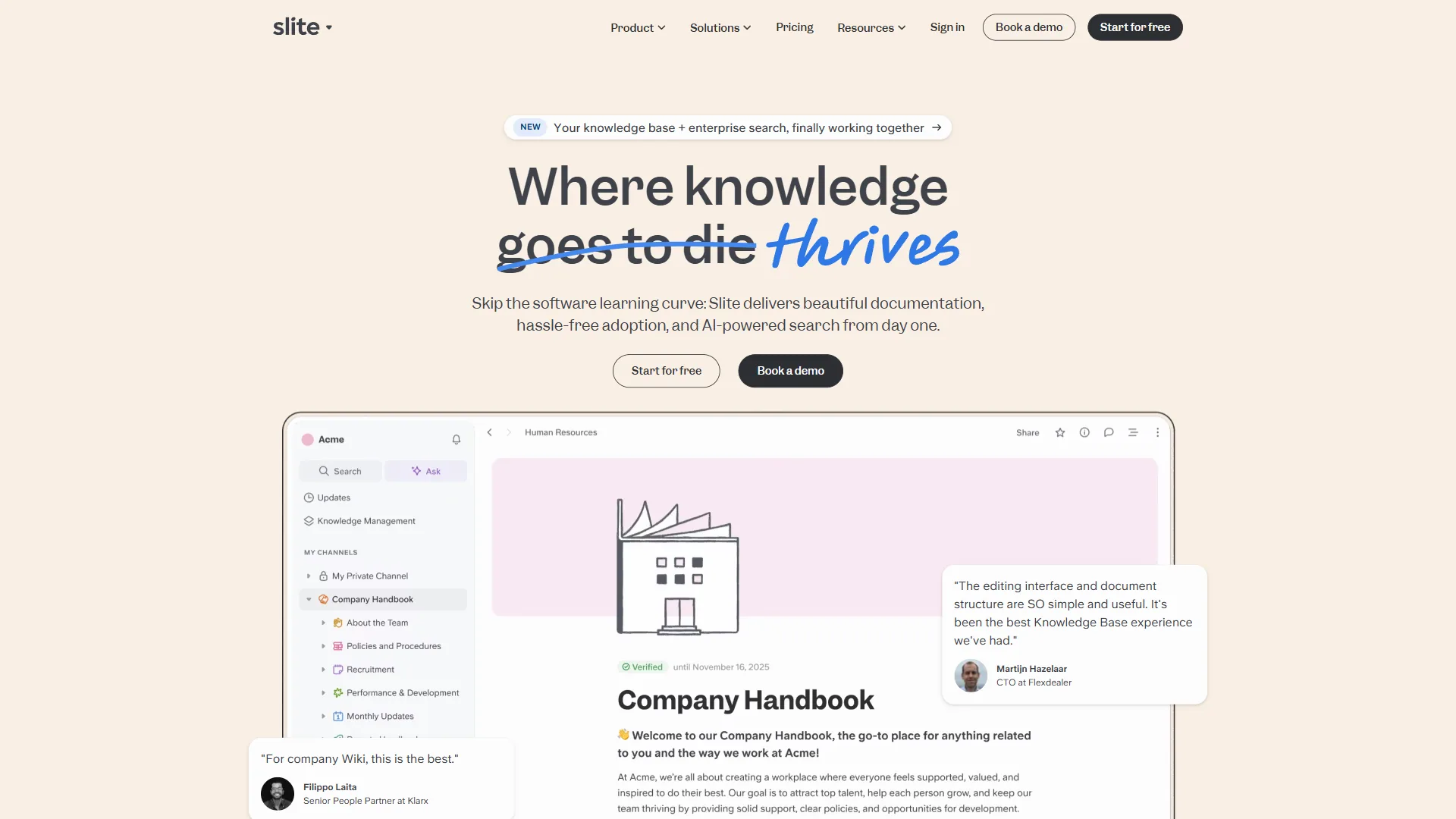
Slite is the best Notion alternative for team knowledge bases, focusing on one thing: helping teams find information fast through AI-powered search and document verification. It sits between Notion’s overwhelming flexibility and Confluence’s enterprise rigidity.
Why switch from Notion: Slite’s RAG-powered “Ask” feature delivers instant conversational answers from verified documents - a major step up from Notion’s basic search. The verification system keeps information current, and the Ask Management Panel surfaces knowledge gaps by tracking failed queries.
Pricing verified April 2026 from Slite's pricing page:
- Free Trial: $0/mo (14 days)
- 14 days with all Standard features
- No permanent free tier
- Full feature evaluation
- Best for: Teams evaluating Slite before committing
- Standard: $8/user/mo annual ($10 monthly) (Per user/month)
- 30 AI questions/user/month
- Document verification
- Up to 50 templates
- Best for: Small teams building a knowledge base
- Knowledge Suite: $20/user/mo annual ($25 monthly) (Per user/month)
- Unlimited AI questions
- Enterprise search across 20+ tools
- Advanced analytics
- Best for: Mid-sized teams replacing Confluence or Notion
- Enterprise: Contact sales (Custom pricing)
- HIPAA compliance
- Audit logs
- Dedicated CSM
- Best for: Regulated industries and large orgs
Where Slite beats Notion: AI-powered conversational search (RAG), document verification, enterprise search across 20+ external tools, and a lower learning curve.
Where Notion still wins: Flexibility, databases, kanban boards, and a free tier. Slite is deliberately opinionated - it does knowledge management well but is not a project management tool.
Best for: Remote-first teams needing a centralized knowledge hub and organizations migrating from Confluence. Skip Slite if you need an all-in-one workspace or rely heavily on databases.
7. Taskade - Best for AI-Native Workflows
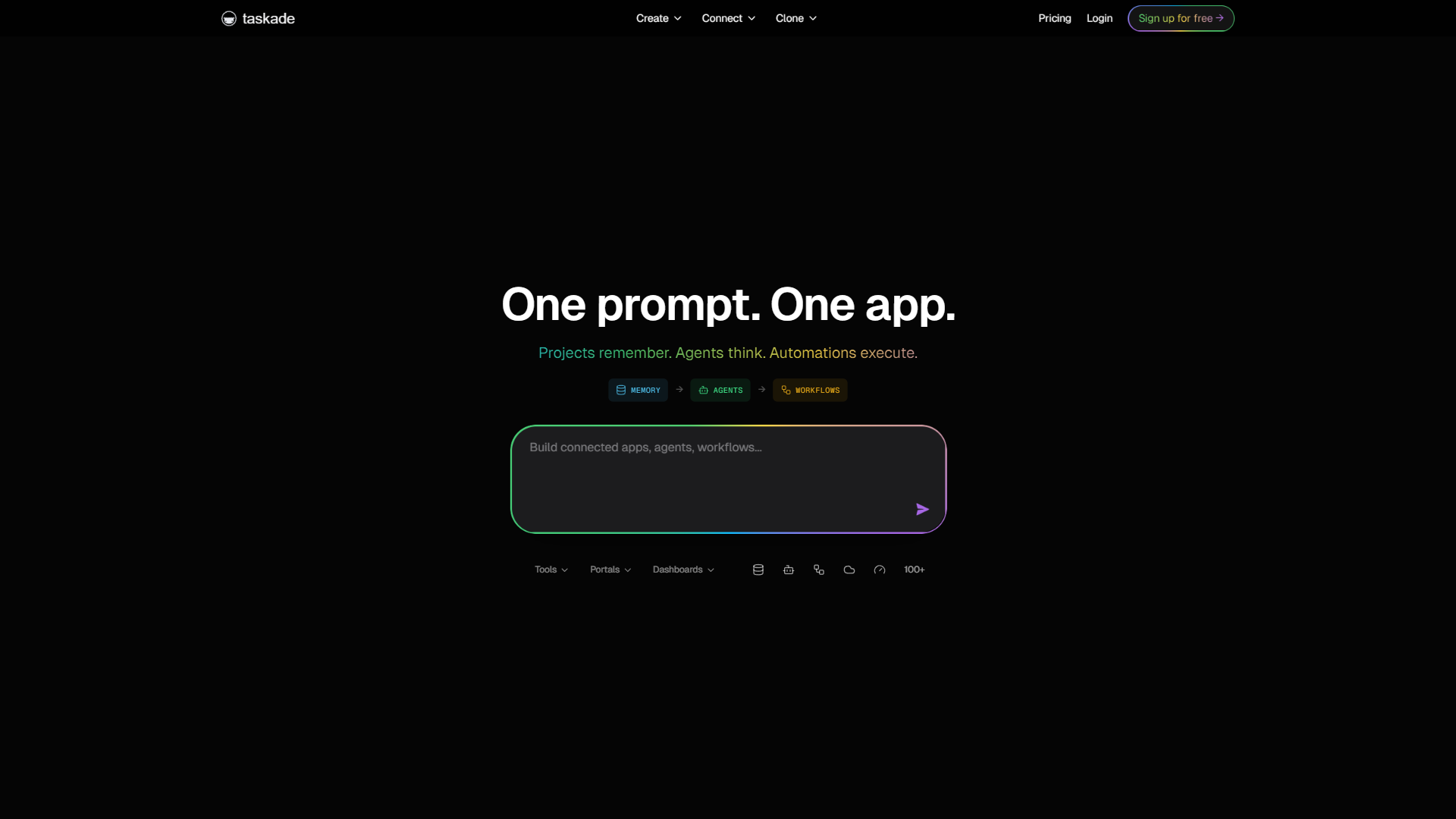
Taskade is the best Notion alternative for AI-native workflows, building its entire workspace around AI rather than adding it as a feature. Unlimited AI agents, AI Autopilot, and Taskade Genesis (one-prompt app creation) define what an AI-native workspace looks like.
Why switch from Notion: For teams that want AI doing the heavy lifting, Taskade offers capabilities Notion does not approach - agents automate task planning, content generation, and workflow creation, with deeper coverage in the Taskade help center. Built-in video conferencing and chat remove the need for separate tools, and the Starter plan with frontier AI models begins around $8 per month.
Pricing verified April 2026 from Taskade's pricing page:
- Free: $0/mo (1 user)
- 1 user
- 3 AI apps (7-day expiry)
- 250MB storage
- Best for: Solo users exploring AI workflows
- Starter: $8/user/mo (Per workspace/month)
- 3 users
- 15,000 AI credits/month
- Frontier AI models
- Best for: Small teams running AI-driven projects
- Pro: $20/user/mo (Per workspace/month)
- 10 users
- Unlimited AI agents
- Advanced AI Autopilot
- Best for: Growing teams needing autonomous AI
- Ultra: $60/user/mo (Per workspace/month)
- 25 users
- Custom domains
- White-label exports
- Best for: Agencies and larger AI-forward teams
- Team: $200/user/mo (Per workspace/month)
- Unlimited users
- SSO/SAML
- Dedicated success manager
- Best for: Mid-market teams standardizing on Taskade
Where Taskade beats Notion: AI agent depth (unlimited on Pro), built-in video conferencing, AI Autopilot for workflow generation, one-prompt app creation via Genesis, and aggressive pricing.
Where Notion still wins: Database maturity, knowledge management depth, enterprise adoption, and overall polish - Taskade’s interface can become cluttered with large projects.
Best for: AI-forward teams that want autonomous agents handling routine work and budget-conscious teams wanting maximum AI capability. Skip Taskade if you need polished enterprise admin controls.
What Are the Best Open Source Notion Alternatives?
The leading open source Notion alternatives are AppFlowy and AnyType, while Obsidian remains the best free, local-first option for those who do not require a fully open source codebase. Readers searching for Notion alternatives open-source or Notion alternatives github should weigh maturity carefully:
- AppFlowy - A Rust-based open source alternative that replicates Notion’s interface with local-first storage. Early-stage but improving rapidly.
- AnyType - An end-to-end encrypted, peer-to-peer workspace inspired by Notion’s block system, fully offline-capable and a strong fit alongside Logseq for privacy-minded knowledge graphs.
Both are worth watching but neither has reached the maturity of the seven tools above.
Best Picks by Use Case for Notion Alternatives
The best Notion alternative is Obsidian for privacy, ClickUp for project management, Coda for no-code apps, Confluence for enterprise documentation, Craft for Apple users, Slite for knowledge search, and Taskade for AI-native automation. The framework below maps each need to its strongest pick.
| Use Case | Best Alternative | Why |
|---|---|---|
| Data privacy and ownership | Obsidian | Local-first, free, plain Markdown files |
| Structured project management | ClickUp | 35+ views, Gantt charts, time tracking |
| No-code app building | Coda | Interactive docs with formulas and automations |
| Enterprise documentation | Confluence | Jira integration, 99.9% SLA, 428% ROI |
| Beautiful documents on Apple | Craft | Sub-second loads, stunning design, free for students |
| Team knowledge search | Slite | RAG-powered AI search with document verification |
| AI-native automation | Taskade | Unlimited AI agents, built-in video calling |
| Budget-conscious individuals | Obsidian | Completely free with no feature restrictions |
| Teams leaving Confluence | Slite | Modern UX, simpler setup, enterprise search |
| Creative and marketing teams | ClickUp | Campaign workflows, time tracking, client management |
Pro Tips: Migration Paths from Notion
The five most common Notion migration paths sort by pain point: performance-frustrated users move to Craft or Obsidian, cost-conscious teams to ClickUp Free or Obsidian, enterprise teams to Confluence or Slite, privacy-first users to Obsidian, and AI power users to Taskade.
- Performance-frustrated users move to Craft (faster) or Obsidian (local = instant)
- Cost-conscious teams gravitate to ClickUp’s free tier or Obsidian
- Enterprise teams land on Confluence for Jira integration or Slite for knowledge management
- Privacy-first users overwhelmingly choose Obsidian for its local-first approach
- AI power users explore Taskade for its agent-first architecture
Why People Leave Notion
The four main reasons people leave Notion are AI pricing changes that pushed features behind the $15 per user per month Business plan, performance degradation at scale, complexity fatigue, and limited offline support.
The pricing shift is the most cited trigger. According to Notion’s official pricing page, the Business plan is positioned as “the most powerful, secure, and connected version of Notion” - and that is now where autonomous AI Agents live. The remaining reasons:
- AI pricing changes - Notion AI bundled into Business (~$15/user/mo) prices out smaller teams
- Performance at scale - Large workspaces with thousands of pages slow down noticeably
- Complexity fatigue - The flexibility that makes Notion powerful also makes it overwhelming
- Limited offline support - Cloud-dependent architecture frustrates users on unreliable connections
- Collaboration limitations - Comments and permissions lack the depth of dedicated tools
None of these make Notion a bad product. But for users whose primary need aligns with one category, a specialized alternative often delivers a better experience.
The Bottom Line
The strongest Notion alternative for most users is whichever tool excels at their single most important workflow - Obsidian for data ownership, ClickUp for project management, Confluence for enterprise docs, Craft for Apple-first writing, Slite for knowledge search, and Taskade for AI-native automation. Each has caught up with or pulled ahead of Notion in its niche.
The best approach is to identify the primary workflow first, then choose the tool that excels at that one thing.
FAQ
The FAQ below includes the most common questions about Notion alternatives, covering Notion alternatives reddit threads, free options, and Notion alternatives for students.
Q: Is there any app better than Notion?
Yes - for any single workflow, a specialized tool beats Notion. Obsidian is better for privacy, ClickUp for project management teams, Coda for no-code doc builders, and Slite for AI-powered knowledge search.
Q: Is Notion overkill for personal use?
For many users, yes. Notion tries to be everything to everyone, and that flexibility comes at the cost of simplicity. For simple personal notes, lighter alternatives often fit better.
Q: Is Notion a Russian company?
No, Notion is not a Russian company. Notion Labs, Inc. is a United States software company headquartered in San Francisco, California, founded in 2013 by Ivan Zhao and Simon Last.
Q: What are the best free Notion alternatives for students?
The best Notion alternatives free of charge are Obsidian, which is completely free for personal use with no feature limits, and the free tiers of ClickUp, Coda, and Confluence. For Notion alternatives for students specifically, Craft offers a free Education plan for verified students and educators, and Obsidian’s no-cost personal license makes it a strong pick on a tight budget.
Q: Why are people switching away from Notion in 2026?
Three issues drive the switch: performance problems with large workspaces, the rising cost of AI features now locked behind the roughly $15 per month Business plan, and a persistent learning curve. Notion’s databases also become unwieldy once a team scales past 20-30 people.
Q: How much does Notion AI cost now?
Notion AI is no longer a standalone add-on for new Free or Plus plan users. Autonomous AI Agents and multi-model AI require the Business plan at around $15 per user per month on annual billing - a meaningful cost increase for teams that joined Notion for its affordable all-in-one workspace.
Related Reading
The related guides and reviews below provide deeper coverage of individual Notion alternatives and head-to-head comparisons.
- Best Apps Like Notion 2026: Top Alternatives for Every Use Case
- Obsidian vs Notion: Which Note-Taking App Wins in 2026?
- ClickUp vs Notion 2026: Which Productivity Tool Wins?
- Confluence vs Notion: Which Wiki Wins for Your Team?
- Best Note-Taking Apps 2026: Craft vs Notion vs Obsidian
- Notion Review
- Obsidian Review
- ClickUp Review
- Coda Review
- Confluence Review
- Taskade Review
- Craft Review
- Slite Review
- Anytype Review
- Logseq Review
External Resources
Official vendor websites listed below are the authoritative sources for current pricing, features, and product documentation.