





Craft, Notion, and Obsidian are the best note-taking apps in 2026. Craft suits Mac and iPad users who want fast on-device AI, Notion suits teams who want AI agents and databases, and Obsidian suits students and privacy-focused writers who want a free forever tier with Markdown and stylus support. HappyScribe complements all three with audio-to-text transcription for interviews and meetings.
These three leaders diverged into different philosophies: Notion rebuilt itself for autonomous AI agents, Craft bet on speed with on-device AI, and Obsidian matched Notion’s database features while staying free. Many professionals now record first and transcribe second rather than typing.
Our research-based analysis draws on each vendor’s current pricing pages, official documentation, and independent reviews rather than sponsored placement; we compared all three apps across price, AI capability, storage, and learning curve. AI Productivity may earn a commission from links on this page; our rankings are editorially independent.
How Do Craft, Notion, and Obsidian Compare Side by Side?
Craft, Notion, and Obsidian differ most on price, AI model, and storage. Craft starts free and costs $10 per month for Plus, Notion costs $12 per month for Plus, and Obsidian is free forever with optional $5-per-month sync.
| Feature | Craft | Notion | Obsidian |
|---|---|---|---|
| Starting Price | Free (10 docs) | Free (limited) | FREE forever |
| Paid Plans | $10/mo Plus | $12/mo Plus | $5/mo Sync (optional) |
| AI Models | On-device + Claude Haiku/Sonnet | GPT-5 + Claude Opus 4.1 | Plugin-based (bring your own) |
| Storage | Cloud + local | Cloud only | Local-first |
| Databases | Basic (Collections) | Yes (powerful) | Yes (Bases) |
| Learning Curve | Easy | Moderate | Steep |
| Rating | |||
| Best For | Beautiful docs, Apple users | All-in-one workspace, teams | Data ownership, power users |
Which Are the Best Note-Taking Apps 2026 by Use Case?
The best note-taking app in 2026 depends on your use case: Craft or Obsidian for students, Notion or Craft for professionals, and Notion for teams.
Which Is the Best Note-Taking App for Students - Craft or Obsidian?
Craft is the best note-taking app for students on Mac or iPhone who want seamless sync and AI writing assistance, while Obsidian is the best free choice for students building a Zettelkasten of linked lecture notes. Craft offers a free Education tier with a .edu email. Avoid Notion for solo studying - its databases add complexity students do not need.
Professionals: Notion or Craft
Notion is the best note-taking app for professionals managing multiple projects who need databases and AI agents, while Craft suits professionals who write long-form content and want speed plus on-device AI. Craft loads 3-5x faster than Notion and keeps sensitive drafts on-device. Skip Obsidian unless you are building a public knowledge base.
Teams: Notion (No Contest)
Notion is the best note-taking app for teams, with real-time co-editing, granular permission controls, a Slack AI connector, and template galleries. One startup CTO shared: “We migrated from Craft to Notion when our team hit 8 people. Craft’s collaboration felt bolted-on; Notion’s was native.” Pairing Notion with a transcription tool such as HappyScribe closes the meeting-notes gap automatically.
Deep Dive: Craft
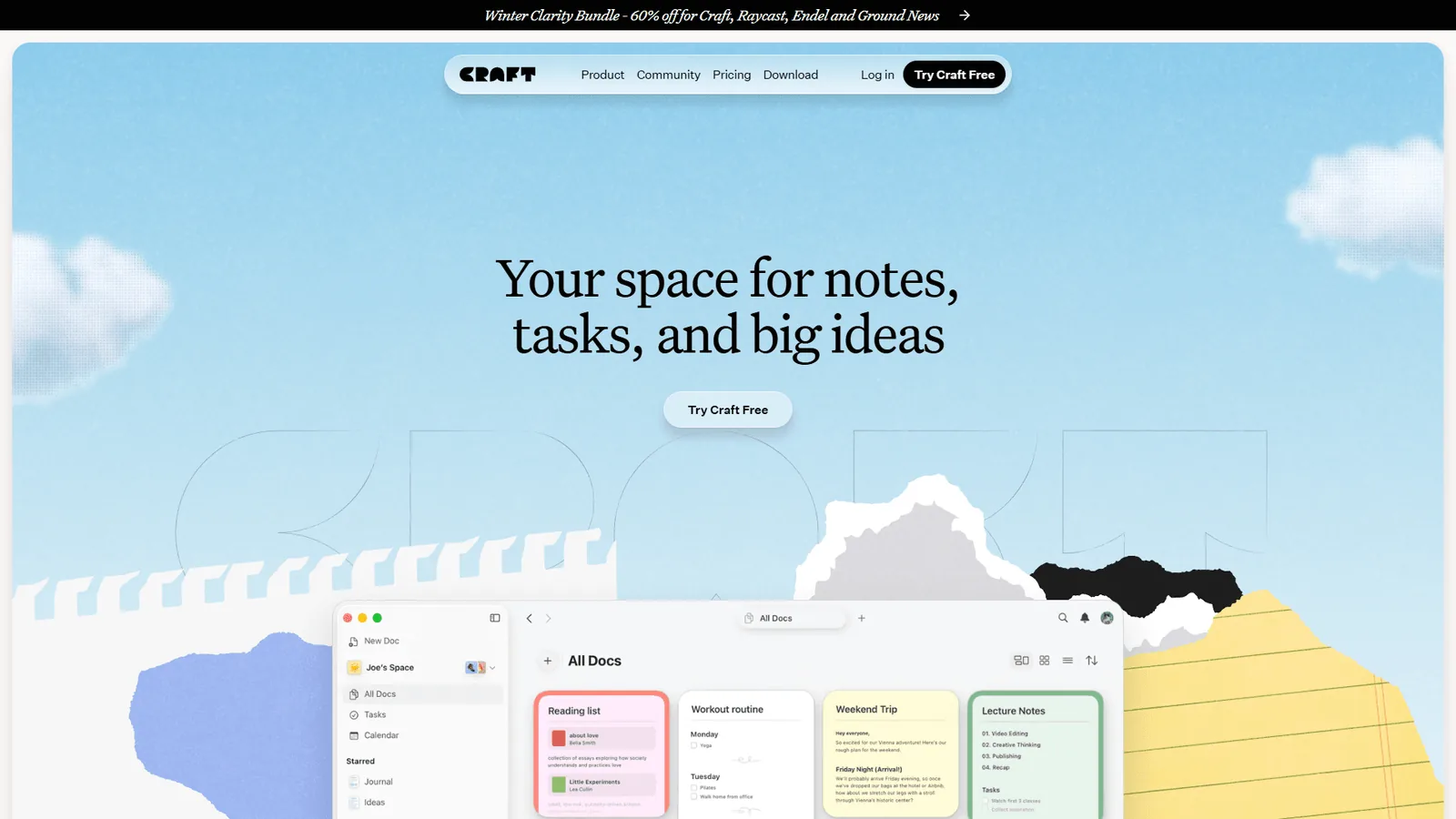
Craft is the fastest note-taking app in this comparison, built for Mac and iPhone users who want beautiful long-form writing and on-device AI that works offline.
What Makes Craft Special
Craft’s speed comes from an architecture rebuilt in 2023 - pages load instantly and the editor never lags.
On-Device AI: Privacy Without Compromise
In early 2025, Craft launched on-device AI models (DeepSeek R1 and Llama 3.2) that run entirely on your Mac or iPhone - zero data leaves your device, no per-word costs, works offline. Cloud AI (Claude Haiku and Sonnet) is available for heavier tasks. As one lawyer noted: “Craft’s on-device AI lets me draft client notes without worrying about cloud AI training on sensitive data.”
The Apple Ecosystem Advantage
Craft feels native in Apple’s ecosystem with Handoff, widgets, Share Sheet, and iCloud sync. This is also its biggest limitation: the November 2025 Android beta still lacks widgets and full Handoff, so Windows and Android teams are better served by Notion or Obsidian.
Craft Pricing Breakdown
| Plan | Price | Storage | AI Access | Best For |
|---|---|---|---|---|
| Free | $0 | 1,500 blocks, 1 GB, 25 MB media | 15 credits/mo | Evaluation only |
| Plus | ~$10/mo ($4.80/mo yearly) | Unlimited docs and storage | 50 credits/mo, Max model | Solo professionals |
| Family | ~$15/mo | 2-6 accounts bundled | Full access per seat | Households |
| Team | $60/mo | Up to 10 users | Full access | Small teams |
| Business | $300/mo | 50 users | Priority support | Companies |
| Education | FREE | Unlimited | Full access | .edu email required |
Free plan limits (1,500 blocks, 1 GB, 15 AI credits/mo, 7-day history) fill fast. Plus (~$4.80/mo yearly) unlocks unlimited storage, the Max AI model, 50 credits/mo, 30-day history, and Shared Spaces. Education users get the full suite free.
Craft’s Weaknesses
- Limited databases: Craft 3’s Collections add tables with custom fields and relational linking, but no kanban boards, timeline views, or complex formulas.
- Limited plugins: Craft has 10-15 integrations; Obsidian has 2,690+.
- Export lock-in: Markdown export works, but you lose Craft’s custom blocks (videos, embeds, drawings).
Deep Dive: Notion
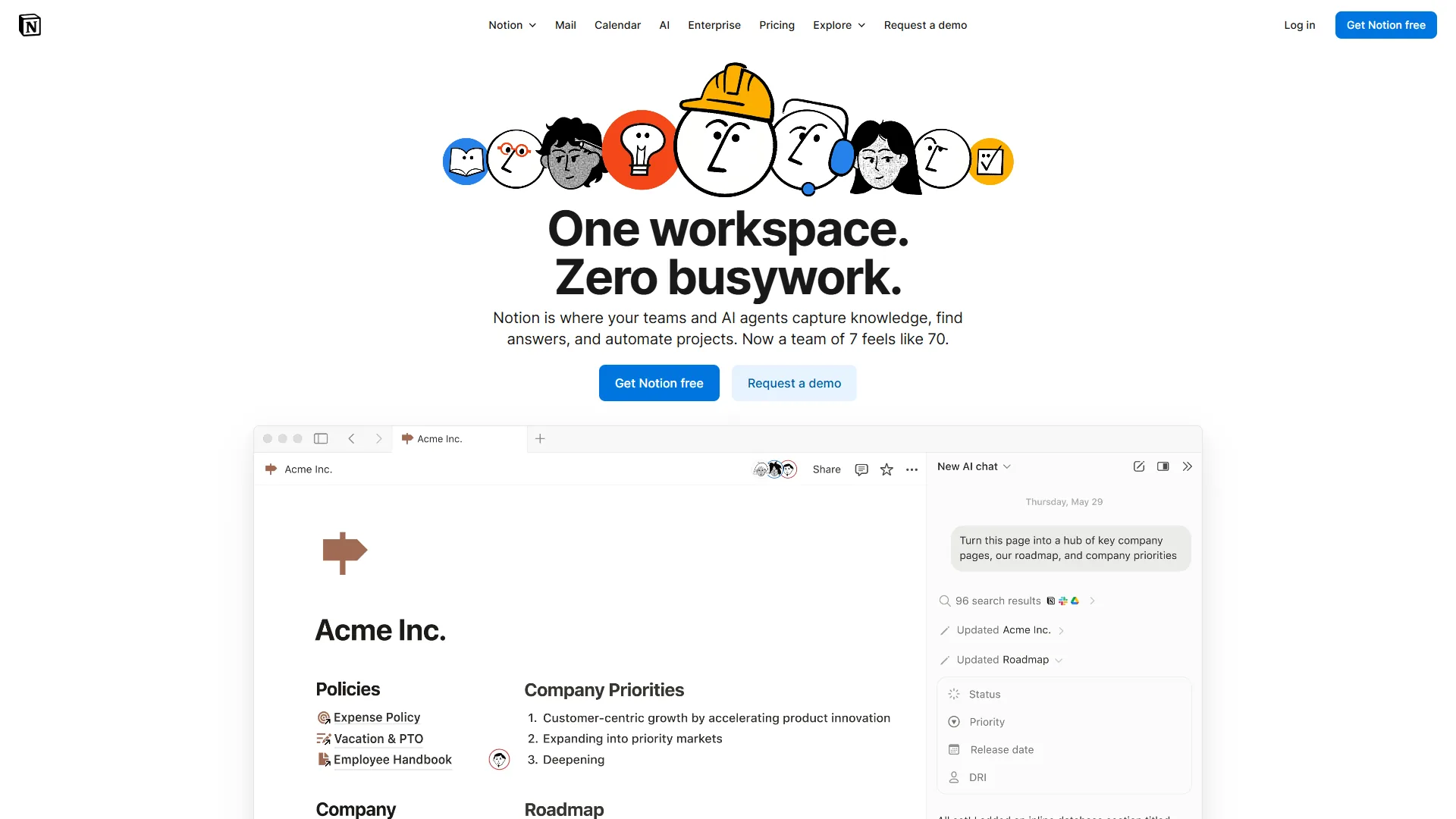
Notion is the most powerful note-taking app for teams and project management in 2026, combining databases, real-time collaboration, and autonomous AI agents in one workspace.
What Makes Notion Special
Notion builds wikis, project boards, and content calendars into one workspace, and in 2025 it became an autonomous AI agent platform.
AI Agents: The Major Upgrade
Notion’s AI Agents (powered by GPT-5 and Claude Opus 4.1) do not just assist - they act, creating database tasks from Slack mentions and extracting action items from pasted transcripts. As one marketer put it: “Notion AI Agents replaced 6 of my 12 Zapier workflows.”
Databases: Notion’s Superpower
Notion’s databases let you view the same data as a table, kanban, calendar, gallery, or timeline, create relational links, and build formulas. The same setup in Craft or Obsidian takes roughly 10x the configuration time.
Notion Pricing Breakdown
| Plan | Price | AI Included | Storage | Best For |
|---|---|---|---|---|
| Free | $0 | 20 AI responses | Limited blocks | Personal use, testing |
| Plus | $12/mo | Unlimited AI | Unlimited | Solo professionals |
| Business | $18/mo | Unlimited AI | Unlimited | Teams 2-100 |
| Enterprise | Custom | Unlimited AI | Unlimited | Large orgs, compliance |
Critical note: AI Agents require the Business plan (around $18 per month); the Plus plan gets only basic AI chat. A solo user who wants AI Agents pays $18 per month, versus Craft’s $10 or Obsidian’s $0.
Notion’s Weaknesses
- Performance: Pages with 20+ database views still lag; Craft feels instant by comparison.
- Offline access: Notion caches recent pages, but complex databases break without internet.
- Learning curve: Expect 8 hours learning databases before feeling productive; Craft takes 30 minutes.
- No on-device AI: Every AI request hits Notion’s servers, so Craft’s local models are safer for sensitive data.
Deep Dive: Obsidian
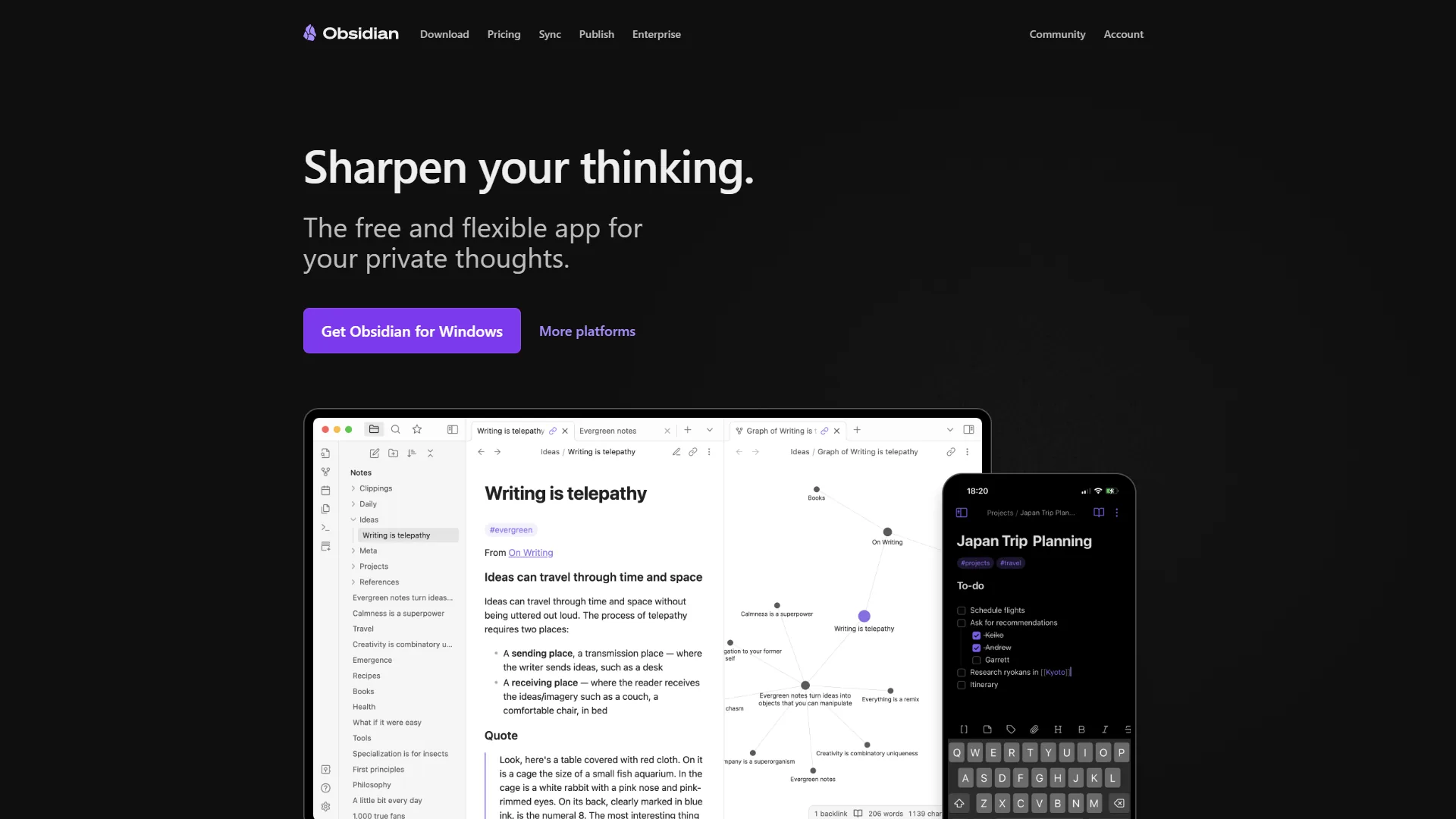
Obsidian is the best note-taking app for privacy and data ownership in 2026, storing every note as a plain Markdown file on your own device with a free forever tier.
What Makes Obsidian Special
Obsidian stores notes as plain Markdown files on your hard drive - no servers, subscriptions, or vendor lock-in. According to Obsidian’s official help documentation, “Your notes stay on your device, ensuring fast performance and privacy.” This local-first approach attracts privacy advocates, data hoarders, and tinkerers following the Zettelkasten method.
Bases: Obsidian’s Notion Killer
In late 2025, Obsidian launched Bases - a database system that challenges Notion’s core advantage. Bases create table views of Markdown notes, filter by properties, and link notes relationally like Notion databases, yet everything stays in plain Markdown readable in any text editor.
The Plugin Ecosystem
Obsidian has 2,690+ community plugins - 200x more than Craft, 50x more than Notion. High-impact picks include Dataview (SQL-style vault queries), Templater (dynamic daily notes), and AI plugins for OpenAI, Claude, or local LLMs. This flexibility is Obsidian’s superpower and its curse: setup takes hours.
Obsidian Pricing Breakdown
| Plan | Price | What You Get |
|---|---|---|
| Personal | FREE | Unlimited notes, all features, local storage |
| Sync | $5/mo | End-to-end encrypted cloud sync across devices |
| Publish | $10/mo | Host a public knowledge base (like a blog) |
| Commercial | $50/year | License for company use (revenue >$1M/year) |
The core app is free forever, even for commercial use unless your company earns over $1M/year. To sync across devices, pay ~$5/mo for encrypted Obsidian Sync or use iCloud or Dropbox free. As one consultant noted: “I have used Obsidian for 4 years with Dropbox sync. Never paid a cent.”
Obsidian’s Weaknesses
- Mobile experience: The iOS and Android apps work but feel clunky next to Craft’s native experience.
- No built-in AI: You must install plugins and provide your own API keys.
- Collaboration is hacky: Shared vaults work, but real-time co-editing does not exist - teams should choose Notion.
- Steep learning curve: Obsidian assumes fluency with Markdown, file systems, and plugins.
The Audio-First Layer: HappyScribe for Voice-to-Notes Workflows
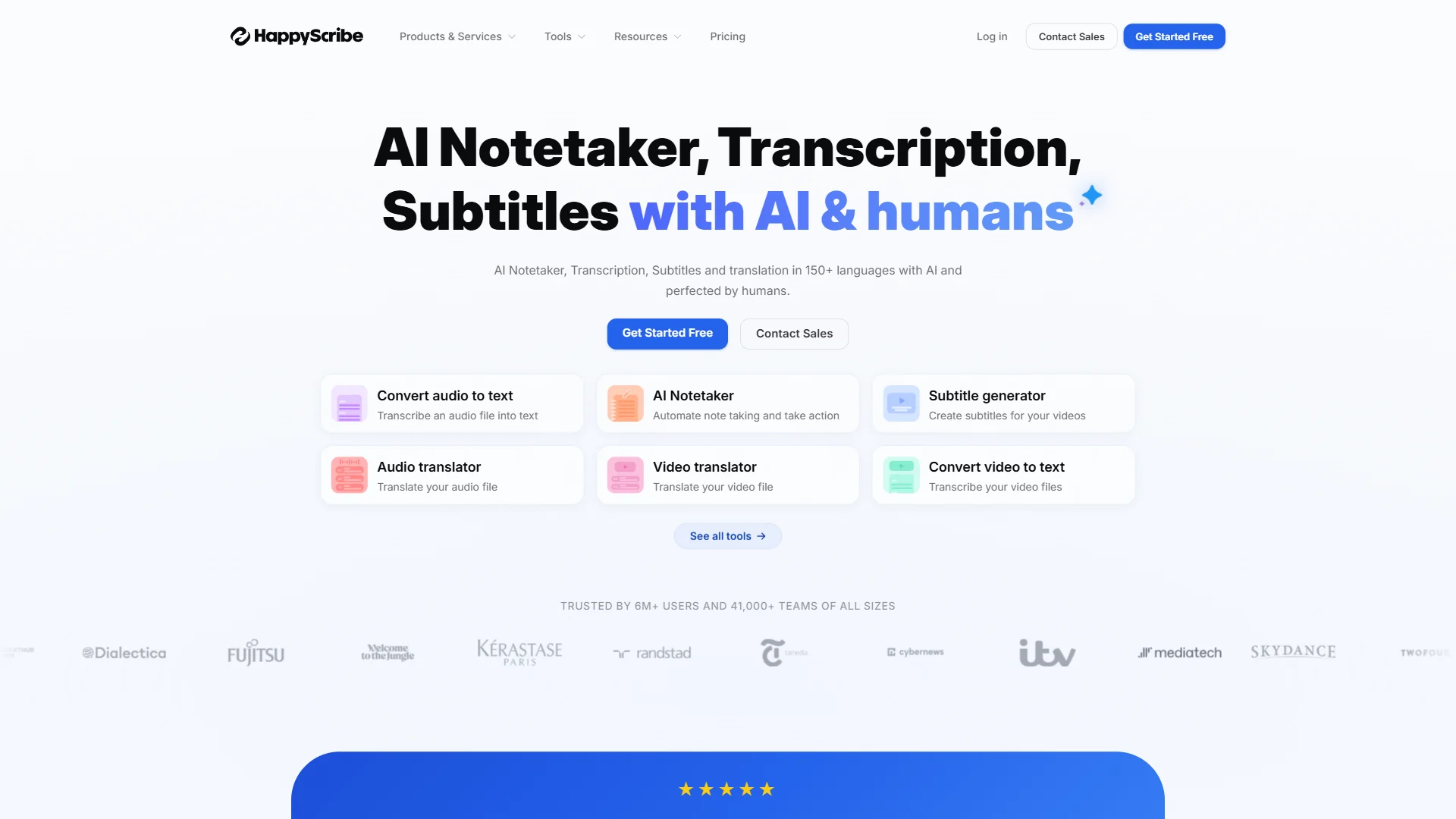
HappyScribe is the leading audio-first layer for note-taking, converting interviews, meetings, and voice memos into searchable transcripts that flow into Craft, Notion, or Obsidian. It transcribes audio and video across 120+ languages, with optional human proofreading for 99% accuracy at $2.00/min, used by 6M+ people and 41,000+ teams since 2017.
Why It Fits a Note-Taking Stack
HappyScribe captures meetings as searchable Markdown transcripts that drop straight into Craft, Notion, or Obsidian. The AI notetaker connects to Google Calendar or Outlook, auto-joins Zoom/Teams/Meet calls, produces timestamped transcripts with speaker ID, and exports to SRT, VTT, DOCX, and PDF. Swiss media group Tamedia, a HappyScribe customer reference, reports saving 3-4 hours per interview.
HappyScribe Pricing at a Glance
HappyScribe’s pricing uses a credit-based model scaled by volume and team size:
| Plan | Price | Credits | Best For |
|---|---|---|---|
| Free | $0 | 10-min trial + unlimited 45-min meeting recordings | Testing accuracy |
| Basic | $17/mo | 120 min/mo AI transcription | Light solo use |
| Pro | $29/mo | 600 min/mo + speaker ID + 15+ export formats | Podcasters, journalists |
| Business | $89/mo | 6,000 min/mo + 5 seats + style guides | Media teams |
Annual billing saves up to 34%. Overage is charged at $0.20/min, and human proofreading is a pay-as-you-go add-on at $2.00/min.
How to Plug HappyScribe Into Each App
With Notion, the native Zapier integration adds transcripts as blocks in a meetings database, where AI Agents extract action items. With Craft or Obsidian, drop the Markdown transcript into a doc or vault folder. HappyScribe also ships an MCP server, so Claude or ChatGPT can query your transcription library directly. Rating: .
Limitations: HappyScribe’s credit-based pricing climbs fast, with $0.20/min overage past plan limits, and accuracy on accented English, jargon, and overlapping voices drops to 85-90% without a glossary or paid human proofreading.
Feature-by-Feature
Notion has the strongest AI automation, Craft has the best privacy-focused on-device AI, and Obsidian offers the most flexible plugin-based AI - here is how the three compare feature by feature.
| AI Capability | Craft | Notion | Obsidian |
|---|---|---|---|
| Rewrite / summarize | Excellent (on-device) | Excellent (GPT-5, 10,000+ words) | Plugin-dependent |
| Offline AI | ✅ Full access | ❌ Requires internet | ✅ With local LLM plugin |
| Extract action items | Manual | Automatic (AI Agents) | Plugin available |
| Slack / email integration | No | Yes (AI Agents) | No |
| Data location | Cloud + on-device AI | Cloud only | Local-first |
| Zero-knowledge encryption | No | No | Yes (with Obsidian Sync) |
Writing: a tie - Craft’s on-device DeepSeek R1 matches GPT-4o for roughly 80% of tasks, while Notion’s GPT-5 handles technical jargon better.
Automation: Notion by a landslide. Notion’s AI Agents are the only true automation here - after a pasted meeting transcript, an agent extracts action items, creates database tasks, and sets due dates. Zapier’s roundup of the best note-taking apps echoes this finding, and Notion’s own AI documentation details how agents act on database records rather than just answering chat prompts. For more, see our AI tools for solopreneurs guide.
Privacy: Obsidian for paranoid privacy (self-hosted sync), Craft for practical privacy (on-device AI). Notion is fine for most users but not for sensitive data.
Pro Tips
Migrating between note-taking apps takes 5 minutes to 8 hours depending on direction. Markdown links transfer cleanly but databases must be rebuilt by hand. Obsidian-to-Craft is fastest at 5-10 minutes; Obsidian-to-Notion takes 4-8 hours because Dataview queries break. Test with 10 notes first.
ROI Calculator
Notion delivers the highest annual ROI at roughly 18 hours saved ($900), Craft saves 16 hours ($800), and Obsidian saves 12 hours ($600), based on note-capture, organization, and search-speed estimates.
| Metric | Craft | Notion | Obsidian |
|---|---|---|---|
| Note capture | 8 sec (fastest) | 14 sec | 18 sec |
| Weekly organization | 55 min | 35 min (AI helps) | 45 min |
| Search speed | 4 sec | 9 sec | 5 sec |
| Annual time saved | 16 hrs ($800) | 18 hrs ($900) | 12 hrs ($600) |
Key insight: Notion’s AI automation delivers the highest ROI if you invest 8-12 hours learning databases; Craft wins for plug-and-play simplicity.
Which Note-Taking App Should You Choose in 2026?
Choose Craft if you are a Mac or iOS user who values speed and privacy, choose Notion if you manage multiple projects and want AI agents, and choose Obsidian if data ownership and a $0 budget matter most. Avoid Craft for Windows-only teams and complex databases, avoid Notion if you need offline-first privacy, and avoid Obsidian if you are non-technical or need team collaboration.
Bonus Tips
Using all three for different contexts works well: Craft for journaling and client docs, Notion for content calendars and project management, Obsidian for long-term research vaults. For most people in 2026, start on Craft, or start with Obsidian plus $5/mo Sync if privacy-focused. Interview-heavy professionals should add HappyScribe.
FAQ
The best note-taking app in 2026 is Craft for Mac and iPad users, Notion for teams, and Obsidian for students who want a free forever option with stylus and Markdown support.
What is the best app to take notes in? The best note-taking app depends on your workflow: Craft for long-form writing on Mac and iPhone, Notion for project management and team collaboration, and Obsidian for privacy-first local Markdown storage with a free forever tier.
Which AI app is best for taking notes? Notion leads in 2026 with AI Agents (GPT-5 and Claude Opus 4.1) that extract action items and automate Slack-to-Notion workflows. Craft wins on AI privacy with on-device DeepSeek R1 and Llama 3.2, and Obsidian offers the most AI flexibility via plugins.
OneNote, Evernote, or Apple Notes? OneNote is stagnant, Evernote lost its edge, and Apple Notes is great for simple capture but lacks databases and advanced AI.
Best for linked-note systems (Zettelkasten)? Obsidian’s graph view, bidirectional links, and local Markdown storage align perfectly with the Zettelkasten method. Our best note-taking apps with graph views roundup covers more options.
Best for audio-first note-taking? HappyScribe offers AI transcription in 120+ languages with optional human proofreading for 99% accuracy, with paid plans from around $17 per month.
Best note-taking app with stylus? Apple Notes and the iPad-native experience in Craft handle handwritten notes well on iPad with Pencil, while Notion and Obsidian focus on typed Markdown rather than stylus input.
Export if switching later? Craft Markdown export works but custom blocks do not translate; Notion exports fully but databases need rebuilding; Obsidian has zero lock-in as plain Markdown.
5-Year Cost: Craft Plus $600 | Notion Plus $720 | Notion Business $1,080 | Obsidian Free $0 | Obsidian+Sync $300
Final Thoughts
Craft is the best starting point for most people in 2026, with Notion the upgrade for database-heavy teams and Obsidian the pick for privacy-first knowledge bases. Notion is an AI agent platform, Craft optimizes for speed and privacy, and Obsidian prioritizes data ownership. If unsure, start with Craft Plus - the fastest to learn and the cheapest paid tier of the three.
Related Reading
Related guides cover each app, plus adjacent topics such as graph-view note systems and AI project management tools.
- Craft - Beautiful, fast note-taking with on-device AI
- Notion - All-in-one workspace with AI Agents and databases
- Obsidian - Local-first knowledge base with AI plugins and Bases databases
- HappyScribe - AI transcription in 120+ languages for audio-first note-taking
- Best AI Project Management Tools 2026 - Task management beyond notes
External Resources
Official vendor documentation and product blogs cover release notes for on-device AI, AI Agents, and Obsidian Bases updates.
- Craft Blog - On-device AI updates
- Notion Blog - AI Agents announcements
- Obsidian Blog - Plugin and Bases updates