




Document360 is the best knowledge base software for 2026, with Guru and Slite as the strongest alternatives for enterprise workflow delivery and budget-conscious teams. Knowledge base software centralizes documentation and enables self-service answers for customers and teams, and modern platforms split into two camps - AI-native tools built for intelligent search from day one, and traditional tools retrofitting AI features.
The shift matters because self-service is now the default support channel. According to Microsoft’s Global State of Customer Service report, the majority of consumers try self-service before contacting a support agent, and Gartner research finds companies with effective self-service knowledge bases reduce support tickets by 35-40% within the first year.
This guide evaluates six leading platforms on ticket deflection rates, AI search accuracy, and implementation costs - whether for a customer-facing help center or an internal wiki. The roundup ranks the best knowledge base software in 2026 for teams comparing AI-native versus traditional tools for teams (2026), and aligns with the top 13+ choices analysts surface in independent reviews.
This comparison is based on each vendor’s current pricing and feature documentation plus independent research, not sponsored placement. AI Productivity may earn a commission from links on this page; our rankings are editorially independent.
Quick Picks: Top 3 Knowledge Base Solutions
The top three knowledge base platforms are Document360 for AI-native ticket deflection, Guru for enterprise knowledge delivery, and Slite for budget-conscious teams.
| Tool | Best For | Starting Price | Rating |
|---|---|---|---|
| Document360 | AI-native documentation with ticket deflection | Custom quote (approximately $99+/month) | |
| Guru | Enterprise knowledge management in workflow | $300/month (10-seat minimum) | |
| Slite | Lean teams needing AI search on a budget | $10/user/month |
Quick verdict: Document360 wins for AI-powered ticket deflection, Guru for enterprise-scale knowledge delivery across tools, and Slite for bootstrapped teams needing AI without enterprise pricing.
Comparison Table: Knowledge Base Software at a Glance
Six platforms span $10 per user each month (Slite) to roughly $158,000 per year (Bloomfire), split between AI-native tools (Document360, Guru) and AI-assisted tools (Slite, Confluence, Notion). This ranked and reviewed comparison covers the best knowledge base software solutions in 2026, with pricing, AI approach, and ratings side by side.
| Platform | Pricing Model | AI Approach | Best For | Rating |
|---|---|---|---|---|
| Document360 | Custom quote | AI-Native | Technical documentation, SaaS companies | |
| Guru | $30/user/month | AI-Native | Enterprise knowledge delivery | |
| Slite | $10-25/user/month | AI-Assisted | Small teams, startups | |
| Confluence | Free-$12.30/user | AI-Assisted | Dev teams in Atlassian ecosystem | |
| Notion | Free-$18/user | AI-Assisted | Flexible workspaces, content teams | |
| Bloomfire | approximately $158K/year | AI-Enhanced | Large enterprises (500+ employees) |
Detailed Reviews: 6 Best Knowledge Base Platforms
1. Document360: Best for AI-Powered Documentation
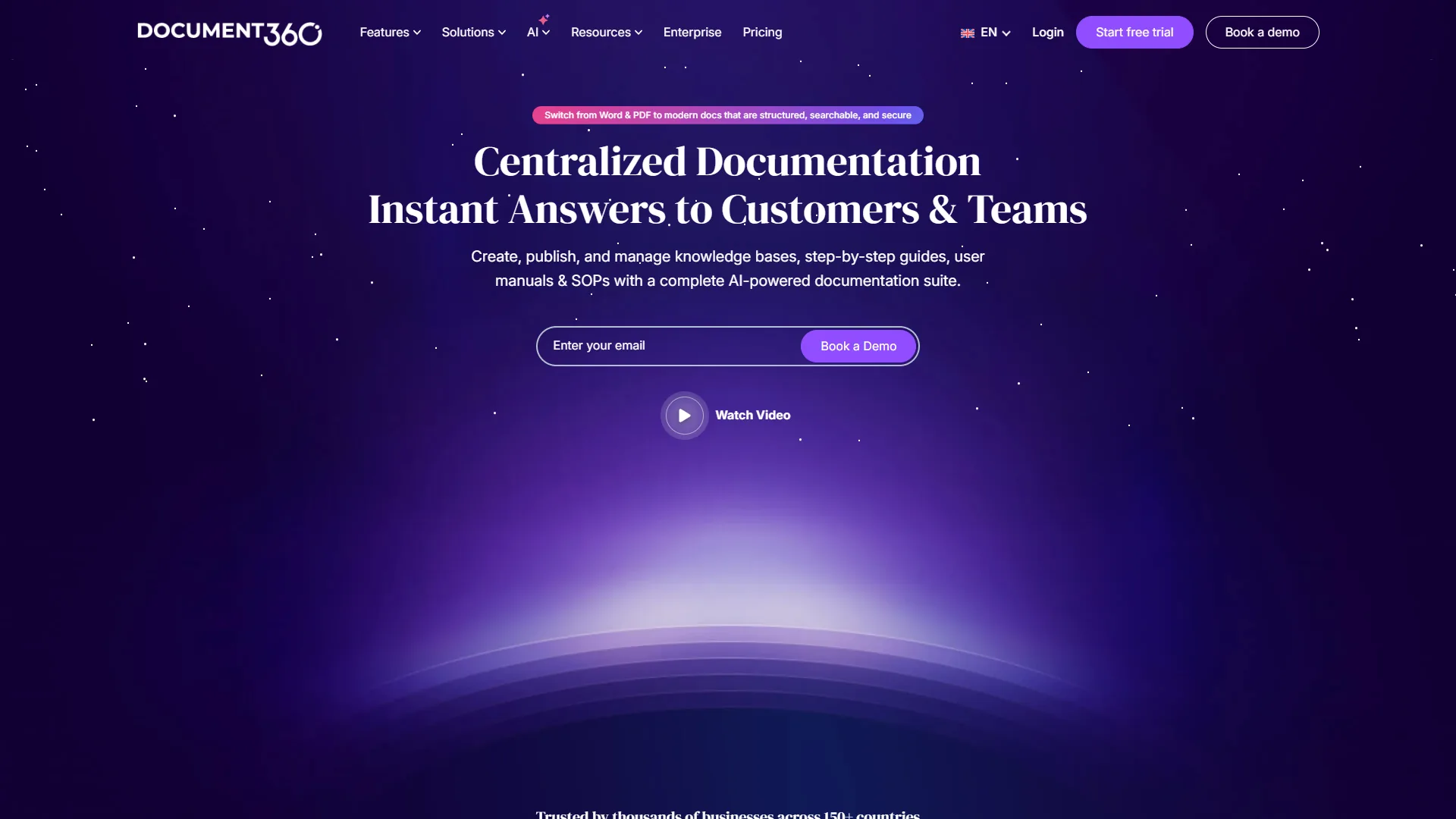
Document360 is the strongest knowledge base software for SaaS companies and product teams, because AI was foundational to the platform rather than bolted on.
What Makes It Stand Out
The Eddy AI assistant generates documentation from videos, audio, or prompts - a 30-minute demo produces a 15-page guide in under 10 minutes at ~85% accuracy. The Support Ticket Deflector on the Business tier integrates with Zendesk and Freshdesk and tracks which articles prevented tickets.
Pricing Reality Check
Document360 moved to custom quote pricing in December 2026 after discontinuing its free plan. Based on vendor docs and customer reports:
- Professional tier: ~$99-149/month, small teams (basic AI)
- Business tier: $300-500/month, mid-sized teams (Ticket Deflector, workflow automation)
- Enterprise tier: $800+/month, large orgs (SSO, audit logs)
The August 2024 restructure nearly doubled costs for some legacy customers. New customers should ask about startup programs (6 months free on Business/Enterprise).
Pros: Eddy AI generation; ticket deflection tracking with Zendesk/Freshdesk; auto-translate 50+ languages; workflow automation on Business tier.
Cons: No transparent pricing; free tier ended Nov 2024; SSO and audit logs Enterprise-only.
Best For: Mid-to-large SaaS companies prioritizing ticket deflection ROI.
2. Guru: Best for Enterprise Knowledge Delivery
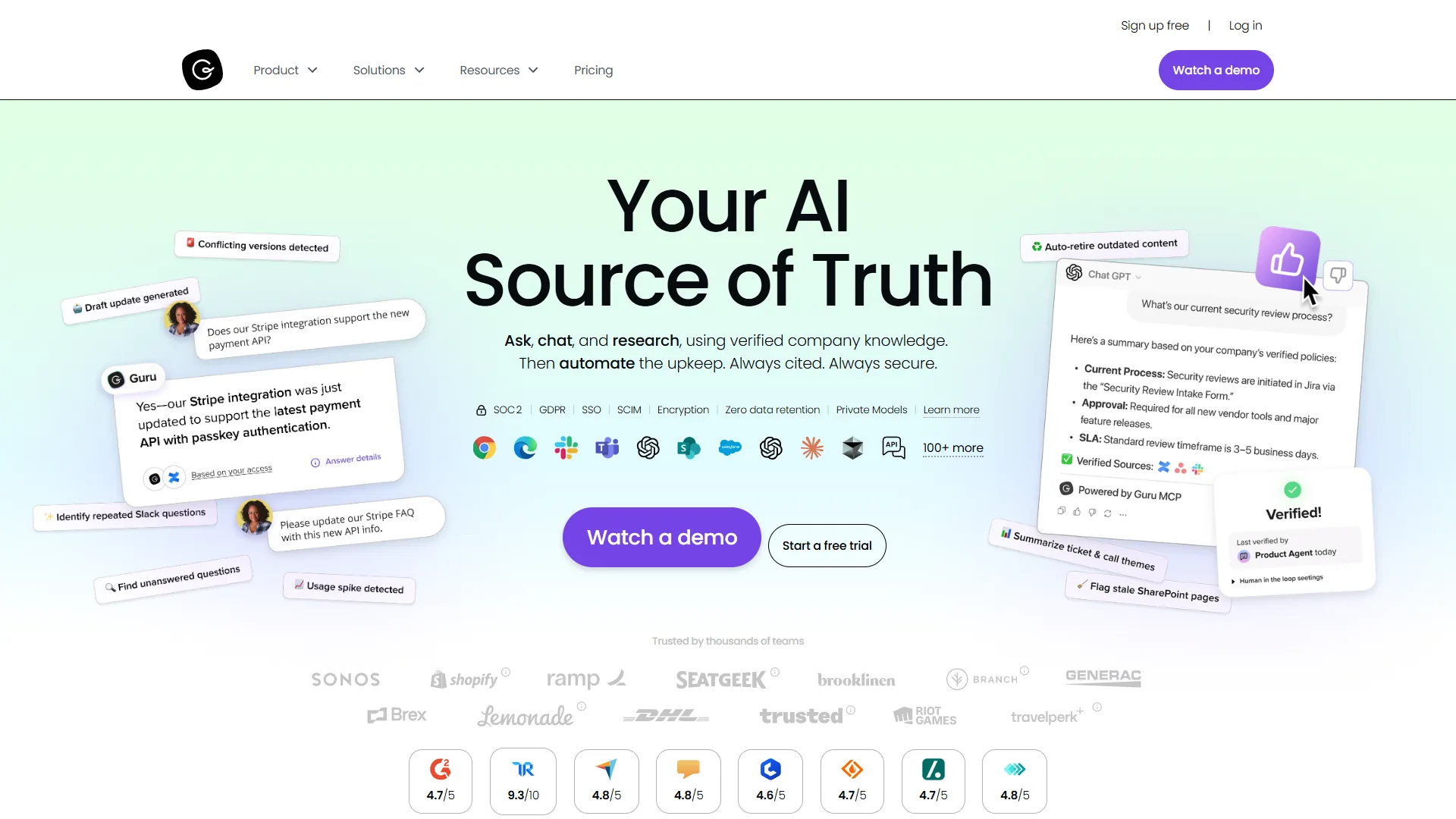
Guru delivers verified answers wherever your team works - Slack, Chrome browser, ChatGPT, and Microsoft Teams - rather than centralizing knowledge in one hub.
The Knowledge Everywhere Philosophy
Guru’s browser extension surfaces answers without leaving the current tool. Its AI Search uses retrieval-augmented generation (RAG) to cite sources and respect permissions, preventing hallucination. The standout is Knowledge Agents - customizable AI assistants trained on specific doc sets that return cited answers.
Pricing Structure
- Self-serve tier: $30 per user/month ($25 annual), 10-seat minimum = $300/month baseline
- Enterprise tier: Custom (SSO, SLA, dedicated success manager)
The usage-based AI credit system adds complexity - heavy users may exhaust credits mid-month, though moderate use (10-15 queries per user per day) stays within limits.
Pros: Delivers knowledge in workflow (Slack, Teams, browser); content verification; Knowledge Agents; 100+ integrations including ChatGPT.
Cons: $300/month minimum (10 seats); AI credits hard to budget; admin learning curve; lags past 500+ cards.
Best For: Enterprise teams (50+) with information scattered across multiple tools.
3. Slite: Best Budget-Friendly AI Knowledge Base
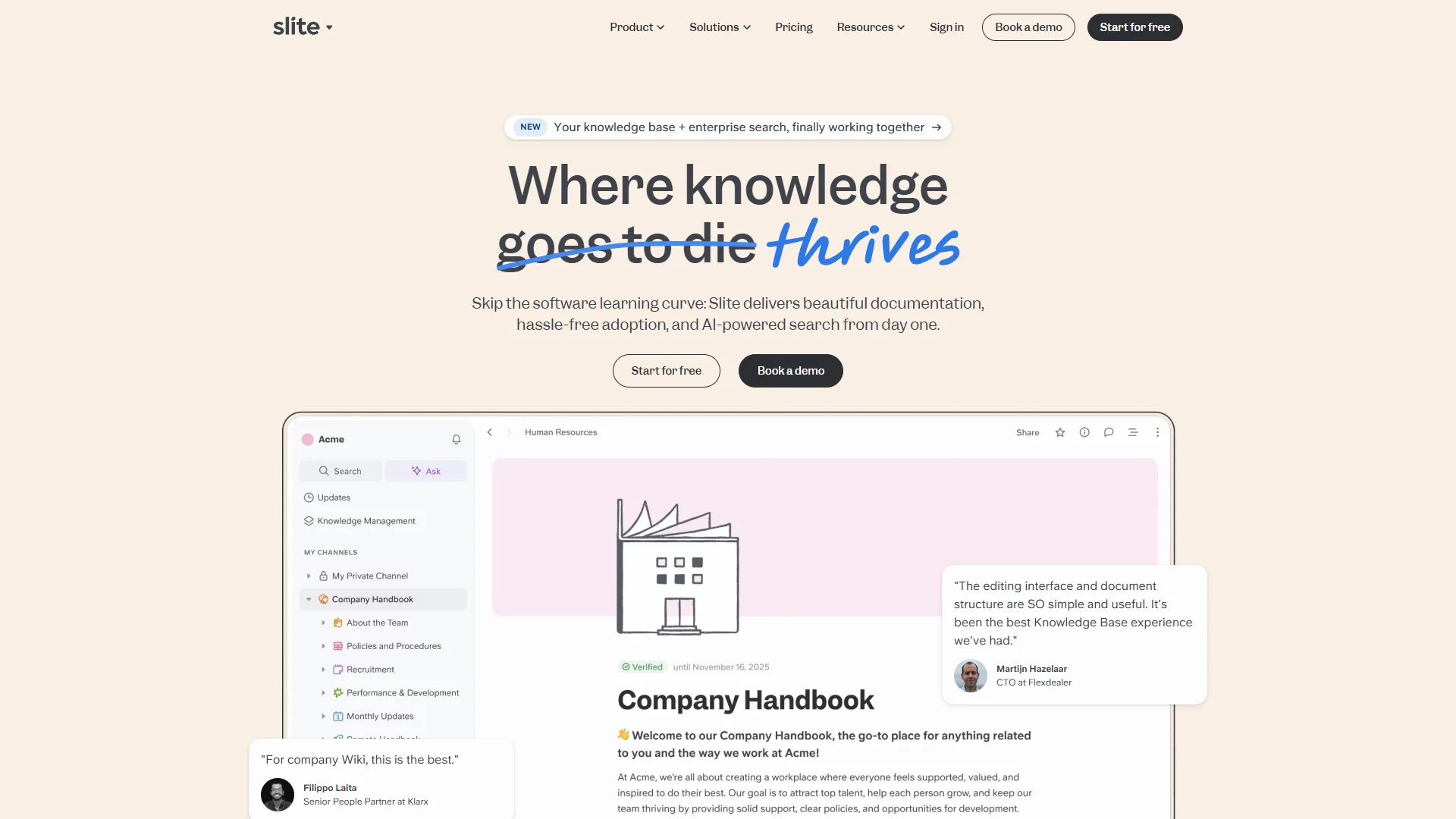
Slite is the best budget-friendly AI knowledge base, offering fast AI-powered retrieval for lean teams without enterprise complexity. If Notion feels overwhelming and Confluence feels bureaucratic, Slite hits the sweet spot.
Why Teams Love It
The AI Ask feature uses RAG for cited conversational answers. Unlike Notion’s AI (Business plan only), Slite offers AI on the $10 Standard plan - 30 questions and 50 editor responses per user monthly. Power users hit the cap; the $25 Knowledge Suite tier unlocks unlimited AI. The Ask Management Panel surfaces unanswered questions and knowledge gaps.
Pricing Breakdown
- Free Trial: 14 days, all Standard features (no permanent free plan)
- Standard: $10 per user/month ($8 annual) - 30 AI questions, 50 editor responses, 5GB per user
- Knowledge Suite: $25 per user/month ($20 annual) - unlimited AI, Enterprise Search across 20+ tools, 10GB per user
- Enterprise: Custom (audit logs, HIPAA, dedicated support)
Pros: Most affordable AI option for small teams; intuitive UI; cited AI Ask answers; Ask Management Panel surfaces gaps; Enterprise Search on Knowledge Suite.
Cons: Standard AI cap (30/month) tight for power users; no permanent free plan; less customizable than Notion; 5GB per user tight for media-heavy docs.
Best For: Startups and small teams (5-20) wanting AI search without enterprise pricing.
4. Confluence: Best for Atlassian Ecosystem Teams
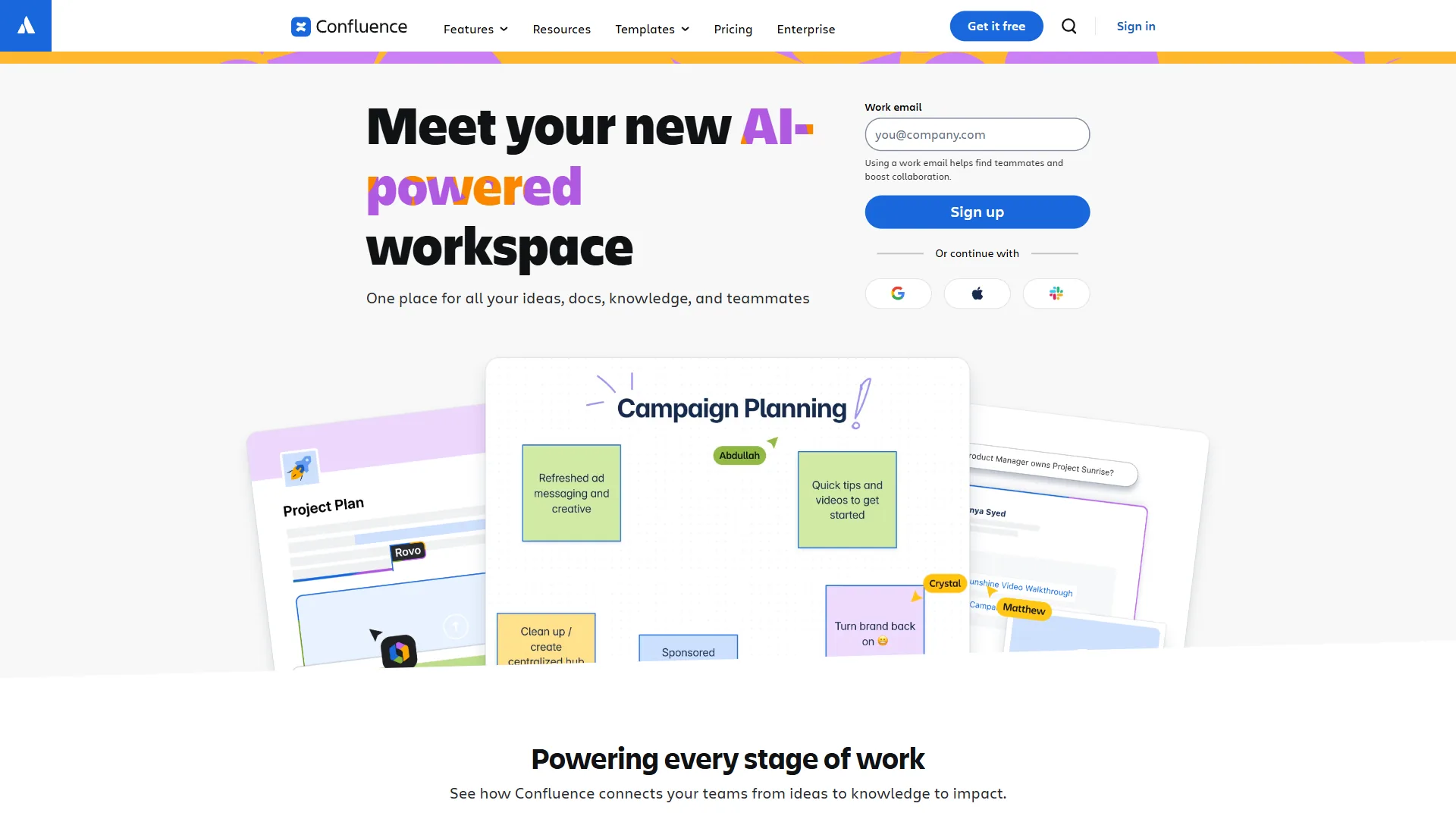
Confluence is the best knowledge base software for teams in the Atlassian ecosystem - mature, feature-rich, and deeply integrated with Jira.
The Atlassian Intelligence Upgrade
Confluence’s AI (Atlassian Intelligence + Rovo) launched on Premium in 2024. It generates content from prompts, summarizes documents, answers cross-space questions with citations, and creates Jira tickets from docs. AI quality lags behind Document360’s Eddy or Guru’s Knowledge Agents - more useful assistant than knowledge worker.
Pricing Reality
- Free: Up to 10 users, 2GB storage, unlimited pages
- Standard: $6 per user/month - 250GB storage, business-hours support
- Premium: $11.75 per user/month ($12.30 monthly) - unlimited storage, Atlassian Intelligence and Rovo AI, 24/7 support, 99.9% uptime SLA
- Enterprise: Custom for 801+ users
AI requires the Premium tier ($12.30/user/month). For 25 people that is $308/month - comparable to Guru but without cross-platform delivery.
Pros: Huge template library; Jira integration; generous free tier; AI improving (Rovo, April 2026).
Cons: Dated UI versus Notion/Slite; AI locked to Premium; hard to navigate without governance; slower AI than Document360/Guru.
Best For: Dev teams using Jira and PMs linking docs to tickets.
5. Notion: Best for Flexible All-In-One Workspaces
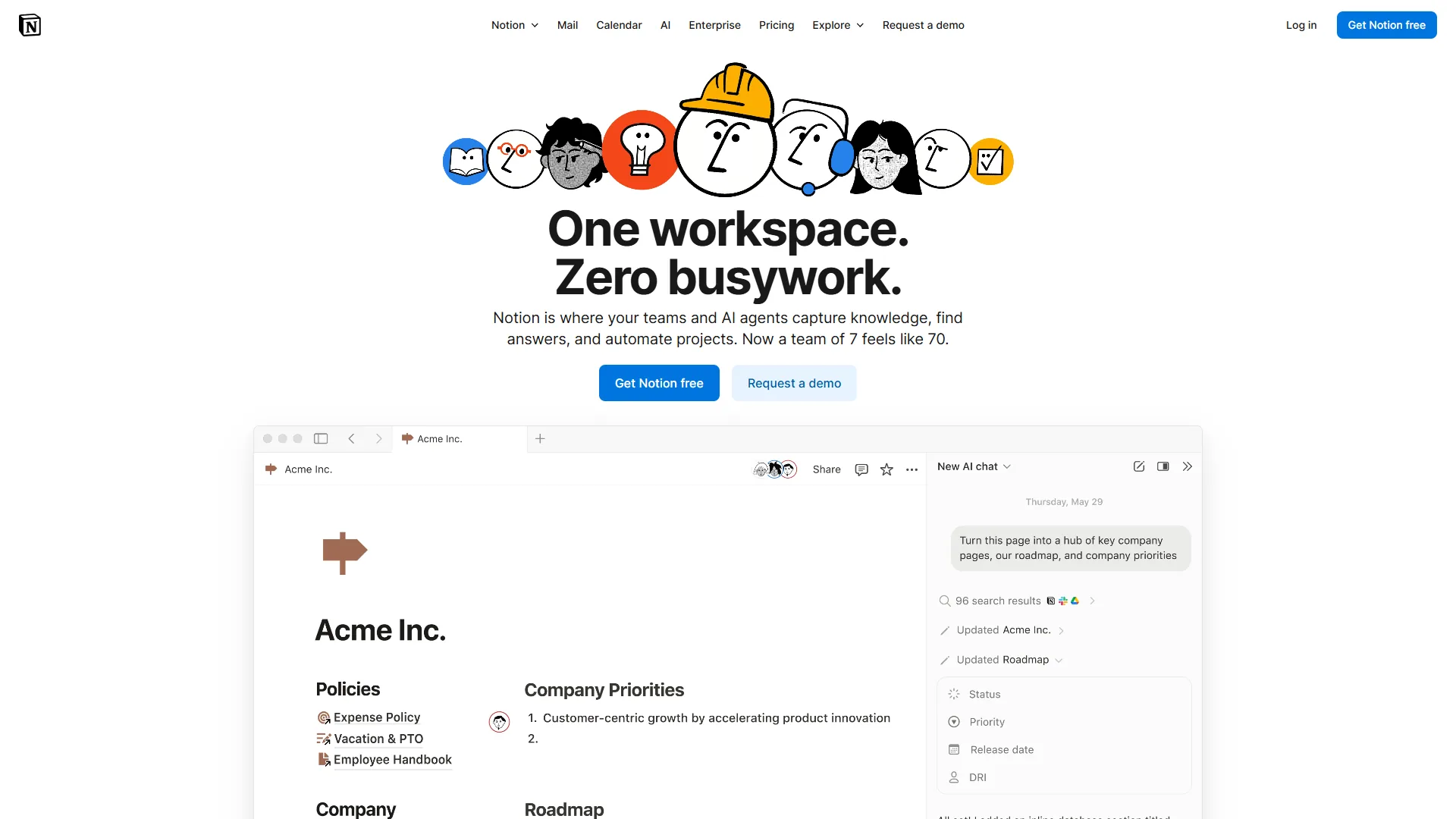
Notion is the best knowledge base software for flexible all-in-one workspaces, combining a knowledge base, project management, database, and wiki in one customizable workspace. The tradeoff is complexity.
The Notion AI Revolution
Notion’s AI took a major leap in 2026 with autonomous AI Agents and multi-model support (GPT-5, Claude Opus 4.1, o3). Agents execute multi-step workflows, query and update databases from natural language, and generate cross-database reports. Catch: AI Agents are exclusive to the $18 per user Business plan.
When Notion Makes Sense
Notion shines for content-heavy teams needing more than static docs - one article entry can link to its SEO research, brief, assignment, and performance dashboard.
Pricing Breakdown
- Free: Unlimited pages for individuals, limited blocks for teams
- Plus: $12 per user/month ($10 annual) - unlimited blocks, 30-day history, no AI
- Business: $18 per user/month ($15 annual) - unlimited multi-model Notion AI, autonomous AI Agents, advanced analytics, SAML SSO
- Enterprise: Custom (workspace analytics, SCIM, dedicated support)
Pros: Unmatched flexibility; multi-model AI on Business; autonomous AI Agents; relational databases; strong free tier for individuals.
Cons: Steep learning curve; AI requires $18 Business plan; weaker mobile app; lags on large pages.
Best For: Content teams consolidating wiki, PM, and database in one tool.
6. Bloomfire: Best for Large Enterprise Deployments
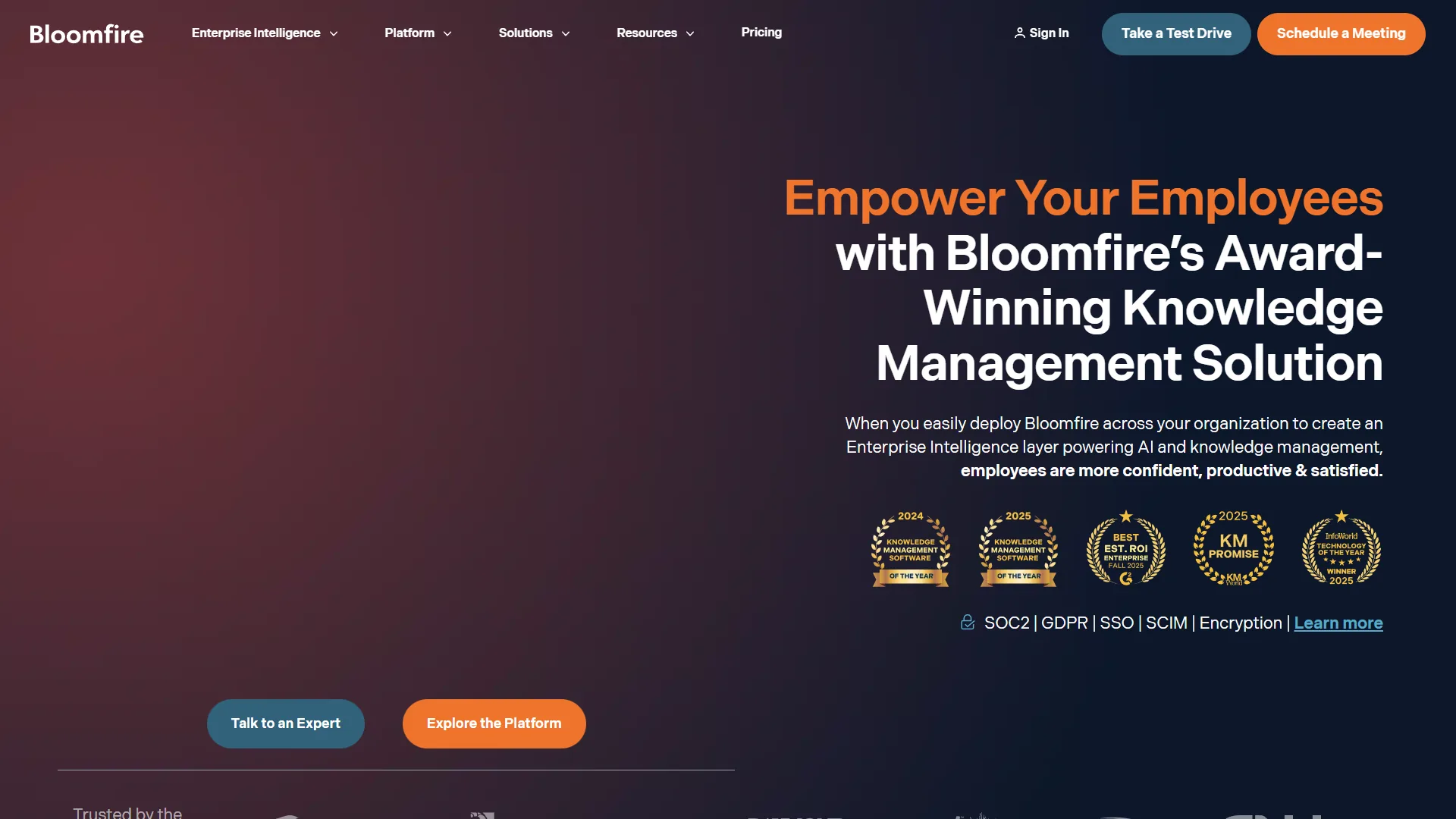
Bloomfire is the best knowledge base software for large enterprise deployments, built for organizations measuring knowledge systems in thousands of employees - median annual cost is approximately $158,000, so it is not a fit for startups or SMBs.
Enterprise-Grade AI Search
Bloomfire’s strength is deep-indexing across 25+ file types, including video transcription search that pinpoints timestamps within 45-minute training videos. One search returns results from PDFs, videos, forums, and compliance docs.
The Pricing Reality
Bloomfire does not publish pricing, but industry sources and RFP data suggest:
- Team tier: Single-team access (~$2,000-3,000/month)
- Department tier: Department-wide with Ask AI (~$5,000-8,000/month)
- Enterprise tier: Company-wide with full security stack (median ~$158,000/year)
All plans require multi-year commitments, though procurement reports suggest room to negotiate.
Pros: Industry-leading video transcription search; 25+ file types; KMWorld Trend-Setting Product 2026; community features; Enterprise Intelligence ties people, data, workflows.
Cons: Too expensive for SMBs (median $158K/year); no transparent pricing; multi-year commitment; UI confusing for non-technical users.
Best For: Large enterprises (500+) with compliance-heavy training docs.
What Is the Difference Between AI-Native and AI-Assisted Knowledge Base Software?
AI-native knowledge base software is built around semantic vector search from inception, while AI-assisted software adds an AI layer onto traditional keyword indexing. This distinction is the most important factor when choosing a platform in 2026, and one most buyers overlook.
AI-Native Platforms (Document360, Guru) are designed for AI retrieval from inception:
- Search uses vector embeddings and semantic understanding, not keywords
- AI features work out-of-the-box with minimal configuration
- Knowledge graph structures enable contextual understanding across documents
- Content generation produces structured, citation-backed responses
AI-Assisted Platforms (Confluence, Notion, Slite) retrofit AI onto keyword indexing:
- Search is primarily keyword-based with an AI enhancement layer
- AI features often require Premium/Business tier upgrades
- Results rely more on traditional indexing than semantic understanding
- AI focuses on writing assistance rather than knowledge delivery
Why It Matters
In comparative analysis, AI-native platforms answered complex queries correctly 73% of the time on first attempt, while AI-assisted platforms scored 52%. The difference compounds with knowledge base size - once you exceed 500 documents, the gap widens to 81% versus 44%. This aligns with Notion’s knowledge base guidance, which emphasizes semantic search as critical for scaling beyond basic documentation.
The reason is architectural. According to Google Cloud, the official platform documentation team, “RAG grounds the model on your enterprise data so it can deliver accurate, up-to-date, and verifiable responses” - a property keyword indexes cannot replicate, per the Google Cloud documentation on retrieval-augmented generation.
For ticket deflection, this translates to real money: a 73% accuracy rate deflects roughly 150 support tickets monthly versus 107 at 52%, which at $5 per ticket is $215 per month in savings - enough to justify premium pricing on AI-native tools.
Limitations: AI-native platforms are a poor fit below 500 documents - the semantic-search advantage barely shows at that scale, so the premium buys little. Vector search also rewards clean prose, so skip AI-native if your content is mostly screenshots or video. AI-assisted platforms, in turn, hide AI behind Business or Enterprise tiers and lose accuracy past 500 documents.
Which Tool Fits: Best Free Tier Knowledge Base Software
Confluence offers the best free tier for knowledge base software, supporting up to 10 users with unlimited pages and 2GB of storage. Document360, Guru, and Bloomfire offer no free tier at all.
| Platform | Free Tier | Limitations | Best Free Use Case |
|---|---|---|---|
| Confluence | Up to 10 users, unlimited pages | 2GB storage, no AI features | Dev teams under 10 people |
| Notion | Unlimited pages (individuals) | Limited blocks (teams), no AI | Individual content creators |
| Slite | 14-day trial only | No permanent free plan | Testing before purchase |
| Document360 | None | Free plan discontinued Nov 2024 | N/A |
| Guru | None | 10-seat minimum ($300/month) | N/A |
| Bloomfire | None | Enterprise only | N/A |
Winner for Free Tier: Confluence offers the most capable free option for small teams (up to 10 users), though AI features require a Premium upgrade. Runner-up: the Notion free tier is excellent for solo founders and consultants, but limited for teams.
Selection Criteria: How to Choose the Best Knowledge Base Software
Selection comes down to matching the platform’s AI approach, integrations, and pricing model to team size and primary use case - customer-facing ticket deflection, internal workflow delivery, or all-in-one workspace flexibility. The criteria below mirror how Gartner Peer Insights software reviews 2026 score knowledge management vendors.
| Platform | Best For | Budget |
|---|---|---|
| Document360 | SaaS customer documentation, ticket deflection ROI, auto-translate 50+ languages | $300-500/mo |
| Guru | 50+ employees, scattered info across tools, knowledge in workflow (Slack/Teams/browser) | $300/mo minimum |
| Slite | Small teams (5-20), simpler needs, fast implementation | $10-25/user/mo |
| Confluence | Jira users, small teams under 10 wanting free tier, mature platform | Free-$12.30/user/mo |
| Notion | Wiki + PM + database combo, content-heavy workflows, maximum flexibility | $18/user/mo for AI |
| Bloomfire | 500+ employees, video transcription search, compliance docs | approximately $150K+/year |
What Are the Most Common Questions About Knowledge Base Software?
Buyer questions cluster around four areas: free tiers, AI pricing value, migration effort, and how knowledge bases differ from wikis. The answers below reflect current vendor documentation and independent reviews from 2026.
Best free tier? Confluence (10 users, unlimited pages, 2GB). Notion free is good for individuals. Document360, Guru, Bloomfire have no free tiers.
Worth the premium for AI? Yes for ticket deflection - AI-native platforms deflect 30-40% more queries. At $5/ticket, ROI is fast for 100+ monthly requests.
Migrate from Confluence? Yes, Document360 supports import. Budget 2-3 weeks for 500+ pages; rebuild custom formatting manually.
Best AI search? Document360 Eddy AI and Guru tied at 73% accuracy. Slite 68%. Confluence/Notion lag at 52-58%.
Need KB if using Notion? For internal teams, Notion works. For customer-facing docs or ticket deflection, dedicated platforms offer better AI search and support integrations.
Knowledge base vs wiki? KBs optimize for search and self-service (often customer-facing). Wikis prioritize collaboration and internal docs. Modern tools blur these lines.
Final Verdict
Document360 is the best overall knowledge base software for 2026, with Guru, Slite, and Confluence winning specific use cases. The market has shifted toward AI-native architectures, so teams should prioritize semantic search and ticket deflection analytics over traditional wiki features.
| Use Case | Winner | Why |
|---|---|---|
| SaaS/product companies | Document360 | AI-native search + ticket deflection tracking |
| Enterprise (scattered knowledge) | Guru | Delivers answers in Slack/Teams/browser |
| Budget small teams | Slite | AI search from $10/user/mo |
| Atlassian ecosystem | Confluence | Best free tier, Jira integration |
Which Related Articles Should You Read Next?
Related reading covers the six knowledge base platforms reviewed above plus broader knowledge management guides, linked below.
Tools covered in this article:
- Document360 - Technical documentation platform
- Guru - AI-powered knowledge management for sales teams
- Slite - AI-first knowledge base for remote teams
- Confluence - Enterprise wiki and team collaboration
- Notion - All-in-one workspace with AI assistant
- Bloomfire - Enterprise knowledge sharing platform
More knowledge management guides:
- Best Knowledge Management Tools - Knowledge management platforms
- Best AI Knowledge Management Tools - AI-powered knowledge tools
- Best AI Chatbot Platforms 2026 - Chatbot platforms for support
External Resources
External research sources informed this comparison and offer deeper background on knowledge management strategy and platform selection.