









Notion is impressive - until it isn’t. The database setup often feels like work before the actual work. Teams hit a wall when they need enterprise-grade access controls that Notion’s Business plan does not deliver. Solo users writing personal journals find an all-in-one workspace is three sizes too big.
Whatever the reason, the market for apps like Notion has never been richer. From local-first PKM tools like Obsidian to enterprise wikis like Confluence, there is a legitimate alternative for every frustration. This guide covers the eight strongest options, matched to specific use cases so you can land on the right choice without testing them all yourself.
Methodology: this comparison draws on each vendor’s current pricing pages, official documentation, and independent research rather than sponsored placement. AI Productivity may earn a commission from links on this page; our rankings remain editorially independent.
Comparison Table: Apps Like Notion at a Glance
The eight strongest apps like Notion in 2026 are Obsidian, Coda, Confluence, Roam Research, Logseq, Craft, Anytype, and Notion itself, with starting prices ranging from free to $15 per month. This guide compares each on pricing, capabilities, and the workflows where they deliver the most value.
| App | Best For | Starting Price | Free Tier | Offline |
|---|---|---|---|---|
| Notion | All-in-one workspace, wikis | Free / paid from $12/user/mo | Yes (generous) | Limited |
| Obsidian | Personal PKM, local notes | Free | Yes | Full |
| Coda | Docs + spreadsheets hybrid | Free / paid from $10/user/mo | Yes (limited) | No |
| Confluence | Enterprise team wikis | Free / paid from $6.05/user/mo | Yes (10 users) | No |
| Roam Research | Networked thought, academics | $15/mo | No (30-day trial) | Partial |
| Logseq | Open-source outliner PKM | Free | Yes | Full |
| Craft | Beautiful docs, Apple users | Free / paid from $5/mo | Yes (limited) | Full |
| Anytype | Offline-first, privacy-first | Free | Yes | Full |
Notion: What You’re Leaving (or Staying For)
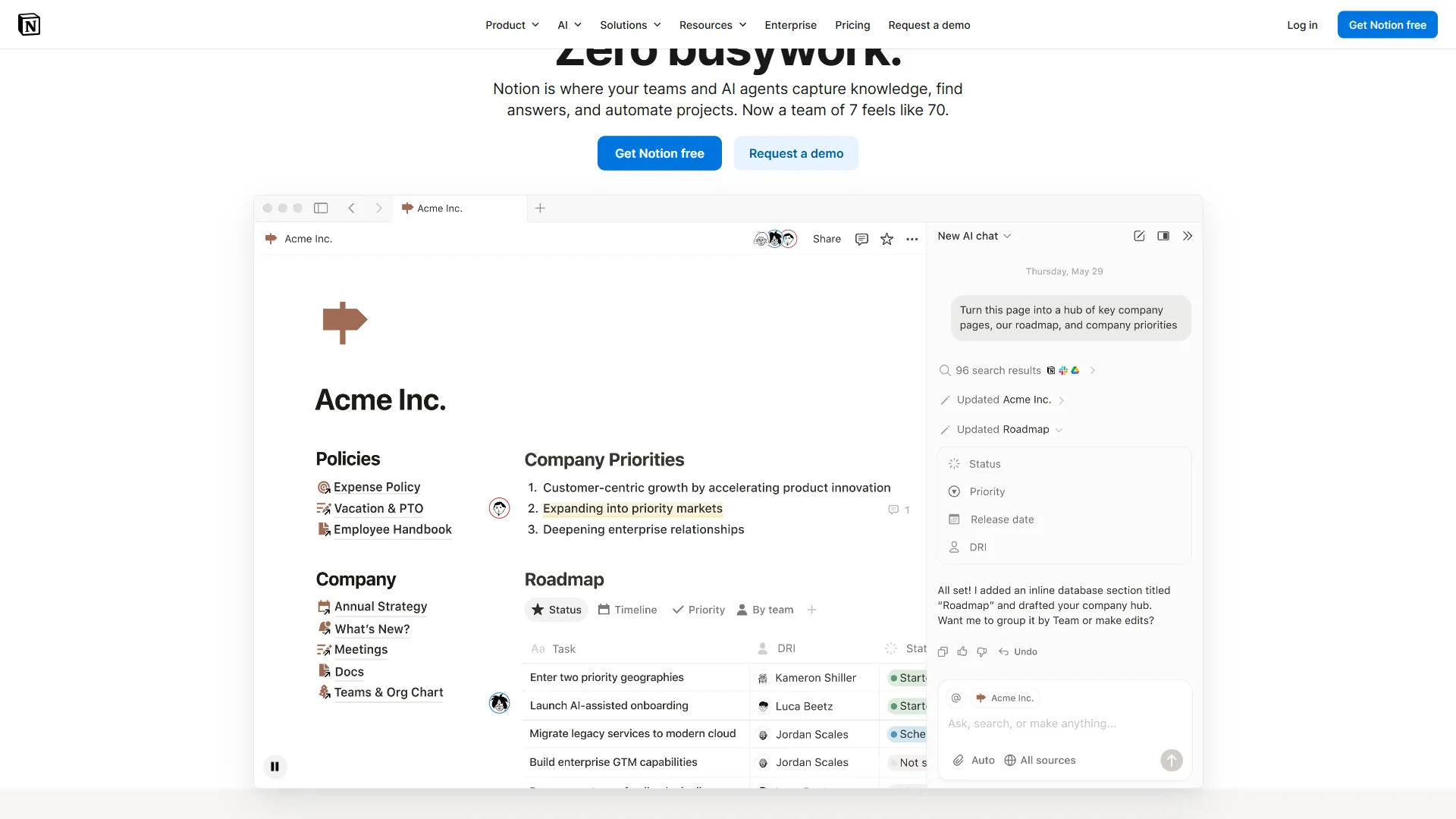
Notion is an all-in-one workspace that combines note-taking, project management, and team wikis in one flexible block-based editor backed by a relational database system. It occupies a unique position in the productivity landscape - not a pure note-taking app, not a project management tool, and not a wiki, but all three at once.
The appeal is clear: one tool to capture meeting notes, manage a product roadmap, run a team wiki, and track client projects - all linked together with relational databases. Notion AI - covered on the official Notion AI page - adds native writing assistance, summarization, and Q&A across your workspace.
Where Notion genuinely excels:
- Flexible databases with multiple views (table, board, calendar, gallery, timeline)
- Templates for virtually every use case - team wikis, CRM, content calendars, OKRs
- Built-in AI across the entire workspace (Notion AI, paid add-on)
- Generous free tier for individuals
- Active community with thousands of third-party templates
Common frustrations that drive people to look elsewhere:
- Performance can lag with large databases or many nested pages
- Real-time collaboration occasionally has sync conflicts
- No true offline mode - editing requires an internet connection
- Pricing scales aggressively per user for teams needing advanced features
- Local data ownership is impossible - everything lives in Notion’s cloud
- The block editor can feel clunky for long-form writing
Limitations and who it’s not for: Notion is not the right fit if you need true offline editing, hard data ownership, or enterprise compliance controls beyond Business-tier permissions. Long-form writers also tend to find the block editor friction outweighs the database upside - the Notion vs Obsidian comparison digs into that specific tradeoff.
If any of those friction points are your primary complaint, read on.
Top Apps Like Notion
Each pick below includes the limitations and drawbacks that matter most for typical buyers, so you can see where the tool falls short before you commit to a migration.
1. Obsidian - Best for Personal Knowledge Management
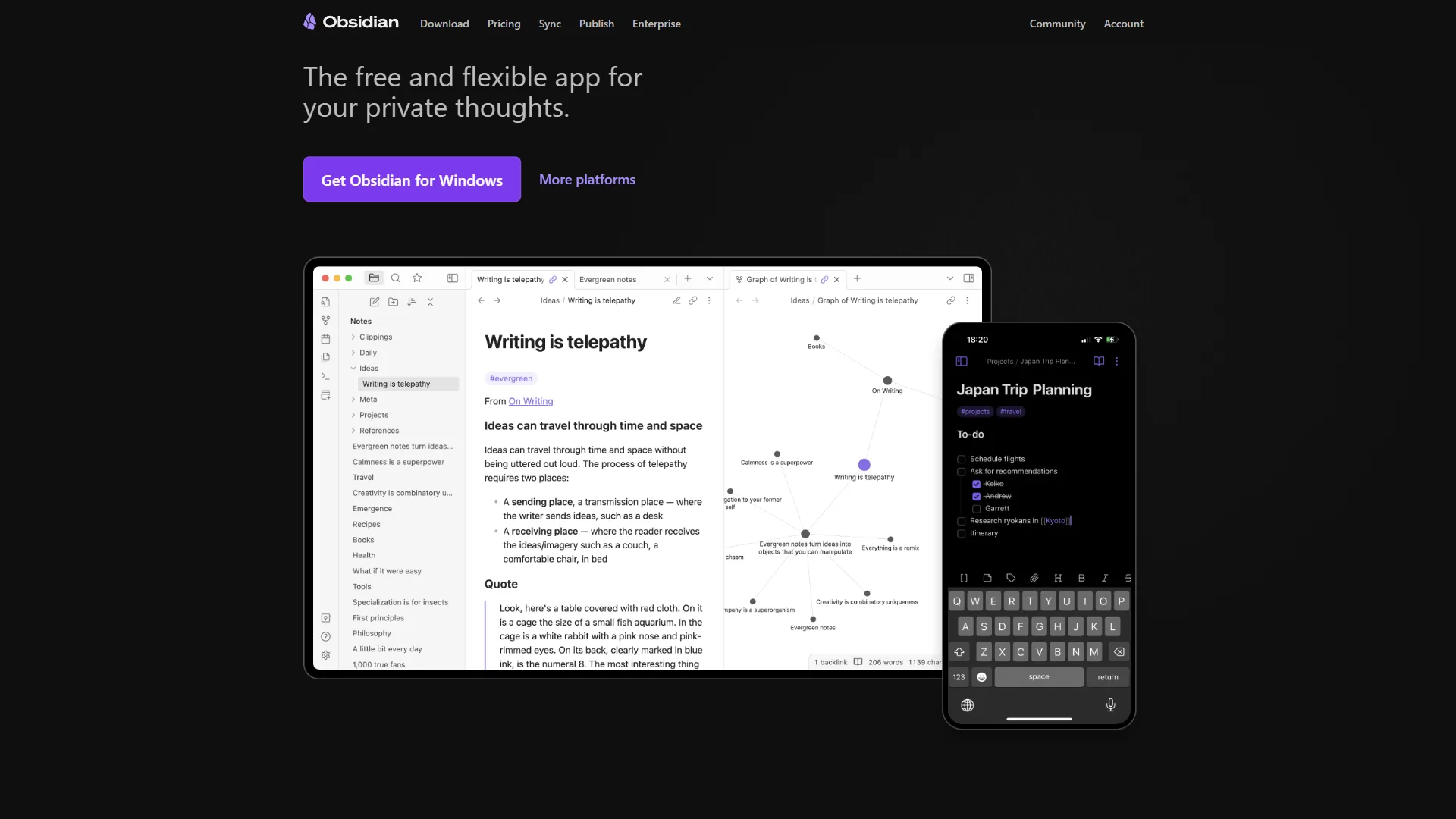
Obsidian takes the opposite philosophy from Notion in almost every way. Your notes are plain Markdown files stored on your hard drive. No account required. No subscription to read your own data. No internet connection needed.
What makes Obsidian powerful for PKM is its approach to connecting ideas. Every note can link to every other note using [[wiki-style links]], and the graph view visualizes your entire knowledge base as an interactive network. When you write consistently over months or years, patterns emerge from the connections that are genuinely hard to replicate anywhere else.
The plugin ecosystem is Obsidian’s superpower: over 2,600 community plugins cover everything from AI-powered search to Kanban boards to spaced repetition flashcards. You’re not locked into Notion’s feature set - you build the tool you actually need.
Where Obsidian wins over Notion:
- Complete data ownership - your notes are yours, forever, in a format every text editor can read
- Blazing fast performance even with tens of thousands of notes
- Graph view and bidirectional links for true knowledge networking
- Free forever for personal use
- Full offline functionality on every platform
Where Obsidian falls short:
- Collaboration requires the paid Sync plan and is much less polished than Notion’s
- No built-in database views - replicating Notion databases requires the Dataview plugin
- Learning curve is steeper, especially for non-technical users
- Mobile apps are functional but not as smooth as the desktop experience
Best for: Researchers, writers, academics, and anyone who wants a personal “second brain” that they fully own. The Logseq vs Notion breakdown contrasts two open-source approaches. If you take notes alone and your primary complaint with Notion is cloud dependency, Obsidian is the answer.
2. Coda - Best for Teams Blending Docs and Spreadsheets
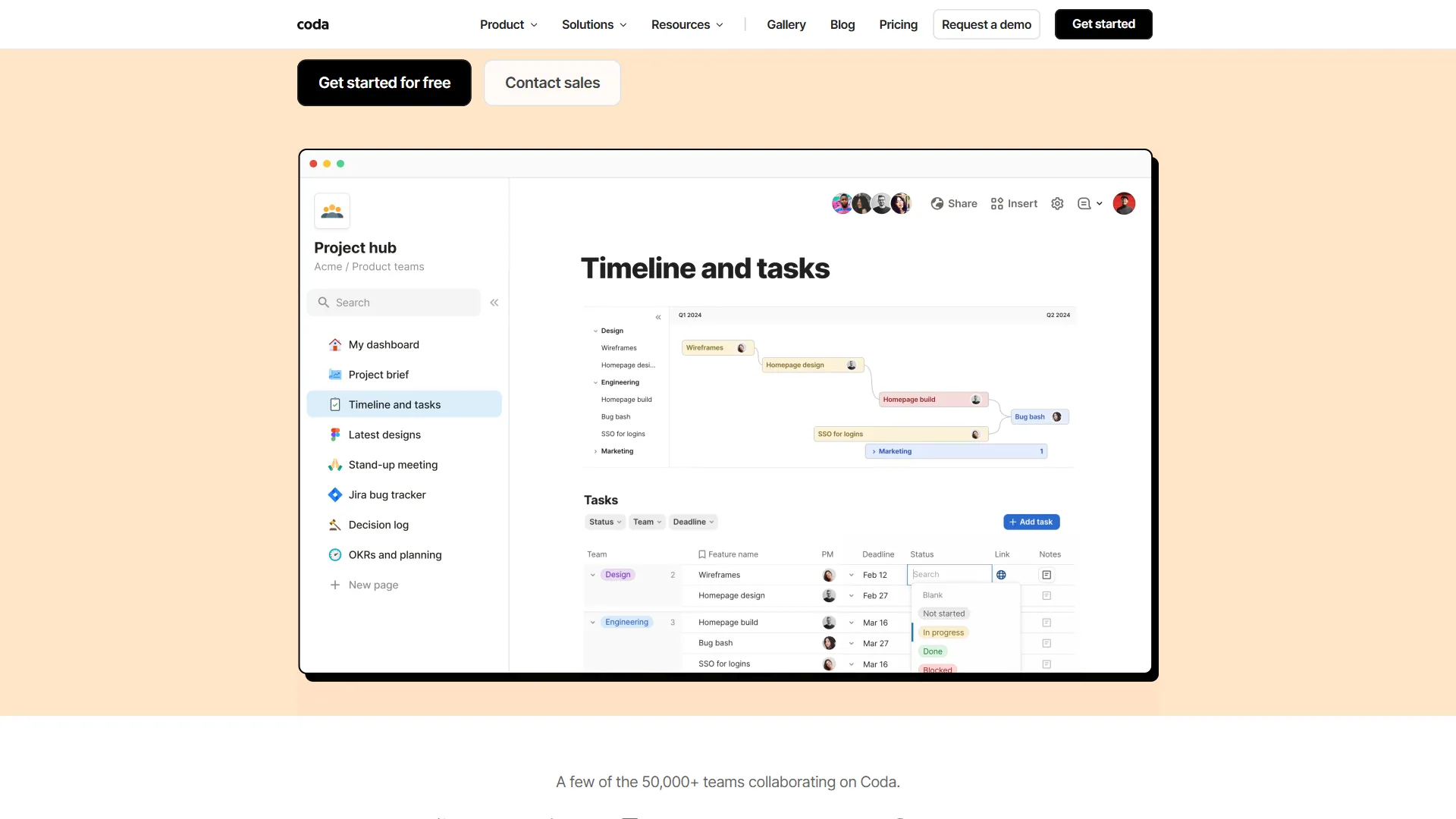
Coda positions itself as a “doc that thinks like an app.” Where Notion’s databases are tables with properties, Coda’s tables behave more like spreadsheets with formulas, lookup functions, and automation triggers built in. If your Notion workarounds involve a lot of calculated fields or you keep wishing your docs could do what Airtable does, Coda is worth a serious look.
The key differentiator is Coda’s formula engine. You can write spreadsheet-style formulas directly in document text - pulling values from tables, triggering automations, and building mini-apps inside a doc. Coda AI can generate these formulas from plain language descriptions, which significantly reduces the learning curve.
Where Coda wins over Notion:
- More powerful table formulas and cross-table references
- Better automation triggers for complex workflows
- Native integrations with Slack, Jira, GitHub, and more
- Coda AI that genuinely understands your doc’s data structure
- More flexible page sizing and section layouts
Where Coda falls short:
- Free tier limits documents to 50 rows per table (quite restrictive)
- Mobile app is less polished than Notion’s
- Smaller template library and community
- No offline mode
Best for: Product teams and operations managers who need docs and spreadsheets to coexist without copying data between apps. Coda excels when your team’s workflow involves automating actions based on data in a doc.
3. Confluence - Best for Enterprise Teams
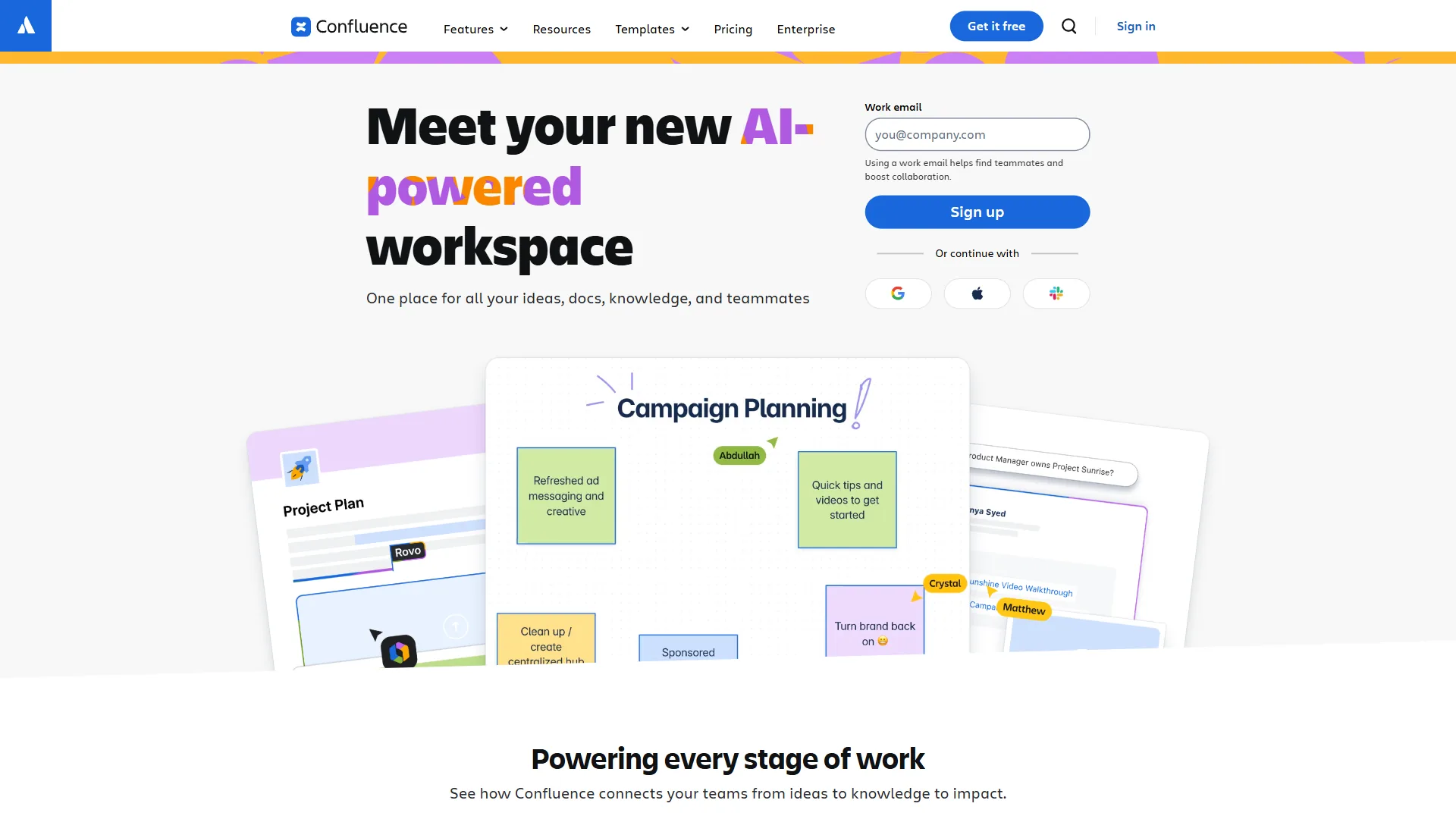
Confluence is Atlassian’s team wiki platform and the closest thing to an enterprise-grade Notion alternative. It has been around since 2004, which means it has the integrations, compliance certifications, and access controls that larger organizations require. “Documentation is one of the highest leverage activities a team can engage in,” according to Sten Pittet, technical writer at Atlassian, summarizing why enterprises standardize on platforms like Confluence over more flexible workspaces.
The Jira integration is Confluence’s defining advantage. If your engineering team lives in Jira, having your documentation automatically linked to issues, sprints, and roadmaps eliminates the constant context-switching that plagues teams using separate tools. Project pages auto-update with live Jira data without any manual copying.
Where Confluence wins over Notion:
- Deep Jira integration for engineering and product teams
- Enterprise security controls (SAML SSO, audit logs, IP allowlisting)
- Granular permission management by space, page, and user group
- Data residency options for compliance requirements
- Battle-tested at scale with 60,000+ organizations
Where Confluence falls short:
- Interface feels dated compared to Notion’s clean aesthetic
- Free tier caps at 10 users (useful for small teams only)
- Less flexible for personal productivity workflows
- Premium features add up quickly at enterprise pricing
Best for: Engineering and product teams at mid-to-large companies already using the Atlassian suite - the Confluence vs Notion deep dive covers the trade-offs. If you’re standardizing on Jira, adding Confluence is a natural step rather than adopting Notion as a standalone tool.
4. Roam Research - Best for Networked Thought
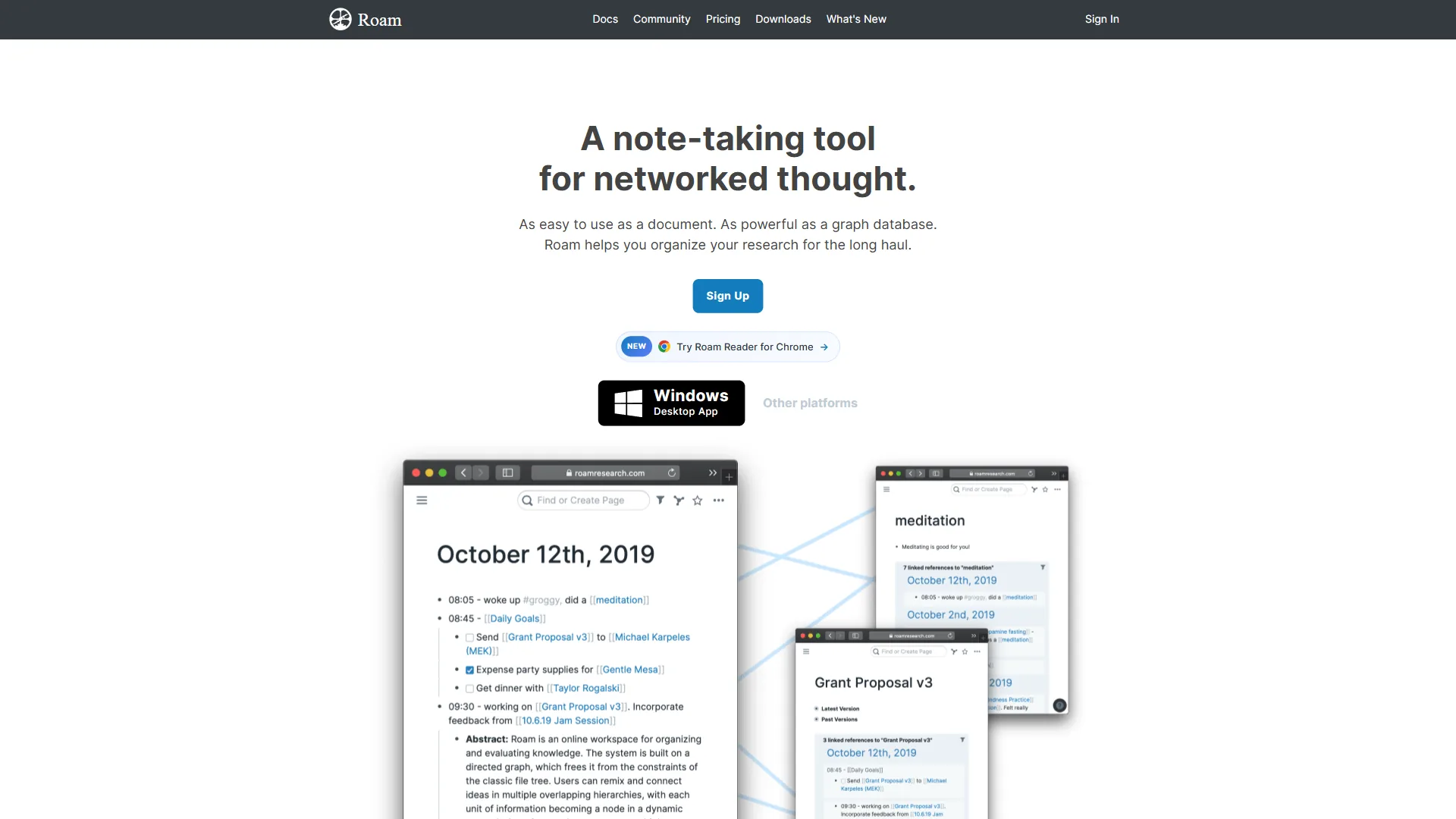
Roam Research sparked a minor revolution in note-taking when it launched in 2020, popularizing the concept of bidirectional links and block references before Notion had either - the best note-taking apps with graph views roundup explores tools that adopted similar models. The core idea: instead of organizing knowledge into folders, let connections emerge naturally from linked references.
Every block in Roam can be referenced from anywhere else in your graph. A meeting note can reference a concept from last month’s research, which itself links to a project brief. Over time, Roam builds a genuine map of your thinking - not a filing cabinet.
Where Roam wins over Notion:
- Block-level references and transclusion (embed any block anywhere)
- Daily notes as the primary workflow driver
- Sidebar views for comparing notes side-by-side
- Powerful query system for surfacing related blocks
- Deep focus on long-term knowledge accumulation
Where Roam falls short:
- Expensive at $15 per month with no free tier beyond a 30-day trial
- No collaboration features - it’s strictly a personal tool
- Offline support is partial and less reliable than Obsidian
- Slower development pace compared to competitors
- Steepest learning curve of any tool in this list
Best for: Academics, researchers, and writers who want to build a networked knowledge base over years. Roam rewards heavy, consistent daily use. If you’re evaluating short-term productivity, the investment likely won’t pay off quickly.
5. Logseq - Best for Open-Source PKM
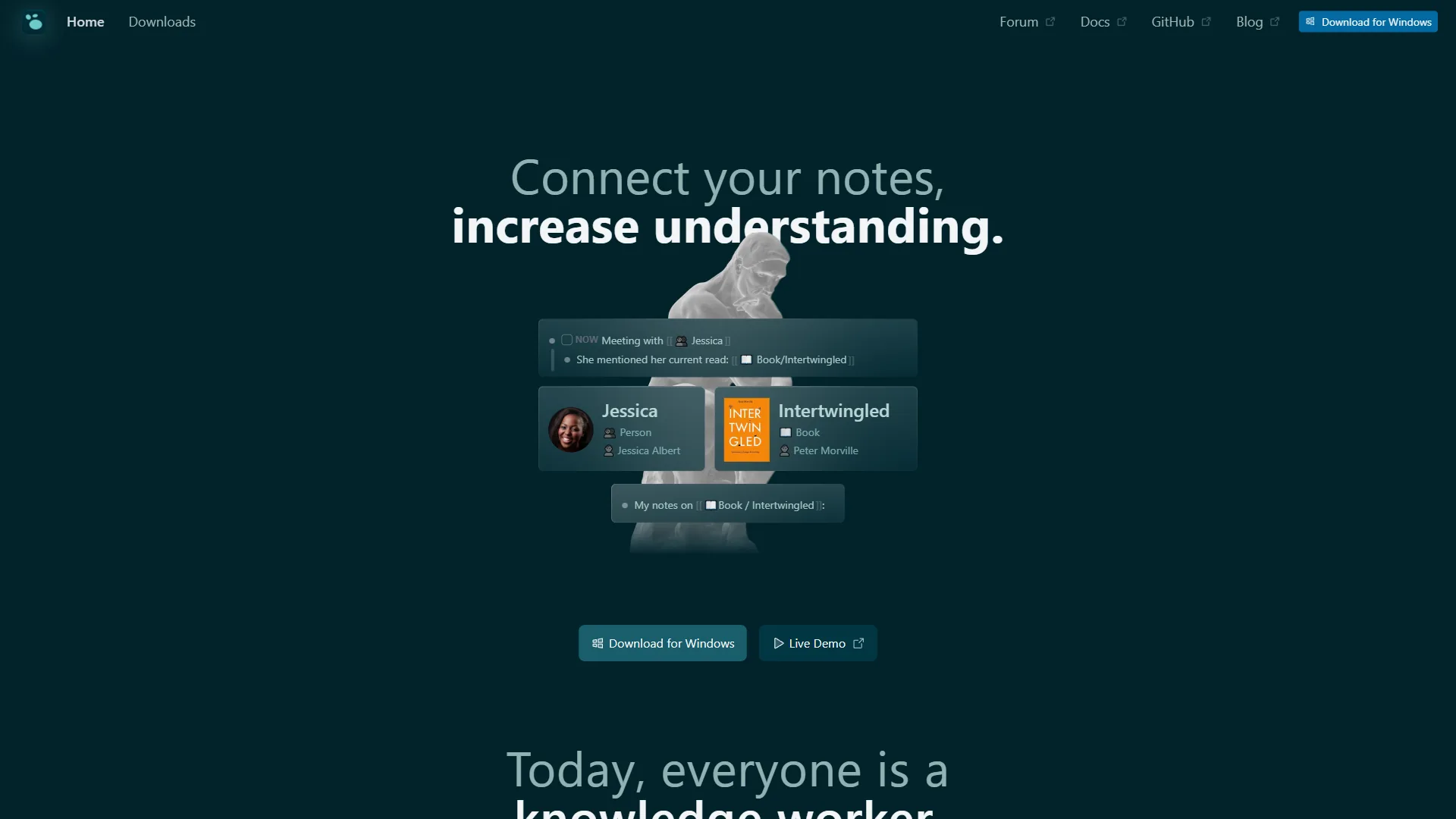
Logseq is the open-source answer to Roam Research. It stores notes as local Markdown or Org-mode files (your choice), supports bidirectional links and block references, and is completely free. The development pace has accelerated significantly in the past year, with a major database version in active beta.
The outliner approach is different from Notion’s page-based model. Every entry starts as a bullet point, and nested bullets become natural hierarchies. This can feel limiting at first but becomes powerful once you embrace the block-based mental model - individual bullets are reusable units that can be queried, embedded, and linked across your entire vault.
Where Logseq wins over Notion:
- Fully open-source with local Markdown storage
- Block-level references across your entire knowledge base
- PDF annotation built in natively
- Completely free with no feature limitations
- Full offline functionality
Where Logseq falls short:
- Mobile apps are in an earlier stage than Obsidian’s
- The outliner model isn’t suited for long-form document writing
- Database version (in beta) will likely break some existing workflows during migration
- No collaboration features in the current stable version
Best for: PKM enthusiasts who want Roam’s networking capabilities without the subscription cost. Also appeals strongly to developers who value open-source tools and want to self-host or contribute to the codebase.
6. Craft - Best for Beautiful Documents on Apple Devices
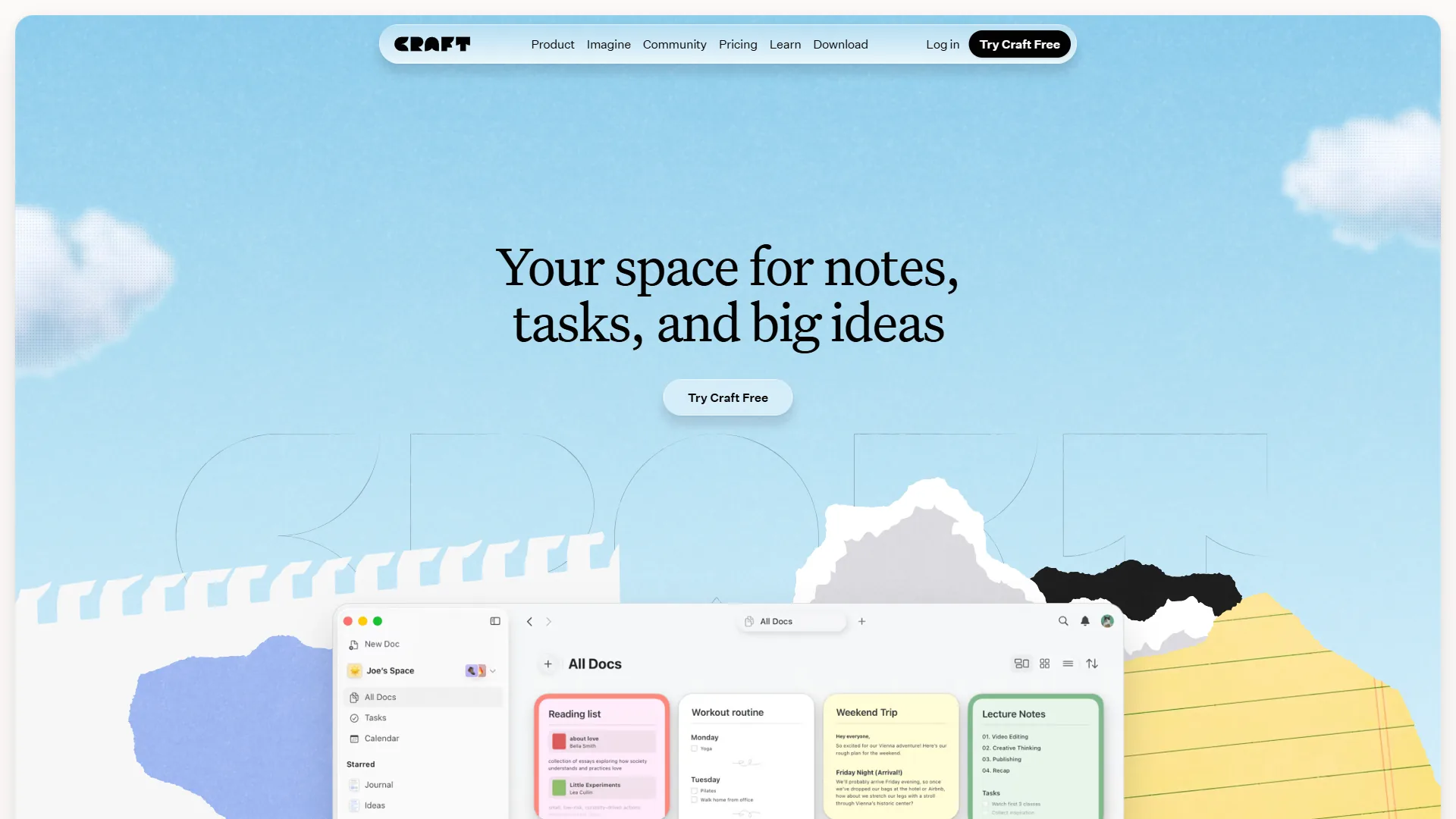
Craft is what you get when you prioritize writing experience and visual polish over database power. It’s native to Apple’s platforms - built with SwiftUI, it runs entirely on-device with full offline support, and the typing experience is among the smoothest of any note app.
Documents in Craft can be shared as beautiful, styled web pages with a single click - useful for client-facing documents, team briefings, or any content where presentation matters. Blocks can be styled, colored, and arranged more intuitively than Notion’s editor allows.
Where Craft wins over Notion:
- Native Apple performance - Mac, iPad, and iPhone apps are polished
- Superior writing and formatting experience
- Offline-first with no cloud dependency for core features
- Beautiful document sharing via public links
- Backlinks and note connections similar to Obsidian
Where Craft falls short:
- No Windows or Android app (Apple-only)
- Limited database functionality compared to Notion
- Collaboration features are basic relative to Notion’s
- Smaller plugin and template ecosystem
Best for: Apple users who prioritize a refined writing experience and want documents that look good shared externally. Writers, coaches, and consultants who send polished documents to clients will find Craft’s presentation layer worth the Apple lock-in.
7. Anytype - Best for Privacy-First Users
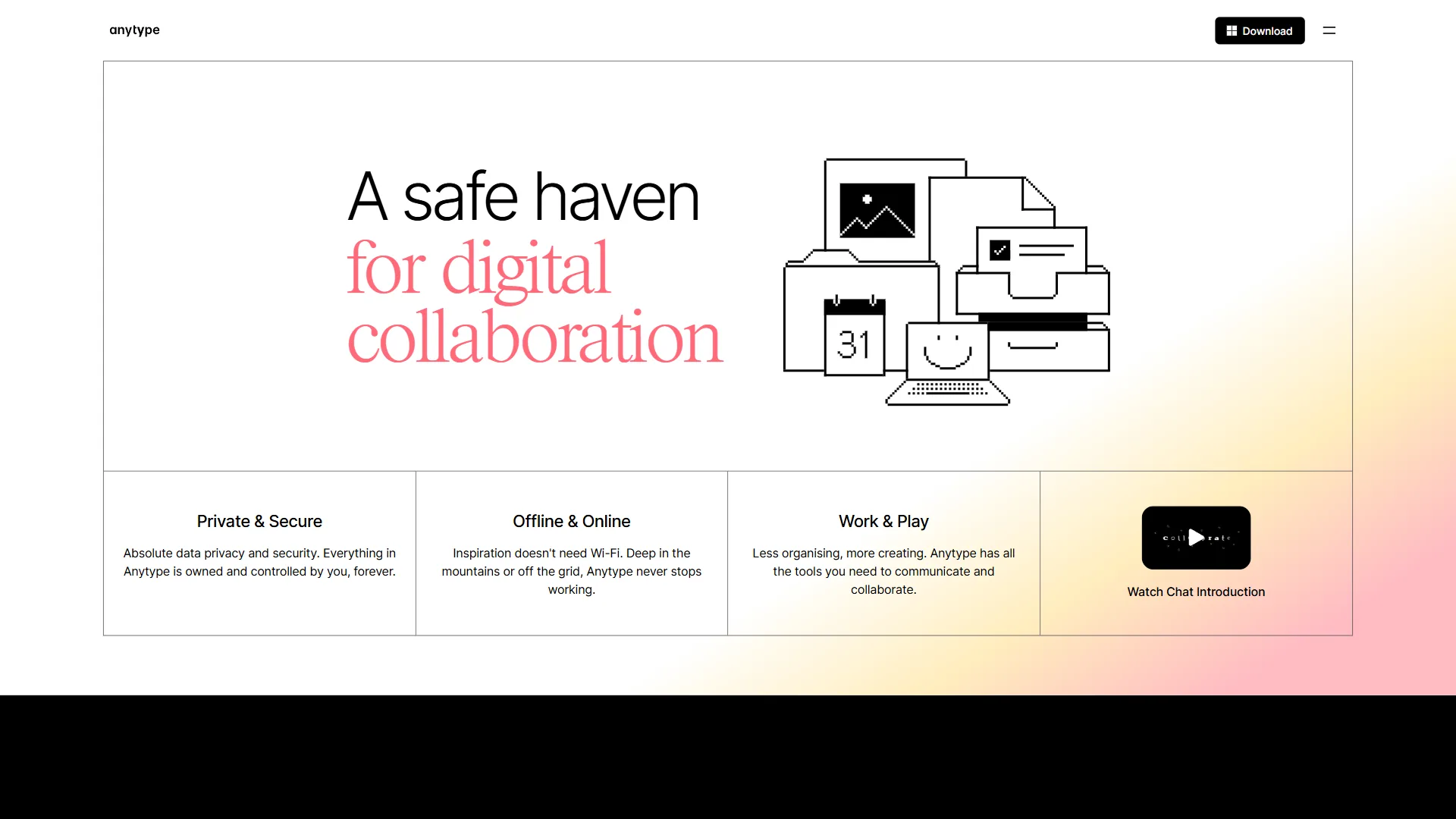
Anytype is the newest entrant worth considering - a local-first, encrypted, open-source workspace that has been building quietly toward feature parity with Notion. It launched publicly in 2023 and has reached a level of polish that makes it a credible daily driver.
The architecture is fundamentally different from Notion. Data is stored locally and synced via a decentralized peer-to-peer network. Nobody - including Anytype - can read your data. For individuals with privacy concerns or teams in regulated industries, this is a meaningful differentiator.
The object-based model means everything (notes, tasks, contacts, bookmarks, media) is the same type of “object” with custom properties. It’s more flexible than Notion’s page-based hierarchy once you internalize the model.
Where Anytype wins over Notion:
- End-to-end encrypted with no cloud vendor having access to your data
- Open-source codebase with self-hosting option in development
- Full offline functionality
- No per-user pricing - free for personal use with generous sync limits
- Active development with frequent releases
Where Anytype falls short:
- Less mature than Notion - occasional rough edges in the UX
- Smaller template library and community resources
- Mobile apps are functional but still catching up
- Learning the object model takes more initial investment than Notion
Best for: Privacy-conscious individuals, journalists, legal professionals, and anyone whose information requires keeping off commercial cloud servers. Also a strong option for users who want Notion’s flexibility without the subscription cost.
How to Choose: Matching Apps to Your Use Case
Choosing the right Notion alternative comes down to four use cases: Obsidian and Logseq win for personal knowledge management, Notion and Coda fit small teams, Confluence is the practical pick for enterprise, and Anytype or Obsidian serve privacy-first users.
For Students and Academics
If you are managing research notes, reading lists, and writing projects, the local-first PKM tools win. Obsidian with the Dataview and Templater plugins handles 90% of academic workflows for free. The bidirectional links become invaluable when a concept from one paper shows up in another months later. Logseq is the open-source alternative with native PDF annotation - useful if you annotate directly inside the app.
Avoid Notion for purely personal academic work unless you’re already using it for collaboration. The cloud dependency and performance issues with large databases aren’t worth it when free local options exist.
For Small Teams and Startups
Notion remains the strongest default here. Its combination of wiki-building, project management, and lightweight database features handles most startup operational needs in one workspace. The free tier is generous enough that small teams can run real workflows before paying.
Coda is worth evaluating if your team’s workflow is heavily data-driven - if you’re tracking metrics, building operational dashboards, or wishing your docs could run automations, Coda’s formula engine has a real edge.
For Enterprise Teams
Confluence is the practical answer for any organization already in the Atlassian ecosystem. The Jira integration, enterprise security controls, and compliance certifications justify the tradeoffs in design polish.
For organizations not using Atlassian, Notion Business is competitive and has improved significantly on its enterprise features. Evaluate both side by side based on your specific compliance requirements.
For Personal Knowledge Management Enthusiasts
The PKM community has largely converged on three tools: Obsidian, Logseq, and Roam Research. Each has a distinct philosophy:
- Choose Obsidian if you prefer document-based notes and want the largest plugin ecosystem
- Choose Logseq if you want the outliner model and open-source guarantees, for free
- Choose Roam if you’re committed to daily journaling and block-based thinking and are willing to pay for the most mature implementation
For Privacy and Ownership Concerns
If data ownership is your primary concern, the decision is easy: Obsidian (local Markdown files) or Anytype (encrypted, local-first). Both give you full control over your data in formats you can access without the app.
The Bottom Line
The best app like Notion is Obsidian for personal knowledge management, Coda for data-driven teams, Confluence for Atlassian-based enterprises, and Anytype for privacy-first users. The right choice depends almost entirely on what is frustrating you about Notion - or what you need that Notion does not offer.
Stay with Notion if you need collaborative team wikis, flexible databases, and a single tool to manage your workspace. It remains the most versatile all-in-one option for teams.
Switch to Obsidian if you want data ownership, offline access, and a PKM system built around linked thinking. The free tier is genuinely excellent and the plugin ecosystem is unmatched.
Switch to Coda if your team needs docs and spreadsheets to work together natively, with real formula power and automations built into your documents.
Switch to Confluence if you’re in an engineering-heavy organization that runs on Atlassian tools. The Jira integration alone justifies it for many teams.
Switch to Logseq or Anytype if open-source software and data privacy are non-negotiable. Both have matured enough to handle serious daily workflows.
The market for apps like Notion has never been more competitive. That’s good news - it means every frustration you have with Notion now has a well-resourced alternative designed specifically to solve it.
FAQ
Q: What’s the best alternative to Notion?
Obsidian leads for personal knowledge management, Coda for data-driven teams, Confluence for Atlassian-based enterprises, and Anytype for privacy-first users - each frustration with Notion has a well-resourced alternative.
Q: Is Notion overkill for personal use?
For purely personal academic work, free local-first tools like Obsidian or Logseq usually beat Notion - the cloud dependency and large-database performance issues are not worth it unless collaboration is already a factor.
Q: Which apps like Notion work fully offline?
Obsidian, Logseq, Craft, and Anytype all support full offline use, according to the comparison table. Notion itself offers only limited offline support, and Coda, Confluence, and Roam Research either do not work offline or only support it partially. If offline access is a hard requirement, Obsidian and Anytype are the strongest local-first picks among these apps like Notion.
Q: Are there free apps like Notion?
Yes. Obsidian and Logseq are free, and Notion, Coda, Confluence, Craft, and Anytype all offer free tiers, with Notion’s being especially generous and Confluence’s free plan covering up to 10 users. Roam Research is the main exception, offering a 30-day trial starting at $15 per month with no permanent free tier.
Q: What makes Notion different from a pure note-taking app?
Notion is not a pure note-taking app, project management tool, or wiki on its own. It is all three at once, held together by a flexible block-based editor and a powerful database system. That lets one workspace capture meeting notes, manage a product roadmap, run a team wiki, and track client projects, with Notion AI layered on top for writing and Q&A.
Related Reading
Related Reading covers head-to-head Notion comparisons and adjacent tool reviews that extend the analysis on this page.
- ClickUp vs Notion: Which Is Better in 2026? - Full comparison for teams deciding between the two platforms
- Notion AI vs ChatGPT: Which AI Writing Tool Wins? - Side-by-side test of Notion AI and ChatGPT for writing and research tasks
- Best AI Tools for Note-Taking in 2026 - AI-powered assistants and note apps compared for productivity
- Notion - Full Notion review with pricing, ratings, and use case breakdowns
- Obsidian - Local-first personal knowledge management with community plugins
- Confluence - Enterprise team wiki and knowledge base by Atlassian
- Airtable - No-code relational database and spreadsheet hybrid
- GitHub - Developer platform for version control and collaboration
- Roam Research - Networked thought tool for researchers and academics
- Anytype - Privacy-first, offline-capable workspace alternative
External Resources
External Resources are authoritative third-party documentation links from each vendor, useful for verifying capabilities beyond this comparison.