






The best time tracking tools in 2026 are Jibble for verified attendance on a free unlimited plan, BigTime for professional services billing, Timely for fully automatic tracking, ClickUp for a project-plus-time bundle, Monday.com for visual teams, and Motion for AI-scheduled work blocks. The right choice depends almost entirely on what you do after you track the time - whether that is billing clients, verifying who clocked in, or auditing where workdays actually go.
BigTime turns tracked hours into invoices, Jibble brings AI facial recognition and GPS verification to attendance tracking, Timely removes manual entry entirely, ClickUp and Monday.com bundle tracking into project management, and Motion uses AI to schedule your time before you start working.
This comparison is based on current vendor documentation, published pricing pages, and independent research rather than sponsored placement. AI Productivity may earn a commission from links on this page; our rankings are editorially independent. Here is how each tool ranks as one of the best time tracking tools for work.
Comparison Table
The six best time tracking tools in 2026 range from $0 per user (Jibble Free) to $60 per seat per month (BigTime Projector), with five offering AI features and three including a free tier. This comparison covers paid platforms, the best time tracking tools free of charge, and the best time tracking software for distributed employees.
| Tool | Rating | Starting Price | Best For | Free Tier | AI Features |
|---|---|---|---|---|---|
| BigTime | $20/seat/mo | Billable hours + invoicing | No (14-day trial) | Forecasting, auto-suggestions | |
| Jibble | Free ($3.99/user Premium) | Verified attendance + free unlimited users | Yes (unlimited users) | Facial recognition, liveness detection | |
| Timely | $11/mo ($9 annual) | Automatic time capture | No (14-day trial) | Memory AI, auto-timesheets | |
| ClickUp | Free ($7/mo Unlimited) | All-in-one project + time | Yes (no tracking) | ClickUp Brain (add-on) | |
| Monday.com | $24/seat/mo (Pro) | Visual teams needing tracking | Yes (no tracking) | AI agents, monday magic | |
| Motion | $29/mo ($19 annual) | AI-scheduled work blocks | No (7-day trial) | Auto-scheduling, Notetaker |
1. BigTime - Best for Professional Services Billing
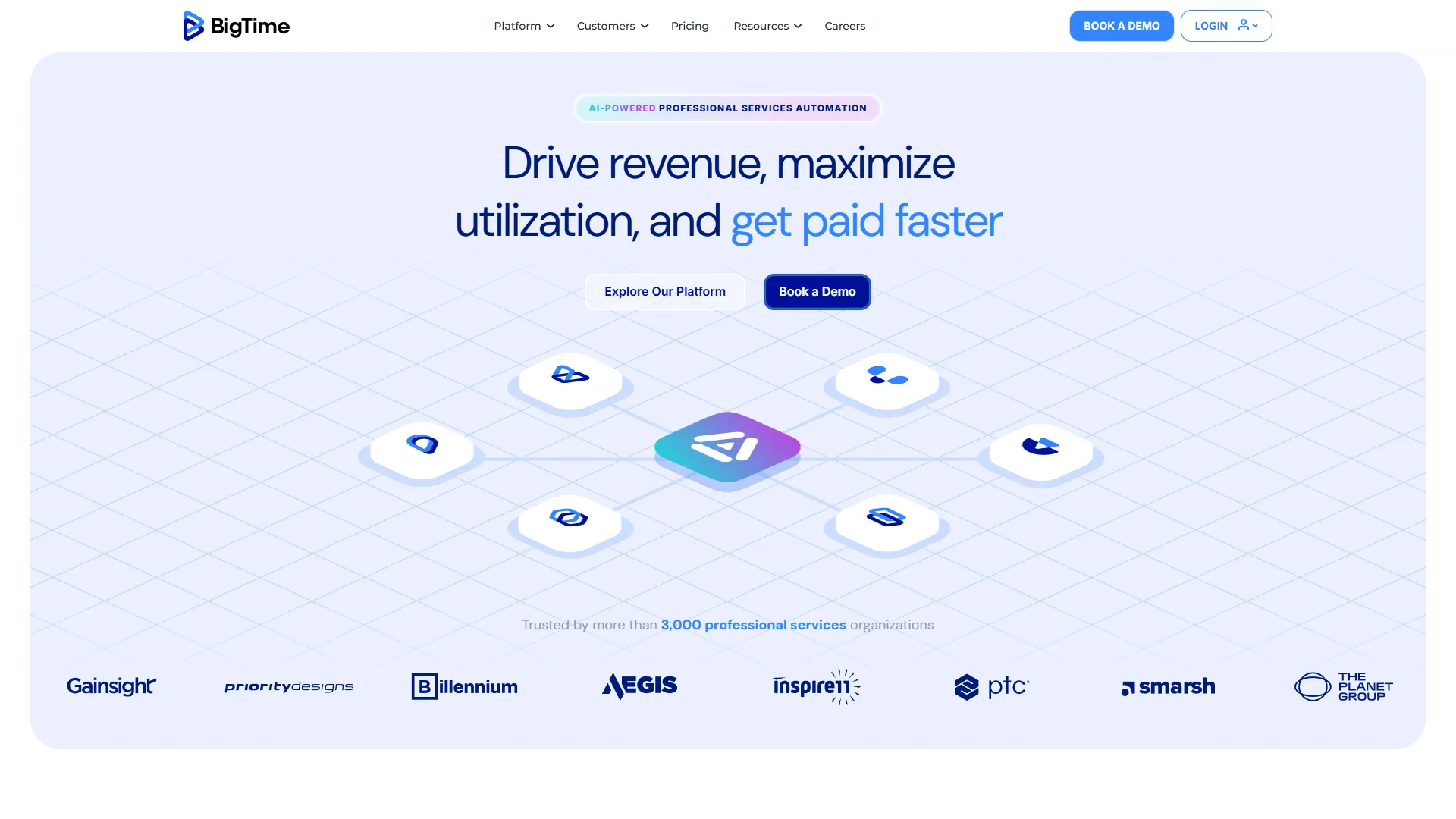
BigTime is the best time tracking tool for professional services billing - a PSA platform built for firms that bill clients by the hour, such as consulting, engineering, and accounting. According to SPI Research’s Professional Services Maturity benchmark, PSA adoption correlates directly with higher utilization rates and project margins.
What Makes It Stand Out
Time-to-invoice automation connects tracked hours to billing rules, expense management, and invoice generation, with QuickBooks and Sage integrations. AI-powered forecasting predicts budget overruns before they happen. Implementation speed sets BigTime apart - the company reports a 1.5-month average go-live versus 5+ months for competing PSA platforms.
Pricing
BigTime uses per-seat annual billing: Essentials at $20/seat/month, Advanced at $35/seat/month, Premier at $45/seat/month (resource allocation, Jira), and Projector at $60/seat/month (multi-entity, enterprise reporting). A 14-day free trial is available across all plans.
Pros and Cons
Pros: Purpose-built for professional services billing; competitive pricing from $20/seat versus $45-50+ for Accelo and Kantata; AI forecasting catches overruns early.
Cons: Annual billing only; steep learning curve; resource planning locked behind the $45/seat Premier tier.
2. Jibble - Best Free Plan with Verified Attendance
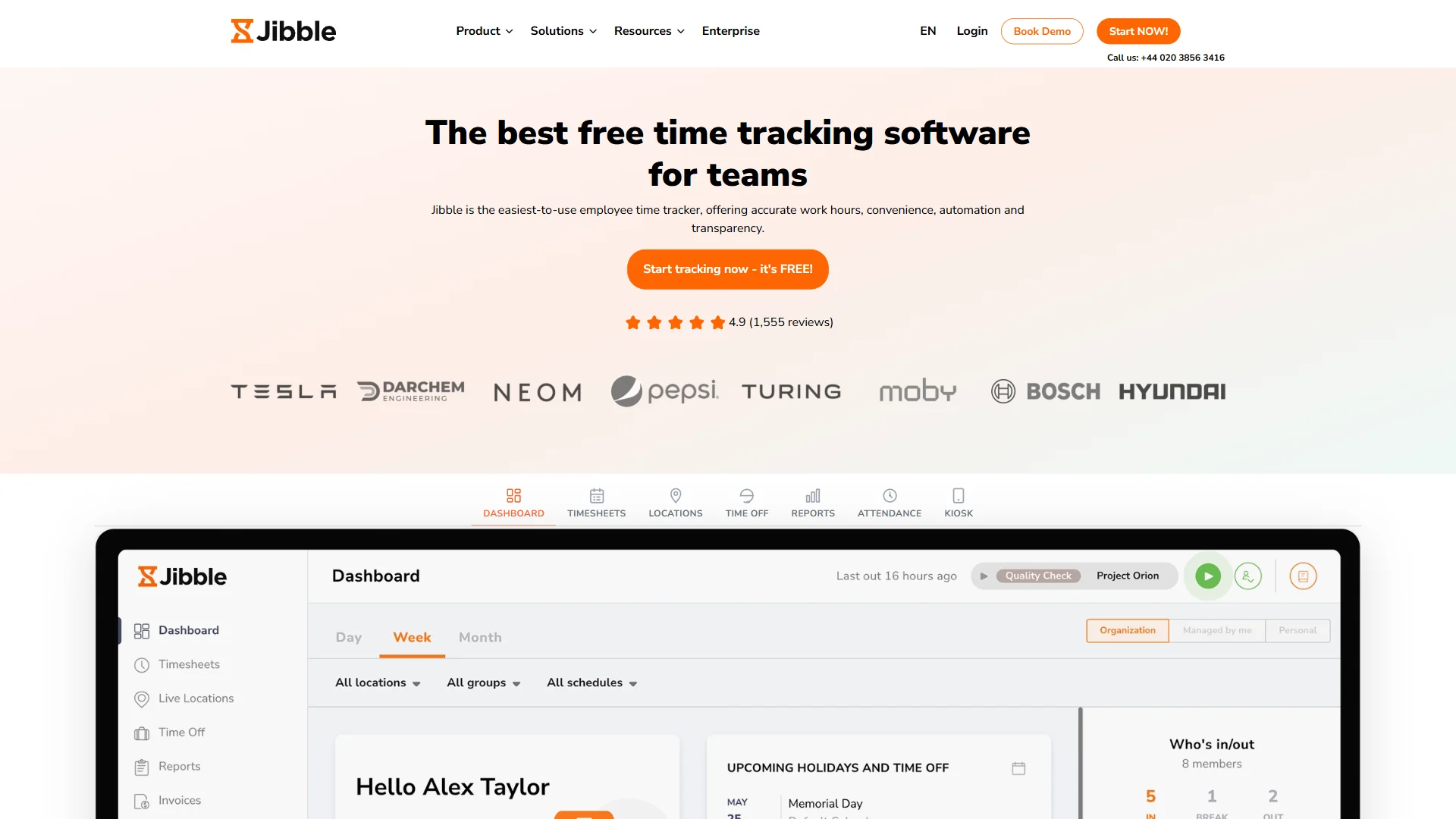
Jibble is the best free time tracking tool for verified attendance, making facial recognition, GPS geofencing, and kiosk-mode shared devices completely free for unlimited users. With over 1.3 million users including Tesla and Harvard, it is one of the highest-rated tools of its type.
What Makes It Stand Out
AI facial recognition with liveness detection separates Jibble from the rest of this list. When an employee clocks in, the app captures a selfie, matches it against the registered face profile, and verifies a live person rather than a static photo - eliminating “buddy punching.” The American Payroll Association estimates buddy punching costs employers up to 7% of total gross payroll, and as researchers Robert Bushman and Christopher Williams wrote in Harvard Business Review, “Time sheets are notoriously inaccurate.”
GPS tracking and geofencing create virtual perimeters around job sites so employees can only clock in when physically inside the boundary. Configurable verification policies combine face recognition, GPS, geofencing, NFC, and PIN options. Kiosk mode turns a shared tablet into a team time clock for warehouses and retail floors.
Pricing - And Why Teams Upgrade
Jibble’s tiers are Free at $0 (unlimited users, core tracking, basic facial recognition), Premium at $3.99 per user/month (GPS tracking, geofencing, automated overtime), Ultimate at $7.99 per user/month (project-level tracking, shift management), and Enterprise at custom pricing (API, SSO/SAML, audit logs).
Pros and Cons
Pros: Unlimited free users with core time tracking; AI facial recognition eliminates buddy punching; GPS geofencing enforces location-based clock-in; trusted by Tesla, Harvard, and 1.3M+ users.
Cons: Limited project profitability analytics versus Toggl Track or BigTime; no automatic time capture; API access locked behind Enterprise.
3. Timely - Best for Automatic Time Tracking
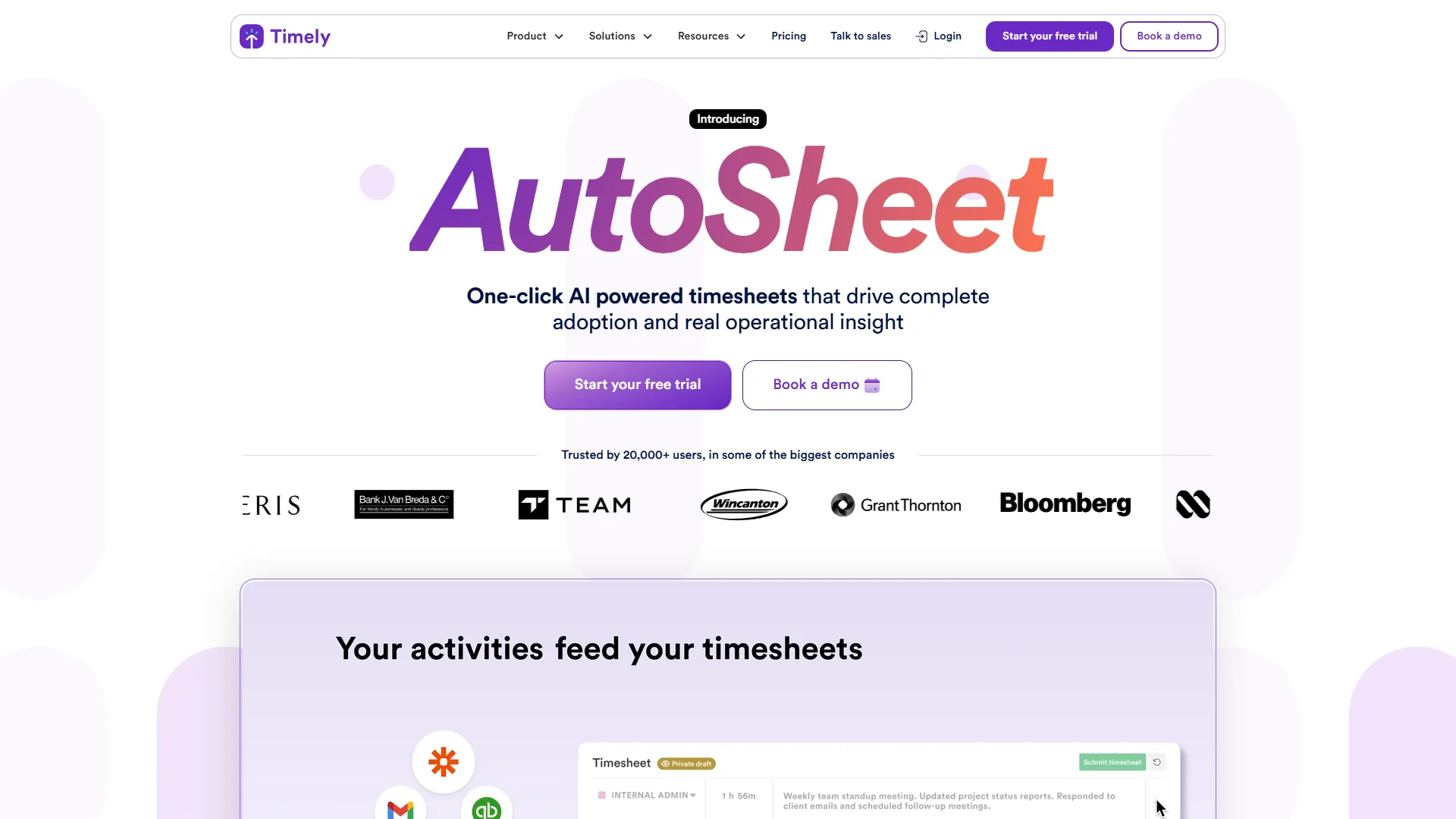
Timely is the best time tracking tool for fully automatic tracking, removing the manual part entirely. Timely’s Memory AI runs in the background, capturing which apps, websites, and documents you work in - then you review an intelligent timeline and approve your timesheet.
What Makes It Stand Out
100% automatic tracking means no forgotten timers and no timesheet corrections - the Memory AI learns your patterns and suggests project categorizations. According to Mathias Mikkelsen, founder and CEO at Timely, “Manual time tracking is broken - people forget what they did and end up reconstructing their week from memory,” a problem the Memory AI is built to remove. The accuracy gain is substantial given that 80% of manually filled timesheets require corrections. Privacy-first architecture keeps all tracking data local until you choose to log it, easing employee-monitoring resistance. The 2026 AI Timesheet Assistant offers Exact, Efficient, and Concise drafting styles, and users report a 90% reduction in manual corrections after 2-3 weeks. In documented case studies, software consultancy Zagaran raised utilization to over 80%.
Pricing
Timely’s tiers are Starter at $11 per month ($9 annual, 5 users, 20 projects), Premium at $20 per month ($16 annual, unlimited projects, 50 users), Unlimited at $28 per month ($22 annual, unlimited users), and Enterprise at custom pricing. Annual billing saves approximately 20%, and a 14-day free trial is available.
Pros and Cons
Pros: Truly automatic - no timers to start, stop, or forget; privacy-first design builds employee trust; AI timesheets cut manual corrections by 90%.
Cons: No free tier ($9-11/month minimum); 14-day trial may be too short for the AI to learn your patterns; no native invoicing.
4. ClickUp - Best for Project + Time Tracking Bundle
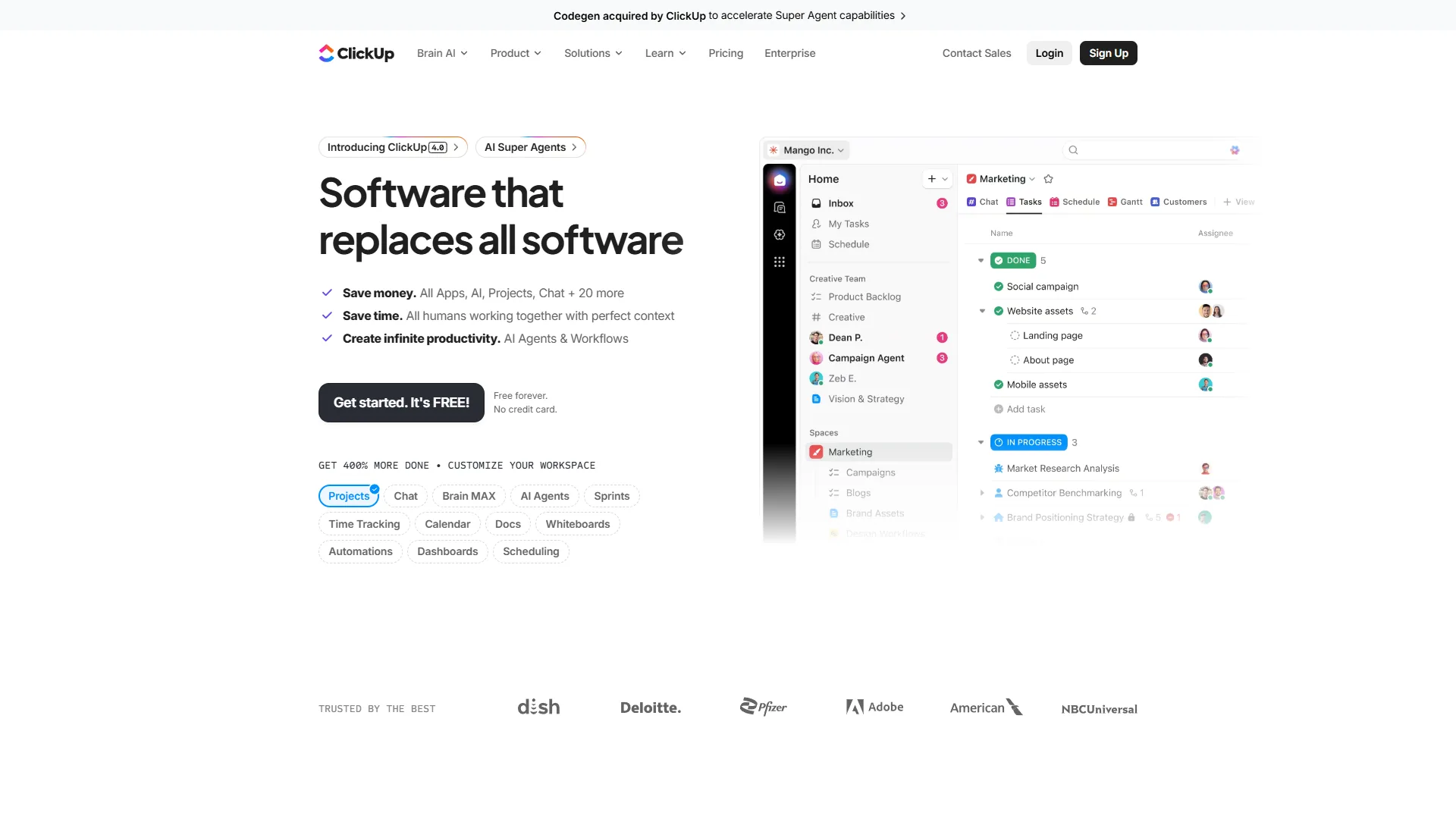
ClickUp is the best time tracking tool for a project-plus-time bundle, with native time tracking starting on the Unlimited tier at $7 per month (annual). For purely free tracking, Jibble is the better fit, since ClickUp’s Free tier excludes time tracking.
What Makes It Stand Out
Native time tracking lives inside the same interface where you manage tasks, docs, and goals, with tracked time connecting to task estimates. 35+ views surface your time data as Gantt charts, dashboards, or list views. ClickUp Brain AI (a $9 per user/month add-on) summarizes time reports and generates status updates. The Free Forever tier covers unlimited tasks and users, but time tracking requires the Unlimited plan ($7 annual).
Pricing
ClickUp’s tiers are Free Forever at $0 (no time tracking), Unlimited at $10 per month ($7 annual, native time tracking), Business at $19 per month ($12 annual, advanced automations), and Enterprise at custom pricing. ClickUp Brain AI is an additional $9 per user/month.
Pros and Cons
Pros: Time tracking included in the $7-10/month plan; replaces PM, docs, time tracking, and goals in one platform; 35+ views.
Cons: Time tracking unavailable on the Free tier; AI features are paid add-ons; performance can lag in large workspaces.
5. Monday.com - Best for Visual Teams Needing Time Tracking
Monday.com is the best time tracking tool for visual teams already on the platform, with a time tracking column (Pro tier) that integrates tracking directly into the boards teams use for task management - so adding it requires no new tool or workflow change.
What Makes It Stand Out
Time tracking as a column lives inside the board view your team already uses, driving higher adoption rates. Visual dashboards aggregate time data into charts non-technical stakeholders can understand. 25,000 automations per month on the Pro tier enable rules like “when status changes to Done, stop the time tracker.” AI features include monday agents and monday sidekick.
Pricing
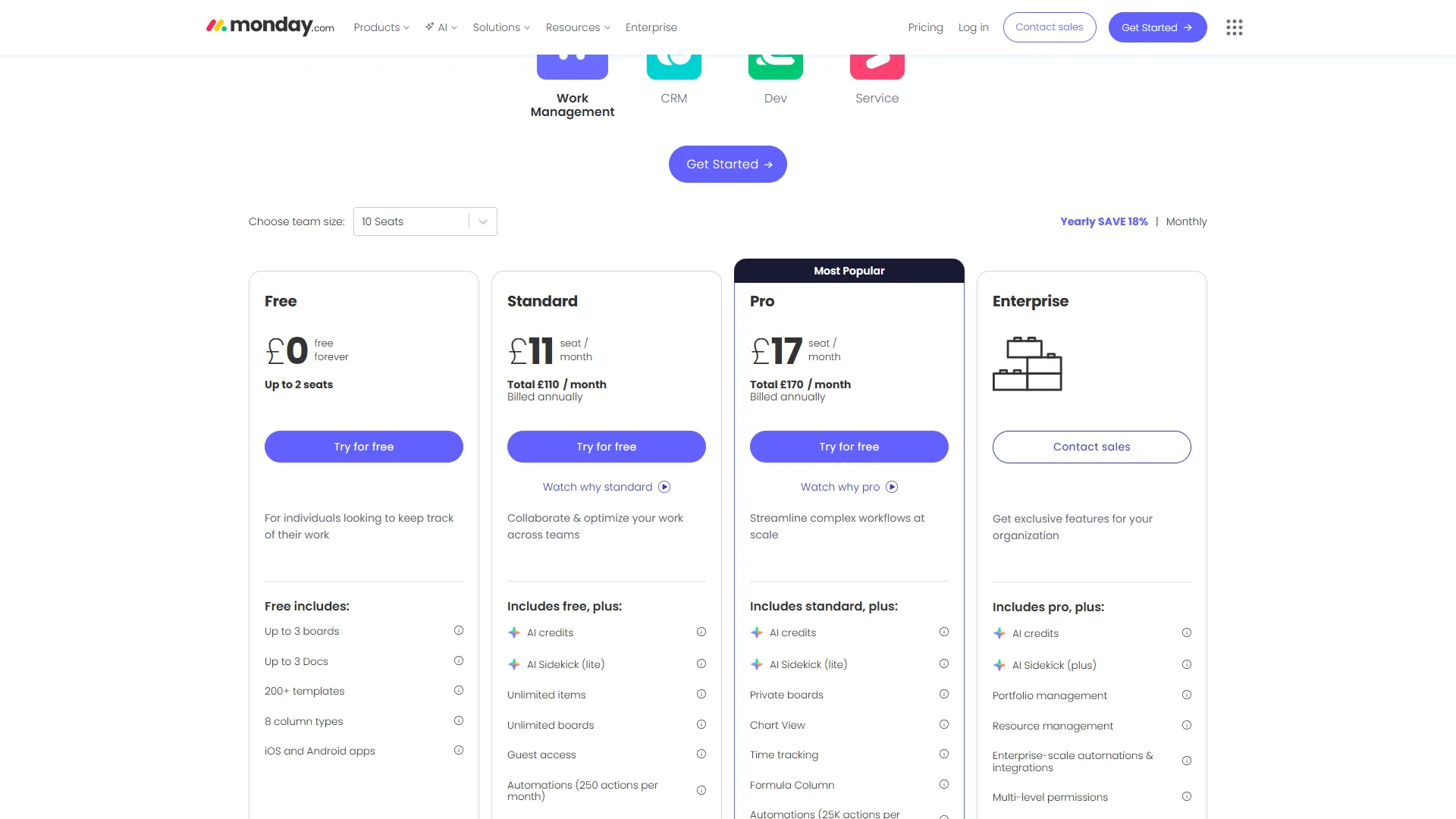
Time tracking requires the Pro tier or above: Free at $0 (2 users, no time tracking), Basic at $12/seat/month, Standard at $14/seat/month (no time tracking), Pro at $24/seat/month ($19 annual, time tracking, formulas), and Enterprise at custom pricing. All paid plans require a 3-seat minimum.
Pros and Cons
Pros: Time tracking built into the board view teams already use; visual dashboards for non-technical stakeholders; 288% ROI documented by Forrester.
Cons: Time tracking locked behind the $24/seat Pro tier; 3-seat minimum means $57+/month; not purpose-built for time tracking.
6. Motion - Best for AI-Scheduled Time Blocks
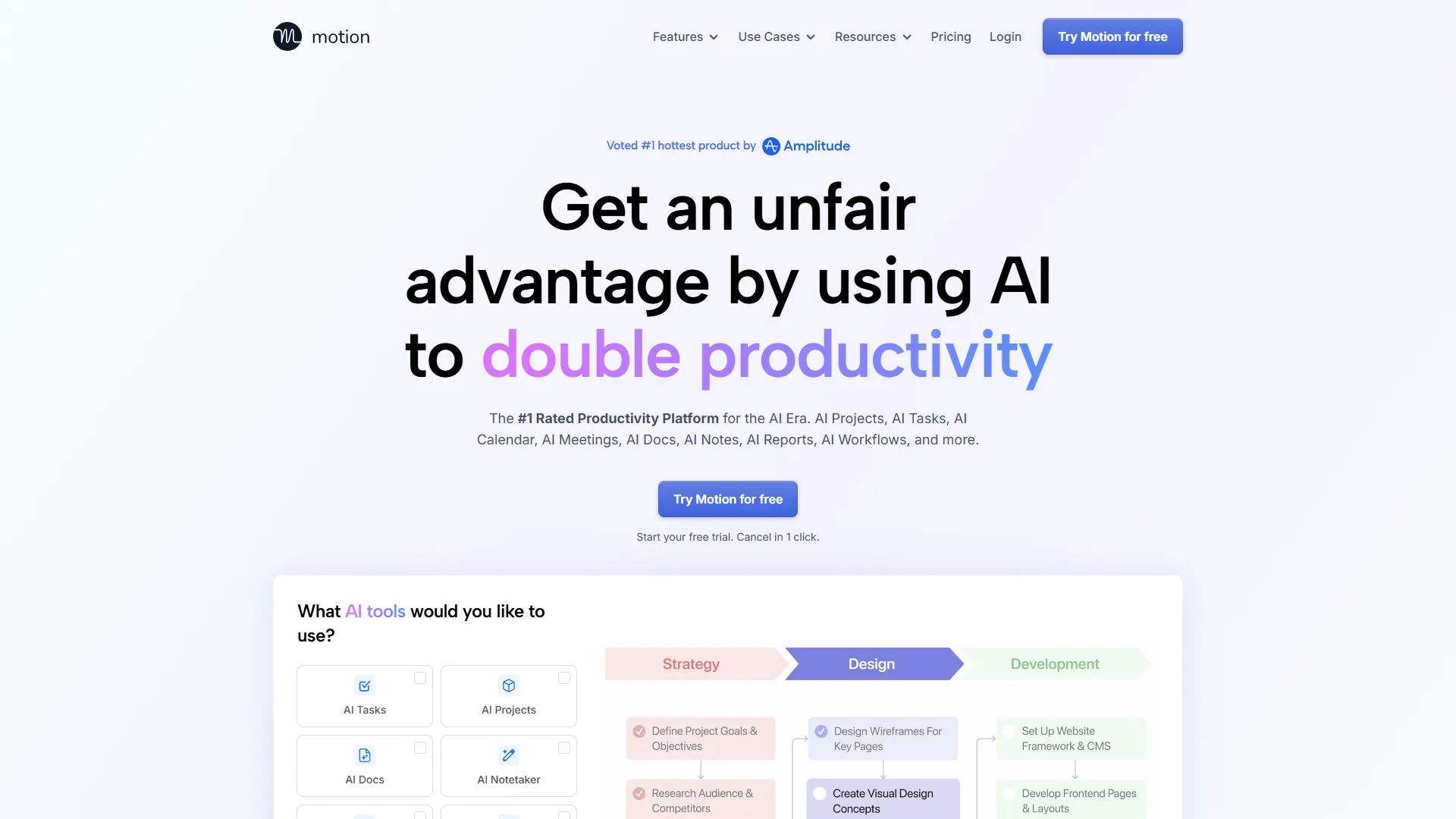
Motion is the best time tracking tool for AI-scheduled work blocks, using AI to schedule where your time should go - then tracking execution against the plan.
What Makes It Stand Out
AI auto-scheduling analyzes your deadlines, priorities, and calendar to block time for each task, reshuffling in seconds when priorities shift. Time tracking on the Business AI tier connects scheduled blocks to actual time spent, producing estimation-accuracy data. The AI Notetaker joins meetings, transcribes in under 30 seconds, and auto-creates tasks - saving meeting-heavy roles 2-3 hours weekly.
Pricing
Motion’s tiers are Pro AI at $29 per month ($19 annual, AI scheduling, 7,500 AI credits), Business AI at $49 per month ($29 annual, time tracking, 15,000 AI credits), and Enterprise at custom pricing. Time tracking requires the Business AI tier; a 7-day free trial is available.
Pros and Cons
Pros: AI scheduling eliminates manual calendar planning; automatic rescheduling when priorities change; AI Notetaker transcribes meetings and creates tasks.
Cons: Time tracking only on Business AI ($29-49/month); premium pricing versus dedicated trackers; 1-2 week AI learning period.
Which Tool Fits Your Workflow
The right time tracking tool is determined by what you do with the data, not by feature count.
Choose Based on Your Primary Need
- Bill clients and need invoicing: BigTime - the time-to-invoice pipeline eliminates manual data transfer between tracking and billing.
- Verified attendance for a distributed or shift-based team, starting free: Jibble - the only tool here combining a genuinely unlimited free plan with facial recognition and GPS geofencing.
- Tracking that happens automatically: Timely - the Memory AI captures your work in the background and drafts timesheets for you.
- Time tracking inside your project management tool: ClickUp for the best value at $7 per month, or Monday.com if your team already uses it (Pro tier required).
- AI that plans your time, not just tracks it: Motion - the only tool here that schedules your time proactively.
Budget Comparison
| Team Size | BigTime | Jibble | Timely | ClickUp | Monday.com | Motion |
|---|---|---|---|---|---|---|
| 1 person | $20/mo | Free | $11/mo | $10/mo | 3-seat minimum | $29/mo |
| 5 people | $100/mo | Free or $20/mo (Premium) | $55/mo | $50/mo | $120/mo (Pro) | $145/mo |
| 10 people | $200/mo | Free or $40/mo (Premium) | $110/mo | $100/mo | $240/mo (Pro) | $290/mo |
| 20 people | $400/mo | Free or $80/mo (Premium) | $220/mo | $200/mo | $480/mo (Pro) | $580/mo |
Monthly pricing shown. Annual billing reduces costs 13-35%. Jibble’s free tier supports unlimited users.
Frequently Asked Questions
What is the best free time tracking tool in 2026?
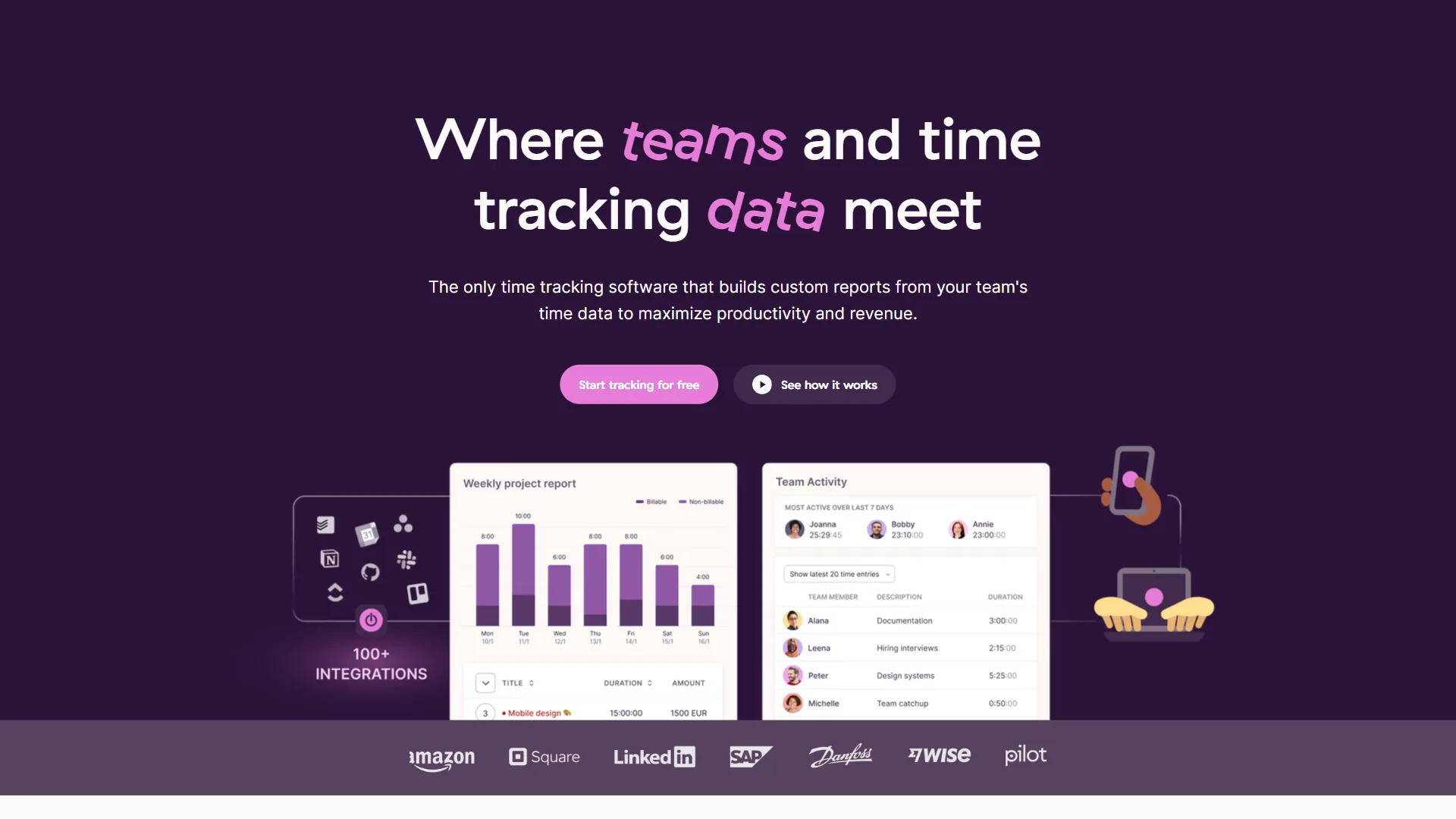
Jibble is the most generous free option - unlimited users, core time tracking, basic facial recognition, and timesheets at no cost. Toggl Track is the runner-up for stronger project tracking, though its free tier caps at 5 users. ClickUp and Monday.com free tiers exclude time tracking.
Do I need a dedicated time tracking tool, or is built-in tracking enough?
It depends on what you do with the data. If you bill clients and need invoicing, a dedicated tool like BigTime handles the full billing pipeline. For visibility alongside task management, built-in tracking from ClickUp or Monday.com is usually sufficient.
How accurate is AI-powered time tracking compared to manual tracking?
Timely’s Memory AI captures work across all apps and devices without manual timers, and users report 90% fewer timesheet corrections after the AI learns their patterns. Industry research shows that 80% of manually filled timesheets require corrections, making automatic tracking meaningfully more accurate. The trade-off is a 2-3 week training period.
Can I switch time tracking tools without losing historical data?
Most tools support CSV export - BigTime and Timely offer data export, and ClickUp imports from multiple formats. The real challenge is re-establishing team habits: budget 1-2 weeks for small teams, 4-6 weeks for larger organizations.
Is Motion a time tracking tool?
Motion is primarily an AI scheduling platform. Time tracking is available on the Business AI tier ($29-49/month), but it schedules when you should work on tasks, then tracks execution against that schedule. For recording billable hours, BigTime or Timely fit better.
How does Jibble’s facial recognition compare to traditional clock-in methods?
Jibble uses AI-powered facial recognition with liveness detection that verifies a live person before accepting the clock-in. This addresses “buddy punching,” which the American Payroll Association estimates costs employers up to 7% of gross payroll - traditional PIN codes or badge swipes verify neither identity nor location.
When does it make sense to upgrade Jibble from Free to Premium?
The Free plan handles core time tracking for unlimited users, enough for many SMBs. Upgrade to Premium at $3.99 per user/month for GPS-based clock-in enforcement, non-standard PTO accrual, or automated overtime. Ultimate at $7.99 per user suits multi-layer management, and Enterprise fits when API access or SSO become requirements.
The Bottom Line on the Best Time Tracking Tools
The best overall time tracking tool is BigTime for professional services billing, Jibble for free verified attendance, Timely for automatic capture, ClickUp for a project-plus-time bundle, Monday.com for visual teams, and Motion for AI scheduling - each wins a distinct use case rather than the entire category. No single tool serves every team.
Start with one tool and get your team consistently using it - the data you collect in the first month reveals more about your productivity than any feature comparison. We compared these platforms so you don’t have to, prioritizing time tracking software for any workflow over the longest feature list.
Related Reading
Related reviews and guides cover each tool above in depth, plus adjacent categories of time tracking software including AI project management, workflow automation, and AI calendars.
- BigTime - Full review with pricing and features
- Jibble - Full review covering facial recognition and free-plan limits
- Timely - Full review with pricing and features
- Motion - Full review with pricing and features
- Toggl Track - Popular free time tracker
- Best AI Project Management Tools 2026 - PM platforms with AI
- Best Workflow Automation Tools 2026 - Tools that automate workflows around tracked time
- Best AI Calendar Apps in 2026 - Calendar tools that complement time tracking
- Focus Time Productivity Tips - Protecting deep work
External Resources
External research from Harvard Business Review, McKinsey, and Forrester backs the productivity and timesheet-accuracy claims throughout this comparison of the best time tracking apps for 2026.