





The best knowledge management tools are platforms that help teams capture, organize, and share institutional knowledge - reducing the 9.3 hours per week knowledge workers lose searching for information. This knowledge management tools list compares Confluence, Notion, Guru, Slite, Bloomfire, and Document360 across team size, AI features, and pricing.
In 2026, knowledge workers waste an average of 9.3 hours per week searching for information - more than a full workday lost to scattered documents, outdated wikis, and endless Slack threads. Fortune 500 companies lose $31.5 billion annually from poor knowledge sharing, according to McKinsey research on knowledge management. The culprit is information silos, duplicated work, and institutional knowledge that walks out the door when employees leave.
A 2025 Microsoft Work Trend Index survey of 31,000 workers found that 68% say they lack enough uninterrupted focus time during the workday - a gap that fragmented knowledge bases make worse. As APQC, the benchmarking nonprofit, summarizes its research, “knowledge management is the effort to capture, distribute, and effectively use organizational knowledge,” and according to APQC the discipline is most valuable when knowledge is reused before employees leave.
This guide covers the top 10 knowledge management software by team size - from free knowledge management software for startups to enterprise knowledge management applications - with real pricing, AI capabilities, and ROI calculations; the right platform can cut search time by 35%. Our analysis draws on current vendor documentation and independent research rather than sponsored placement, and while AI Productivity may earn a commission from links on this page, our rankings are editorially independent.
Comparison Table: Best Knowledge Management Tools at a Glance
The best knowledge management tools are Confluence for Atlassian teams, Notion for all-in-one workspaces, Guru for enterprise workflows, Slite for fast-growing teams, Bloomfire for large enterprises, and Document360 for technical documentation, with starting prices from free to $25 per user per month.
| Tool | Best For | Rating | Starting Price | AI Features |
|---|---|---|---|---|
| Confluence | Atlassian ecosystem teams | Free (10 users) | Content generation, Q&A search | |
| Notion | All-in-one workspace | Free (individuals) | Multi-model AI (GPT-5, Claude) | |
| Guru | Enterprise workflows | $25/user/month | AI search, knowledge agents | |
| Slite | Fast-growing teams | $8/user/month | RAG-powered answers, doc verification | |
| Bloomfire | Large enterprises | Custom quote | Ask AI, auto-tagging, video transcription | |
| Document360 | Technical documentation | Custom quote | Eddy AI writing agent, auto-translate |
Which Knowledge Management Tools Are Best by Team Size?
The best knowledge management tool by team size is Notion for small teams of 5-20 people, Slite for mid-size teams of 20-100 people, and Guru for large teams of 100 or more people.
For Small Teams (5-20 People)
Winner: Notion
Small teams wearing multiple hats need a knowledge management tool that is also a workspace. Notion combines wikis, docs, databases, and project management in one place.
Why it works for small teams:
- Free for individuals, $10 per user/month (annual) for teams
- Flexible database system adapts to changing needs
- Real-time collaboration without version conflicts
- Clean interface with a minimal learning curve
ROI calculation: If a 15-person team saves 1 hour per week on knowledge search, that is 15 hours weekly. At $50/hour, that is $39,000/year saved. Notion Plus costs $1,800/year for 15 users - a 21x return. This tracks with Forrester’s Total Economic Impact studies, which show knowledge management tools delivering 3-5 year ROI above 400%.
For Mid-Size Teams (20-100 People)
Winner: Slite
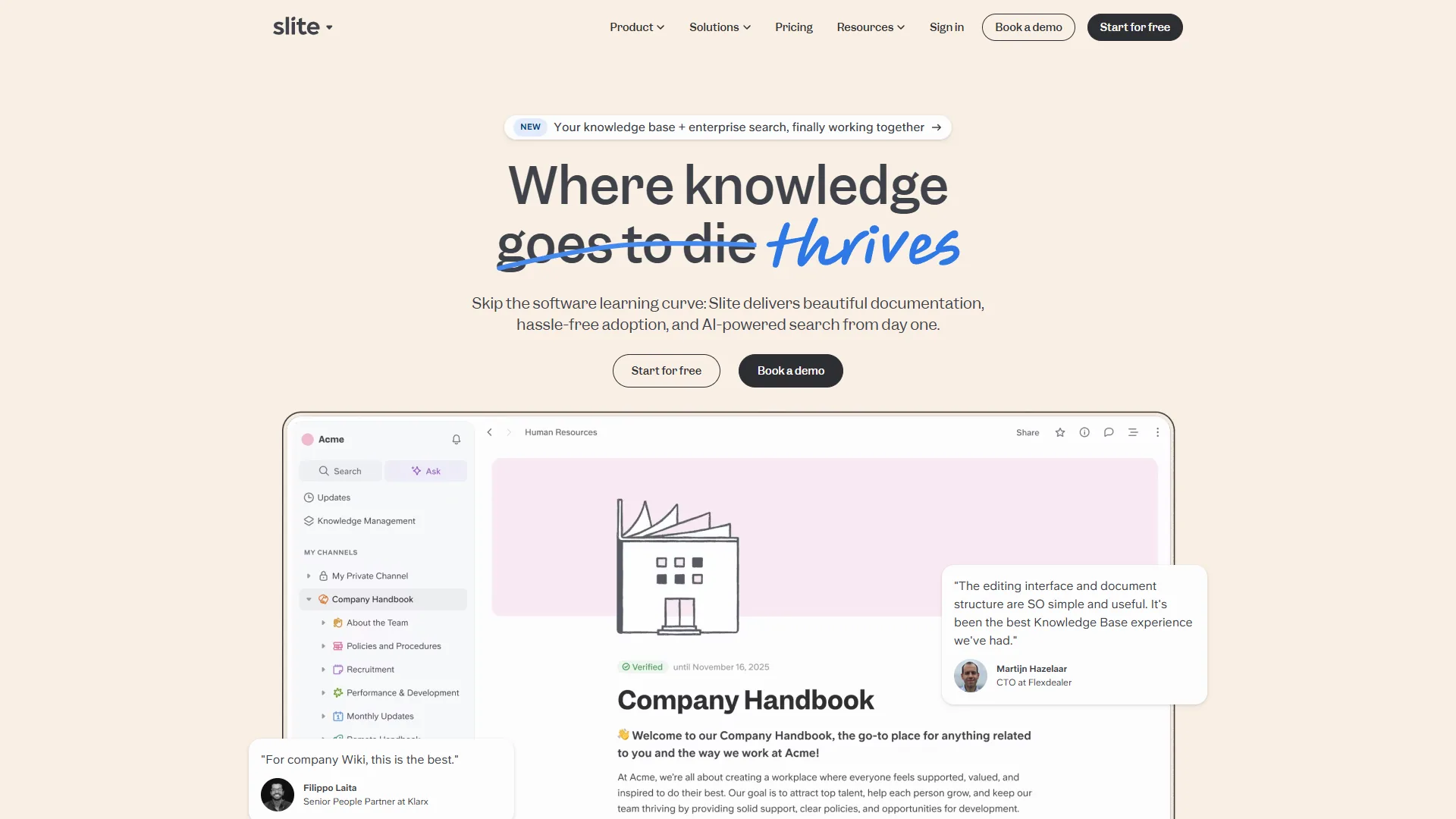
As teams grow, generic wikis become overwhelming. Slite is purpose-built for knowledge management with AI features that scale.
Why it works for mid-size teams:
- Document verification flags outdated content
- Ask Management Panel identifies knowledge gaps
- AI search across 20+ external tools (Knowledge Suite)
- $10 per user/month Standard, $20 for unlimited AI
Standout feature: Reports from teams using Slite indicate the Ask feature reduces Slack questions by up to 40%, synthesizing answers from multiple sources and citing them properly.
ROI calculation: For a 50-person team, cutting search time from 9.3 to 6 hours weekly saves 165 hours per week - $514,800 annually at $60/hour. Slite Knowledge Suite costs $12,000/year, a 42x return.
For Large Teams (100+ People)
Winner: Guru
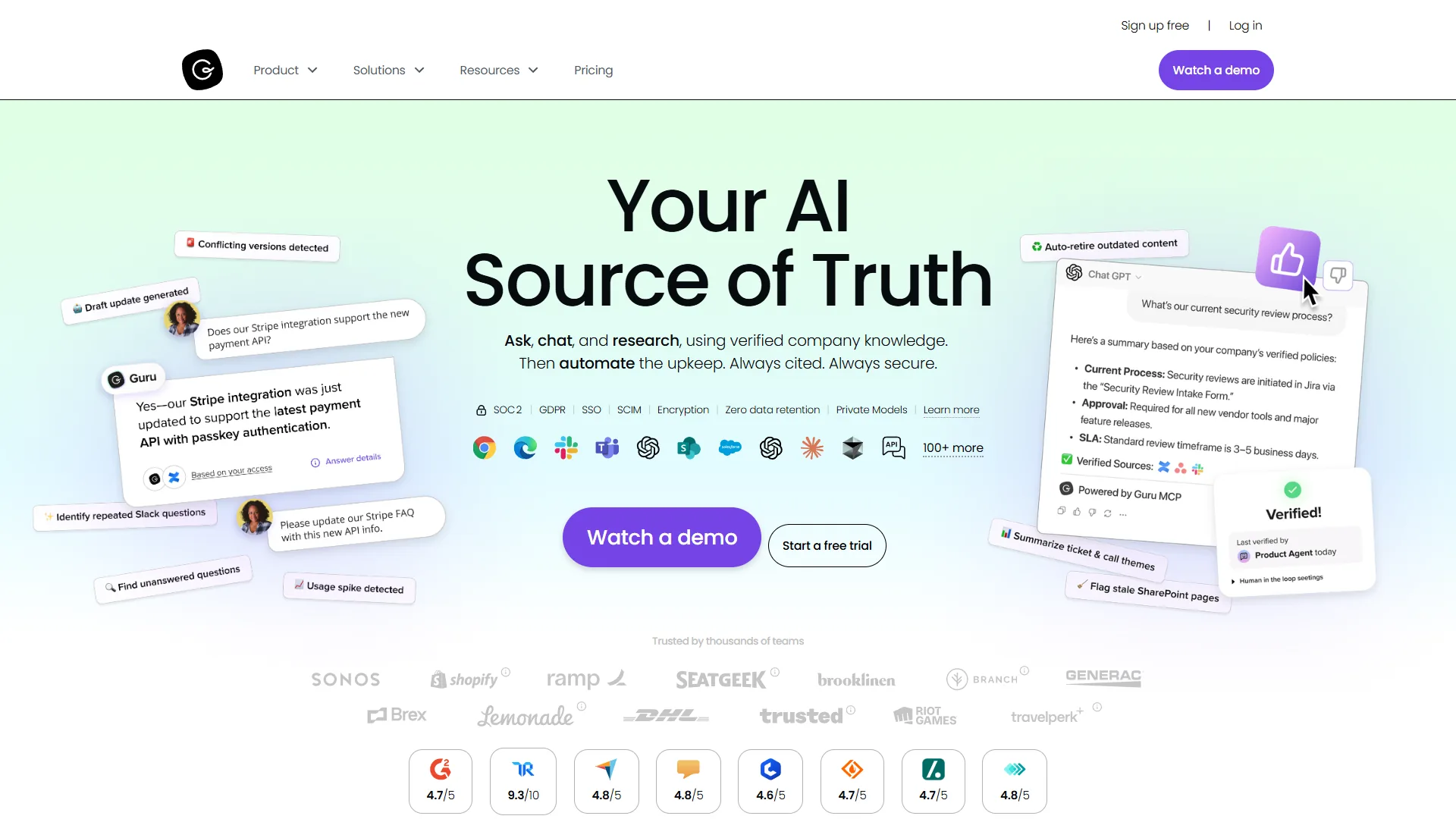
Enterprise teams need knowledge management that meets them where they work. Guru integrates with 100+ tools to surface the right information at the right time.
Why it works for large teams:
- Knowledge appears in Slack, Teams, Chrome, and ChatGPT
- Content verification ensures accuracy at scale
- Custom AI Knowledge Agents per department
- Enterprise-grade security with SSO and SCIM
The differentiator: Most knowledge bases require context switching. Guru’s browser extension brings verified knowledge into your current tool - when a rep is in Salesforce, pricing info appears without opening a tab.
Pricing: $25 per user/month annual (10-seat minimum), custom Enterprise pricing for larger deployments.
Detailed Tool Reviews: 6 Best Knowledge Management Platforms
The six best knowledge management platforms reviewed below are Confluence, Notion, Guru, Slite, Bloomfire, and Document360, each evaluated on AI features, pricing, and limitations.
1. Confluence - Best for Atlassian Ecosystem Teams
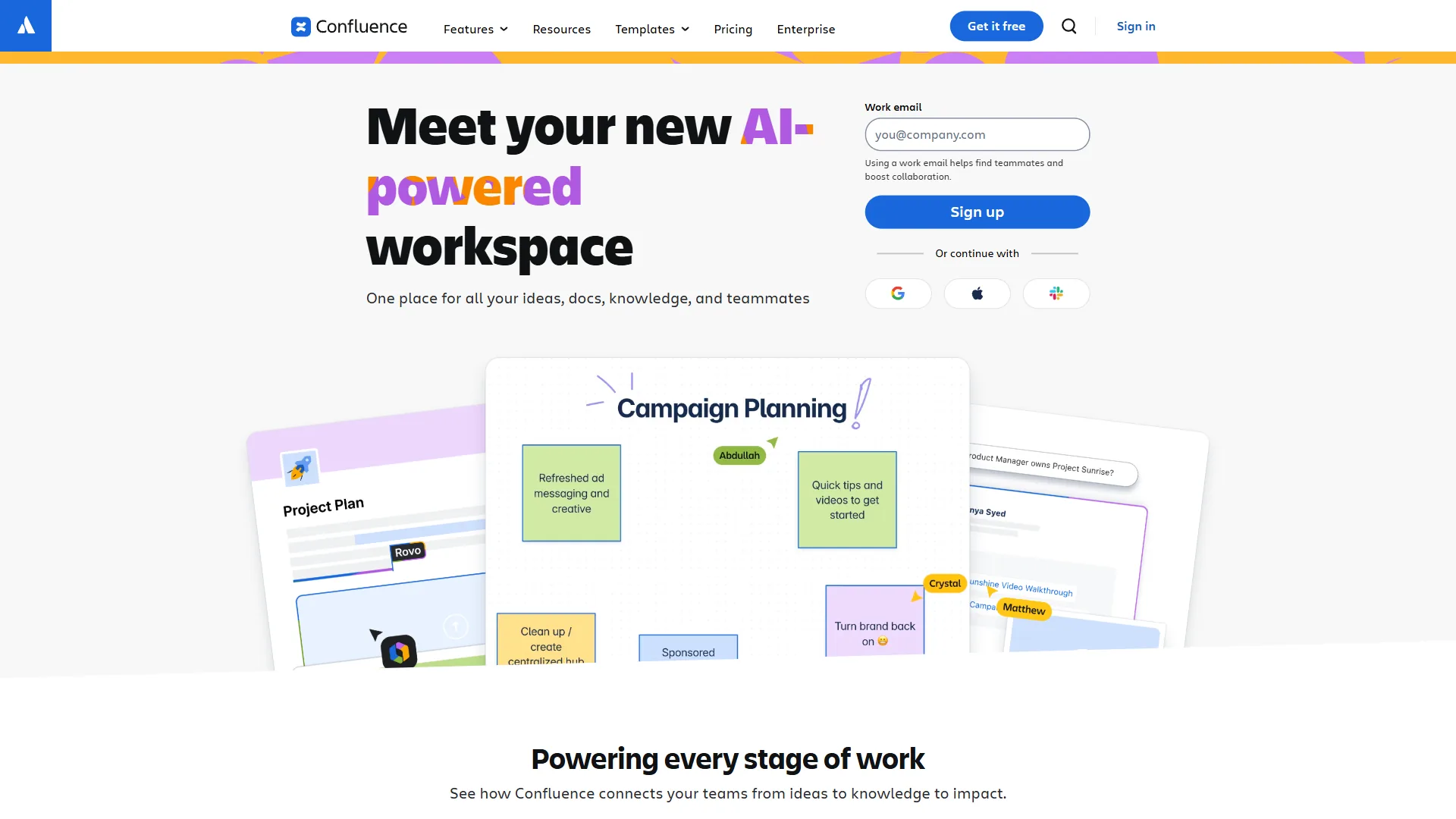
If your team already uses Jira, Confluence is the natural knowledge management choice. Atlassian Intelligence (on the Premium plan) adds AI-powered content generation, summarization, and Q&A search.
Strengths:
- Seamless Jira integration for technical documentation
- 250GB storage on Standard ($6 per user/month annual)
- Unlimited storage on Premium ($11.75 per user/month annual)
- Atlassian Intelligence AI features on Premium+
- Strong template library for common documentation
Limitations:
- Lower user rating reflects complexity (see rating below)
- AI features locked to Premium ($11.75 per user vs $6 Standard)
- Can feel heavyweight for non-technical teams
- Navigation becomes challenging with large page hierarchies
Best for: Engineering teams, IT departments, and organizations standardized on Atlassian.
Pricing:
- Free: Up to 10 users, 2GB storage
- Standard: $6.40/user/month or $6/user/month (annual)
- Premium: $12.30/user/month or $11.75/user/month (annual)
- Enterprise: Custom pricing for 801+ users
Learn more: Confluence pricing page
2. Notion - Best All-in-One Workspace
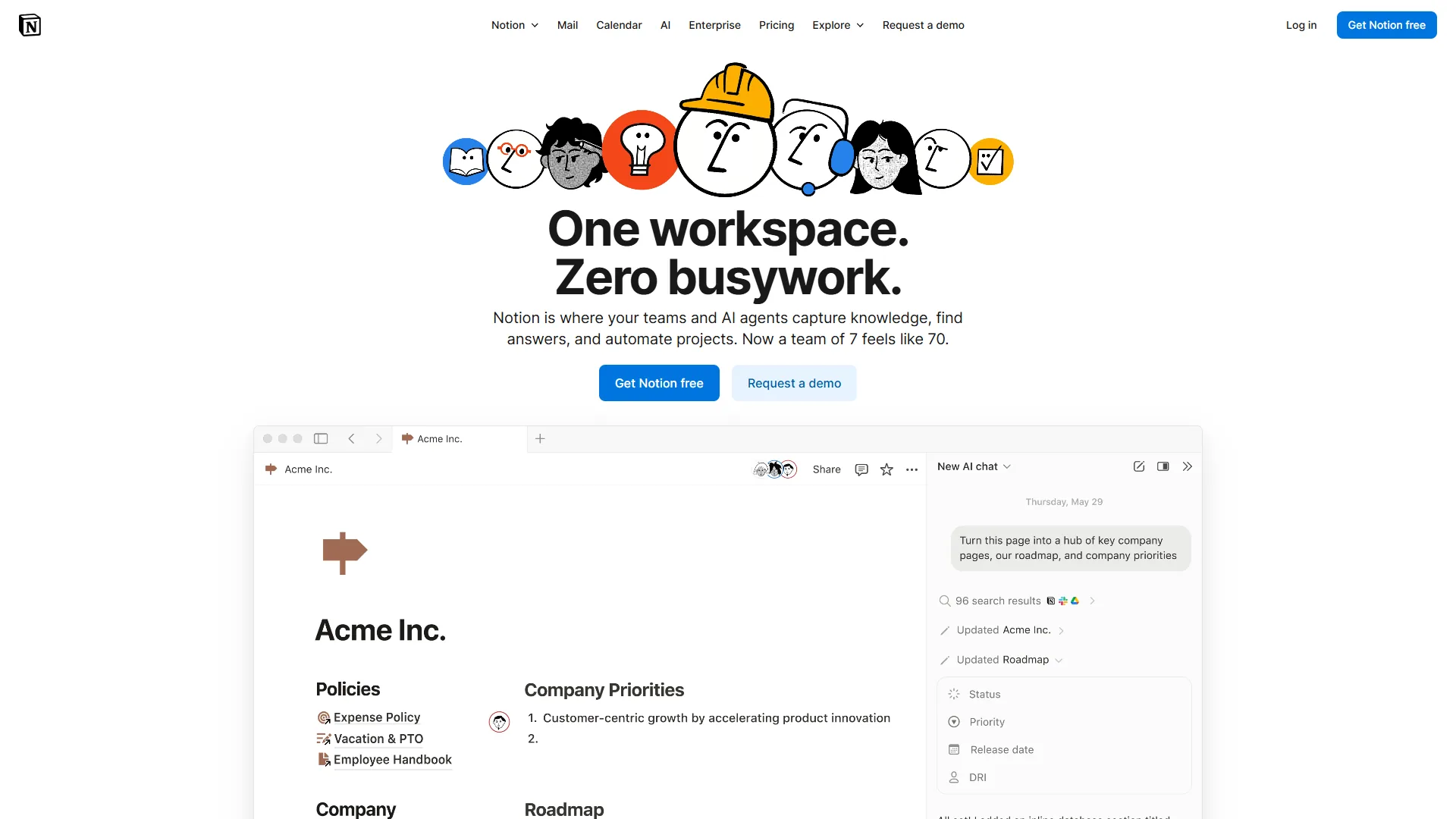
Notion is a complete workspace that replaces multiple tools, not just a knowledge base. The August 2026 update moved AI features (GPT-5, Claude Opus 4.1, o3) exclusively to the Business plan ($15 per user/month annual), making it less accessible for small teams on Plus.
Strengths:
- Flexible database system for any use case
- Elegant, distraction-free interface
- Autonomous AI Agents on Business automate workflows
- 100 guests on Plus, 250 on Business for external collaboration
- Strong mobile apps for iOS and Android
Limitations:
- AI now requires Business ($15 per user vs $10 Plus)
- Steeper learning curve than focused knowledge bases
- Can become cluttered without good information architecture
- Offline access limited compared to native apps
Best for: Teams wanting one tool for wikis, docs, projects, and databases.
Pricing:
- Free: Unlimited pages for individuals
- Plus: $12/month or $10/month (annual) per user
- Business: $18/month or $15/month (annual) per user - includes unlimited AI
- Enterprise: Custom pricing
3. Guru - Best for Enterprise Workflows
Guru delivers knowledge without disrupting workflow - the browser extension and integrations surface answers where you are already working.
Strengths:
- Contextual knowledge delivery in 100+ tools
- Verification system with content owners and expiration dates
- Custom AI Knowledge Agents with web search (10 sources)
- Permission-aware AI answers that respect access controls
- Real-time collaborative editing on Pages
Limitations:
- No free tier (10-seat minimum at $25 per user/month)
- Usage-based AI credits add pricing complexity
- Can feel overwhelming for small teams
- Sorting large knowledge bases becomes difficult
Best for: Enterprise teams needing knowledge integrated into daily workflows.
Pricing:
- Self-serve: $30/month or $25/month (annual) per user, 10-seat minimum
- Enterprise: Custom pricing with SSO, SLA, dedicated support
4. Slite - Best for Fast-Growing Teams
Slite occupies the sweet spot between Notion’s flexibility and Guru’s enterprise focus - purpose-built for knowledge management without the complexity.
Strengths:
- RAG-powered Ask feature provides conversational answers
- Document verification with automated freshness checks
- Ask Management Panel reveals knowledge gaps
- Enterprise Search across Google Drive, Slack, Asana, Figma
- Clean interface with a low learning curve
Limitations:
- Free plan discontinued (14-day trial only)
- AI query limits on Standard (30 questions/user/month)
- Less customization than Notion
- Storage limits (5GB/user Standard, 10GB/user Suite)
Best for: Growing teams needing focused knowledge management with AI.
Pricing:
- Standard: $10/month or $8/month (annual) per user
- Knowledge Suite: $25/month or $20/month (annual) per user
- Enterprise: Custom pricing with SSO, audit logs, HIPAA compliance
5. Bloomfire - Best for Large Enterprises

Bloomfire is enterprise knowledge management at scale. Named a KMWorld Trend-Setting Product 2026, it is built for organizations where knowledge sharing is mission-critical.
Strengths:
- Deep-indexing search across 25+ file types, including video transcription
- Ask AI for generative answers with citations
- Automated tagging and content categorization
- Robust analytics and engagement tracking
- Strong integrations with Slack, Salesforce, and Teams
Limitations:
- High cost (median $158,000/year for enterprise)
- No public pricing or free tier
- Requires a multi-year commitment
- Complex for organizations new to knowledge management
Best for: Large enterprises (500+ employees) with significant KM budgets.
Pricing:
- Team: Custom quote for single-team access
- Department: Custom quote with Ask AI and compliance tools
- Enterprise: Custom quote (approximately $158K/year median) with SSO, SCIM, dedicated experts
6. Document360 - Best for Technical Documentation
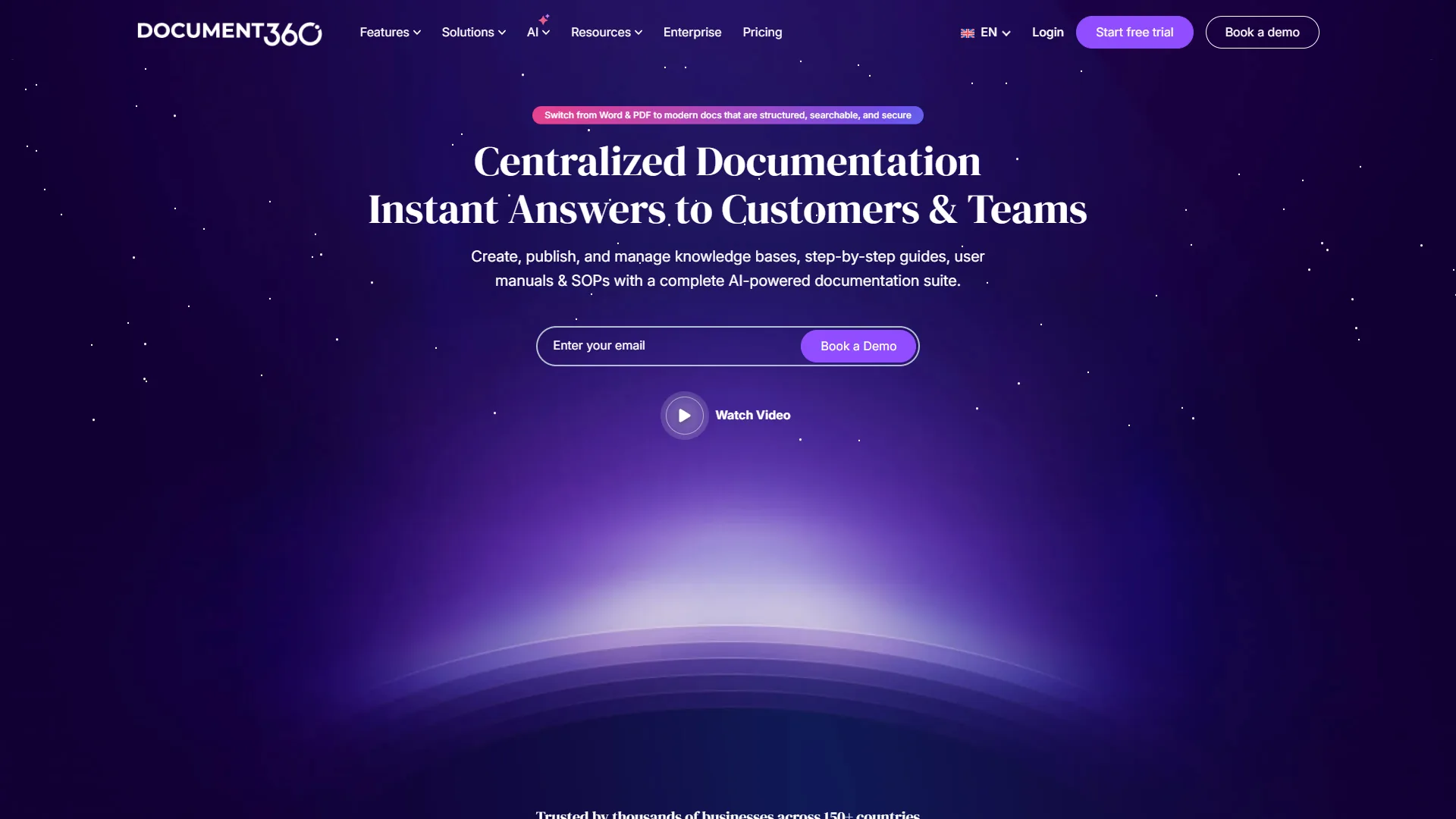
Document360 specializes in polished, searchable technical content - external-facing documentation, customer help centers, and API docs.
Strengths:
- Eddy AI generates docs from videos, audio, and prompts
- Auto-translate to 50+ languages with style guides
- Smart Zendesk integration with AI article suggestions
- Advanced version control and workflow management
- SEO optimization for public documentation
Limitations:
- Pricing now custom quote-based (no transparency)
- Free plan discontinued November 2024
- Pricing nearly doubled in the August 2024 restructure
- Advanced features locked to the Enterprise tier
Best for: Teams creating customer-facing documentation and technical help centers.
Pricing:
- Professional: Custom quote - basic documentation tools
- Business: Custom quote - integrations, workflows, advanced AI
- Enterprise: Custom quote - SSO, security audit trail, priority support
- Enterprise+: Custom quote - dedicated servers, enhanced security
Feature-by-Feature: How These Knowledge Management Tools Compare on AI
Notion offers the most advanced AI with multi-model support and autonomous agents, Guru and Slite lead on permission-aware retrieval and RAG accuracy, and Confluence trails competitors on AI maturity. The table below compares each tool’s AI capabilities and the plan required.
| Tool | AI Capabilities | Plan Required | Limitations |
|---|---|---|---|
| Confluence | Content generation, summarization, Q&A search, AI automation | Premium ($11.75/user) | Basic compared to competitors |
| Notion | Multi-model AI (GPT-5, Claude, o3), autonomous agents | Business ($15/user) | Previously available as add-on |
| Guru | AI search, knowledge agents, web search, cited answers | Self-serve ($25/user) | Usage-based credits |
| Slite | RAG answers, AI editor, enterprise search | Standard ($8/user, limited); Knowledge Suite ($20/user, unlimited) | 30 queries/month on Standard |
| Bloomfire | Ask AI, auto-tagging, video transcription | Department tier+ | Requires custom quote |
| Document360 | Eddy AI writing agent, auto-translate, smart suggestions | Business tier+ | AI Premium Suite costs extra |
Buyers can cross-check these AI claims against the Gartner Peer Insights knowledge management software market, which aggregates verified-user ratings for every platform listed here.
AI maturity ranking:
- Notion - Multi-model AI with autonomous agents most advanced
- Guru - Permission-aware AI with enterprise focus
- Slite - RAG implementation most accurate for knowledge retrieval
- Document360 - Best for content generation from media
- Bloomfire - Strong search, basic generation
- Confluence - AI features still catching up to competitors
How Do You Choose the Right Knowledge Management Tool?
You choose the right knowledge management tool by matching team size, primary use case, budget, and AI requirements to a platform, starting with team size and capping spend near $30 per user per month.
Decision Framework
Start with team size:
- 5-20 people: Choose flexibility (Notion) over specialization
- 20-100 people: Purpose-built tools (Slite) earn their cost
- 100+ people: Integration depth (Guru) outweighs features
Consider your primary use case:
- Internal docs + project management: Notion
- Customer support knowledge base: Document360
- Engineering + IT teams: Confluence
- Cross-functional sharing: Guru or Slite
- Enterprise compliance: Bloomfire
Budget reality check:
Calculate maximum spend as team size × $30 per user/month - $1,500/month for a 50-person team. This accommodates most mid-tier plans; if a custom quote runs well above it, confirm the ROI justifies the gap.
AI requirements:
- Unlimited AI: Notion Business or Slite Knowledge Suite
- Multi-model AI: Notion only (GPT-5, Claude, o3)
- AI in workflow: Guru browser extension and integrations
- AI not critical: Stick with free or cheap tiers and upgrade later
Implementation Tips
Week 1: Migrate the 5-10 most-referenced documents, set up a basic structure (no more than 5 top-level categories), and train 3-5 power users as champions.
Month 1: Document common questions from Slack and email, create templates for recurring docs, and connect integrations with daily tools.
Quarter 1: Implement a verification system (content owners, review dates), analyze search data for gaps, and measure adoption and time saved.
FAQ
Common questions cover whether Google Drive is enough, implementation time, migration, security, remote-team support, personal knowledge management software, and the Gartner knowledge management Magic Quadrant.
Q: Do I need a dedicated knowledge management tool, or can I just use Google Drive?
Google Drive stores files but does not manage knowledge - you waste time searching, hit version confusion, and lack verification, AI search, and workflow integration. For teams larger than 10 people, a proper knowledge management tool pays for itself in hours saved.
Q: How long does implementation take?
For teams under 50 people: 2-4 weeks to launch, 3 months to full adoption. Enterprise (100+ people): 3-6 months with dedicated change management. The tools set up quickly - behavior change takes longer.
Q: Can we migrate from our current wiki?
Yes. Notion, Confluence, and Document360 offer import tools for common formats (Markdown, HTML, Word, and knowledge management tools PDF exports). Bloomfire and Guru include migration services with enterprise plans. Budget 20-40 hours for post-migration cleanup.
Q: What about security and compliance?
Enterprise plans include SOC 2, GDPR compliance, and SSO. Bloomfire and Document360 offer HIPAA compliance with a BAA. For regulated industries, enterprise plans are non-negotiable.
Q: Do these tools work with remote teams?
All six are cloud-based and built for remote work. Guru and Slite excel at asynchronous knowledge sharing, while real-time collaboration in Notion and Confluence suits synchronous teamwork.
Q: What’s the difference between knowledge management and documentation?
Documentation is technical reference material (API docs, user manuals). Knowledge management is broader - processes, decisions, and institutional knowledge. Document360 excels at the former, Notion and Slite at the latter.
Q: Is there a Gartner knowledge management Magic Quadrant for these tools?
Gartner does not publish a dedicated knowledge management Magic Quadrant - it covers this category through its Gartner Peer Insights reviews for knowledge management software, where buyer ratings rank platforms by ease of use, support quality, and product capabilities.
Q: What is the best personal knowledge management software?
The best personal knowledge management software for individuals is Notion, which is free for personal use with unlimited pages. Most knowledge management tools list pricing for teams, but Notion’s free individual tier makes it the strongest starting point for personal note-taking before scaling to a paid team plan.
Conclusion
Slite is the best knowledge management tool for most growing teams, balancing ease of use, AI features, and price at $8 per user per month. Enterprise teams needing workflow integration should choose Guru, while small teams wanting an all-in-one workspace get more value from Notion. The best knowledge management tools transform scattered information into a searchable, verified, and accessible team resource.
The cost of doing nothing is clear: 9.3 hours per week per employee lost to search. Even a 30% reduction (2.8 hours weekly) delivers 5-10x ROI on knowledge management software.
Start with a free trial of Notion or the 14-day Slite trial - migrate your 10 most-referenced documents, set up AI search, and measure time saved in the first two weeks.
Quick recommendations:
- Small teams (5-20): Notion Plus, $10 per user/month
- Mid-size teams (20-100): Slite Knowledge Suite, $20 per user/month
- Large teams (100+): Guru at $25 or Confluence Premium at $11.75 per user/month
- Technical documentation: Document360 Business tier
- Enterprise (500+): Bloomfire with dedicated implementation
The knowledge your team needs already exists - these tools make it findable.
Related Reading
This section links to the six knowledge management tools reviewed above and related guides.
Tools covered in this article:
- Confluence - Enterprise wiki and team collaboration
- Notion - All-in-one workspace with AI assistant
- Guru - AI knowledge management for sales teams
- Slite - AI-first knowledge base for remote teams
- Bloomfire - Enterprise knowledge sharing platform
- Document360 - Technical documentation platform
More knowledge management guides:
External Resources
These external resources offer independent research and industry analysis on knowledge management practices and software.