


Monday.com and Wrike are both serious project management platforms with strong AI features - but they target very different teams. Here is how to choose.
The monday.com vs wrike debate comes up whenever a growing team outgrows Trello or spreadsheets - our best project management tools 2026 shortlist covers every contender at the higher end of the market. Both monday.com and Wrike sit in the premium tier, both have invested heavily in AI, and both can handle teams from 10 to 1,000+ - on paper they look interchangeable.
In practice they are not. Monday.com is built around visual boards that non-technical teams adopt without training. Wrike is built around enterprise-grade reporting, dependency management, and AI features that ship at no extra cost. The right answer depends on whether your team’s biggest problem is visibility or complexity - the best AI project management tools breakdown groups other contenders by where their AI lives.
Comparison Table: Monday.com vs Wrike
Monday.com starts at $9 per seat each month and wins on ease of use, while Wrike starts at $9.80 per user each month and wins on built-in AI and reporting depth. The right choice depends on your workflow, budget, and team size, and this guide compares both tools across the features that matter most for daily work.
This comparison draws on each vendor’s current pricing and feature documentation, published Forrester research, and independent analysis rather than sponsored placement. AI Productivity may earn a commission from links on this page, but our rankings are editorially independent.
| Factor | Monday.com | Wrike |
|---|---|---|
| Rating | ||
| Free Tier | Yes - up to 2 users | Yes - unlimited users |
| Entry Paid Price | $12/user/mo | $9.80/user/mo (Team) |
| Business Plan | $24/user/mo (Pro) | $24.80/user/mo (Business) |
| AI Features | AI credits add-on; 500/mo on paid | AI Essentials (Team), AI Elite (Business) - included |
| Minimum Seats | 3 seats on paid plans | 3-5 seats depending on tier |
| Best For | Visual workflows, mixed-skill teams | Enterprise reporting, AI-heavy workflows |
| Learning Curve | Low to moderate | Moderate to high |
| Gantt Charts | Standard plan and above | Team plan and above |
TL;DR: Choose Monday.com if your team values visual project boards and quick onboarding. Choose Wrike if you need enterprise-grade reporting, built-in AI at no extra cost, or MCP integration with external AI tools.
Monday.com Overview
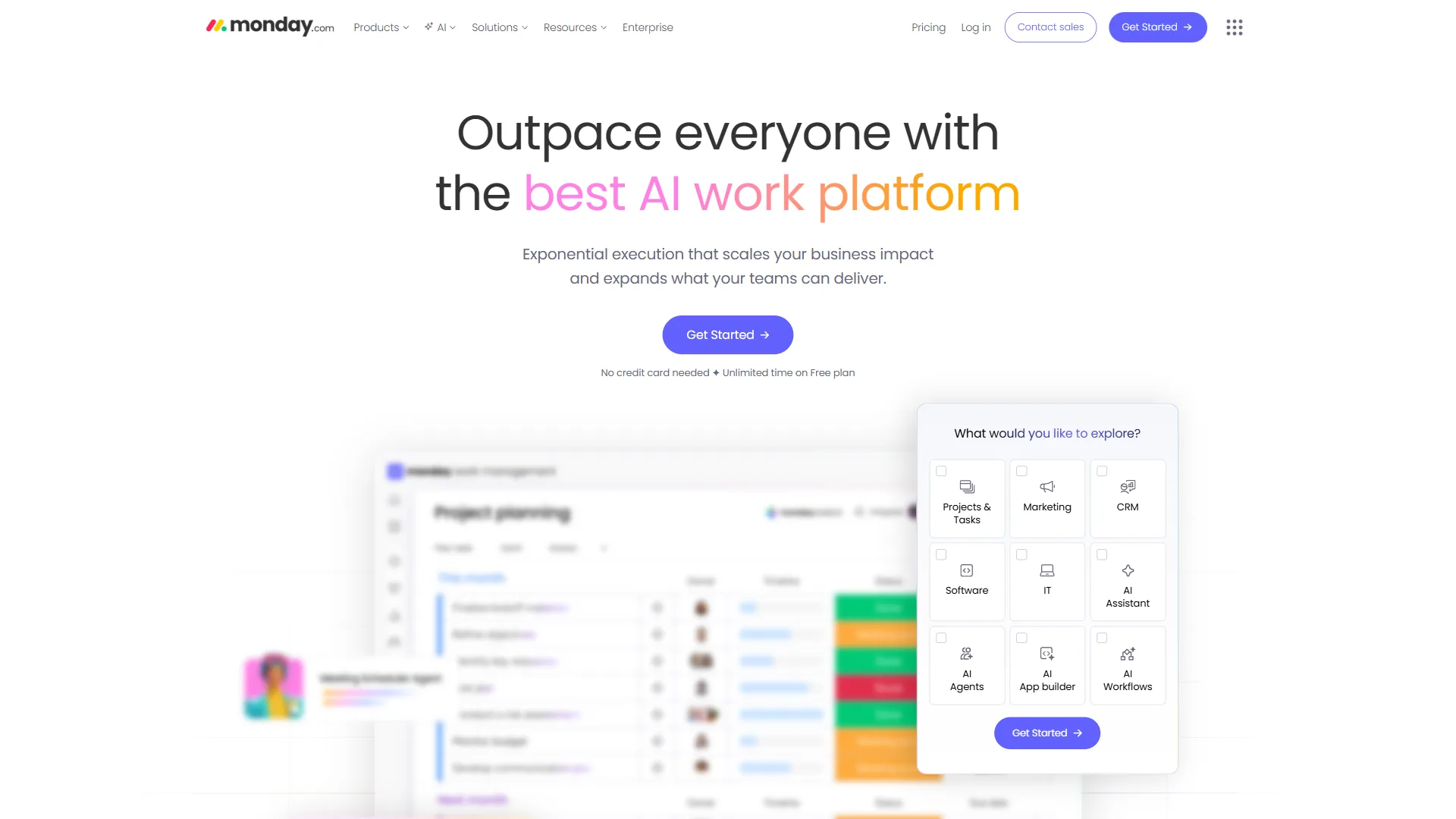
Monday.com is a visual work operating system launched in 2012 that makes project status visible to everyone without requiring training. The 2026 version backs this with a suite of AI features - monday agents, monday magic (instant solution generation), monday sidekick (context-aware assistant), and AI Blocks for categorization and sentiment analysis.
Monday.com Pricing
Monday.com uses a per-seat model with a mandatory 3-seat minimum on all paid plans.
| Plan | Price (Annual) | Key Features |
|---|---|---|
| Free | $0 (2 users max) | Unlimited boards, Kanban view, 500MB storage |
| Basic | $9/seat/mo | Unlimited viewers, docs, 500 AI credits/month |
| Standard | $12/seat/mo | Timeline/Gantt/Calendar, 250 automations/mo |
| Pro | $19/seat/mo | Time tracking, 25,000 automations/mo, private boards |
| Enterprise | Custom | 250,000 automations/mo, HIPAA, SSO, advanced reporting |
The 3-seat minimum means the cheapest Basic plan is $27 per month annually, and Pro for a 10-person team runs $190 per month - meaningful spend, but the automation limits at Pro are substantial.
Monday.com Pros and Cons
Pros:
- Best-in-class visual interface - non-technical teams adopt it without training
- Pro tier’s 25,000 automations/month is one of the highest limits in this price range
- 200+ integrations including Slack, Salesforce, HubSpot, and Zoom
- Forrester documented 288% ROI over 3 years (enterprise marketing case study)
- monday agents and monday magic are genuinely useful AI additions
Cons:
- 3-seat minimum makes it expensive for very small teams
- Advanced reporting locked to Enterprise tier
- Can feel cluttered when managing 50+ item boards
- AI credits (500/month) run out quickly with heavy AI Blocks usage
- Learning curve is real for automations and formula columns
Users consistently praise Monday.com’s visual boards and flexibility; the most common complaints concern the 3-seat minimum and advanced analytics limitations.
Wrike Overview
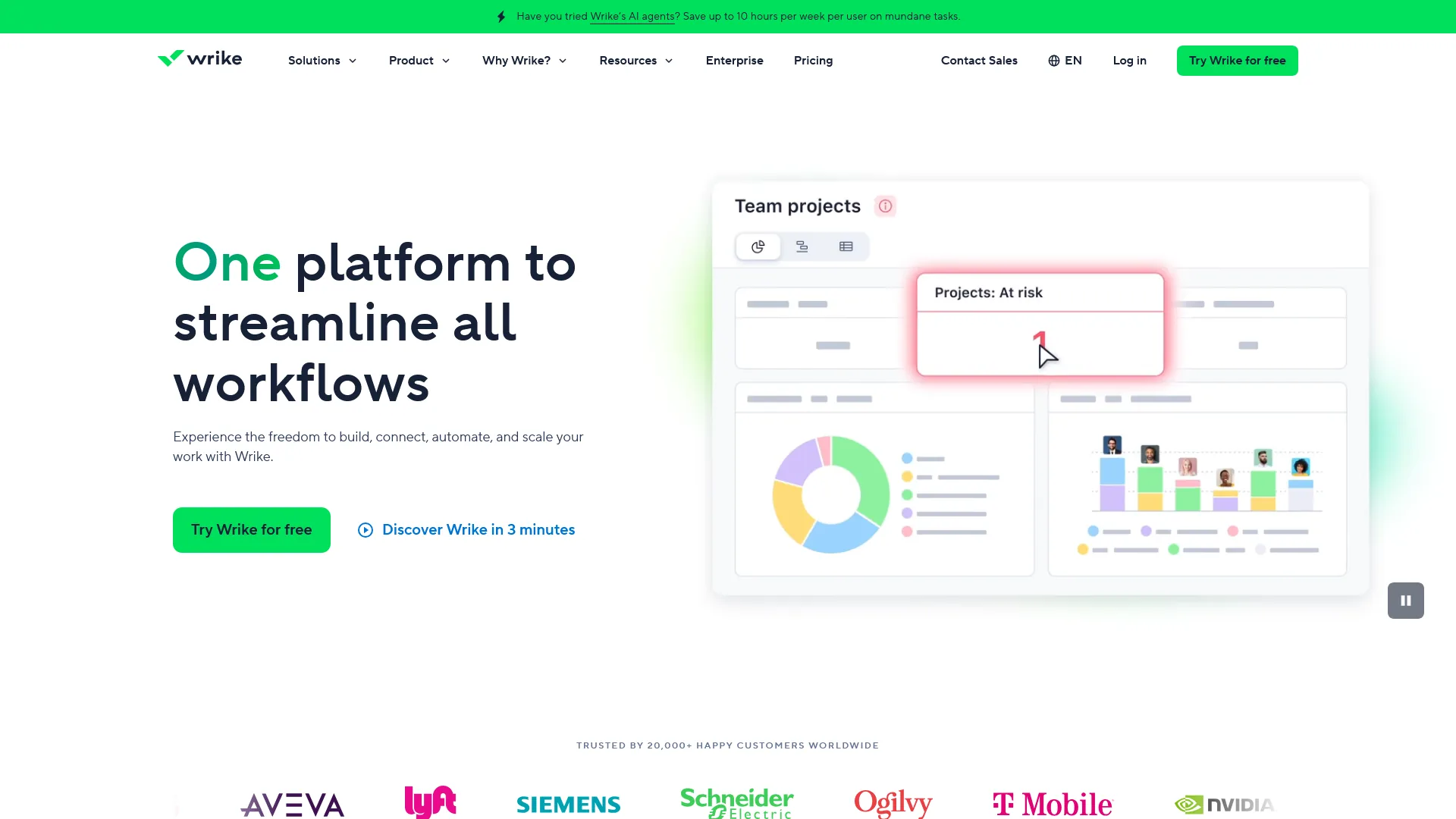
Wrike launched in 2006 and has positioned itself at the enterprise end of project management for most of its history. The 2026 version has expanded its AI layer: Work Intelligence is built into every paid plan, the Business tier adds AI Copilot and Agent Builder (no-code AI agents), and the MCP Server integration lets external tools like Claude and Microsoft Copilot query live Wrike data directly.
Wrike Pricing
Wrike’s pricing is competitive at entry level and scales into enterprise territory.
| Plan | Price (Annual) | Key Features |
|---|---|---|
| Free | $0 (unlimited users) | Basic project/task management, Kanban boards |
| Team | $9.80/user/mo | 3-25 users, Gantt charts, custom workflows, AI Essentials |
| Business | $24.80/user/mo | 5-200 users, advanced reporting, AI Elite (Copilot, Agent Builder) |
| Enterprise | Custom | Enterprise security, SSO, 2FA, scalability features, AI Elite |
| Pinnacle | Custom | Advanced resource planning, data visualization, AI Elite |
Wrike’s Business tier has a 5-seat minimum, so the entry cost is $124 per month annually - teams of 3-4 are either on Team (without AI Elite) or paying for unused seats. The key differentiator is which AI features each tier includes: Team gets AI Essentials (onboarding assistant, content editing, comment summaries), while Business gets AI Elite - Wrike Copilot, Agent Builder, and the AI widget generator bundled with the base price, not sold as add-ons.
Wrike Pros and Cons
Pros:
- AI Elite features included in Business tier - no separate AI surcharge
- MCP Server integration lets Claude, Microsoft Copilot, and Perplexity query live Wrike data
- Forrester TEI study: 396% ROI, $9.78M net present value over 3 years
- Agent Builder lets teams build custom AI workflows without code
- 400+ integrations with enterprise-grade security (SSO, 2FA, HIPAA)
Cons:
- Steeper learning curve than Monday.com - expect 2-4 weeks to reach proficiency
- Interface feels cluttered compared to Monday.com’s cleaner boards
- Business tier’s 5-seat minimum is restrictive for small teams
- Agent Builder launched late 2026 - still maturing, documentation sparse
- User ratings trail Monday.com’s significantly
Users praise Wrike’s reporting depth and AI features; complaints center on the learning curve and UI complexity.
Feature-by-Feature Comparison
Wrike leads Monday.com on AI value, reporting, and integration count, while Monday.com leads on ease of use and AI interface polish. The sections below break down each category.
AI Features
Wrike bundles its AI into every paid tier, while Monday.com sells AI as a metered credit add-on - the clearest functional difference between the two.
Monday.com AI operates on a credit system: Basic, Standard, and Pro plans get 500 AI credits per account per month. monday agents handle end-to-end task execution, monday magic generates solutions from natural language, monday sidekick provides context-aware assistance, and AI Blocks add sentiment analysis, categorization, and data extraction to boards. The 500-credit cap is the main limitation - moderate users (5-10 daily interactions) stay within it, while heavy users running monday agents at scale run through credits in under two weeks.
Wrike AI is built into the pricing tiers rather than sold as credits. Team tier gets AI Essentials - content editing, comment summaries, mobile inbox prioritization. Business tier gets AI Elite, which includes Wrike Copilot (natural language queries about project status), Agent Builder (no-code custom AI agents), prebuilt agents (Triage, Risk, Intake), and the AI widget generator.
The MCP Server integration is Wrike’s biggest differentiator: it lets third-party AI tools connect to live Wrike data via the Model Context Protocol specification. Teams already using Claude or Microsoft Copilot can query “What is blocking the product launch?” and get answers sourced directly from Wrike’s project data.
Winner: Wrike for AI value - included features at Business tier versus Monday.com’s credit-based add-on model. Monday.com wins on AI interface polish.
Reporting and Dashboards
Monday.com’s dashboards combine data from multiple boards into visual, executive-ready reports - Standard tier allows 5 boards per dashboard, Pro allows 20, and advanced reporting (custom charts, deep analytics) is locked to Enterprise. The ClickUp alternatives breakdown details how dashboards compare across the budget-friendly tier.
Wrike’s reporting is stronger at comparable price points: the Business tier includes advanced reporting with custom filters and an AI widget generator that builds dashboard widgets from plain-English descriptions, with data visualization deepening at Pinnacle tier.
For teams that need serious data-driven reporting, Wrike at Business tier delivers more than Monday.com at Pro on a near-equivalent price point. The payoff is measurable in independent research by Forrester, whose Total Economic Impact study commissioned by Wrike found 396% ROI and $9.78M net present value over three years.
“The composite organization realized a return on investment of 396% and total benefits of more than $12 million over three years,” according to the Forrester Total Economic Impact study of Wrike.
Monday.com’s own Forrester TEI study documented a 288% three-year ROI for an enterprise marketing team.
Winner: Wrike - advanced reporting is available at Business tier without needing custom pricing.
Ease of Use and Onboarding
Monday.com wins this category decisively. The board-first interface is genuinely intuitive - non-technical team members navigate boards, update statuses, and add items within minutes, and new hires get up to speed in hours, not days.
Wrike’s depth requires investment: teams typically need 2-4 weeks to reach full proficiency. The interface has more nested menus and configuration options, and the feature count creates initial friction. Users who push through report that the depth pays off, but teams that want quick deployment find Monday.com faster.
Winner: Monday.com - faster onboarding and a cleaner day-to-day experience.
Templates and Project Setup
Monday.com offers a large template library organized by use case - marketing campaigns, product launches, HR onboarding, sales pipelines - and monday magic can generate custom workflow templates from a plain-English description.
Wrike’s project blueprints (Business tier) let teams save entire project structures - tasks, subtasks, dependencies, custom workflows - and reuse them. This is more powerful for standardized, repeating workflows than Monday.com’s templates, though less accessible to non-technical users.
Winner: Tie. Monday.com for initial setup speed; Wrike for repeatable enterprise workflows. Our project management for small teams guide explains how template depth changes with team size.
Integrations
Monday.com offers 200+ integrations with action limits tied to tier (250/month on Standard, 25,000 on Pro, 250,000 on Enterprise).
Wrike offers 400+ integrations including the MCP Server for AI assistant connectivity. Integration depth with Microsoft 365 and Google enterprise tools is strong.
Winner: Wrike on integration count; Monday.com on polish within popular apps.
Best Picks by Use Case: Asana and ClickUp Alternatives
Asana and ClickUp are the two strongest alternatives to Monday.com and Wrike: Asana for structured workflows with fast adoption, and ClickUp for maximum features at the lowest base price. The Asana competitors breakdown maps every option in this category.
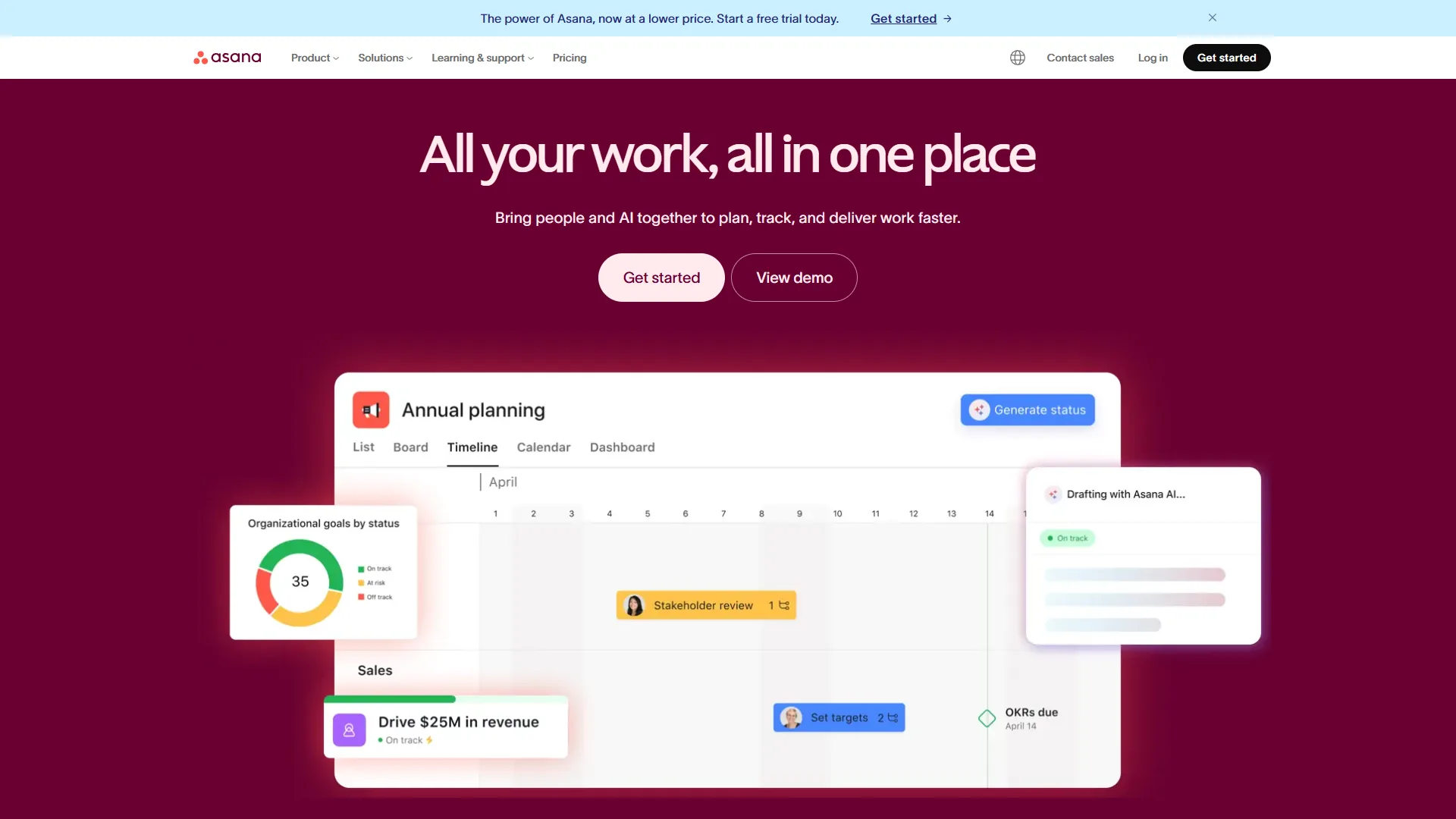
Asana ($10.99-24.99/user/month annually) is cleaner and easier to adopt than either Monday.com or Wrike, and its AI Studio is included on all paid tiers - an advantage for teams that want automation without premium pricing. Asana’s portfolio views (Advanced tier) give multi-project teams strong cross-project visibility.
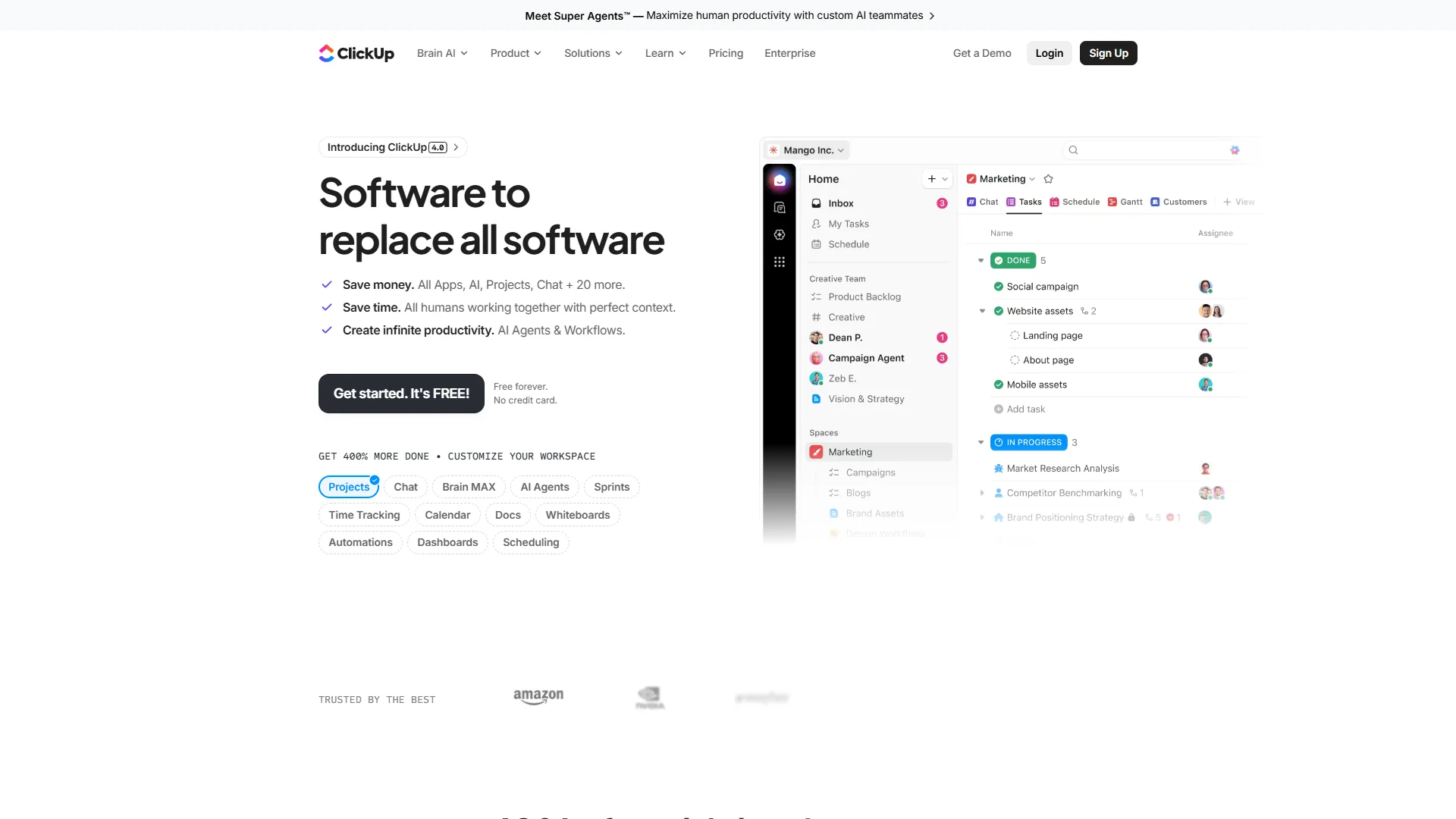
ClickUp ($7-12/user/month annually) undercuts all three platforms on base price, and its Free Forever tier includes unlimited tasks and users - more generous than anything Monday.com or Wrike offers free. ClickUp’s 35+ view options cover every workflow style. The trade-off is real: ClickUp requires 2-3 weeks of onboarding, and its AI (ClickUp Brain) is a paid add-on ($9-28/user/month extra) rather than bundled. Our ClickUp vs Asana deep-dive walks through the trade-offs, and the ClickUp AI vs Monday AI breakdown digs into the AI feature gap.
Which Tool Fits Your Team
Choose Monday.com for visual, fast-onboarding teams under 30 people, and choose Wrike for larger teams that need enterprise reporting and built-in AI without a surcharge. The criteria below make the call concrete.
Choose Monday.com if:
- Your team includes non-technical members who need to onboard in hours, not weeks
- Visual project tracking is the primary use case - campaigns, launches, marketing workflows
- You need high automation limits (Pro tier’s 25,000/month is best in class at this price)
- Your team is 3-25 people and wants a polished, well-supported experience
- You want CRM functionality alongside project management (monday sales CRM integrates natively)
Choose Wrike if:
- Your team has 30+ users and needs enterprise-grade reporting at the Business tier price point
- AI features matter and you do not want to pay a separate AI surcharge
- You use Claude, Microsoft Copilot, or Perplexity and want to query your project data through them (MCP Server)
- Your projects have complex dependency structures that need Gantt chart + risk analysis tools
- HIPAA compliance, SSO, and advanced security are non-negotiable
Consider Asana instead if:
- You need fast team adoption with structured timelines and dependencies
- AI automation is important but budget is tight (AI Studio included at Starter tier)
- Your team manages portfolios of multiple projects and needs cross-project visibility
Consider ClickUp instead if:
- Price is the primary constraint and you want maximum features for minimum spend
- You want to consolidate docs, tasks, goals, and time tracking into one tool
- Your team can invest 2-3 weeks in learning to unlock full value
The Bottom Line
Monday.com is the better choice for most teams under 30 people that prioritize fast onboarding, while Wrike is the better choice for larger teams that need built-in AI and deep reporting. The decision turns on how fast your team needs to be productive and how much you value built-in AI versus automation scale.
Monday.com wins on ease of use, visual design, and automation limits at the Pro tier, and the 288% ROI documented by Forrester is credible for teams running complex marketing and operational workflows. The 3-seat minimum and credit-based AI are the main limitations for smaller teams and AI-heavy workloads - if budget is the bigger blocker, our best free project management tools shortlist is the better starting point.
Wrike wins on enterprise AI value, reporting depth, and the MCP Server integration that no other platform in this category offers. For teams already paying Business tier prices, getting Wrike Copilot, Agent Builder, and 400+ integrations included - rather than sold as add-ons - represents strong value, though it comes with a steeper learning curve. The AI tools for project managers breakdown maps where each platform’s AI fits, and the Asana vs ClickUp comparison covers the next tier down if either feels overbuilt.
Both offer free tiers and trials - test both before deciding.
FAQ
Common questions about choosing between Monday.com and Wrike are answered below.
Q: Who is Monday.com’s biggest competitor?
Wrike, Asana, ClickUp, and Smartsheet are Monday.com’s biggest competitors in the project management category. Wrike competes most directly on enterprise reporting and built-in AI, Asana on structured workflows, ClickUp on price and feature breadth, and Smartsheet on spreadsheet-style project tracking.
Q: Does Wrike include AI features in its pricing?
Yes. Wrike’s Team plan includes AI Essentials - content editing, comment summaries, and inbox prioritization. The Business tier adds AI Elite, which bundles Wrike Copilot, Agent Builder, prebuilt AI agents, and an AI widget generator with the base price. There is no separate AI surcharge, unlike Monday.com’s credit-based add-on model.
Q: Which has a better free plan - Monday.com or Wrike?
Wrike’s free plan supports unlimited users, while Monday.com’s free tier is capped at 2 users. Both free plans cover basic project and task management with Kanban boards. For larger teams evaluating on a zero-cost basis, Wrike’s unlimited-user free tier offers significantly more flexibility.
Q: Is Monday.com easier to use than Wrike?
Monday.com wins on ease of use. Its board-first interface lets non-technical team members navigate, update statuses, and add items within minutes. New hires typically reach proficiency in hours. Wrike’s depth requires 2-4 weeks of onboarding due to nested menus and a larger feature set - a real trade-off for teams that need fast deployment.
Q: What does Monday.com’s 3-seat minimum mean for pricing?
All Monday.com paid plans require at least 3 seats, so the minimum spend on the Basic plan is $27 per month on annual billing. A 10-person team on the Pro tier pays $190 per month annually. This makes Monday.com relatively expensive for very small teams compared to Wrike, which allows 3 users on its Team plan.
Related Reading
These guides go deeper on Monday.com, Wrike, and their alternatives.
- monday.com - Full monday.com review with pricing, features, and ratings
- Wrike - Full Wrike review with AI features breakdown
- Asana - Full Asana review and use case guide
- ClickUp - Full ClickUp review with pricing tiers compared
- Best Project Management Tools 2026 - Full comparison of Monday.com, Asana, ClickUp, and more
- Asana Competitors 2026 - How Asana stacks up against alternatives including Wrike and Monday.com
- ClickUp vs Asana - Detailed head-to-head for budget-conscious teams
External Resources
These primary vendor sources confirm the pricing and feature details in this comparison.
- Monday.com Pricing Page - Current pricing and plan details
- Wrike Pricing Page - Team and Business tier breakdowns
- Monday.com Project Management - Monday.com’s official project management feature overview