


The best project management tools 2026 are Monday.com for visual teams, Asana for clean UI, ClickUp for maximum value, Notion for documentation-heavy work, and Trello for simple Kanban. Picking the wrong one is expensive - not because of the subscription cost, but because of the adoption failure, productivity dip during migration, and the inevitable “let’s try a different tool” conversation 6 months later. User feedback across Monday.com, Asana, and ClickUp consistently reinforces this pattern.
Our analysis is based on each vendor’s current pricing and feature documentation plus independent research, not sponsored placement. AI Productivity may earn a commission from links on this page; our rankings are editorially independent. Here is what works in December 2026 - the AI agents that matter, the automation limits that will bite you, what free plans cover, and honest recommendations based on team size and budget.
Quick Verdict: Which PM Tool Should You Choose?
Monday.com is the top pick for visual project tracking, Asana offers the cleanest interface, and ClickUp delivers the lowest cost per feature. This guide compares free tiers alongside paid plans on pricing, ease of use, and integration depth - and calls out picks for both small teams and larger orgs.
Choose Monday.com if: mixed-skill team of 3+, visual boards matter more than depth, you need 25,000/mo automations, and budget is $12-24/seat.
Choose Asana if: you want clean UI, fast onboarding, timeline/dependency views, AI Studio automation, and budget is $11-25/seat.
Choose ClickUp if: you want maximum features at lowest price, accept a steep learning curve, want docs + databases + PM in one, and budget is $7-12/seat.
Choose Notion if: documentation matters as much as tasks, you need flexible databases, AI Agents with GPT-5 / Claude Opus 4.1 appeal, and budget is $10-15/seat.
Choose Trello if: you need simple Kanban only, the team rejects complex tools, and budget is $5/seat or free.
Monday.com: The Visual Powerhouse
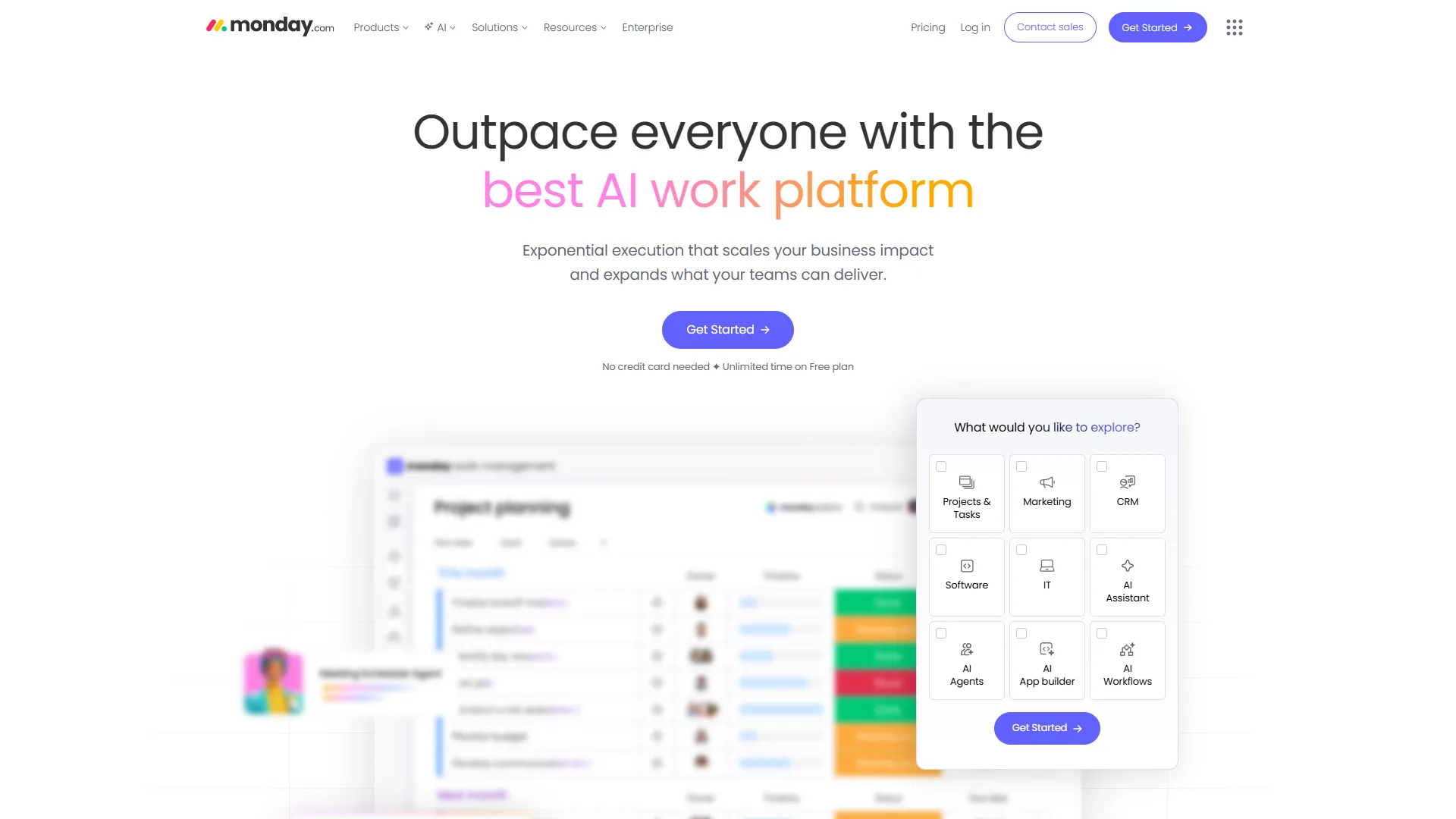
Monday.com is the best visual PM tool for teams needing instant project status understanding - color-coded boards, status columns, and timeline views make projects clear at a glance.
Key strengths:
- monday agents create boards from natural language, handle end-to-end task execution
- Automation: 250/mo (Standard), 25,000/mo (Pro), 250,000/mo (Enterprise)
- 288% ROI documented (Forrester), 15,600 hours saved, Motorola hit 346%
Limitations: 3-seat minimum ($36 per month min), advanced reporting locked to Enterprise, 10+ hours to master automations.
Monday.com Pricing (December 2026)
| Plan | Per Seat | Automations | Best For |
|---|---|---|---|
| Free | $0 | None | 2 users exploring |
| Basic | $9 | None | Small teams |
| Standard | $12 | 250/mo | Views + integrations |
| Pro | $19 | 25,000/mo | Complex workflows |
Cost example: 10 users on Pro = $2,280/year vs. Asana Advanced $2,988/year (saves $708).
Asana: The Cleaner UI Choice
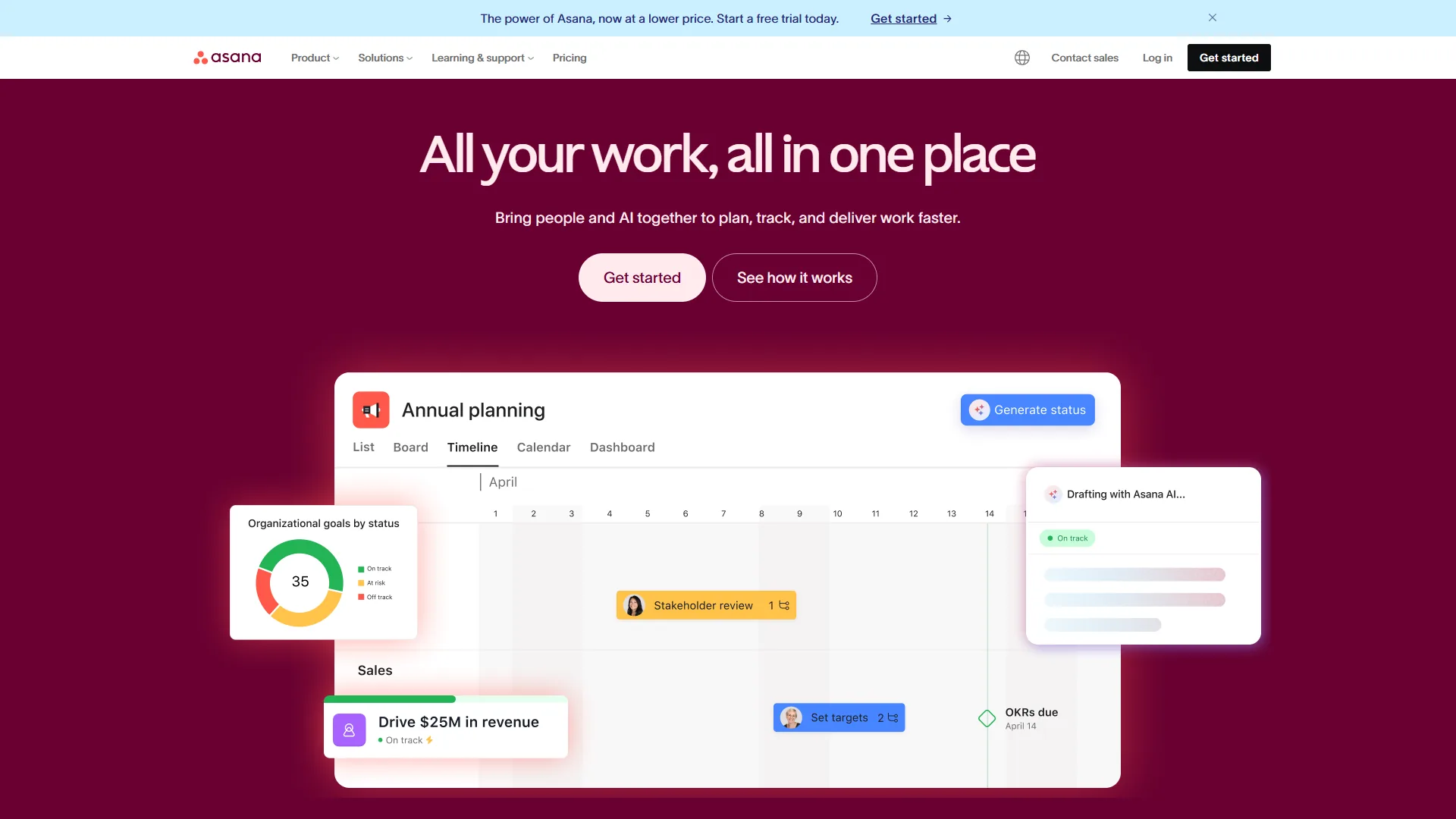
Asana is the best project management tool for teams that want a clean, low-clutter interface and fast onboarding. Asana prioritizes clean design over feature density - list view, timeline, and portfolio interfaces feel calm vs. Monday.com’s colorful boards. A commissioned Forrester Total Economic Impact study of Asana found the platform delivered a 437% return on investment over three years, with a 57% improvement in on-time project delivery.
Key strengths:
- AI Studio enables no-code workflow automation with natural language (all paid tiers)
- 437% ROI documented, Zoom saves 133 work weeks/year, 57% on-time delivery improvement
- 200+ integrations (Slack, Teams, Salesforce, Google Workspace)
Limitations: AI Teammates (autonomous agents) require undisclosed premium pricing, less visual than Monday.com, free tier caps at 10 users.
Asana Pricing (December 2026)
| Plan | Per Seat | AI Studio | Automations |
|---|---|---|---|
| Personal | $0 | None | None |
| Starter | $10.99 | Basic | 250/mo |
| Advanced | $24.99 | Basic | 25,000/mo |
| Enterprise | Custom | Full | Unlimited |
Cost example: 10 users on Advanced = $2,998/year vs. Monday.com Pro $2,280/year (costs $718 more).
ClickUp: The Feature-Dense Value Play
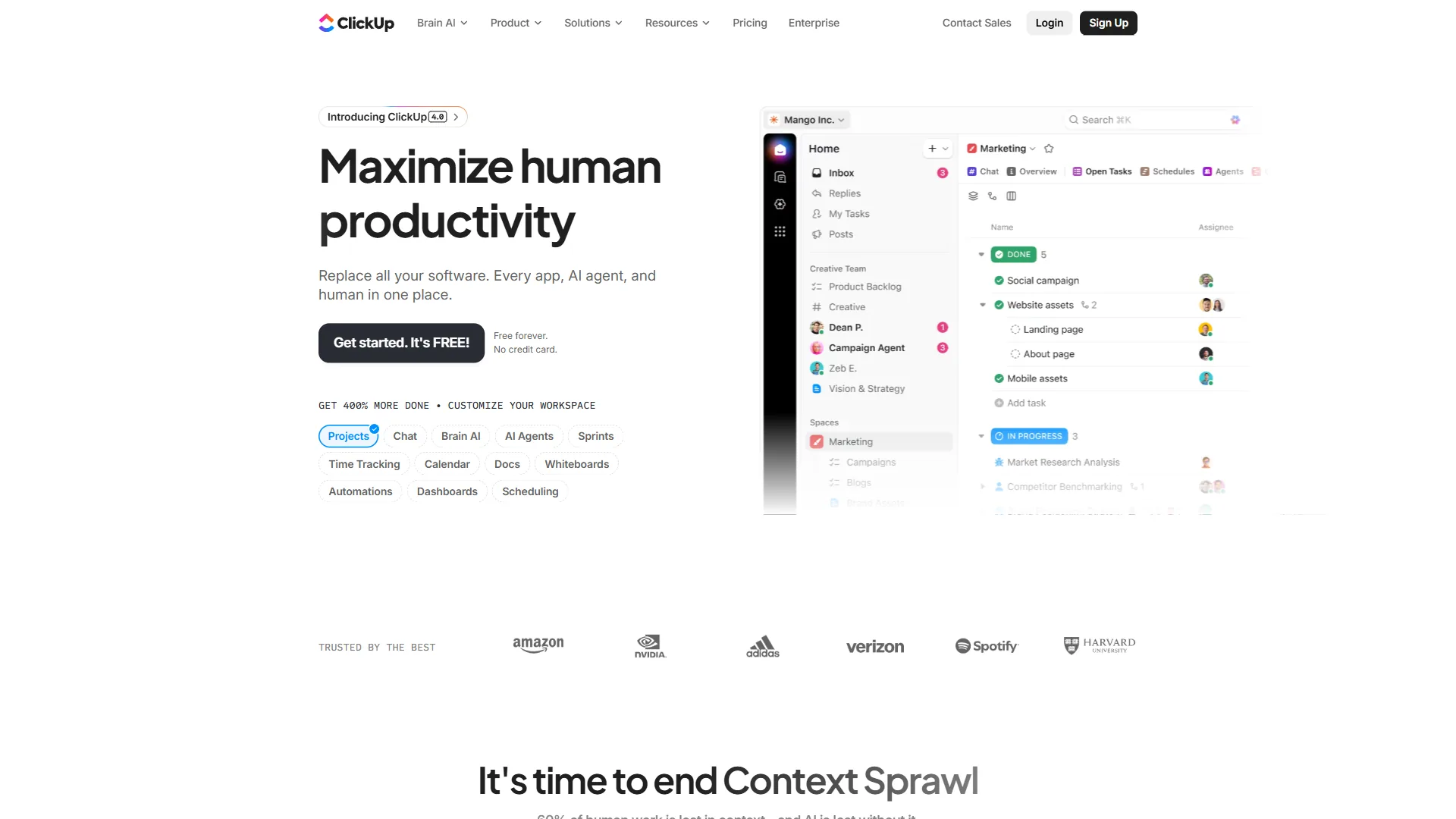
ClickUp is the best-value project management tool, packing the widest feature set into the lowest-priced paid tier. ClickUp prioritizes feature completeness - the $7/seat Unlimited tier includes features that cost $12-24/seat elsewhere: unlimited storage, dashboards, Gantt charts, goals, native time tracking.
Key strengths:
- ClickUp Brain (Nov 2026) supports GPT-5, Claude Opus 4.1, o3 models + searches 100+ connected apps
- 35+ views: List, Board, Gantt, Timeline, Calendar, Mind Map, Workload
- 384% ROI documented (Nucleus Research), 576 hours saved weekly
“ClickUp delivered a 384% ROI and customers recouped their investment in under three months,” according to a Nucleus Research ROI case study of the platform.
Limitations: Feature overload (teams spend 3 months configuring), cluttered UI, AI costs extra ($9-28/user/month add-on).
ClickUp Pricing (December 2026)
| Plan | Per Seat | Storage | AI Cost |
|---|---|---|---|
| Free | $0 | 100 MB | Trial only |
| Unlimited | $7 | Unlimited | $9/user add-on |
| Business | $12 | Unlimited | $9/user add-on |
Cost example: 10 users on Business = $1,440/year. With Brain = $2,520/year. Without AI, saves $840 vs. Monday.com.
Notion: The Database-First Approach
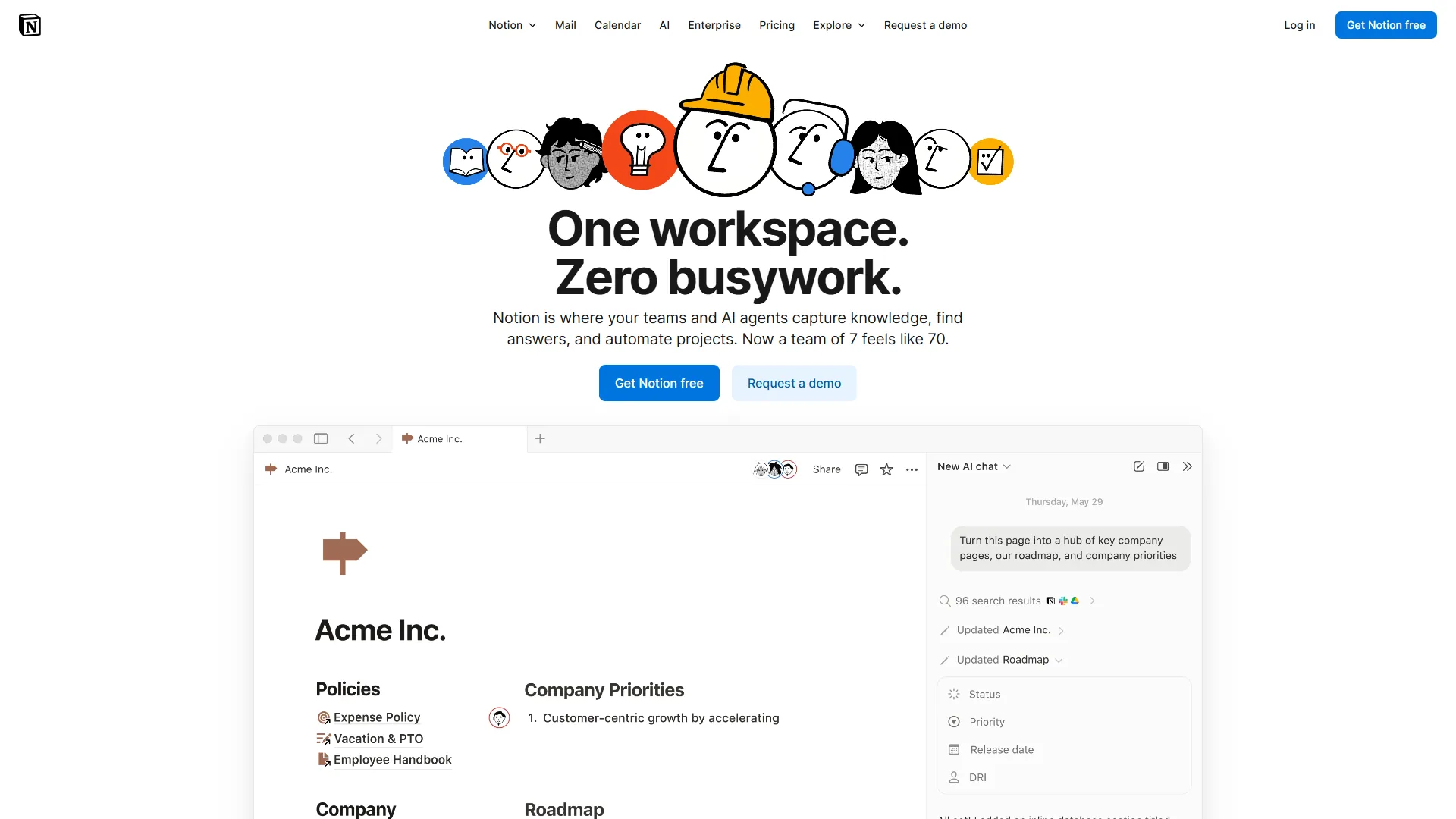
Notion is a flexible database platform with AI agents - build any workflow from primitives (Jira replicas, CRMs, content calendars).
Key strengths:
- AI Agents (Sept 2026) support GPT-5, Claude Opus 4.1, o3 with context from comments, calendar, Slack
- Documentation + PM combined eliminates tool gap
- 35% search time reduction (Osaka Gas case study)
Limitations: Not dedicated PM (no native dependencies/time tracking), AI requires Business tier ($15/seat), mobile app lags desktop.
Notion Pricing (December 2026)
| Plan | Per Seat | AI Access | Best For |
|---|---|---|---|
| Free | $0 | Trial only | Individuals |
| Plus | $10 | None | Small teams |
| Business | $15 | Unlimited | Teams needing AI |
Cost example: 10 users on Business = $1,800/year (includes AI). ClickUp Business = $1,440/year without AI.
Trello: Simple Kanban Done Right
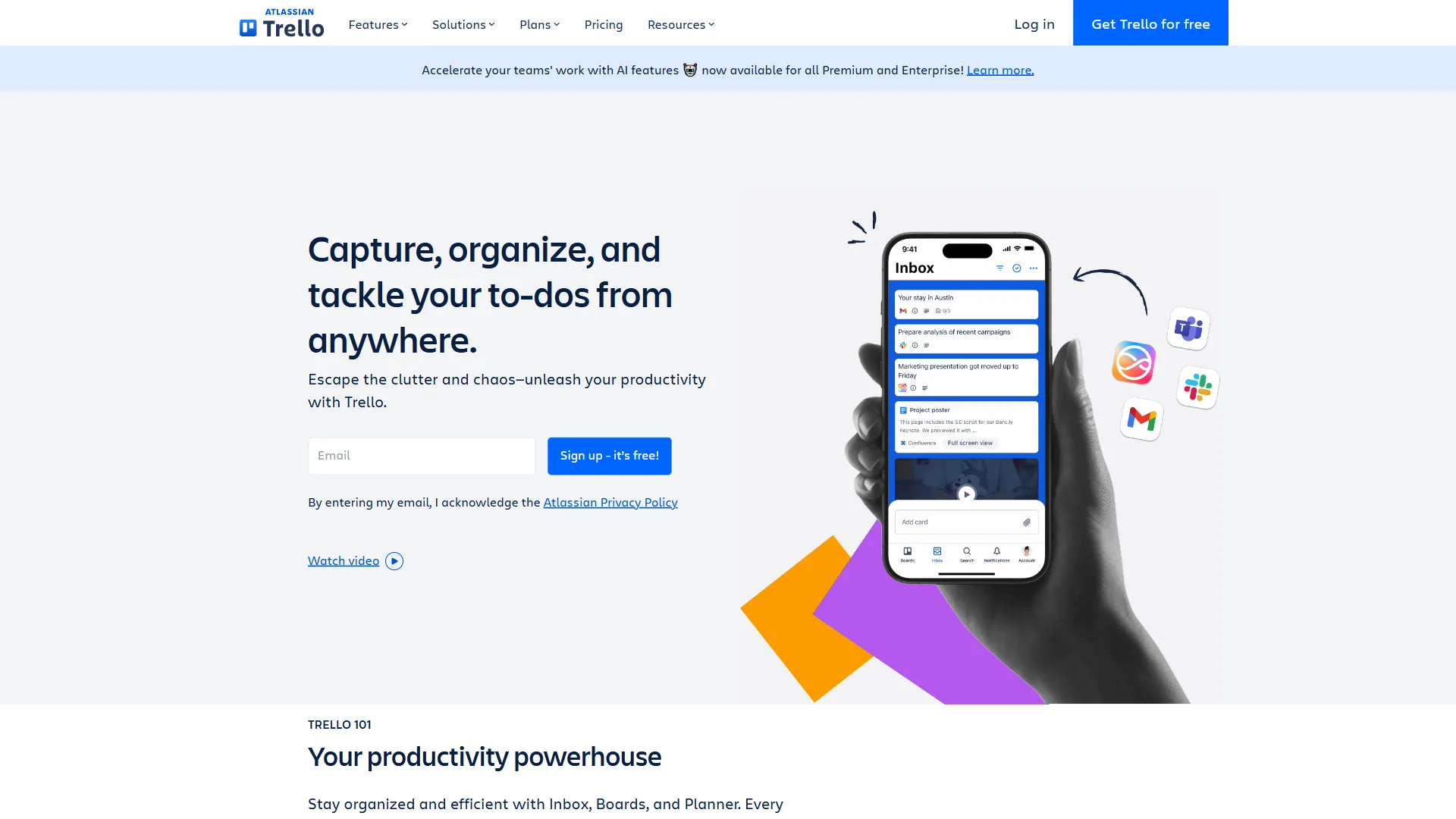
Trello is the original visual project management tool, and it wins in specific situations while falling short in others.
When Trello Is the Right Choice
Maximum simplicity. Boards, lists, cards - that is it. Trello’s constraints become features for teams that reject complex tools.
Free tier is genuinely useful. Unlimited cards, unlimited attachment storage, and 10 boards per workspace cover personal use and tiny teams.
Fast onboarding. New members are productive in 10 minutes - hard to match with ClickUp’s 35+ views or Monday.com’s automation builder.
Trello Limitations and Who It Is Not For
No native Gantt, timeline, or dependencies without Power-Ups. Butler automation pales next to Monday.com’s 25,000/month. Scales poorly: 50+ card boards become unwieldy and enterprise teams outgrow Trello fast.
Trello Pricing (December 2026)
| Plan | Per Seat (Annual) | Best For |
|---|---|---|
| Free | $0 | Personal use, tiny teams |
| Standard | $5 | Basic team features |
| Premium | $10 | Views, dashboards |
| Enterprise | Custom | Large organizations |
Which AI Agents Work Best Across PM Tools?
ClickUp and Notion offer the most capable AI agents (GPT-5, Claude, o3), while Monday.com and Asana include simpler AI in every paid tier.
| Feature | Monday.com | Asana | ClickUp | Notion |
|---|---|---|---|---|
| AI Branding | monday agents | AI Teammates | Autopilot Agents | AI Agents |
| LLM Models | Proprietary | Proprietary | GPT-5, Claude, o3 | GPT-5, Claude, o3 |
| Autonomous Execution | Yes | Beta | Yes | Yes |
| Workflow Automation | Yes | Yes | Yes | Limited |
| Meeting Transcription | No | No | Yes (AI Notetaker) | Yes |
| Cross-App Search | Limited | Limited | Yes (100+ apps) | Yes (Slack connector) |
| Min Tier for AI | Basic | Starter | Paid add-on | Business |
| AI Monthly Cost (10 users) | Included | Included | $90-280 | Included |
AI Winner: ClickUp for capability depth, Notion for context awareness, Monday.com and Asana for included-in-subscription simplicity.
How Do Automation Limits Compare by Tier?
Monday.com Pro offers 25,000 automations per month, Asana Advanced matches it at 25,000, and ClickUp Business includes 250-plus, while free plans on every tool provide little or none. This is where automation-limit analysis reveals real differences:
| Tool | Low Tier | Mid Tier | High Tier | Enterprise |
|---|---|---|---|---|
| Monday.com | None (Basic) | 250/mo (Standard) | 25,000/mo (Pro) | 250,000/mo |
| Asana | None (Starter) | 250/mo (Starter) | 25,000/mo (Advanced) | Unlimited |
| ClickUp | Limited (Free) | Basic (Unlimited) | 250+/mo (Business) | Unlimited |
| Notion | None (Free) | Basic (Plus) | Advanced (Business) | Unlimited |
Key insight: Teams running 1,000+ automations monthly need Monday.com Pro, Asana Advanced, or ClickUp Business minimum. Budget accordingly.
Best Picks by Use Case: Enterprise vs SMB
ClickUp wins for SMBs, Monday.com Pro and Asana Advanced lead mid-market, and Enterprise tiers of Monday.com, Asana, or Notion handle 100-plus-seat orgs. Tables below break down picks by priority and team size.
For SMB Teams (3-25 people)
| Priority | Recommended Tool |
|---|---|
| Visual clarity | Monday.com |
| Clean UI | Asana |
| Maximum features | ClickUp |
| Docs + PM | Notion |
| Maximum simplicity | Trello |
| Lowest cost | ClickUp Unlimited ($7/seat) |
For Mid-Market Teams (25-100 people)
| Priority | Recommended Tool |
|---|---|
| High automation volume | Monday.com Pro |
| Structured workflows | Asana Advanced |
| Feature depth + AI | ClickUp Business + Brain |
| Documentation-heavy | Notion Business |
For Enterprise Teams (100+ people)
| Priority | Recommended Tool |
|---|---|
| Visual + automation | Monday.com Enterprise |
| Clean + compliant | Asana Enterprise+ |
| Maximum flexibility | ClickUp Enterprise |
| Wiki + PM unified | Notion Enterprise |
Pricing Comparison: Real Scenarios
ClickUp is the cheapest project management tool at every team size, costing $420 per year for 5 users and $2,160 for 15 users on automation-ready plans. The scenarios below compare real annual costs for startup, growing-team, and enterprise headcounts.
Scenario 1: Startup (5 users, basic needs)
| Tool | Plan | Annual Cost |
|---|---|---|
| Trello | Free | $0 |
| ClickUp | Unlimited | $420 |
| Notion | Plus | $600 |
| Monday.com | Basic | $540 (3-seat min) |
| Asana | Starter | $660 |
Winner: Trello Free or ClickUp Unlimited for value.
Scenario 2: Growing Team (15 users, automation needed)
| Tool | Plan | Annual Cost |
|---|---|---|
| ClickUp | Business | $2,160 |
| Monday.com | Pro | $3,420 |
| Notion | Business | $2,700 |
| Asana | Advanced | $4,498 |
Winner: ClickUp Business saves $1,260 vs. Monday.com, $2,338 vs. Asana.
Scenario 3: Enterprise (50 users, full features)
| Tool | Plan | Annual Cost |
|---|---|---|
| ClickUp | Business + Brain | $13,200 |
| Monday.com | Pro | $11,400 |
| Notion | Business | $9,000 |
| Asana | Advanced | $14,994 |
Winner: Notion Business if AI included meets needs; Monday.com Pro for automation focus.
Pro Tips: Migration Considerations
A project management tool migration requires 1-2 weeks for simple moves like Trello to ClickUp and 4-6 weeks for a full rebuild in Notion. The table below maps each common migration path to its time investment and the situations where it is worth doing.
| From → To | Time Investment | Best When |
|---|---|---|
| Trello → ClickUp/Monday | 1-2 weeks | Need more features, similar visual DNA |
| Monday.com → Asana | 2-4 weeks | Prefer cleaner UI over visual boards |
| Asana → ClickUp | 2-4 weeks | Need more features, want multi-model AI |
| Any → Notion | 4-6 weeks | Building custom databases required |
Comparison Table: Feature-by-Feature
ClickUp offers the broadest feature coverage across all paid tiers, while Trello has the lowest learning curve and Monday.com leads on visual boards and automation.
| Feature | Monday.com | Asana | ClickUp | Notion | Trello |
|---|---|---|---|---|---|
| Visual Boards | Excellent | Good | Good | Good | Excellent |
| Timeline/Gantt | Yes (Standard+) | Yes (Starter+) | Yes (All) | Via databases | Power-Up |
| Dependencies | Yes (Pro) | Yes (Starter+) | Yes (All) | Manual | Power-Up |
| Time Tracking | Yes (Pro) | Yes (Advanced) | Yes (All) | Via integrations | No |
| AI Features | Excellent | Good | Excellent | Excellent | Limited |
| Automation | Excellent | Good | Excellent | Good | Basic |
| Mobile App | Good | Good | Good | Average | Good |
| Learning Curve | Medium | Low | High | High | Very Low |
| Free Tier | 2 users | 10 users | Unlimited users | Unlimited | 10 boards |
| Min Paid Cost | $27/mo | Free | Free | Free | Free |
Final Verdict: Best Project Management Tools 2026
Monday.com is the best project management tool for visual teams in 2026, Asana for clean UI, ClickUp for maximum value, Notion for documentation-heavy work, and Trello for maximum simplicity.
| Priority | Best Choice | Why |
|---|---|---|
| Visual teams | Monday.com | 288% ROI, instant status understanding |
| Clean UI | Asana | 437% ROI, 57% on-time improvement |
| Maximum value | ClickUp | $7/seat, 35+ views, multi-model AI |
| Documentation-heavy | Notion | Database flexibility + AI Agents |
| Maximum simplicity | Trello | Kanban basics, fast onboarding |
Recommended setup: Monday.com for visual client projects, Notion for docs-heavy work, ClickUp Unlimited for budget-sensitive recommendations.
FAQ
ClickUp Brain offers the strongest AI, multi-tool setups require Zapier, training reaches 5-10 hours per user for complex tools, and waiting for better AI saves nothing - the four questions teams ask most when picking a PM tool in 2026.
Best AI? ClickUp Brain (model flexibility), Notion (context awareness), Monday agents (smooth execution).
Are there strong project management tools free of charge? Trello Free and ClickUp Free are the strongest project management tools free for personal use and tiny teams, while paid project management tools 2026 free trials all run 14-30 days before billing starts.
Multiple tools? Possible via Zapier, but creates duplicate entry. Single-platform is simpler.
Hidden costs? Training: 5-10 hours/user for complex tools, 2-3 hours for simple ones.
Wait for better AI? No - all tools update quarterly. PM chaos today costs more than marginally better AI tomorrow.
Related Tools
Each reviewed tool has a dedicated profile page with pricing, ratings, and feature detail: Monday.com, Asana, ClickUp, Notion, Zapier, Jira, and Trello.
Related Reading
More project management and productivity guides:
- Best AI Project Management Tools 2026 - AI-powered PM comparison
- Project Management for Small Teams - Small team PM strategies
- Project Automation Tips - Advanced PM automation guide
- 5 Best AI Tools for Project Managers in 2026
- Best Kanban Board Tools Compared
- AI Hype vs Reality: Why Your CEO is Wrong (But AI Still Wins)
External Resources
The vendor blogs below provide first-party documentation, pricing changes, and feature announcements for each platform. For official documentation and updates from these project management platforms:
- Monday.com Blog - Work management insights and monday agents feature updates
- Asana Resources - Project management guides and AI Studio tutorials
- ClickUp Blog - Productivity tips and ClickUp Brain AI updates
- Notion Blog - Workspace templates and AI Agents announcements
Bottom line: Monday.com for visual teams, Asana for clean UI lovers, ClickUp for maximum value, Notion for documentation-heavy workflows, Trello for maximum simplicity. Start with free tiers, validate fit with real projects, then invest. The best PM tool is the one your team actually uses consistently.