


The top AI tools for project managers are ClickUp, Asana, monday.com, Notion, and Linear, each priced from $7 to $19 per user per month and mapped to a distinct methodology - Agile, Waterfall, hybrid, knowledge-heavy, or engineering-only. According to the Project Management Institute’s research on AI in project management, AI now augments roughly 80 percent of routine PM tasks, and the 2025 Atlassian State of Teams Report finds knowledge workers lose 11.4 hours per week to status-update overhead - the exact workload these tools target.
Our analysis draws on vendor documentation and independent industry research, mapping the best ai tools for project managers to specific use cases - sprint planning, stakeholder reporting, resource allocation, and cross-team coordination - so you can match a tool to your methodology in minutes. Some links on this page are affiliate links; our analysis remains independent.
Comparison Table: AI Tools for Project Managers
The five tools below cover every mainstream PM methodology and team size from solo founders to 1,000-seat enterprises, with starting prices between $7 and $19 per user per month.
| Tool | Best For | Starting Price | Rating | Methodology Fit | Team Size |
|---|---|---|---|---|---|
| ClickUp | All-in-one PM with AI automations | Free / $7/user/mo | Agile + Waterfall | 5-500+ | |
| Asana | Structured workflows, enterprise teams | Free / $10.99/user/mo | Waterfall + Hybrid | 10-1000+ | |
| monday.com | Visual PM, cross-functional teams | Free / $9/seat/mo | Flexible / Hybrid | 3-200+ | |
| Notion | Docs-first PM, knowledge-heavy teams | Free / $10/user/mo | Agile + Kanban | 1-50 | |
| Linear | Engineering-focused PM, dev teams | Free / $8/user/mo | Agile / Scrum | 3-100 |
Methodology: How AI Actually Changes Project Management
AI changes project management by automating four phases of the PM lifecycle - planning, execution, tracking, and reporting - which together return an estimated 10 to 17 hours per week to an active project manager. According to Dr. Andrew Filev, founder and former CEO at Wrike, “AI does not replace project managers - it removes the administrative friction that prevents them from focusing on strategy and people.” Our analysis draws on vendor documentation and independent industry research.
How Does AI Fit Into the PM Lifecycle?
Traditional project management follows a cycle of plan, execute, track, report, and AI now accelerates every phase:
- Planning (3-5 hours/week saved): AI drafts project plans, task breakdowns, dependencies, and sprint compositions from a brief description.
- Execution (2-4 hours/week saved): AI agents create follow-up tasks from meetings, route work by workload and skill, and generate subtasks.
- Tracking (2-3 hours/week saved): AI flags at-risk tasks, summarizes standups from activity, and detects dependency conflicts.
- Reporting (3-5 hours/week saved): One-click stakeholder updates, executive summaries, and retrospective analyses pulled from actual project data.
Total realistic time savings: 10 to 17 hours per week for an active project manager.
1. ClickUp: The All-in-One AI Command Center
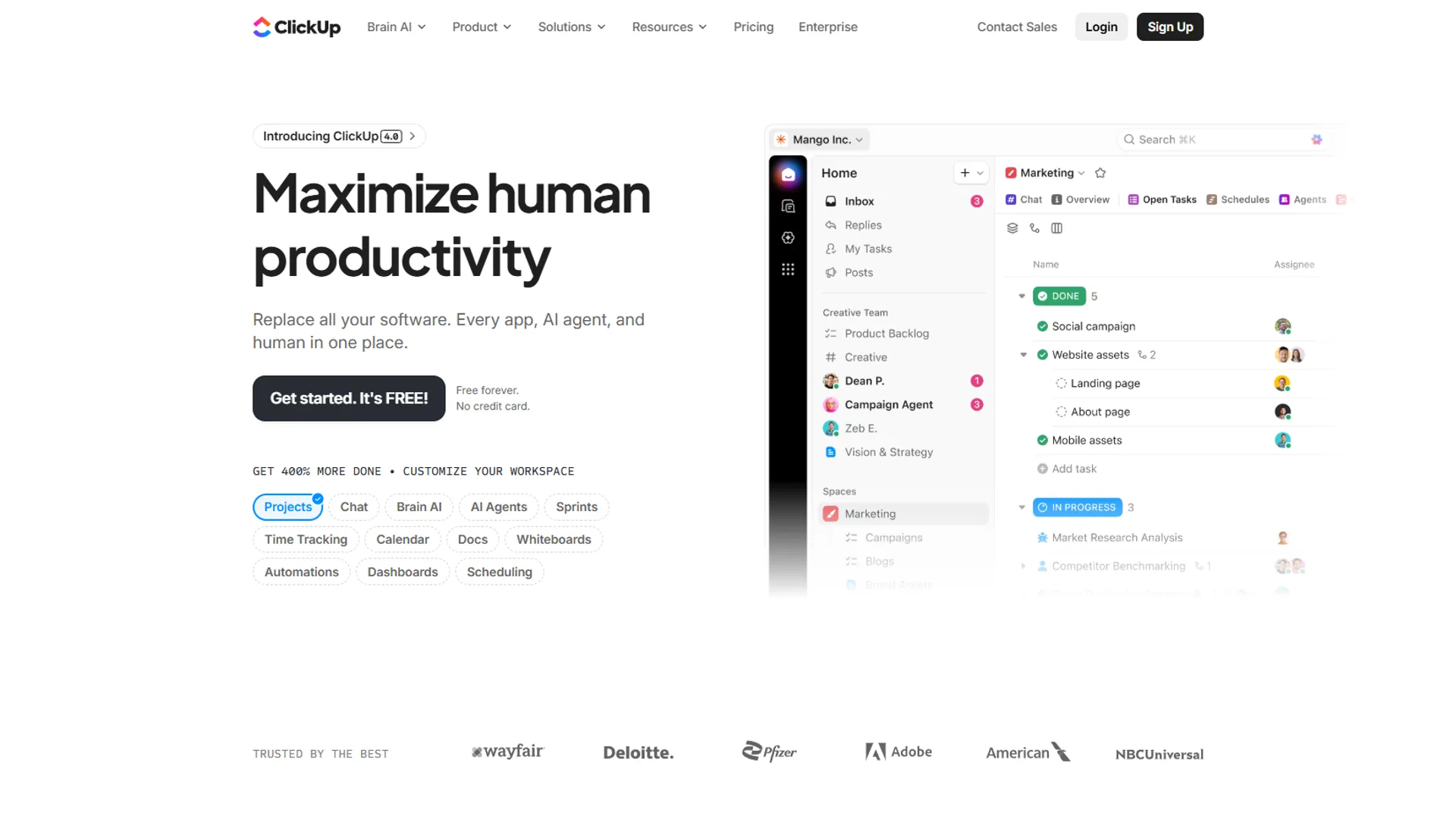
ClickUp is the most feature-complete AI project management platform in 2026, bundling Brain, Autopilot Agents, AI Notetaker, and Enterprise Search into one workspace from $7 per user per month.
Pricing: Free Forever, Unlimited ~$7/user/mo, Business ~$12/user/mo (full AI), Enterprise custom.
AI features that matter for PMs: ClickUp Brain (multi-model GPT-5, Claude Opus 4.1, o3) for plans and summaries; AI Project Manager for capacity-aware assignment; Autopilot Agents for reports and reminders; AI Notetaker for meeting-to-task automation (see the ClickUp AI Notetaker setup guide); Enterprise Search across 100+ apps.
Sprint planning workflow: Paste the backlog into Brain, get story-point estimates from historical velocity, generate subtasks with acceptance criteria, and let Autopilot post a daily digest to Slack. Time saved: ~4 hours per two-week sprint.
Methodology fit: Strong for Agile and Waterfall. Team size: 5-500+ (full AI on Business tier).
Pros: broadest AI feature set, multi-model AI, enterprise search across apps. Cons: steep learning curve, full AI gated to Business tier, performance lags above 10,000 tasks.
2. Asana: Structured Workflows with AI Intelligence
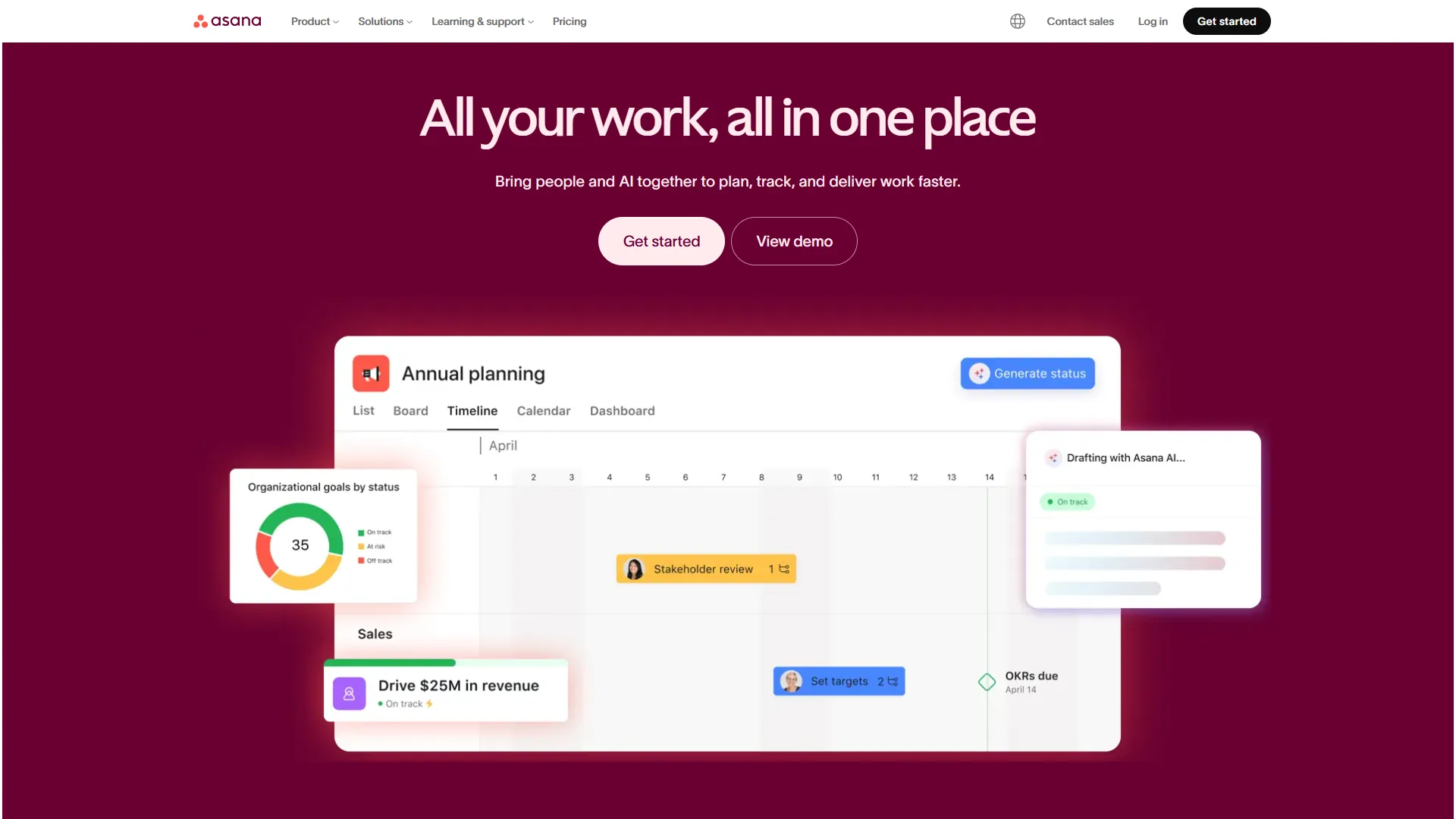
Asana is the strongest AI project management tool for structured enterprise workflows, with AI Studio available on every paid tier from $10.99 per user per month and AI Teammates that collaborate alongside humans.
Pricing: Personal Free (10 users), Starter ~$10.99/user/mo, Advanced ~$24.99/user/mo, Enterprise custom.
AI features that matter for PMs: AI Studio for smart workflow rules; AI Teammates (beta) that triage and escalate; Smart Summaries and Change Summaries; multilingual Smart Search.
Stakeholder reporting workflow: An AI Studio rule fires every Friday at 3 PM, summarizes completed work, in-progress items, and blockers across the portfolio, then posts the brief to a stakeholder project and email. Time saved: ~3 hours per week.
Methodology fit: Strongest for Waterfall and hybrid. Team size: 10-1000+.
Pros: AI Studio on every paid tier, best-in-class portfolio management, deep enterprise integrations. Cons: AI Teammates still beta, no native time tracking, less flexible than ClickUp for docs.
3. monday.com: Visual AI for Cross-Functional Teams
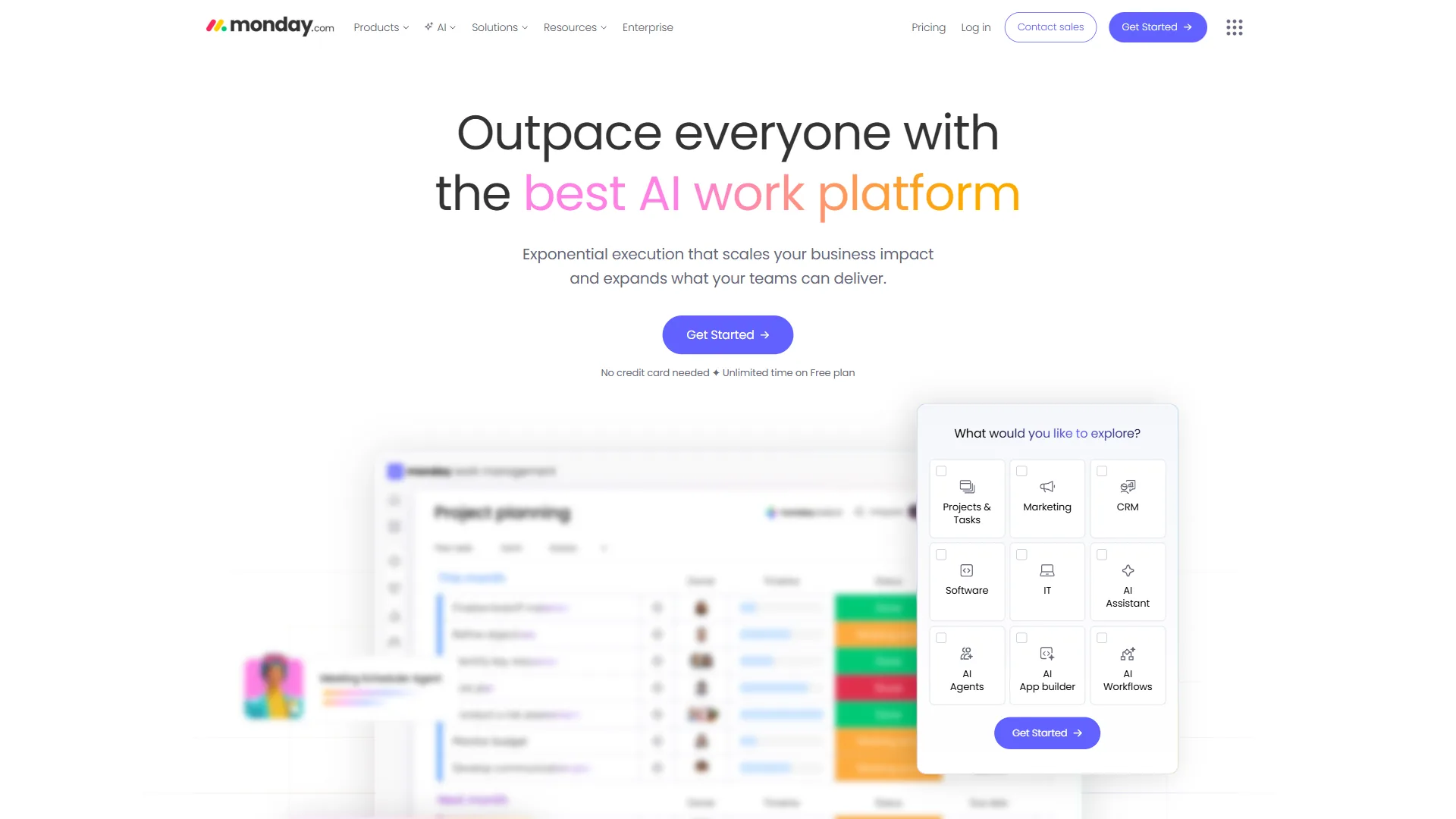
monday.com is the best visual AI project management platform for cross-functional teams, layering agents, magic, and sidekick on its color-coded board view from $9 per seat per month - the visual layer executives expect when AI is deployed For Smarter Projects across departments.
Pricing: Free (2 users), Basic $9/seat/mo (3-seat min), Standard $12/seat/mo, Pro $19/seat/mo, Enterprise custom.
AI features that matter for PMs: monday agents for deadline tracking and resource balancing; monday magic for natural-language board generation; monday sidekick for risk Q&A; AI Blocks for categorization and sentiment; monday vibe no-code app builder.
Cross-functional product launch workflow: monday magic generates connected boards for Engineering, Marketing, Design, and QA; agents propagate dependency slips; sidekick produces a daily cross-team status dashboard. Time saved: ~5 hours per week.
Methodology fit: Highly flexible. Team size: 3-200+.
Pros: best visual interface, natural-language board creation, 200+ integrations. Cons: 3-seat minimum, AI strongest on $19 Pro tier, board view unwieldy for deep hierarchies.
4. Notion: The Docs-First AI Workspace
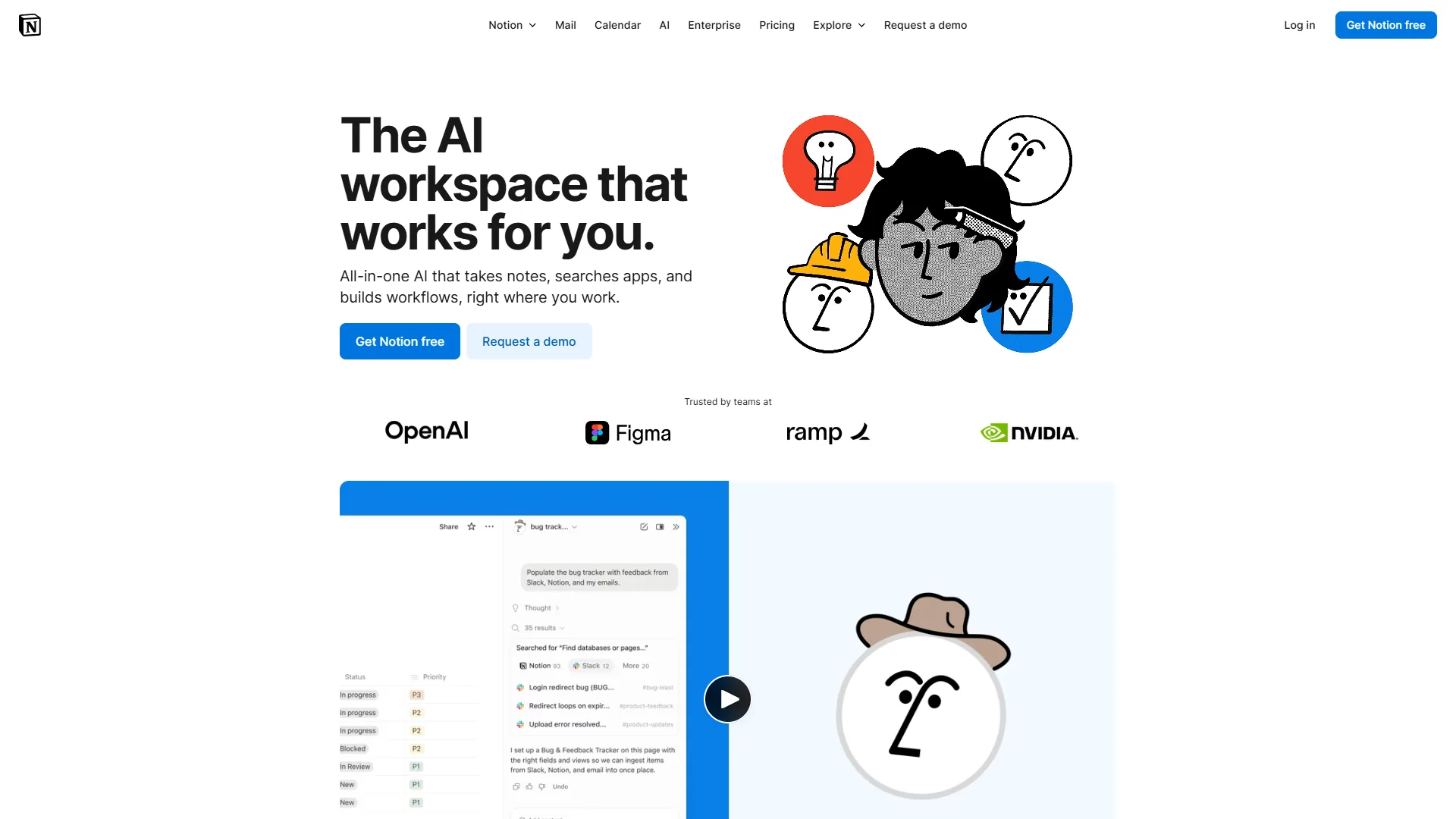
Notion 3.0 is the best AI workspace for knowledge-heavy project management, merging docs, databases, and multi-model AI agents from $10 per user per month, with full agent capability on the Business tier at $15.
Pricing: Free (individual), Plus ~$10/user/mo, Business ~$15/user/mo (AI included), Enterprise custom.
AI features that matter for PMs: multi-model AI Agents (GPT-5, Claude Opus 4.1, o3) for multi-step workflows; context-aware AI across comments, calendar, Slack, and databases; AI Meeting Notes with auto-task creation; AI Summaries and Q&A with sourced answers; autonomous workflow orchestration.
Knowledge-driven sprint workflow: AI analyzes the PRD, extracts user stories, creates linked tasks, captures standups, generates mid-sprint risk reports, and writes release notes at sprint close. Time saved: ~4 hours per week.
Methodology fit: Best for Agile and Kanban teams with heavy documentation. Team size: 1-50.
Pros: unmatched flexibility, deep context awareness, docs plus tasks unified, multi-model AI. Cons: AI gated to Business tier, you build the PM system yourself, no native Gantt, slow above 5,000 database items.
5. Linear: Speed-First AI for Engineering Teams
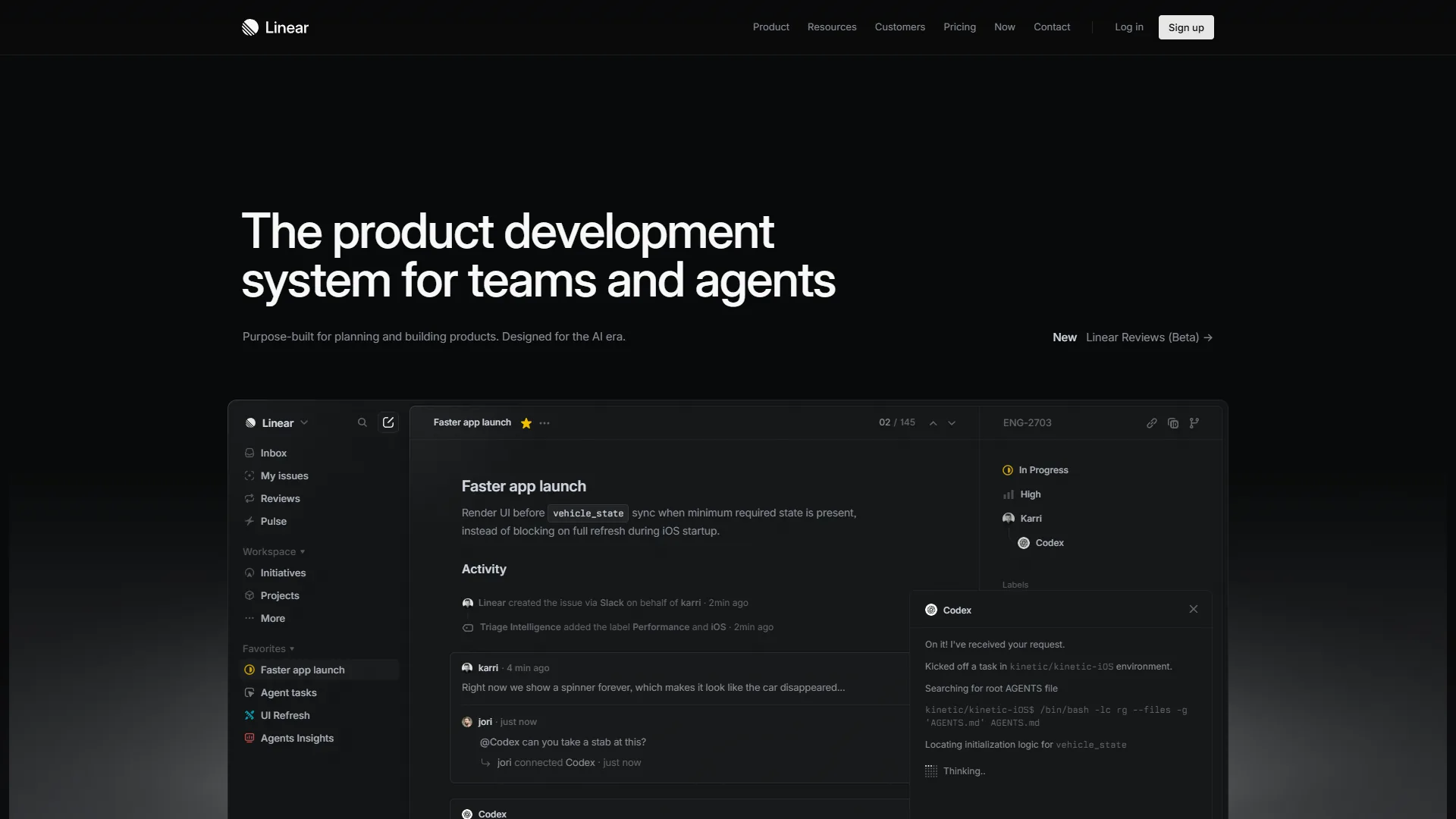
Linear is the fastest AI project management tool for engineering teams, built around keyboard-first interactions, AI-powered issue triage, and the strongest GitHub integration of any PM platform - free up to 250 issues, then $8 per user per month.
Pricing: Free (250 active issues), Standard ~$8/user/mo, Plus ~$14/user/mo, Enterprise custom.
AI features that matter for PMs: AI issue triage that auto categorizes, prioritizes, and assigns (see Linear’s triage documentation); smart project suggestions for sprint composition; automated workflow optimization surfacing bottlenecks; AI issue summarization for long threads.
Engineering sprint workflow: AI auto-triages backlog issues, composes a velocity-balanced sprint, flags review-stuck issues, syncs PRs with GitHub, and generates a cycle velocity report. Time saved: ~3 hours per week.
Methodology fit: Purpose-built for Agile and Scrum. Team size: 3-100, engineering only.
Pros: sub-100ms keyboard-first interface, best-in-class GitHub/GitLab integration, AI triage. Cons: engineering-only, no native docs, 250-issue free-tier cap, lighter reporting than ClickUp.
Which Tool Fits Your Team? Decision Framework
The right AI tool for project managers is determined by three variables: methodology, team size, and your sharpest pain point. Match any one of them to the picks below and the choice narrows to one or two tools.
By PM methodology:
- Agile / Scrum: Linear (engineering), ClickUp (mixed teams), Notion (doc-heavy sprints)
- Waterfall / Sequential: Asana, ClickUp, monday.com
- Hybrid / Flexible: monday.com, ClickUp, Notion
By team size:
| Team Size | Top Pick | Runner-Up |
|---|---|---|
| Solo / 1-3 | Notion | Linear |
| 4-15 | ClickUp | monday.com |
| 16-50 | monday.com | Asana |
| 50-200+ | Asana | ClickUp |
| Engineering (any size) | Linear | ClickUp |
By pain point: status reports - Asana or ClickUp; cross-team coordination - monday.com; scattered knowledge - Notion; issue triage - Linear; one-tool-for-everything - ClickUp.
For deeper background on these workflows, see our best AI project management tools deep-dive.
How Much Do AI PM Tools Actually Save You?
AI PM tools deliver between 100 and 300 hours of annual time savings per project manager, which translates to $5,000 to $22,000 in recovered productivity at a fully loaded PM rate of $50 to $75 per hour. These figures sit alongside the McKinsey Global Institute estimate that generative AI could add $2.6 to $4.4 trillion in annual value to the global economy, with knowledge work the largest contributor.
| Workflow | Manual | With AI | Annual Saving |
|---|---|---|---|
| Weekly status reports (Asana AI Studio) | 3 hrs/wk | 15 min | ~140 hrs ($7,000) |
| Sprint planning (ClickUp Brain) | 2 hrs/sprint | 30 min | ~39 hrs ($1,950) |
| Meeting follow-ups (Notion AI Notes) | 30 min × 5/wk | 5 min each | ~108 hrs ($5,400) |
| Issue triage (Linear AI) | 45 min/day | 10 min | ~152 hrs ($7,600) |
| Cross-team status (monday agents) | 1 hr/day | 10 min | ~217 hrs ($10,850) |
The tools themselves cost $7 to $19 per user per month. The math works.
The Bottom Line
AI tools for project managers in 2026 eliminate the manual overhead - status reports, status chasing, meeting notes, issue triage - that keeps PMs from making decisions, unblocking teams, and shipping outcomes. They are not a replacement for the PM role; they are the workflow layer underneath it.
ClickUp is the best all-around platform when you want every AI feature in one workspace. Asana is the strongest enterprise choice for structured workflows and stakeholder reporting. monday.com is the right pick when cross-functional visual clarity matters most. Notion is unmatched when project knowledge and tasks must live together. Linear is the clear choice for engineering teams that prize speed over breadth.
Start with one AI workflow - stakeholder reports, sprint planning, or issue triage - and measure the time saved over two weeks. That data tells you more about the right AI PM tools in 2026 than any comparison article ever could.
FAQ
Q: What are the best AI tools for project managers?
The best AI tools for project managers in 2026 are ClickUp for all-in-one PM with AI automations, Asana for structured enterprise workflows, monday.com for visual cross-functional teams, Notion for docs-first knowledge-heavy teams, and Linear for engineering-focused dev teams. Each maps to a distinct methodology - Agile, Waterfall, hybrid, knowledge-driven, or engineering-only.
Q: What is the 80/20 rule for project managers?
The 80/20 rule for project managers states that roughly 80 percent of project outcomes come from 20 percent of activities, so PMs should concentrate effort on the high-leverage 20 percent: stakeholder alignment, risk mitigation, and unblocking the team. AI tools support this by automating the low-leverage 80 percent - status updates, notes, and routine tracking.
Q: How can AI be used in project management?
AI is used in project management to automate four phases of the lifecycle: planning (draft plans), execution (route tasks), tracking (flag at-risk work), and reporting (generate stakeholder briefs). According to the Project Management Institute, AI now touches most routine PM tasks.
Q: How much time can AI save a project manager each week?
AI saves a project manager roughly 10 to 17 hours per week, broken down as 3 to 5 hours on planning, 2 to 4 hours on execution, 2 to 3 hours on tracking, and 3 to 5 hours on reporting - measured against typical manual workflows for PMs.
Q: Which AI project management tool is best for engineering teams?
Linear is the best AI project management tool for engineering teams. It targets dev teams of 3 to 100 people running Agile or Scrum, starts free and scales to $8 per user per month, and is built around issue-tracking workflows that engineers actually use.
Related Reading
This guide covers the five top AI tools for project managers in depth, with related comparisons below.
Tools covered: ClickUp, Asana, monday.com, Notion, Linear.
More project management guides:
- Best AI Project Management Tools 2026 - Taskade vs ClickUp vs Notion deep dive
- ClickUp AI vs monday AI - Head-to-head AI feature comparison
- Linear vs Asana for Engineering - Engineering team PM comparison
- Best AI Tools for Product Managers
- AI Tools for Coaches: Automate Your Practice in 2026
External Resources
External resources below link to primary vendor documentation and independent industry research used in this analysis.