


Zoho Projects is the best project management software for small teams in 2026 at $5 per user per month for budget-led teams, with ClickUp at $7 per user per month winning for teams consolidating tools, and Asana at $10.99 per user per month leading for timeline-driven work. All three support teams under 20 people without enterprise per-seat pricing.
This guide compares pricing, ROI data, and AI capabilities using vendor pricing pages, published Forrester research, and verified user reviews. AI Productivity may earn a commission from links on this page; rankings are editorially independent. Our best project management tools 2026 roundup covers larger-team picks too.
TL;DR - Quick Comparison
Zoho Projects, ClickUp, and Asana are the three project management platforms best suited to small teams, ranked by value, customization depth, and timeline strength respectively. According to the Project Management Institute, the global standards body for project management, “where there is more project management maturity, there is better project performance” - a finding echoed by the Standish Group CHAOS Report, which records that small projects succeed at roughly 4x the rate of large ones, and corroborated by the U.S. Small Business Administration’s productivity guidance for small employers. The table below compares each tool on pricing and capabilities.
| Tool | Starting Price | Free Tier | Best For | Key Advantage |
|---|---|---|---|---|
| Zoho Projects | $5/user/month | Yes (3 users, 2 projects) | Budget-conscious teams | Most affordable premium tier |
| ClickUp | $7/user/month | Yes (100MB storage) | Customizable workflows | All-in-one platform (50% cost reduction) |
| Asana | $10.99/user/month | Yes (10 users) | Timeline management | Best free tier (10 users unlimited projects) |
Quick Verdict: Choose Zoho Projects on the tightest budget (around $2,000 saved per year), ClickUp to replace 3-5 apps (3.84x ROI multiplier), and Asana for timeline-driven projects (437% three-year ROI per Forrester).
Methodology: Evaluation Criteria
Each platform was evaluated against five small-team criteria: pricing transparency (real monthly cost for 10-15 users), free tier viability, setup speed, practical AI value, and ROI data sourced from Forrester studies and verified user reviews. All pricing verified as of December 2026; ROI calculations use 10-person team benchmarks.
The Best Project Management Software for Small Teams
1. Zoho Projects - Best Value for Budget-Conscious Teams
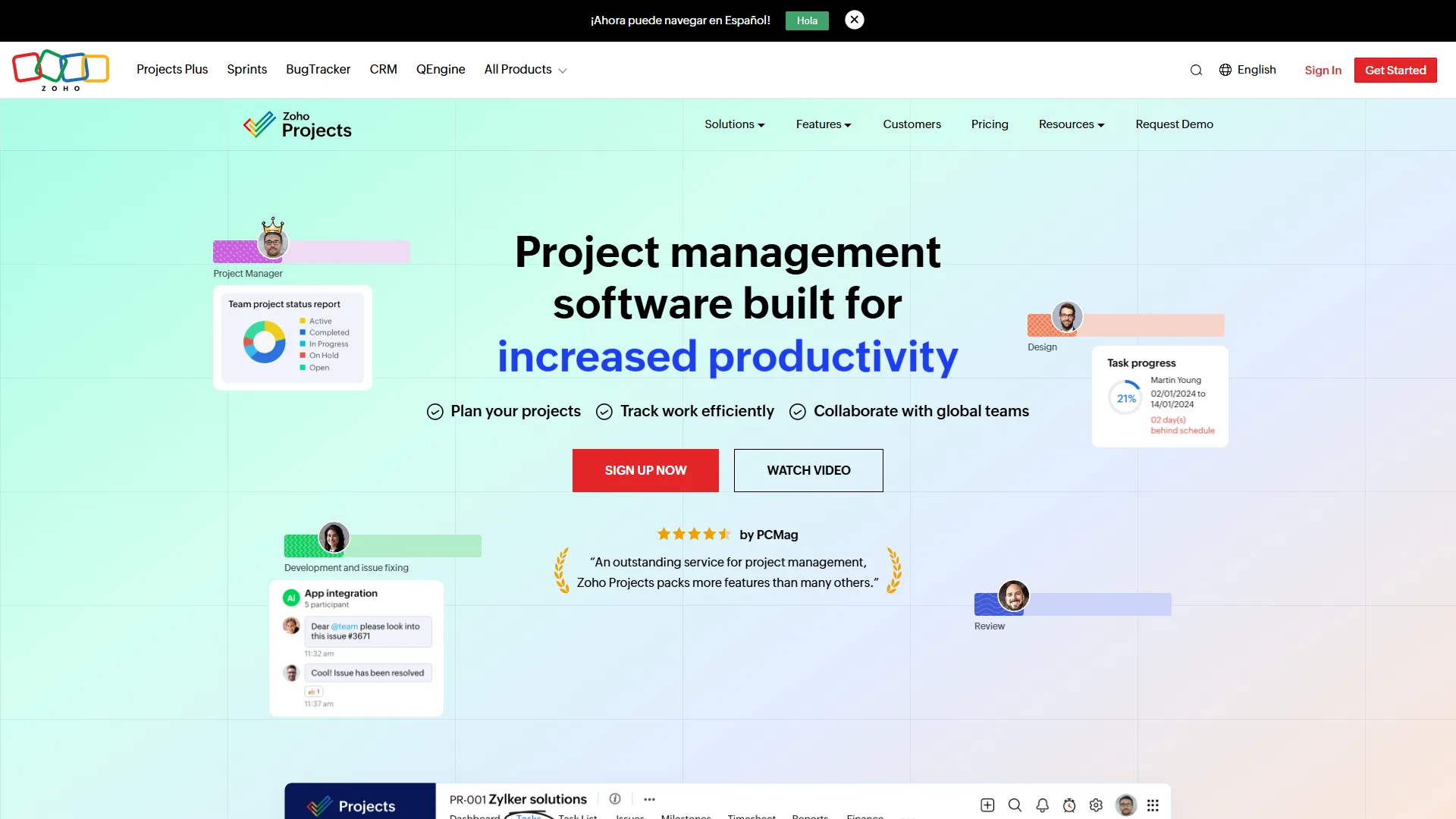
Zoho Projects is the strongest value play for small teams prioritizing budget. At around $5 per user per month (annual pricing), it undercuts ClickUp by 29% and Asana by 54% - roughly $2,000 per year saved for a 15-person team. The Premium tier scales to 50 users with 100GB storage, Gantt charts, time tracking, and the Zia AI assistant - features competitors lock behind $10+ tiers.
Key Features: Gantt charts and dependencies without enterprise upgrade, native time tracking, ChatGPT-powered Zia AI, resource utilization charts, and integration with Zoho CRM, Zoho Invoice, and Zoho Mail.
Pricing Breakdown:
- Free: 3 users, 2 projects, 5GB storage, basic Gantt charts
- Premium (around $5 per user per month annual): 50 users, unlimited projects, 100GB storage, time tracking, Zia AI, custom fields
- Enterprise (around $10 per user per month annual): Unlimited users, 120GB storage, SSO, advanced roles
Pros: Lowest premium pricing, strong micro-team free tier, included time tracking, Zia AI at mid-tier pricing, four-week implementation.
Cons: Dated UI versus ClickUp/Asana, Zia AI less powerful than ClickUp Brain, smaller integration marketplace (100+ versus 1,000+), more opinionated structure.
Best For: Budget-conscious SMBs, remote teams needing built-in time tracking, organizations already in the Zoho ecosystem. AI-leaning teams should also see best AI project management tools 2026.
2. ClickUp - Most Customizable All-in-One Platform
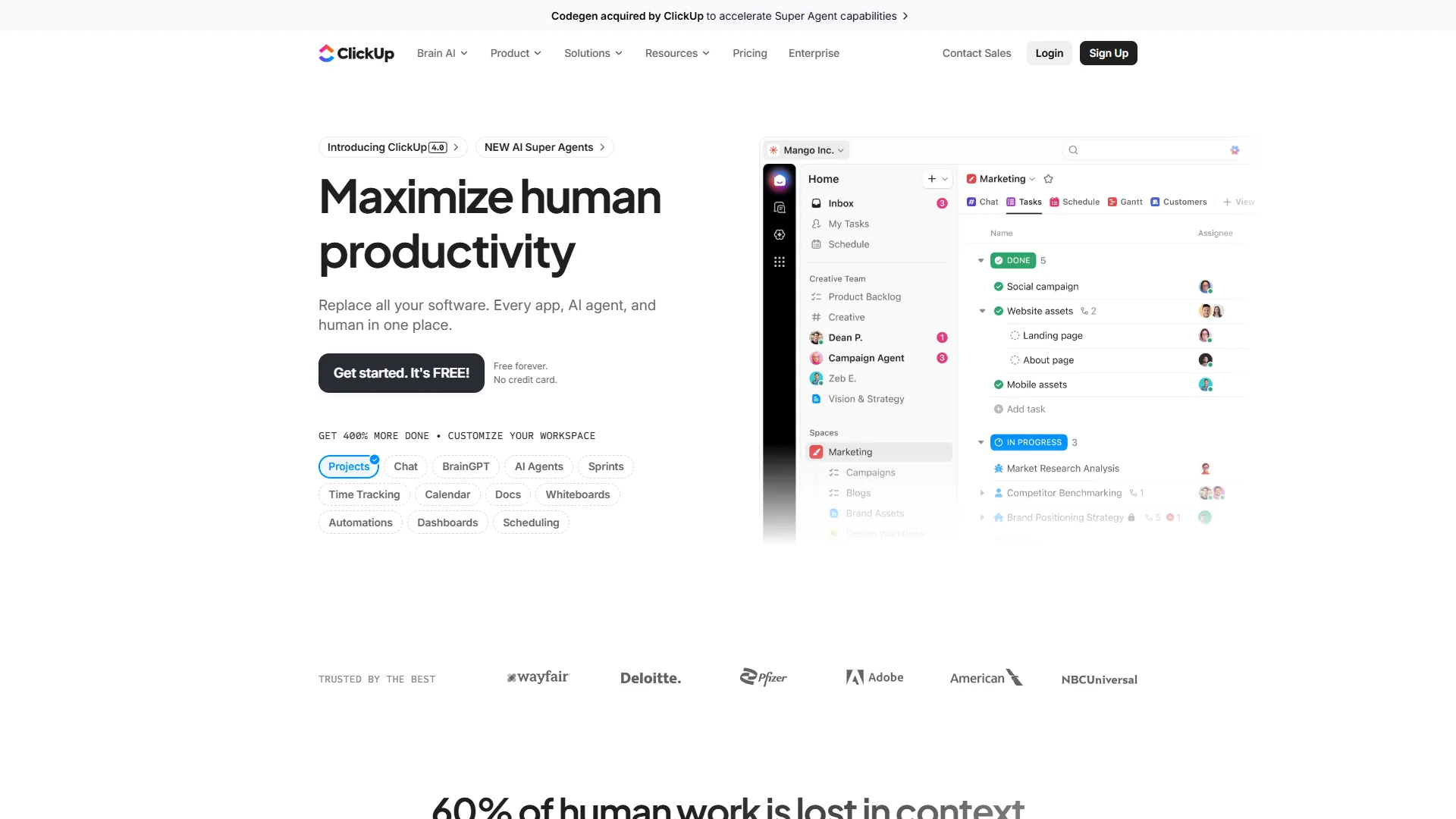
ClickUp is the platform that replaces your entire tool stack - for small teams drowning in SaaS subscriptions, that promise delivers. Marketing agencies report consolidating project management, docs, wikis, time tracking, and goals into ClickUp, cutting monthly tool spend by 50%. Its strength is radical customization: 35+ view types, unlimited custom fields, and workflow automation that molds to how agencies and consulting firms actually work.
Key Features: 35+ view types, ClickUp Brain AI (GPT-4/Claude access plus Autopilot Agents at around $9 per user per month), unlimited storage on the Unlimited plan, native time tracking with billable rates, 250+ monthly automations on Business, and 1,000+ integrations.
Pricing Breakdown:
- Free Forever: Unlimited tasks/users, 100MB storage, collaborative docs, Kanban boards, sprint management
- Unlimited (around $7 per user per month annual): Unlimited storage, integrations, and dashboards, Gantt charts, native time tracking, Goals
- Business (around $12 per user per month annual): Advanced automations (250+/month), Timeline view, Mind maps, Workload view, Google SSO
- Enterprise (Custom): White labeling, unlimited custom roles, SSO (SAML/Okta), API access, dedicated success manager
- AI Add-On: AI Standard (around $9 per user per month); AI Autopilot (around $28 per user per month) for unlimited automations and agents
Pros: True all-in-one replacement for 3-5 tools, 3.84x ROI with 50% cost reduction common, 35+ views, competitively priced Brain AI.
Cons: Steep 1-2 week learning curve, restrictive 100MB free-plan storage, aggressive Business-tier upselling, AI behind a paid add-on, reported lag past 1,000 tasks.
Best For: Teams consolidating tools, remote-first teams needing centralized docs and tasks, agencies needing time tracking. Cost-shy teams should also browse best free project management tools.
3. Asana - Strongest Timeline Management for Cross-Functional Work
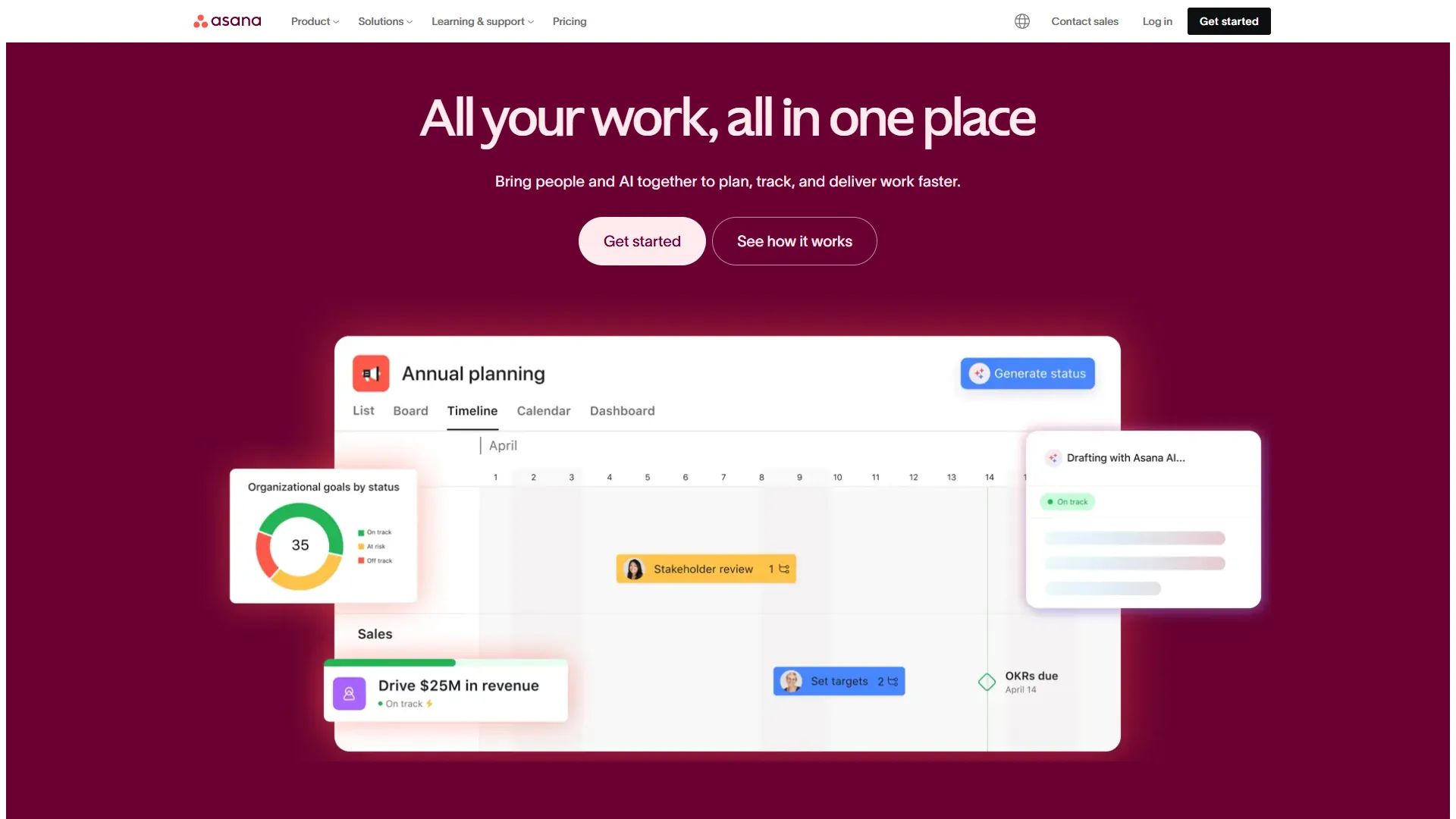
Asana is the timeline management leader, particularly for marketing teams and cross-functional projects where dependencies create bottlenecks. A Forrester Total Economic Impact study found Asana delivers 437% three-year ROI, driven by an 81% improvement in team collaboration and a two-week setup. Timeline (Gantt-style) view is on the Starter plan ($10.99 per user per month); the free Personal plan covers 10 users with unlimited tasks and projects.
Key Features: Timeline (Gantt) view on the Starter plan, AI Studio with Smart Goals and automated status updates, a no-code Workflow Builder, 300+ integrations including Adobe Creative Cloud and Salesforce, Portfolio views on Advanced, and forms with branching logic.
Pricing Breakdown:
- Personal (Free): 10 users, unlimited tasks/projects, List/Board/Calendar views, basic forms
- Starter (around $10.99 per user per month annual): Timeline/Gantt view, Workflow Builder, 250 automations per month, AI Studio Basic, custom fields, task dependencies
- Advanced (around $24.99 per user per month annual): Portfolio views, Workload/Time tracking, cross-department Goals, 25,000 automations per month, advanced reporting
- Enterprise (Custom): SAML/SSO, SCIM provisioning, unlimited automations, 24/7 priority support, 99.9% SLA
- Enterprise+ (around $538 per user per month annual): HIPAA compliance, data residency, DLP, eDiscovery, 99.99% SLA
Pros: Best free tier (10 users, unlimited projects), Timeline view at lowest Gantt price point, 437% three-year Forrester ROI, two-week implementation, 300+ integrations.
Cons: Highest per-seat pricing, no AI on the free tier, less customization than ClickUp, advanced features locked to $24.99 tier.
Best For: Marketing teams managing dependency-heavy campaigns, cross-functional projects needing timeline visibility, Enterprise+ teams needing HIPAA compliance. The trade-offs are detailed in our asana vs clickup 2026 head-to-head.
Best Picks by Use Case: Project Management Software for Small Teams
The best pick by use case is Zoho Projects on a tight budget, ClickUp when consolidating tools, and Asana when timelines and dependencies drive the work for small teams. Match your situation below.
| Primary Constraint | Choose | Why | Trade-off |
|---|---|---|---|
| Budget | Zoho Projects | $5 per user per month undercuts rivals 29-54%; $2,000/year savings, time tracking included | Older UI, less flexibility |
| Consolidating tools | ClickUp | Replaces PM + docs + wikis + time tracking + goals; 3.84x ROI, unlimited storage | 1-2 week learning curve |
| Timeline/dependencies | Asana | Gantt Timeline on Starter ($10.99); 437% three-year ROI | Highest per-seat price |
| Team under 10 | Asana Personal (Free) | 10 users, unlimited tasks/projects, zero cost to test adoption | No Timeline or AI |
| In the Zoho ecosystem | Zoho Projects | Integrates with Zoho CRM, Mail, Invoice; unified billing; Zia AI across apps | Less value outside Zoho |
| Heavy customization | ClickUp | 35+ view types, unlimited custom fields, 250+ Business automations | Complexity can overwhelm |
For lighter-weight picks, the best clickup alternatives shortlist covers simpler options.
Comparison Table: Features by Price Point
The features-by-price-point comparison shows Asana wins the free tier (10 users, unlimited projects), Zoho Projects wins paid value at $5 per user per month, ClickUp wins storage and automation depth, and Asana wins built-in AI on the base paid plan. The tables below break down each tier feature by feature.
Free Tier Comparison
| Feature | Zoho Projects | ClickUp | Asana |
|---|---|---|---|
| User Limit | 3 users | Unlimited | 10 users |
| Project Limit | 2 projects | Unlimited | Unlimited |
| Storage | 5GB | 100MB | 100MB/file |
| Gantt Charts | Yes (basic) | No | No |
| Time Tracking | No | No | No |
| Mobile Apps | Yes | Yes | Yes |
| Best For | Micro-teams testing PM | Teams prioritizing task flexibility | Small teams under 10 |
Free Tier Winner: Asana (10 users unlimited projects beats Zoho’s 2-project cap and ClickUp’s 100MB storage)
Premium Tier Comparison ($5-11/user/month)
| Feature | Zoho Premium ($5) | ClickUp Unlimited ($7) | Asana Starter ($10.99) |
|---|---|---|---|
| Gantt/Timeline | Yes | Yes | Yes |
| Time Tracking | Yes | Yes | No (Advanced tier) |
| Storage | 100GB | Unlimited | 100MB/file |
| AI Features | Zia AI included | Paid add-on ($9+) | AI Studio Basic included |
| Automations/Month | Basic | Unlimited | 250 |
| Custom Fields | Yes | Yes | Yes |
| Integrations | 100+ | 1,000+ | 300+ |
Premium Tier Winner: Context-dependent
- Budget: Zoho ($5 vs. $7-11)
- Storage: ClickUp (Unlimited vs. 100GB/100MB)
- AI: Zoho (included vs. ClickUp paid add-on)
- Automation: ClickUp (unlimited vs. 250/month)
Which AI Features Are Worth Paying For?
Zoho Zia is the best-value AI for small teams (included in the $5 Premium tier), ClickUp Brain is the most powerful (a $9 per user per month add-on with multi-model agents), and Asana AI Studio is the most convenient (included in the Starter plan). Each is profiled below.
Zoho Zia AI (Included in Premium at around $5 per user per month): ChatGPT-powered task generation, smart search across projects and comments, automated schedule-risk and overload alerts, and translation for global teams. Verdict: Best value AI for budget-conscious teams - practical rather than cutting-edge.
ClickUp Brain (AI Standard at around $9 per user per month add-on): Multi-model access (GPT-4, Claude Sonnet), Autopilot Agents that execute tasks autonomously, an AI Knowledge Manager, and unlimited AI essentials. Verdict: The most powerful AI here, justified at $9 per user per month if it replaces separate AI subscriptions.
Asana AI Studio (Included in Starter+ at around $10.99 per user per month): Smart Goals with auto-generated milestones, automated status updates, and intelligent task suggestions. Verdict: Solid productivity AI for timeline-heavy work, included in base pricing. The best kanban tools 2026 roundup covers complementary visual planners.
What Concerns Do Small Teams Have About PM Software?
The most common concerns small teams raise about PM software are tool overkill at 8 people, monthly budget caps, prior failed rollouts, and outgrowing the platform inside two years. Each is answered in the table below.
| Concern | Answer |
|---|
| “Only 8 people - do we need PM software?” | Yes, especially if remote or scaling. One blocked person = 12.5% of team idle. Start with Asana Personal (free, 10 users) for 30 days. |
| “Budget is around $500 a month for all software” | All fit easily: Zoho Premium $50, ClickUp Unlimited $70, Asana Starter $110 (10 users), per month. Forrester’s 437% ROI means $1 spent returns $4.37. | | “We tried PM software before and stopped using it” | Usual causes: tool too complex, no exec buy-in, or forcing old workflows. Fix: free tier first, leadership uses it first, focus on one workflow, set 30-day success metrics. | | “What if we outgrow it in 2 years?” | All three scale to 100+ users (Enterprise tiers). Export exists everywhere. Growth outpacing your PM is a problem you want to have. |
How Long Does PM Software Implementation Take?
PM software implementation in a small team takes two to four weeks across setup, a single-team pilot, expansion, and optimization, with most failures coming from rolling out too fast. The week-by-week plan below avoids the usual rollout pitfalls.
| Week | Focus | Activities |
|---|---|---|
| 1 | Setup | Configure workspace, import projects from spreadsheets, invite team, assign permissions |
| 2 | Pilot | Start with one team/project type, 1-hour training, run standups in Board/List view |
| 3 | Expand | Roll out to additional teams, configure automations, integrate Slack/email/calendar |
| 4 | Optimize | Review analytics, adjust workflows, train advanced features (Gantt, AI tools) |
Speed: Asana (2 weeks) | Most customization: ClickUp (3-4 weeks) | Balance: Zoho (4 weeks)
FAQ
The FAQ below answers the most common questions small teams ask about project management software, covering free-tier limits, migration time, and whether AI features are worth paying for.
| Question | Answer |
|---|---|
| Best for remote teams? | ClickUp or Zoho Projects - both centralize communication + PM. ClickUp consolidates docs/tasks/chat; Zoho includes time tracking. |
| Can 10 people use free tier? | Yes, with Asana Personal (10 users, unlimited projects). ClickUp Free has 100MB storage limit. Zoho Free caps at 3 users. |
| Migration time from spreadsheets? | 1-2 weeks for data import, 4 weeks for full adoption. Start net-new projects in PM software; legacy winds down naturally. |
| Non-technical teams (marketing, ops)? | Asana’s Timeline excels for campaigns. ClickUp’s 35+ views adapt to different stakeholders. Zoho feels more engineer-y. |
| Top integrations? | Slack/Teams (status updates), Google/M365 (files, calendars), Zoom (meeting links), Time tracking (unless native), CRM (Salesforce/HubSpot). |
| Can I switch platforms later? | Yes - all export CSV/JSON. Budget 2-4 weeks for migration. Start with free tiers to test before committing. |
| Does AI actually help? | Yes for: summarizing threads, drafting status updates, smart assignment, risk detection. Overhyped for: priority decisions, full project plans. Best value: Zoho Zia at around $5 per user per month. |
Final Verdict: Project Management Software Small Teams Should Choose
The final verdict is small teams should choose Zoho Projects on a tight budget, ClickUp when consolidating multiple tools, and Asana when timeline management is critical, with Asana’s free 10-user plan as the lowest-risk way to start.
- Budget #1: Zoho Projects - $5 per user per month Premium with Gantt charts, time tracking, and Zia AI; roughly $2,000 per year saved for a 15-person team versus Asana.
- Consolidating tools: ClickUp - Replaces PM, docs, wikis, time tracking, and goals; reported 3.84x ROI with 50% cost reduction.
- Timeline-driven work: Asana - Forrester’s 437% three-year ROI is driven by Timeline view; the free 10-user tier is the lowest-friction entry point.
Next Steps
The fastest next step is to start a 30-day free-tier trial of the tool matched to your team size, then upgrade only if it measurably speeds up task completion.
- Under 3 people: Zoho Projects Free (2 projects, Gantt charts)
- 4-10 people: Asana Personal Free (unlimited projects, best free tier)
- 10+ people: ClickUp Free Forever (unlimited users/tasks, watch the 100MB storage limit)
Related Reads
Related reads below cover adjacent project management tradeoffs across the three tools reviewed here, wider roundups, project management tools for small business, and remote-team picks for readers comparing options beyond small-team use cases.
- Zoho Projects - Affordable project management
- ClickUp - All-in-one productivity platform
- Asana - Work management platform
- Best Project Management Tools 2026 - PM tools compared
- Best AI Project Management Tools 2026 - AI-powered PM
- Remote Collaboration Tools - Tools for distributed teams
External Resources
The third-party resources below offer further independent project management research beyond this comparison, from PMI standards to vendor learning libraries.