





How to summarize meetings with AI means using AI meeting assistants like Otter.ai, Fireflies.ai, and Fathom to automatically join your calls, transcribe everything in real-time, and generate structured summaries with action items, decisions, and key topics within 60 seconds after each meeting wraps - eliminating manual note-taking overhead entirely.
The average professional attends 25.6 meetings per week. After each one, someone needs to compile the notes, extract the action items, and distribute the summary to everyone who attended - and everyone who didn’t. That post-meeting work takes between 15 and 30 minutes per meeting. Do the math and you’re looking at 6 to 12 hours per week spent on meeting documentation alone.
Learning how to summarize meetings with AI eliminates nearly all of that overhead. Whether you run a desktop browser tab or a mobile summarize meetings with AI app, modern AI meeting assistants join your calls automatically, transcribe everything in real-time, and generate structured summaries with action items, decisions, and key topics - usually within 60 seconds after meeting wrap. No more furiously scribbling notes while trying to participate in the conversation. No more “can you send the notes?” follow-up emails. No more action items slipping through the cracks because nobody wrote them down.
This guide walks you through the complete process: choosing the right AI summarization tool for your needs, setting it up for different meeting types, and integrating summaries into your existing workflow tools like Slack, Notion, and your CRM.
TL;DR: AI Meeting Summarization Tools at a Glance
How to Summarize Meetings with AI is easier than most people expect with the right tools and approach. This guide walks through the practical steps to summarize meetings with AI free of cost on entry tiers, from choosing the right platform to building workflows that save hours each week.
Before diving into the setup process, here is a quick comparison of the three tools this guide covers:
| Feature | Otter.ai | Fireflies.ai | Fathom |
|---|---|---|---|
| Best For | Real-time collaboration | CRM integration and sales teams | Free unlimited recording |
| Starting Price | Free (Pro: around $17/mo) | Free (Pro: around $18/mo) | Free (Premium: around $20/mo) |
| AI Strength | Live transcription, search | Topic tracking, conversation intelligence | Instant summaries, highlight clips |
| Language Support | 4 languages | 100+ languages | 7 languages |
| CRM Integration | Limited | HubSpot, Salesforce native | HubSpot, Salesforce, Zoho |
| Standout Feature | Real-time collaboration during meetings | Custom AI topic trackers | Unlimited free recordings |
Why Manual Meeting Notes Fail
Before jumping to the how-to, it helps to understand why your current approach to meeting documentation is costing you more than you realize.
You can’t listen and write at the same time. Cognitive research consistently shows that people retain only 10-20% of meeting content when they’re multitasking between listening and note-taking. AI transcription captures 100% of the conversation, letting you focus entirely on contributing to the discussion.
Action items get lost in translation. A study by Harvard Business Review found that 73% of professionals do other work during meetings. When the designated note-taker is half-engaged, action items get missed, deadlines go unrecorded, and decisions that felt definitive in the room become fuzzy by the next morning. AI tools flag action items explicitly and assign owners automatically.
Meeting notes are biased. Human note-takers unconsciously filter information through their own priorities. The marketing lead’s notes from a cross-functional meeting look nothing like the engineering lead’s notes from the same conversation. AI summarization provides a single, objective record that everyone can reference.
The follow-up tax compounds weekly. For every meeting without clear notes, expect 2-4 follow-up messages asking “what did we decide?” or “who’s handling that?” Across a week of meetings, those clarification threads add up to hours of wasted time for the entire team.
How to Summarize Meetings with AI: Choose Your Tool
The right tool depends on your primary use case. Here is the decision framework.
Choose Otter.ai if you need real-time collaboration
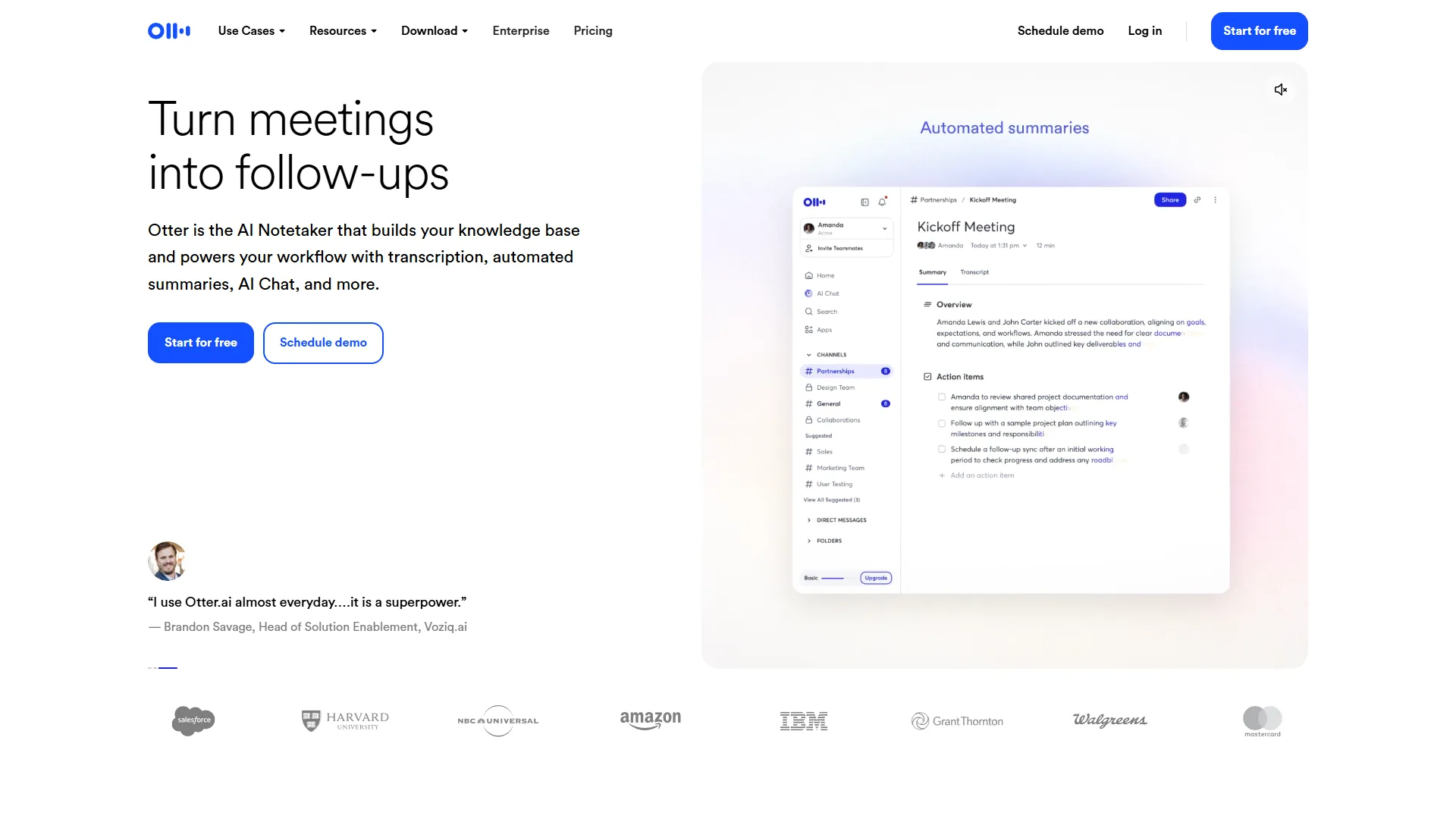
Otter.ai is the strongest choice when you need your team actively working with the transcript during the meeting - not just after it. Their OtterPilot documentation details the full range of automated meeting features. Its real-time transcription lets participants highlight key points, add comments, and tag action items while the conversation is still happening.
Where Otter.ai excels:
- Live transcription visible to all participants during the meeting
- OtterPilot auto-joins Zoom, Google Meet, and Microsoft Teams
- Slide capture automatically grabs presentation slides and pairs them with the transcript
- Search across all your past meetings to find specific topics or decisions
- Workspace collaboration where team members can annotate transcripts together
Ideal for: Teams that want collaborative, real-time note-taking where multiple people contribute to the meeting record as it happens. Particularly strong for English-language meetings with smaller teams.
Pricing: The free tier gives you 300 minutes per month with 30-minute conversation limits. Pro starts at around $17 per month and removes most limits. Business at around $30 per user per month adds admin controls and advanced analytics.
Choose Fireflies.ai if you need CRM and workflow integration
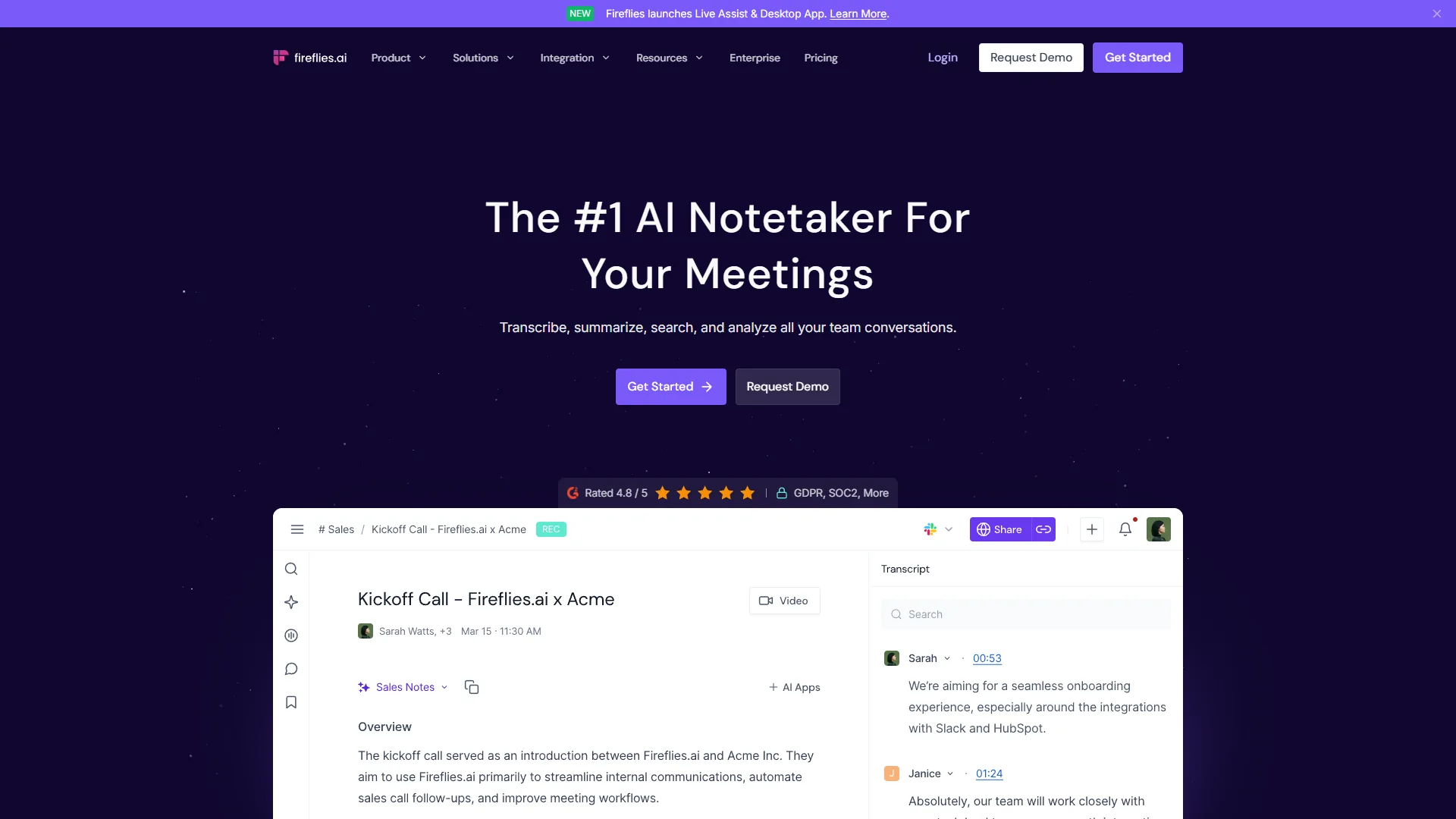
Fireflies.ai is purpose-built for teams that need meeting intelligence flowing directly into their business tools. Their integrations page shows the full range of CRM and workflow connections. Its native CRM integrations with HubSpot and Salesforce make it the go-to choice for sales, customer success, and account management teams.
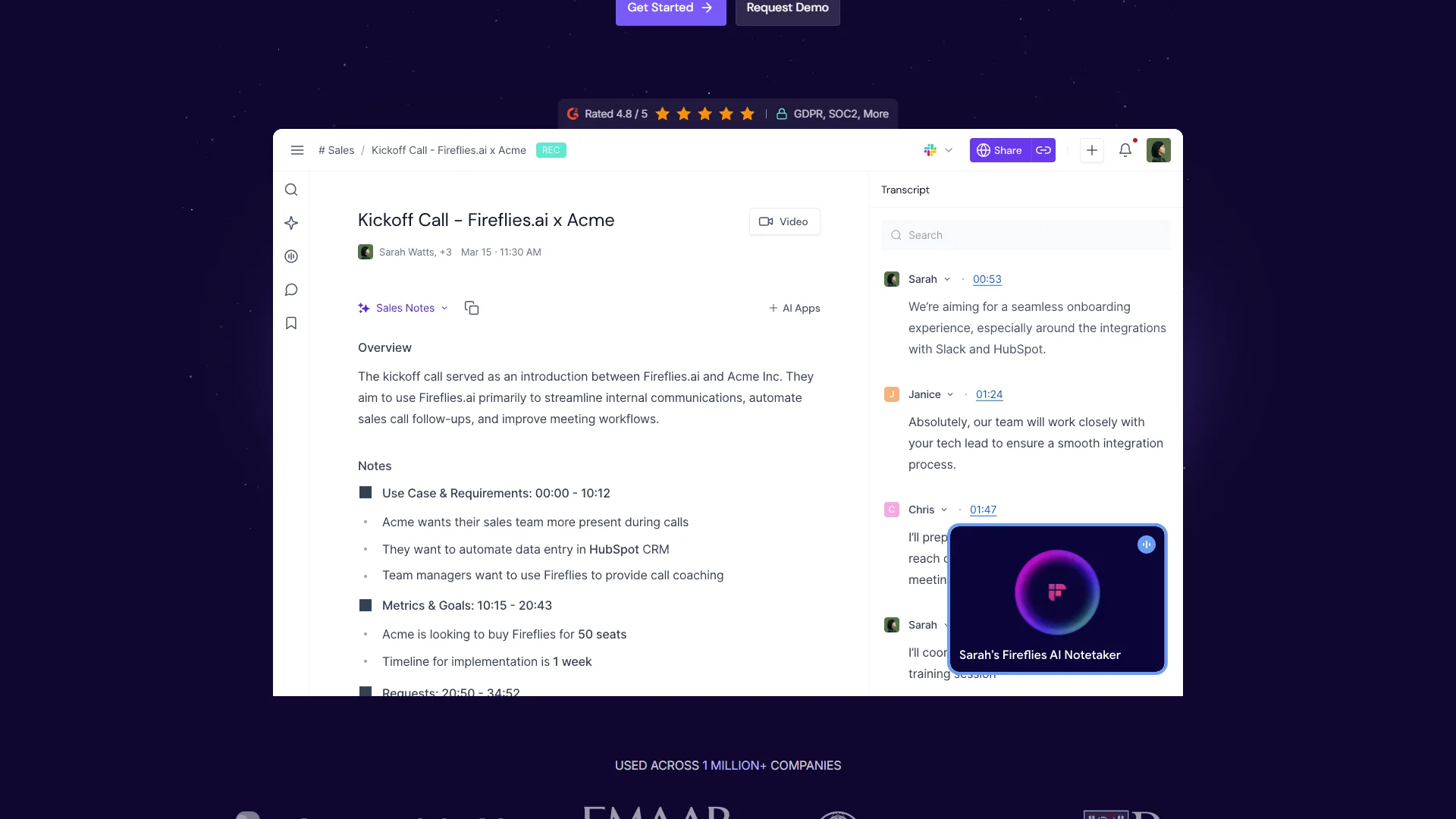
Where Fireflies.ai excels:
- Custom AI topic trackers that flag when specific subjects come up (competitor mentions, pricing objections, feature requests)
- Native CRM integration that automatically logs call summaries and action items to contact records
- Conversation intelligence with sentiment analysis and talk-time ratios
- 100+ language support for multilingual teams
- AskFred AI assistant for querying your meeting database with natural language
Ideal for: Sales teams, customer success managers, and any organization where meeting outcomes need to flow into CRM, project management, or other business systems automatically.
Pricing: The free plan includes unlimited transcription with 800 minutes of storage. Pro at around $18/month adds unlimited storage, AI summaries, and integrations. Business at around $29/month per user unlocks conversation intelligence and custom vocabulary.
Choose Fathom if you want the best free option
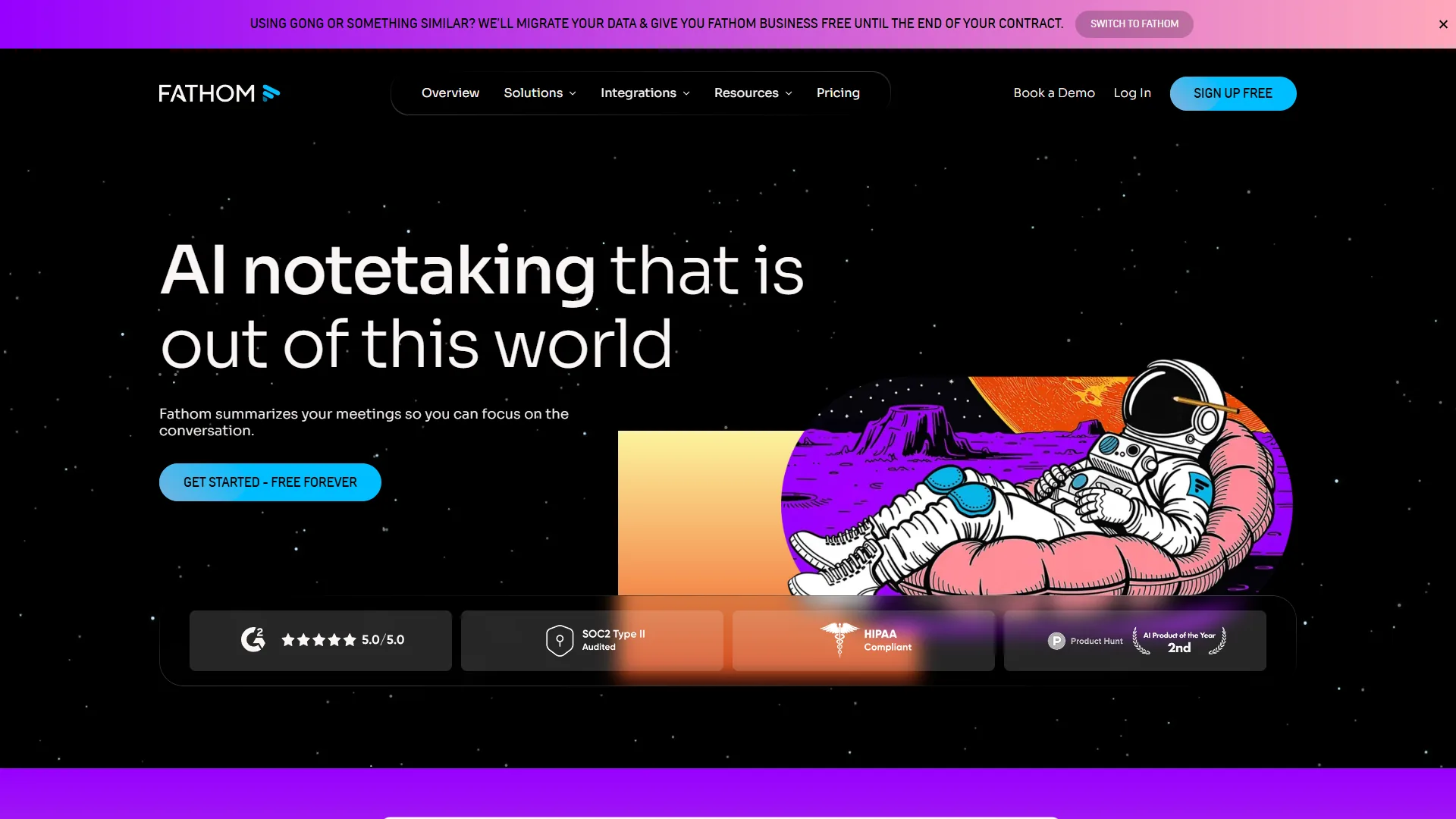
Fathom has the most generous free tier in the category - unlimited recordings and transcription at no cost. If you want to learn how to summarize meetings with AI without committing to a paid plan, Fathom is the best place to start.
Where Fathom excels:
- Unlimited free recordings across Zoom, Google Meet, and Microsoft Teams
- Instant post-meeting summaries generated within seconds
- Highlight clips you can share with anyone - no login required
- Clean, minimal interface that stays out of your way
- 7 language support including English, Spanish, French, German, Italian, Portuguese, and Dutch
Ideal for: Individual professionals, freelancers, and small teams who want powerful AI summarization without budget constraints. Also excellent for consultants and coaches who record client sessions.
Pricing: The free plan includes unlimited recordings with 5 premium feature calls per month. Premium at around $20 per month adds unlimited AI summaries, action items, and CRM integrations. Team pricing starts at around $18 per user per month with a minimum of 3 seats.
Step 2: Set Up Your AI Meeting Assistant
Regardless of which tool you choose, the initial setup follows the same pattern. Here is the process for getting your first AI-summarized meeting.
1. Connect your calendar. All three tools integrate with Google Calendar and Outlook. Once connected, the AI assistant knows your meeting schedule and can auto-join without any manual intervention. This takes about 2 minutes.
2. Configure auto-join settings. Decide which meetings the AI should join automatically:
- All meetings - Best for comprehensive documentation
- Only meetings you organize - Good starting point if you are unsure how colleagues will react
- Specific calendar labels - Most granular control; tag meetings with a label like “Record” and only those get transcribed
3. Set the bot name and behavior. Customize how the AI appears in the meeting:
- Give it a recognizable name (e.g., “Team Notes Bot” or “[Your Name]‘s Notetaker”)
- Choose whether it sends a notification to participants when it joins
- Configure whether it announces itself or joins silently
4. Run a test meeting. Before your first real meeting, do a 5-minute test call with a colleague. Verify that:
- The bot joins automatically at the right time
- Audio quality is clear (check microphone settings if not)
- The summary generates within 1-2 minutes after ending
- Action items are correctly identified
5. Share with your team. Send a brief message explaining that an AI notetaker will be joining meetings going forward. Most teams appreciate the transparency, and many will be relieved they no longer need to take notes manually.
Step 3: Customize Summaries for Different Meeting Types
This is where most guides stop - and where the real value of knowing how to summarize meetings with AI begins. Different meetings need different summary formats. Here is how to configure each tool for common meeting types.
Daily Standups
What matters: Blockers, commitments for today, items needing follow-up.
Configuration:
- Set summary length to “brief” or “concise” - nobody reads a 500-word standup summary
- Enable action item extraction with owner assignment
- Configure auto-share to your team Slack channel immediately after the standup ends
- In Fireflies.ai, create a custom topic tracker for “blocker” and “blocked by” to flag these automatically
Time saved: Around 10 minutes per standup in manual note-taking and distribution, or roughly 50 minutes per week for daily standups.
Client Calls and Sales Meetings
What matters: Decisions made, next steps, pricing discussed, objections raised, timeline commitments.
Configuration:
- Use detailed summary format to capture nuance
- Enable CRM auto-sync (Fireflies.ai and Fathom both support this natively)
- In Fireflies.ai, set up topic trackers for competitor mentions, budget discussions, and decision-maker identification
- Configure automatic follow-up email drafts based on action items
- Enable sentiment analysis to track client satisfaction over time
Time saved: Around 20-30 minutes per client call in post-meeting documentation and CRM updates.
One-on-One Meetings
What matters: Career development items, feedback given, commitments made, personal topics to follow up on.
Configuration:
- Keep summaries private (not auto-shared to channels)
- Enable action item tracking with due dates
- Use Fathom’s highlight clips to save specific feedback moments for reference
- In Otter.ai, use the private notes feature for sensitive discussion points
Time saved: Around 15 minutes per 1:1 in note compilation and follow-up tracking.
All-Hands and Town Halls
What matters: Announcements, Q&A responses, strategic direction changes, policy updates.
Configuration:
- Enable full-length summaries with section headers
- Use speaker identification to attribute statements to specific leaders
- In Otter.ai, enable slide capture to pair visuals with the transcript
- Auto-distribute the summary to the entire team or company channel
- Create a searchable archive so new hires can review past all-hands meetings
Time saved: Around 45-60 minutes in producing and distributing company-wide meeting notes.
Step 4: Integrate Summaries into Your Workflow
AI meeting summaries are most valuable when they flow automatically into the tools your team already uses. Here are integration playbooks for the most common setups.
How Do You Push Meeting Summaries to Slack?
All three tools support Slack integration. The setup is straightforward:
- Install the app’s Slack integration from your workspace settings
- Map specific meeting types to specific channels (e.g., client calls go to #client-notes, standups go to #engineering-standup)
- Choose what gets posted: full summary, action items only, or a summary with a link to the full transcript
Pro tip: Create a dedicated #meeting-summaries channel rather than flooding existing channels. Team members can then choose their notification preferences for that channel.
Sync Action Items to Project Management Tools
- Fireflies.ai integrates with Asana, Trello, Monday.com, and Jira. Action items detected during meetings can be automatically created as tasks with assignees and due dates.
- Fathom uses Zapier to connect with virtually any project management tool. Set up a Zap that triggers when a new meeting summary is created.
- Otter.ai supports direct integration with Notion and can export structured notes to various formats.
Log Meeting Intelligence to Your CRM
For sales and customer success teams, this integration alone justifies the tool’s cost:
- Connect your CRM (HubSpot, Salesforce, or Zoho CRM (pricing)) in the tool’s integration settings
- Map the meeting bot to recognize which meetings are with contacts in your CRM
- Configure what syncs: call summary, action items, sentiment score, topics discussed
- Set auto-logging so every client-facing meeting creates a timestamped activity on the contact record
Fireflies.ai offers the deepest CRM integration with field-level mapping. Fathom provides clean HubSpot and Salesforce sync. Otter.ai’s CRM capabilities are more limited but sufficient for basic call logging.
Archive to Notion or Google Docs
For teams that maintain a knowledge base in Notion or Google Docs:
- Set up an automatic export after every meeting
- Use a consistent naming convention (e.g., “[Date] - [Meeting Type] - [Topic]”)
- Tag entries with project names and participant lists for searchability
- Review weekly and link meeting notes to relevant project pages
Step 5: Measure Your Time Savings
After running AI meeting summarization for two weeks, calculate your actual ROI. Here is a simple framework:
Before AI summarization:
- Time spent taking notes during meetings: ___ hours/week
- Time spent writing and distributing summaries: ___ hours/week
- Time spent on “what did we decide?” follow-ups: ___ hours/week
- Total: ___ hours/week
After AI summarization:
- Time spent reviewing and editing AI summaries: ___ hours/week
- Time spent configuring integrations (one-time, amortize over 12 months): ___ hours/week
- Total: ___ hours/week
Most teams report saving 5-8 hours per week across the group. For a team of 10 where the average hourly cost is around $50, that translates to roughly $1,000-$1,600 per week - or $52,000-$83,000 per year. Even the most expensive plan (Fireflies.ai Business at $29/month per user for 10 users = $3,480/year) pays for itself many times over.
What Common Mistakes Should You Avoid When Summarizing Meetings with AI?
Based on common deployment patterns, these are the pitfalls that consistently trip people up.
Starting with every meeting at once. Begin with one meeting type - weekly team syncs are ideal - and expand from there. This gives you time to tune the summary format and integrations before scaling.
Not reviewing summaries for the first two weeks. AI summaries are good, not perfect. Spend 2-3 minutes reviewing each summary during the initial period to catch any recurring errors (misidentified speakers, jargon the AI doesn’t know). Most tools let you add custom vocabulary to improve accuracy over time.
Forgetting to notify participants. In many jurisdictions, recording meetings requires consent from all participants. Always inform attendees that an AI assistant will be joining and recording. Most tools display a notification when they join, but an upfront heads-up is both legally safer and more respectful.
Over-automating distribution. Not every meeting summary should be blasted to a Slack channel. Sensitive meetings (1:1s, performance discussions, executive strategy sessions) should have summaries restricted to participants only. Set up distribution rules thoughtfully.
Ignoring the action item follow-through. AI meeting summaries are only useful if someone acts on the action items they surface. Integrate action items into your project management tool and review them in your next meeting. The summary is the starting point, not the finish line.
FAQ
How accurate are AI meeting summaries?
Modern AI meeting tools achieve 90-95% transcription accuracy for clear audio in supported languages. Summary quality is generally high for identifying key topics and action items, though complex technical discussions or heavy use of industry jargon may need minor edits. All three tools improve with use as they learn your vocabulary and meeting patterns.
Do I need everyone’s consent to record meetings?
Yes. Recording laws vary by jurisdiction, but the safest approach is always to inform all participants before recording begins. Most AI meeting tools display a visible notification when they join the call. For external meetings with clients or prospects, explicitly mention at the start that an AI notetaker is active and offer to disable it if anyone objects.
Can AI meeting tools work with phone calls?
Otter.ai and Fireflies.ai both support dial-in recording for traditional phone calls. Fathom is focused on video meeting platforms (Zoom, Google Meet, Microsoft Teams). If phone calls are a significant part of your workflow, Fireflies.ai offers the most robust phone recording with its mobile app.
What happens to my meeting data?
All three tools use encrypted storage and offer data retention controls. Otter.ai and Fireflies.ai provide enterprise-grade security with SOC 2 compliance on business tiers. Fathom stores data in AWS with encryption at rest and in transit. You can delete individual recordings or set automatic retention policies to purge old data.
How to summarize meetings with AI when participants speak different languages?
Fireflies.ai supports 100+ languages and is the strongest choice for multilingual teams. Otter.ai supports English, French, Spanish, and Japanese. Fathom supports 7 European languages. For meetings where multiple languages are spoken, Fireflies.ai can handle code-switching (participants alternating between languages) more reliably than the alternatives.
The Bottom Line
Knowing how to summarize meetings with AI is no longer a nice-to-have productivity hack - it is a fundamental workflow upgrade that saves hours every week and ensures nothing falls through the cracks. The three tools in this guide each solve the problem differently: Otter.ai leads in real-time collaborative transcription, Fireflies.ai dominates in CRM integration and conversation intelligence for sales teams, and Fathom offers the best free tier for individuals and small teams who want unlimited recordings without budget constraints.
The setup takes 15 minutes. The configuration for your specific meeting types takes another hour. And the payoff - 5 to 8 hours saved per week for your team, plus a searchable archive of every decision and action item - starts with your very first AI-summarized meeting.
Every tool on this list has a free tier. Pick the one that matches your primary use case, follow the steps in this guide, and measure your results after two weeks. The manual note-taking era is over.
Want to learn more about Otter.ai?
Related Guides
- 10 Fireflies.ai Tips to Automate Your Meeting Workflow - Advanced configuration patterns for Fireflies power users
- How to Research Faster with AI: 10x Your Research Speed - Apply AI to the research that prepares you for meetings
- How to Manage Clients with AI - Connect meeting summaries into a full client lifecycle workflow
- How to Write Faster with AI: Practical Tips for Every Writer - Turn meeting summaries into follow-up emails and recap docs
Related Reading
- Otter.ai Review - Full review of Otter.ai’s real-time transcription
- Fireflies.ai Review - Full review of Fireflies.ai’s meeting intelligence
- Fathom Review - Full review of Fathom’s free AI meeting assistant
- AI Meeting Tools Compared: Tana vs Otter.ai vs Fireflies
- AI Transcription Tools Compared: Real Testing, Real Results (2026)
- 10 Fireflies.ai Tips to Automate Your Meeting Workflow
- Async Video Tools for Remote Teams: The Complete 2026 Guide
External Resources
- Otter.ai - AI Meeting Assistant
- Fireflies.ai - AI Notetaker and Conversation Intelligence
- Fathom - Free AI Meeting Assistant
- Stop the Meeting Madness - Harvard Business Review
Related Guides
- 12 Voice Productivity Tips to Save 6.5 Hours Weekly
- 15 Calendly Tips and Tricks to Save 4+ Hours Weekly
- ActiveCampaign AI Features: Active Intelligence Guide
- ActiveCampaign CRM Setup: How to Set Up ActiveCampaign CRM
- ActiveCampaign Email Automation: 10 Workflows That Work
- ActiveCampaign Lead Scoring: Complete Setup Guide (2026)
- ActiveCampaign Shopify Integration: Complete Setup
- ActiveCampaign WordPress: Forms, Tracking & Automation
- ActiveCampaign Zapier: 10 Automations to Build Today
- AI Agent Orchestration: Patterns That Scale in 2026