





Async video communication tools let teammates record screen-and-camera messages that recipients watch on their own schedule, replacing unnecessary real-time meetings - Loom is the market leader, with a free plan and a Business tier at $15 per month per user.
In 2026, the average remote worker spends 1.7 hours per week just scheduling meetings, according to meeting-productivity research published by Otter.ai. Add in the actual meeting time, context switching, and timezone juggling, and you are looking at a massive productivity drain. Asynchronous video communication offers a better way.
Teams using async video messaging tools report saving 8+ hours weekly by replacing unnecessary real-time meetings with video messages that teammates can watch and respond to on their own schedule. This guide covers how to implement async video communication in your team, when to use it versus live meetings, and how to choose the right tool for your needs. Our analysis draws on current vendor documentation, published pricing pages, and independent research rather than sponsored placement. AI Productivity may earn a commission from links on this page, but our rankings and recommendations remain editorially independent.
What is Asynchronous Video Communication?
Asynchronous video communication is the practice of recording video messages that recipients watch and respond to at their convenience, rather than requiring everyone to be available simultaneously. Think of it as voicemail for the visual age - but far more powerful.
Unlike traditional meetings, async video:
- Eliminates scheduling overhead - No more calendar Tetris
- Respects timezone differences - Perfect for distributed teams
- Creates automatic documentation - Every message is searchable and referenceable
- Reduces meeting fatigue - People engage when they’re most focused
- Enables thoughtful responses - Recipients can pause, research, and reply deliberately
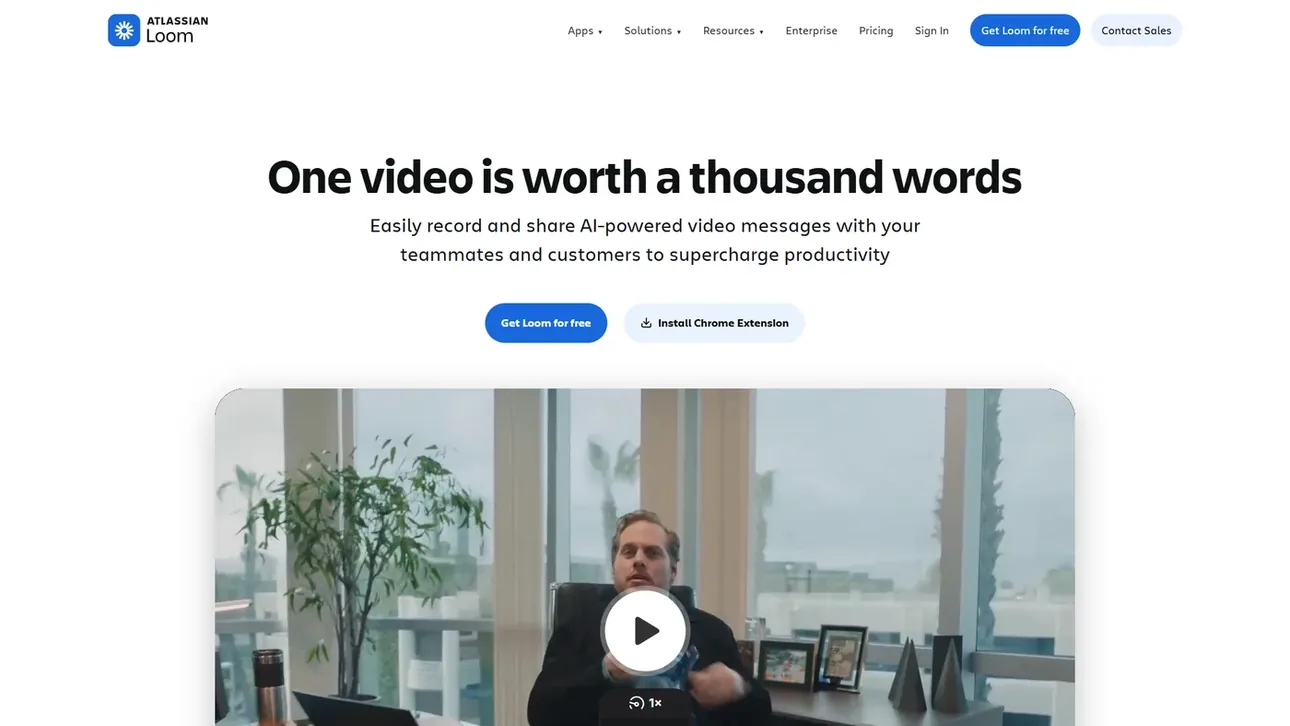
The most popular platform for this is Loom, which has become the de facto standard for async video messaging in remote teams.
The shift toward async video is well documented by the platform vendors that pioneered the format. “Asynchronous communication is any communication that does not happen in real time,” reports Microsoft’s guidance on asynchronous communication, which adds that async video lets distributed teams collaborate without forcing everyone into the same meeting slot.
When to Use Async Video vs. Real-Time Meetings
Async video works best for one-directional updates, training, and feedback that does not need immediate back-and-forth, while real-time meetings remain better for brainstorming, sensitive conversations, and urgent decisions. Not every meeting should be replaced with async video - this decision framework helps you choose:
Perfect for Async Video
- Project Updates & Status Reports - Share progress, demos, or blockers with a 5-minute walkthrough instead of a 30-minute meeting.
- Training & Onboarding - Build a library of onboarding videos new hires watch at their own pace.
- Code Reviews & Design Feedback - Screen recordings with voiceover beat written comments for showing exactly what you mean.
- Client Updates - Send weekly progress videos clients can watch when convenient.
- Sales Prospecting - Personalized video messages earn measurably higher engagement than plain text, according to video-email benchmarks published by Vidyard.
Stick with Real-Time Meetings
- Brainstorming & Creative Work - The spontaneous back-and-forth of live collaboration is hard to replicate asynchronously.
- Sensitive Conversations - Performance reviews and conflict resolution require real-time empathy and body language.
- Urgent Decisions - If you need an answer within the hour, schedule a quick call.
- Complex Negotiations - Multi-party discussions benefit from live interaction and rapid iteration.
Deep Dive: Loom for Async Video Communication
Loom has become the market leader for async video messaging, and for good reason. With a rating, it’s trusted by teams at companies from startups to enterprises.
Core Features
Instant Recording Click the browser extension or desktop app and you’re recording in seconds. Choose from:
- Screen + camera
- Screen only
- Camera only
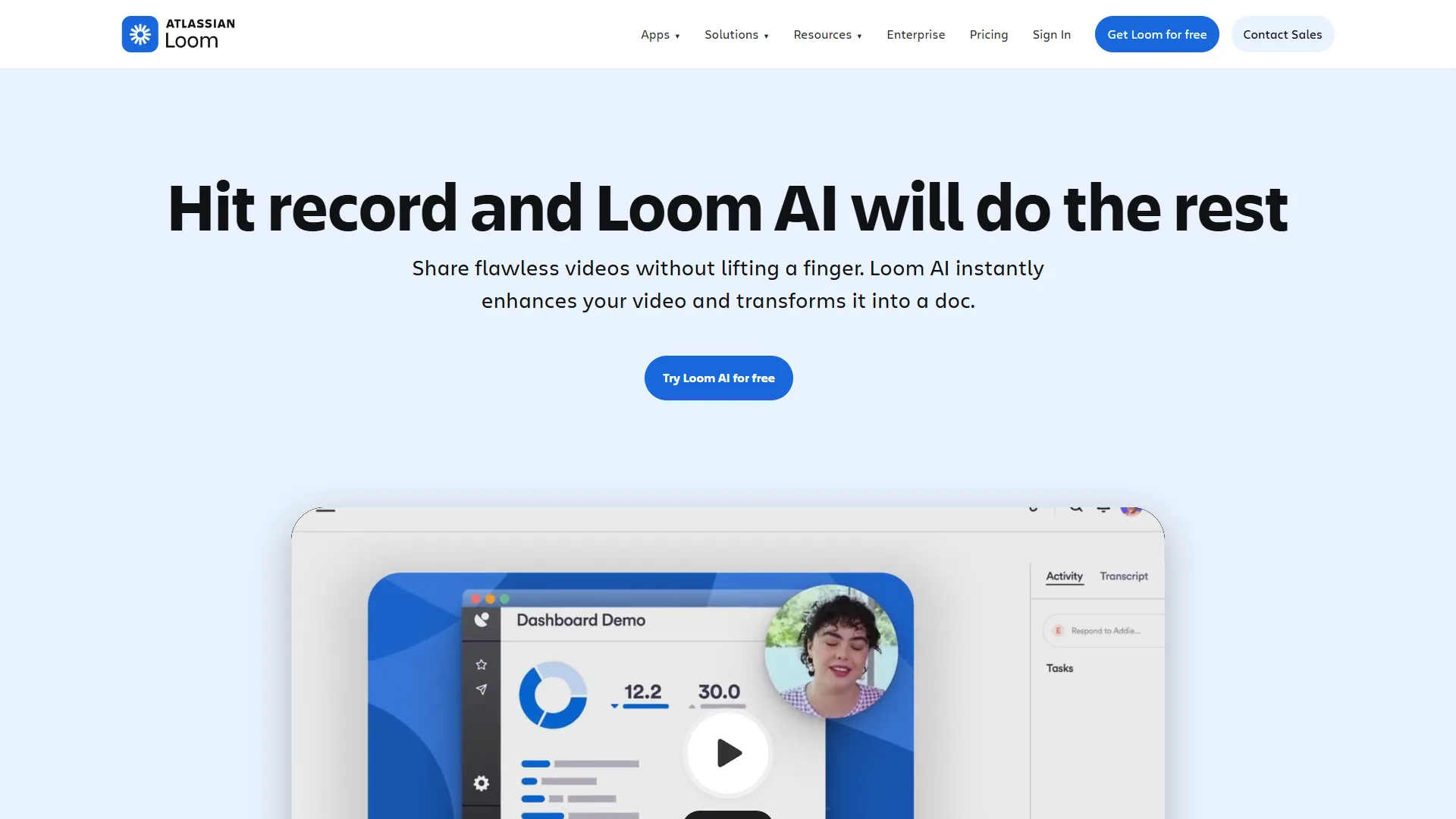
AI-Powered Transcription Every video is automatically transcribed, making content searchable and accessible. The AI also generates automatic titles and chapters.
Interactive Elements Add clickable CTAs, emoji reactions, and timestamped comments directly in videos.
Video Editing Trim mistakes, remove filler words, and add custom thumbnails - all in the browser without needing separate editing software.
Advanced Analytics See who watched your video, how much they watched, and where they dropped off. Perfect for measuring engagement on training content or sales outreach.
Pricing Breakdown
Loom offers flexible pricing for teams of all sizes:
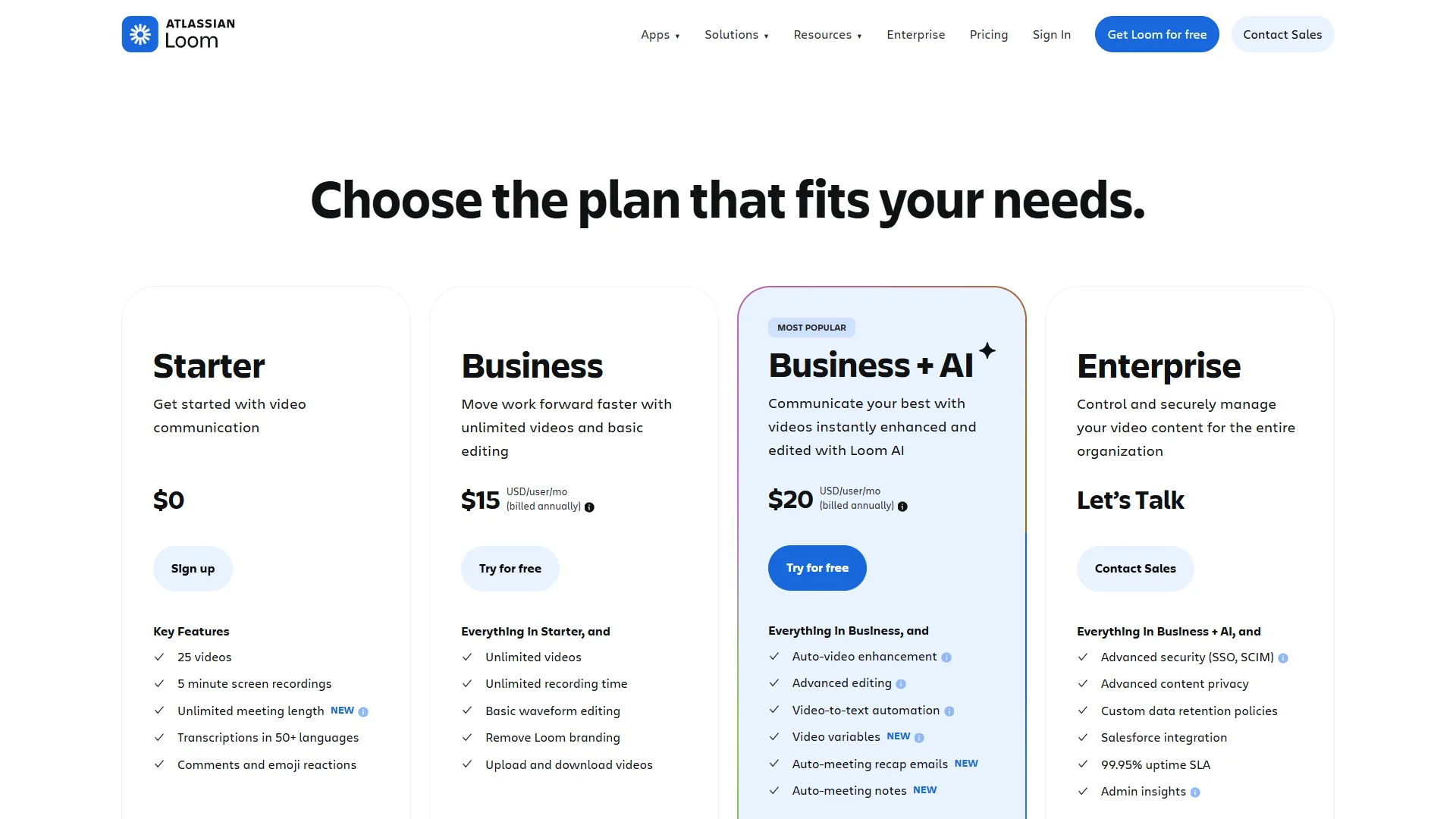
Free Plan - Great for individuals getting started
- 25 videos total
- 5-minute max length per video
- Basic editing and trimming
- Video transcription
Business ($15 per month per user)
- Unlimited videos
- No time limits
- Custom branding
- Video analytics
- Workspace management
- Priority support
Business + AI ($20 per month per user)
- Everything in Business
- AI-generated video titles
- AI-powered filler word removal
- Auto-generated chapters
- Enhanced transcription accuracy
For most remote teams, the Business plan at $15 per month per user offers the best value. The 5-minute limit on the free plan is too restrictive for detailed updates or training videos.
Best Use Cases for Loom
- Remote Team Standups - Replace daily sync meetings with 3-minute video updates covering progress, blockers, and plans.
- Customer Success - Record 5-minute personalized responses to client questions instead of scheduling 30-minute calls.
- Sales Prospecting - Send personalized video introductions that reference something specific about each prospect’s business.
- Bug Reports - Record your screen while reproducing an issue, with commentary on expected versus actual behavior.
- Training Documentation - Build a library of how-to videos new hires can watch during onboarding.
How to Implement Async Video in Your Team
Implementing async video in your team takes a phased rollout: start with status updates, expand to documentation, replace informational meetings, then optimize and scale over roughly three months. Moving from a meeting-heavy culture to async video communication requires intentional adoption, and this proven roadmap breaks it into four phases:
Phase 1: Start with Status Updates (Weeks 1-2)
Goal: Get everyone comfortable recording and watching videos
Action Steps:
- Install Loom on all team computers
- Replace one recurring status meeting with async video updates
- Set expectations: 3-5 minute videos, casual tone is fine
- Lead by example: Managers record first
Success Metrics:
- 80% of team records at least one video
- Average watch completion rate above 70%
Phase 2: Expand to Documentation (Weeks 3-4)
Goal: Build a library of reusable content
Action Steps:
- Identify 10 most commonly explained processes
- Have subject matter experts record walkthrough videos
- Add videos to your wiki or knowledge base
- Encourage linking to videos in Slack/Teams instead of re-explaining
Success Metrics:
- 10+ evergreen training videos created
- 50% reduction in “how do I…” questions
Phase 3: Replace Informational Meetings (Weeks 5-8)
Goal: Cut meeting time by at least 30%
Action Steps:
- Before scheduling any meeting, ask: “Could this be a Loom?”
- Implement “default to async” policy for:
- Project updates
- Sprint reviews
- Client status reports
- Reserve synchronous time for collaboration and discussion
Success Metrics:
- 30%+ reduction in weekly meeting hours
- Team satisfaction scores increase
Phase 4: Optimize and Scale (Month 3+)
Goal: Make async video the default communication method
Action Steps:
- Create video templates for common scenarios
- Establish quality standards (lighting, audio, structure)
- Build custom video workflows for different departments
- Measure ROI: time saved, faster decision-making, improved documentation
Success Metrics:
- 50%+ reduction in meeting hours
- 8+ hours saved per person per week
- Improved cross-timezone collaboration
Best Practices for Effective Async Video Messages
Creating engaging async video content requires different skills than running live meetings. Follow these best practices:
Keep It Concise
The Rule: If you can’t explain it in under 5 minutes, you need multiple videos or a different format.
- Respect viewers’ time
- Break long topics into a series
- Get to the point in the first 15 seconds
Structure Your Content
Use This Framework:
- Hook (0:00-0:15): “In this video, I’ll show you how to…”
- Context (0:15-0:45): Why this matters
- Main Content (0:45-4:00): The actual information
- Call to Action (4:00-4:30): What you need from viewers
Optimize Production Quality
You do not need professional equipment, but avoid these common mistakes:
- Audio: Use headphones with a microphone - room echo kills engagement.
- Lighting: Face a window or lamp - dark videos feel unprofessional.
- Background: Tidy up or use Loom’s background blur.
- Energy Level: Speak 20% more energetically than normal, since camera recording drains perceived enthusiasm.
Make Videos Actionable
Bad: “Here’s a demo of the new feature.”
Good: “Here’s the new feature. Watch this, then add your feedback as timestamped comments by Friday.”
Always tell viewers what to do next: review, comment, approve, or implement.
Use Async Video Features
- Timestamps: Add chapters for long videos
- Emoji Reactions: Enable quick feedback without requiring comments
- Calls to Action: Use Loom’s CTA buttons to link to forms, docs, or next steps
- Speed Controls: Viewers can watch at 1.5x or 2x speed - design for that
Common Mistakes to Avoid
The most common async video mistakes are recording everything, omitting a response deadline, forgetting accessibility, over-producing videos, and broadcasting without an engagement loop. Even experienced teams stumble when adopting async video, so watch out for these five pitfalls:
Mistake 1: Recording Everything
Not every communication needs video. Quick updates still work fine in Slack. Reserve video for:
- Anything requiring visual demonstration
- Complex topics that benefit from tone and expression
- Personal messages where human connection matters
Mistake 2: No Response Deadline
Async video doesn’t mean infinite timeline. Always include:
- When you need a response
- What type of response (comment, approval, action)
- Who needs to respond
Mistake 3: Forgetting Accessibility
Not everyone can watch video immediately. Always:
- Use auto-transcription
- Add written summary in the description
- Include key links and resources in comments
Mistake 4: Over-Producing
Spending 30 minutes editing a 5-minute video defeats the efficiency gains. Embrace imperfection:
- One take is usually fine
- Simple trim is enough editing
- Personality > polish
Mistake 5: No Engagement Loop
Async video is communication, not broadcasting. Create feedback mechanisms:
- Ask specific questions
- Use timestamped comments
- Follow up on non-responses
- Track watch completion rates
Alternative Async Video Communication Tools
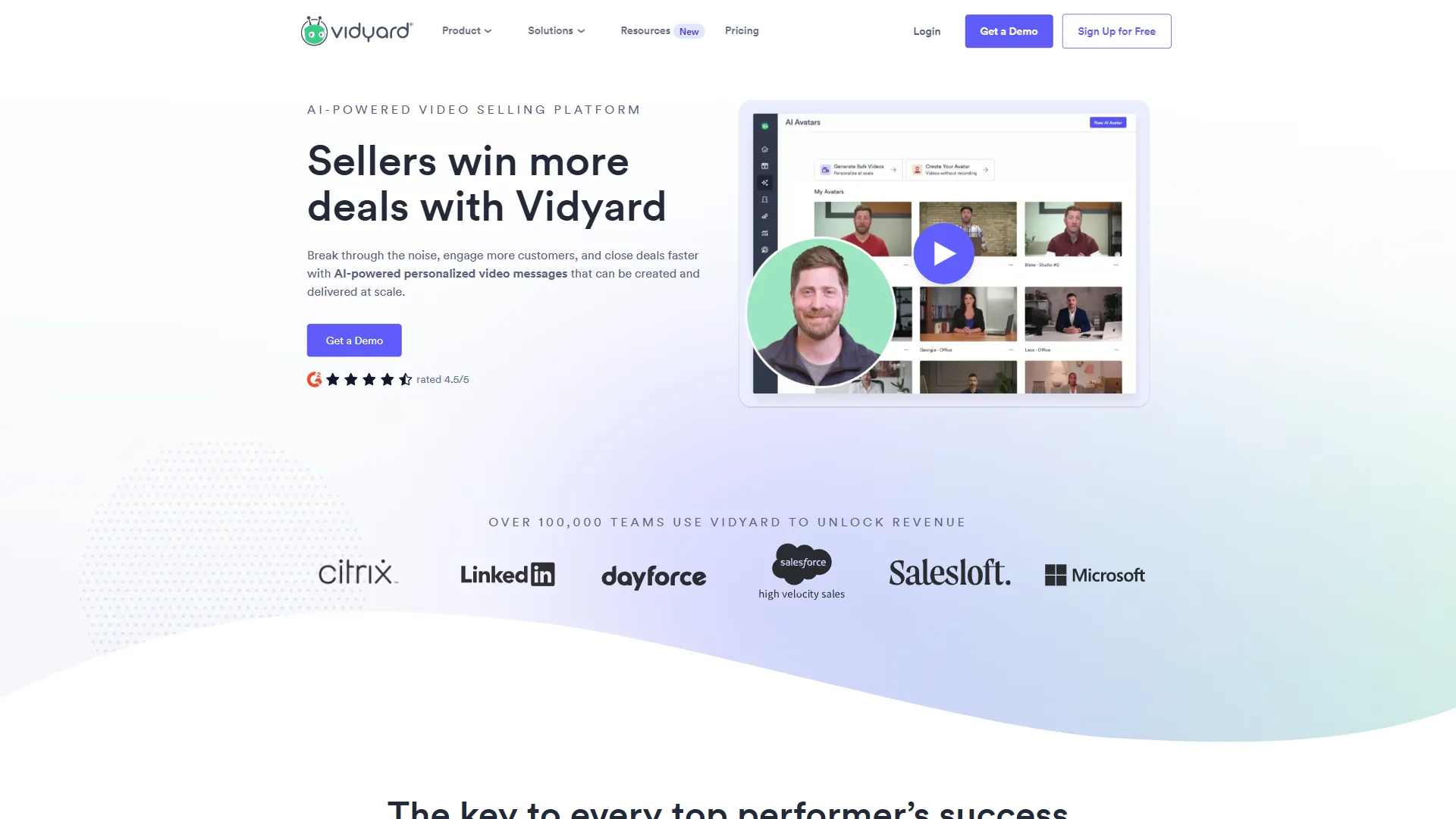
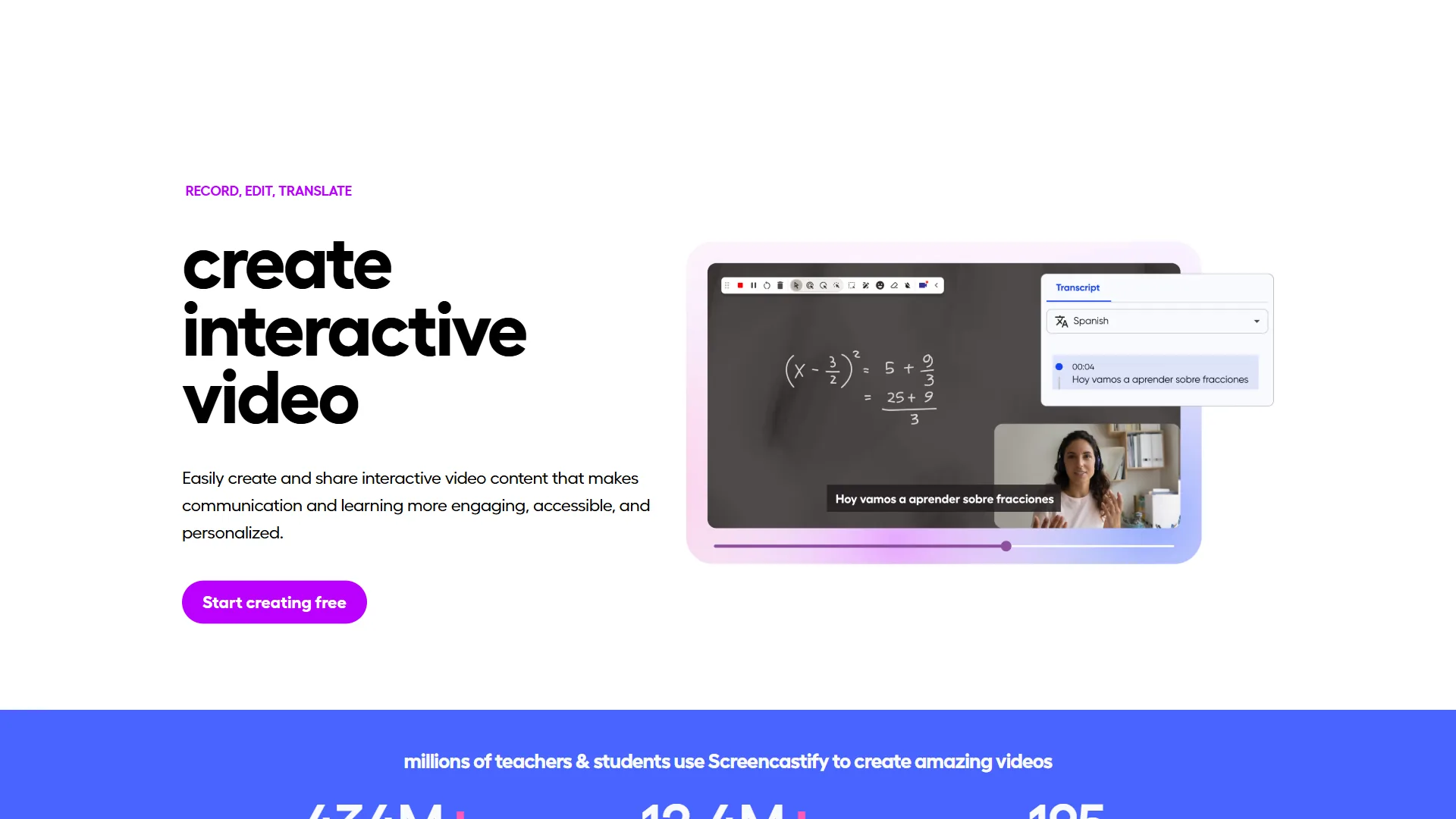
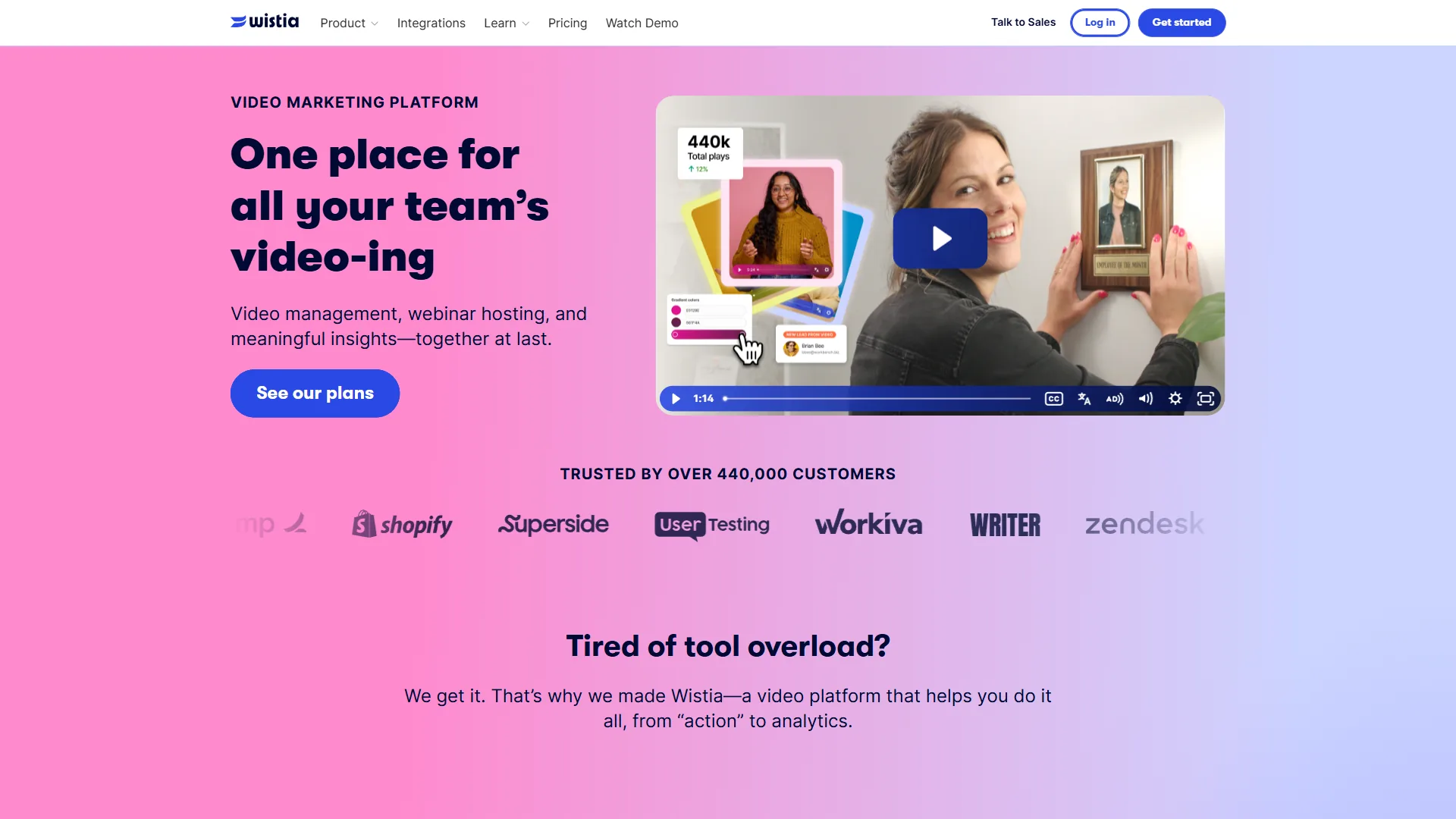
The leading alternatives to Loom are Vidyard for sales prospecting, BombBomb for real estate and high-touch sales, Wistia’s Soapbox for marketing teams, and Screencastify for education and training. While Loom dominates the market, these tools serve specific niches:
| Tool | Best For | Pricing |
|---|---|---|
| Loom | General async video communication | $15/mo per user |
| Vidyard | Sales prospecting with CRM integration | $19/mo per user |
| BombBomb | Real estate & high-touch sales | $33/mo per user |
| Soapbox (Wistia) | Marketing & product teams | $7/mo per user |
| Screencastify | Education & training | $49/year |
Loom () leads the market with its combination of ease of use, reliable features, and reasonable pricing. For most remote teams, the Business plan at $15 per month per user delivers the best value.
Measuring the ROI of Async Video
The ROI of async video shows up in three measurable areas: time savings, quality improvements, and team satisfaction - a typical team recovers around 4.7 hours per person each week after eight weeks of adoption. Track these metrics to quantify the impact of async video communication:
Time Savings
Before Async Video:
- Average weekly meeting time: 15 hours
- Time spent scheduling: 1.7 hours
- Total time investment: 16.7 hours
After Async Video (8 weeks in):
- Meeting time: 7 hours (53% reduction)
- Recording time: 2 hours
- Watching time: 3 hours
- Total time investment: 12 hours
Net Savings: 4.7 hours per person per week (28% productivity gain)
Quality Improvements
- Documentation: Every video becomes searchable knowledge
- Onboarding Speed: New hires ramp up 40% faster with video libraries
- Cross-Timezone Collaboration: No more 6am or 10pm meetings
- Decision Quality: Thoughtful async responses beat rushed live reactions
Team Satisfaction
Survey your team monthly on:
- Meeting fatigue (should decrease)
- Work-life balance (should improve)
- Communication clarity (should increase)
- Time zone friction (should decrease)
The Future of Async Video Communication
Async video is rapidly evolving with AI capabilities - automatic editing of pauses and filler words, AI-generated summaries and action items, real-time translation for global teams, interactive transcripts, and search across an entire video library. Loom already ships many of these features in its Business + AI plan at $20 per month per user.
Getting Started Today
Getting started with async video takes three steps: sign up for a free Loom account this week, replace one recurring meeting with async updates this month, then make async video the default for status updates and training this quarter. Here is your immediate action plan to reduce meeting overload and reclaim your time:
This Week:
- Sign up for Loom (start with free plan to test)
- Record your first async video: a weekly update or project demo
- Send it to your team and ask for feedback
This Month:
- Replace one recurring meeting with async video updates
- Create 3-5 training videos for common processes
- Measure time saved and team satisfaction
This Quarter:
- Implement async video as default for status updates, demos, and training
- Build a video library in your knowledge base
- Calculate and share ROI metrics with leadership
The teams seeing the biggest gains from async video commit fully to the transition - start small, measure results, and expand.
Asynchronous video communication isn’t just a productivity hack - it’s a fundamental shift in how remote teams work together. With the right tools like Loom and intentional adoption practices, you can eliminate meeting overload, respect your team’s time, and build a more sustainable remote work culture.
Ready to save 8+ hours per week and transform how your team communicates? Start with Loom’s Business plan at $15 per month per user and watch your productivity soar.
The Bottom Line
Async video communication tools like Loom offer a practical path to reducing meeting overload while maintaining personal connection. Start small, measure the time savings, and expand adoption as your team sees results.
FAQ
Common questions about asynchronous video communication tools, methods, and adoption are answered below.
Q: What are the asynchronous communication tools?
Asynchronous video communication isn’t just a productivity hack - it’s a fundamental shift in how remote teams work together. With the right tools like Loom and intentional adoption practices, you can eliminate meeting overload, respect your team’s time, and build a more sustainable remote work culture.
Q: What is asynchronous video communication?
Asynchronous video communication means recording video messages that recipients watch and respond to at their convenience, rather than requiring everyone to be available simultaneously.
Q: What is the most popular video conferencing tool?
The most popular async video platform is Loom, which has become the de facto standard for async video messaging in remote teams. You can upload a video to Loom for free on its Starter plan, which allows 25 videos at up to five minutes each.
Q: What are the async communication methods?
Async video is communication, not broadcasting. Create feedback mechanisms: - Ask specific questions - Use timestamped comments - Follow up on non-responses - Track watch completion rates
Q: When should you use async video instead of a real-time meeting?
Async video works best for project updates and status reports, training and onboarding libraries, code reviews and design feedback, and weekly client updates. Use it whenever the message does not need immediate back-and-forth, so recipients can watch on their own schedule and reply with thoughtful responses instead of blocking a calendar slot.
Q: Are there async video communication tools free to use?
Yes - Loom’s Starter plan is one of the better async video communication tools free for individuals, offering 25 videos at up to five minutes each, and Wistia’s Soapbox also has a no-cost tier. Most platforms reserve unlimited recording and analytics for paid plans.
Q: What are some asynchronous communication examples?
Common asynchronous communication examples include recorded video messages, email, threaded chat in Slack, shared documents with comments, and project-management updates. Async video adds tone and visual demonstration that text-based asynchronous tools examples cannot match.
Related Reads
These related guides and tool reviews go deeper on async video, remote collaboration, and the platforms covered above. Tools covered in this article:
- Loom - Async video messaging platform for remote teams
- Slack - Team messaging and collaboration hub for remote work
- BombBomb - Video email platform for real estate and sales
- Wistia - Video hosting and marketing platform for businesses
- Screencastify - Screen recording tool for education and training
- Vidyard - Video hosting and sales prospecting platform with CRM integration
More remote work and video guides:
- Best AI Meeting Assistants 2026 - AI-powered meeting tools
- AI Meeting Tools Comparison - Compare meeting productivity tools
- Remote Work Audio Setup - Audio gear for remote professionals
- Best Screen Recording Tools for 2026
- Top Remote Collaboration Tools for Distributed Teams
- Sales Enablement Platforms Compared: 5 Tools Tested for 2026
External Resources
These third-party references support the statistics and adoption guidance cited throughout this guide.