

The ElevenLabs Voice Library is a searchable collection of over 10,000 AI voices created by both the ElevenLabs team and the community, covering dozens of languages, accents, and vocal styles. Available on every plan, it lets you browse, preview, and add a production-ready voice to your account in under a minute - no custom recording required.
The ElevenLabs Voice Library holds over 10,000 voices created by both the ElevenLabs team and the community. Instead of building a custom voice from scratch or recording your own samples, you can browse, preview, and add a production-ready voice to your account in under a minute. For most projects - YouTube videos, podcasts, e-learning courses, audiobooks - the voice you need already exists in the library.
The challenge is not supply. It is selection. With a voices list that spans dozens of languages, accents, and vocal styles, finding the ElevenLabs best voices for your project without a strategy means scrolling endlessly and hoping something clicks. This guide gives you a systematic approach to searching, filtering, testing, and selecting voices from the ElevenLabs Voice Library so you spend less time browsing and more time producing content.
By the end, you will know how to navigate every section of the library, evaluate voice quality before committing, understand community voice licensing, and match specific voice types to common use cases.
Accessing the ElevenLabs Voice Library
The Voice Library is accessible from two entry points inside your ElevenLabs dashboard.
From the sidebar: Click Voices in the left navigation, then select the Voice Library tab at the top of the page. This shows the full browsable library with all search and filter controls.
From the editor: When you are working in the Speech Synthesis or Projects workspace, click the voice selector dropdown and choose Add Voice > Voice Library. This opens the library in a modal that lets you browse and add voices without leaving your current project. Both surfaces are documented in the ElevenLabs Voice Library docs.
Both paths lead to the same library, and the same catalog is reachable programmatically through the ElevenLabs Voice Library API for developers building voice automation. The sidebar route gives you more screen space for browsing, while the editor route is faster when you are mid-project and realize you need a different voice.
The Voice Library is available on every ElevenLabs plan, making the ElevenLabs voice library free to browse for all users, from popular picks like the Adam voice, the Josh voice, and the Antoni voice to thousands of community uploads. You do not need a paid subscription to access, preview, or add community voices to your account - there is no separate voice library download required.
Search and Filter
The search bar at the top of the Voice Library accepts plain text queries. You can search by voice name, description keywords, language, or use case tags that creators have attached to their voices. Searching “documentary narrator” or “warm female podcast” returns results that match those descriptors in the voice metadata.
Below the search bar, a set of filters lets you narrow results systematically:
- Language - Filter by the primary language the voice was designed for. This is especially useful for multilingual projects where you need voices that sound native in a specific language rather than accented.
- Gender - Male, female, or non-binary voice options.
- Age - Young, middle-aged, or old. This maps roughly to pitch and tonal warmth.
- Accent - A dropdown of accent categories like American, British, Australian, Indian, and many more. This is one of the most powerful filters because accent dramatically shapes how a voice feels.
- Use case - Tags like narration, conversational, characters, news, and meditation that indicate what the voice was designed for.
Filter stacking strategy: Start broad, then narrow. Begin with language and gender, then add accent if you have a preference, and finally filter by use case. Applying all filters at once can return zero results because the intersection is too specific. Two or three filters usually gives you a manageable list of 20 to 50 voices to preview.
The sort options let you order results by popularity, recency, or relevance to your search query. Popularity is the default setting, which surfaces ElevenLabs default voices and the highest-quality community picks first, since usage patterns naturally promote well-made voices.
Voice Categories
The library organizes voices into several broad categories that reflect how creators and users think about voice selection. The official ElevenLabs voices reference covers these categories in depth.
Pre-Made Voices
These are voices designed by the ElevenLabs team. They tend to be highly polished, well-tested across multiple text types, and optimized for the latest speech synthesis models. Pre-made voices are a safe starting point if you need reliable quality without extensive testing. Names like Rachel, Adam, Bella, and Antoni are among the most popular pre-made options, each tuned for slightly different tones and use cases - get them up and running by following the ElevenLabs Studio first project guide.
Community Voices
The majority of the library consists of voices uploaded and shared by ElevenLabs users. Community voices range from professional-grade productions to experimental character voices. Quality varies more than with pre-made voices, so previewing is essential before committing.
Community voices are tagged by their creators with metadata about accent, use case, and style. Some creators build entire voice packs - a set of related characters designed for audiobook projects, game development, or corporate training series.
Character Voices
A growing subcategory of community voices focuses on fictional characters - fantasy narrators, sci-fi AI assistants, villains, heroes, and niche archetypes. These are popular for gaming, animation, interactive fiction, and creative content projects. Character voices push the boundaries of what the platform can produce and are worth browsing even if your immediate project is more conventional, because they demonstrate the range available to you.
Cloned Voices
Some users share their cloned voices publicly in the library. These are based on real human voice recordings processed through ElevenLabs’ cloning pipeline - the ElevenLabs voice cloning ethics guide covers consent considerations. Cloned voices often sound the most natural because they are grounded in actual vocal characteristics rather than generated from text descriptions.
Testing Voices
Previewing is the single most important step in voice selection. A voice that sounds great reading a single sentence may fall apart on longer paragraphs, or a voice that seems flat in a short preview might shine with more expressive text.
Use the built-in preview: Every voice in the library has a play button that generates a short audio sample. Listen to at least three or four voices before making a decision. Your first instinct is not always the best match once you hear alternatives.
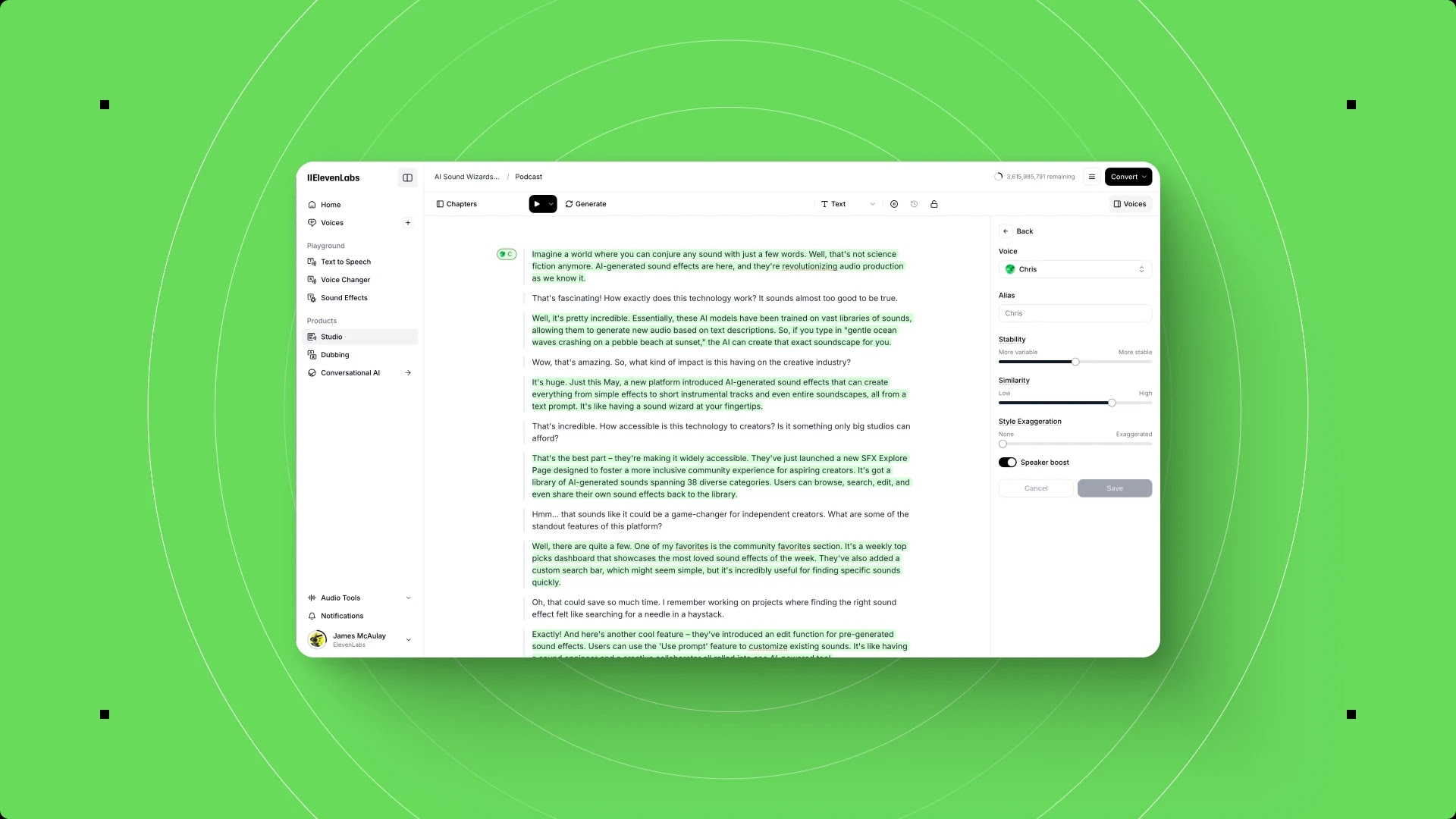
Test with your own text: After adding a voice to your account, go to the Speech Synthesis workspace and paste a paragraph of your actual content. Generic preview text does not tell you how the voice handles your specific vocabulary, sentence length, and punctuation style. A voice designed for short conversational sentences may struggle with long technical paragraphs, and vice versa - the ElevenLabs voice settings reference explains the stability and similarity sliders that fine-tune behavior on your test text.
Check consistency across lengths: Generate a short sentence, a medium paragraph, and a full page. Some voices drift in tone or pacing as text length increases. Voices that maintain consistent quality across all three lengths are production-ready.
Listen for artifacts: Pay attention to breath sounds, word transitions, and emphasis patterns. High-quality voices handle punctuation naturally - pausing at commas, shifting tone for questions, and adding subtle emphasis to key words without sounding robotic.
Adding to My Voices
When you find a voice you want to use, click the Add to My Voices button on its library card. The voice immediately appears in your personal voice collection, accessible from the voice selector in any ElevenLabs workspace.
There is no limit on how many library voices you can add to your account. Adding a voice does not cost characters or credits - you only spend quota when you actually generate speech with it.
Organizing your voices: As your collection grows, use descriptive names to keep things manageable. If the original name is generic (like “Friendly Male v2”), consider renaming it in your voice settings to something project-specific like “Product Demo Narrator” or “Podcast Intro Voice.” This saves time when you are switching between multiple voices across different projects.
Removing voices: You can remove any library voice from your collection at any time. This does not delete the voice from the library - it just removes it from your personal dropdown. If you change your mind later, you can search for and re-add it.
Sharing with team members: On Business plans, voices added to one team member’s account can be shared across the workspace. This means your entire production team can use the same voice without each person needing to find and add it independently.
Community Voices
Community voices are the backbone of the library’s variety, but they come with considerations that pre-made voices do not.
Quality variation: Community voices range from studio-quality productions to quick experiments. The popularity metric is your best initial quality signal - voices with thousands of uses have been tested across many different text types and projects. A voice with 50,000 uses is almost certainly more reliable than one with 12 uses, regardless of how good the preview sounds.
Licensing for commercial use: Voices in the ElevenLabs Voice Library are shared under the platform’s terms of service. When a creator publishes a voice to the library, they grant other users the right to use it for speech generation within ElevenLabs. This covers commercial use cases like YouTube videos, podcasts, and e-learning content.
However, there are important nuances. If a community voice is a clone of a real person, the original creator needed consent from that person before sharing it. ElevenLabs has verification systems in place, but if you are using a cloned community voice for high-stakes commercial content, consider reaching out to the voice creator for confirmation.
Creator attribution: The library shows who created each voice. Some prolific creators build reputations for high-quality voices and maintain entire portfolios worth exploring. If you find one voice from a creator that works well, check their profile for similar options.
For projects where voice ownership and exclusivity matter, consider creating a custom voice with Voice Design or Voice Cloning instead of using a shared library voice.
Use Case Recommendations
Different projects demand different vocal qualities. Here is a practical matching guide based on common production scenarios.
YouTube Content
For YouTube, you want a voice that sounds conversational and energetic without being exhausting over long videos. Look for voices tagged as “conversational” or “narration” with a natural pacing that holds attention. Avoid voices that sound too formal - YouTube audiences expect a relaxed, approachable tone. Mid-range voices (not too deep, not too high) tend to perform best because they sit comfortably in most audio mixes - the ElevenLabs YouTube voiceover workflow walks through the full production pipeline.
Recommended filters: Conversational use case, 25-40 age range, natural accent matching your target audience.
Podcasts
Podcast voices need warmth and stamina. The voice will be carrying entire episodes, so consistency matters more than dramatic range. Test with at least 500 words of continuous text to check for tonal drift. Voices with a slight natural breathiness often sound more human and engaging in podcast format compared to crisp, clean voices that can feel synthetic over long stretches. For end-to-end podcast production, see our ElevenLabs podcast creation workflow.
Recommended filters: Narration or conversational use case, medium pacing, warm tonal quality.
E-Learning and Training
Instructional content demands clarity above all else. The voice should articulate technical terms cleanly, handle lists and numbered steps without rushing, and maintain an encouraging tone that keeps learners engaged without distracting from the material. Neutral accents tend to work best for broad audiences, though matching the accent to your learner demographic can improve comprehension.
Recommended filters: Clear and professional tone, moderate pacing, neutral accent, narration use case.
Audiobooks
Audiobook voices need the widest dynamic range. A narrator who can handle dialogue, description, and emotional shifts without sounding monotone or over-the-top is rare and valuable. For fiction, character voices that can convey subtle emotion are essential. For non-fiction, authoritative yet approachable voices work best. Test with at least 1,000 characters of your actual manuscript and listen for tonal consistency across paragraphs - the ElevenLabs Projects audiobook guide covers chapter-level production.
Recommended filters: Narration use case, age appropriate to content, accent matching the book’s setting.
For e-learning narration, also see the ElevenLabs e-learning narration workflow for chapter-by-chapter production tips.
Multilingual Voices
The ElevenLabs Voice Library includes voices across 29 languages, making it one of the most linguistically diverse text-to-speech platforms available. Multilingual voice selection requires a different approach than English-only projects.
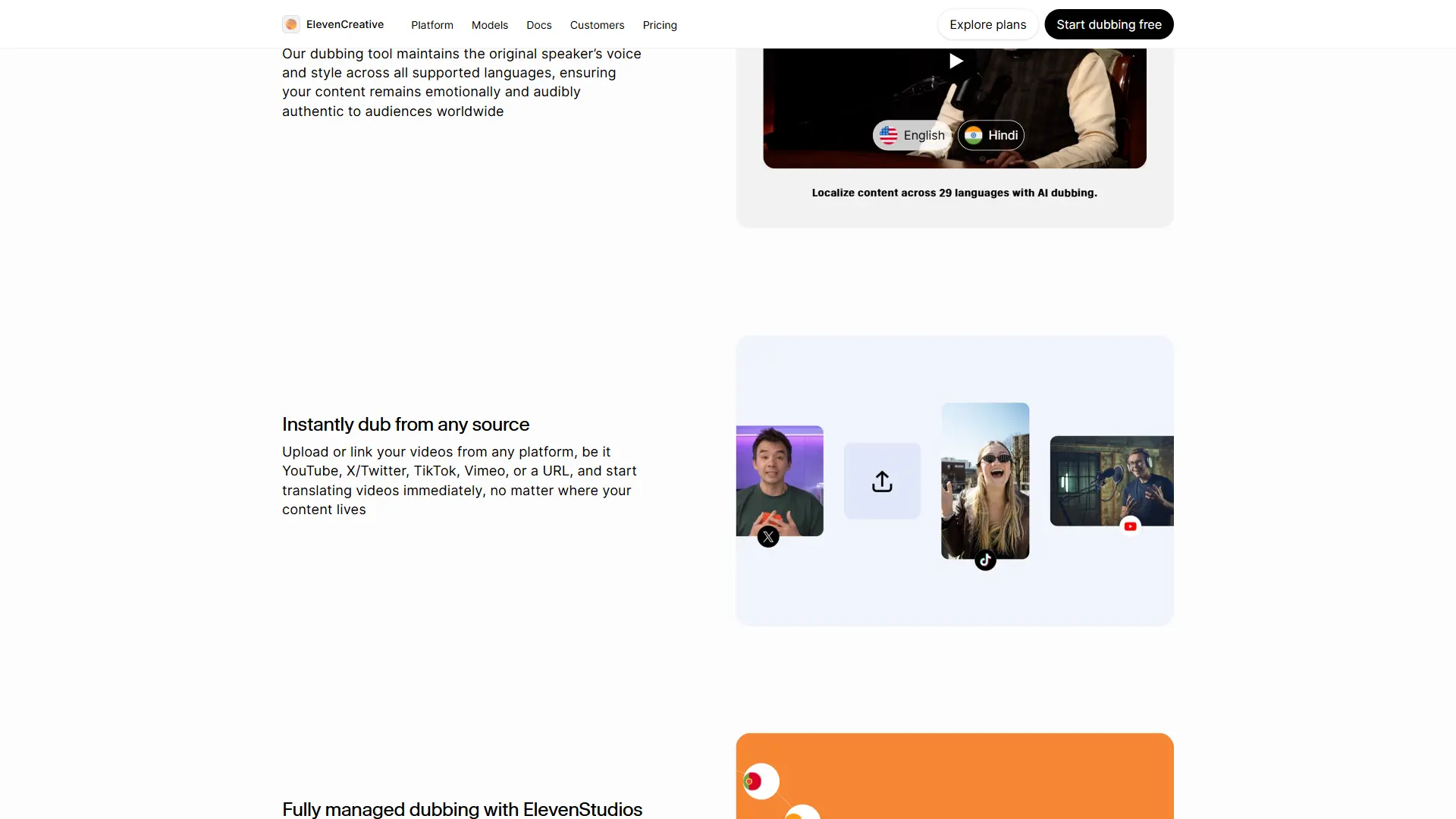
Native vs. accented: For content targeting a specific language audience, always prioritize voices created by native speakers of that language. A voice tagged as “Spanish” that was created by a native Spanish speaker will handle pronunciation, rhythm, and intonation far more naturally than an English voice reading Spanish text. The language filter in the library is your starting point for finding native voices - and the ElevenLabs multilingual dubbing workflow walks through full localization.
Cross-language consistency: If you need the same “brand voice” across multiple languages, look for voice creators who have published voices in several languages. Some creators build multilingual voice packs specifically designed to sound like the same speaker across different languages.
Script testing: Multilingual voices require testing with actual target-language text. A voice that sounds perfect reading French preview text may stumble on industry-specific terminology or regional expressions. Always test with representative samples of your actual production content.
Language-specific pacing: Different languages have different natural speaking rhythms. Japanese text tends to be spoken at a faster syllable rate than English, while German sentences often run longer. Choose voices that match the natural pacing of your target language rather than forcing an English-paced voice to read foreign text.
Pro Tips
These tips come from practical experience working with the Voice Library across multiple production projects.
Bookmark before you browse. Open the library with a clear brief - write down the accent, gender, age range, and tone you are looking for before you start listening. Without a brief, you will drift toward voices that sound impressive in isolation but do not fit your project. The cheapest paid plan that unlocks the full library remains the Creator tier on the ElevenLabs pricing page at $22/month, and the official Voice Library landing page previews top community picks.
Test with problem text. Every project has text that is hard to voice well - technical jargon, proper nouns, acronyms, or emotionally complex passages. Test your shortlisted voices with these difficult sections first. A voice that handles your hardest content will breeze through everything else.
Compare in context. Generate the same paragraph with your top three voice candidates and listen back-to-back. Differences that are subtle in isolation become obvious in direct comparison. Save these samples so you can revisit them without regenerating.
Check the model compatibility. ElevenLabs regularly updates its speech synthesis models. Voices created for older models may not perform as well on the latest model, and vice versa. The library indicates which model a voice was optimized for. When possible, choose voices designed for or tested on the current flagship model.
Use voice settings to fine-tune. After adding a voice to your collection, you can adjust stability, similarity, and style exaggeration sliders in the voice settings. A voice that is 90% right out of the library can often reach 100% with minor slider adjustments. Increasing stability reduces variation between generations, which is useful for long-form content. Reducing stability adds more expressiveness, which suits creative and character-driven projects.
Revisit the library periodically. New voices are added daily. A search that returned mediocre results last month may surface an excellent new option today. If you have an ongoing production need, check the library every few weeks for new additions.
FAQ
How many voices are in the ElevenLabs Voice Library?
The library contains over 10,000 voices and grows daily as community members publish new creations. The number includes pre-made voices from ElevenLabs, community-shared voices, and publicly shared cloned voices. You can browse the full library on any plan, including the free tier.
Can I use community voices for commercial projects?
Yes. Voices published to the Voice Library are available for commercial use under ElevenLabs’ terms of service. This covers YouTube monetization, paid courses, commercial podcasts, and client work. For high-stakes commercial use of cloned community voices, verify that the original creator had proper consent from the voice owner.
Is there a limit on how many voices I can add to my account?
There is no hard limit on the number of library voices you can add to your personal collection. Adding a voice is free and does not consume any character quota. You only use quota when generating speech. You can remove and re-add voices at any time without penalty.
What is the difference between the Voice Library and Voice Design?
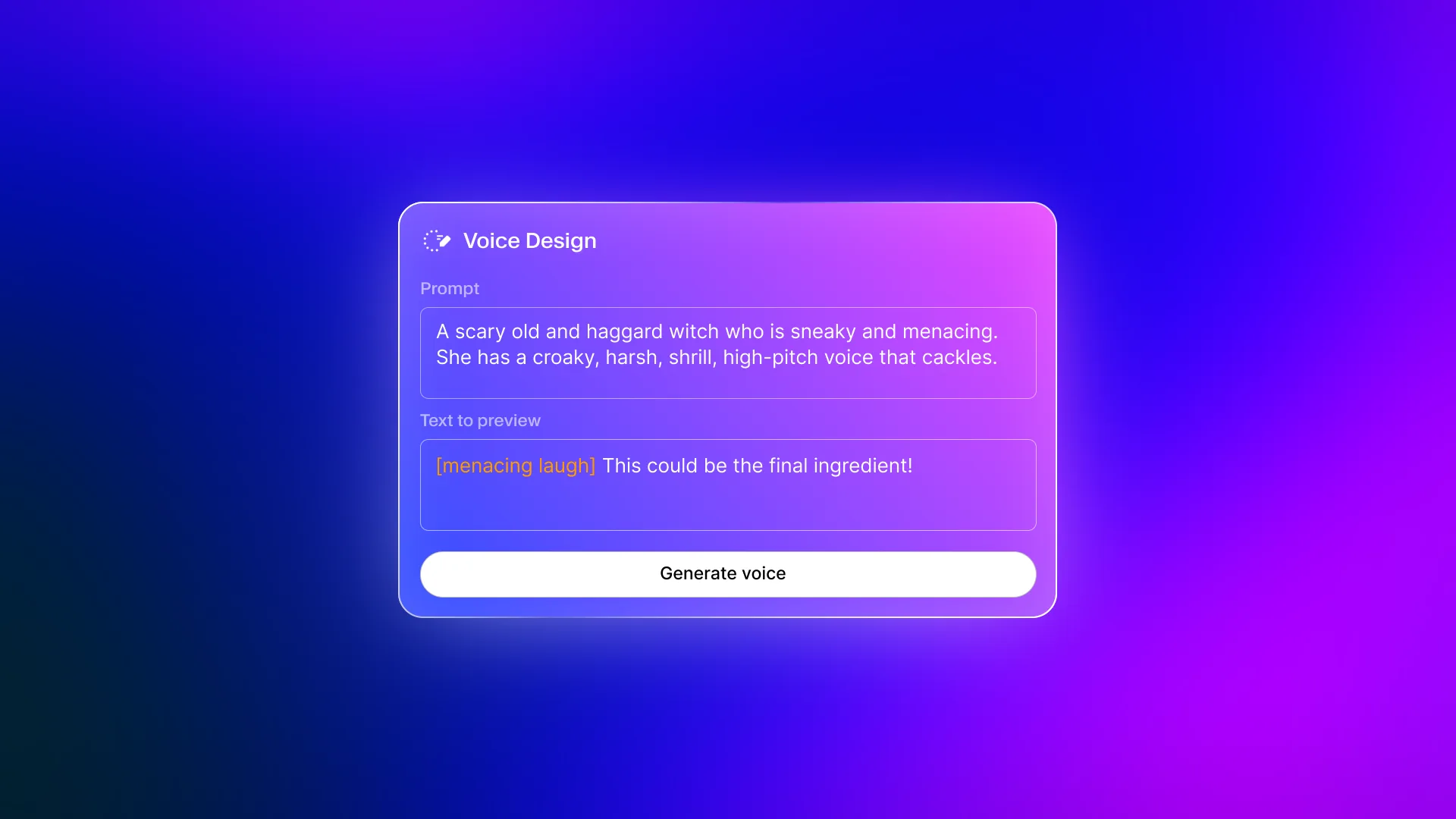
The Voice Library is a collection of existing voices you can browse and use immediately. Voice Design is a tool that generates a completely new voice from a text description. Use the library when the voice you need already exists. Use Voice Design when you need something custom that the library does not have - a specific fictional character, a unique accent combination, or a voice tailored precisely to your brand.
Want to learn more about ElevenLabs?
Related Guides
- Getting Started with ElevenLabs - Complete setup guide for new users
- ElevenLabs Voice Design v3 - Create custom AI voices from text descriptions
- ElevenLabs Voice Cloning Tutorial - Clone your own voice for personalized content production
- ElevenLabs Pronunciation Dictionary Setup - Fix mispronounced words for any voice you select
- ElevenLabs Studio First Project - Create your first long-form project
Related Reading
- Getting Started with ElevenLabs - Complete setup guide for new users
- ElevenLabs - Full platform review with pricing, features, and ratings
External Resources
- ElevenLabs Voice Library Documentation - Official reference for browsing, adding, and managing voices
- ElevenLabs Voice Settings Guide - Stability, similarity, and style exaggeration explained
- ElevenLabs Voices API Reference - Programmatic access for retrieving and managing voice IDs
Related Guides
- AI Video Creation Tips: 2026 Walkthrough for Teams
- AI Voice Cloning Ethics Best Practices: Complete 2026 Guide
- AI Voiceover Corporate Training With WellSaid Labs
- AI Voiceover Tips: Making Synthetic Voices Sound Human
- ElevenLabs API Setup: Developer Quick Start Guide (2026)
- ElevenLabs Audio Native Embed Audio on Any Website
- ElevenLabs Audio Quality Settings: Pro Tips and Settings
- ElevenLabs Audiobook Creation: Long-Form Audiobook
- ElevenLabs Conversational AI Agents: Build Voice Agents
- ElevenLabs Dubbing Studio: Video Translation and Dubbing