


ElevenLabs voice cloning tutorial is a step-by-step guide that describes how to create professional-quality AI voice clones using instant or professional modes. Instant cloning requires 1-2 minutes of audio on the Starter plan, while professional cloning needs 30 minutes to 3 hours of samples on the Creator plan.
This ElevenLabs voice cloning tutorial will show you how to create professional-quality AI voice clones that sound natural and authentic in 2026. Whether you’re a content creator, podcaster, or developer, you’ll learn the exact steps to record, upload, and use your cloned voice effectively with ElevenLabs’ latest Eleven v3 model. If you’re comparing this tool against the broader category, our best AI voice generators 2026 ranking covers the full landscape.
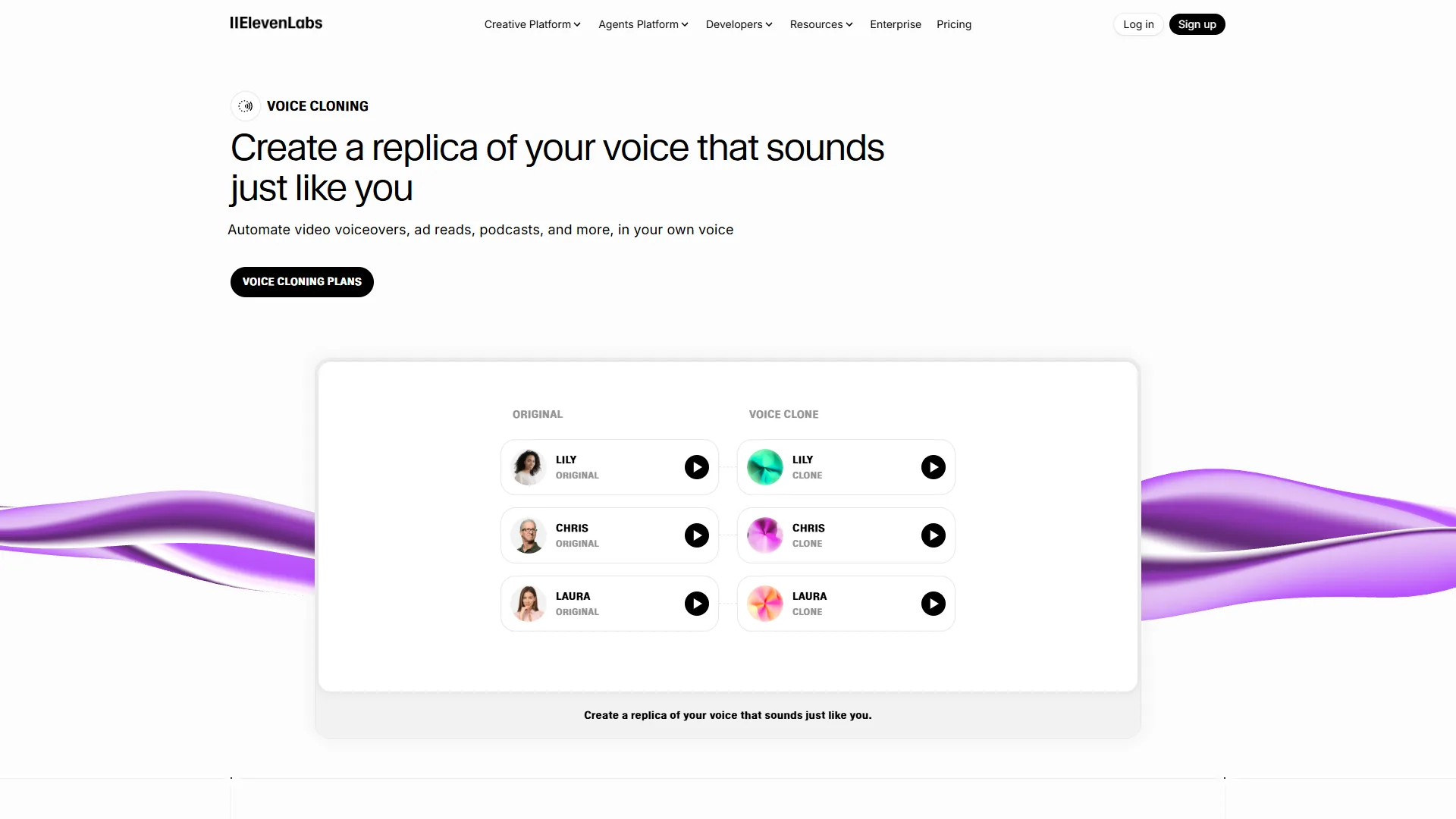
Voice cloning has evolved from a sci-fi concept to a practical tool that saves hours of recording time. Instead of reading scripts for every video or podcast, you can generate natural-sounding voiceovers in seconds. While there are several ElevenLabs alternatives on the market, ElevenLabs remains the leader in voice cloning quality - see the official voice cloning page for capability details, and the ElevenLabs Studio first project guide for a hands-on walkthrough. The ElevenLabs Professional voice cloning time investment shows in the output. But there’s a massive difference between a basic voice clone and a professional one that truly captures your tone, cadence, and personality.
This guide walks through how to use voice cloning ai at both instant and professional tiers, shares recording best practices based on community experience, and shows how to troubleshoot common quality issues. It covers ElevenLabs professional voice cloning vs Instant mode trade-offs, so by the end you’ll know exactly which approach fits your needs and how to optimize costs.
What This ElevenLabs Voice Cloning Tutorial Covers
- The difference between instant and professional voice cloning modes
- How to record audio samples that produce the best clones
- Step-by-step instructions for creating your voice clone
- Using emotional tags and advanced features with your cloned voice
- Troubleshooting quality issues and optimizing results
- Choosing the right pricing tier for your use case
Prerequisites
Before starting this ElevenLabs voice cloning tutorial, you’ll need:
Equipment:
- A decent microphone (USB mics like the Blue Yeti work well; even good headset mics are acceptable)
- A quiet recording environment with minimal background noise
- Audio recording software (Audacity is free, or use your computer’s built-in recorder)
Account Setup:
- Create a free ElevenLabs account (10,000 characters per month)
- For professional cloning, you’ll need the Creator plan ($22/month) or higher
- Instant cloning is available from the Starter plan ($6/month)
Time Investment:
- Instant cloning: 1-2 minutes of audio + 2-3 minutes processing
- Professional cloning: 30 minutes to 3 hours of audio + 24-48 hours processing
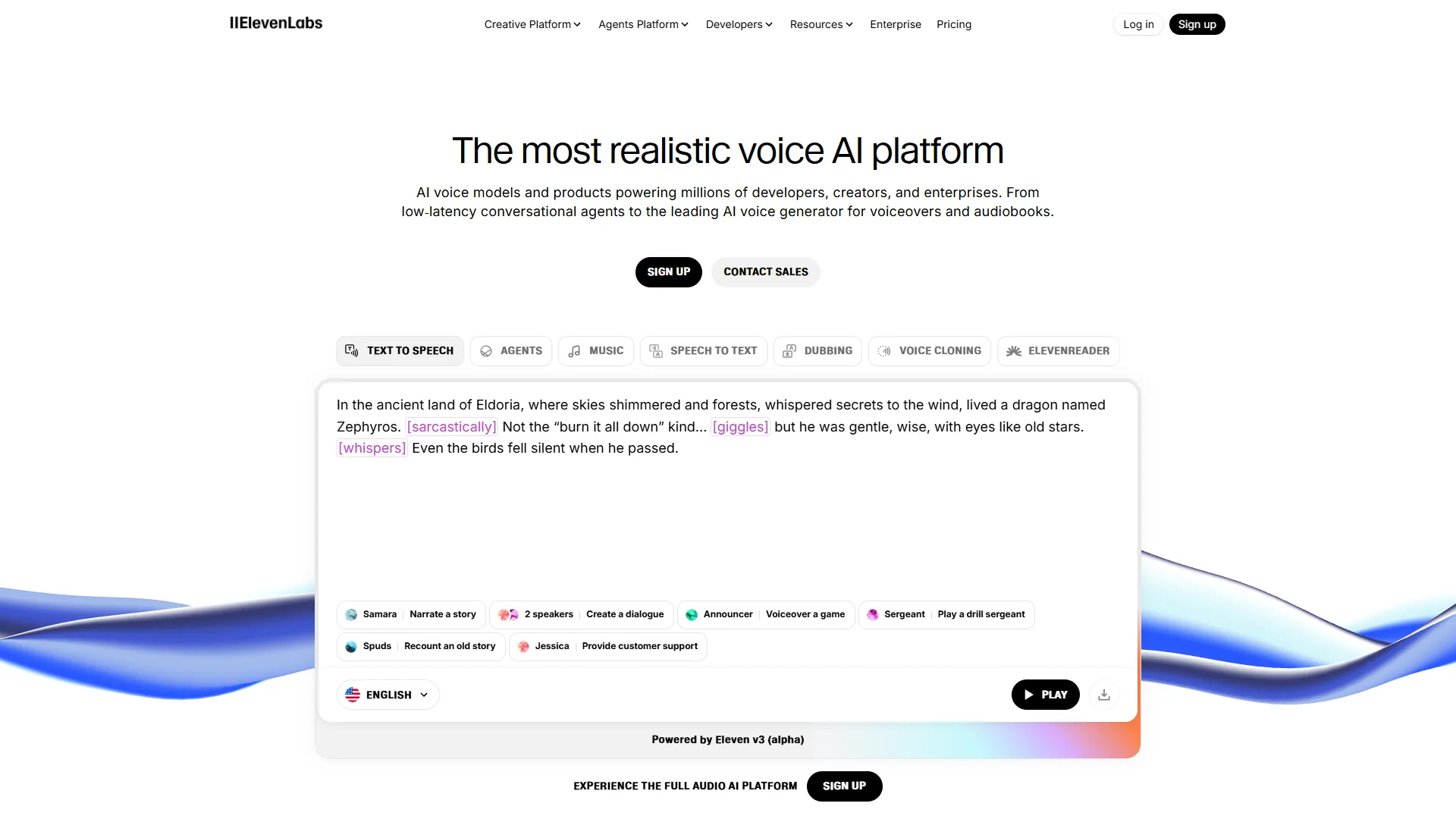
Instant vs Professional Cloning: Which Should You Choose?
This ElevenLabs voice cloning tutorial covers two distinct approaches, and choosing the right one makes a huge difference in output quality.
Instant Voice Cloning
Best for: Quick projects, testing, casual content, limited budgets
Instant cloning requires just 1-2 minutes of clear audio. The AI analyzes your voice and creates a clone in minutes. While it captures the basic characteristics of your voice, it may miss subtle nuances like emotional range and natural speech patterns.
Pros:
- Fast setup (under 5 minutes total)
- Available on Starter plan ($6/month)
- Great for simple voiceovers
- Perfect for testing before committing to professional cloning
Cons:
- Less accurate to your actual voice
- Limited emotional range
- May sound slightly robotic in longer passages
- Not ideal for professional content
Professional Voice Cloning
Best for: Podcasters, YouTubers, corporate training narration, audiobook narration
Professional cloning requires a minimum of 30 minutes of audio, though 2-3 hours is recommended for optimal quality. ElevenLabs’ team reviews your samples and trains a custom model specifically for your voice. The results are dramatically better.
Pros:
- Exceptionally accurate voice replication
- Captures emotional nuances and speech patterns
- Sounds natural even in long-form content
- Better handling of different emotional contexts
Cons:
- Requires Creator plan or higher ($22/month minimum)
- 24-48 hour processing time
- More time-intensive recording process
- Limited to 1 professional clone on Creator plan (3 on Independent Publisher)
Recommendation: Start with instant cloning to test the platform. If you’re creating regular content or need high quality, upgrade to professional cloning. The difference is worth it for serious projects.
How Do You Record Audio for the Best Voice Clone Quality?
The quality of your voice clone depends entirely on your audio samples. Here’s exactly how to record audio that produces the best results.
Recording Environment Setup
A handful of acoustic adjustments make the biggest difference. Find the quietest room in your home or office. Close windows, turn off fans, air conditioning, and refrigerators if possible. Soft furnishings like curtains, carpets, and couches absorb echo and improve sound quality.
Position your microphone 6-8 inches from your mouth. Too close causes plosives (harsh “P” and “B” sounds), too far picks up room noise.
What to Record
For an overview of everything ElevenLabs can do beyond voice cloning, our AI voiceover corporate training guide shows production workflows for longer-form narration.
For instant cloning (1-2 minutes):
- Read natural, conversational sentences
- Vary your tone slightly but stay authentic
- Avoid monotone delivery
- Include some variation in pitch and pace
For professional cloning (30 minutes to 3 hours):
- Record diverse content types (statements, questions, excited speech, calm speech) - this variety is critical for AI training video narration where tone shifts frequently
- Include different emotional contexts without forcing it
- Read varied sentence structures (short, long, complex)
- Maintain your natural speaking voice throughout
Critical rule: Speak naturally. Don’t try to “perform” or exaggerate. The AI works best when you sound like yourself in normal conversation.
Technical Recording Settings
Aim for these audio specifications:
| Field | Value |
|---|---|
| Format | WAV or MP3 (WAV preferred for professional cloning) |
| Sample rate | 44.1 kHz or higher |
| Bit depth | 16-bit minimum (24-bit better for professional) |
| Peak levels | -6dB to -3dB (avoid clipping, avoid being too quiet) |
In Audacity or your recording software, check levels while you speak. If the waveform hits the top or bottom, you’re clipping (too loud). If it barely shows, you’re too quiet.
Audio Quality Requirements
ElevenLabs will reject samples with:
- Background music or sound effects
- Multiple speakers in the same file
- Excessive background noise
- Heavy audio processing (echo, reverb, pitch shifting)
- Long silences (more than 2-3 seconds)
Clean audio is essential. If you have background noise, use Audacity’s noise reduction:
- Select a portion of pure background noise
- Effect > Noise Reduction > Get Noise Profile
- Select all audio (Ctrl+A)
- Effect > Noise Reduction > OK
Sample Content Ideas
Don’t know what to read? Try these:
- News articles (varied sentence structures)
- Book passages (emotional range)
- Blog posts in your niche (relevant vocabulary)
- Podcast transcripts (conversational tone)
For professional cloning, a recommended recording breakdown is:
- 20 minutes of blog content from your niche
- 15 minutes of conversational Q&A (ask yourself questions and answer them)
- 10 minutes of news articles
- 15 minutes of varied fiction (different emotional tones)
This gives the AI a comprehensive understanding of the voice across different contexts.
How Do You Create Your Voice Clone Step by Step?
Now that you have quality audio recorded, let’s continue this ElevenLabs voice cloning tutorial by creating your clone.
For Instant Voice Cloning:
-
Log into ElevenLabs and navigate to the Voice Lab (speaker icon in left sidebar)
-
Click “Add Instant Voice Clone” in the top right
-
Upload your audio sample:
- Click “Add Sample” and select your 1-2 minute audio file
- Supported formats: MP3, WAV, M4A
- Maximum file size: 100MB
-
Name your voice:
- Choose a descriptive name (e.g., “John - Professional”)
- Add labels if helpful (e.g., “Podcasting”, “Videos”)
-
Review settings:
- Verify the audio quality indicator shows green
- Check that ElevenLabs detected clear speech (it will warn you if there are issues)
-
Click “Add Voice”:
- Processing takes 1-3 minutes
- You’ll see a progress indicator
-
Test your clone:
- Once processing completes, select your voice in the speech synthesis panel
- Type test text and click Generate
- Listen critically to the output
For Professional Voice Cloning:
-
Ensure you have Creator plan or higher (professional cloning isn’t available on free or Starter plans)
-
Navigate to Voice Lab and click “Create Professional Voice Clone”
-
Upload your audio samples:
- Upload multiple files totaling 30 minutes minimum (2-3 hours recommended)
- You can upload multiple recordings to reach the time requirement
- Each file should be clean, clear speech
-
Fill out the submission form:
- Voice name: Descriptive and professional
- Voice description: Describe your voice characteristics (warm, authoritative, energetic, etc.)
- Use case: Explain how you’ll use this voice (helps the team optimize)
- Language: Primary language of your recordings
-
Submit for review:
- ElevenLabs team reviews all professional clone submissions
- Processing takes 24-48 hours (sometimes up to 72 hours)
- You’ll receive an email when your voice is ready
-
Quality review:
- Once approved, test extensively before using in production
- Generate various test phrases to check emotional range
- Verify it handles different contexts well
Using Your Cloned Voice
Once your voice clone is ready, here’s how to get the most out of it.
Basic Text-to-Speech Generation
- Select your cloned voice from the voice dropdown
- Type or paste your text (up to 5,000 characters in the web interface)
- Adjust voice settings:
- Stability: Higher = more consistent, Lower = more variable/expressive
- Clarity + Similarity Enhancement: Boosts voice quality and clone accuracy
- Style Exaggeration: Amplifies emotional expression (use sparingly)
- Click “Generate Speech”
- Download the MP3 or use directly in your projects
Using Emotional Tags (Eleven v3 Model)
This is where professional cloning really shines. ElevenLabs supports emotional tags in the text to guide delivery:
[whispers] This is a secret I need to tell you.

[excited] We just hit 100,000 subscribers!

[laughs] That was completely unexpected.

[shouting] Hey, over here!

[sighs] I suppose we'll have to start over.
These tags work best with professional clones. Instant clones may not capture the full emotional range.
API Integration
If you’re a developer, the ElevenLabs API is available starting at the Starter plan ($6/month). For a Python-specific walkthrough, see our ElevenLabs Python SDK guide:
import requests

ELEVENLABS_API_KEY = "your_api_key_here"
VOICE_ID = "your_voice_clone_id"

url = f"https://api.elevenlabs.io/v1/text-to-speech/{VOICE_ID}"

headers = {
  "Accept": "audio/mpeg",
  "Content-Type": "application/json",
  "xi-api-key": ELEVENLABS_API_KEY
}

data = {
  "text": "Hello! This is my cloned voice.",
  "model_id": "eleven_multilingual_v2",
  "voice_settings": {
    "stability": 0.5,
    "similarity_boost": 0.75
  }
}

response = requests.post(url, json=data, headers=headers)

with open('output.mp3', 'wb') as f:
    f.write(response.content)
This allows you to automate voice generation for apps, websites, or batch processing. Developers looking to integrate voice into applications will find this pairs well with other AI tools for content creators in a production pipeline, and the ElevenLabs API developer setup guide covers authentication and rate limits in depth.
Troubleshooting Common Issues
No ElevenLabs voice cloning tutorial would be complete without troubleshooting guidance. Here are the most common issues and how to fix them.
Problem: Voice Sounds Robotic or Unnatural
Causes:
- Training audio had monotone delivery
- Insufficient audio samples (for professional cloning)
- Voice settings too high on stability
Solutions:
- Re-record with more natural, varied inflection
- For professional cloning, submit more audio (aim for 2+ hours)
- Lower stability setting to 0.3-0.5 for more expressiveness
- Enable “Clarity + Similarity Enhancement”
Problem: Mispronounced Words or Names
Causes:
- Uncommon words not in training data
- Technical jargon or made-up terms
Solutions:
- Use phonetic spelling (e.g., “Kwee-noa” instead of “Quinoa”)
- Add pronunciation hints in brackets: “The SQL [S-Q-L] database”
- For frequent terms, train a pronunciation dictionary (available on Independent Publisher plan and higher)
Problem: Background Noise or Audio Artifacts
Causes:
- Original training audio had background noise
- Audio compression artifacts
- Processing errors
Solutions:
- Re-record training audio in quieter environment
- Use lossless audio format (WAV) for professional cloning
- Contact ElevenLabs support for professional clone re-processing
Problem: Clone Doesn’t Capture My Personality
Causes:
- Too formal or scripted during recording
- Insufficient emotional variety in samples
- Instant cloning instead of professional
Solutions:
- Record more conversational, natural audio
- Include varied emotional contexts (happy, serious, questioning)
- Upgrade to professional cloning for better personality capture
Pricing and Cost Optimization
Choosing the right ElevenLabs plan depends on your usage and quality needs. Here’s the breakdown based on current ElevenLabs pricing:
For a deeper plan-by-plan breakdown, see the official ElevenLabs pricing page.
Free Tier (10,000 characters/month)
- Best for: Testing and light personal use
- Includes: 3 custom voices, instant cloning, basic synthesis
- Limitations: No commercial license, no professional cloning
- Characters: About 12-15 minutes of audio monthly
Starter ($6/month, or $5/month annual annually)
- Best for: Hobbyists and occasional creators
- Includes: 10 custom voices, instant cloning, commercial license, API access
- Characters: 30,000/month (~35-40 minutes)
- Note: Still no professional cloning
Creator ($22/month, or $18.33/month annual annually)
- Best for: Regular content creators, podcasters, YouTubers
- Includes: 30 custom voices, 1 professional clone, projects workspace
- Characters: 100,000/month (~2 hours of audio)
- Key upgrade: This is the minimum tier for professional voice cloning
- Also includes: Conversational AI at 10¢/minute
Independent Publisher ($99/month, or $82.5/month annual annually)
- Best for: Professional creators, small production studios
- Includes: 160 custom voices, 3 professional clones, pronunciation dictionaries
- Characters: 500,000/month (~10 hours of audio)
- Extra features: Dubbing studio, priority support
Scale ($299/month, or $248.33/month annual annually)
- Best for: Large teams, agencies
- Characters: 2 million/month (~40 hours)
- Includes: 10 professional clones, 660 custom voices
Business ($990/month, annual only)
- Best for: Enterprise, healthcare (HIPAA compliance available)
- Characters: 11 million/month (~230 hours)
- Includes: Dedicated account manager, SLA guarantees, custom contracts
Cost Optimization Strategies
If you’re creating short-form content (social media, ads):
- Starter plan is sufficient with instant cloning
- 30,000 characters covers 60-75 short scripts
If you’re doing podcasts or YouTube videos (see our best AI podcast editing tools roundup and the AI voiceover tips guide):
- Creator plan for professional cloning quality
- 100,000 characters = 3-4 full podcast episodes (20-30 min each)
- Consider batching script generation monthly
If usage varies month-to-month:
- Stay on monthly billing instead of annual
- Upgrade during heavy months, downgrade during slow periods
- Use character rollover wisely (unused characters don’t roll over)
Cost per minute of audio:
- Free tier: $0
- Starter: $0.13/minute
- Creator: $0.18/minute
- Independent Publisher: $0.17/minute
For comparison, hiring a voice actor typically costs $100-$300 per finished hour ($1.67-$5/minute), making even the highest ElevenLabs tiers dramatically cheaper for regular content. For a side-by-side look at other voice platforms, check out Murf’s text-to-speech engine and our Murf AI voiceover guide to compare approaches, including Murf’s pricing tiers.
Conclusion
This ElevenLabs voice cloning tutorial for 2026 covered everything from recording quality audio to optimizing costs for your use case. The key takeaway: professional voice cloning delivers dramatically better results than instant cloning, but requires more upfront investment in both time and money.
For serious content creators, the Creator plan ($22/month) with one professional voice clone is the sweet spot. You’ll get professional-quality output that sounds authentically like you, with enough characters for regular podcast or video production.
Remember these critical points:
- Audio quality determines clone quality: Invest time in clean, natural recordings
- Professional cloning is worth it for regular use: The quality difference is substantial
- Test extensively before production use: Generate various test phrases to verify quality
- Use emotional tags strategically: They add personality but work best with professional clones
Ready to get started? Create your free ElevenLabs account and test instant cloning today. When you’re ready for professional quality, upgrade to Creator and submit your recordings.
The technology has reached a point where voice cloning is practical, affordable, and incredibly time-saving for content creators. Whether you’re generating voiceovers for YouTube, creating podcast intros, or building voice-enabled applications, ElevenLabs provides the tools you need.
Frequently Asked Questions
What is the difference between ElevenLabs instant and professional voice cloning?
Instant voice cloning requires just 1-2 minutes of clear audio and processes in 2-3 minutes, making it ideal for quick projects, testing, and casual content on limited budgets. Professional cloning needs 30 minutes to 3 hours of audio plus 24-48 hours of processing, but captures tone, cadence, and personality far more accurately for serious creator work.
How much does ElevenLabs voice cloning cost?
ElevenLabs offers a free account with 10,000 characters per month, but voice cloning requires a paid plan. Instant cloning is available starting on the Starter plan at $6/month. Professional voice cloning requires the Creator plan at $22/month or higher. Choose the tier based on how much audio you plan to generate each month.
What equipment do I need for ElevenLabs voice cloning?
You need a decent microphone such as a USB mic like the Blue Yeti, though good headset mics are acceptable for instant cloning. Record in a quiet environment with minimal background noise. For software, Audacity is a free option, or you can use your computer’s built-in audio recorder to capture the voice samples before uploading them to ElevenLabs.
How long does ElevenLabs voice cloning take?
Instant cloning is fast: you provide 1-2 minutes of audio and ElevenLabs returns a usable clone in 2-3 minutes of processing. Professional voice cloning is slower because it demands higher fidelity: expect to record 30 minutes to 3 hours of audio, then wait 24-48 hours for ElevenLabs to finish training your professional voice model.
Want to learn more about ElevenLabs?
Related Guides
- ElevenLabs Studio First Project - Walkthrough of your first ElevenLabs Studio project
- ElevenLabs Projects Audiobook Guide - Long-form audiobook production with ElevenLabs
- ElevenLabs Python SDK Guide - Programmatic voice generation via the API
- AI Voiceover Tips - Making synthetic voices sound human
- Murf AI Voiceover Guide - Alternative voice platform walkthrough
Related Reading
- Best AI Voice Generators 2026
- AI Content Writing Workflow Guide
- Murf AI - Alternative voice platform with different pricing
External Resources
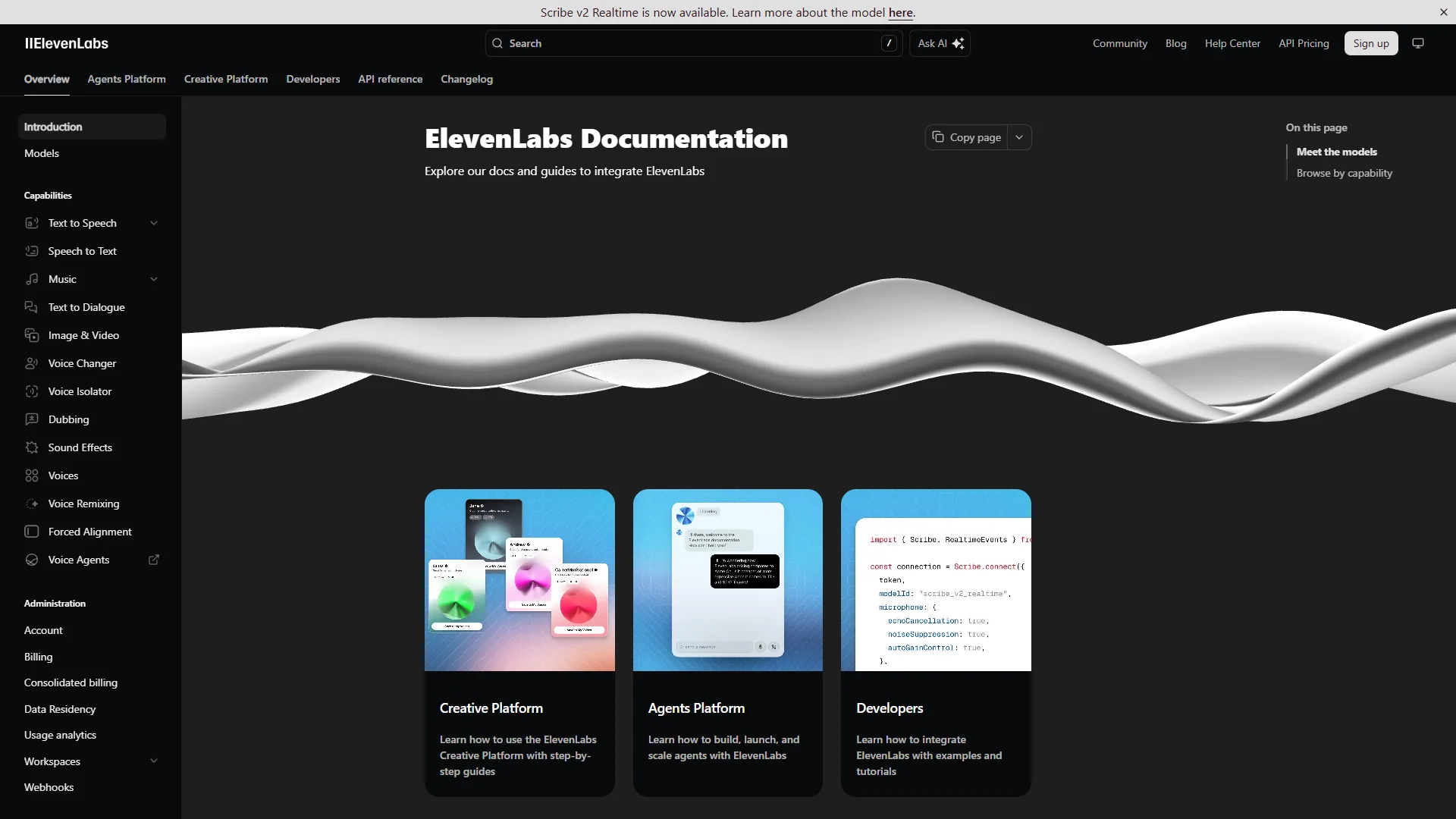
- ElevenLabs Documentation - Official docs and API reference
- ElevenLabs Pricing - Compare plans and features
- ElevenLabs Help Center - Support articles and troubleshooting
Related Guides
- AI Video Creation Tips: 2026 Walkthrough for Teams
- AI Voice Cloning Ethics Best Practices: Complete 2026 Guide
- AI Voiceover Corporate Training With WellSaid Labs
- AI Voiceover for YouTube Videos: Murf Workflow Guide 2026
- AI Voiceover Tips: Making Synthetic Voices Sound Human
- ElevenLabs API Setup: Developer Quick Start Guide (2026)
- ElevenLabs Audio Native Embed Audio on Any Website
- ElevenLabs Audio Quality Settings: Pro Tips and Settings
- ElevenLabs Audiobook Creation: Long-Form Audiobook
- ElevenLabs Conversational AI Agents: Build Voice Agents