


Grammarly wins for professional grammar polish and tone, while QuillBot wins for paraphrasing, citations, and academic writing at a lower price. The QuillBot vs Grammarly question is one of the most common in AI writing tools, and the short answer is that the two products do not do the same job. Grammarly is a grammar and style checker that polishes writing you have already produced. QuillBot is primarily a paraphrasing and rewriting tool that transforms writing into different forms. Choosing between them - or deciding which one is better for your workflow - starts with understanding what problem you are actually trying to solve.
Our analysis draws on current vendor documentation, pricing pages, and independent research rather than sponsored placement. AI Productivity may earn a commission from links on this page; our rankings are editorially independent.
If you write professional emails, reports, and content that needs to be clear and error-free, Grammarly will serve you better. If you write academic papers that need to be reworded without losing meaning, or you are working with existing text that needs restructuring, QuillBot is the stronger tool. That distinction holds for the vast majority of QuillBot vs Grammarly use cases.
This comparison covers pricing, core features, writing quality results, and the specific workflows where each tool wins in the QuillBot vs Grammarly debate. For wider context, our best AI writing tools 2026 roundup tracks adjacent tools.
Comparison Table: QuillBot vs Grammarly
The QuillBot vs Grammarly comparison table below summarizes pricing, core features, and use-case fit so you can pick an AI writing partner in one glance.
| Category | Grammarly | QuillBot |
|---|---|---|
| Core use case | Grammar, clarity, style, tone | Paraphrasing, rewriting, summarizing |
| Free tier | Yes (grammar + spelling) | Yes (limited paraphrasing) |
| Premium price | $12/mo (annual) | $8.33/mo (annual), $19.95/mo (monthly) |
| Grammar checker | Best-in-class | Good but secondary |
| Paraphrasing tool | Limited | Best-in-class |
| Plagiarism checker | Premium ($15/mo add-on) | Included in Premium |
| Citation generator | No | Yes |
| Summarizer | Basic | Advanced |
| Browser extension | Yes | Yes |
| Microsoft Word plugin | Yes | Yes |
| Best for | Professional writing, polish | Students, academic writing, rewriting |
| Rating |
Short version: In the QuillBot vs Grammarly matchup, Grammarly wins for professional polish and QuillBot wins for academic rewriting and paraphrasing. Students who need both might use QuillBot as primary and Grammarly for final polish.
Grammarly: Professional Writing Polish
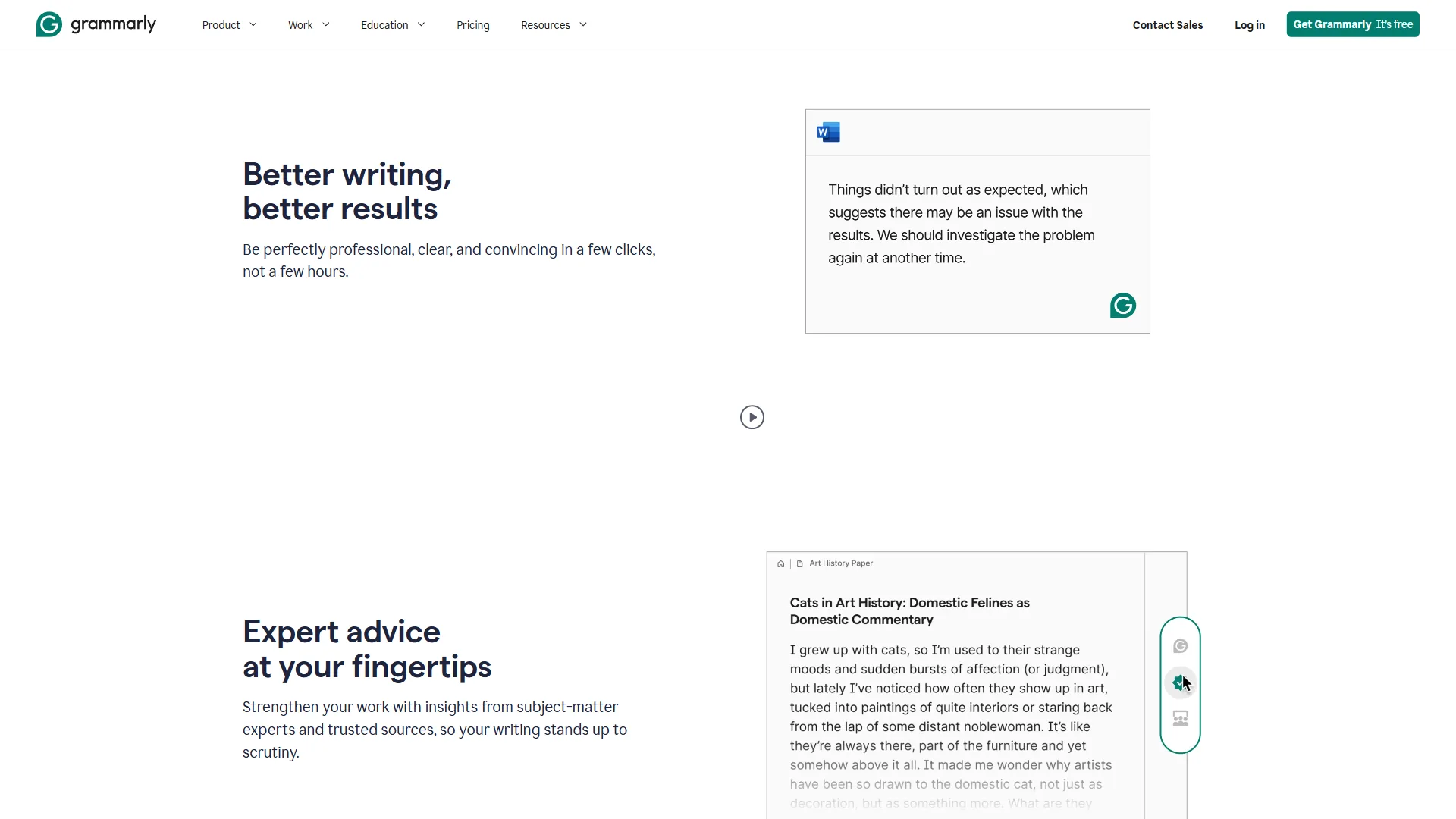
Grammarly started as a grammar checker and has evolved into a comprehensive AI writing assistant. The core product checks grammar, spelling, and punctuation. The layer on top of that catches clarity issues - unnecessarily wordy sentences, passive voice overuse, hedging language, and ambiguous pronoun references. The premium tier adds tone detection, full-sentence rewrites, and the Grammarly Go AI generation features.
What Grammarly does well:
- Grammar and mechanics. Grammarly catches errors that spell-checkers miss: misplaced commas, subject-verb disagreement, apostrophe errors, and confusing word pairs (affect/effect, which/that). Per Grammarly’s grammar-checker documentation, the engine checks over 400 grammar rule categories - still best-in-class in 2026.
- Clarity and conciseness. Grammarly flags wordy sentences and offers shorter alternatives (for example “in the event that” becomes “if”) - valuable for professional documents.
- Tone detection. Grammarly analyzes whether your email reads as confident, formal, friendly, or direct, and suggests adjustments - useful for business communication.
- Grammarly Go. The AI generation feature in Premium and Business plans drafts, rewrites, and responds to messages with seamless integration.
- Works everywhere. The browser extension covers Gmail, Docs, LinkedIn, Slack, and any text field. Windows and Mac apps extend coverage to desktop software.
- Business team features. Grammarly Business adds style guides, brand tone consistency, and snippets - patterns we cover in best AI copywriting tools 2026.
Where Grammarly falls short:
- Paraphrasing is limited. Grammarly rewrites individual sentences but offers no passage-level paraphrasing mode. QuillBot is stronger here.
- Plagiarism checker is expensive. It requires the Premium + Plagiarism plan or Business, pushing effective cost up for students.
- No citation generator. Grammarly does not help with academic citations.
- Can over-correct voice. Accepting every suggestion homogenizes writing style, which does not suit every genre.
- Intrusive on creative work. Suggestions are calibrated for professional writing, so fiction often gets corrections that are technically right but narratively wrong - the AI tools for content creators review highlights more flexible options.
Limitations and who Grammarly is not for: Skip Grammarly if you primarily need to paraphrase or restructure existing text, write fiction with an unconventional voice, or want academic citation support built in.
QuillBot: The Paraphrasing Specialist
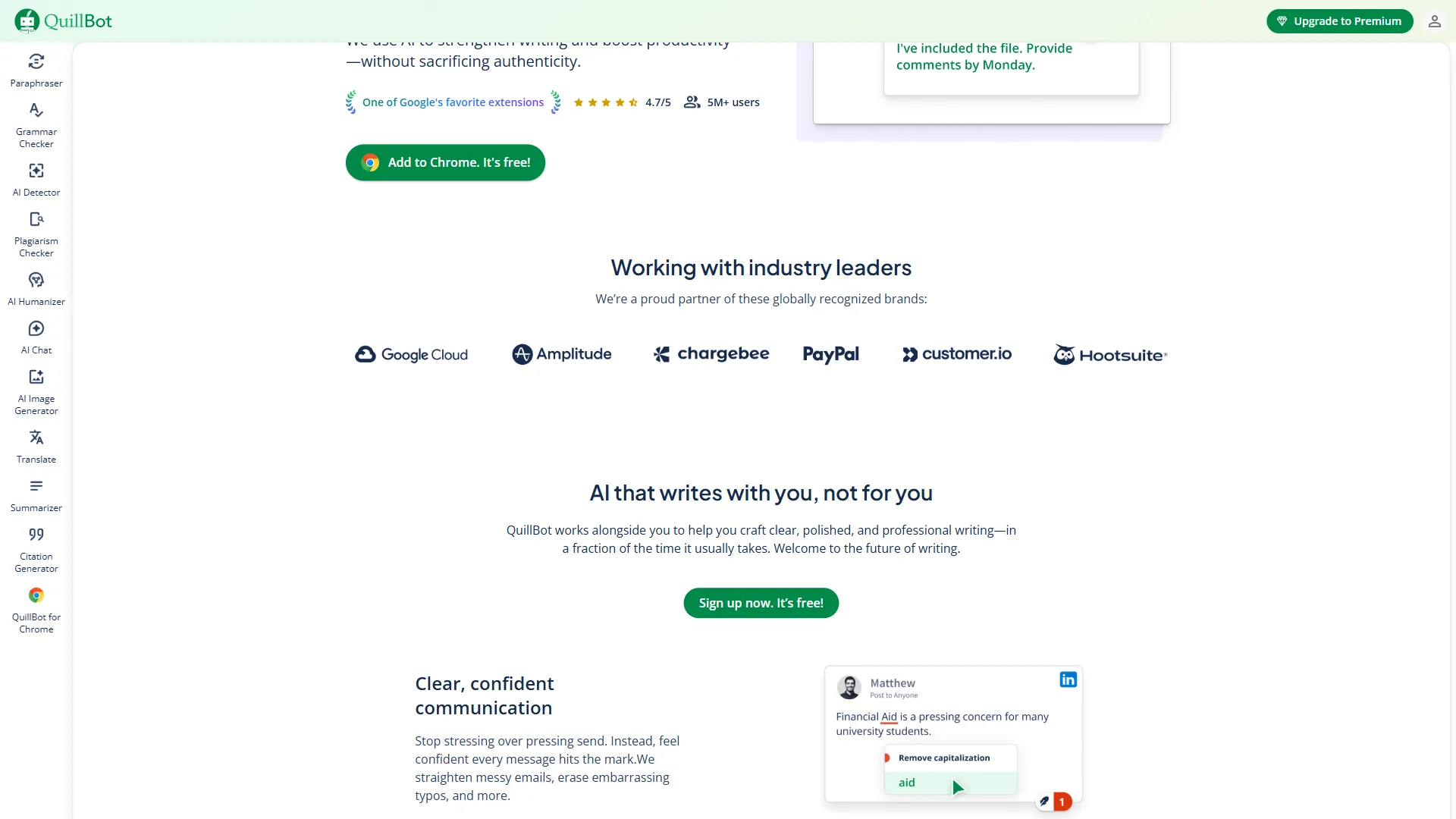
QuillBot is a paraphrasing specialist that rewrites input text while preserving meaning, and has expanded into a fuller academic writing toolkit. The core paraphraser takes input text and rewrites it while preserving the meaning - useful for academic writers who need to express ideas in their own words, content creators repurposing existing material, and anyone who needs to restructure source material without starting from scratch.
The platform has expanded significantly. QuillBot Premium now includes a grammar checker, summarizer, citation generator, plagiarism checker, translator, and paraphraser - making it a more complete writing toolkit than its origins suggest.
What QuillBot does well:
- Paraphrasing at scale. The paraphraser is genuinely excellent, with seven modes (Standard, Fluency, Formal, Simple, Creative, Expand, Shorten) giving meaningful control. Free paraphrases up to 125 words; Premium removes that limit.
- Academic writing support. Paraphrasing, citation generator, plagiarism checker, and summarizer together cover the full workflow for students writing research papers at QuillBot’s price point.
- Citation generator. Supports MLA, APA, Chicago, and Harvard. The QuillBot citation generator accepts a URL, ISBN, DOI, or search term and formats the citation, and the QuillBot help center walks through each style.
- Summarizer. Condenses long documents in Key Sentences mode (extractive) or Paragraph mode (abstractive) - real time savings for research and literature reviews.
- Plagiarism checker included. Plagiarism checking is bundled in Premium, making QuillBot’s $8.33 per month annual a stronger value for academic use cases.
- Grammar checker (improving). QuillBot’s grammar checker catches the common errors academic writers make - not Grammarly-level, but adequate for the primary use case - and AI tools for freelance writers compares the tier carefully.
Where QuillBot falls short:
- Grammar checking is secondary. QuillBot catches common errors but lacks Grammarly’s nuance around tone, clarity, and style. For professional documents, grammar output is noticeably weaker.
- Browser integration is limited. The QuillBot extension requires copying text to a separate interface in many cases, whereas Grammarly works inline.
- Professional writing features are minimal. No tone detection, no business team features, no brand style guide - QuillBot is built for individual writers.
- Free tier is restrictive. The 125-word paraphraser limit and gated grammar checker push serious users toward Premium quickly.
- AI generation is less developed. QuillBot’s AI writing is functional but not as polished or context-aware as Grammarly Go - the apps like ChatGPT shortlist covers stronger generators.
Limitations and who QuillBot is not for: Skip QuillBot if your primary writing is business email, marketing copy, or client deliverables where polish and tone consistency outrank paraphrasing.
Feature-by-Feature: QuillBot vs Grammarly Compared
Which Tool Catches More Grammar and Spelling Errors?
Grammarly is the clear winner. It goes beyond typos - it understands sentence structure, identifies comma splice errors, flags unclear pronoun antecedents, and explains each suggestion so writers learn. See our Grammarly vs Wordtune comparison for another perspective. QuillBot’s grammar checker covers standard errors adequately for academic papers, but Grammarly’s depth wins for professional documents - our AI tools for marketers review highlights similar polish-driven workflows.
Winner: Grammarly
Which Tool Paraphrases and Rewrites Text Better?
QuillBot is definitively better at paraphrasing - this is its core product and the gap is wide. The seven modes meaningfully restructure text, the output feels natural, and word-freezing gives fine-grained control. Grammarly’s sentence-by-sentence rewrites cannot match passage-level paraphrasing for rewording a 500-word research section.
Winner: QuillBot - no contest
Which Tool Summarizes Long Documents Better?
QuillBot’s summarizer is more sophisticated, with Key Sentences and Paragraph modes that handle long documents well. Grammarly has basic AI summarization, but the output is less reliable for academic or research purposes.
Winner: QuillBot
Plagiarism Detection
QuillBot bundles plagiarism checking in its $8.33-per-month annual Premium. Grammarly requires a separate add-on or the Business plan, so QuillBot is substantially better value for students who need this feature.
Winner: QuillBot (for value)
Citation Generation
QuillBot has a citation generator. Grammarly does not. End of comparison.
Winner: QuillBot
Tone and Style
Grammarly’s tone detection is unique here - it identifies whether an email reads as formal, confident, or direct and suggests adjustments, with team-level style guides in Business. QuillBot has no equivalent.
Winner: Grammarly
Pricing Value
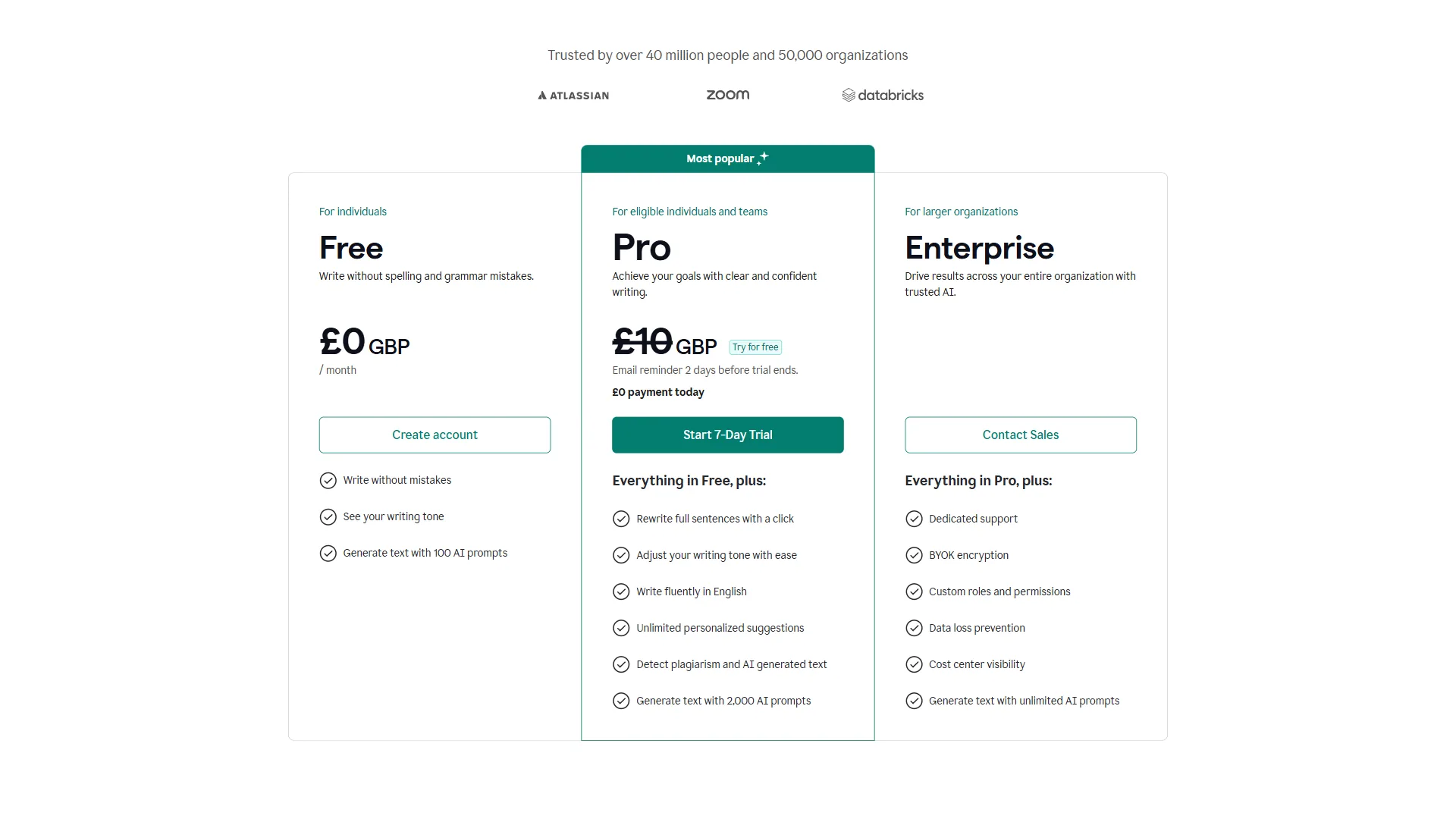
| Plan | Grammarly | QuillBot |
|---|---|---|
| Free | Grammar + spelling | 125-word paraphraser (limited) |
| Annual Premium | $12/mo | $8.33/mo |
| Monthly Premium | $30/mo | $19.95/mo |
| Plagiarism check | Add-on cost | Included in Premium |
| Citation generator | Not available | Included in Premium |
QuillBot Premium is cheaper ($8.33 vs $12 per month annually) and includes plagiarism checking and citation generation. For students, this bundling represents meaningfully better value - and pairs well with the picks in AI tools for course creators.
Grammarly’s higher price reflects its broader feature set for professional use - tone detection, AI generation, business team features - and its deeper grammar engine. For professionals, the premium is justified.
Winner: QuillBot for students, Grammarly for professionals
Browser and App Integration
Grammarly’s browser extension is seamless. It integrates into Gmail, Google Docs, LinkedIn, Twitter/X, Slack, and virtually every text field in any browser. The Windows and Mac desktop apps extend coverage to Microsoft Word and native applications. The integration experience is consistently smooth.
QuillBot’s browser extension integrates with Google Docs and Gmail, but the experience is less seamless in many other web applications. The desktop integration is less comprehensive. For writers who work across many different tools throughout the day, Grammarly’s integration breadth is a real quality-of-life advantage - the best email marketing platforms 2026 shortlist covers tools where this matters most.
Winner: Grammarly
Best Picks by Use Case: Who Should Choose Each Tool
Professionals writing business content should choose Grammarly, students writing academic papers should choose QuillBot, and writers who need both can stack the two for a complete writing workflow. The picks below break down which AI writing tool fits each common use case so you know which one to use in 2026.
Choose Grammarly If:
- You write professional content regularly. Business emails, reports, deliverables, LinkedIn posts, marketing copy - Grammarly’s tone detection and AI generation make professional writing better. See our best AI writing tools roundup for more options.
- Grammar errors damage your credibility. Grammarly’s deep engine is worth the investment - the best AI resume writing tools review highlights similar polish-first picks.
- You work in a team. Grammarly Business brings style guides and brand consistency - something QuillBot does not offer.
- Your writing needs to sound like you. Grammarly suggests improvements without rewriting your voice; you accept or reject each suggestion individually.
- You use many different tools throughout the day. The browser extension works across Gmail, Slack, LinkedIn, Google Docs, and any web-based text input.
Choose QuillBot If:
- You are a student writing academic papers. Paraphrasing, plagiarism checking, citation generation, and summarization cover the academic workflow at a lower price than Grammarly.
- You need to paraphrase or restructure existing text. Whether reworking source material for a literature review or transforming notes into prose, QuillBot’s paraphraser is more capable.
- You research and summarize long documents regularly. The summarizer handles lengthy papers effectively - the best AI research tools 2026 shortlist covers complementary helpers.
- Budget is a consideration. At $8.33 per month annual, Premium is cheaper and includes plagiarism checking - the AI tools for students review covers other budget-friendly stacks.
- You create content at volume. Paraphrase and Summarize together create an efficient workflow for source-driven content - see our guide to writing faster with AI for more techniques.
Use Both If:
Many academic writers stack QuillBot for drafting and paraphrasing with Grammarly for final grammar polish as a dual-tool workflow. Some writers use QuillBot to draft and restructure text, then run the output through Grammarly for final polish. This workflow is common among students who need QuillBot’s paraphrasing and citation tools for the research process and Grammarly’s grammar depth for the final document. Both tools offer annual plans, and the combined cost ($20.33 per month annual) is still less than a single seat of most professional editing suites - and the AI tools for teachers review covers complementary classroom workflows.
Common Pitfalls: What Grammarly and QuillBot Cannot Do
Neither Grammarly nor QuillBot replaces human editing, strategic writing skill, or full protection against modern plagiarism detection - the three pitfalls below are where both tools share the same hard limits. It is worth naming what neither tool handles well, so you set appropriate expectations.
Neither tool is a substitute for human editing. Both generate suggestions that are sometimes wrong, occasionally miss the point, and cannot account for domain-specific conventions (legal writing, medical documentation, certain scientific styles). Always review AI writing tool suggestions rather than accepting them automatically.
Neither tool replaces strategic writing skills. Grammarly catches sentence-level errors. QuillBot restructures existing text. Neither helps you decide what to write, how to structure an argument, or whether your key points are clear. Writing quality at the strategic level remains a human responsibility.
Neither tool fully protects against plagiarism detection. QuillBot’s paraphrasing capability changes text, but modern plagiarism detection systems have become substantially better at identifying paraphrased content. Peer-reviewed work like the arXiv research on AI-generated text detection shows that classifiers can flag paraphrased machine output with non-trivial accuracy, and academic institutions increasingly use Turnitin’s AI writing detection which flags both AI-generated and paraphrased content. According to the Content Marketing Institute, a research body tracking content workflows, “over 50% of content marketers now use AI writing tools in their workflow,” which is precisely why detection investment by academic vendors has accelerated. The AI writing assistant market is also projected to reach $6.5 billion by 2030, per Market Research Future, so academic integrity tooling will keep evolving alongside it.
The Bottom Line
Grammarly is the better tool for professionals. Its grammar depth, tone detection, clarity suggestions, and seamless integration across every tool you use make it the default choice for anyone writing in a professional context. The $12 per month annual price is justified for daily professional writing.
QuillBot is the better tool for students and academic writers. The paraphrasing engine is best-in-class, the citation generator covers the most common academic formats, plagiarism checking is included in the base plan, and the summarizer handles long-form research documents well. At $8.33 per month annual, it delivers more relevant academic features for less money.
If you can only choose one, match the tool to your primary writing context: Grammarly for professional work, QuillBot for academic papers or paraphrasing-heavy projects.
FAQ
The FAQ below answers the most common QuillBot vs Grammarly questions about plagiarism detection, AI detection, and which tool is better for students.
Q: Can Turnitin detect QuillBot?
Turnitin can flag QuillBot-paraphrased content. Modern plagiarism systems have improved at identifying paraphrased text, and Turnitin’s AI writing detection flags both AI-generated and paraphrased content - QuillBot changes wording but does not fully protect against detection.
Q: Do professors know if you use QuillBot?
Professors often know when students use QuillBot, because institutions increasingly rely on Turnitin’s AI writing detection, which flags both AI-generated and paraphrased submissions. Paraphrasing alone is not a reliable cover for academic integrity issues.
Q: Can AI be detected if I use QuillBot?
Yes, AI use can still be detected after running content through QuillBot. Turnitin’s AI writing detection flags both AI-generated and paraphrased text, so academic integrity requires more than running text through a paraphraser.
Q: Which is better for students, QuillBot or Grammarly?
QuillBot is generally the stronger tool for students. It bundles paraphrasing, citation generation, plagiarism checking, and summarization at $8.33 per month annual - cheaper than Grammarly. Students who need both often use QuillBot for academic rewriting and Grammarly for final polish.
Q: Does Grammarly offer tone detection that QuillBot lacks?
Only Grammarly offers tone detection. It analyzes whether writing reads as confident, formal, friendly, or direct, and suggests adjustments - useful for business communication. QuillBot has no equivalent feature.
Related Reading
These related guides extend this detailed comparison into adjacent QuillBot and Grammarly use cases - full tool reviews, alternatives, and complementary AI writing tools.
- Grammarly Review - Full feature breakdown, pricing, and integration depth
- QuillBot - Full tool profile with pricing, ratings, and paraphrasing features
- Slack - Team communication platform with Grammarly integration support
- Grammarly Alternatives 2026 - Best alternatives when Grammarly does not fit your workflow
- QuillBot Alternatives 2026 - Paraphrasing and academic writing tools beyond QuillBot
- AI Tools for Copywriters 2026 - AI writing tools for professional content creation at scale
External Resources
External resources below link to the primary vendor documentation and authoritative academic-writing sources that informed this complete product comparison.
- Grammarly Writing Tips - Writing guides and best practices from the Grammarly team
- QuillBot Blog - Academic writing guides and paraphrasing advice
- Purdue OWL Citation Resources - Authoritative academic citation guides for MLA, APA, and Chicago