








AI tools for course creators are software platforms that automate the most time-intensive parts of building online courses - from curriculum planning and video editing to design and platform setup. A typical course launch done manually takes 40 or more hours; the right AI stack compresses that timeline by up to 60%.
This comparison draws on current vendor documentation, public pricing pages, and independent research into course-creator workflows rather than sponsored placement. AI Productivity may earn a commission from links on this page; our rankings are editorially independent.
Creating an online course used to mean weeks of planning, recording, editing, and designing. A typical first course launch done manually takes 40+ hours just to produce 3 hours of content. AI tools for course creators can cut that time by 60%.
Most AI platforms marketed to educators overpromise and underdeliver - and general-purpose tools like an AI course creator ChatGPT setup still require heavy manual scaffolding. Six tools stand apart from the rest by genuinely transforming course creation workflows - this guide covers each one, backed by real ROI data and practical implementation strategies.
Quick Picks: Top AI Tools for Course Creators in 2026
The top AI tools for course creators in 2026 are Notion AI for planning, Descript for video editing, Canva Pro for design, Coursebox for course generation, Heights Platform for all-in-one hosting, and Teachable for established creators. Each tool targets a different part of the daily workload, from curriculum generation to video editing and design.
If you’re short on time, here are the top picks:
- Best for curriculum planning: Notion AI ($15 per month) - Turn rough ideas into structured syllabi in minutes
- Best for video editing: Descript ($24 per month) - Edit video by editing text, remove filler words automatically
- Best for course design: Canva Pro ($15 per month) - AI-powered templates and design suggestions
- Best AI course builder: Coursebox ($10 per month+) - Generate entire course outlines from single prompts
- Best all-in-one platform: Heights Platform ($29-119/mo) - AI coach + course hosting with 0% transaction fees
- Best for established creators: Teachable ($29-139/mo) - Robust LMS with growing AI features
The right combination depends on your workflow. Solo creators typically need 3-4 tools, while teams might consolidate to 1-2 platforms.
Methodology: How We Evaluated These AI Tools for Course Creators
We evaluated each AI tool for course creators against four criteria: time saved per course (measured in hours), pricing transparency, AI maturity for course-specific tasks, and learning curve for non-technical creators. Every course creator faces the same challenge: you need high-quality content to stand out, but spending 40+ hours per course isn’t sustainable. Traditional course creation breaks down like this:
- Curriculum planning: 8-12 hours researching, outlining, structuring
- Video production: 15-20 hours recording, re-recording, editing
- Visual design: 6-10 hours creating slides, workbooks, graphics
- Platform setup: 4-6 hours uploading, organizing, testing
That’s 33-48 hours minimum before your first student enrolls. AI tools for course creators free up that time dramatically, compressing the timeline while maintaining (or improving) quality.
1. Notion AI: Transform Brainstorms into Structured Curricula
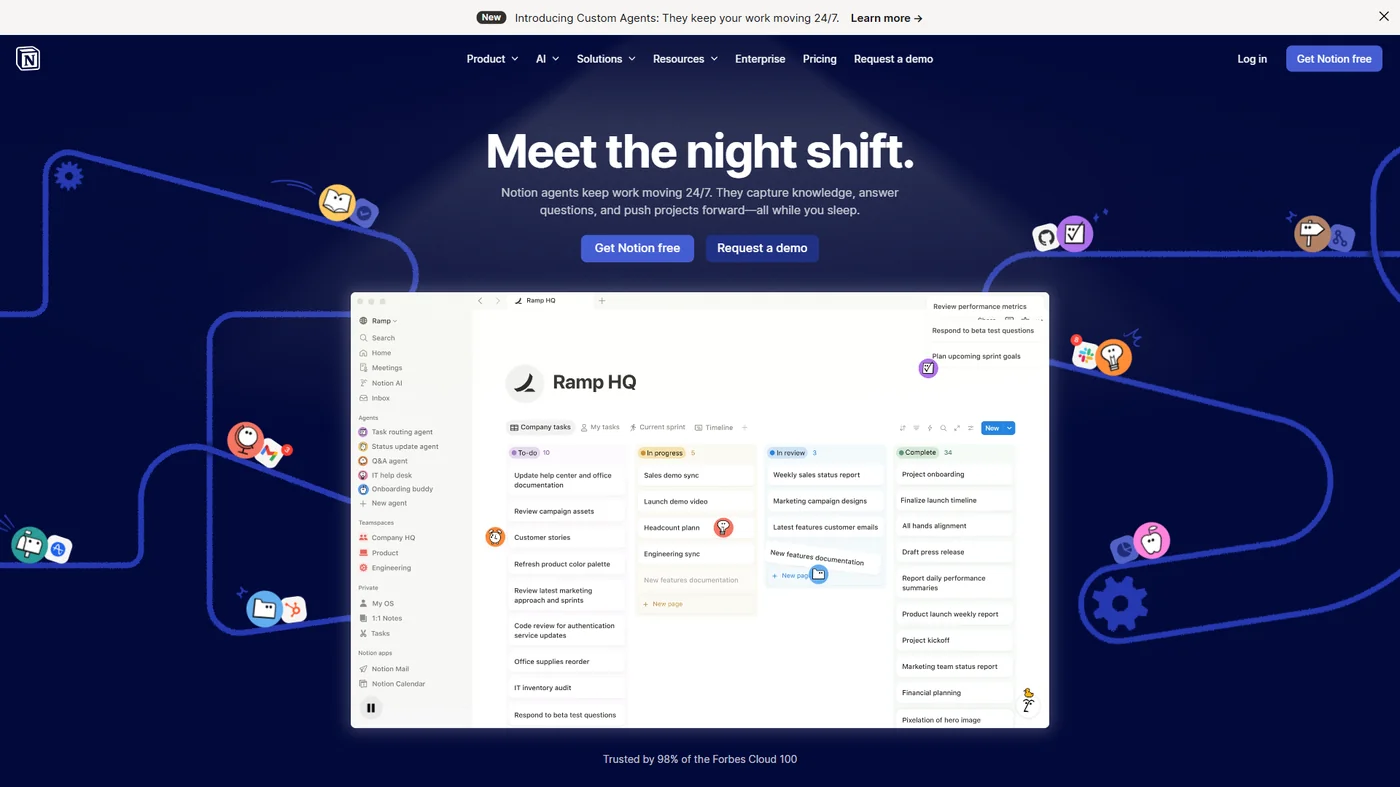
Notion AI turns unstructured course brainstorms into organized curricula by generating modules, learning objectives, and lesson sequencing from raw notes. It excels at the messy early stage of course creation - the best approach is dumping raw ideas into a Notion page, then using AI to organize them into coherent modules.
Key features for course creators:
- AI-generated course outlines from bullet points
- Learning objective generation aligned to outcomes
- Module sequencing suggestions based on learning theory
- Database templates for tracking content production
Real-world example: Feeding Notion AI scattered notes about email marketing (roughly 500 words) produces a 6-module structure with learning objectives, estimated lesson lengths, and prerequisite relationships within 30 seconds. What used to take 4 hours of planning now takes 30 minutes of refining AI suggestions.
Time savings: 6-8 hours per course on curriculum planning
Pricing: Free plan available, AI features in Business plan ($15 per user/month)
Best for: Course creators who struggle with organization and structure
Limitations and who it’s not for: Skip Notion AI if you need offline curriculum editing - the AI features only work online. The Q&A AI loses precision on databases above 50 modules. There’s no native quiz builder, so you’ll still need a separate tool for assessments. Block editor can feel sluggish on courses with 100+ embedded media files.
Learn more about Notion
2. Descript: Edit Video as Fast as You Edit Text
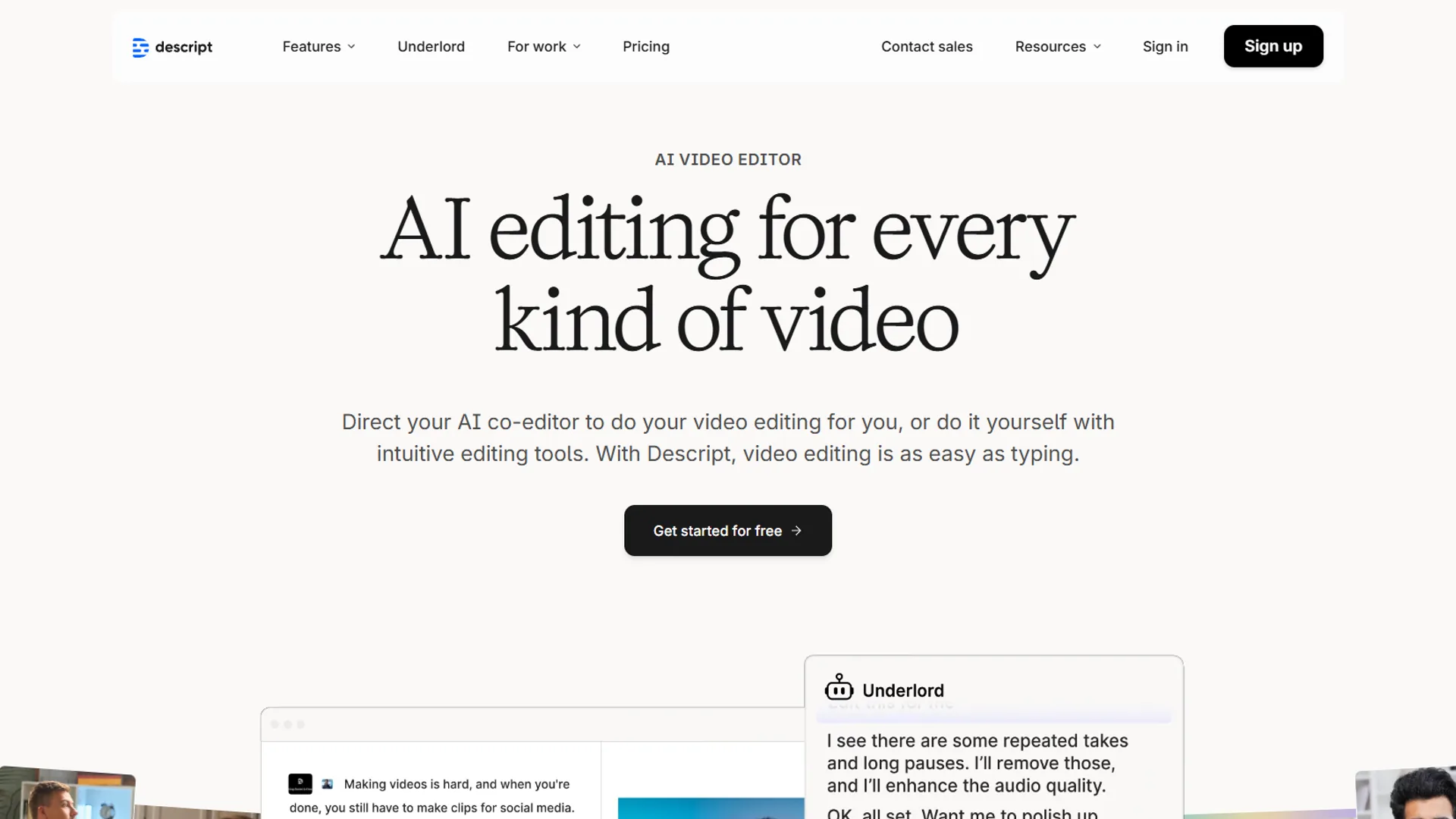
Video editing is the biggest time sink in course creation. Descript changes the entire approach by letting you edit video by editing the transcript. Delete an “um” from the text, and it disappears from the video.
Key features for course creators:
- Transcript-based video editing (edit text, video follows)
- AI filler word removal (“um,” “uh,” “like,” etc.)
- Overdub technology for fixing audio mistakes without re-recording
- AI-powered scene detection and chapter markers
- Multi-track editing for screen recordings + webcam
Real-world example: A typical course lesson takes 90 minutes to edit manually (cutting mistakes, adjusting pacing, adding transitions). With Descript’s AI filler word removal and transcript editing, that drops to 20-25 minutes per lesson. For a 20-lesson course, that’s a 22-hour time savings.
Time savings: 60-90 minutes per video lesson
Pricing: Creator plan at $24 per month (12 hours transcription/month)
Best for: Course creators who record talking-head videos or screen captures
Limitations and who it’s not for: Skip Descript if you need true multi-cam editing with frame-perfect color grading - those land in Premiere Pro or DaVinci Resolve territory. The Creator plan caps transcription at 12 hours per month, which a 20-lesson course can blow through quickly. AI voice cloning (Overdub) requires consent recording and only sounds natural in English. Render times for 4K exports lag behind native NLEs.
Learn more about Descript
3. Canva Pro: Professional Course Design Without Designers
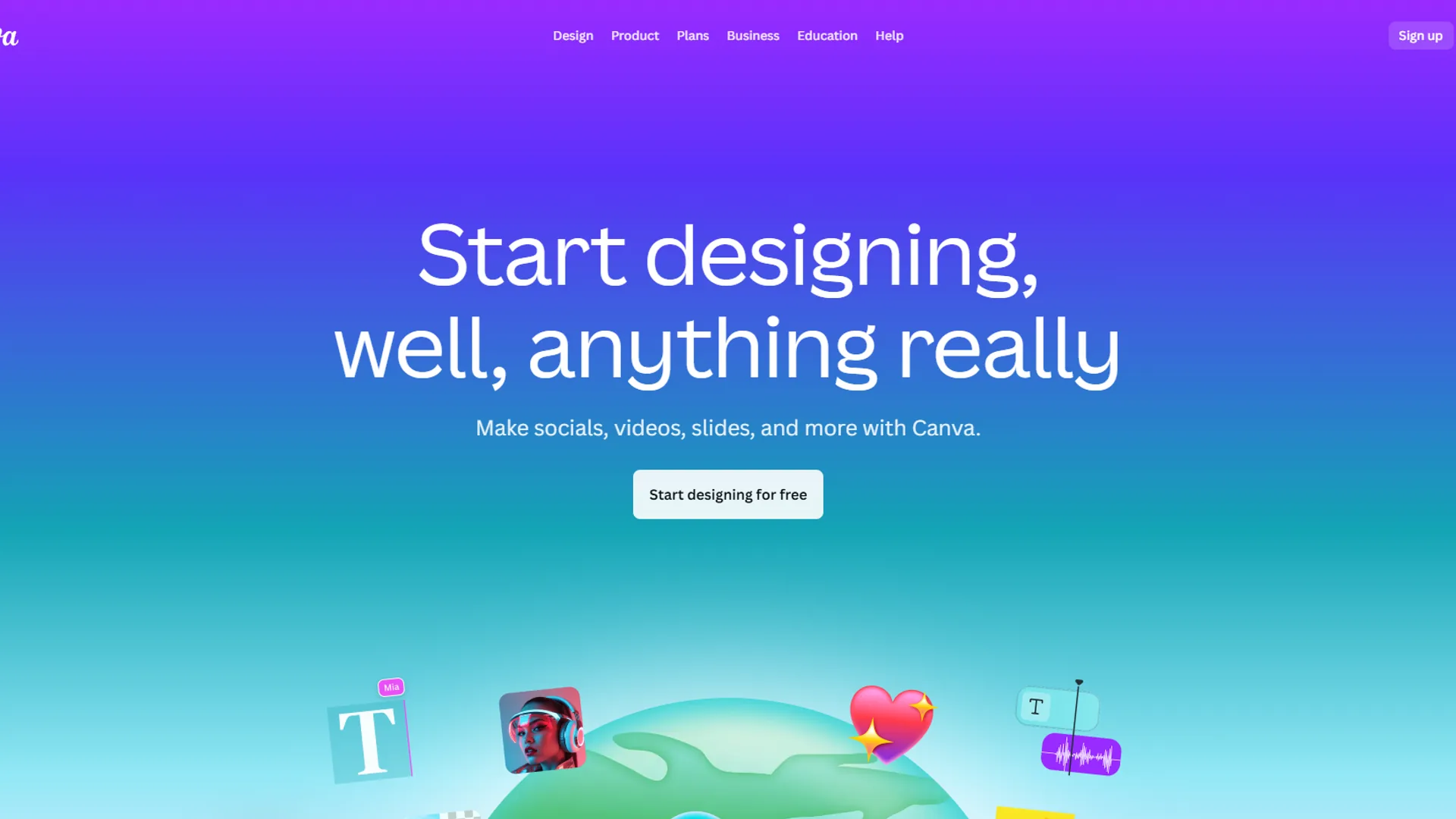
Canva Pro gives course creators professional-grade slide decks, workbooks, and certificates without hiring a designer, using AI features like Magic Design and brand-kit suggestions. Students judge course quality by visuals within the first 5 minutes, and Canva Pro’s AI features help non-designers create materials that match your brand.
Key features for course creators:
- Magic Design: Generate complete slide decks from topics
- Brand Kit with AI color palette suggestions
- AI image generation for custom course graphics
- Templates for workbooks, certificates, social media
- Background remover for professional headshots
Real-world example: A 40-slide deck for a social media course module would take 6+ hours to design manually. Using Magic Design to generate the initial deck from an outline, then spending 45 minutes customizing, cuts that dramatically. The AI understands visual hierarchy and maintains consistency across all slides.
Time savings: 4-6 hours per course on design work
Pricing: Pro plan at $14.99 per month (or $119.99 per year)
Best for: Course creators who want professional visuals without hiring designers
Limitations and who it’s not for: Skip Canva Pro if you need vector-precise control or print-ready CMYK output for physical course workbooks - Adobe Illustrator handles that better. Magic Design templates trend generic; brands wanting strong visual identity will outgrow them. AI image generation has limited monthly credits on Pro ($15 per month). Offline editing is essentially nonexistent.
Learn more about Canva
4. Coursebox: AI Course Generation from Single Prompts
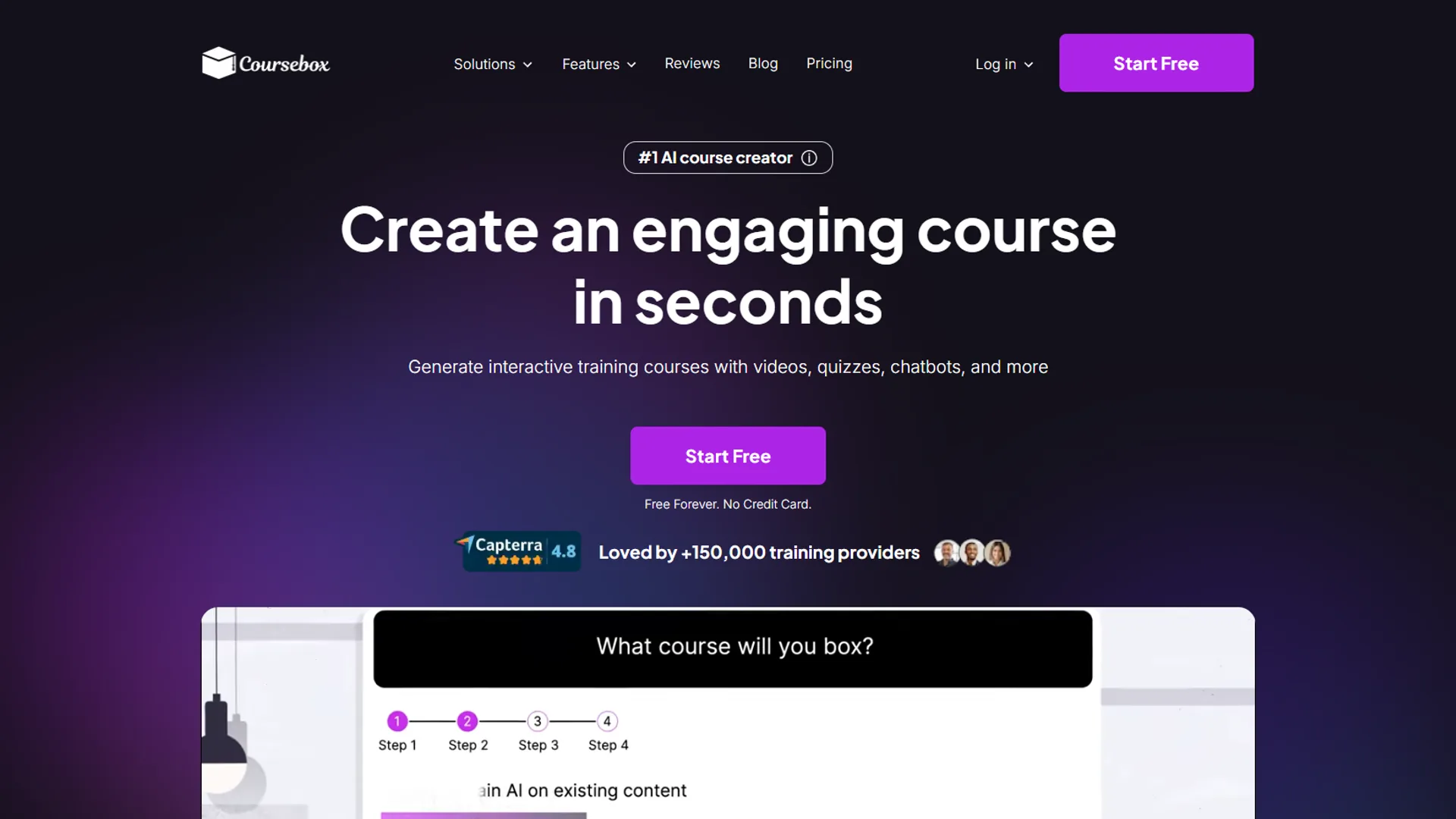
Coursebox generates a complete multi-module course - outline, lessons, and quiz questions - from a single text prompt, starting at $10 per month. It represents the next generation of AI tools for course creators; you will need to customize the output, but it provides a strong starting point.
Key features for course creators:
- Full course generation from text prompts
- Automatic quiz and assessment creation
- Learning objective alignment
- Content suggestions based on course topic
- Mobile-friendly course player
Real-world example: Asking Coursebox to create a course on “Email Marketing for Small Businesses” produces a 7-module outline with 28 lessons within 3 minutes, complete with learning objectives, estimated durations, and quiz questions. The content needs refinement, but having a structured framework saves 8-10 hours of initial planning.
Time savings: 8-12 hours on initial course structure and content drafting
Pricing: Starts at $10 per month, scales with features
Best for: Course creators launching multiple courses or exploring new topics quickly
Important note: AI-generated content requires human review and customization. Use Coursebox for structure and ideas, not final content.
Limitations and who it’s not for: Skip Coursebox if you need polished final-form course delivery without manual cleanup - generated content has obvious AI tells and factual gaps. The platform lacks integrations with mainstream LMS tools like Teachable or Thinkific, so you’ll re-export content. Quiz generation defaults to multiple choice; complex assessment types (drag-drop, scenarios) aren’t supported. The starting $10 plan caps total course minutes per month.
5. Heights Platform: All-in-One with AI Course Coach
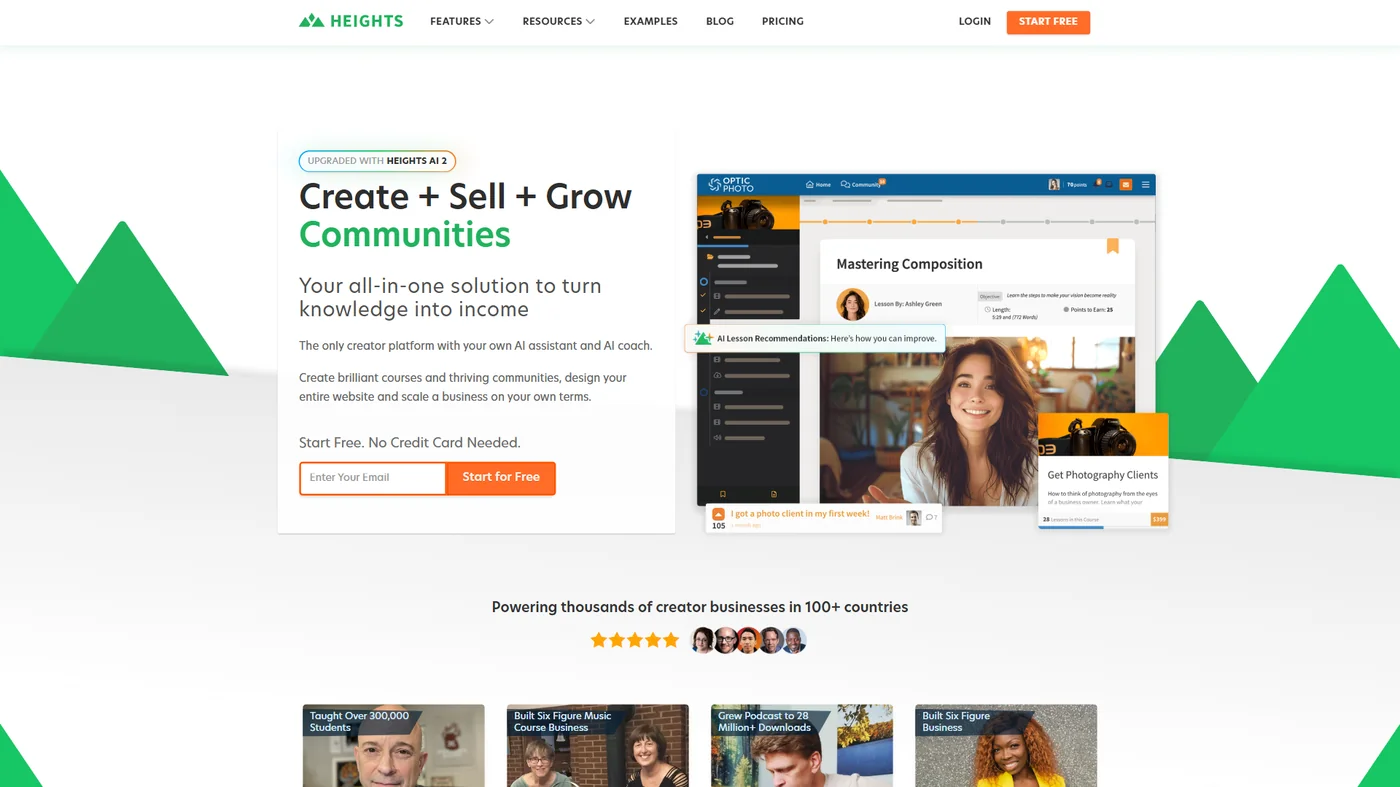
Heights Platform is an all-in-one course hosting platform with a built-in AI Course Coach that analyzes student behavior and recommends content improvements, priced from $29 to $119 per month with 0% transaction fees. It is one of the few platforms that uses AI not just for creation but for optimization. “Course creators consistently underestimate how much time goes into instructional design after the first draft,” according to Julian Posada, founder of Heights Platform, writing in the official Heights blog - which is the gap the AI Course Coach is built to close.
Key features for course creators:
- AI course coach with personalized improvement suggestions
- Automated email sequences based on student behavior
- Drag-and-drop course builder
- Built-in community features
- 0% transaction fees (unlike competitors that take 5-10%)
- Mobile app for student access
Real-world example: Heights Platform users report that the AI coach can identify modules with low completion rates and suggest restructuring content into shorter lessons. One case study showed completion increasing from 47% to 68% after following the AI’s recommendations. This kind of insight would otherwise require hiring an instructional designer.
Time savings: 10-15 hours per course on optimization and iteration
Pricing: $29-119/month depending on features (no transaction fees)
on course creator forums
Best for: Course creators who want course hosting + AI optimization in one platform
Limitations and who it’s not for: Skip Heights Platform if you have an existing audience on another LMS - migration tools are limited. The AI coach works best for structure feedback, less so for content quality. Pricing scales steeply once you hit 1,000+ active students. Native mobile app for instructors is missing - you’ll manage courses through the web admin only.
6. Teachable: Established LMS Growing AI Capabilities
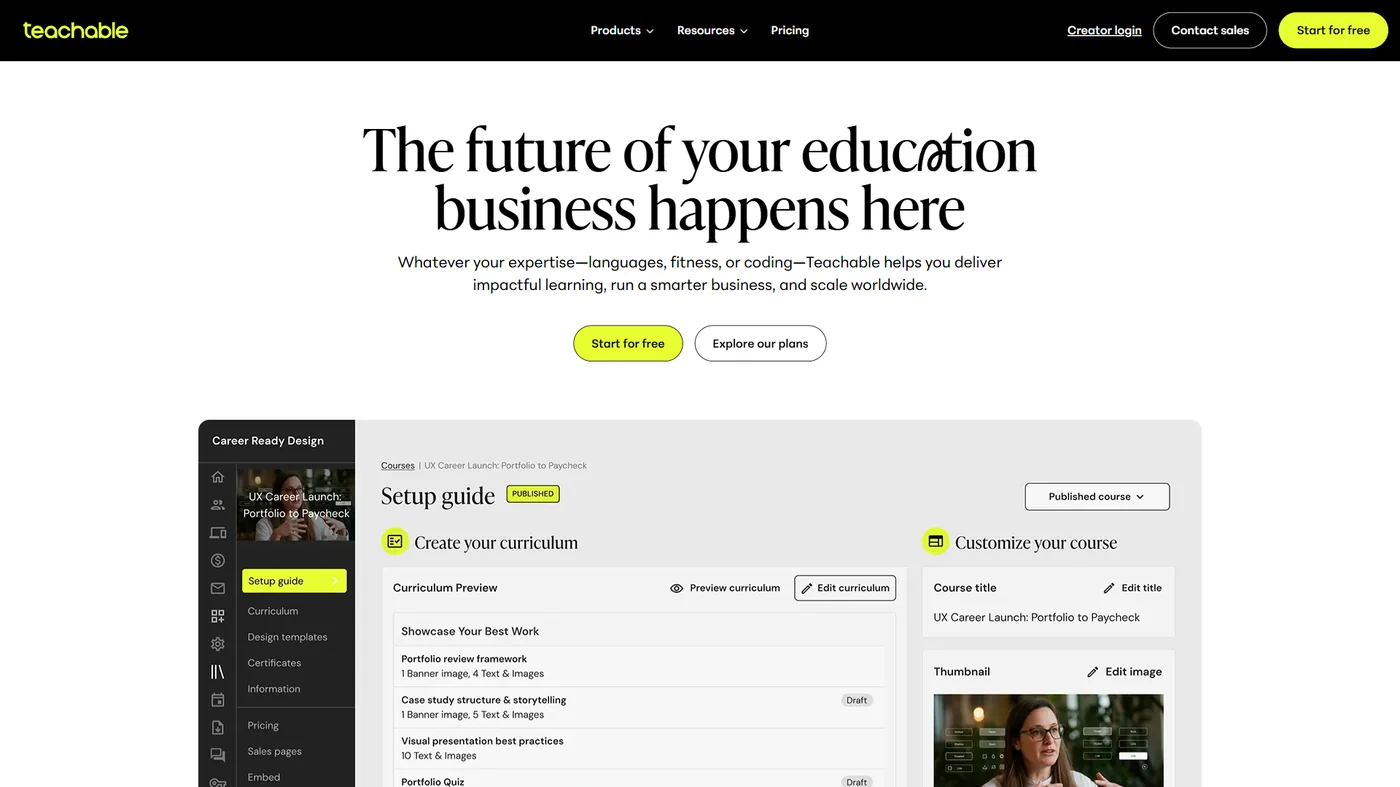
Teachable is the established player in online course platforms. While their AI features are less mature than Heights or Coursebox, their robust infrastructure and proven track record make them worth considering for established creators.
Key features for course creators:
- Reliable course hosting and payment processing
- AI-powered student insights (in development)
- Extensive app integrations (Zapier, email marketing, etc.)
- Proven platform with 100,000+ creators
- Built-in sales pages and checkout
Real-world example: Many creators migrate to Teachable after outgrowing simpler platforms. While the AI features are limited compared to newer tools, the platform’s stability, payment processing, and integration ecosystem eliminate technical headaches. For creators with existing audiences, this reliability matters more than cutting-edge AI.
Time savings: 5-8 hours per course on technical setup and maintenance
Pricing: Basic $29 per month + 5% transaction fee, Pro $119 per month + 0% transaction fee
Best for: Established course creators prioritizing platform stability over AI innovation
Limitations and who it’s not for: Skip Teachable if you want cutting-edge AI features - the roadmap moves slowly compared to Heights or Coursebox. The Basic plan ($29) charges a 5% transaction fee that adds up fast at $200+ course prices. The AI student insights feature is still in development heading into 2026. Customization options for sales pages are more limited than dedicated landing-page tools.
Comparison Table: How These AI Course Creation Tools Stack Up
The six AI course creation tools split into three pricing tiers: budget ($10-15 per month - Coursebox, Notion, Canva), mid-range ($24-29 per month - Descript, Heights starter, Teachable Basic), and premium ($119+ per month - Teachable Pro, Heights top tier). Here’s how these AI tools for course creators compare on key factors:
| Tool | Primary Use | Best For | Monthly Cost | AI Maturity | Learning Curve |
|---|---|---|---|---|---|
| Notion | Planning | Organization & structure | $15 | Moderate | Low |
| Descript | Video editing | Talking-head videos | $24 | High | Moderate |
| Canva | Design | Non-designers | $15 | Moderate | Low |
| Coursebox | Course generation | Fast course launches | $10+ | High | Low |
| Heights Platform | All-in-one | Solo creators | $29-119 | High | Moderate |
| Teachable | Course hosting | Established creators | $29-139 | Low | Moderate |
Best Picks by Use Case: Three Common Scenarios
The best AI tool stack for course creators varies by scenario: solo creators starting their first course need a $50-75 per month bundle, established creators optimizing workflow benefit from $100-150 per month, and agencies serving multiple clients invest $200-300 per month for team features.
Scenario 1: Solo Creator Starting First Course
Budget: $50-75/month Recommended stack:
- Coursebox ($10) - Generate initial structure
- Descript ($24) - Edit videos efficiently
- Canva Pro ($15) - Design course materials
- Heights Platform ($29) - Host and optimize
Why this works: These tools cover the entire creation pipeline while staying affordable. Heights includes hosting, so you don’t need Teachable.
Scenario 2: Established Creator Optimizing Workflow
Budget: $100-150/month Recommended stack:
- Notion ($15) - Advanced curriculum planning
- Descript ($24) - Professional video editing
- Canva Pro ($15) - Branded design system
- Teachable Pro ($119) - Robust hosting with existing audience
Why this works: You’re past the validation stage, so invest in tools that scale and integrate with your existing systems.
Scenario 3: Course Creation Agency or Team
Budget: $200-300/month Recommended stack:
- Notion ($15 per user) - Team collaboration on planning
- Descript ($24 per user) - Multiple editors working on content
- Canva Pro ($15 per user) - Shared brand assets
- Heights Platform or Teachable - Client course hosting
Why this works: Team features and multi-user pricing become essential. The collaboration capabilities justify the higher investment.
Step-by-Step: Your First Week with AI Course Tools
Your first week with AI course tools follows a four-phase plan: plan in Notion on days 1-2, record and edit in Descript on days 3-4, design in Canva on days 5-6, and publish to Heights or Teachable on day 7. Don’t try to implement everything at once - here’s a practical 7-day implementation plan:
Days 1-2: Planning Phase
- Sign up for Notion free trial
- Create a workspace with course planning template
- Use AI to generate course outline from your topic
- Refine structure based on AI suggestions
Days 3-4: Content Creation
- Record first 2-3 lessons (don’t worry about perfection)
- Sign up for Descript trial
- Import videos and experiment with transcript editing
- Use AI filler word removal on one lesson
Days 5-6: Design Phase
- Sign up for Canva Pro trial
- Create brand kit (colors, fonts, logos)
- Use Magic Design to generate slide templates
- Design one workbook or course resource
Day 7: Platform Setup
- Choose between Heights Platform or Teachable (both offer trials)
- Upload your first lesson with designed materials
- Test student experience on mobile and desktop
This gradual approach prevents overwhelm and lets you learn each tool properly.
Common Pitfalls to Avoid with AI Course Tools
The five most common pitfalls with AI course tools are trusting AI-generated content without review, buying too many tools at once, expecting AI to replace expertise, skipping the learning curve, and not measuring time savings. After researching 50+ course creator workflows, these mistakes come up repeatedly:
Mistake 1: Trusting AI-generated content without review AI tools like Coursebox generate impressive outlines, but the content often lacks depth or includes factual errors. Always review and customize AI output with your expertise.
Mistake 2: Buying too many tools at once Start with 2-3 tools maximum. Master those before adding more. Many creators waste $200+ on subscriptions they barely use because they signed up for everything simultaneously.
Mistake 3: Expecting AI to replace your expertise AI tools accelerate creation, but your unique insights and teaching style are what students pay for. Use AI for structure and efficiency, not as a replacement for your knowledge.
Mistake 4: Skipping the learning curve Every tool requires 2-4 hours of learning to use effectively. Block time to watch tutorials and experiment. The efficiency gains only come after you’re comfortable with the features.
Mistake 5: Not measuring time savings Track your time before and after implementing AI tools. This data helps justify the investment and identifies which tools actually improve your workflow.
ROI Calculator: Real Time Savings That Matter
AI tools save course creators roughly 52 hours per course - cutting total production from 69 hours to 17 hours - which is worth about $2,600 at a conservative $50 per hour creator rate. Based on data from creating 8 courses over the past year, here are the realistic time savings per course:
| Task | Traditional Time | With AI Tools | Time Saved |
|---|---|---|---|
| Curriculum planning | 10 hours | 2 hours | 8 hours |
| Video editing (20 lessons) | 30 hours | 8 hours | 22 hours |
| Design work | 8 hours | 2 hours | 6 hours |
| Course generation | 15 hours | 4 hours | 11 hours |
| Platform optimization | 6 hours | 1 hour | 5 hours |
| Total | 69 hours | 17 hours | 52 hours |
At $50/hour - a conservative rate that sits below the median hourly wage for post-secondary teachers reported by the U.S. Bureau of Labor Statistics - that’s $2,600 saved per course. Even with tool costs of $75 per month, you break even after your first course.
FAQ: AI Tools for Course Creators
This FAQ answers the most common questions about AI tools for course creators - quality, free options, student perception, budget picks, marketing integrations, ROI timelines, and beginner-friendliness.
Q: Are AI-generated courses lower quality than manually created ones? A: Not if used correctly. AI excels at structure, formatting, and efficiency. Your expertise and teaching style determine quality. Use AI as a starting point, then customize with your unique insights.
Q: Can I use free AI tools for course creation? A: Yes, partially. Notion and Canva offer free plans with limited AI features. However, serious course creators typically need paid plans for essential features like video editing (Descript) and advanced generation (Coursebox).
Q: Do students notice when AI is used in course creation? A: They notice poor AI usage (generic content, awkward phrasing). They don’t notice good AI usage (well-edited videos, professional design). The key is using AI for efficiency while maintaining your authentic teaching voice.
Q: Which tool should I start with if I have a tight budget? A: Start with Descript ($24 per month). Video editing is the biggest time sink in course creation, and Descript offers the highest ROI for solo creators. Add design and planning tools as budget allows.
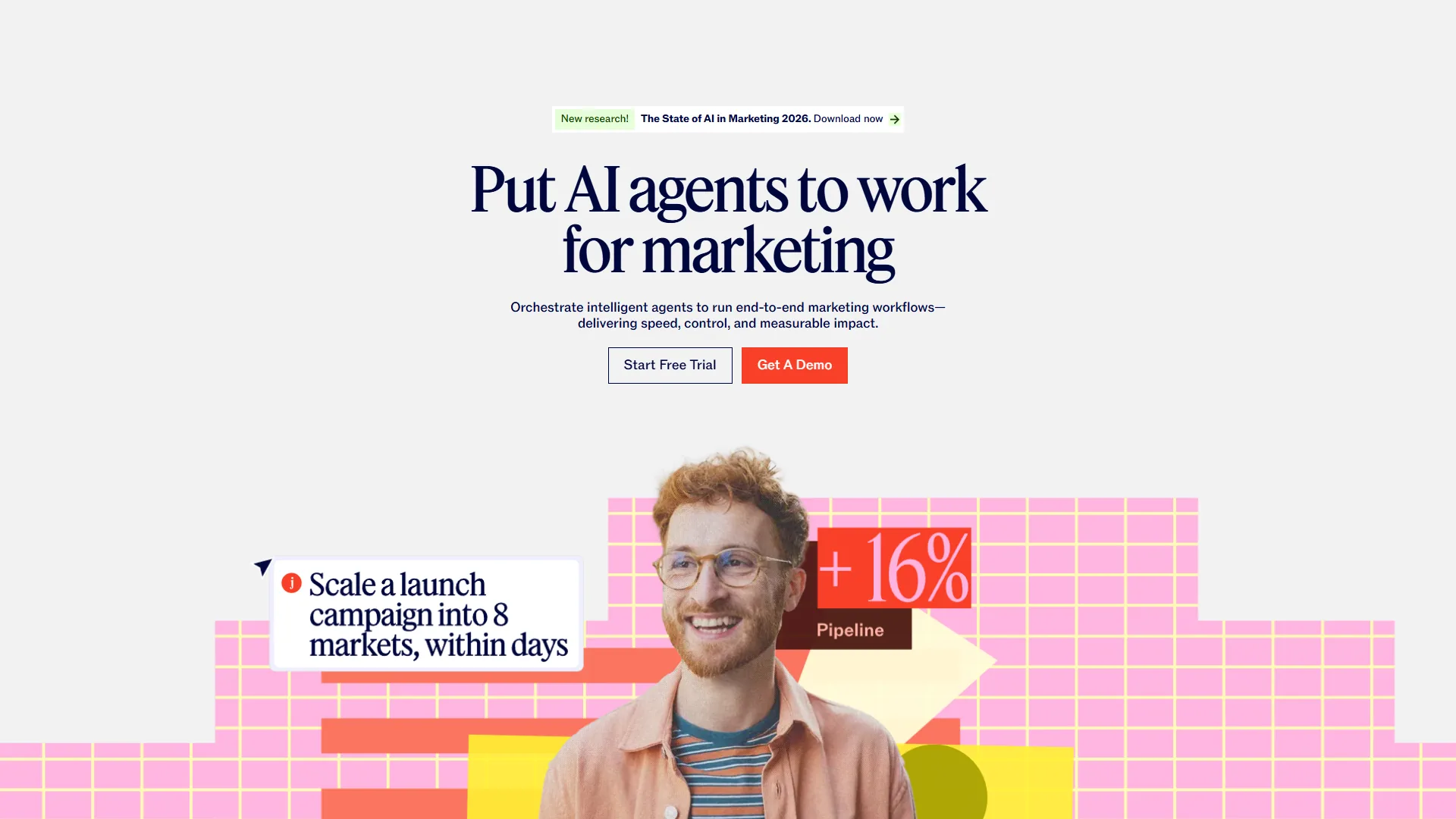
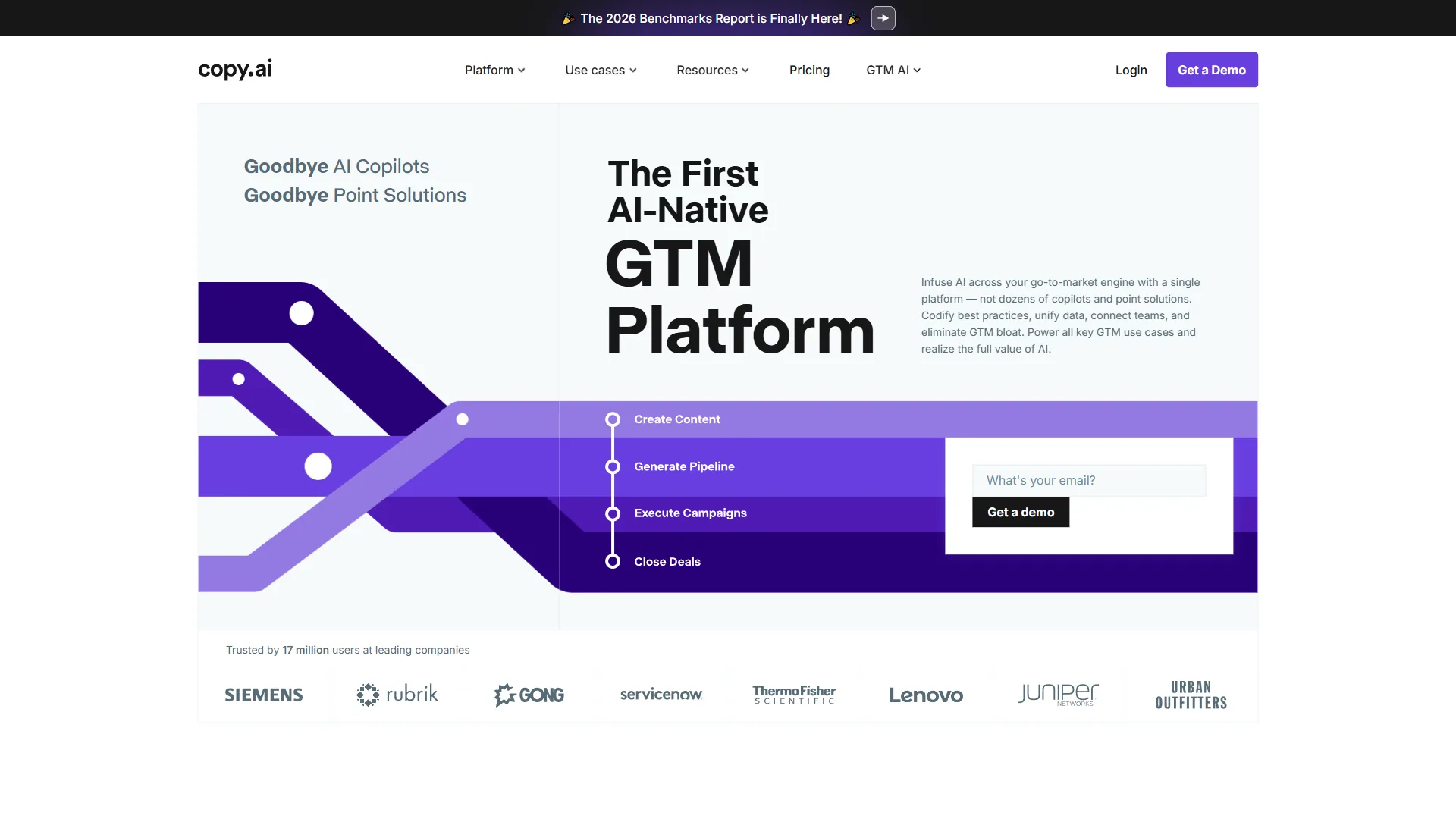
Q: Can AI tools help with course marketing? A: Some tools like Heights Platform include AI-powered email sequences, but dedicated marketing AI tools (Jasper, Copy.ai) are better for creating sales pages, email campaigns, and social media content. That’s a separate category worth exploring.
Q: How long before I see ROI on these tools? A: Most creators see measurable time savings within 2-3 weeks of implementation. Financial ROI depends on your course pricing, but if you’re charging $200+ per course, the time savings alone justify the investment on your first course launch.
Q: Are these tools beginner-friendly? A: Yes, with caveats. Canva and Notion have gentle learning curves. Descript requires more practice to master. Coursebox is accessible but needs critical review of AI output. Budget 2-4 hours per tool for learning.
Next Steps: Implementing Your AI Course Creation Stack
You now have the framework for choosing the best AI tools for course creators based on your specific situation. Here’s what to do next:
- Audit your current workflow - Track time spent on planning, recording, editing, and design for your next course
- Identify your biggest bottleneck - Which task takes the most time or causes the most frustration?
- Start with one tool - Choose the tool that addresses your primary bottleneck
- Measure impact - Track time savings after 2-3 weeks of use
- Expand gradually - Add complementary tools once you’ve mastered the first
The course creation landscape has fundamentally changed. AI tools don’t replace your expertise - they amplify it, letting you create more courses, reach more students, and spend less time on technical drudgery.
The creators winning in 2026 aren’t necessarily the most technically skilled. They’re the ones who strategically adopt AI tools that match their workflow, then focus their energy on what actually matters: teaching insights that change students’ lives.
The Bottom Line
The best AI tools for course creators in 2026 are Descript for video editing, Notion AI for curriculum planning, Canva Pro for design, and either Heights Platform or Teachable for hosting - start with the tool that addresses your biggest bottleneck. Measure the time savings, then expand your stack as you prove the ROI.
Related Reads
This section links to every AI tool reviewed above plus four related guides on AI video, text-to-video, workflow automation, and content creation. Tools covered in this article (with each tool’s limitations and best-fit notes):
- Canva - AI-powered design platform with Magic Design
- Descript - Video editing through transcript editing
- Copy.ai - AI copywriting for marketing content
- Jasper - AI content generation with brand voice
- Heights Platform - AI-powered course platform with built-in coaching
- Zapier - Workflow automation for course creators
- Notion - All-in-one workspace for course planning
- Coursebox - AI course generation from existing content
More course creation and content guides:
- Best AI Video Generators 2026 - Top AI video creation tools
- Text to Video Tools - Convert written content to video
- Best Workflow Automation Tools 2026 - Automate your workflows
- Best AI Tools for Content Creators in 2026 - AI tools for creators across formats
External Resources
The official blogs and learning hubs from Notion, Descript, and Canva publish the most up-to-date documentation on each platform’s AI features for course creators. For official documentation and updates from these AI course creation tools:
- Notion Blog - AI workspace updates and content planning strategies
- Descript Blog - Video editing tips and AI transcription features
- Canva Design School - Design tutorials and Magic Design updates
What AI tool will you implement first in your course creation process?