


Grammarly vs Wordtune 2026 is a comparison of two AI writing assistants that serve different core needs. Grammarly focuses on grammar checking, tone, clarity, and plagiarism detection across 30 million users and multiple platforms. Wordtune offers sentence-level rewriting to help you say what you mean - making it especially useful for non-native English speakers who need affordable rewrites.
A detailed comparison of grammarly vs wordtune 2026 for writers, professionals, and teams who need the right AI writing assistant.
Both Grammarly and Wordtune promise to make your writing better, but they solve fundamentally different problems. Grammarly catches your mistakes and polishes your grammar. Wordtune rewrites your sentences so they say what you actually mean. Comparing both tools across common use cases - emails, blog drafts, client reports, and academic writing, the differences are clear - and your choice depends entirely on what kind of writing help you need.
Here is the full breakdown of grammarly vs wordtune 2026 so you can pick the right tool without wasting time on the wrong one.
This comparison is based on each vendor’s current pricing pages, feature documentation, and independent research rather than sponsored placement. AI Productivity may earn a commission from links on this page, but rankings and recommendations are editorially independent. AI writing assistants are now a mainstream workflow tool: over 50% of content marketers use AI writing tools in their workflow, according to the Content Marketing Institute, and the AI writing assistant market is projected to reach $6.5 billion by 2030, according to Market Research Future.
Quick Verdict
Grammarly is the better choice for comprehensive grammar checking, plagiarism detection, and cross-platform team writing, while Wordtune is the better choice for affordable sentence-level rewriting, especially for non-native English speakers. Grammarly Pro costs $30 per month and Wordtune Advanced costs $13.99 per month.
| Tool | Best For | Starting Price | Rating |
|---|---|---|---|
| Grammarly | Grammar, clarity, tone, plagiarism detection | Free / $30 per month Pro | |
| Wordtune | Sentence rewriting, tone shifts, summarization | Free / $13.99 per month Advanced |
Choose Grammarly if: You need comprehensive grammar checking, plagiarism detection, cross-platform coverage, and team style guides.
Choose Wordtune if: You know what you want to say but need help saying it better, you are a non-native English speaker, or you want affordable sentence-level rewriting.
Grammarly: The All-in-One Writing Assistant
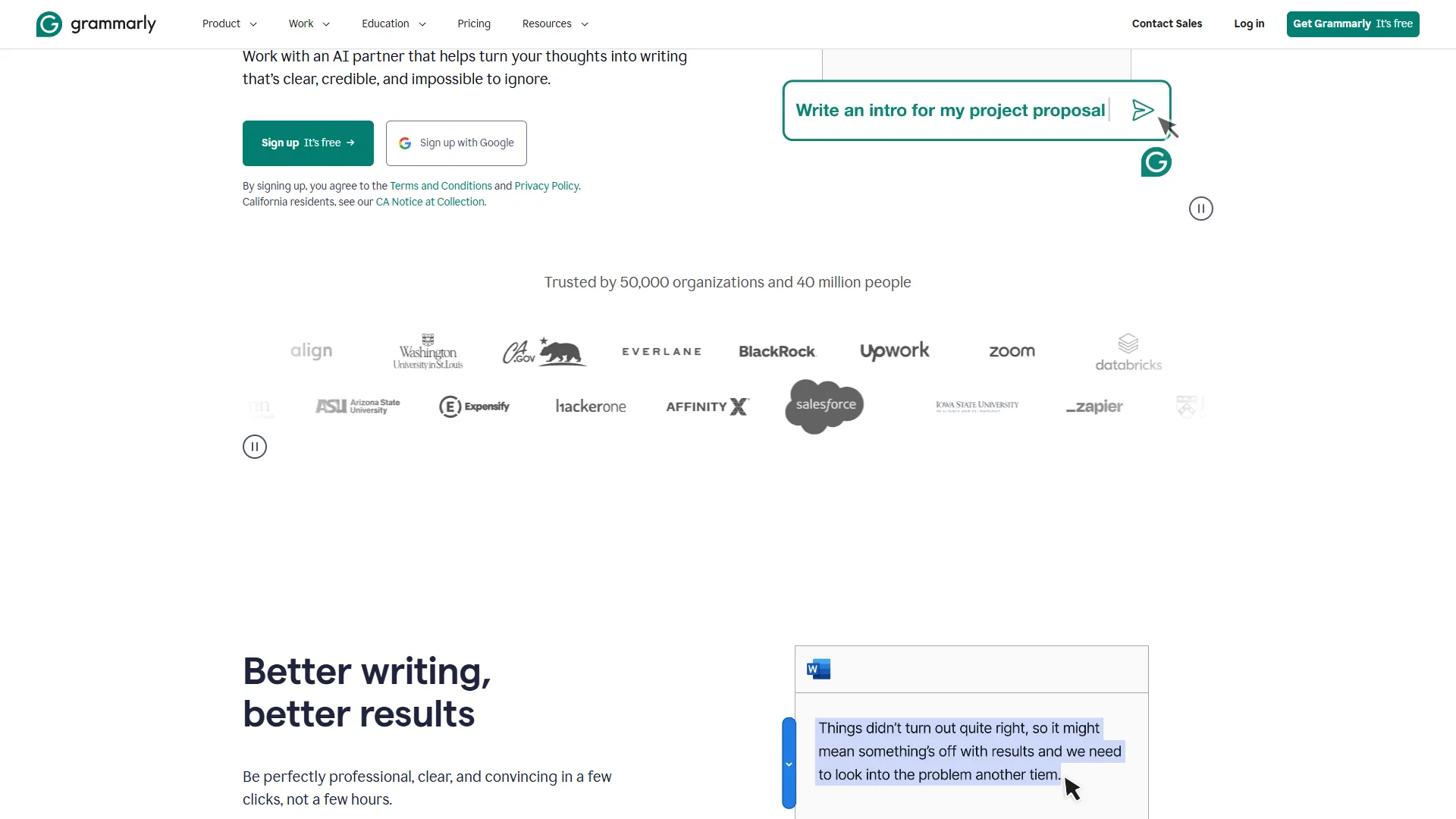
Grammarly is an all-in-one AI writing assistant that checks grammar, spelling, punctuation, tone, clarity, and plagiarism across more than 500,000 apps and websites, used by over 30 million people and 50,000 organizations worldwide.
What Grammarly Does Well
Grammarly started as a grammar checker and evolved into a full writing environment. The platform now includes 8 specialized AI agents launched in August 2026 - covering everything from citation finding to reader reaction prediction. The Grammarly blog details how these agents work across different writing contexts. With over 30 million users and strong ratings across review platforms, it has become the default writing assistant for business teams.
The core strength is breadth of coverage. Grammarly works everywhere you write - browser extension, desktop app, mobile keyboard, Microsoft Office, Google Docs, and Slack. It checks grammar, spelling, punctuation, tone, clarity, and even detects plagiarism on the Pro plan. The free tier gives you 100 AI prompts per month, and Pro bumps that to 1,000.
Where Grammarly really differentiates itself from Wordtune is in team features. Style guides, brand tone settings, reusable snippets, and usage analytics make it a practical choice for organizations that need consistent writing across departments.
Grammarly Pricing (February 2026)
| Plan | Monthly Price | Annual Price | Key Features |
|---|---|---|---|
| Free | $0 | $0 | Basic grammar, 100 AI prompts/mo, browser extension |
| Pro | $30/mo | $12/mo ($144/yr) | Advanced grammar, 1,000 AI prompts/mo, plagiarism detection, tone adjustments |
| Enterprise | Custom | Custom | 2,000+ AI prompts, custom AI models, SSO, audit logs (150+ seats) |
The annual discount is significant - Pro drops from $30 to $12 per month when billed yearly, which is a 60% savings. For individual writers producing a high volume of content, that $144 annual cost is competitive.
Grammarly Strengths
-
Cross-platform consistency - The same corrections and suggestions appear whether you are writing in Gmail, Word, Google Docs, or Slack. No other writing tool matches this integration breadth.
-
Plagiarism detection - Pro users get plagiarism scanning against billions of web pages. This matters for content marketers, academics, and anyone publishing original work. The QuillBot vs Grammarly comparison goes deeper on how plagiarism workflows differ between writing assistants.
-
Team scalability - Style guides and brand tone features keep writing consistent across 1 to 150+ team members without manual review.
-
Documented ROI - Grammarly reports a 17x ROI across workflows and around 19 working days saved per employee annually, as outlined in their business product page. Even discounting vendor claims, the time savings are real.
Grammarly Weaknesses
-
Expensive for individuals - $30 per month is steep for casual writers. The free tier’s 100 AI prompts can run out fast during heavy editing sessions.
-
English only - Supports US, UK, Canadian, Australian, and Indian English variants but no other languages. Multilingual teams need to look elsewhere - our AI writing tools roundup flags which alternatives ship multilingual support.
-
Overly prescriptive - Creative writers and technical authors find that Grammarly flags intentional style choices as errors. Dialogue, slang, and domain jargon get treated as mistakes.
-
No offline mode - Every feature requires an internet connection, including the desktop app. The official Grammarly system requirements confirm there is no on-device fallback.
Wordtune: The Sentence-Level Rewriting Specialist
Wordtune is an AI writing assistant built by AI21 Labs that specializes in sentence-level rewriting - giving you multiple rephrasing options with different tones, lengths, and levels of formality rather than flagging grammar errors.

What Wordtune Does Well
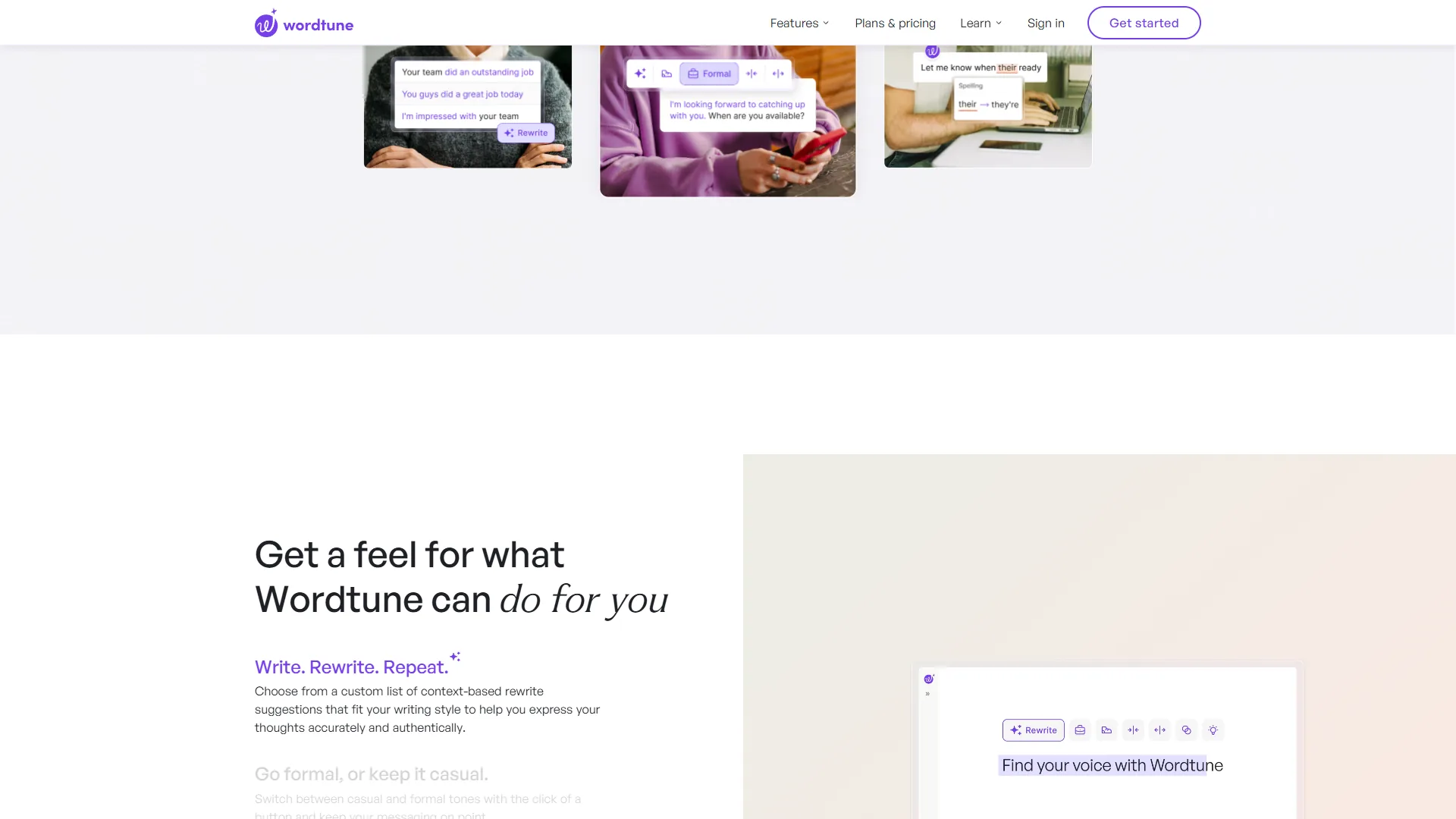
Wordtune takes a completely different approach. Instead of marking errors, it rewrites your sentences to be clearer, more concise, or better-suited to your audience. Built by AI21 Labs, the tool focuses on sentence-level precision - giving you multiple rephrasing options with different tones, lengths, and levels of formality.
This distinction matters more than it sounds. Grammarly tells you what is wrong. Wordtune shows you different ways to say what you mean. For non-native English speakers, freelancers editing client communication, and students refining academic papers, that rewriting capability is often more valuable than grammar correction.
Wordtune also includes a summarization feature called Wordtune Read that condenses long documents and articles into digestible summaries. The free tier limits this to 3 summaries per month, but paid plans unlock more. The underlying summarization research is documented in AI21 Labs’ published work on controlled text generation.
The Chrome extension integrates inline wherever you type on the web - no separate app to learn, no workflow changes required. Select a sentence, get alternatives, pick the one that works. The learning curve is essentially zero.
Wordtune Pricing (February 2026)
| Plan | Monthly Price | Annual Price | Key Features |
|---|---|---|---|
| Free | $0 | $0 | 10 daily rewrites, 3 AI summaries/mo, Chrome extension |
| Advanced | $13.99/mo | $6.99/mo | 30 daily rewrites, 15 summaries/mo, advanced tone options |
| Unlimited | $19.99/mo | $9.99/mo | Unlimited rewrites and summaries, priority support |
| Teams | $15.99/seat/mo | $7.99/seat/mo | All Unlimited features + centralized billing and management |
Wordtune is meaningfully cheaper than Grammarly across every tier. The Unlimited plan at $9.99 per month (annual) costs less than Grammarly Pro’s annual rate of $12 per month - and gives you unlimited rewrites instead of capped AI prompts.
Wordtune Strengths
-
Sentence-level precision - Unlike tools that generate entire paragraphs, Wordtune rewrites individual sentences. You keep your voice while getting help with phrasing.
-
Non-native speaker friendly - This is Wordtune’s standout use case. Awkward phrasing becomes natural-sounding English without changing the intended meaning. User reviews consistently highlight this.
-
Affordable pricing - At $13.99 per month for Advanced and $19.99 for Unlimited, Wordtune undercuts Grammarly Pro by around 50% while offering unlimited rewrites on the top tier. Wordtune’s official pricing page lists the current tier limits if you want to verify before subscribing.
-
Minimal learning curve - The Chrome extension works inline. No dashboard to navigate, no templates to learn, no separate editor to open.
Wordtune Weaknesses
-
Daily rewrite limits - Even the Advanced plan caps rewrites at 30 per day. Heavy writers can burn through that in a single editing session.
-
No grammar checking - Wordtune rewrites sentences but does not catch grammar, spelling, or punctuation errors. You may need a separate tool for proofreading.
-
No long-form generation - Wordtune refines existing text but cannot draft articles, blog posts, or marketing copy from scratch.
-
Limited integrations - Primarily a Chrome extension. No native Microsoft Office plugin, no Google Docs add-on beyond the browser extension, no mobile keyboard.
Feature-by-Feature: Grammarly vs Wordtune 2026 Comparison
Grammarly and Wordtune differ on every core dimension: Grammarly leads on grammar checking, plagiarism detection, and integrations across Word, Outlook, Slack, and mobile keyboards, while Wordtune leads on unlimited sentence rewrites, summarization, and price. These tools overlap less than you would expect.
| Feature | Grammarly | Wordtune |
|---|---|---|
| Primary function | Grammar + writing assistance | Sentence rewriting + tone |
| Grammar checking | Advanced (Pro) | Not included |
| Sentence rewriting | Full-sentence rewrites (Pro) | Core feature (all plans) |
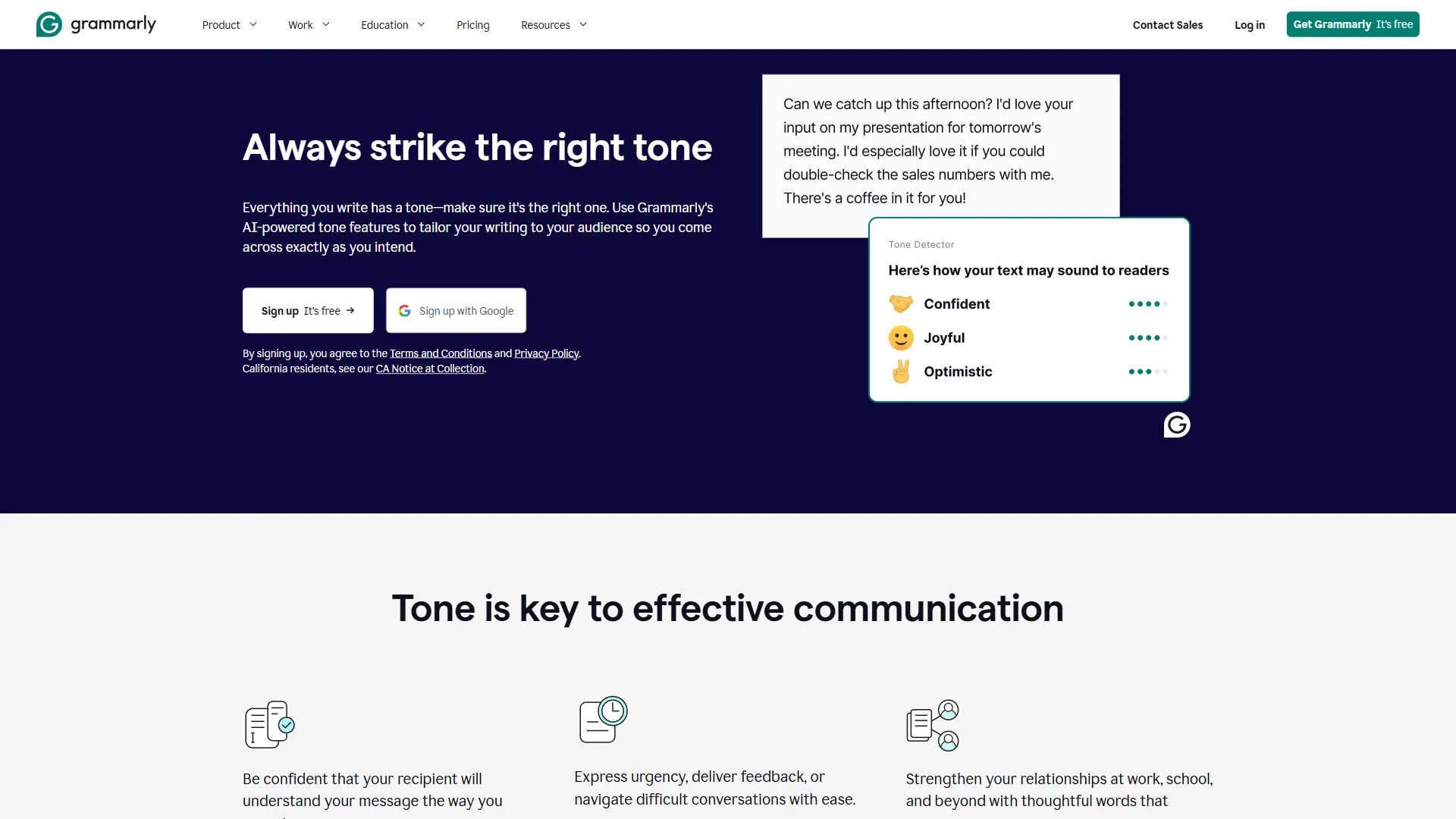
| Tone adjustment | Detection + adjustment | Casual/formal toggle |
| Plagiarism detection | Yes (Pro) | No |
| Summarization | No | Wordtune Read |
| AI prompts/rewrites | 100-1,000/mo | 10-unlimited/day |
| Browser extension | Yes | Yes |
| Desktop app | Yes | No |
| Mobile app | Yes | Limited |
| MS Office integration | Word + Outlook | No |
| Google Docs | Native plugin | Via Chrome extension |
| Team features | Style guides, brand tone, analytics | Centralized billing, team dashboard |
| Free tier | 100 AI prompts/mo | 10 rewrites/day |
| Paid starting price | $30/mo ($12 annual) | $13.99/mo ($6.99 annual) |
Which Tool Fits Your Writing Workflow
Grammarly Is Better For
-
Business writers and teams who need grammar checking, brand consistency, and cross-platform coverage. The style guides and team analytics justify the higher price for organizations.
-
Content marketers who publish original work and need plagiarism detection to protect their reputation. If you also use AI for drafting, our AI tools for freelance writers guide covers how Grammarly fits into a broader writing stack.
-
Anyone who writes across multiple platforms - Gmail, Slack, Word, Google Docs, mobile. Grammarly’s integration coverage is unmatched, as our best AI writing tools 2026 breakdown confirms.
-
English learners at intermediate levels who need error correction more than rephrasing.
Wordtune Is Better For
- Non-native English speakers who can write grammatically correct sentences but struggle with natural phrasing. Wordtune’s rewriting is specifically designed for this use case.
- Freelancers and consultants who spend time polishing client emails and proposals. The quick tone-shift feature saves real time.
- Budget-conscious writers who want AI assistance without paying $30 per month. Wordtune Unlimited at $9.99 per month (annual) is a strong value.
- Students refining thesis statements, research summaries, and academic papers with formal tone adjustments. Academic writing centers like UNC’s Writing Center handouts pair well with Wordtune’s rewriting suggestions.
Use Both Together
Here is a combination that several power users report: use Wordtune to rewrite and restructure sentences during the drafting phase, then run the text through Grammarly for final proofreading and grammar checks. This way you get creative rephrasing and error-free output. The combined cost of Wordtune Advanced ($6.99 per month annual) plus Grammarly Free is under $7 per month.
Pro Tips: What Competitors Miss
The three workflow factors most grammarly vs wordtune 2026 comparisons skip - speed of acceptance, the “what versus how” distinction, and integration depth outside the browser - matter more than feature lists when you are picking a tool you will use every day. “Generative AI tools are most useful when they augment, rather than replace, a writer’s own judgment about clarity and tone,” according to a 2023 Stanford HAI policy brief on generative AI - a useful frame for choosing between an error-flagging tool and a rewriting tool. Here is what matters in practice:
For writers weighing a broader set of alternatives to either tool, our Grammarly alternatives roundup covers options from QuillBot to ProWritingAid.
Speed of improvement. Grammarly shows red underlines and suggestions you accept or reject one by one. Wordtune shows you 3 to 5 completely rewritten versions of a sentence and you pick the best one. If you are editing a 2,000-word document, Grammarly’s approach takes longer but catches more errors. Wordtune’s approach is faster but focuses only on clarity and tone.
The “what vs how” distinction. Grammarly helps you write correctly. Wordtune helps you write differently. These are not competing functions - they are complementary ones. A sentence can be grammatically perfect and still be unclear, wordy, or tonally wrong. That is the gap Wordtune fills.
Integration depth matters. If you write primarily in Google Docs and Gmail, both tools work well through their browser extensions. But if you use Microsoft Word, Outlook, Slack, or a mobile keyboard, Grammarly has a significant integration advantage. Wordtune’s Chrome extension covers web apps but leaves desktop software unsupported.
The Bottom Line
The grammarly vs wordtune 2026 decision is not about which tool is better - it is about which problem you actually have.
If your writing has grammar issues, unclear sentences, or inconsistent tone across a team, Grammarly is the more complete solution. The $30 per month Pro plan (or $12 annually) gives you grammar checking, plagiarism detection, 1,000 AI prompts, and cross-platform coverage that no other writing assistant matches. For teams, the style guides and brand tone features make it the obvious choice.
If your writing is grammatically fine but could be clearer, more concise, or better-phrased, Wordtune is the specialized tool that solves that exact problem. At $13.99 per month for Advanced and $9.99 per month annually for Unlimited, it costs significantly less than Grammarly while offering unlimited sentence rewrites. Non-native English speakers and anyone who edits more than they draft will get the most value here.
For the best of both worlds, pair Wordtune’s free or Advanced plan with Grammarly’s free tier. You get AI rewriting for clarity plus grammar checking for accuracy - all for under $14 per month.
Grammarly delivers the broader writing toolkit with grammar, plagiarism detection, and cross-platform reach. Wordtune focuses on making every sentence sound natural and polished at a lower price.
FAQ
Q: Is Grammarly still worth it in 2026?
The grammarly vs wordtune 2026 decision is not about which tool is better - it is about which problem you actually have.
Q: Will I get flagged for AI if I use Grammarly?
If your writing is grammatically fine but could be clearer, more concise, or better-phrased, Wordtune is the specialized tool that solves that exact problem.
Q: What is the main difference between Grammarly and Wordtune?
Grammarly checks grammar, spelling, punctuation, tone, and clarity across your writing. Wordtune rewrites your sentences to be clearer, more concise, or better-suited to your audience. Grammarly tells you what is wrong; Wordtune shows you different ways to say what you mean. These functions are complementary, not competing.
Q: Can you use Grammarly and Wordtune together?
Yes. Several power users pair Wordtune during the drafting phase for sentence-level rewriting, then run the text through Grammarly for final grammar checks. Combining Wordtune Advanced ($6.99 per month annual) with Grammarly Free costs under $7 per month and covers both clarity and accuracy.
Related Reading
The two tools compared in this article and three deeper guides on AI writing assistants are linked below.
Tools covered in this article:
- Grammarly - AI-powered grammar, tone, and writing assistant
- Wordtune - AI sentence rewriting and tone adjustment tool
More AI writing guides:
- Best AI Writing Tools 2026 - Top AI writing assistants compared
- Best AI Copywriting Tools 2026 - AI tools for marketing copy and content
- AI Tools for Freelance Writers - The best AI stack for freelance writing professionals
External Resources
The primary vendor pages for Grammarly and Wordtune, plus Grammarly’s business product page, are the authoritative sources used in this comparison.
- Grammarly - Official website with free tier signup
- Wordtune - Official website with free plan
- Grammarly for Business - Enterprise features and team management