




ChatGPT, Claude, Canva, Grammarly, and Notion are the best AI tools for teachers in 2026 - covering lesson planning, essay feedback, visual materials, writing support, and curriculum organization respectively. Most educators work 50+ hour weeks, and these tools compress the repetitive tasks that eat into evenings and weekends without replacing the craft of teaching. A 2024 RAND Corporation survey found that about 25% of K-12 teachers reported using AI tools for instructional planning during the 2023-2024 school year. These five deliver real time savings without requiring a computer science degree to operate.
Our methodology draws on current vendor documentation, official educator-verification programs, pricing pages, and independent education research from RAND and Stanford rather than sponsored placement; we analyzed each tool’s free and paid tiers against five core teaching tasks. AI Productivity may earn a commission from links on this page, and our rankings remain editorially independent.
Comparison Table: AI Tools for Teachers
ChatGPT and Claude are the priciest ai tools for teachers at $20 per month, while Canva costs $12.99, Grammarly $12, and Notion $10, and three of the five offer free Pro access for verified educators.
| Tool | Best For | Free Tier | Paid Starting Price | Teacher Discount |
|---|---|---|---|---|
| ChatGPT | Lesson plans, quizzes, differentiation | Yes (GPT-4o limited) | $20/mo (Plus) | None |
| Claude | Essay feedback, rubrics, long documents | Yes (Sonnet 4.5 limited) | $20/mo (Pro) | None |
| Canva | Visual materials, presentations | Yes | $12.99/mo (Pro) | Free Pro via Canva for Education |
| Grammarly | Student writing feedback, editing | Yes | $12/mo (Pro annual) | Free Premium for educators |
| Notion | Curriculum planning, resource organization | Yes | $10/mo (Plus) | Free Plus for educators |
The standout finding: Canva, Grammarly, and Notion offer free or heavily discounted plans for verified educators - hundreds of dollars in annual savings versus standard pricing.
Which AI Tools Fit Each Teaching Task?
Each teaching task has a best-fit tool: ChatGPT for lesson planning and quizzes, Claude for essay feedback and rubrics, Canva for visual materials, Grammarly for writing support, and Notion for curriculum organization.
Lesson Planning and Quiz Generation: ChatGPT
If you only adopt one AI tool, ChatGPT is the most versatile starting point for lesson planning, handling the broadest range of teaching tasks with minimal prompt refinement.
What it does well for teachers:
- Generates complete lesson plans with objectives, activities, and assessments
- Creates differentiated materials for multiple reading levels from one source text
- Builds quizzes aligned to specific standards (Common Core, NGSS, state standards)
- Produces vocabulary lists, study guides, and translated parent letters in minutes
Practical example: Asking ChatGPT for a 5th-grade water cycle lesson aligned to NGSS standard 5-ESS2-1 produces a structured plan in under 60 seconds. From a single passage, it generates three differentiated quiz versions in about 5 minutes versus an hour by hand.
Pricing:
- Free: Access to GPT-4o (limited messages before cooldown) and GPT-3.5
- Plus ($20 a month): GPT-5 access, faster responses, image generation, file uploads
- No dedicated teacher discount, but the free tier covers most basic planning needs
Best prompting tip: Include grade level, subject, specific standard, time available, and constraints in your prompt.
Limitations: ChatGPT generates factually incorrect content (always verify), free-tier caps run out during heavy planning, and there is no native integration with Google Classroom or Canvas.
Essay Feedback and Rubric Creation: Claude
Where ChatGPT excels at generation, Claude stands out for analysis - particularly student writing. Its 200K token context window lets you paste an entire class set of essays and get consistent feedback across all of them.
What it does well for teachers:
- Provides detailed, constructive feedback that reads like a human tutor
- Creates rubrics aligned to learning objectives with measurable criteria
- Analyzes multiple student submissions for common errors and patterns
- Handles long documents (research papers, portfolios) without losing context
Practical example: Pasting a 9th-grade argumentative essay into Claude with a 6-trait writing model produces feedback that identifies buried thesis statements and suggests specific revisions in the student’s own language. Asked to build a rubric using Edutopia’s rubric guide, Claude produces a 4-level rubric across six criteria specific enough that two teachers assign the same score.
Pricing:
- Free: Access to Claude Sonnet 4.5 with limited daily usage
- Pro ($20 a month): Higher usage limits, priority access, Claude Opus models
- No dedicated teacher discount
Why Claude over ChatGPT for writing feedback: Claude produces more nuanced, context-aware feedback - less generic praise, more specific pattern identification. For math or science content generation, ChatGPT has the edge, so many educators use both.
Limitations: No image analysis in the free tier for handwritten work, a smaller ecosystem of educational templates than ChatGPT, and daily usage limits on the free plan that constrain grading periods.
Visual Materials and Presentations: Canva
Canva is the go-to design tool in education because the Canva for Education program gives verified K-12 teachers free access to Canva Pro features - a plan that normally costs $12.99 per month.
What it does well for teachers:
- Creates professional worksheets, infographics, and posters in minutes
- Generates presentations with Magic Design from a topic description
- Provides thousands of education templates (science diagrams, book reports, timelines)
- Enables students to create visual projects in a classroom-safe environment
Practical example: Typing “photosynthesis lesson for 7th grade” into Magic Design generates a 12-slide presentation with diagrams in about 15 minutes versus 2-3 hours from scratch. Canva’s education templates also build vocabulary worksheets, graphic organizers, and lab report templates in under 30 minutes total.
Pricing:
- Free: Basic editor, 2M+ templates, limited AI tools (25 Magic Write uses)
- Pro ($12.99 a month): 140M+ premium assets, Magic Studio, Brand Kit, 1TB storage
- Canva for Education: Free Pro access for verified K-12 teachers and their students
How to get Canva for Education: Apply at canva.com/education with your school email; verification takes 24-48 hours. Once approved, you can invite students - they also get Pro features at no cost.
Limitations: Magic Design works best for common topics (niche subjects need manual editing), student accounts require setup through the teacher dashboard, and offline access is limited.
Student Writing Support: Grammarly
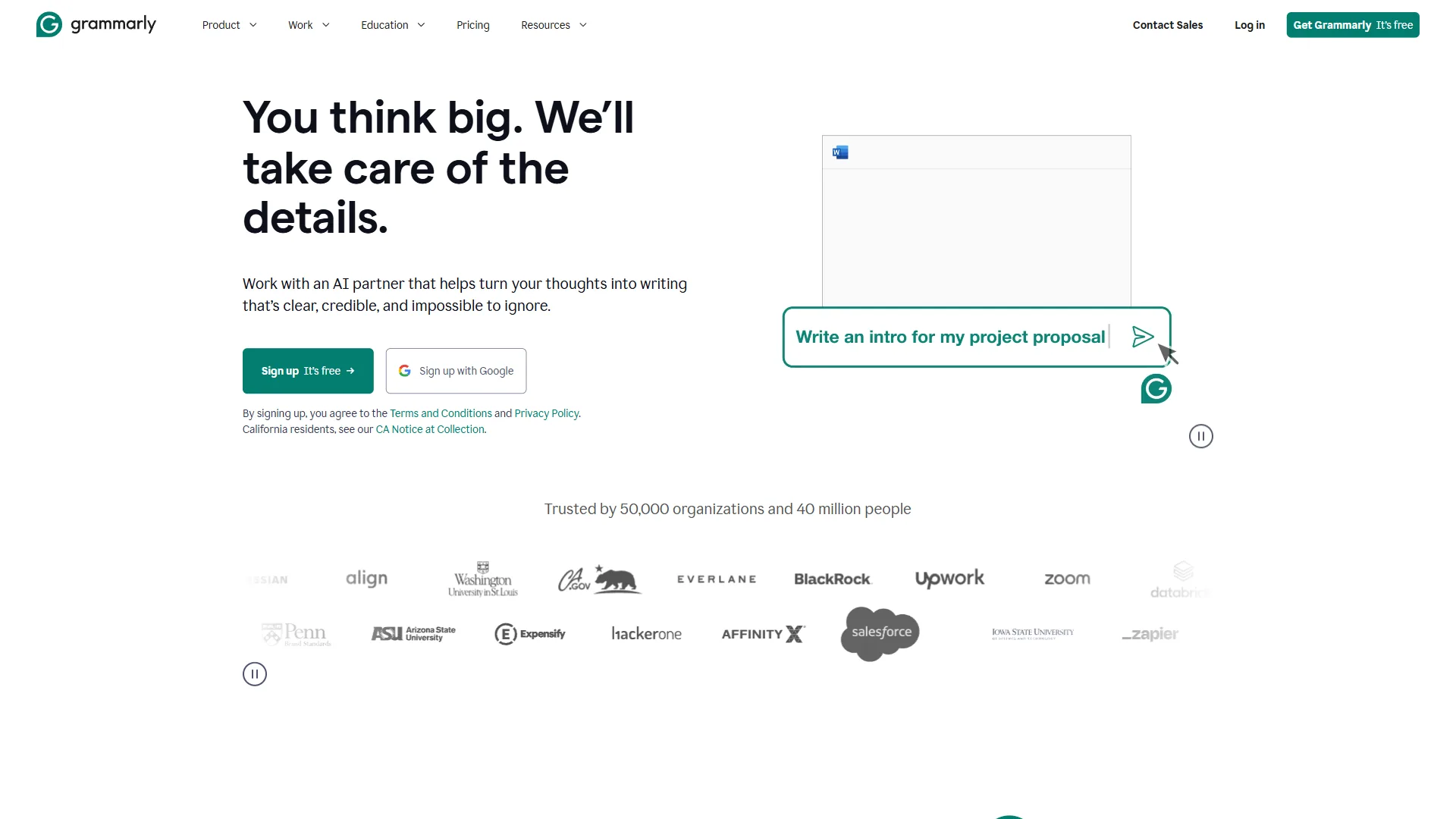
Grammarly serves a dual purpose: it improves your own communication and provides real-time writing support for students. The Grammarly for Education program extends premium features to schools at no cost.
What it does well for teachers:
- Gives students real-time grammar, spelling, and clarity feedback
- Detects tone and formality - helpful for teaching register and audience awareness
- Provides plagiarism detection in Pro and Education tiers
- Works inside Google Docs, Microsoft Word, email, and LMS platforms
Practical example: Educators who assign Grammarly via the Grammarly for Education program report that surface-level errors in submitted essays drop noticeably, so teachers spend less time marking mechanics and more on argument structure. During report-card season, Grammarly’s tone detector also flags parent-communication comments that read as harsh.
Pricing:
- Free: Basic grammar and spelling, basic tone detection, 100 AI prompts/month
- Pro ($12 a month annual): Advanced suggestions, plagiarism detection, 1,000 AI prompts/month
- Grammarly for Education: Free Premium access for qualifying schools and districts
Limitations: The free tier lacks plagiarism detection, over-reliance prevents students from developing independent editing skills, and Grammarly for Education requires institutional application rather than individual signup.
Curriculum Planning and Resource Organization: Notion
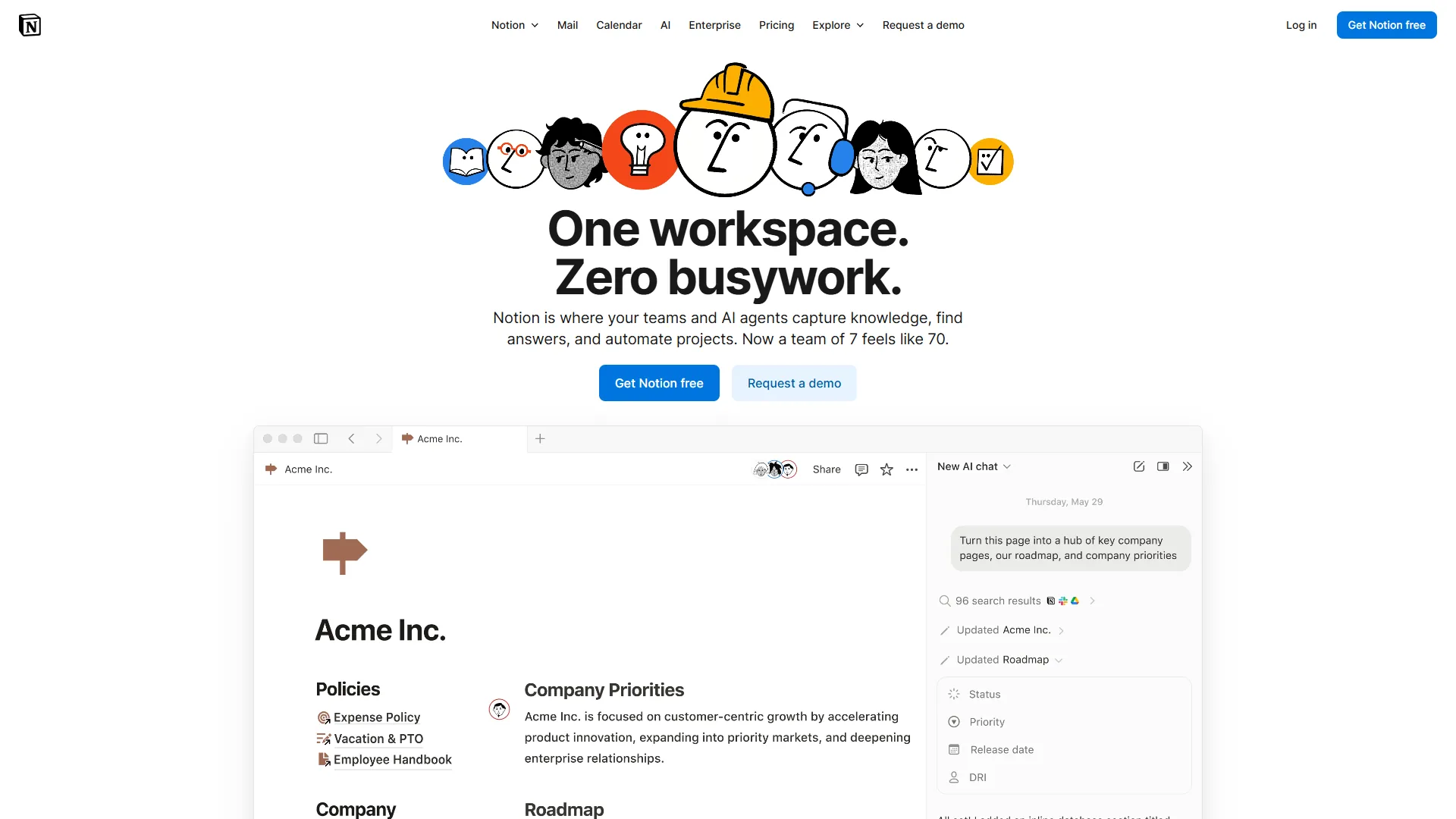
Notion solves the organizational chaos most teachers live with - lesson plans scattered across Google Docs, resources in random folders, calendars on sticky notes. Its AI features add intelligent assistance to a powerful workspace.
What it does well for teachers:
- Creates interconnected databases for lessons, standards, resources, and student data
- AI generates lesson outlines, objectives, and unit summaries from rough notes
- Provides educator templates (curriculum maps, grade trackers, parent contact logs)
- Works across devices for access from your phone, tablet, or laptop
Practical example: Notion builds year-long curriculum maps (see our Notion AI workflows guide for templates) that link each lesson to standards, assessment types, and materials. A Notion database of 200+ resources tagged by subject and grade level can then be queried by Notion AI in natural language.
Pricing:
- Free: Unlimited pages (individual), basic features, cross-platform access
- Plus ($10 a month per user): Unlimited team blocks, 30-day version history
- Business ($15 a month per user): Unlimited Notion AI with multi-model access, AI Agents
- Notion for Education: Free Plus plan for students and educators with a .edu email
Limitations: A steeper learning curve than Google Docs, AI features that require the Business plan ($15 a month) unless you qualify for education, and no native integration with Google Classroom or Canvas.
Is There a Free AI for Teachers?
Yes - free ai tools for teachers include ChatGPT Free for lesson plans, Canva for Education for the full Pro design suite, Grammarly Free for grammar checks, and Notion for Education for a free Plus plan covering curriculum organization. These free tiers are genuinely useful, not stripped-down demos designed to upsell you.
| Feature | ChatGPT Free | Claude Free | Canva Free | Grammarly Free | Notion Free |
|---|---|---|---|---|---|
| Lesson plan generation | Yes (limited messages) | Yes (limited daily use) | No | No | Limited AI |
| Quiz/test creation | Yes | Yes | Template-based only | No | Limited AI |
| Visual materials | Limited image gen | No | Yes (basic templates) | No | No |
| Writing feedback | Basic | Strong | No | Basic grammar only | No |
| Rubric creation | Yes | Strong | No | No | Limited AI |
| Presentation creation | No | No | Yes (Magic Design limited) | No | No |
| Works offline | No | No | Limited | Desktop app only | Limited |
The free stack that works: ChatGPT Free for lesson planning, Canva for Education (free Pro) for visuals, and Grammarly Free for writing support - covering the core teaching tasks at zero cost.
Best Picks by Use Case: Budget-Friendly AI Stacks
The best budget-friendly AI stack for teachers costs $0 per month for most classrooms - ChatGPT Free, Canva for Education, Grammarly Free, and Notion for Education - scaling to $20 or $40 only when usage caps demand paid plans.
The $0 per month Educator Stack
- ChatGPT Free - Lesson plans, quizzes, differentiation
- Canva for Education - Presentations, worksheets, visual materials (free Pro)
- Grammarly Free - Basic writing support for you and students
- Notion for Education - Curriculum planning and organization (free Plus)
What this covers: About 80% of what most teachers need, though ChatGPT usage caps tighten during heavy planning.
The $20 per month Power Stack
Add ChatGPT Plus ($20 a month) to the free stack for unlimited GPT-5, removing the caps that interrupt workflow during unit planning or exam creation.
The $40 per month Department Stack
Add Claude Pro ($20 a month) alongside ChatGPT Plus - ChatGPT for generation, Claude for analysis - the best fit for English/Language Arts teachers grading significant student writing.
How Do Teachers Use AI Tools Responsibly?
Using AI responsibly in education means reviewing every AI-generated output before it reaches students, protecting student data privacy, and being transparent with students and parents. The practices below cover academic integrity, bias, data privacy, and transparency.
Academic Integrity
The same tools that help you create lesson plans can help students shortcut assignments. Redesign assignments to require personal experience, in-class evidence, or process documentation AI cannot fabricate. Teach AI literacy directly by having students fact-check AI output as a critical thinking exercise, and use detection carefully: tools like Turnitin’s AI detection have significant false-positive rates. According to James Zou, assistant professor of biomedical data science at Stanford, AI-writing detectors “consistently misclassified non-native English writing samples as AI-generated” in a 2023 Stanford study published in Patterns. Use detection as one data point alongside your knowledge of each student’s writing.
Bias and Accuracy
AI models reflect biases in their training data: always review AI-generated content before distributing it (check for cultural bias and stereotyping), verify factual claims in history and science, and diversify sources intentionally when AI defaults to a narrow cultural context.
Student Data Privacy
Never paste student names, grades, or identifying information into public AI tools - use anonymized data or fictional examples instead. Check your district’s AI policy before introducing any tool in your classroom, and prefer school-managed accounts whose education versions include data protection agreements consumer accounts lack.
Transparency with Students and Parents
Be open about your AI use: framing ChatGPT (per OpenAI’s usage policies) for quiz generation as an efficiency tool, similar to a textbook’s test bank, models responsible AI use that students will need in nearly every future career.
FAQ: AI Tools for Teachers
Teachers ask whether ai tools for teachers are free, accurate enough for student-facing work, district-approved, and usable for IEP and special education documentation. The answers below draw from the same vendor documentation and educator-program pages cited throughout this guide.
Q: What are the best AI tools for teachers free of charge? A: The best AI tools for teachers free of charge are ChatGPT Free and Claude Free for lesson plans and quizzes, Canva for Education for the full Pro design suite, and Notion for Education for a free Plus plan covering curriculum organization.
Q: Are there AI teaching tools for students directly? A: Yes - several of these AI tools for students work in the classroom under teacher supervision. Grammarly gives students writing feedback, Canva for Education lets students build visual projects safely, and a free AI teacher for students such as Khan Academy’s Khanmigo provides guided tutoring. Always check your district’s policy first.
Q: Will using AI tools make me a worse teacher? A: The opposite, in most cases. Teachers who spend less time on administrative tasks report more time for student interaction and creative lesson design - AI handles the repetitive work so you focus on the relational aspects no algorithm replicates.
Q: How do I use these AI tools for teachers lesson plans? A: Pick one tool and one task. Our AI tools for course creators guide covers a phased adoption approach that maps onto K-12 use. For lesson plans, prompt ChatGPT with the grade, subject, and standard; for grading, try Claude. Master one workflow first.
Q: Are these tools accurate enough to trust with student-facing materials? A: Not blindly. Treat AI output as a strong first draft from an assistant who knows the subject but not your students - always review before anything reaches students.
Q: My district has not approved AI tools yet. What should I do? A: Start with tools that do not require student data. You can use ChatGPT or Claude for your own planning and grading without student information, and advocate for a district AI policy by sharing use cases and time-savings data.
Q: Can these tools help with IEP documentation and special education? A: Yes, with care - the IDEA federal special education framework sets the documentation requirements you must satisfy. ChatGPT and Claude can draft IEP goals, progress reports, and accommodation descriptions, but never paste student names or identifying information into them - use anonymized templates and fill in details manually.
The Bottom Line
The best AI tools for teachers give back time for the work that matters - connecting with students, designing engaging activities, and refining your craft. Start with the free educator tiers from Canva, Grammarly, and Notion, add ChatGPT Free for lesson planning, and upgrade to paid plans only when you hit genuine usage limits. The goal is not to automate teaching - it is to automate the paperwork around teaching.
Related Reading
Our related guides include individual tool reviews, ai teaching tools for students, and prompting techniques for teachers.
- ChatGPT, Claude, Canva, Grammarly, and Notion - Full tool reviews with pricing and ratings
- AI Tools for Students - Help your students find the right AI study tools
- AI Tools for Course Creators - Building online courses with AI assistance
- ChatGPT Prompts Guide 2026 - Master prompting for better lesson plan output
- Best AI Presentation Tools - More options for classroom presentations
External Resources
External resources below include standards bodies and official educator-verification programs for ai tools for teachers free of charge.
- ISTE AI in Education Resources - Standards and guidance for AI integration in K-12
- Canva for Education - Free Pro access application for verified educators
- Notion for Education - Free Plus plan for students and teachers