










The best free AI tools for students in 2026 are ChatGPT, Claude, Perplexity, Paperguide, Notion, Grammarly, Canva, and Otter.ai - eight services that cover research, writing, note-taking, design, and lecture transcription on free tiers, with student discounts on Notion, Canva, and Grammarly. According to a 2026 Pew Research survey, 26% of U.S. teens have used ChatGPT for schoolwork - double the share in 2023.
Most roundups target professionals on $200 per month budgets. This guide focuses on AI for students free tiers, student discounts, and paid plans worth the dollar - covering all the major types of AI a student needs: chat, cited research, writing polish, notes, design, and transcription.
Comparison Table: All 8 Tools at a Glance
This table compares all eight AI tools for students on free-tier capacity, paid starting price, and student-discount availability so you can pick a stack in one scan.
| Tool | Best For | Free Tier | Paid Starting Price | Student Discount |
|---|---|---|---|---|
| ChatGPT | Studying, tutoring, brainstorming | Yes (GPT-4o-mini) | $20/mo (Plus) | No official discount |
| Claude | Writing, analysis, long documents | Yes (~20 queries/day) | $20/mo (Pro) | No official discount |
| Perplexity | Research with citations | Yes (5 Pro searches/day) | $20/mo (Pro) | No official discount |
| Paperguide | Academic papers, literature reviews | Yes (20 AI searches/mo) | $12/mo (Plus, annual) | No official discount |
| Notion | Note-taking, organization | Yes (unlimited pages) | $10/mo (Plus, annual) | Free Plus plan for students |
| Grammarly | Grammar, writing polish | Yes (100 AI prompts/mo) | $12/mo (Pro, annual) | Free Premium via some universities |
| Canva | Presentations, visual projects | Yes (2M+ templates) | $12.99/mo (Pro) | Free Pro for students via Canva for Education |
| Otter.ai | Lecture transcription | Yes (300 min/mo) | $8.33/mo (Pro, annual) | No official discount |
Budget-friendly approach: Start with every free tier. It covers research, writing, notes, design, and transcription at zero cost. The shortlist below is essentially the top 5 AI tools every undergraduate reaches for, plus three specialists (Paperguide, Canva, Otter.ai).
How Can Students Research Faster Without Falling Down Rabbit Holes?
Students research fastest by using Perplexity for cited web search, ChatGPT for concept explanation, and Paperguide for peer-reviewed academic papers - the three tools below cover open-web, study-buddy, and academic-only research without the 30-tab tab spiral.
Perplexity - The Citation Machine
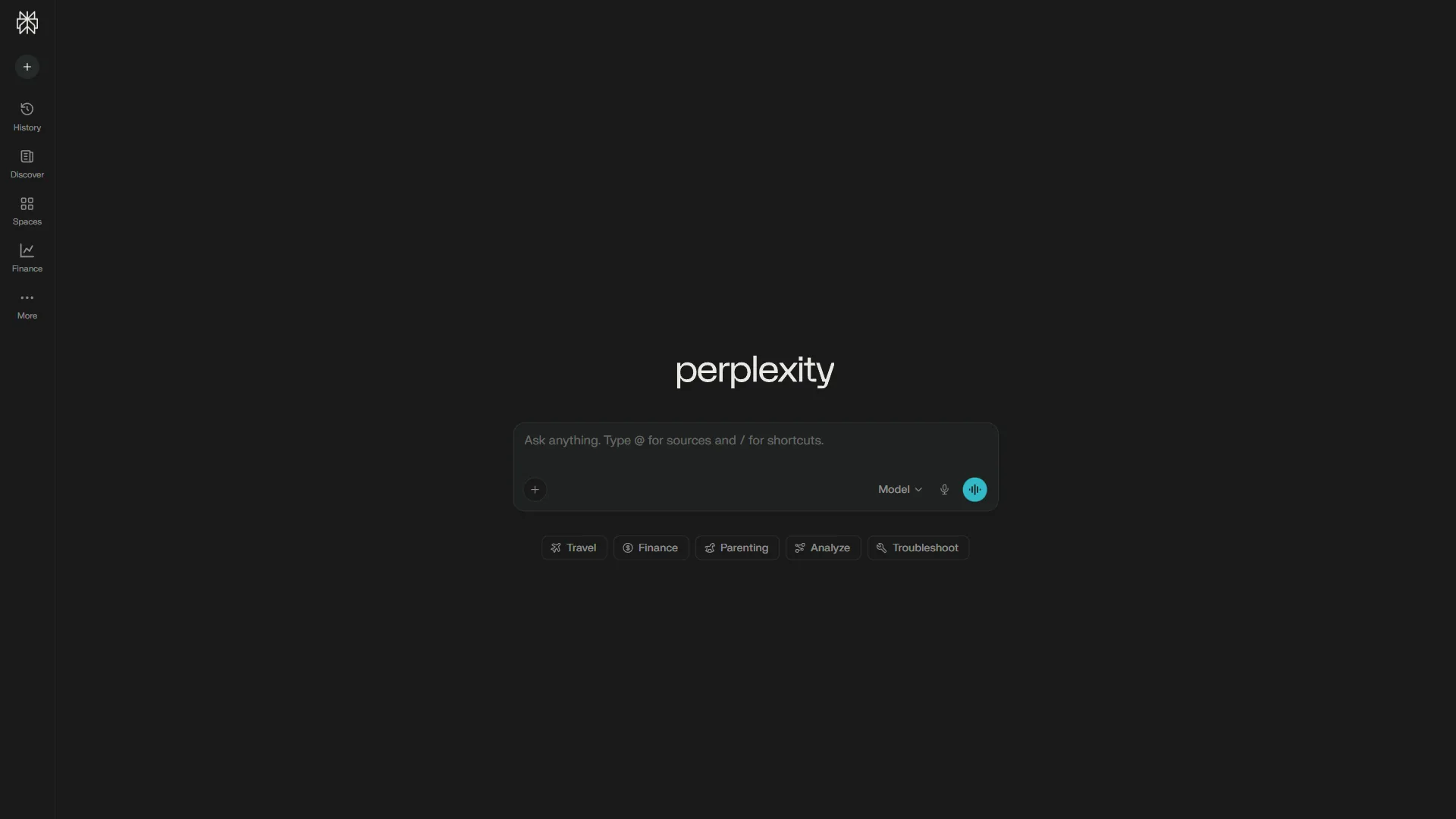
If you pick one paid tool, make it Perplexity. Every answer carries inline citations you can click to verify - saving hours over Google-and-ten-tabs research.
The free tier gives unlimited basic searches and 5 Pro searches per day. Pro searches synthesize 20-plus sources into one answer - useful for literature reviews.
What students use it for: verifying sources, summarizing complex topics with citation trails, fact-checking essays, and Academic Focus mode that filters to peer-reviewed papers.
Cost for students: Free works for most. During thesis or finals, Pro at $20/mo earns its keep; annual drops it to $16.67. A Lambda case study documented teams saving 457 hours across 15-plus departments.
ChatGPT - The Study Buddy
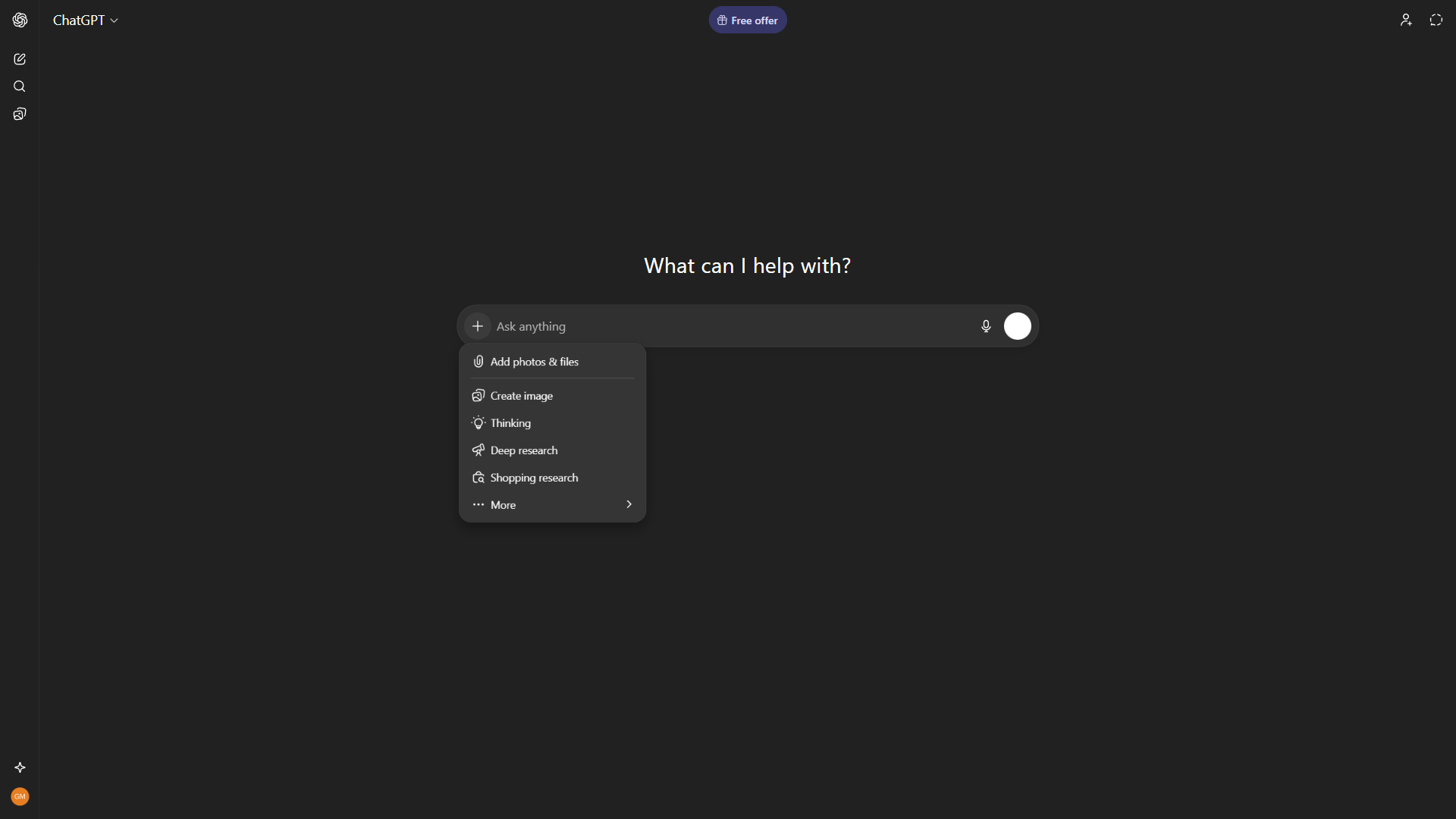
ChatGPT is the Swiss Army knife you already use. For research it works best as brainstorming and explanation, not a source finder - it still does not provide reliable citations. See our ChatGPT vs Claude comparison for the head-to-head.
What students use it for: explaining concepts in plain English, generating study questions, outlining essays, walking through math problems.
Cost for students: Free for light use. Plus at $20/mo unlocks GPT-5, faster responses, and Advanced Data Analysis.
Paperguide - The Academic Paper Specialist
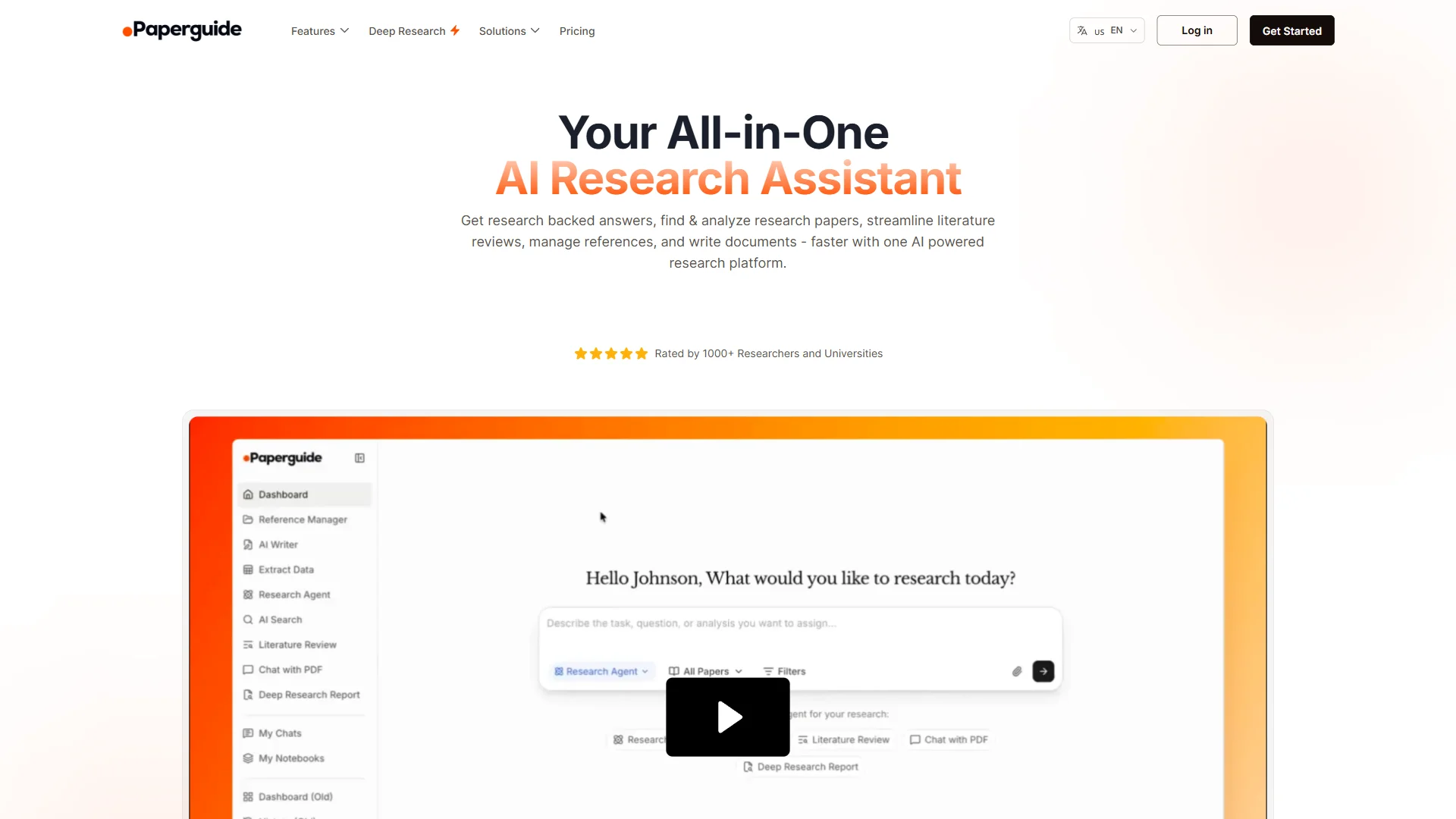
Paperguide restricts itself to peer-reviewed academic literature - 200M-plus papers indexed for semantic search. For research papers, literature reviews, or theses, that focus is the feature: no Medium posts, no marketing blogs, no Reddit threads.
Deep Research mode is the standout capability - point it at a topic and it generates a structured literature review section with citations, compressing a week of reading into an afternoon.
What students use it for: generating literature review drafts, searching 200M-plus papers semantically, extracting data into comparison tables, drafting with auto-populated citations, and Zotero reference management. It is also the pick for students PDF summarization, since the chat-with-PDF reader handles uploaded course readings inline.
Cost for students: Free for occasional use. Plus at $12 a month (annual) unlocks unlimited searches, plagiarism checker, and 10,000 AI credits per month - the right tier for most graduate students. Paperguide collapses Google Scholar, Zotero, and a writing tool into one interface.
Limitations: Perplexity’s free tier caps Pro searches at 5 per day. ChatGPT still invents citations and is wrong for anything you have to footnote. Paperguide is academic-only - skip it for current events or industry research.
How Do AI Tools Take Writing From Rough Draft to Polished Paper?
Claude handles structural feedback and argument analysis on full drafts, while Grammarly catches grammar, tone, and clarity issues line by line - together they move a paper from rough draft to polished submission without replacing the writer’s own voice.
Claude - The Writing Partner
Claude is the best AI assistant for academic writing. Its 200K token context window lets you paste a full research paper, syllabus, and notes into one conversation and identify gaps in your argument - no other free-tier AI handles that volume.
Claude produces more nuanced analysis than ChatGPT on complex arguments - the difference matters for philosophy and literary analysis.
What students use it for: reviewing drafts for argument structure, analyzing long readings, feedback on thesis statements, summarizing dense academic papers.
Cost for students: Free for most (Claude Sonnet 4.5, ~20 queries/day). Pro at $20/mo adds 5x usage and Claude Opus 4.5. Anthropic does not train on Claude conversations - a real advantage when uploading drafts.
Grammarly - The Polish Layer
Grammarly catches the mistakes you stop seeing after reading your own paper for the third time. The free tier handles basic grammar, spelling, and punctuation - what most students need - and works in browsers, Google Docs, Word, and email. See our best AI writing tools roundup for alternatives.
The Pro tier adds plagiarism detection, full-sentence rewrites, and 1,000 AI prompts per month. The plagiarism checker alone justifies the upgrade if your school lacks Turnitin access.
What students use it for: catching grammar and spelling errors, improving clarity, plagiarism checking (Pro), and shifting tone from casual to formal academic register.
Student advantage: Many universities provide free Grammarly Premium through institutional licenses - check with IT before paying. Grammarly’s education page reports the platform is used by over 3,000 institutions.
Cost for students: Free for basics. Pro is $30/mo monthly or $12/mo annual.
Limitations: Claude’s free tier caps at roughly 20 queries per day. Grammarly’s free tier is grammar-only; plagiarism and full-sentence rewrites require Pro. Skip both if your professor flags AI-assisted writing.
Note-Taking and Organization: Keeping It All Together
Notion is the best AI tool for student note-taking and organization in 2026 because it combines unlimited pages, databases, and a free Plus plan for any student with a .edu email - replacing three or four separate apps.
Notion - The Digital Brain
Notion is an all-in-one workspace for notes, task management, databases, and project planning - with a free Plus plan for students who have a .edu email. See our airtable vs notion comparison for the workspace head-to-head.
The Plus plan normally costs $10 a month per seat (annual billing) and includes unlimited blocks, synced databases, and 30-day version history - free for students.
What students use it for: semester-organized class notes, assignment tracking, study databases linking notes and readings, group-project task boards, and a knowledge base that compounds across semesters. Notion is also the strongest organizer for students studying multiple subjects in one workspace.
Student advantage: Notion offers free Plus plans for students and educators with a .edu email.
Cost for students: Free with .edu email; the personal Free tier still gives unlimited pages.
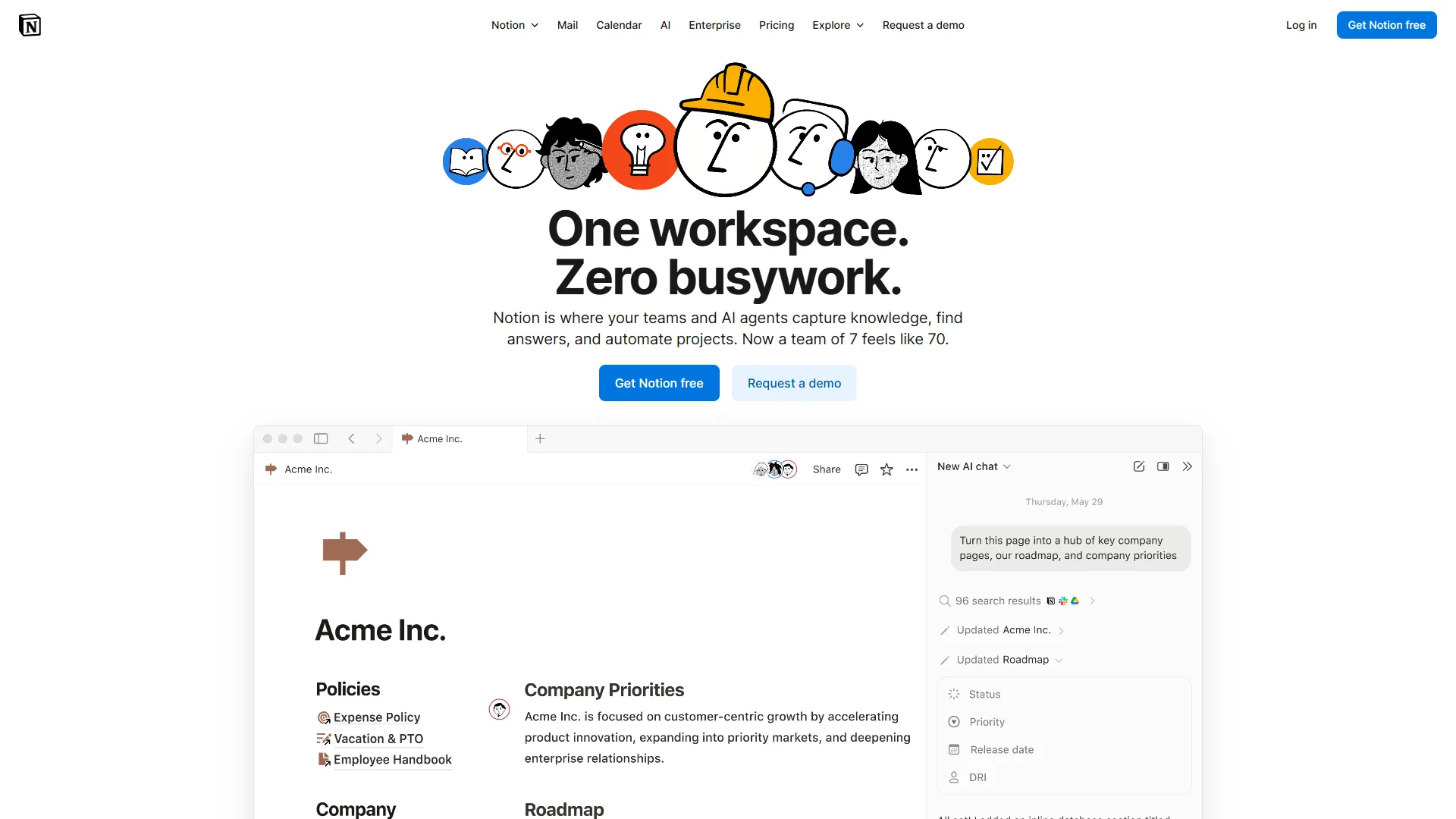
Limitations: The 2-4 week learning curve is brutal mid-semester. Offline support is patchy, and the block-based editor fights linear-note takers. Skip Notion if you want a simple notebook that opens fast - use a Markdown app instead.
Which AI Tools Help Students Make Professional Presentations Without Design Skills?
Canva is the best AI tool for student presentations without design skills because its drag-and-drop editor, 2 million-plus templates, and free Pro plan for verified students at qualifying schools produce class-ready slides in under an hour.
Canva - The Design Shortcut
Every student eventually needs a presentation, poster, infographic, or social-media graphic for a class project. Canva handles all of these without design experience - the drag-and-drop editor and 2M-plus free templates produce something that looks designed in under an hour. See our best AI presentation tools 2026 roundup for dedicated slide tools.
Magic Write, Magic Design, and Background Remover cover the AI features students reach for when speed beats precision.
What students use it for: presentation slides for class projects and thesis defenses, infographics, posters, social-media graphics, and resume design.
Student advantage: Canva for Education provides free Pro at qualifying schools - normally $12.99/mo - including 140M-plus premium assets, Background Remover, Magic Resize, and 1TB of storage. Check eligibility before paying.
Limitations: Canva work often looks templated. Power users hit limits on typography and precision layout. Brand kit and Magic Resize sit behind Pro. Skip Canva when a professor expects original visuals or you need CMYK or vector SVG export.
What Is the Best AI Tool for Students to Transcribe Lectures?
Otter.ai is the best AI tool for students to transcribe lectures in 2026, offering 300 free minutes per month, real-time speaker-tagged transcripts, and keyword search across recordings - the same workflow paid users get, just capped at 30 minutes per recording on the free tier.
Otter.ai - The Lecture Recorder
Otter.ai records and transcribes lectures in real-time, generating searchable text. The free tier gives 300 minutes per month - roughly 10 hours, or 2-3 lectures per week. See our AI transcription comparison for the head-to-head.
The real value is searchability: instead of scrubbing a 90-minute recording, you search by keyword and jump to the moment.
What students use it for: recording and transcribing lectures, capturing study-group sessions, transcribing interviews for journalism or research projects, and searchable notes from seminars.
Cost for students: Free works if lectures stay under 30 minutes. Pro at $8.33/mo annual is worth it for lecture-heavy semesters - 90-minute recordings, 1,200 monthly minutes.
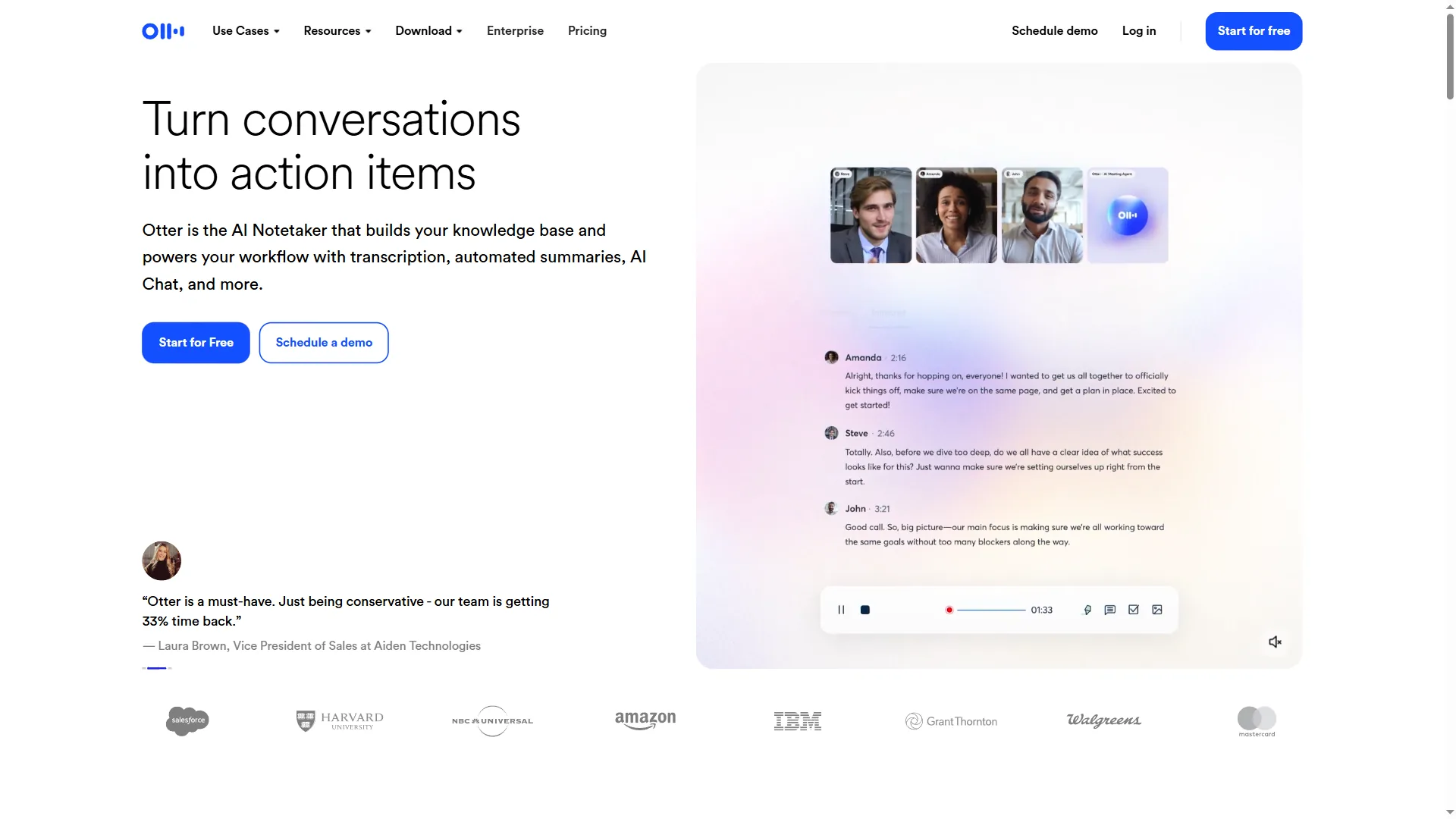
Limitations: The 30-minute cap forces splitting most 50-90 minute lectures. Accuracy drops on jargon, heavy accents, and poor mic quality. Many universities forbid recording without instructor consent - check your syllabus first.
Best Picks by Use Case: Student AI Stack Builder
The best AI tool stack for students depends on workload: the zero-budget stack of eight free tiers covers any undergraduate, while thesis-level work justifies roughly $64 a month across Claude Pro, Perplexity Pro, Paperguide Plus, and Grammarly Pro.
The Zero-Budget Stack (All Free Tiers)
| Tool | Free Tier | Main Limitation |
|---|---|---|
| ChatGPT | GPT-4o-mini, basic browsing | Cooldowns after heavy use |
| Claude | ~20 queries/day, Sonnet 4.5 | Daily query limit |
| Perplexity | Unlimited basic, 5 Pro/day | Pro search cap |
| Paperguide | 20 searches/mo, 2 writer docs | Low credit ceiling |
| Notion | Unlimited pages (individual) | Limited team features |
| Grammarly | Basic grammar, 100 AI prompts/mo | No plagiarism check |
| Canva | 2M-plus templates, basic AI | No premium assets |
| Otter.ai | 300 min/mo, 30 min per recording | Short recording cap |
This stack costs nothing and covers research, writing, note-taking, design, and transcription. Upgrade only when a limit repeatedly costs you time.
The Midterm Crunch Stack ($20-40/month)
When free tiers are not enough during midterms, finals, or thesis writing:
- Perplexity Pro ($20 a month): Unlimited Pro searches for heavy research periods
- Notion Free (with .edu): Full Plus features at no cost
- All other tools on free tiers
Total: $20 a month during research-heavy months, paused during breaks.
The Graduate Student Stack ($50-75/month)
For thesis-level work with heavy research, writing, and presentation demand:
- Claude Pro ($20/mo): 5x usage for long document analysis
- Perplexity Pro ($20/mo): Unlimited research with citations
- Paperguide Plus ($12/mo annual): Unlimited searches of 200M-plus papers, Deep Research, plagiarism checker
- Notion Free (with .edu): Full workspace
- Grammarly Pro ($12/mo annual): Plagiarism detection
- Canva and Otter.ai on free tiers
Total: roughly $64 a month with annual billing.
Common Pitfalls: Where AI Tools for Students Stop Helping
AI tools for students stop helping the moment they replace learning instead of accelerating it - the four pitfalls below cover the academic-integrity and verification rules that keep AI use legitimate. “Generative AI is not a replacement for academic engagement; it is a tool that must be used with judgment,” according to the MIT Sloan Teaching and Learning Technologies team, in published student guidance.
Use AI to understand, not bypass understanding. Asking ChatGPT to explain a concept is studying. Asking it to write your essay is plagiarism.
Always verify AI-generated information. Even Perplexity’s cited answers can pull from outdated sources - cross-reference important claims with primary sources. A Nature article on AI in academic research documented AI tools generating convincing but fabricated citations.
Check your institution’s AI policy. Rules vary by university, department, and individual professor. Some allow AI for brainstorming but not drafting; others require disclosure of any AI use.
Develop the skills AI assists with. If Grammarly catches your comma splices every time, learn what a comma splice is. The tools are most valuable when they teach you to need them less.
The Bottom Line
The best AI tools for students in 2026 are ChatGPT, Claude, Perplexity, Paperguide, Notion, Grammarly, Canva, and Otter.ai - eight tools whose free tiers handle most academic needs at zero cost. The same shortlist works for college students juggling research papers, group projects, and lecture-heavy semesters - upgrade during finals or thesis writing, and check student discounts first.
The students who get the most value use AI to do better work in less time, not less work overall - spending the saved hours on deeper thinking and original analysis.
FAQ
Q: Which AI is better than ChatGPT?
Claude is the strongest ChatGPT alternative for students because it handles longer documents (200K tokens vs 128K) and produces more nuanced writing analysis. Where ChatGPT tends toward confident, broad-strokes answers, Claude produces more careful reasoning on complex arguments - the clearest example of an AI assistant better than chatgpt for long-form academic writing.
Q: What are the best free AI tools for students?
The zero-budget stack covers the full workflow: ChatGPT for studying, Claude for writing analysis (~20 queries/day), Perplexity for cited research (5 Pro/day), Notion for notes, Grammarly for grammar, Canva for presentations, and Otter.ai for transcription (300 min/mo).
Q: Which AI tool is best for writing college research papers?
Claude is the strongest pick for academic writing. Its 200K token context window handles entire research papers, syllabi, and notes in a single conversation, and its analysis is more nuanced than ChatGPT for philosophy or literary work. Pair it with Perplexity for cited sources and Grammarly for a final polish before submission.
Q: Do students get discounts on AI tools like Notion, Canva, and Grammarly?
Yes. Notion offers a free Plus plan to students and educators with a valid .edu email, normally $10 per month. Canva for Education provides free Pro access at qualifying institutions, normally $12.99 per month. Grammarly Premium is often included through university licenses - check with your school’s IT department or writing center before paying.
Q: Is ChatGPT or Perplexity better for student research?
Perplexity is better for source-based research because every answer comes with inline citations you can click to verify, and Academic Focus mode filters to peer-reviewed papers. ChatGPT still does not provide reliable citations, so use it for brainstorming, outlining essays, and explaining complex concepts rather than as a source finder for research papers.
Related Reading
Below are the eight tool pages and five companion guides referenced in this article.
Tools covered in this article:
- ChatGPT - Conversational AI for studying and brainstorming
- Claude - Long-context writing and analysis
- Perplexity - AI search with inline citations
- Paperguide - Academic paper search and literature reviews
- Notion - All-in-one workspace with free student plan
- Grammarly - Grammar and writing assistant
- Canva - Design and presentation tool
- Otter.ai - Live lecture transcription
More guides:
- ChatGPT vs Claude
- Perplexity vs ChatGPT
- Best AI Research Tools 2026
- Best AI Writing Tools 2026
- AI Tools for Course Creators
External Resources
These are the eight official vendor pages for every tool covered above - bookmark each one to verify current pricing and student-discount eligibility yourself.