



The best ClickUp alternatives in 2026 are Asana, Monday.com, Notion, Linear, Trello, and Wrike - six tools picked because each outperforms ClickUp on one dimension teams cite when they switch. ClickUp packs more features into a single workspace than any competitor - 15+ view types, built-in docs, whiteboards, goals, time tracking, and ClickUp Brain AI - but the path to full adoption is where most teams stall. ClickUp wins on feature breadth and pricing; it loses on simplicity, onboarding speed, and performance at scale.
This comparison draws on each vendor’s current 2026 pricing and feature documentation and independent research - not marketing claims. AI Productivity may earn a commission from links on this page; the rankings are editorially independent.
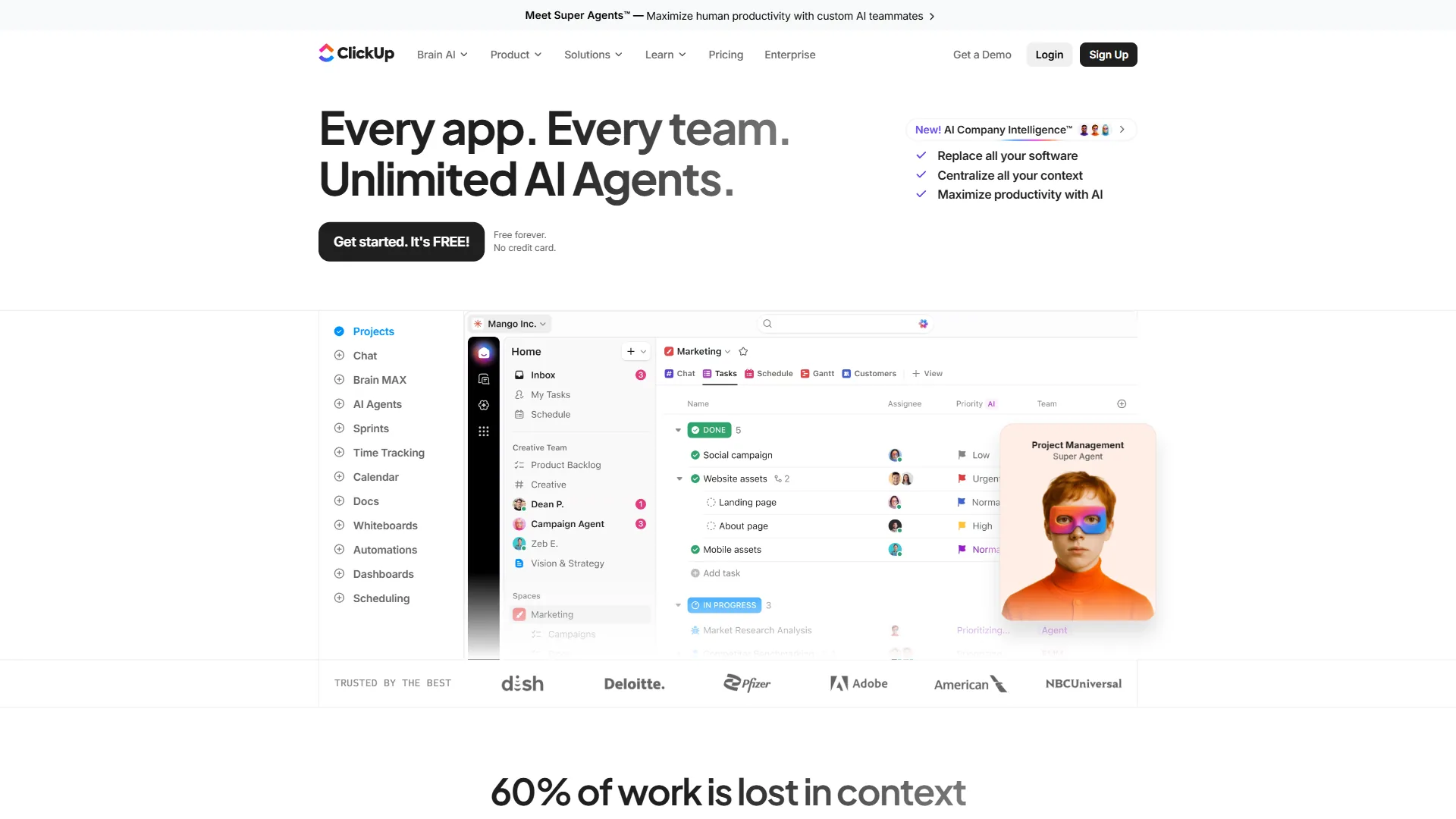
Why People Leave ClickUp
ClickUp has three recurring friction points that push teams to alternatives: onboarding takes weeks, performance degrades at scale, and feature bloat overwhelms focused teams - not pricing. ClickUp earns strong user ratings, and the Free Forever tier - unlimited tasks and unlimited users - remains among the most generous in project management. Paid plans start at $7 per user/month (Unlimited) and $12 (Business), with ClickUp Brain as a $9-per-user/month add-on.
ClickUp frames its design around consolidation: “ClickUp replaces them all,” the company states on its official product site. That ambition is also the source of the friction - the more a platform tries to do, the more configuration it demands before it pays off. According to the Project Management Institute, “organizations waste an average of 11.4 percent of investment due to poor project performance,” a 2020 Pulse of the Profession finding that maps directly onto the adoption-gap teams describe with ClickUp.
The friction points are equally real:
- Onboarding takes weeks, not hours. Deep customization creates decision paralysis during setup - choosing between 15+ views, building hierarchies of Spaces, Folders, and Lists, and tuning automations before productive work begins.
- Performance degrades with scale. Workspaces with thousands of tasks, dozens of members, and heavy integration usage experience noticeable slowdowns - a pattern that appears consistently in long-term user feedback.
- Notification overload is the default. ClickUp’s notification system defaults to aggressive, and new users get buried in alerts before learning how to filter them.
- Feature bloat for focused teams. Teams that need task management alone still pay for docs, goals, whiteboards, chat, and AI features they never touch.
- Limited accessibility for ADHD users. The volume of options, notifications, and customization surfaces can overwhelm users who struggle with executive function; constrained interfaces like Linear or Trello often work better.
Tool adoption, not tool capability, is the real differentiator - a platform delivers value only when a team consistently uses it. If those limitations describe the current experience, the alternatives below each solve a subset of them.
Quick Picks: Best ClickUp Alternatives
Six ClickUp alternatives lead by category: Linear for the lowest paid price, Trello for the simplest workflow, Asana for structured teams, Monday.com for visual workflows, Notion for docs-plus-projects, and Wrike for enterprise resource management.
| Tool | Starting Price | Free Tier | Best For | AI Features |
|---|---|---|---|---|
| ClickUp | $7/user/mo (annual) | Yes (unlimited tasks) | Maximum feature density | ClickUp Brain (add-on) |
| Asana | $10.99/user/mo (annual) | Yes (10 users) | Structured team workflows | AI Studio (all paid tiers) |
| Monday.com | $9/seat/mo (annual) | Yes (2 users) | Visual workflow building | monday agents, sidekick |
| Notion | $10/user/mo (annual) | Yes (unlimited pages) | Docs + project management | AI Agents (Business tier) |
| Linear | $6.40/user/mo (annual) | Yes (250 issues) | Developer issue tracking | AI triage and summarization |
| Trello | $5/user/mo (annual) | Yes (10 boards) | Simple Kanban boards | None (rule-based Butler) |
| Wrike | $9.80/user/mo | Yes (unlimited users) | Enterprise resource management | Wrike Copilot, Agent Builder |
1. Asana - Best for Structured Team Workflows
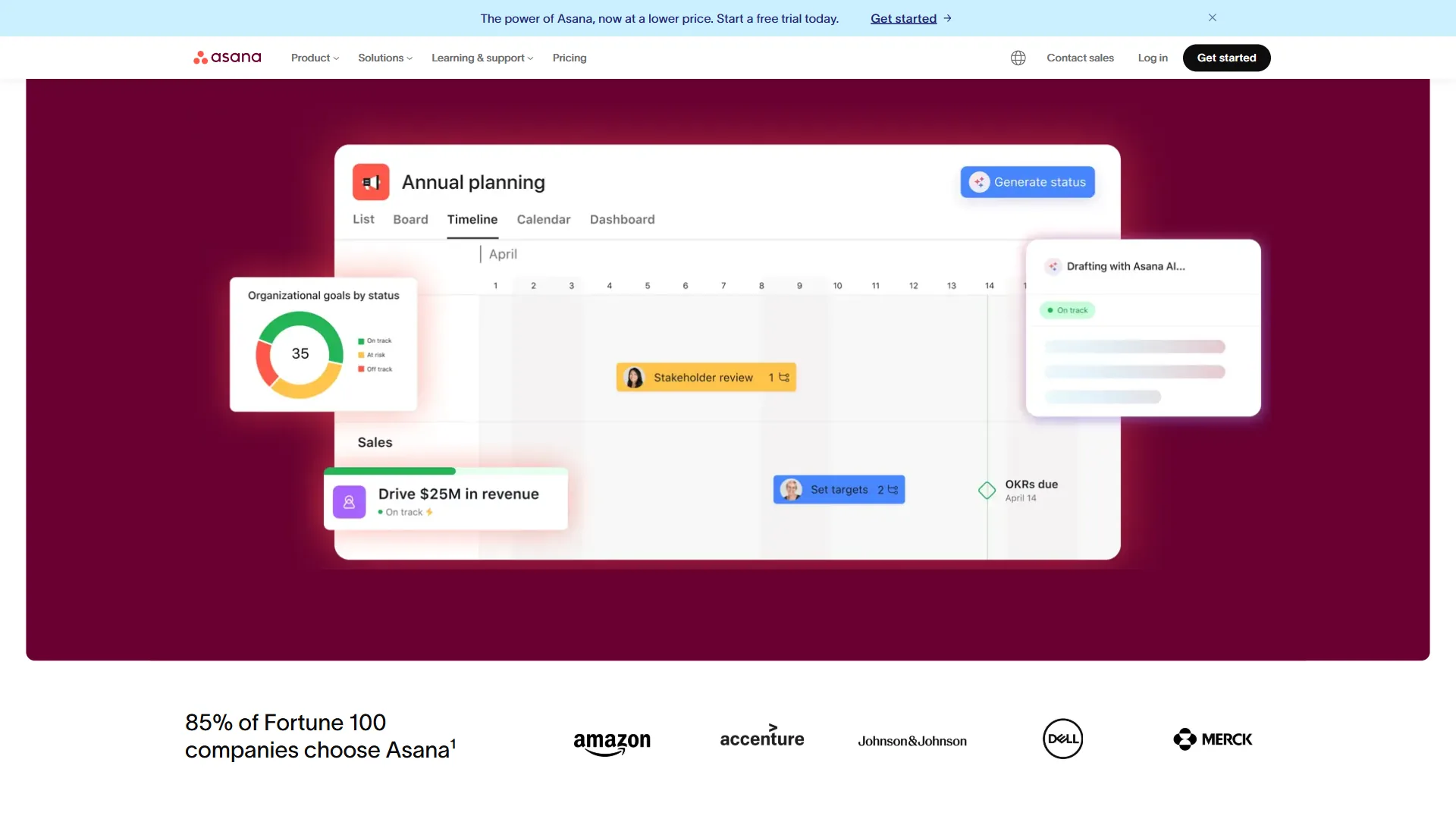
Pricing: Free (10 users) / Starter $10.99 / Advanced $24.99 / Enterprise custom (per user/mo, annual). AI Studio is included on all paid tiers.
Asana trades customization depth for workflow clarity. Where ClickUp offers 15+ ways to view the same data, Asana makes the right view obvious for each workflow stage - so teams adopt it faster and use it as intended.
Where Asana wins: onboarding is dramatically faster, with new members productive in days rather than weeks. AI Studio is bundled into every paid tier - as detailed on Asana’s AI page - so Asana Starter with AI costs $10.99 per user/month versus ClickUp Unlimited plus Brain at $16. Timeline views with dependency intelligence are best-in-class, and Advanced-tier portfolio management surfaces cross-project status and risk with less setup than ClickUp Dashboards.
Where Asana falls short: the free tier caps at 10 users (ClickUp is unlimited), there is no built-in time tracking below the $24.99 Advanced plan, and Asana offers fewer view types at higher per-user pricing.
Who should switch: teams of 10-100 managing projects with dependencies and deadlines - particularly marketing, operations, and product teams.
2. Monday.com - Best for Visual Workflow Building
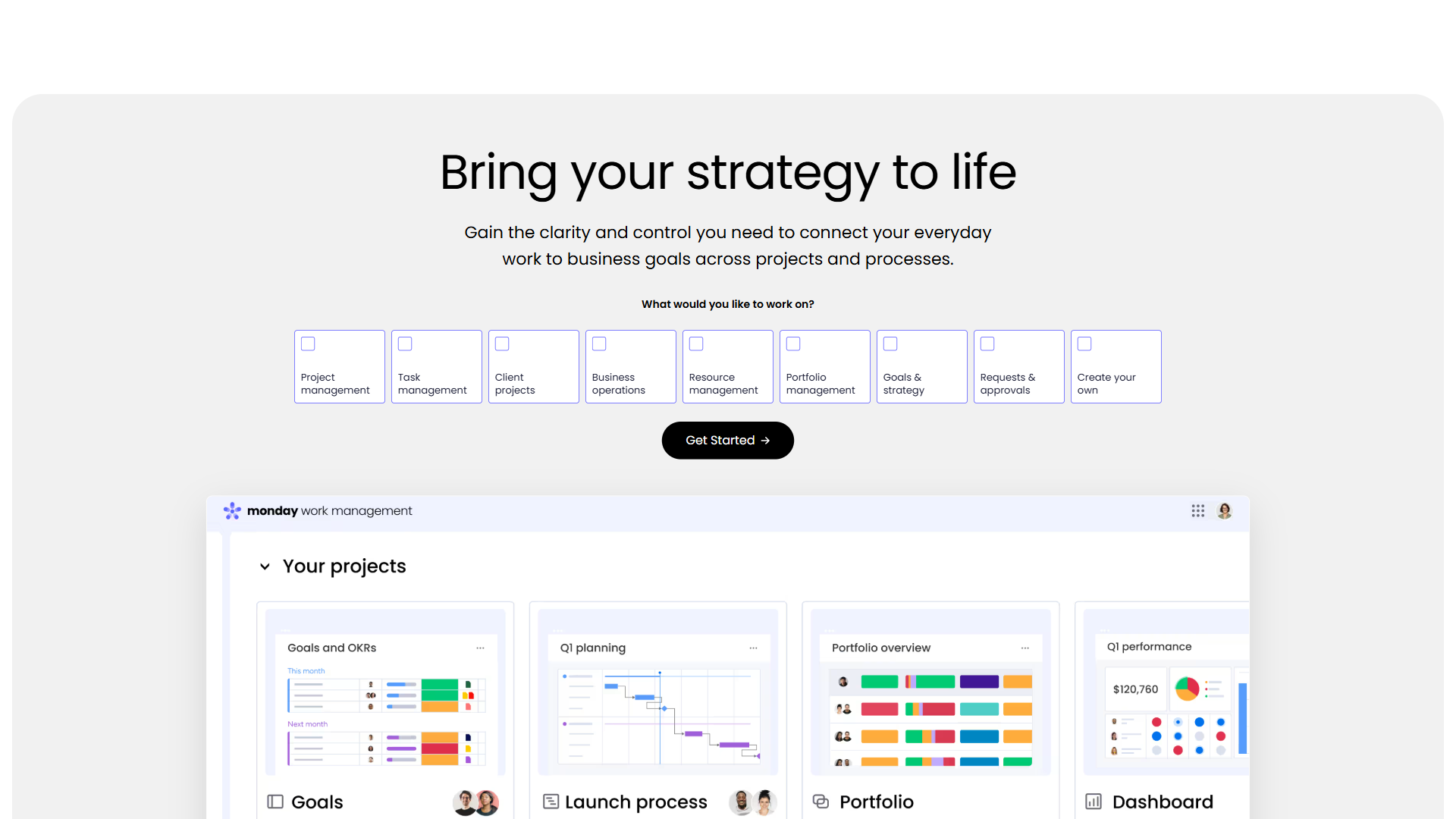
Pricing: Free (2 users) / Basic $9 / Standard $12 / Pro $19 / Enterprise custom (per seat/mo, annual; 3-seat minimum on paid plans). AI Blocks include 500 AI credits/month on Basic.
Monday.com is the best ClickUp alternative for visual workflow building, treating project management as a visual operating system rather than a task tracker. The board-centric interface makes workflows immediately visible - color-coded statuses, progress bars, and timeline visualizations communicate project health at a glance.
Where Monday.com wins: the visual interface reduces cognitive load, with boards non-technical stakeholders grasp immediately. monday agents bring purpose-built AI for categorization, sentiment analysis, and data extraction, and 500 AI credits on Basic give a lower entry point than ClickUp Brain’s add-on. monday vibe enables no-code app building - intake forms, client portals, approval flows - and the template library gets teams productive within hours.
Where Monday.com falls short: the free tier is extremely limited (two users, no AI), per-seat pricing with a 3-seat minimum means a team of 3 pays $36 per month versus $21 on ClickUp Unlimited, there is no built-in docs or wiki, and Standard caps automations and integrations at 250/month.
Who should switch: mixed technical and non-technical teams where visual communication matters - particularly marketing and creative agencies running client projects with stage-based progression.
3. Notion - Best for Docs and Projects in One Place
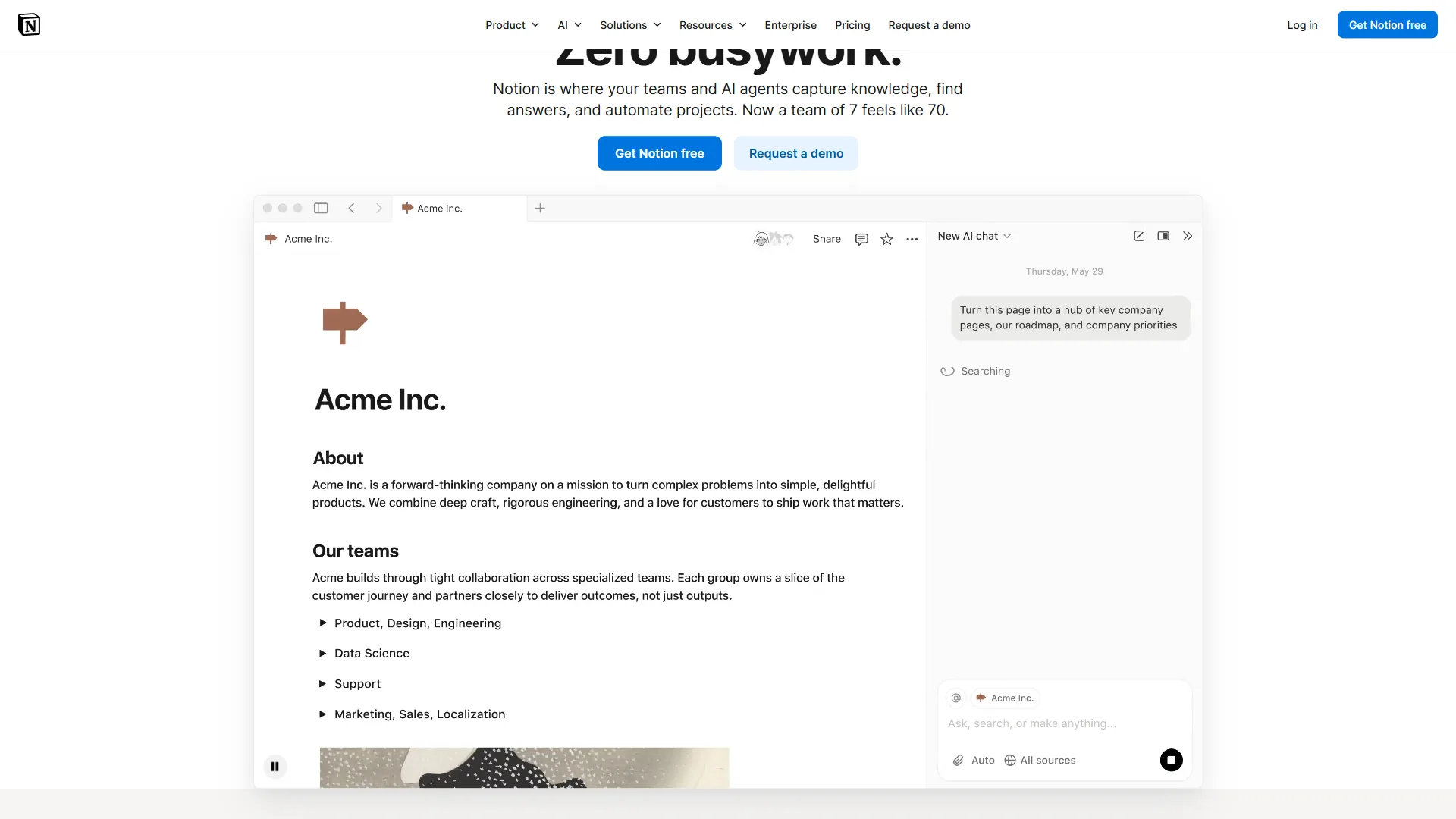
Pricing: Free / Plus $10 / Business $15 / Enterprise custom (per user/mo, annual). AI Agents with multi-model support (GPT-5, Claude, o3) are bundled on the Business tier.
Notion is a fundamentally different ClickUp alternative, merging documentation, databases, wikis, and project management into one interconnected workspace. For teams that spend as much time organizing knowledge as managing tasks, Notion removes the context-switching penalty of running ClickUp alongside a separate docs tool.
Where Notion wins: tool consolidation cuts total cost - teams paying for ClickUp plus Confluence, Google Docs, or Slite can replace the combination with Notion. Database flexibility exceeds ClickUp’s custom fields, with relations, rollups, and multiple views per database. AI Agents on the Business tier - powered by GPT-5, Claude, and o3, as shown on Notion’s AI page - execute multi-step workflows autonomously, and the block-based editor delivers a documentation experience ClickUp Docs cannot match.
Where Notion falls short: project management depth is limited (no sprint management, workload views, or Gantt depth), there is no native time tracking, AI requires the $15 Business tier, complex pages can lag, and building an effective workspace takes 2-4 weeks.
Who should switch: content and research teams plus knowledge-heavy organizations where documentation matters as much as task management, and startups consolidating subscriptions.
4. Linear - Best for Developer Teams
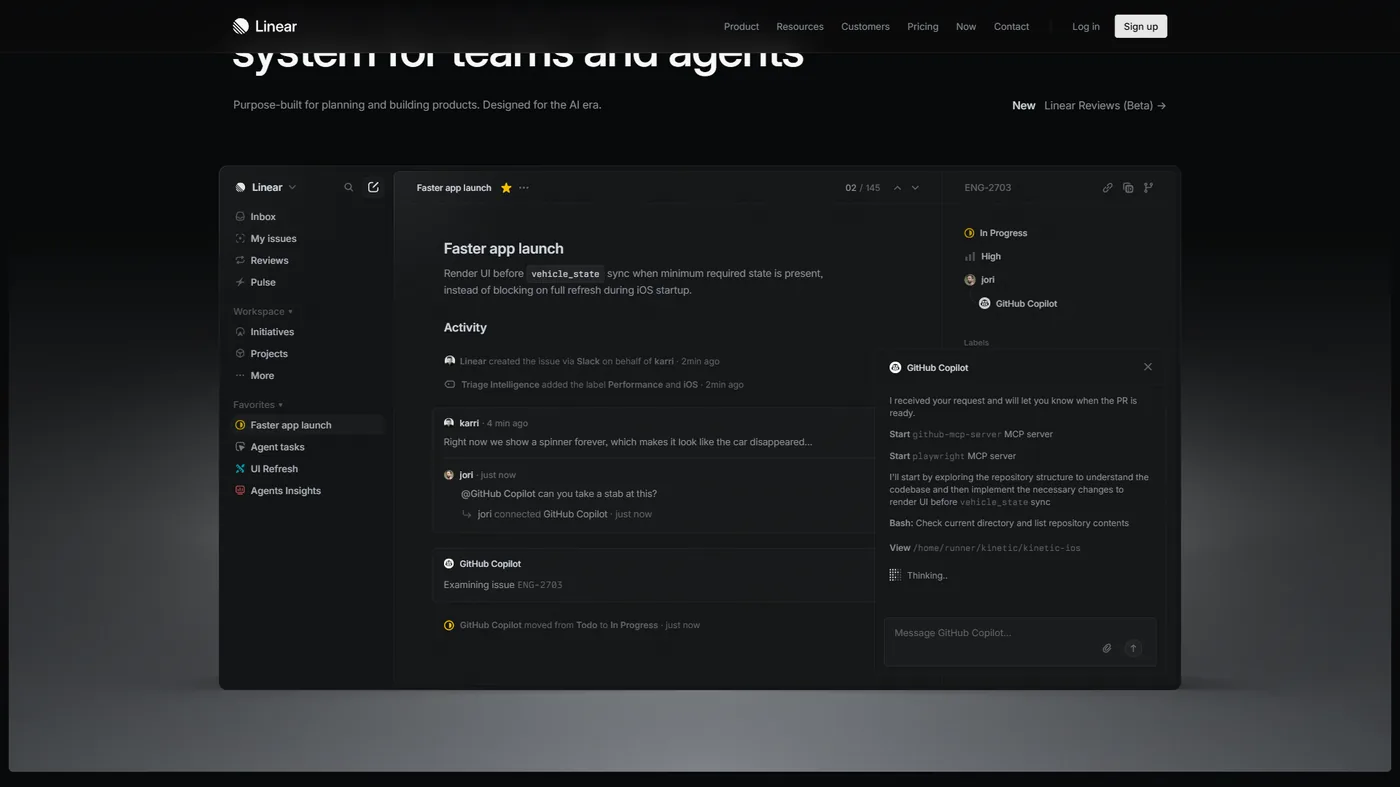
Pricing: Free (250 issues) / Standard $6.40 / Plus $11.20 / Enterprise custom (per user/mo, annual). AI covers issue triage, smart suggestions, and automated summarization.
Linear is the ClickUp alternative designed for software engineering teams - not because it does more, but because it does less with dramatically better execution. The interface is fast, keyboard-driven, and built around the workflows engineering teams actually use: sprints, cycles, backlogs, and issue tracking with tight Git integration.
Where Linear wins: speed is the defining advantage, with an interface that responds in milliseconds where ClickUp introduces perceptible lag. Keyboard-first navigation and the command palette (Cmd/Ctrl+K) match developer workflows. Opinionated workflows - cycles, projects, teams, and triage, outlined in Linear’s product documentation - cut setup to minutes. Git integration auto-links issues to branches, pull requests, and commits across GitHub, GitLab, and Bitbucket, and the minimal interface aids focus for developers and neurodivergent users.
Where Linear falls short: it only does issue tracking (no docs, time tracking, goals, or chat), the free tier caps at 250 active issues, it offers just list, board, and timeline views, and its developer-centric vocabulary does not translate to marketing, HR, or operations.
Who should switch: software engineering and product teams that need fast, focused issue tracking without the overhead of a general-purpose PM tool.
5. Trello - Best for Simple Task Management
Pricing: Free (10 boards) / Standard $5 / Premium $10 / Enterprise $17.50 (per user/mo, annual). No AI - Butler automation is rule-based, not AI-powered.
Trello is the opposite of ClickUp in almost every way - and that is exactly why it works for certain teams. Where ClickUp aims to do everything, Trello does one thing: Kanban boards with cards. For teams whose work fits a board-and-card structure, Trello requires zero training and zero configuration.
Where Trello wins: zero onboarding time - new users understand Trello in under five minutes. The free tier is practical for real use (unlimited cards, 10 boards, 250 Butler runs per month), and paid pricing undercuts ClickUp, with Standard at $5 per user/month the cheapest paid PM plan on this list. The mobile experience is best-in-class, and the clean board layout aids focus for users who find ClickUp overwhelming.
Where Trello falls short: no AI at any tier (Butler is rule-based automation), no built-in docs, time tracking, goals, or advanced reporting, only board and list views below Premium, and board organization breaks down past 50+ cards or 20+ boards.
Who should switch: solo users, freelancers, and teams under 10 with straightforward task lists, plus client-facing boards where external stakeholders need free access.
6. Wrike - Best for Enterprise Resource Management
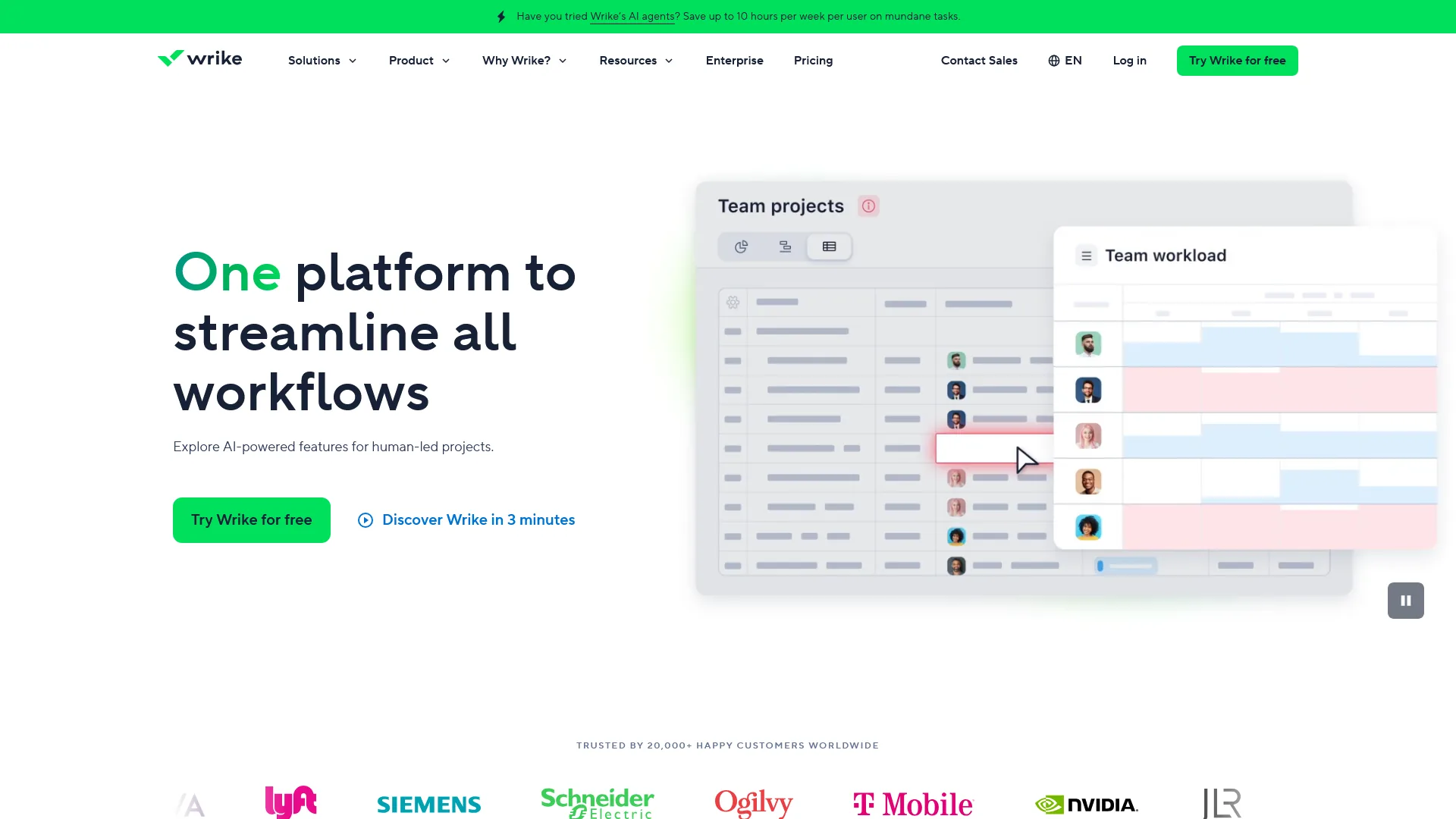
Pricing: Free (unlimited users) / Team $9.80 / Business $24.80 / Enterprise and Pinnacle custom (per user/mo). AI Essentials is on the Team tier; AI Elite (Copilot, Agent Builder) on Business and above.
Wrike is the best ClickUp alternative for enterprise resource management. Where ClickUp tries to be the all-in-one tool for every team size, Wrike focuses on the needs of large organizations: resource planning, cross-departmental reporting, advanced security, and enterprise integrations.
Where Wrike wins: enterprise-grade resource management is its strongest differentiator, with workload views, capacity planning, and cross-project allocation beyond ClickUp’s Business-tier workload view. The AI Agent Builder creates custom automation agents without code, and combined with Wrike Copilot and an MCP Server integration for Claude, Microsoft Copilot, and Perplexity, the AI stack is more enterprise-focused than ClickUp Brain. Advanced reporting plus security certifications (SSO, 2FA, data residency, audit trails) make Wrike safer for regulated industries.
Where Wrike falls short: Wrike Business at $24.80 per user/month costs more than double ClickUp Business at $12, the interface feels dated, it is less flexible for small agile teams, and AI Elite requires the Business tier.
Who should switch: enterprise organizations with 50+ users managing complex portfolios, professional services firms that need resource planning, and regulated industries.
Best Picks by Use Case
Six ClickUp alternatives are best by use case: Asana for faster onboarding, Monday.com for visual workflows, Notion for docs plus projects, Linear for software development, Trello for simple boards and tight budgets, and Wrike for enterprise resource planning - the same six picks that recur across most ClickUp alternatives for 2026 round-ups.
| Use Case | Best Alternative | Why |
|---|---|---|
| Faster team onboarding | Asana | Constrained interface, clearer workflows, days vs. weeks |
| Visual workflow management | Monday.com | Color-coded boards, progress tracking, intuitive for non-technical users |
| Docs + project management | Notion | Unified workspace, database relations, AI Agents for knowledge work |
| Software development | Linear | Millisecond performance, keyboard-first, deep Git integration |
| Simple Kanban boards | Trello | Zero configuration, lowest cost, best mobile experience |
| Enterprise resource planning | Wrike | Capacity management, cross-department reporting, enterprise security |
| Tightest budget | Trello | $5/user/month Standard, strongest free tier for casual use |
| Best free tier | ClickUp | Still wins - unlimited users, tasks, docs, and basic AI trial |
| ADHD-friendly interface | Linear or Trello | Minimal design, fewer choices, reduced visual noise |
Pricing Comparison: 10-Person Team (Annual Billing, Monthly Cost)
Trello costs $50 per month for a 10-person team on annual billing, Linear $64, and ClickUp $70 - the three cheapest paid plans, with ClickUp delivering the best feature-to-price ratio before AI add-on costs.
| Plan Level | ClickUp | Asana | Monday.com | Notion | Linear | Trello | Wrike |
|---|---|---|---|---|---|---|---|
| Free | $0 | $0 (10 users) | $0 (2 users) | $0 (limited) | $0 (250 issues) | $0 (10 boards) | $0 |
| Entry Paid | $70 | $110 | $90 (min 3 seats) | $100 | $64 | $50 | $98 |
| Mid-Tier | $120 | $250 | $120 | $150 | $112 | $100 | $248 |
| With AI | $160* | $110** | $90** | $150** | $64** | N/A | $248** |
*ClickUp AI is an add-on ($9 per user/month) on top of any paid plan. **AI included in the plan price shown.
Once AI costs are factored in, Asana and Monday.com become competitive because they bundle AI into base pricing, while Linear stays the cheapest paid option for issue tracking and Trello the cheapest overall for basic task management.
Pro Tips: When to Stay with ClickUp
ClickUp is the better choice for four team profiles: teams that have already invested weeks configuring custom views, organizations that genuinely use docs, time tracking, goals, and whiteboards together, budget-conscious teams (ClickUp Unlimited at $7 per user/month delivers the most capability per dollar), and teams with heavily customized workflows. The decision comes down to one question: is the team actually using the features it pays for? If not, a simpler, cheaper alternative delivers the same practical value with less overhead.
The Bottom Line
ClickUp’s feature density is unmatched, but features only create value when teams adopt them - and ClickUp’s complexity is the most common reason teams do not. Each alternative solves a specific adoption problem: Asana for structured workflows with bundled AI, Monday.com for visual project status, Notion for the docs-plus-PM split, Linear for developer speed, Trello for simple workflows, and Wrike for enterprise resource management. The best pick is the one that solves the current friction - start there, try the matching tool’s free tier, and evaluate on how quickly the team adopts it.
FAQ
Five questions are most common when teams choose a ClickUp alternative, drawn from Google’s People Also Ask data and reader queries.
Is there anything better than ClickUp?
No single tool beats ClickUp for every team, but six alternatives each win on one dimension. ClickUp wins on feature breadth and pricing; it loses on simplicity, onboarding speed, and performance at scale - the dimensions Asana, Monday.com, Notion, Linear, Trello, and Wrike each solve.
Is ClickUp ADHD friendly?
ClickUp is often not ADHD friendly because its volume of options, notifications, and customization surfaces can overwhelm users who struggle with executive function. Constrained interfaces - particularly Linear and Trello - work better for neurodivergent users who benefit from fewer choices and a cleaner visual layout.
Is there a Google equivalent to ClickUp?
Google offers no direct ClickUp equivalent, since Google Workspace has no dedicated project management app. Teams in the Google ecosystem typically pair Google Sheets or Google Tasks with Asana or Trello, both of which integrate cleanly with Google Workspace.
What is the Microsoft equivalent of ClickUp?
The Microsoft equivalent of ClickUp is Microsoft Planner, Microsoft To Do, and Project for the web combined inside Microsoft 365. Teams that want a single all-in-one workspace closer to ClickUp’s model often choose Notion or Asana instead.
How much does ClickUp cost in 2026?
ClickUp costs $7 per user per month for Unlimited and $12 per user per month for Business on annual billing, plus a Free Forever tier with unlimited tasks and unlimited users. ClickUp Brain is an add-on starting at $9 per user per month.
Related Reading
Five guides on this site provide deeper coverage of the ClickUp alternatives compared above, with full reviews and pricing breakdowns.
- ClickUp Review - Full review of features, pricing, and AI capabilities
- ClickUp Pricing 2026 - Full breakdown of ClickUp plans, tiers, and ClickUp Brain AI costs
- ClickUp vs Notion - Head-to-head comparison of the two all-in-one workspace platforms
- Best Project Management Tools 2026 - Comprehensive project management tool comparison
- Notion Review - Docs and project management in one workspace
External Resources
Three primary vendor pages provide current pricing for verifying every figure in this guide.
- ClickUp Official Pricing - Current pricing and plan details direct from ClickUp
- Asana vs ClickUp (Asana) - Asana’s official comparison page
- Monday.com vs ClickUp - Monday.com’s official comparison with ClickUp