


The top AI tools for accountants are QuickBooks Online with Intuit Assist, Xero with AI bookkeeping, FreshBooks with AI Invoice Intelligence, Dext for receipt processing, and Claude or ChatGPT for financial analysis. Each automates a different layer of the accounting pipeline.
Accounting is the discipline where small errors carry large consequences. For years, accountants absorbed that risk manually - reviewing every line item, chasing every receipt, reconciling every transaction by hand. AI changes the equation: receipt capture, expense categorization, bank reconciliation, and financial forecasting now run largely on autopilot, freeing accountants for judgment-intensive work like tax strategy and client advisory.
Our analysis draws on current vendor documentation, pricing pages, and independent research rather than sponsored placement or paid endorsements. AI Productivity may earn a commission from links on this page; our rankings are editorially independent.
According to Sarah Elk, partner at Bain & Company, “Generative AI is one of the most powerful productivity drivers we have seen in a generation,” and accounting workflows are among the clearest beneficiaries. See Bain’s generative AI productivity research for the underlying data.
Why Accountants Need AI Tools Now
Accountants need AI tools now because client demand for real-time visibility, growing regulatory complexity, and exploding digital transaction volume have made manual processing a liability. The top picks in 2026 include QuickBooks Online with Intuit Assist, Xero with AI, and FreshBooks with AI Invoice Intelligence - each targeting different parts of the daily workload.
A solo accountant in 2026 might manage hundreds of transactions per month across dozens of clients. The AI workflow automation maturity model outlines how practices typically progress from manual to automated. AI tools address this by:
| Field | Value |
|---|---|
| Automating data entry | Receipt scanning, bank feed categorization, and invoice extraction eliminate the most time-consuming manual tasks |
| Reducing errors | AI pattern matching and OCR tools catch duplicates, mismatches, and outliers before they become problems |
| Providing forecasting | Cash flow prediction and trend analysis give clients actionable insights rather than just historical reports |
| Scaling without headcount | One accountant with the right AI tools for small business can manage a workload that previously required a team |
Which AI Tools Are Best for Accountants in 2026?
1. QuickBooks Online with Intuit Assist
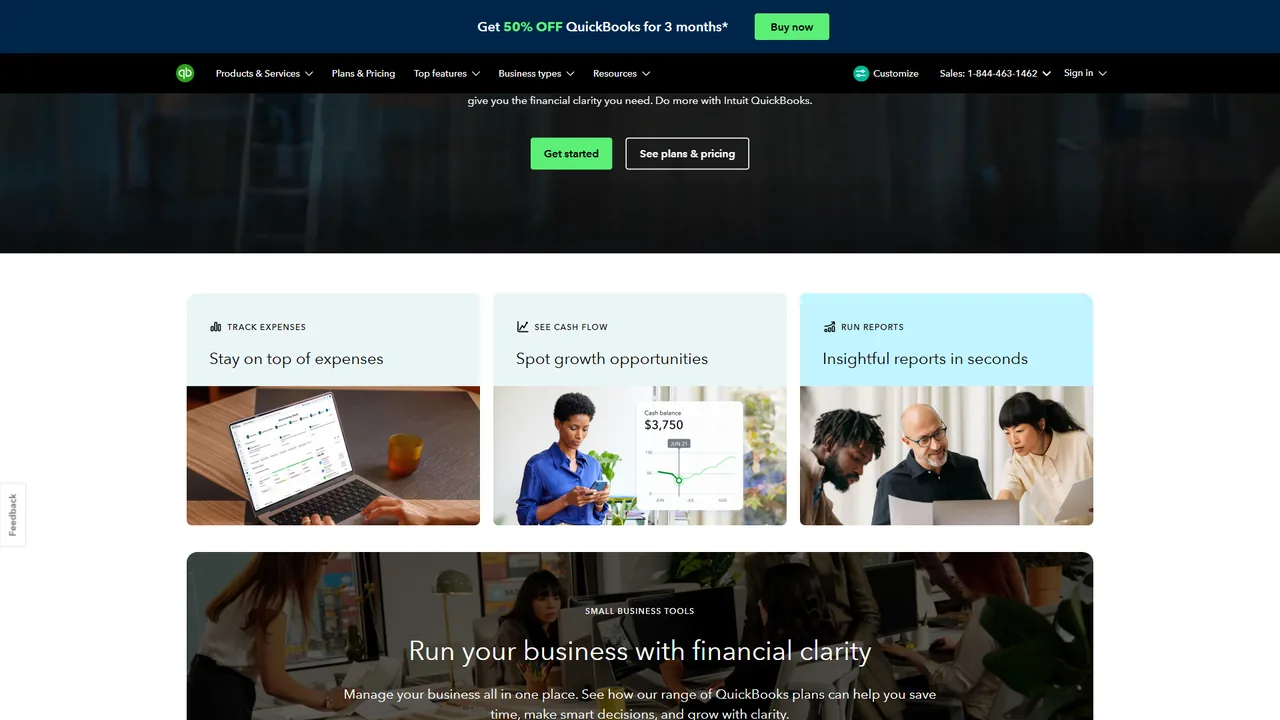
QuickBooks Online is the default accounting platform for millions of small businesses, and Intuit Assist - the company’s AI financial assistant launched in late 2025 - has made it genuinely intelligent rather than just capable. Accountants and clients can ask “What were my top five expense categories last quarter?” or “Which invoices are more than 30 days overdue?” and receive structured answers without running manual reports.
Key AI Features:
- Natural language queries: Ask plain-English questions instead of building reports
- Smart transaction matching: Reconciles bank transactions against invoices, including partial payments
- Cash flow forecasting: 30, 60, and 90-day projections based on invoice pipeline
- Anomaly detection: Flags duplicates, unusual amounts, and potential errors
- Invoice drafting: Generates drafts from minimal input
Pricing: Simple Start $35/mo, Essentials $65/mo, Plus $99/mo, Advanced $235/mo.
Best for: Small businesses and firms wanting a complete platform with AI throughout. Its broad integration ecosystem makes it the path of least resistance for most practices.
Limitations: Pricing has climbed significantly; the interface can feel cluttered; AI features work best after several months of data accumulation.
2. Xero with AI-Powered Bookkeeping
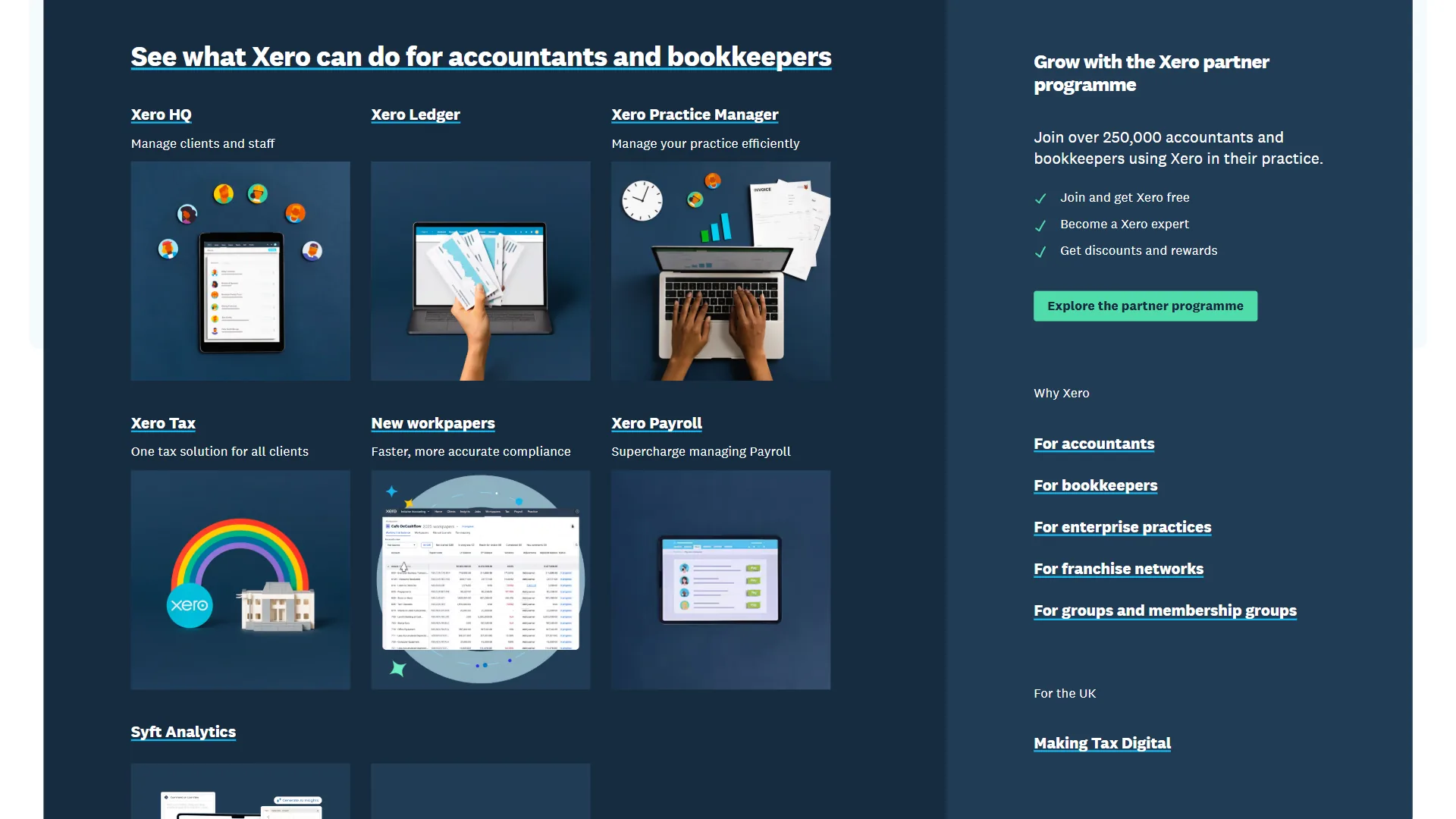
Xero is the preferred accounting platform for practices with international clients or complex multi-currency requirements. Its AI bookkeeping features - particularly smart bank reconciliation and automated transaction coding - have matured significantly since 2024. What distinguishes Xero’s AI approach is the learning model: the platform observes how you categorize transactions over time and improves auto-suggestions accordingly, so reconciliation accuracy compounds with use.
Key AI Features:
- Smart coding: Learns categorization patterns and auto-assigns transaction codes with improving accuracy
- Automated bank reconciliation: Matches transactions to invoices, handling partial payments and multi-currency conversions
- Invoice prediction: Suggests amounts, due dates, and payment terms from client history
- Client reliability scoring: Surfaces payment-delay trends before they become cash flow issues
- Multi-currency intelligence: Auto exchange rate updates across 160+ currencies
Pricing: Starter $29/mo (20 invoices), Standard $46/mo (unlimited), Premium $62/mo (multi-currency).
Best for: Growing businesses and practices with international clients. Xero’s multi-currency handling and 1,000+ App Store integrations make it the strongest choice for cross-border accounting.
Limitations: The Starter plan’s 20-invoice cap is limiting; multi-currency support requires Premium, pushing costs higher.
3. FreshBooks with AI Invoice Intelligence
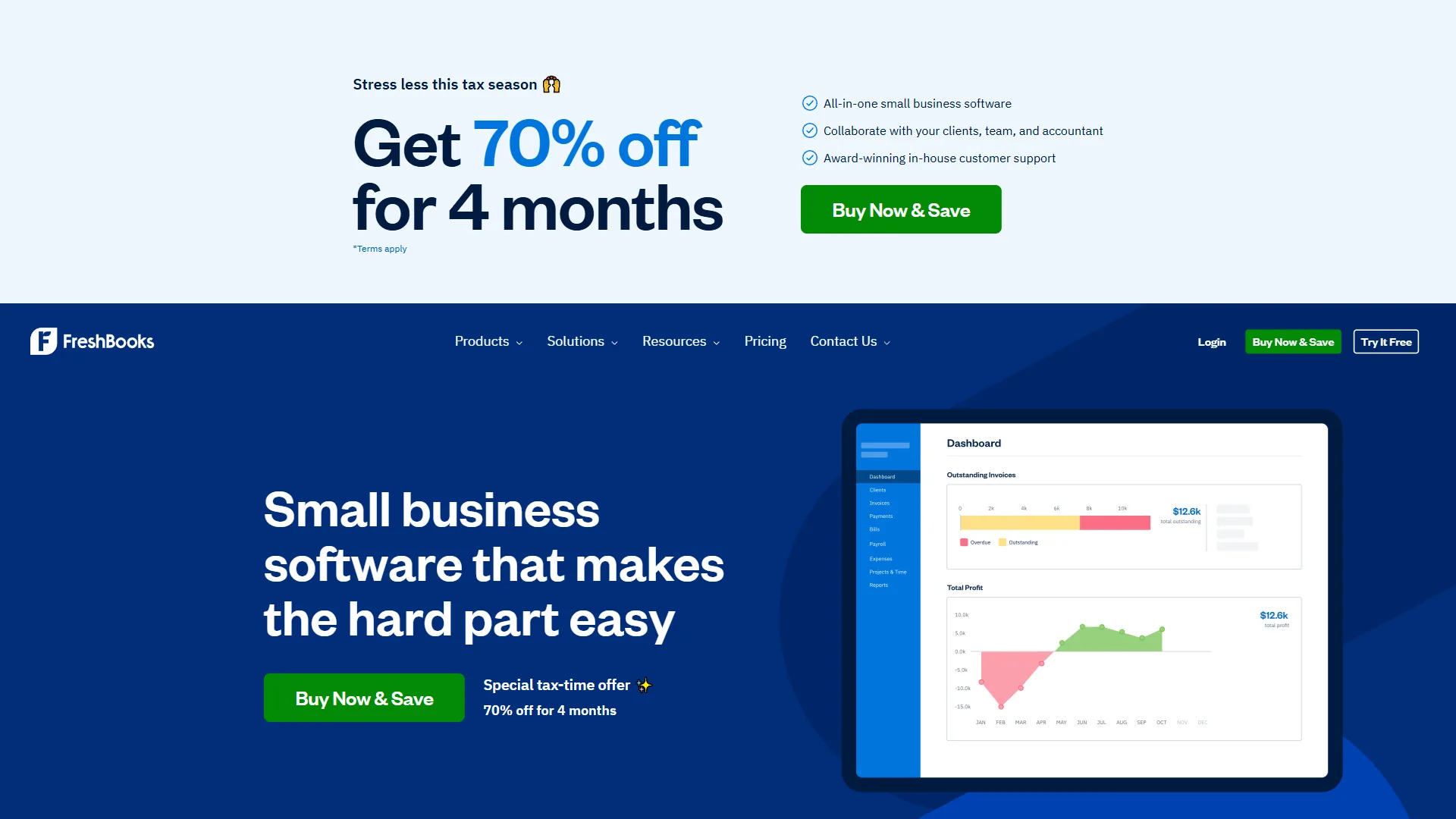
FreshBooks has built a reputation as the invoicing platform for freelancers and service businesses, and its AI features in 2026 have made it genuinely useful for accountants managing self-employed clients. The time-to-invoice workflow is FreshBooks’s strongest asset - time tracking connects directly to invoice generation, with AI suggesting line items, rates, and totals based on logged hours and past project patterns.
Key AI Features:
- Smart expense categorization: Sorts expenses into tax-ready categories accurately
- Payment prediction: Estimates when each client will pay from their history
- Late payment automation: Sends graduated reminder sequences per client
- Invoice suggestions: Recommends amounts and line items from past projects
- Recurring billing intelligence: Detects seasonal patterns and adjusts schedules
Pricing: Lite $19/mo (5 clients), Plus $33/mo (50 clients), Premium $60/mo (unlimited), Select custom.
Best for: Accountants managing freelancers and service-based small businesses. FreshBooks is the most approachable platform here - clients learn it without training.
Limitations: Lite caps at 5 billable clients; weak on inventory accounting, multi-entity consolidation, and complex job costing. Product-based or larger service firms should choose QuickBooks or Xero instead.
4. Dext (Formerly Receipt Bank) - AI Receipt and Expense Processing
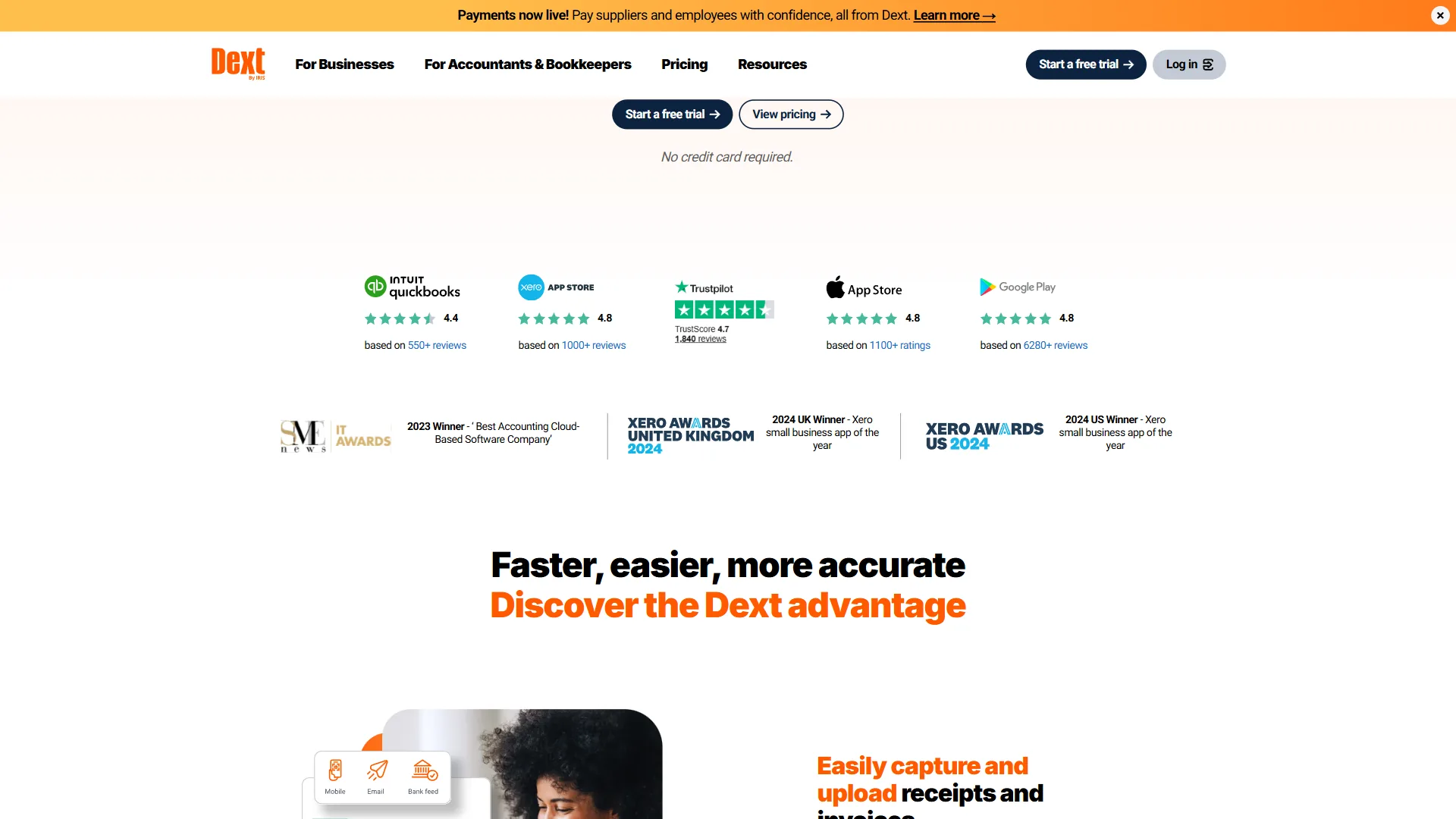
Dext (rebranded from Receipt Bank in 2021) is the specialist in this list. Clients photograph receipts, email invoices, or connect bank accounts, and Dext’s AI extracts supplier name, amount, date, VAT or sales tax, and expense category - feeding the data directly into your accounting platform. In practices where receipt processing has historically consumed 20-30% of staff hours, Dext typically reduces this to under 10%.
Key AI Features:
- OCR with machine learning: Extracts data from receipts, invoices, and bank statements with improving accuracy
- Supplier recognition: Learns recurring suppliers and applies tax codes automatically
- Duplicate detection: Catches duplicate receipts before they hit the ledger
- Fetch: Retrieves invoices from supplier portals automatically
- Publishing rules: Routes documents to the correct accounts from learned patterns
Pricing: Starter from $20/mo (individual), Practices ~$6-8 per client/mo, Premium custom.
Best for: Practices where client document collection is a bottleneck. Dext works alongside QuickBooks, Xero, and FreshBooks rather than replacing them.
Limitations: Per-client pricing scales linearly with your client base unless you negotiate volume pricing.
5. Botkeeper - Automated Bookkeeping Platform
Botkeeper is a purpose-built AI bookkeeping platform designed specifically for accounting firms that want to automate the bookkeeping function itself. The platform connects to clients’ financial accounts, applies machine learning to categorize transactions, reconcile accounts, and generate draft financials, then flags exceptions for human accountants to review.
Key AI Features:
- Automated categorization: Learns client-specific rules and applies them consistently
- Account reconciliation: Matches transactions to bank feeds and escalates exceptions
- Financial report generation: Produces draft statements for accountant review
- Real-time client dashboard: Clients view their financial position without waiting for monthly reports
- Exception workflow: Surfaces only uncertain transactions, minimizing review time
Pricing: Custom for partner firms - typically $100-$500/mo per firm based on usage.
Best for: Firms that want to increase capacity without proportionally increasing headcount, particularly with many small business clients whose bookkeeping is routine.
Limitations: Requires an onboarding period to learn client patterns; complex businesses need more human review. Not designed for individual freelancers or non-accounting firms.
6. ChatGPT and Claude for Financial Analysis
General-purpose AI assistants have become powerful accounting tools - not for data processing but for analysis, communication, and report generation. Accountants are using tools like ChatGPT and Claude for tasks that previously required significant time investment:
Common accounting applications:
- Financial narrative generation: Upload a balance sheet and request a plain-English summary
- Tax scenario analysis: Explore the implications of different approaches before committing
- Report drafting: Generate first drafts of management reports and financial commentary
- Regulatory research: Reference IRS regulations or GAAP rules from the FASB (always verify with primary sources)
- Client communication: Draft explanations of complex concepts in plain language
- Spreadsheet formulas: Get working Excel or Google Sheets formulas without manual lookup
Claude in particular handles document review well - it can analyze financial statements, identify trends, flag unusual items, and draft commentary that previously required senior accountant time.
Pricing: Both ChatGPT and Claude offer a free tier plus $20/mo Pro.
Critical caveat: Neither ChatGPT nor Claude should be the source of truth for regulatory or tax matters. They hallucinate details. Treat their output as a first draft requiring verification against authoritative sources, and never submit AI-generated tax advice to clients without review.
7. Docparser - Automated Document Processing
Docparser fills a specific gap in the accounting workflow: extracting structured data from PDF documents that do not fit the standard receipt or invoice pattern. Accountants receive documents in dozens of formats - purchase orders, contracts, bank statements, government forms, multi-page invoices. Docparser lets you create parsing templates for any document type and route extracted fields to your accounting system, spreadsheet, or workflow tool.
Key Features:
- Custom parsing templates: Build rules to extract any field from any document
- Table extraction: Pull line-item data from multi-row PDF tables
- Webhook and API delivery: Route extracted data to software, databases, or automation tools
- Native integrations: QuickBooks, Xero, FreshBooks, Google Sheets, and Zapier
Pricing: Starter $39/mo (100 docs), Professional $74/mo (500 docs), Business $149/mo (2,000 docs).
Best for: Teams that receive complex document types standard receipt scanners cannot handle - vendor contracts with multi-line items, government financial documents, proprietary invoice formats.
Limitations: Building parsing templates takes time and technical comfort; accuracy degrades on highly variable layouts; document caps bite on lower tiers. Skip it if Dext or built-in OCR handles your mix.
8. CoPilot Money - AI-Powered Financial Planning
CoPilot Money is designed for clients rather than accountants, providing AI-powered personal financial management. For accountants advising individuals on wealth management, understanding CoPilot is increasingly relevant. It connects to bank accounts, investment accounts, and credit cards to deliver a consolidated picture with AI-powered insights, categorizing transactions and tracking budget progress automatically.
Key AI Features:
- Automatic transaction categorization: Learns spending patterns and categorizes consistently
- Budget tracking: Real-time progress against spending categories with intelligent projections
- Net worth tracking: Aggregates all financial accounts for a unified view
- Trend analysis: Identifies patterns in spending, income, and savings over time
Pricing: $13/mo or $100/yr, 30-day free trial.
Best for: Accountants with individual clients on financial planning who want a client-facing tool offering real-time visibility between annual meetings.
Limitations: iOS and Mac only - Android and Windows clients are excluded. Personal finance only, not business bookkeeping. Skip it if your clients are small business owners.
Pro Tips: Building an AI-Powered Accounting Workflow
An AI-powered accounting workflow combines a document capture tool, an accounting core, an analysis layer, optional document processing, and a client visibility layer into a single stack. Here is a practical configuration:
Document Capture Layer: Dext captures client receipts, invoices, and bills automatically. Connect it to email inboxes and bank feeds for continuous ingestion. The how to automate invoicing with AI guide walks through a typical setup.
Accounting Core: QuickBooks Online or Xero handles the general ledger, bank reconciliation, invoicing, and reporting. Intuit Assist or Xero’s smart coding handles categorization and matching.
Analysis Layer: Claude or ChatGPT handles narrative generation, client reports, and ad-hoc analysis. See our roundup of AI tools for data analysis for complementary options.
Document Processing (if needed): Docparser handles non-standard documents Dext cannot parse - purchase orders, complex invoices, government forms.
Client Visibility: Botkeeper or the client portal in your accounting platform gives clients real-time access without accountant involvement for basic queries.
This stack eliminates the majority of manual data entry and shifts human time toward review, judgment, and client interaction - which is where accountant value actually lies.
Common Pitfalls: What AI Still Cannot Do in Accounting
AI tools are transformative for accounting efficiency, but AI does not:
- Replace professional judgment on complex tax matters. The judgment call requires a licensed professional who understands the full client context.
- Guarantee regulatory compliance. Training data has cutoffs and edge cases require authoritative sources. Always verify AI-generated guidance.
- Handle novel transaction types reliably. Unusual transactions and unique business structures require more human oversight.
- Manage client relationships. The advisory relationship - built on trust, judgment, and communication - remains entirely human.
The most successful accountants in 2026 use AI to handle volume, freeing themselves for the judgment-intensive work that justifies their fees.
The Bottom Line: AI Tools for Accountants
The top AI accounting stack pairs QuickBooks Online or Xero as the accounting core, Dext for receipt and document capture, and Claude or ChatGPT for analysis and client communication. Together they cover the majority of automation opportunity at a fraction of manual processing cost.
If your clients are on QuickBooks or Xero, activate the AI features built into those platforms before investing in additional tools. Add Dext to eliminate receipt collection friction, and incorporate Claude or ChatGPT for the analysis and communication tasks that consume disproportionate senior accountant time.
FAQ
Accountants most often ask which AI platform is best, what the total cost is, and whether AI will replace their role. Answers below.
Q: Which AI is best for accountants?
The best AI tools for accountants in 2026 fall into two categories: all-in-one accounting platforms that have embedded AI throughout their workflows, and specialist tools that handle specific parts of the pipeline.
Q: Which AI tools are best for accountants?
Top picks in 2026 are QuickBooks Online with Intuit Assist, Xero with AI bookkeeping, and FreshBooks with AI Invoice Intelligence. Dext handles receipt and expense processing, Botkeeper automates bookkeeping for firms, and Claude or ChatGPT cover financial analysis and client communication.
Q: What can accountants use AI for?
Accountants use AI for receipt capture, expense categorization, bank reconciliation, and financial forecasting - tasks that now run largely on autopilot. AI also drafts invoices, flags anomalies, generates financial narratives from balance sheets, drafts client communication, and produces spreadsheet formulas.
Q: How much do AI accounting tools cost?
QuickBooks Online runs $35 to $235 per month. Xero is $29 to $62 per month. FreshBooks is $19 to $60 per month. Dext starts at $20 per month. ChatGPT and Claude each offer a free tier plus $20 per month Pro plans.
Q: Can AI replace accountants?
No. AI does not replace professional judgment on complex tax matters, guarantee regulatory compliance, or handle novel transaction types reliably. It cannot manage the advisory relationship with clients, which remains entirely human.
Related Reading
Related reading on this site covers adjacent accounting and small-business AI workflows worth pairing with this guide:
- How to Automate Invoicing with AI
- Client Onboarding Automation
- Best AI Tools for Data Analysis
- AI Workflow Automation Maturity Model
- Best AI Tools for Architects: Design Faster in 2026
- Best AI Tools for Bookkeepers: Streamline Your Practice in 2026
- AI Tools for Chiropractors 2026: Modernize Your Practice
- AI Tools for Coaches: Automate Your Practice in 2026
- Best AI Tools for Accountants
- FreshBooks - Cloud accounting software with AI-powered invoicing and expense tracking
- ChatGPT - AI assistant for financial analysis, report generation, and data interpretation
- Claude - AI assistant for document review, tax research, and complex financial reasoning
- Google Workspace - Productivity suite with Gemini AI for spreadsheets and document collaboration
External Resources
External resources for accountants evaluating AI come from the vendors above and the profession’s primary standards body, the AICPA: