










Ten AI tools earn their monthly cost at small business scale in 2026 - ChatGPT, Claude, Zapier, Grammarly, Canva, Mailchimp, Notion, Trello, Calendly, and Freshdesk. Running a small business means wearing every hat in the building, and the right AI tools for small business owners cut the mental overhead of switching between tasks. That is why an AI assistant for small business owners has become essential.
The best AI tools for business productivity reclaim the 10-20 hours per week lost to scheduling, drafting, formatting, and moving data between apps, and plenty of free AI tools for small business cover the basics before you spend a dollar. Methodology: this guide is based on current vendor documentation, public pricing pages, and independent third-party research - not sponsored placement. AI Productivity may earn a commission from links on this page; rankings are editorially independent.
Tradeoffs: every tool here has clear limitations called out below. This guide covers 10 tools that earn their cost at small business scale, organized by what they do, what they cost, and when to skip them.
TL;DR: All 10 Tools at a Glance
The 10 tools below are the picks most small businesses get the highest return on, ranked by category rather than overall score so you can match each line to a real bottleneck.
| Tool | Category | Best For | Starting Price | Rating | Free Tier |
|---|---|---|---|---|---|
| ChatGPT | AI Assistant | General writing, research, brainstorming | $20/mo | Yes | |
| Claude | AI Assistant | Long documents, analysis, nuanced writing | $20/mo | Yes | |
| Zapier | Automation | Connecting apps, eliminating manual data entry | $29.99/mo | 100 tasks/mo | |
| Grammarly | Writing | Polishing emails, proposals, and client communication | $12/mo annual | Yes | |
| Canva | Design | Social graphics, presentations, marketing materials | $13/mo annual | Yes | |
| Mailchimp | Email Marketing | Newsletters, campaigns, audience segmentation | $13/mo | 500 contacts | |
| Notion | Project Management | Docs, wikis, databases, team workspace | $10/mo annual | Yes | |
| Trello | Project Management | Visual task boards, simple workflows | $6/mo | 4.1/5 | Yes |
| Calendly | Scheduling | Booking meetings, eliminating email back-and-forth | $12/mo | 1 event type | |
| Freshdesk | Customer Support | Help desk, ticket management, self-service portal | $15/agent/mo | 2 agents |
The short version: Do not buy all 10 at once. Start with ChatGPT or Claude free, add Grammarly free, then upgrade based on your biggest bottleneck.
Pro Tips: Budget-Tiered Stacks at Each Stage
Budget-tiered stacks are the fastest way to map AI tools for small business to your current revenue, because the right combination at $0 looks nothing like the right combination at $300. Three concrete stacks with real monthly costs follow.
Bootstrap Stack: $0-50/month
For solo founders and pre-revenue businesses that need maximum output from zero investment.
| Tool | Tier | Cost | Why It Earns Its Spot |
|---|---|---|---|
| ChatGPT | Free | $0 | Draft emails, research competitors, brainstorm product names |
| Canva | Free | $0 | Social posts, business cards, simple presentations |
| Grammarly | Free | $0 | Catch errors in every email and proposal |
| Trello | Free | $0 | Visual task management without configuration overhead |
| Calendly | Free | $0 | One booking link for client meetings |
Reality check: This stack is functional. You can run a side business or early-stage startup on it without spending a dollar. The main limits are ChatGPT usage caps and Calendly’s one event type.
When to upgrade: When you hit ChatGPT’s free-tier limits more than twice a week.
Scaling Stack: $50-150/month
For businesses generating revenue that need to eliminate repetitive work.
| Tool | Tier | Cost | What Changes |
|---|---|---|---|
| Claude | Pro | $20/mo | Extended context for long documents, better analysis |
| Zapier | Starter | $29.99/mo | Multi-step automations between your apps |
| Canva | Pro | $13/mo | Brand kit, background remover, premium templates |
| Grammarly | Pro | $12/mo | Tone detection, style guides, 1,000 AI prompts |
| Calendly | Standard | $12/mo | Unlimited event types, payment collection |
Claude Pro handles drafting proposals and analyzing contracts. Zapier eliminates copy-paste workflows between your CRM, email, and spreadsheets.
Growth Stack: $150-300/month
For teams of 3-10 who need structured collaboration, marketing automation, and customer support.
| Tool | Tier | Cost | What Changes |
|---|---|---|---|
| ChatGPT | Plus | $20/mo | GPT-5 for content creation and custom GPTs |
| Claude | Pro | $20/mo | Deep analysis and research tasks |
| Zapier | Starter | $29.99/mo | Workflow automation across all tools |
| Notion | Plus | $10/user/mo (x3) | Team workspace, shared databases |
| Mailchimp | Essentials | $13/mo | Email campaigns, audience segmentation |
| Freshdesk | Growth | $15/agent/mo (x2) | Ticketing, knowledge base, SLA management |
| Canva | Pro | $13/mo | Team brand kit and templates |
| Grammarly | Pro | $12/mo | Team-wide writing consistency |
| Calendly | Standard | $12/mo | Full scheduling automation |
The hidden cost advantage: This stack replaces what would otherwise require separate subscriptions easily totaling $300-400/month as standalone enterprise tools.
Best Picks by Use Case: AI Assistants (ChatGPT and Claude)
AI assistants are the one category every small business needs - the only real question is whether you need ChatGPT, Claude, or both running side by side.
ChatGPT - The Swiss Army Knife
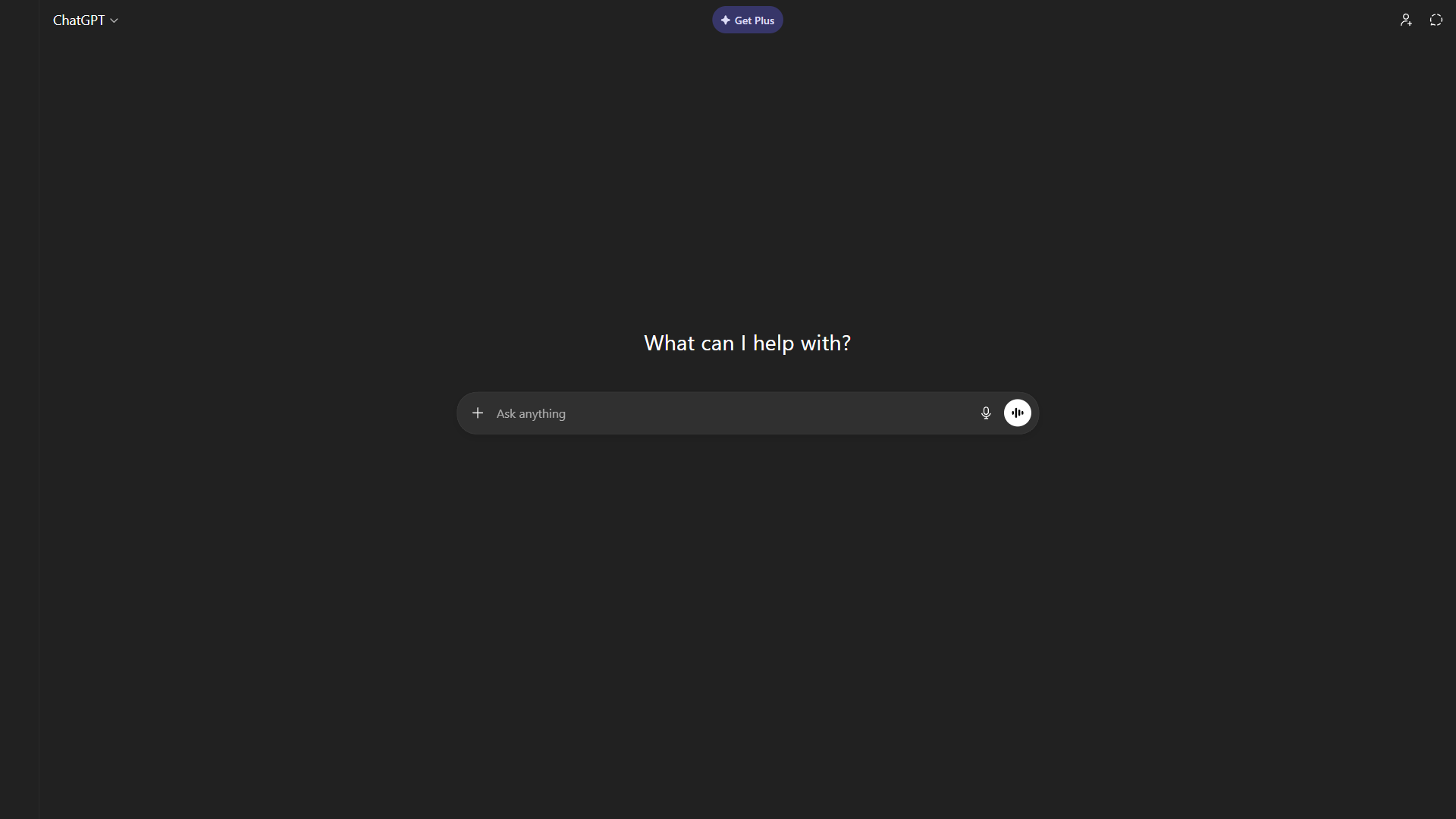
ChatGPT is the most versatile AI tool for small business owners who need one platform for everything - drafting a client proposal, generating email subject lines, outlining a blog post, or summarizing a competitor’s pricing page in a single session. According to OpenAI’s product page, ChatGPT now serves over 300 million weekly users.
Where it shines: Content creation, brainstorming, quick research, and first-draft tasks. Custom GPTs let you build specialized assistants.
Where it falls short: ChatGPT does not connect natively to most business tools, so you copy and paste between apps. Output quality varies and client-facing content needs a human review step.
Pricing: Free (limited GPT-4o) / Plus $20 a month (GPT-5, advanced analysis, custom GPTs) / Team $30 per user a month
Claude - The Thoughtful Analyst
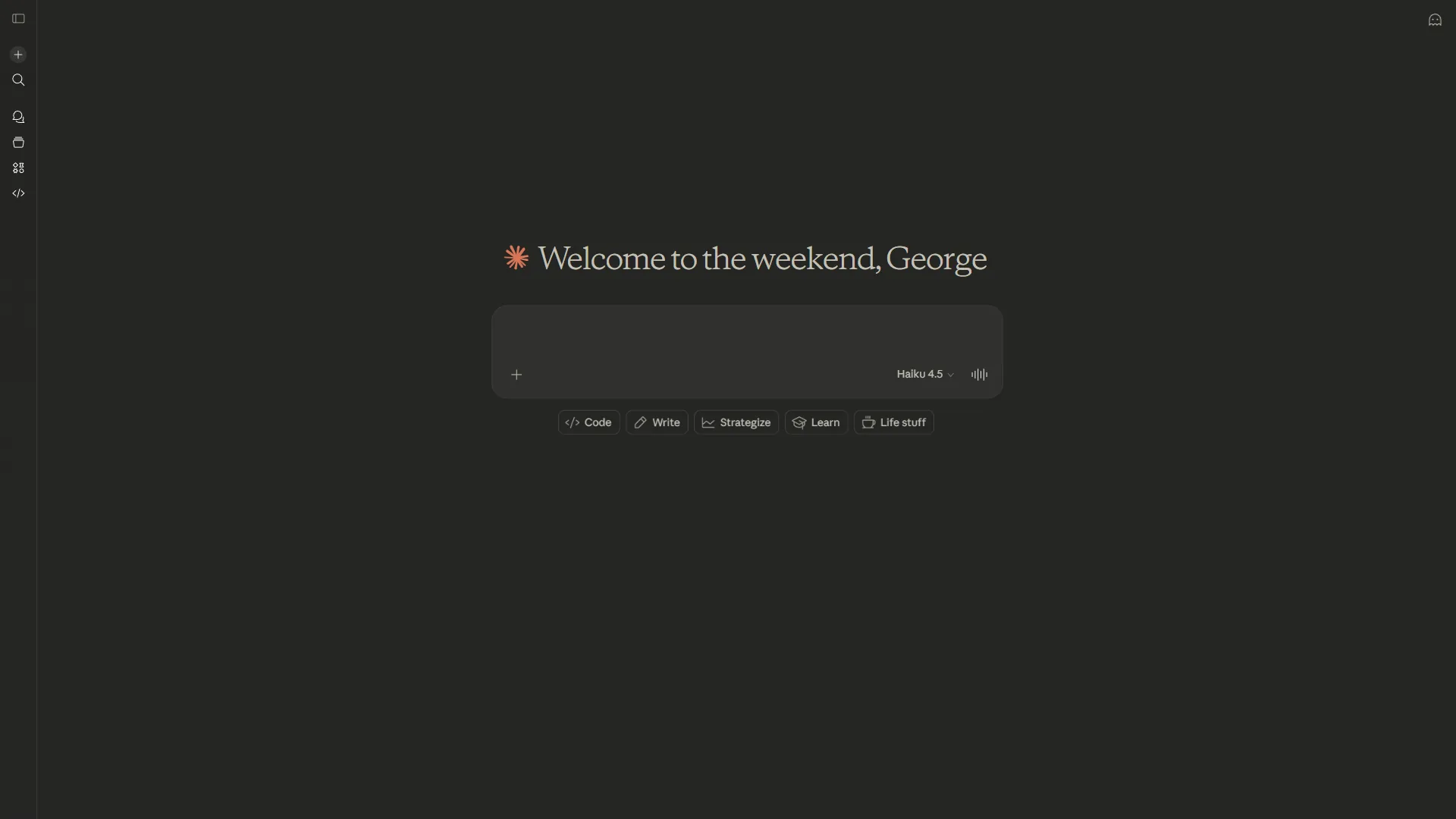
Claude from Anthropic excels where ChatGPT sometimes stumbles: long-form analysis, nuanced writing, and working with large documents. If your business involves contracts, research reports, or detailed proposals, Claude handles extended context better than most alternatives. According to Mike Krieger, Chief Product Officer at Anthropic, “Claude is uniquely positioned to help professionals get more done with their work” - a positioning small business owners juggling investor decks and 50-page contracts feel directly.
Where it shines: Analyzing a 50-page contract and summarizing key obligations. Writing detailed proposals that maintain consistency across 3,000 words.
Where it falls short: Smaller integration ecosystem than ChatGPT. No equivalent to Custom GPTs for building specialized assistants (though Projects help).
Pricing: Free (limited usage) / Pro $20 a month (extended usage, priority access)
The verdict: Pick ChatGPT for breadth and quick content generation. Pick Claude for long documents or careful, analytical writing.
Automation: Zapier
Zapier is the default automation hub for small business because it links 7,000+ apps without a developer and handles multi-step flows out of the box.
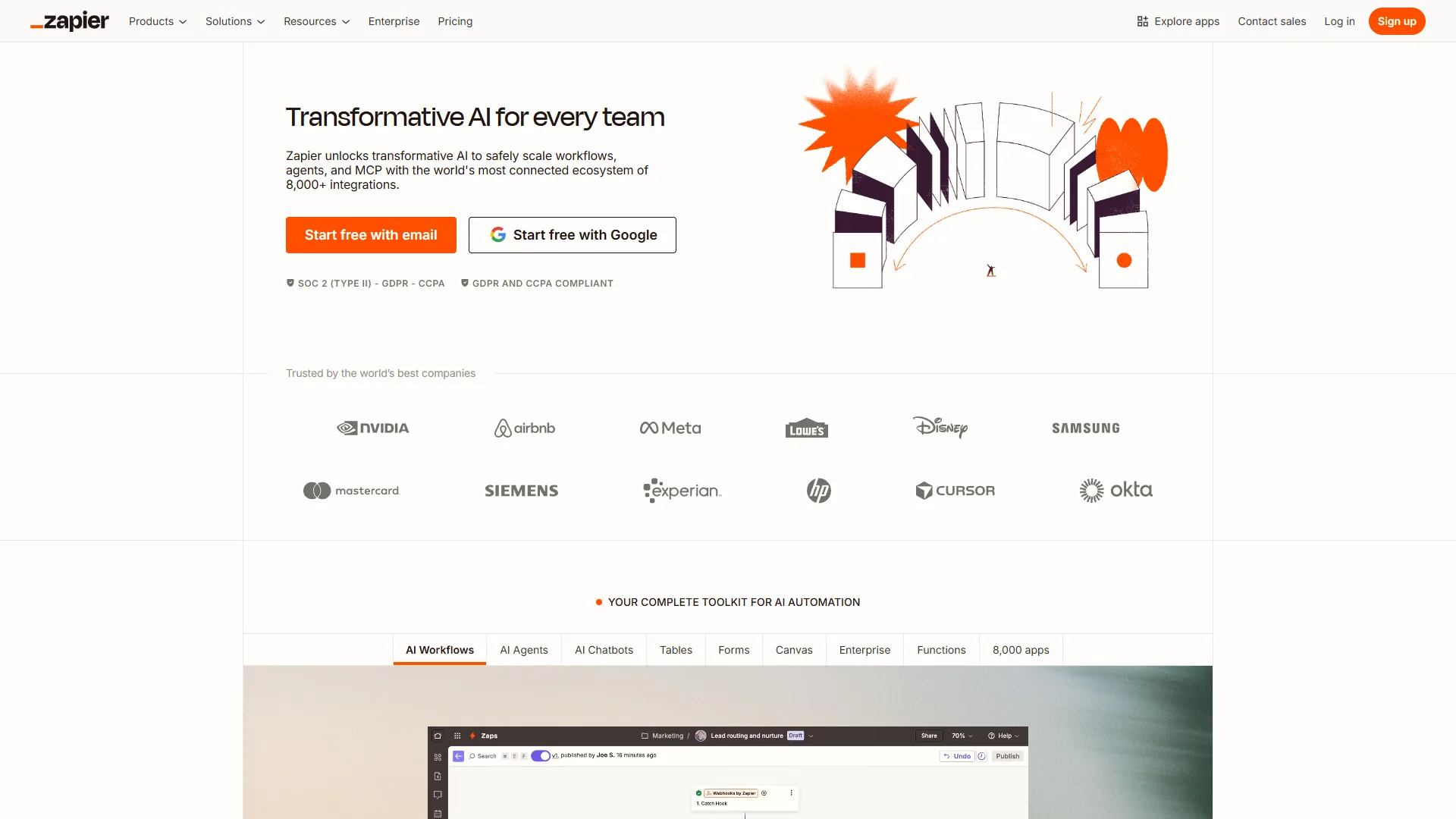
If you are manually copying a form submission into a spreadsheet, then emailing a confirmation, then adding the contact to your CRM, that is exactly the workflow Zapier eliminates. The 7,000+ integration library is unmatched.
Zapier Agents are the 2026 evolution worth paying attention to. Describe what you need done (enrich new leads, categorize support tickets, draft follow-ups) and the agent handles it using multi-model AI.
Limitations: Skip Zapier if your workflows are simple (under 3 apps, no conditional logic). The free tier’s 100-task cap fills up fast and the Starter plan becomes expensive overhead.
Pricing: Free (100 tasks/mo, 2-step only) / Starter $29.99 a month (750 tasks, multi-step) / Team $69 a month (2,000+ tasks)
Writing: Grammarly
Grammarly catches the writing mistakes that make a small business look unprofessional, running silently across email, proposals, Slack, and social posts without any workflow change.
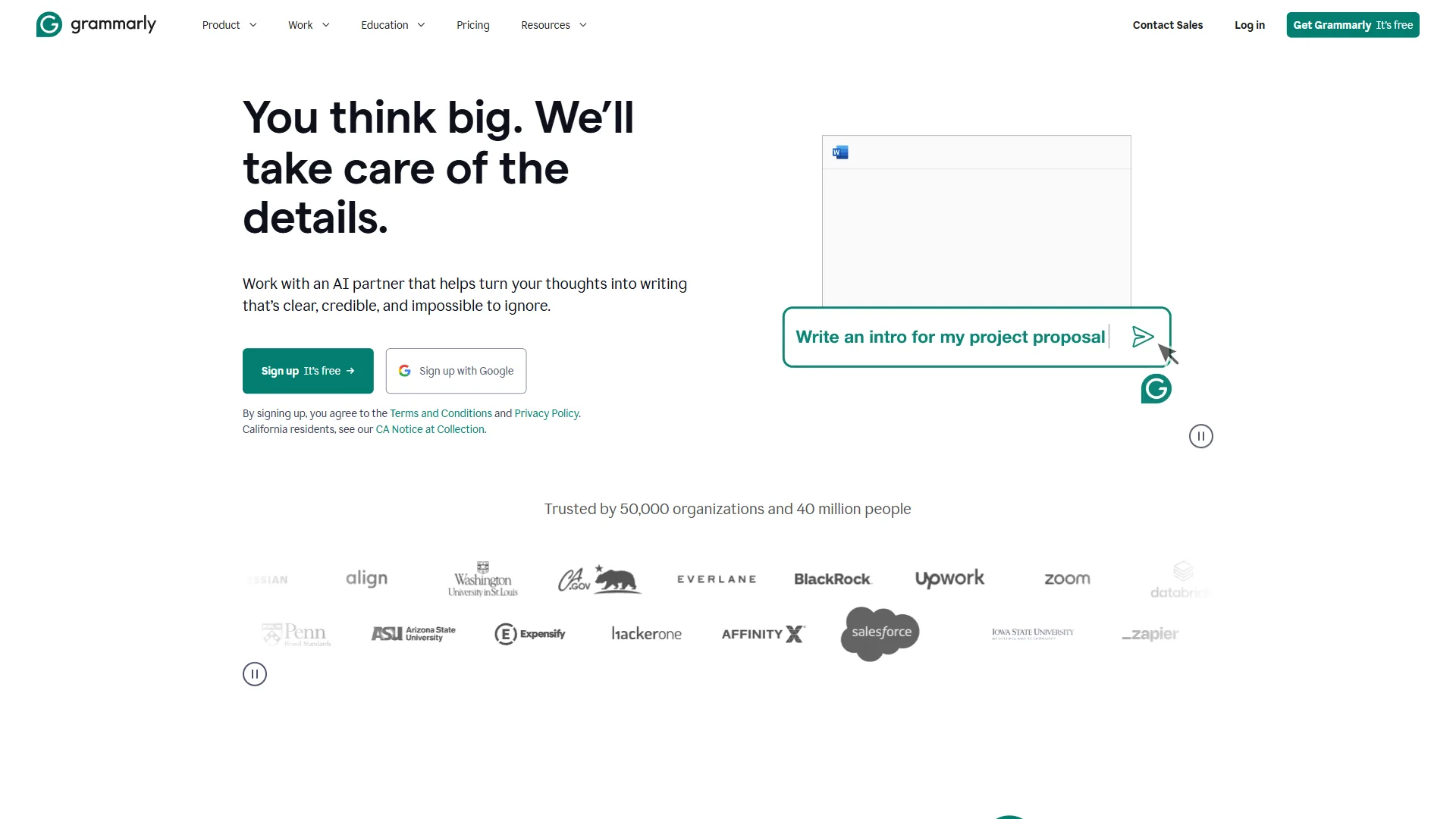
The real value for small business is tone detection and contextual suggestions, not grammar correction. Grammarly flags when a client email sounds too casual or when a proposal buries the key point.
Limitations: Skip Grammarly if you already lean on Claude or ChatGPT for drafting - the AI prompts overlap.
Pricing: Free (basic grammar, spelling) / Pro $12 a month annual (tone, clarity, 1,000 AI prompts)
Design: Canva
Canva is how non-designers create professional-looking visuals for a small business - social posts, presentations, flyers, business cards, email headers, and short videos all run from one drag-and-drop editor.
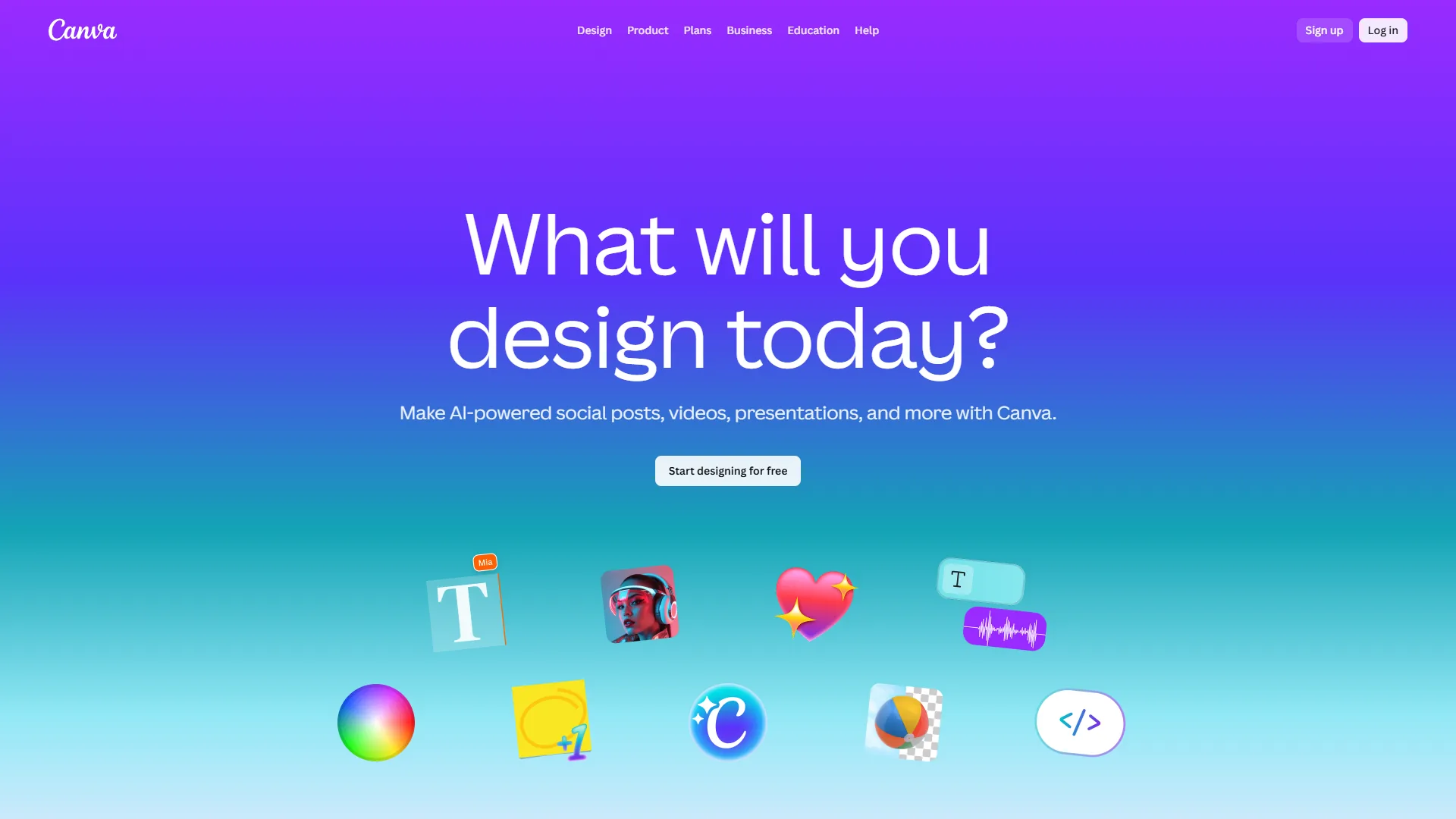
AI features worth knowing about: Magic Design generates templates from a text description. Magic Write handles copy for your designs. Background Remover (Pro plan) eliminates the need for Photoshop on product photos. According to Canva’s design school, teams using templates produce visual content 5x faster.
Limitations: Skip Canva if your business does not produce visual content regularly. Template-driven output can look generic when competitors use the same designs.
Pricing: Free (250K+ templates, basic editing) / Pro $13 a month annual / Teams $10 per user a month annual
Email Marketing: Mailchimp
Mailchimp is the email marketing platform most small businesses default to, handling newsletters, promotional campaigns, automated welcome sequences, and abandoned cart emails with AI-powered optimization.
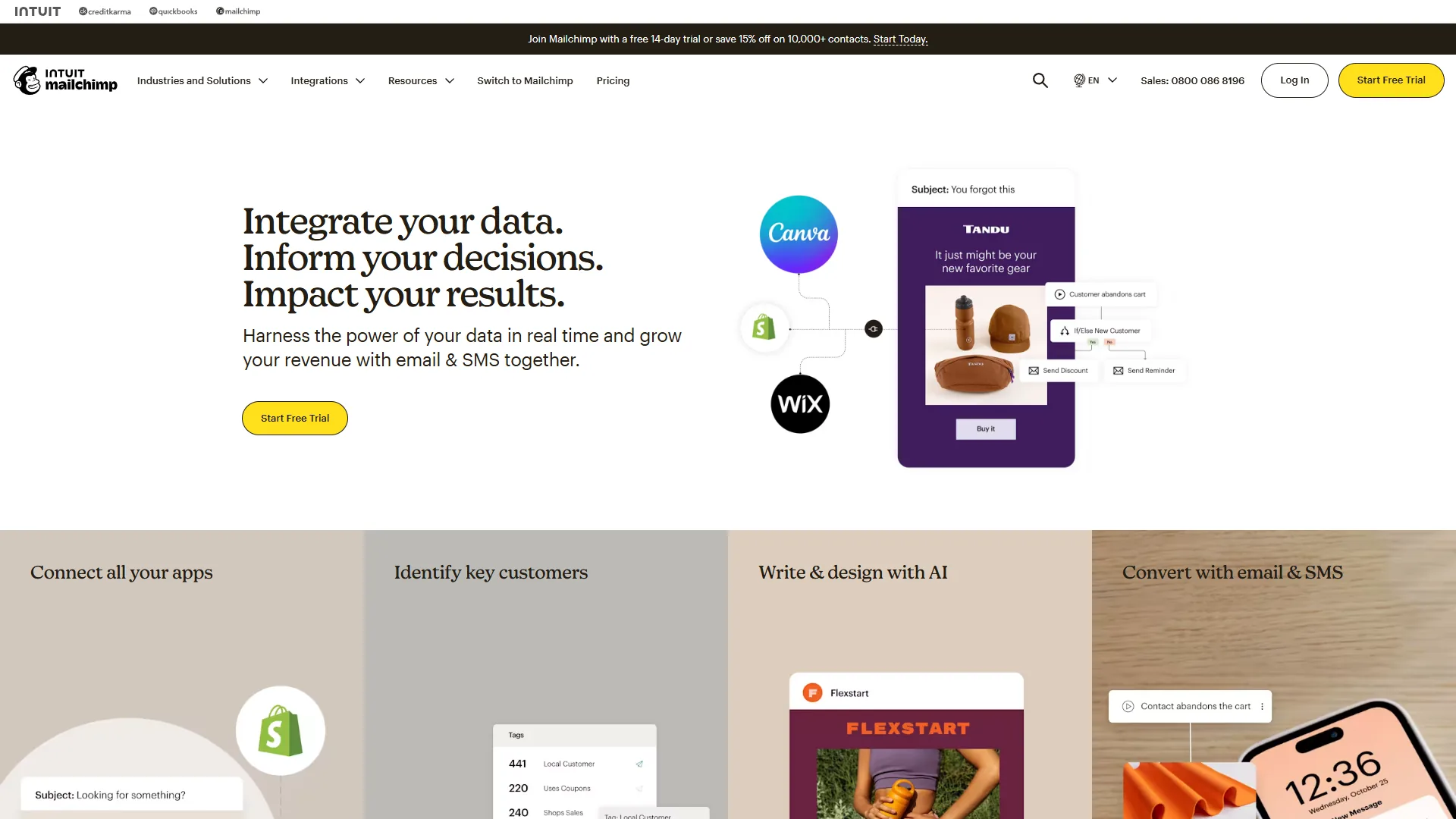
Intuit Assist is Mailchimp’s AI engine for 2026 - it generates email copy, suggests subject lines, optimizes send times, and builds automated flows from plain-language descriptions.
Limitations: Skip Mailchimp if your list is under 100 contacts and you send fewer than two emails per month. Per-contact pricing scales aggressively past 5,000 contacts; ActiveCampaign or Klaviyo deliver better automation at that tier.
Pricing: Free (500 contacts, 1,000 sends/mo) / Essentials $13 a month / Standard $20 a month (automation, A/B testing)
Project Management: Notion and Trello
Small businesses have two strong options here: Notion for teams that want one connected workspace, Trello for teams that just want a kanban board running in 10 minutes.
Notion - The All-in-One Workspace
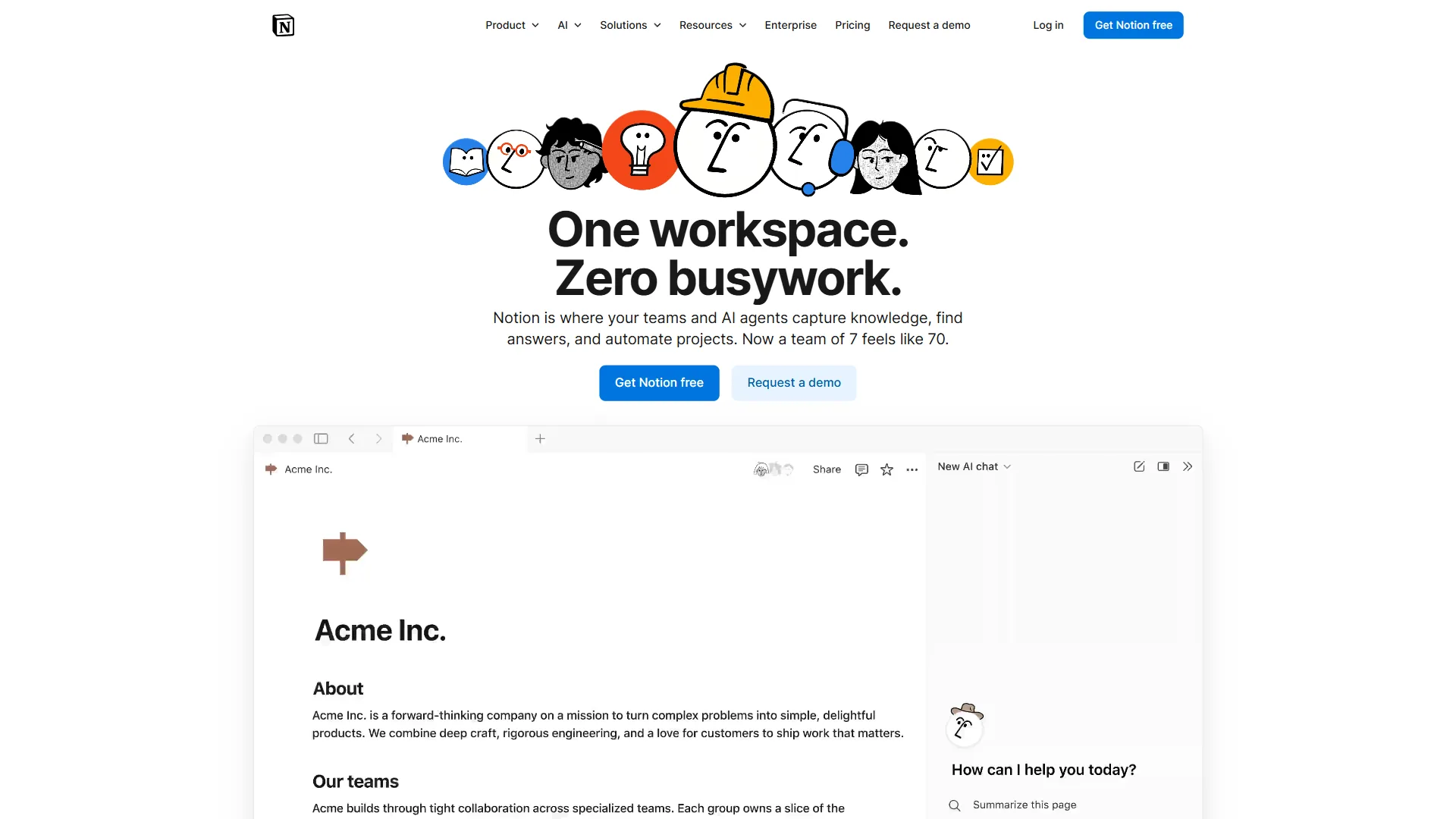
Notion replaces three or four separate subscriptions - wiki, project tracker, note-taking app, simple database - inside one platform with interconnected pages.
AI features on the Business plan include multi-model support with GPT-5 and Claude Opus 4.1. The AI summarizes meeting notes, drafts documents, and answers questions about your workspace content.
The learning curve is real. Budget 1-2 weeks for setup if you are starting from scratch.
Pricing: Free / Plus $10 per user a month annual / Business $15 per user a month annual (AI included)
Trello - Visual Simplicity
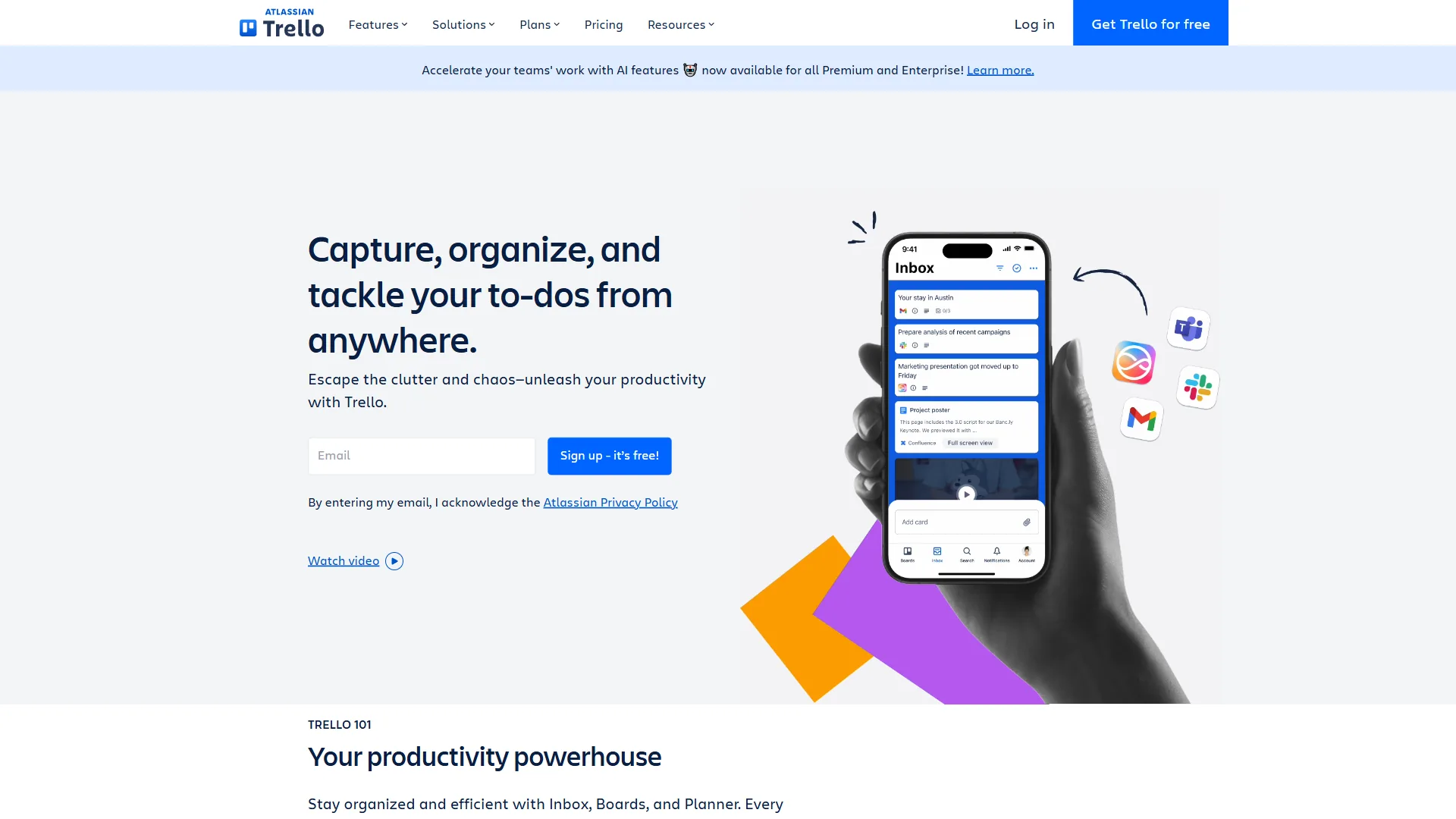
Trello is for teams that want project management without setup overhead. Kanban boards with drag-and-drop cards, simple lists, and due dates - Trello does one thing well.
Butler automation handles rule-based workflows: when a card moves to “Done,” assign the next card in the queue.
Limitations: Notion is not ideal for teams that need dependency-aware project management. Trello has no native AI features and weak reporting.
Pricing: Free / Standard $6 a month / Premium $12.50 a month
Scheduling: Calendly
Calendly eliminates the “when are you free?” email chains that waste hours every week, so a single shared link replaces back-and-forth and updates both calendars automatically.
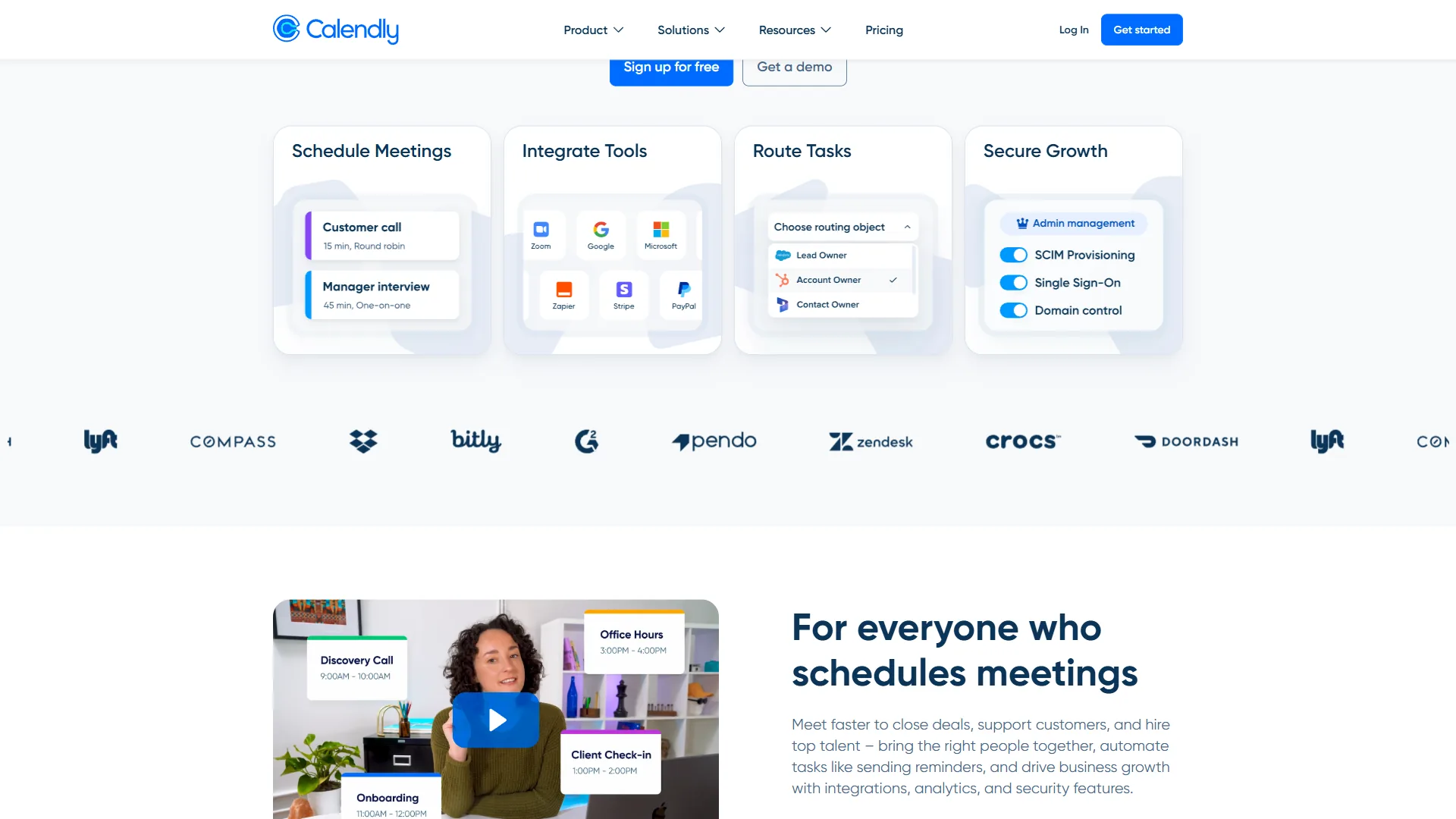
For businesses that book 10+ meetings per week, Calendly saves 2-3 hours of scheduling back-and-forth.
Payment collection turns Calendly into a basic booking system. Collect fees via Stripe or PayPal at the time of booking.
Limitations: Skip Calendly if your scheduling problem is meeting overload rather than booking friction - Reclaim.ai or Motion handle focus-time protection better.
Pricing: Free / Standard $12 a month / Teams $16 a month (round robin)
Customer Support: Freshdesk
Freshdesk is the help desk small businesses add when email-based support starts dropping tickets - a proper ticketing system prevents missed messages once volume passes 20 requests per week.
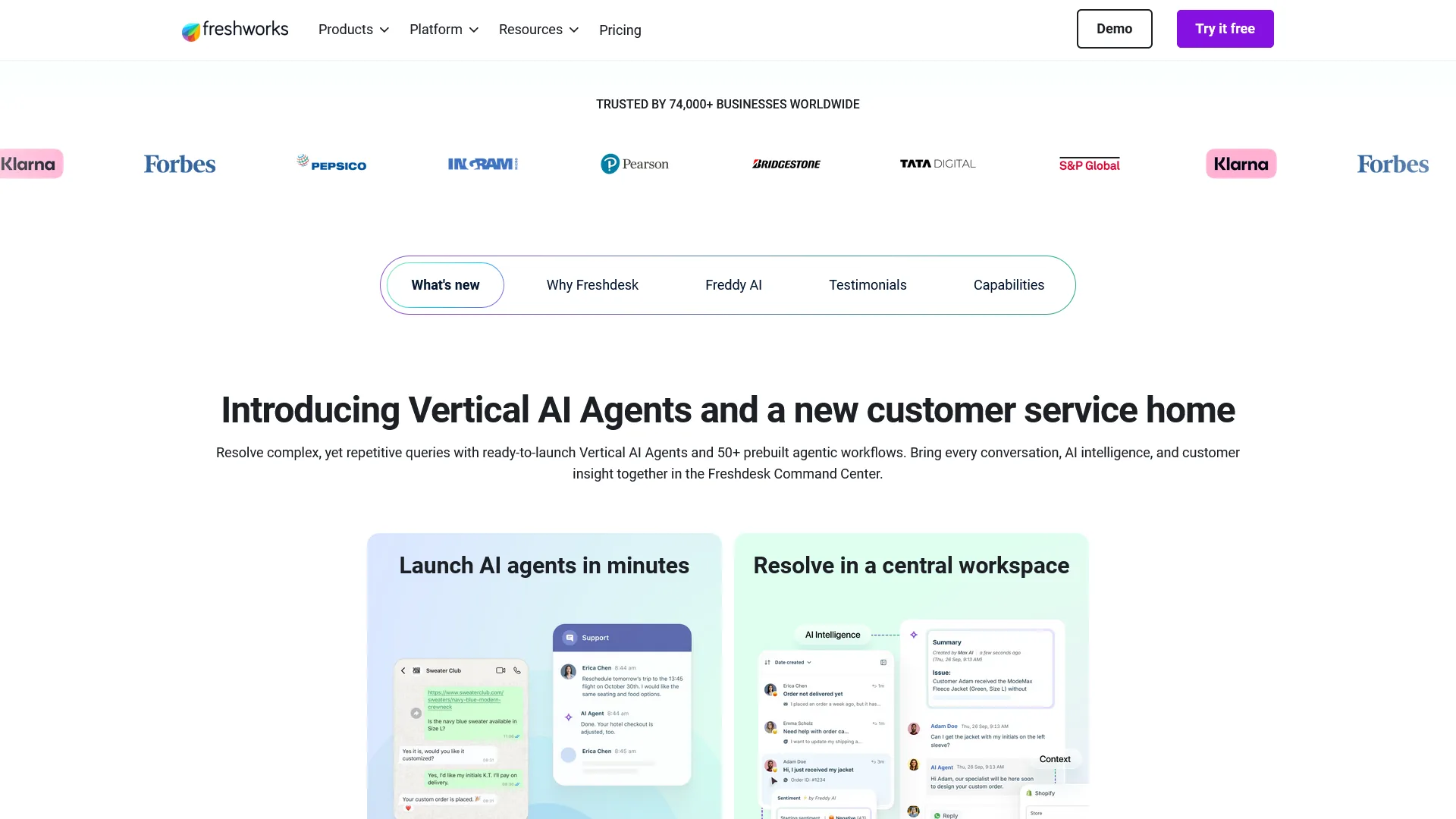
Freddy AI automates the repetitive parts of support: auto-categorizing tickets, suggesting canned responses, summarizing threads, and routing issues to the right team member.
The knowledge base feature lets customers find answers without submitting tickets. According to Freshworks, businesses with knowledge bases see 30-40% fewer tickets.
Limitations: Skip Freshdesk if you handle under 20 tickets per week - a shared Gmail inbox is faster and free. The Pro tier at $49/agent/month is where AI features unlock.
Pricing: Free (2 agents) / Growth $15/agent/mo / Pro $49/agent/mo
Common Pitfalls: 5 Mistakes When Choosing AI Tools for Small Business
The five mistakes below cost small businesses the most money when they adopt AI tools, and every one is avoidable if you slow down at the point of purchase.
1. Buying tools before identifying the bottleneck. Track where you lose time for one week. Let the problem dictate the tool - if you spend 4 hours on email drafting, the AI assistant comes first.
2. Paying for annual plans before testing monthly. Pay monthly for the first 2-3 months, then switch to annual once the tool has proven its value.
3. Ignoring the integration layer. Before adding any new platform, check whether it integrates with your current tools directly or through Zapier.
4. Over-automating before understanding the process. Automating a broken process just makes it break faster. Map your workflow manually first, fix inefficiencies, then automate the clean version.
5. Treating AI output as final. Every AI-generated email and proposal needs a human review pass. These tools produce excellent first drafts, not finished products.
FAQ
Most small businesses are best served by starting with one AI assistant and adding tools only when a specific bottleneck appears, and the answers below cover the questions small business owners ask most often.
Which single AI tool should a small business try first?
Start with ChatGPT or Claude on the free tier. They have the broadest range of uses and require zero setup. If you find yourself using one daily, the $20 per month Pro upgrade is the first investment worth making.
Are free tiers actually usable for business?
Yes, with caveats. Canva free is excellent for basic design. Grammarly free catches real errors. Trello free handles task management for small teams. Zapier free is too limited at only 100 tasks per month.
How do I know when to upgrade from free to paid?
Three signals: you hit usage limits more than twice a week, you spend time working around free-tier restrictions, or a paid feature would save you 2+ hours per week.
Can these tools replace hiring an employee?
They can delay the hire for specific functions. ChatGPT handles first drafts a content writer would produce. Zapier automates tasks an operations assistant would manage. But AI tools do not replace judgment or client relationships.
What is the biggest hidden cost to watch for?
Per-user pricing is the biggest hidden cost. A five-person team on Notion Plus, Calendly Standard, and Freshdesk Growth adds $185 per month in per-seat costs alone.
The Bottom Line
The right AI stack for a small business is the one that fits your current revenue stage, solves a specific bottleneck, and costs less than the time it saves - not the most powerful platform available.
Start with the Bootstrap stack at $0 per month. Identify which tool saves you the most time, upgrade that one first, then layer in additional tools as specific bottlenecks emerge. If you are not sure where to begin, start with ChatGPT for general assistance and Notion for organizing everything in one place.
Related Reading
The links below extend this guide into deeper category-specific comparisons for the tools above.
- ChatGPT Review - Full review with pricing, features, and alternatives
- Zapier Review - Full review with pricing, features, and alternatives
- Grammarly Review - Full review with pricing, features, and alternatives
- Canva Review - Full review with pricing, features, and alternatives
- Mailchimp Review - Full review with pricing, features, and alternatives
- Notion Review - Full review with pricing, features, and alternatives
- Calendly Review - Full review with pricing, features, and alternatives
- Claude Review - Full review with pricing, features, and alternatives
- Freshdesk Review - Full review with pricing, features, and alternatives
- Best AI Automation Tools 2026 - Deep dive into Zapier, Make, Gumloop, and n8n
- AI Tools for Marketers - Eight AI platforms for marketing teams
- Best Email Marketing Platforms 2026 - Full comparison of email marketing tools
External Resources
The federal and research links below offer authoritative third-party context for AI adoption in small business.
- SBA: Technology Guidance for Small Businesses - Federal guidance on adopting technology tools safely
- McKinsey: The Economic Potential of Generative AI - Research on AI productivity gains across business functions
- SBA: AI for Small Business - Official US Small Business Administration overview on AI adoption