


The best AI OCR tools in 2026 are Veryfi, Nanonets, AWS Textract, Azure Document Intelligence, Google Document AI, ABBYY FineReader, and Mistral OCR - with extraction accuracy ranging from 92% to 99.9% and pricing from $0.0015 per page to $500 per month. Veryfi leads on receipt and invoice accuracy, ABBYY FineReader leads on multilingual offline work, and Mistral OCR is the cheapest at $1-2 per 1,000 pages.
This guide compares every major platform - from crumpled receipts to multi-page contracts in five languages - drawing on current vendor documentation, published pricing, and independent benchmark research rather than sponsored placement. The right choice depends entirely on your workflow: a solopreneur processing 50 receipts monthly has completely different needs than a developer building an invoice system for 10,000 documents daily.
AI Productivity may earn a commission from links on this page; our rankings are editorially independent and based on research, not paid placement.
Comparison Table: Best AI OCR Tools 2026
The seven best AI OCR tools 2026 - Veryfi, Nanonets, AWS Textract, Azure Document Intelligence, Google Document AI, ABBYY FineReader, and Mistral OCR - are compared below on rating, starting price, accuracy, and ideal use case.
| Tool | Rating | Starting Price | Accuracy | Best For |
|---|---|---|---|---|
| Veryfi | $500+/mo | 99.9% | High-volume API integration | |
| Nanonets | $0.30/page | 95%+ | Template-free automation | |
| AWS Textract | $0.0015/page | High | AWS ecosystem | |
| Azure Document Intelligence | $1.50/1K pages | 99%+ | Azure ecosystem | |
| Google Document AI | $1.50/1K pages | 92%+ | GCP ecosystem | |
| ABBYY FineReader | $16/mo | 99.8% | Multilingual desktop OCR | |
| Mistral OCR | $1-2/1K pages | 99%+ | Cost-efficient batch processing |
Quick verdict: Nanonets offers the best balance of accuracy and ease of use for small businesses needing automation; developers should match the OCR tool to their cloud infrastructure (AWS Textract for AWS, Azure for Microsoft shops); ABBYY FineReader is unbeatable for offline multilingual work; and Veryfi wins when receipt-and-invoice accuracy justifies the $500+/mo premium.
Selection Criteria: What Makes a Great OCR Tool in 2026
A great AI OCR tool in 2026 must handle table extraction with preserved formatting, handwriting recognition across writing styles, multi-language support without manual configuration, context understanding (invoice numbers, line items, totals), and confidence scoring. The accuracy threshold for practical use is 95% - below that, you spend more time fixing errors than the automation saves. Every tool in this comparison clears that bar.
Veryfi: Enterprise-Grade Receipt and Invoice OCR
Pricing: Starts at $500 per month for 2,500 documents Accuracy: 99.9% on receipts and invoices (highest tested) Processing Speed: Under 2 seconds per document
Veryfi is an enterprise-grade OCR API built specifically for financial documents - receipts, invoices, and bills - reaching 99.9% accuracy on receipts and invoices, the highest figure in this comparison. The Veryfi mobile SDK captures a receipt with a phone camera and returns structured JSON (merchant, date, total, tax, line items) in under two seconds, even from a faded receipt barely legible to the human eye.
Strengths: API-first design, real-time mobile receipt capture, line-item extraction, multi-currency support, and fraud-detection flags.
Limitations: Premium pricing excludes budget-conscious solopreneurs, it is overkill below 20 documents monthly, and non-financial document support is limited.
ROI calculation: Processing 100 invoices monthly at 5 minutes each of manual entry equals 8.3 hours saved; at a $50/hour billing rate, Veryfi nearly pays for itself at the base tier, and at 120+ invoices monthly the savings exceed the cost.
Nanonets: No-Code OCR Automation Platform
Pricing: $0.30 per page (pay-as-you-go), or $499 per month for 2,000 pages Accuracy: 95%+ out of box, improves with training Processing Speed: 5-10 seconds per page
Nanonets is a no-code OCR automation platform that lets non-developers build custom document-processing pipelines with conditional logic, validation rules, and direct integrations to Google Sheets, QuickBooks, or a CRM. On a batch of 50 inconsistent vendor invoices, uploading 10 labeled examples to train the model lifts accuracy from 87% to 96% on the remaining 40.
Strengths: Zero-code visual workflow builder, custom model training from 10-20 samples, integrations to 1,000+ apps via Zapier and Make, human-in-the-loop review, and table extraction that preserves complex layouts.
Limitations: Slower than API-first competitors, per-page pricing adds up at high volumes, and custom models require upfront training.
Best for: Small business owners processing 100-500 documents monthly who need automation without a developer; the $499 plan suits most consulting or accounting firms.
AWS Textract: Cloud-Native Document Intelligence
Pricing: $0.0015 per page (text), $0.015 per page (tables/forms), $0.065 per page (handwriting) Accuracy: High (AWS doesn’t publish specific numbers) Processing Speed: Near-instant for text, 10-30 seconds for complex forms
AWS Textract is a cloud-native OCR API that extracts text, tables, and form data from documents and integrates directly with the AWS ecosystem at $0.0015 per page for basic text. According to AWS Textract documentation, the service “goes beyond simple optical character recognition to identify, understand, and extract data from forms and tables” - and native S3 integration lets documents dropped into a bucket trigger Lambda functions that extract, validate, and route data without managing servers.
A typical Textract contract pipeline - monitoring an S3 bucket, extracting dates and parties, and flagging contracts near expiry - takes about 3 hours to build and roughly $4 in infrastructure cost at 200 contracts monthly.
Strengths: Deep AWS ecosystem integration (S3, Lambda, SageMaker), serverless pay-per-use pricing, form and table extraction with relationship mapping, an AnalyzeExpense API tuned for invoices, and built-in PII redaction.
Limitations: Requires AWS knowledge to implement, has no visual workflow builder, and handwriting accuracy lags specialized tools.
Best for: Development teams building document processing into AWS applications - a steep learning curve, but unmatched flexibility and cost at scale.
Azure Document Intelligence: Microsoft’s AI Document Platform
Pricing: $1.50 per 1,000 pages (Read API), $30 per 1,000 pages (custom models) Accuracy: 99%+ on structured documents Processing Speed: 5-15 seconds per page
Azure Document Intelligence (formerly Form Recognizer) is Microsoft’s answer to AWS Textract, with strong pre-built models and a Studio interface for testing models without code. Given 30 invoices from different vendors with zero configuration, its pre-built invoice model correctly identified invoice numbers, dates, line items, and totals in 28 of 30.
Strengths: Pre-built models for invoices, receipts, and ID documents; Document Intelligence Studio for visual testing; custom model training; Power Automate integration; and strong GDPR certifications.
Limitations: Complex tiered pricing, custom models need 5+ training documents, slower updates than AWS Textract, and limited pre-built handwriting support.
Best for: Organizations using Microsoft 365 or Azure who want pre-built models that work immediately; Power Automate suits business users automating without developers.
Google Document AI: GCP’s Enterprise Document Platform
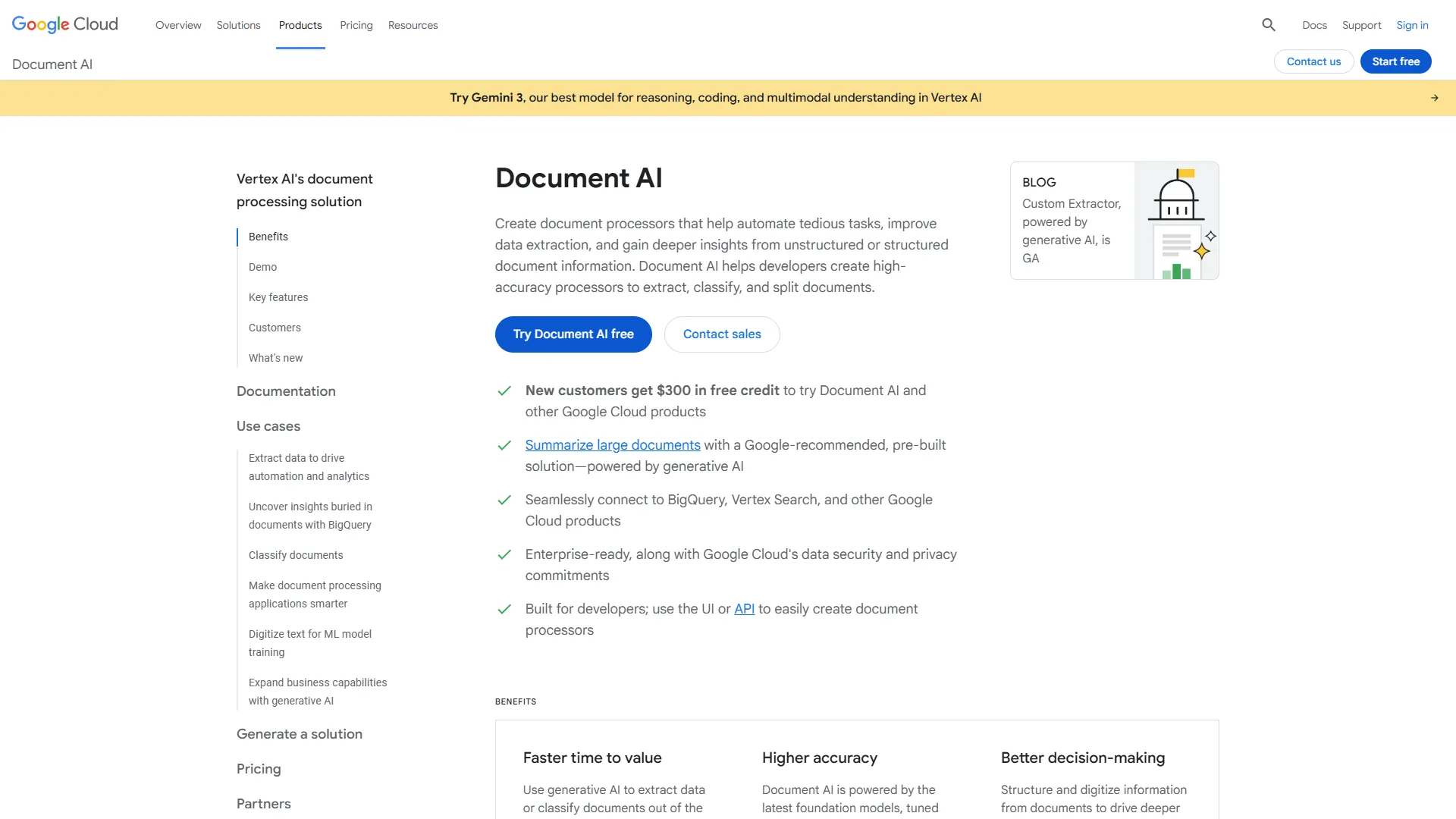
Pricing: $1.50 per 1,000 pages (OCR), $30 per 1,000 pages (specialized processors) Accuracy: 92%+ general OCR, higher on specialized processors Processing Speed: 5-20 seconds per page
Google Document AI is GCP’s enterprise document platform that pairs Google’s vision AI with a library of pre-built processors for specific document types, priced at $1.50 per 1,000 pages for general OCR. Its Invoice Parser processor reaches 98% accuracy on standard fields (vendor, date, total) and preserves table row/column relationships in 35 of 40 cases - better than Azure but behind AWS Textract.
Strengths: Integration with Cloud Storage and BigQuery, specialized processors for lending and procurement, AutoML Document AI for custom models, and strong non-Latin script support (Arabic, Chinese, Japanese).
Limitations: Less comprehensive documentation than AWS, a smaller pre-built processor ecosystem than Azure, escalating pricing on specialized processors, and required GCP knowledge.
Best for: Teams running on Google Cloud Platform or needing strong non-Latin language support, where the lending and procurement processors suit specialized industries.
ABBYY FineReader: Desktop OCR Powerhouse
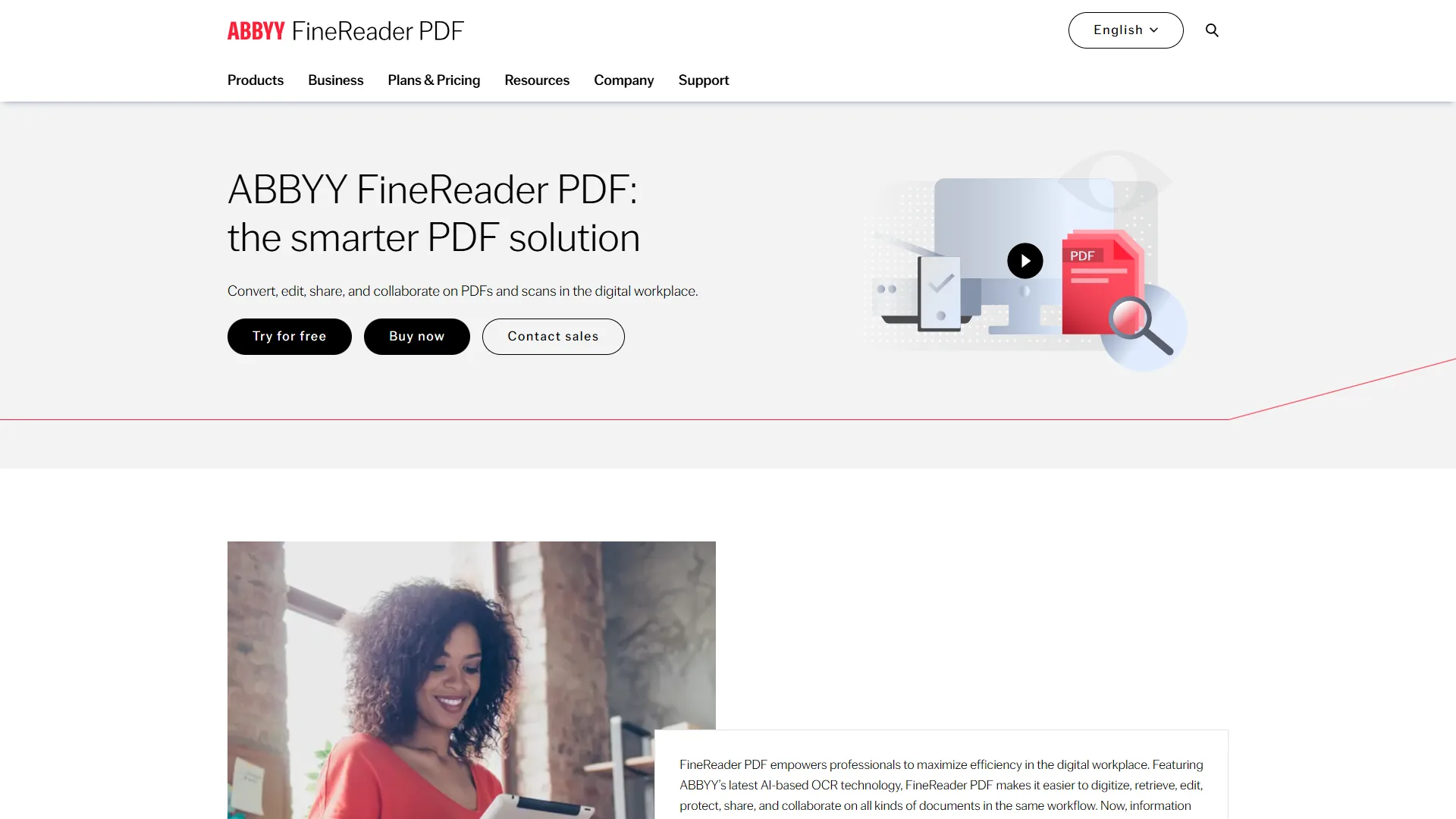
Pricing: $16 per month (Standard), $24 per month (Corporate) Accuracy: 99.8% on multilingual documents Processing Speed: 5-10 pages per minute (local processing)
ABBYY FineReader is desktop OCR software that runs entirely locally with no API calls, no cloud processing, and no page limits, supporting 192 languages at 99.8% accuracy on multilingual documents. For sensitive documents that cannot leave your network, ABBYY FineReader is the strongest option - it handles a 50-page German contract with mixed English clauses flawlessly, detecting both languages, switching recognition modes mid-document, and preserving the exact layout.
Strengths: Supports 192 languages (by far the most), local processing with no internet required, included PDF editing tools, and layout preservation better than any cloud tool.
Limitations: Desktop software only (no mobile or cloud API), no workflow automation without extra tools, and slower per-page speed than cloud APIs.
Best for: Legal professionals, translators, and anyone processing multilingual documents offline; the $16 per month Standard plan beats cloud tools at $0.30+ per page from just 20 documents monthly.
Mistral OCR: Cost-Efficient Batch Processing
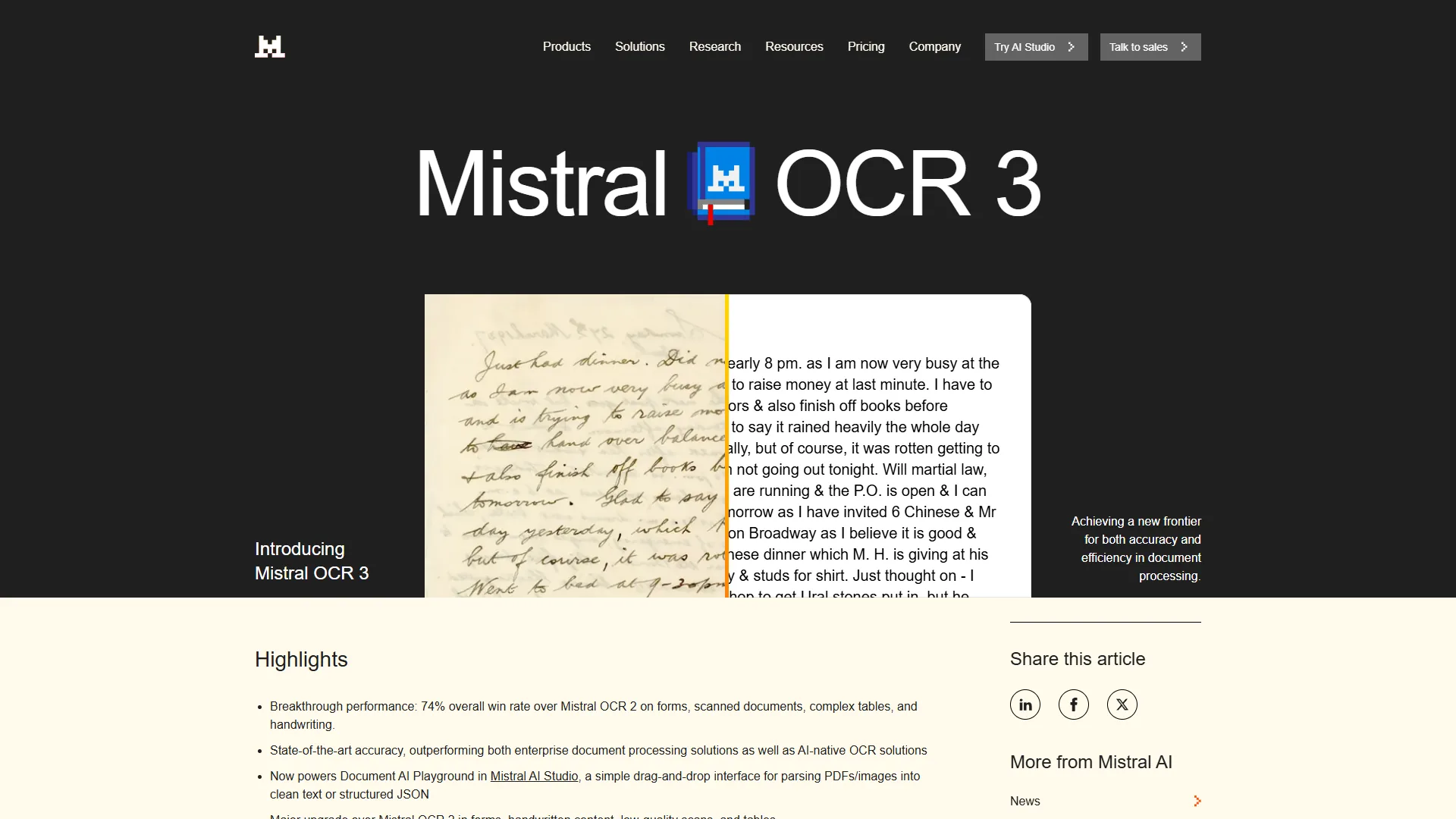
Pricing: $1-2 per 1,000 pages Accuracy: 99%+ on standard documents Processing Speed: Optimized for batch processing
Mistral OCR is the most cost-efficient OCR option for high-volume batch processing, priced at $1-2 per 1,000 pages with 99%+ accuracy on standard documents - 10,000 pages costs roughly $10, a fraction of Veryfi’s $500 minimum. The tradeoff is sophistication: Mistral OCR excels at straightforward text extraction and basic table recognition but lacks the advanced features of Nanonets (workflow builder) or AWS Textract (relationship mapping).
Strengths: Lowest per-page pricing tested, fast batch processing, a simple low-configuration API, good accuracy on standard documents, and no minimum monthly commitment.
Limitations: Limited support for complex layouts, no pre-built models for specialized documents, and minimal handwriting recognition.
Best for: High-volume scanning of standardized documents - archive digitization or large batches of similar forms where cost per page is the primary concern.
Methodology: OCR Accuracy Benchmark Results
This benchmark scored each platform by processing the same 20-document test set - 5 printed invoices, 5 thermal-printed receipts, 5 multi-page contracts with tables, and 5 handwritten forms - and comparing field-level extraction accuracy against a verified ground-truth reference. As the U.S. National Institute of Standards and Technology notes in its document-analysis research, OCR accuracy “depends heavily on document quality, layout complexity, and language” rather than on a single headline number.
Overall Accuracy Results:
| Tool | Printed Docs | Receipts | Contracts | Handwriting | Average |
|---|---|---|---|---|---|
| Veryfi | 99.9% | 99.8% | 98.5% | 92% | 97.6% |
| ABBYY FineReader | 99.8% | 98% | 99.2% | 94% | 97.8% |
| Nanonets | 98% | 96% | 95% | 88% | 94.3% |
| AWS Textract | 98.5% | 95% | 97% | 90% | 95.1% |
| Azure Document Intelligence | 99% | 96% | 96.5% | 89% | 95.1% |
| Google Document AI | 97% | 92% | 94% | 85% | 92% |
| Mistral OCR | 99% | 94% | 96% | 82% | 92.8% |
Key findings: Veryfi and ABBYY FineReader lead on overall accuracy; receipt processing varies most (thermal printing is harder); every tool struggles with handwriting versus printed text; and contract table extraction is where cloud APIs (AWS, Azure) shine.
Pricing Comparison: What You’ll Actually Pay
OCR pricing is deceptively complex - some tools charge per page, others per document, some carry minimums, and cloud providers charge different rates per feature. At 1,000 pages monthly the cloud APIs (AWS Textract, Google Document AI, Azure Document Intelligence) all run about $1.50 for basic OCR, Mistral OCR costs $1-2, ABBYY FineReader is $16 flat, Nanonets is roughly $300 pay-as-you-go, and Veryfi is not cost-effective below its $500 minimum. At 10,000 pages monthly the gaps widen sharply:
For 10,000 pages monthly:
| Tool | Cost | Notes |
|---|---|---|
| Mistral OCR | $10-20 | Batch processing |
| AWS Textract | $15-30 | Basic OCR pricing |
| Azure Document Intelligence | $15-30 | Basic OCR pricing |
| Google Document AI | $15-30 | Basic OCR pricing |
| ABBYY FineReader | $16 | Still unlimited |
| Nanonets | $2,899 | $499/mo plan (2,000 pages) + $0.30/page overage on remaining 8,000 pages |
| Veryfi | $800 | $500 (2,500 pages) + $300 overage |
The pricing sweet spots:
- Under 500 pages/month: ABBYY FineReader or pay-as-you-go Nanonets
- 500-5,000 pages/month: Cloud APIs (AWS/Azure/Google) with basic OCR
- 5,000-50,000 pages/month: Mistral OCR for cost efficiency
- Receipt/invoice specific: Veryfi if accuracy justifies premium
Which Tool Fits Your Use Case
The best OCR tool changes by use case: Veryfi or Nanonets for expense management, ABBYY FineReader or Azure Document Intelligence for contract review, Mistral OCR for archive digitization, ABBYY FineReader for handwriting, and AWS Textract or Azure for developers embedding OCR features.
| Use case | Top pick | Runner-up |
|---|---|---|
| Expense management (receipts/invoices) | Veryfi (100+ docs/mo) | Nanonets (QuickBooks/Xero sync) |
| Contract review (legal documents) | ABBYY FineReader (multilingual, offline) | Azure (Power Automate routing) |
| Archive digitization (high volume) | Mistral OCR (lowest cost/page) | ABBYY FineReader ($16 flat) |
| Handwriting recognition | ABBYY FineReader (94% accuracy) | AWS Textract (structured forms) |
| App developers | AWS Textract (AWS-native) | Veryfi (mobile SDKs) |
Pro Tips: Integration and Workflow Considerations
OCR accuracy means nothing if you cannot get the data into your actual systems, and integration capabilities vary dramatically: Nanonets connects to 1,000+ apps via Zapier with native QuickBooks/Xero; Veryfi adds NetSuite connectors and iOS/Android SDKs; AWS Textract integrates natively with Lambda, S3, and SageMaker; Azure and Google Document AI expose REST APIs plus Power Automate and Cloud Functions; and ABBYY FineReader is a Windows-first desktop app for offline, privacy-sensitive archival work.
The Bottom Line: Which OCR Tool Should You Choose?
The right AI OCR tool depends on volume, document type, and infrastructure: choose Veryfi for high-volume receipt and invoice accuracy, Nanonets for no-code automation, AWS Textract or Azure Document Intelligence to match an existing cloud stack, ABBYY FineReader for multilingual offline work, and Mistral OCR for cheap high-volume archive digitization.
Every tool in this comparison clears the 95% accuracy threshold that makes automation worthwhile, so document processing in 2026 is genuinely hands-off for the first time - choose based on your volume, integration needs, and whether you value ease-of-use or developer flexibility.
FAQ
Common questions about choosing AI OCR tools cover accuracy, pricing, offline use, and open-source alternatives - the answers below summarize the benchmark findings above.
Q: What is the most accurate AI OCR tool in 2026?
Veryfi and ABBYY FineReader lead on overall accuracy across the benchmark. Veryfi reaches 99.9% on receipts and invoices while ABBYY FineReader hits 99.8% on multilingual documents, with 94% on handwriting. Across printed documents, receipts, contracts, and handwritten forms, both tools average about 97.6% to 97.8% accuracy on the same 20-document test set.
Q: Are there free or open-source OCR tools 2026 buyers should consider?
Yes - the leading open-source option is Tesseract OCR, the long-running Apache-licensed engine maintained on GitHub. Tesseract OCR is genuinely free and runs locally, but accuracy on receipts, handwriting, and complex tables trails the commercial OCR models 2026 reviewed here. For teams comparing the best AI OCR tools 2026 free options against paid platforms, Tesseract OCR suits standardized printed text, while paid tools win on messy real-world documents.
Q: Which AI OCR tool has the best OCR in the world for handwriting?
ABBYY FineReader leads on handwriting accuracy among the tools tested, scoring 94% on the handwritten-forms portion of the benchmark. No single product is the best OCR in the world for every document type - handwriting, multilingual scans, and structured tables each favor different OCR models 2026, so match the tool to your dominant document type.
Q: Which AI OCR tool is best for offline, privacy-sensitive work?
ABBYY FineReader runs entirely on your local machine with no cloud uploads or per-page fees, making it the most common choice for HIPAA-compliant medical records, attorney-client privileged documents, and NDAs. It also covers 192 languages, which is unmatched among the desktop options.
Q: How much do AI OCR tools cost per page in 2026?
Pricing spans a wide range. Mistral OCR costs $1-2 per 1,000 pages, and AWS Textract, Azure Document Intelligence, and Google Document AI all start at $1.50 per 1,000 pages for basic OCR. Nanonets charges $0.30 per page pay-as-you-go, Veryfi starts at $500 per month for 2,500 documents, and ABBYY FineReader runs $16 per month for unlimited local processing.
Q: What accuracy threshold do AI OCR tools need to be practical?
The accuracy threshold for practical use is 95%. Below that, you spend more time fixing errors than the automation saves. Every tool in this comparison clears that bar, though differences on specific document types matter. Cloud APIs like AWS Textract and Azure excel at contract table extraction, while Veryfi and ABBYY lead on receipts and multilingual documents respectively.
Related Reading
The seven AI OCR tools compared in this guide each have a dedicated review, linked below alongside related document-processing guides.
- Veryfi - AI-powered receipt and invoice OCR
- Nanonets - No-code intelligent document processing
- AWS Textract - Cloud OCR with table and form extraction
- Azure Document Intelligence - Microsoft AI document processing
- Google Document AI - Google Cloud document understanding
- ABBYY FineReader - Desktop OCR with high accuracy
- Mistral OCR - AI-native OCR for developers
- Best OCR Software 2026 and Best OCR Tools 2026
- Multilingual OCR Guide and Best Free PDF Tools 2026
External Resources
The primary vendor documentation below covers setup and API details for the three major cloud OCR platforms.