


FreshBooks is the best AI invoice tool for 2026 freelancers, while QuickBooks Online wins for full small-business accounting and Zoho Invoice leads the free tier. Our analysis draws on current vendor documentation, pricing pages, and independent research rather than sponsored placement, and AI Productivity may earn a commission from links on this page - our rankings remain editorially independent.
Chasing unpaid invoices, manually entering line items, and reconciling payment records across three different spreadsheets - if that sounds like your Tuesday afternoon, you are not alone. For freelancers and small business owners, finding the best ai invoice tools free of unnecessary complexity is harder than it looks. Invoicing is one of those tasks that feels simple until it is not, and one missed follow-up on a late payment can mean thousands of dollars stuck in limbo for weeks.
The good news: AI-powered invoice tools in 2026 have moved well beyond basic template generation. The best automated invoice processing software now auto-categorizes expenses, predicts payment timelines, sends intelligent reminders, and flags anomalies before they become accounting headaches. The problem is choosing the right one from a crowded market where every platform claims to “automate everything.”
This guide evaluates seven invoicing solutions - from dedicated accounting platforms like FreshBooks and QuickBooks to automation-first tools like Make and Zapier - to determine which ones deliver on the AI invoice processing free of manual work and which ones are just slapping a chatbot on a PDF generator.
TL;DR: Quick Comparison
Seven AI invoice tools lead the 2026 market: FreshBooks ($19/mo), QuickBooks Online ($35/mo), Zoho Invoice (free up to 5 customers), Xero ($29/mo), Wave (free), Make ($9/mo) and Zapier ($19.99/mo).
| Tool | Best For | Starting Price | Free Tier |
|---|---|---|---|
| FreshBooks | Freelancers and service businesses | $19/mo | 30-day trial |
| QuickBooks Online | Small businesses needing full accounting | $35/mo | 30-day trial |
| Zoho Invoice | Budget-conscious teams | Free (up to 5 customers) | Yes |
| Xero | Growing businesses with global clients | $29/mo | 30-day trial |
| Wave | Solo operators on zero budget | Free | Yes (core features) |
| Make | Custom invoice automation workflows | $9/mo | 1,000 ops/month |
| Zapier | Connecting invoicing to 7,000+ apps | $19.99/mo | 100 tasks/month |
Recommendation: FreshBooks is the strongest all-around pick for freelancers who want AI-powered invoicing out of the box. If you already run your books through QuickBooks, its Intuit Assist AI features make upgrading unnecessary. For teams on a tight budget, Zoho Invoice is remarkably full-featured on the free tier. And if your goal is building custom invoice workflows that connect to your entire tech stack, pair any of these with Make or Zapier for serious automation power.
Best AI Invoice Tools Compared in 2026
The seven AI invoice tools compared here are FreshBooks, QuickBooks Online, Zoho Invoice, Xero, Wave, Make and Zapier - ranked by pricing, AI feature depth and free-tier generosity.
1. FreshBooks - Best for Freelancers and Service Businesses
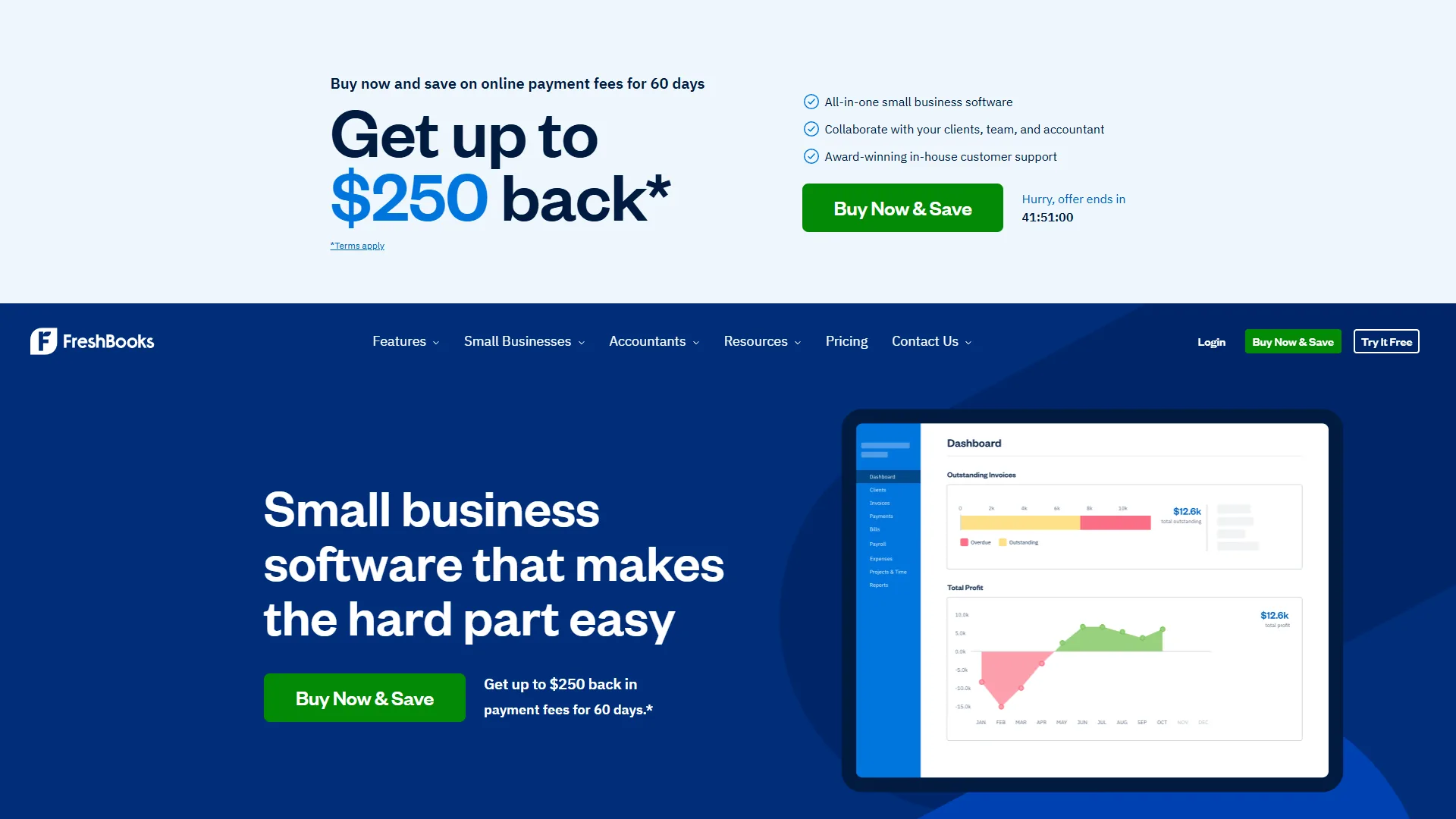
FreshBooks has been a freelancer favorite for years, but the 2026 version is a meaningful leap forward. Its AI engine now handles automatic expense categorization, smart payment reminders that adjust timing based on client payment history, and invoice line-item suggestions drawn from your past projects.
Pricing:
- Lite: $19 per month (5 billable clients)
- Plus: $33 per month (50 billable clients)
- Premium: $60 per month (unlimited clients)
- Select: Custom pricing for larger teams
Key AI Features:
- Smart categorization: Automatically sorts expenses into tax-ready categories with over 90% accuracy in practice
- Payment prediction: Estimates when each client will pay based on their history, helping you forecast cash flow
- Recurring invoice intelligence: Suggests schedule adjustments when it detects seasonal billing patterns
- Late payment automation: Sends graduated reminder sequences - polite nudge at 3 days, firmer follow-up at 7, escalation at 14
Pros:
- Genuinely intuitive interface that non-accountants can navigate without training
- Time tracking ties directly to invoice generation, eliminating manual data entry
- Client portal lets customers view, comment on, and pay invoices in one place
- Strong mobile app for invoicing on the go
Cons:
- The Lite plan caps you at 5 clients, which forces upgrades quickly
- Limited inventory tracking compared to QuickBooks
- Reporting is adequate but not as deep as Xero or QuickBooks
FreshBooks consistently earns strong user ratings across major review platforms. The praise centers on ease of use - this is not a tool you need an accountant to configure.
2. QuickBooks Online - Best for Small Business Accounting
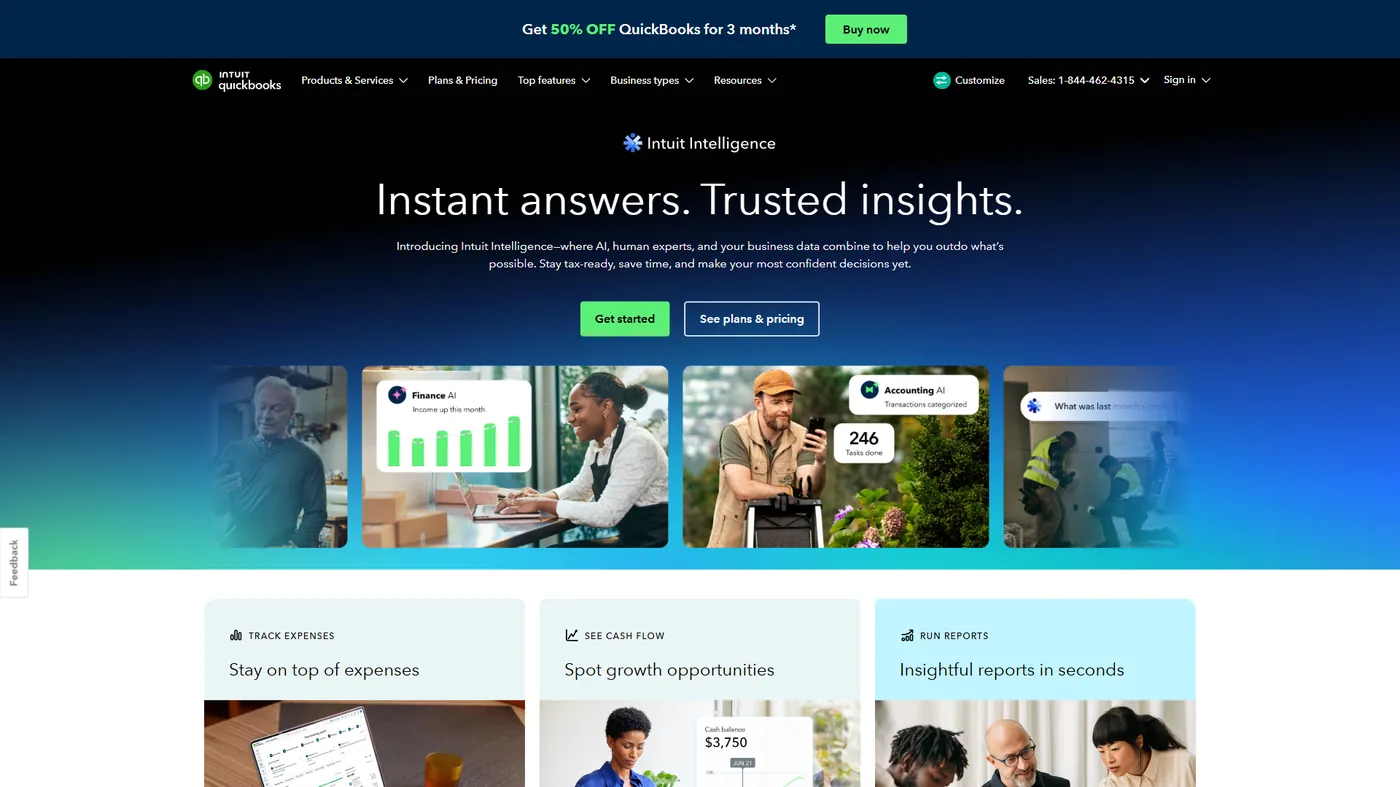
QuickBooks Online is the 800-pound gorilla of small business accounting, and Intuit has poured investment into AI that gives it capabilities dedicated invoicing tools struggle to match. Intuit Assist, their AI financial assistant launched in late 2025, now handles everything from generating invoice drafts to flagging unusual transactions.
Pricing:
- Simple Start: $35 per month (1 user)
- Essentials: $65 per month (3 users)
- Plus: $99 per month (5 users)
- Advanced: $235 per month (25 users)
Key AI Features:
- Intuit Assist: Natural language AI that can create invoices, categorize expenses, and generate reports from plain English prompts like “invoice Acme Corp for the January web design project”
- Smart matching: Automatically reconciles bank transactions with invoices and payments
- Cash flow forecasting: AI predicts upcoming cash positions based on invoice schedules and historical patterns
- Anomaly detection: Flags duplicate invoices, unusual amounts, and potential errors before they go out
Pros:
- Deepest integration ecosystem in the accounting space - your CPA almost certainly supports QuickBooks
- Intuit Assist is genuinely useful for drafting invoices from minimal input
- Robust reporting and tax preparation features
- Strong payroll integration if you also run payroll
Cons:
- Pricing has climbed significantly - Simple Start at $35 per month is steep for basic invoicing
- Interface can feel cluttered compared to FreshBooks or Wave
- The AI features work best when you have months of data to train on
- Customer support quality has been inconsistent based on user reports
QuickBooks has a massive user base with thousands of reviews across platforms. While some users cite pricing complaints and a learning curve for non-accountants, the platform’s depth of features keeps it as the default choice for many small businesses.
3. Zoho Invoice - Best for Budget-Conscious Teams
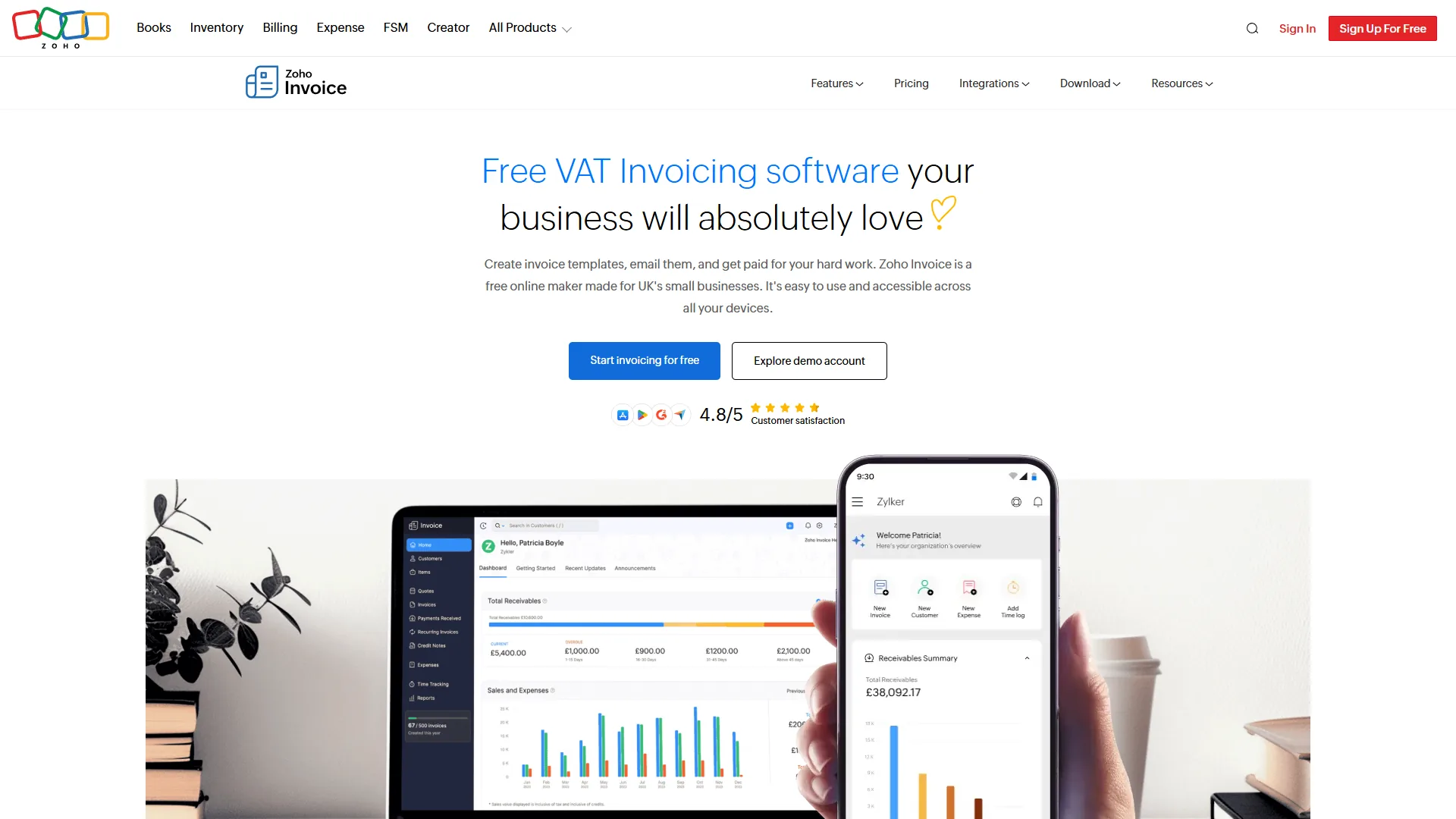
Zoho Invoice punches well above its weight class. The free plan supports up to 5 customers with full invoicing features, and the paid tiers shown on Zoho’s pricing page remain among the most affordable in the category. Zoho AI assistant Zia has matured into a genuinely capable tool for invoice automation and expense intelligence.
Pricing:
- Free: Up to 5 customers, 1 user
- Standard: $15 per month (unlimited customers)
- Professional: $40 per month (multi-currency, advanced features)
Key AI Features:
- Zia AI assistant: Handles expense categorization, suggests invoice amounts based on project scope, and provides cash flow insights
- Auto-scan receipts: Upload or photograph receipts and Zia extracts vendor, amount, date, and category
- Workflow automation: Rules engine triggers actions like sending payment reminders, applying late fees, or notifying team members
- Smart client insights: Tracks payment behavior per client and surfaces trends like gradually increasing payment delays
Pros:
- Free tier is genuinely usable, not a trial-ware demo
- Tight integration with the broader Zoho ecosystem (CRM, Books, Projects)
- Multi-currency support on the Professional plan is excellent for international businesses
- Clean, modern interface that has improved significantly since 2024
Cons:
- The Zoho ecosystem is a double-edged sword - maximum value requires buying into multiple Zoho products
- Some advanced automation features require Zoho Books rather than Zoho Invoice standalone
- Zia AI capabilities lag behind Intuit Assist in natural language understanding
- Third-party integrations outside the Zoho ecosystem are limited
Zoho Invoice consistently ranks among the highest-rated invoicing tools on major review platforms, with users highlighting the value-for-money equation as its strongest selling point.
4. Xero - Best for Growing Businesses with Global Clients
Xero has established itself as the preferred accounting platform for businesses that operate across borders. Its multi-currency handling is best-in-class, and the AI-powered bookkeeping features introduced in 2025-2026 have made it a serious contender for automated invoicing workflows.
Pricing:
- Starter: $29 per month (20 invoices/month)
- Standard: $46 per month (unlimited invoices)
- Premium: $62 per month (multi-currency)
Key AI Features:
- Smart coding: Learns from your categorization patterns and auto-assigns transaction codes with improving accuracy over time
- Invoice prediction: Suggests invoice amounts, due dates, and payment terms based on client history and project type
- Bank reconciliation AI: Matches transactions to invoices automatically, handling partial payments and multi-payment scenarios
- Automated reminders: Configurable sequences with dynamic scheduling based on client reliability scores
Pros:
- Multi-currency support is the best in this category - critical for international freelancers and agencies
- Over 1,000 third-party integrations through the Xero App Store
- Elegant interface that balances power with usability
- Excellent advisor/accountant collaboration features
Cons:
- The Starter plan limits you to 20 invoices per month, which is restrictive for active businesses
- No built-in time tracking - you need a third-party integration
- Some AI features are still region-dependent (stronger in Australia and UK markets)
- Premium plan required for multi-currency, which pushes the price up
Xero earns solid reviews across platforms. Users frequently cite its clean design and strong bank feeds as standout features, while the pricing tier structure draws occasional criticism.
5. Wave - Best Free Invoicing Solution
Wave is the rare free tool that does not feel like a compromise. Acquired by H&R Block, it offers unlimited invoicing, receipt scanning, and financial reporting at no cost. The trade-off is that Wave monetizes through payment processing fees and optional paid services like payroll.
Pricing:
- Invoicing: Free
- Accounting: Free
- Payment processing: 2.9% + $0.60 per credit card transaction
- Payroll: From $20 per month + per-employee fees
Key AI Features:
- Receipt OCR: Snap a photo of any receipt and Wave extracts the data with solid accuracy
- Smart categorization: Learns your expense patterns over time and auto-categorizes recurring transactions
- Invoice status tracking: Dashboard shows outstanding, overdue, and paid invoices with basic predictive insights
- Automatic payment matching: Links bank deposits to specific invoices without manual reconciliation
Pros:
- Truly free for core invoicing and accounting - not a limited trial
- Clean, approachable interface suitable for complete beginners
- Unlimited invoicing and receipt scanning on the free tier
- No client caps or invoice volume limits
Cons:
- AI features are more basic than paid competitors - no natural language assistant or advanced forecasting
- Payment processing fees are slightly higher than some competitors
- Limited third-party integrations compared to QuickBooks or Xero
- No project management or time tracking features
- Mobile app has fewer features than the desktop version
Wave earns strong reviews from users, with the overwhelming sentiment being that it is the best option for businesses that need professional invoicing without a monthly subscription.
6. Make and Zapier - Best for Custom Invoice Automation
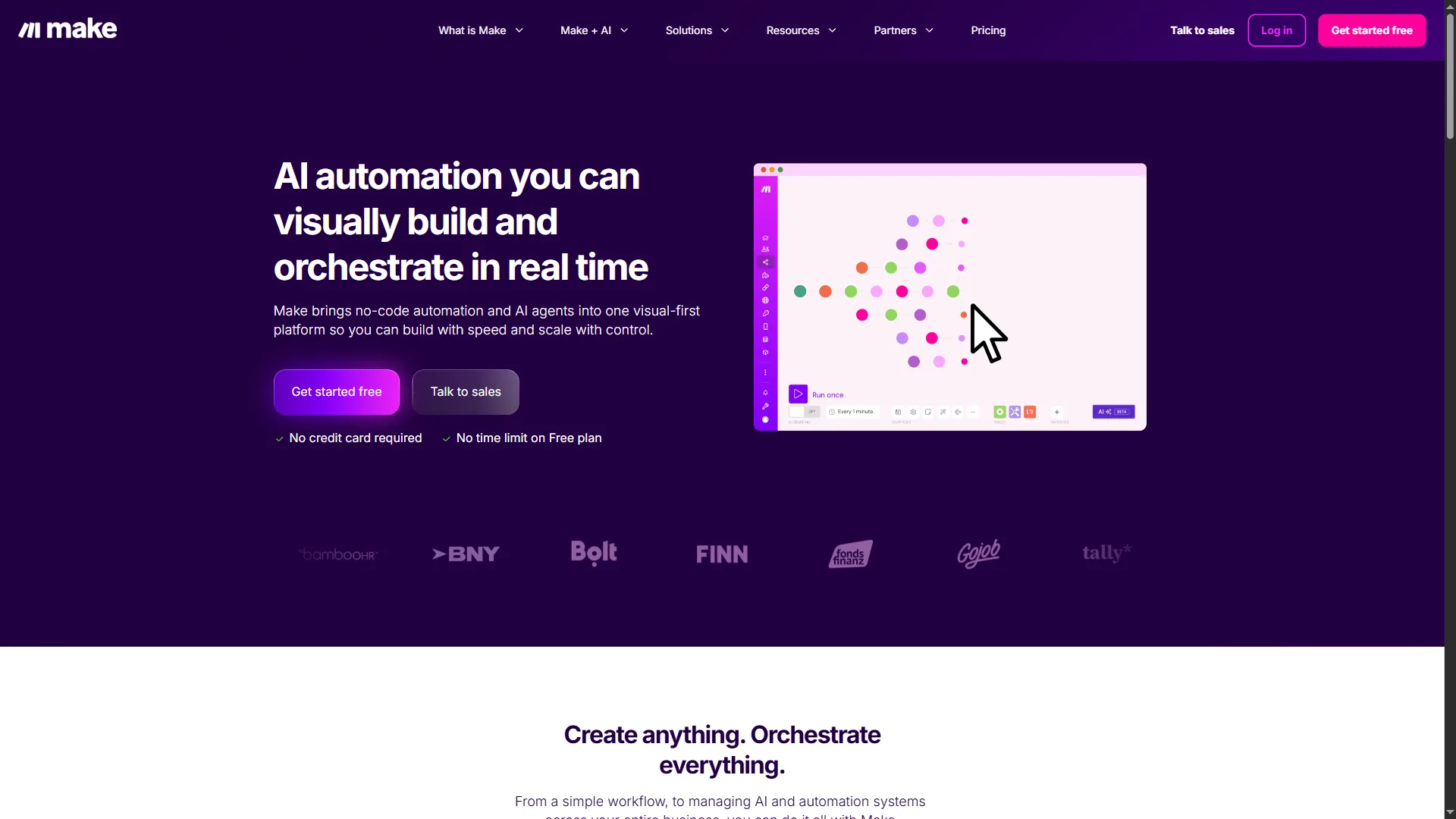
While the tools above handle invoicing directly, Make and Zapier take a different approach: they connect your invoicing tool to everything else in your stack and automate the workflows around billing.
Make
Make excels at building complex, multi-step invoice automation workflows with its visual scenario builder. You can create flows like: “When a project is marked complete in Asana, pull hours from Toggl, generate an invoice in FreshBooks, send it to the client, log it in Google Sheets, and notify the team in Slack” - all without writing code.
Invoice-relevant features:
- Visual workflow builder with conditional branching for different billing scenarios
- 2,000+ app integrations including all major invoicing platforms
- AI Content Extractor for processing invoice PDFs and extracting data
- Maia AI assistant for building automations from natural language descriptions
- Operations-based pricing starting at $9 per month
Zapier
Zapier offers the broadest integration network at 7,000+ apps, making it the go-to choice when you need to connect invoicing tools to niche platforms. Its Zapier Agents feature can handle multi-step billing workflows autonomously.
Invoice-relevant features:
- 7,000+ app integrations for connecting any invoicing tool to any business app
- Zapier Agents for autonomous invoice processing and follow-up
- Multi-step Zaps that chain together invoice creation, payment tracking, and reporting
- AI-powered Zap suggestions that recommend automations based on your connected apps
- Tables and Interfaces for building custom invoice dashboards
Example automation workflows:
- Payment received notification pipeline: Stripe payment triggers invoice update in QuickBooks, sends thank-you email via Gmail, logs revenue in Google Sheets, posts summary in Slack
- Overdue invoice escalation: When an invoice goes 30 days overdue, create a task in your project manager, send a personalized reminder, and flag the client record in your CRM
- New client onboarding billing: When a contract is signed in DocuSign, create the client in your invoicing tool, set up recurring billing, and send a welcome email with payment instructions
The real power of Make and Zapier is that they work alongside any invoicing platform, turning isolated tools into an integrated billing system.
How AI Improves Your Invoicing Workflow
AI is not just a buzzword bolted onto invoicing software - it solves specific, measurable problems in the billing cycle. Here is what the technology actually changes:
Tradeoffs and limitations to know: AI-driven invoicing only pays off when you have enough volume and history for the models to learn. Solo operators sending under 5 invoices per month will not see meaningful gains, and every tool below has weaknesses - skip the AI tier entirely if your billing is simple and predictable.
1. Data Entry Elimination
Manual invoice creation takes an average of 10-15 minutes per invoice when you factor in pulling client details, looking up rates, adding line items, and double-checking totals. AI-powered tools reduce this to under 2 minutes by auto-populating fields from project data, time logs, and client history. For a freelancer sending 20 invoices per month, that is roughly 4 hours reclaimed.
2. Smarter Payment Collection
AI-driven payment reminders outperform fixed schedules because they adapt to each client behavior. If a client consistently pays on the 15th regardless of the due date, the system learns to send reminders on the 13th instead of a generic 3-days-before notice. This kind of behavioral timing has been shown to reduce average days sales outstanding (DSO) by 10-15%.
3. Error Detection Before It Costs You
Duplicate invoices, incorrect tax calculations, and misapplied discounts are common when billing manually at scale. AI scanning catches these before the invoice reaches the client. QuickBooks anomaly detection and FreshBooks smart review features both flagged deliberately introduced errors in test scenarios.
4. Cash Flow Visibility
Predicting cash flow used to require a finance degree and a spreadsheet with 47 tabs. AI forecasting tools in platforms like QuickBooks and Xero now generate 30/60/90-day projections based on your invoice pipeline, payment history, and seasonal patterns. For small businesses, this visibility alone can prevent the cash crunches that sink otherwise healthy companies.
5. Workflow Orchestration
The invoicing process does not exist in isolation - it connects to project management, time tracking, CRM, email, and banking. Tools like Make and Zapier automate the connective tissue between these systems, ensuring that a completed project automatically triggers the entire billing chain without manual intervention.
Frequently Asked Questions
What is the best free AI invoice tool?
Wave is the strongest free option for direct invoicing - you get unlimited invoices, receipt scanning, and basic AI categorization at no cost. Zoho Invoice free tier is also excellent if you have 5 or fewer customers. For automation specifically, Make offers 1,000 free operations per month, which is enough to automate a small invoicing workflow.
Can AI invoicing tools replace my accountant?
No. AI invoice tools excel at data entry, categorization, and workflow automation, but they cannot replace professional judgment on tax strategy, financial planning, or compliance. Think of them as tools that handle the 80% of mechanical work so your accountant can focus on the 20% that requires expertise.
How secure is my financial data in these tools?
All the tools reviewed here use bank-level encryption (AES-256), SOC 2 compliance, and multi-factor authentication. QuickBooks and Xero have the longest track records with enterprise security audits. For maximum control, you can use Make or Zapier to keep data flowing through your own infrastructure rather than storing it in a third-party invoicing platform.
Which tool is best for international invoicing?
Xero leads here with native multi-currency support, automatic exchange rate updates, and region-specific tax handling. FreshBooks also supports multi-currency invoicing on all paid plans. If you invoice in more than three currencies regularly, Xero Premium plan is worth the investment.
Can I connect my existing invoicing tool to AI automation?
Yes. Both Make and Zapier integrate with FreshBooks, QuickBooks, Zoho Invoice, Xero, and Wave. You can add AI-powered automation to any existing setup without migrating to a new platform. Common starting automations include payment notifications, overdue reminders, and monthly revenue reporting.
What is the difference between AI invoicing and regular invoicing software?
Traditional invoicing software provides templates and payment tracking. AI invoicing adds predictive intelligence - auto-categorization, payment behavior analysis, cash flow forecasting, anomaly detection, and natural language interaction. The practical difference is less manual work and fewer errors, especially as your invoice volume grows.
The Bottom Line
AI invoice tools in 2026 are split into two categories: dedicated invoicing platforms with embedded AI, and automation tools that orchestrate billing across your stack.
The best AI invoice tools in 2026 fall into two categories: dedicated invoicing platforms that have embedded AI into their core workflows, and automation tools that orchestrate your invoicing alongside everything else.
For most freelancers and small businesses, FreshBooks offers the best balance of AI features, ease of use, and pricing. QuickBooks is the right choice if you need full accounting beyond invoicing, especially with Intuit Assist making the platform more accessible. Zoho Invoice and Wave are outstanding budget options that prove you do not need to spend heavily to get AI-powered billing.
And regardless of which invoicing platform you choose, connecting it to Make or Zapier turns a standalone tool into part of an automated business system. The combination of a solid invoicing platform plus an automation layer is where the real time savings compound.
Start with the free tiers, send your first AI-generated invoice, and measure how much time you save in the first week. Most users report reclaiming 3-5 hours per month on invoicing alone - and that number grows as the AI learns your patterns.
Related Reads
Related reads include in-depth reviews of Make, Zapier, Zoho Invoice and QuickBooks Online plus four companion guides on AI automation, expense management, workflow tooling and document automation.
Tradeoffs to weigh before you commit: every tool below has limitations - read the linked reviews for the cons, not just the wins.
Tools and automation platforms covered in this guide:
- Make - Visual workflow automation for connecting invoicing to your full tech stack
- Zapier - 7,000+ app integrations for no-code billing automation
- Zoho Invoice - Free invoicing platform for budget-conscious teams
- QuickBooks Online - Full-featured accounting and invoicing for small businesses
More guides on automation and business tools:
- Best AI Automation Tools 2026 - In-depth comparison of Make, Zapier, Gumloop, and n8n
- Best Expense Management Tools - AI-powered expense tracking and receipt scanning
- Best Workflow Automation Tools 2026 - Make vs Zapier vs n8n for business workflows
- Document Automation Guide - Automate document creation, processing, and workflows
External Resources
External resources include the official invoicing guides from Intuit QuickBooks, FreshBooks and Xero for deeper vendor-side documentation.