




Chiropractors in 2026 rely on four AI tools: Calendly for patient scheduling, Notion for practice operations, Grammarly for patient communications, and a chiropractic EHR such as Jane App or ChiroTouch for clinical documentation. Together they automate the scheduling, documentation, and marketing work that absorbs the most non-clinical hours in a typical practice.
Our research draws on current vendor documentation, published pricing pages, and independent research rather than sponsored placement or hands-on clinical testing. This analysis is research-based and rests on independent vendor disclosures, not sponsored placement. AI Productivity may earn a commission from links on this page, but our tool selection and rankings are editorially independent. The American Chiropractic Association’s technology resources highlight practice management and patient communication software as top priorities for modern chiropractic offices.
Where AI Makes the Most Impact for Chiropractors
AI delivers the biggest impact across five high-volume administrative areas in chiropractic practice: scheduling, SOAP note documentation, insurance paperwork, patient communications, and marketing. Chiropractors use AI to streamline your chiropractic practice across both clinical and front-desk workflows. “Documentation is the single largest source of administrative burden in clinical practice, and tools that reduce it directly return time to patient care,” per the American Medical Association in its guidance on reducing physician administrative burden.
- Scheduling - Phone calls, reminders, and intake can absorb 2-3 hours per day in a busy clinic
- SOAP note documentation - Detailed notes for every patient visit, often written after the appointment
- Insurance documentation - Prior authorizations, billing codes, and appeal letters require precision
- Patient communications - Follow-up reminders, educational content, re-engagement for inactive patients
- Marketing - Google Business Profile, social media, newsletters, and patient review generation
Limitations: AI will not replace a clinician’s diagnostic judgement, cannot interpret hands-on physical findings, and most general-purpose tools (Calendly, Notion, Grammarly) sit outside HIPAA-compliant infrastructure for protected health information without signed BAAs on enterprise plans.
Comparison Table: AI Tools for Chiropractors
Seven leading AI tools cover the chiropractic stack, ranging from free general-purpose apps (Calendly, Notion, Grammarly) to chiropractic-specific practice management systems priced from $29 per month (SimplePractice) up to custom-quoted enterprise platforms (ChiroTouch, Kareo).
| Tool | Primary Use | Starting Price |
|---|---|---|
| Calendly | Patient scheduling + intake | Free; Standard $10/user/mo |
| Notion | Practice documentation + SOPs | Free; Plus $12/user/mo |
| Grammarly | Patient communications + content | Free; Premium $12/mo (annual) |
| ChiroTouch | Full practice management EHR | Custom pricing (request demo) |
| Jane App | Health scheduling + charting | $74/mo base |
| Kareo | Billing + insurance management | Custom pricing (request demo) |
| SimplePractice | Documentation + billing | $29/mo for solo practitioners |
How Can AI Improve Scheduling and Patient Booking?
Calendly
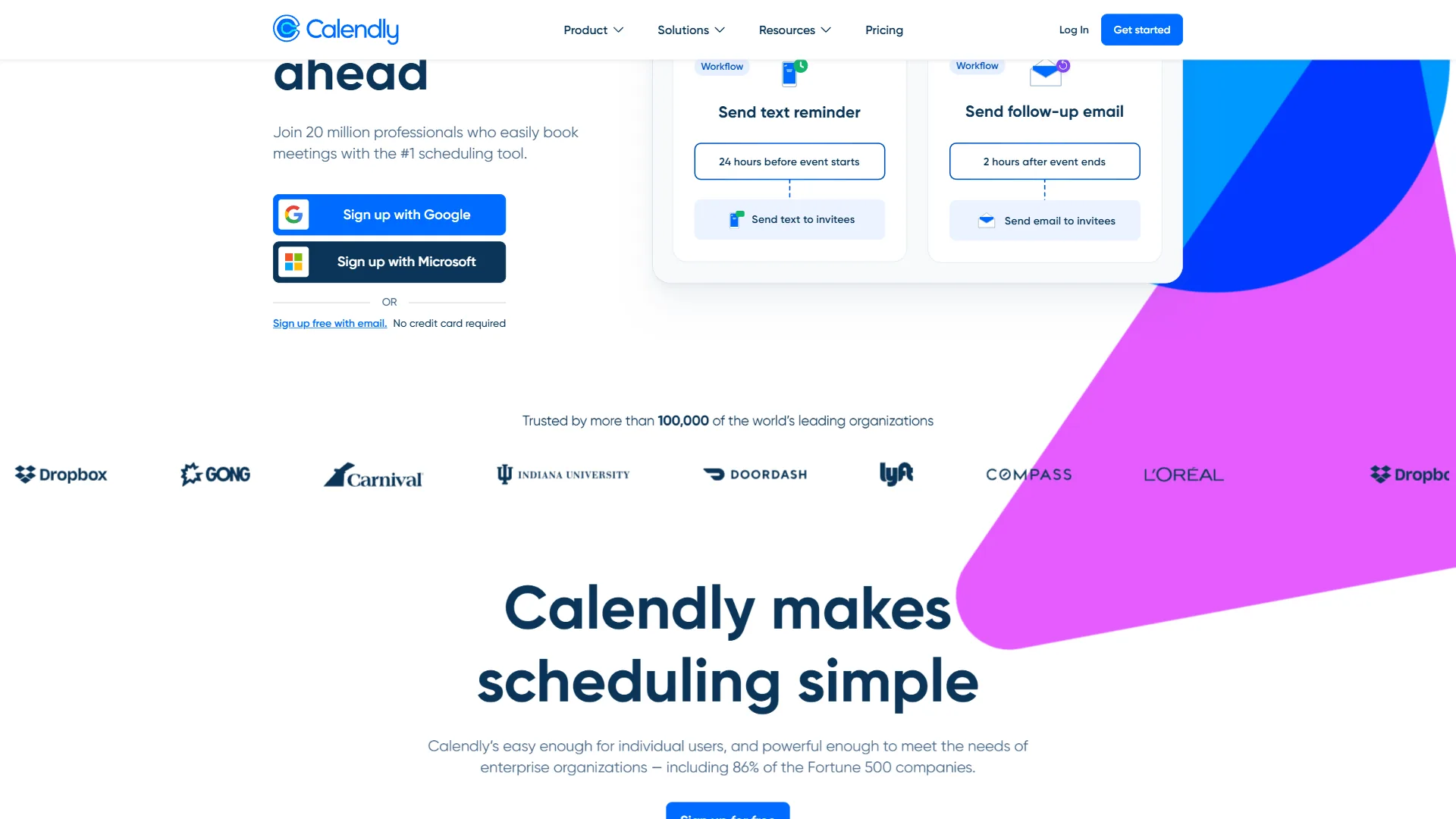
Calendly is the most accessible scheduling automation tool for chiropractic practices that want to reduce phone-based booking without committing to a full practice management system. Patients book directly from a link, and the system handles confirmation, reminders, and calendar updates automatically.
Why chiropractors use Calendly:
- New patient intake - Calendly’s intake forms collect basic health history before the first appointment
- Appointment type differentiation - Separate flows for new patient consultations, adjustment appointments, and telehealth check-ins
- Automated reminders - SMS and email reminders reduce no-shows; the cadence is configurable
- Buffer time + routing forms - Buffer between visits, plus answer-based routing that sends new patients to a longer intake slot. See our best AI calendar apps roundup.
Pricing: Free (one event type). Standard $10/user/month. Teams $16/user/month. Annual billing. See our Calendly alternatives roundup for tradeoffs.
Best for: Practices that want to reduce front-desk phone volume without switching their entire practice management system.
Limitations: Not HIPAA-compliant on Free or Standard (needs Enterprise with a signed BAA), does not write to your EHR’s clinical schedule, and lacks insurance verification or copay collection. Skip Calendly if your front desk already runs through ChiroTouch or Jane App’s native booking.
Practice Documentation and Knowledge Management
Notion
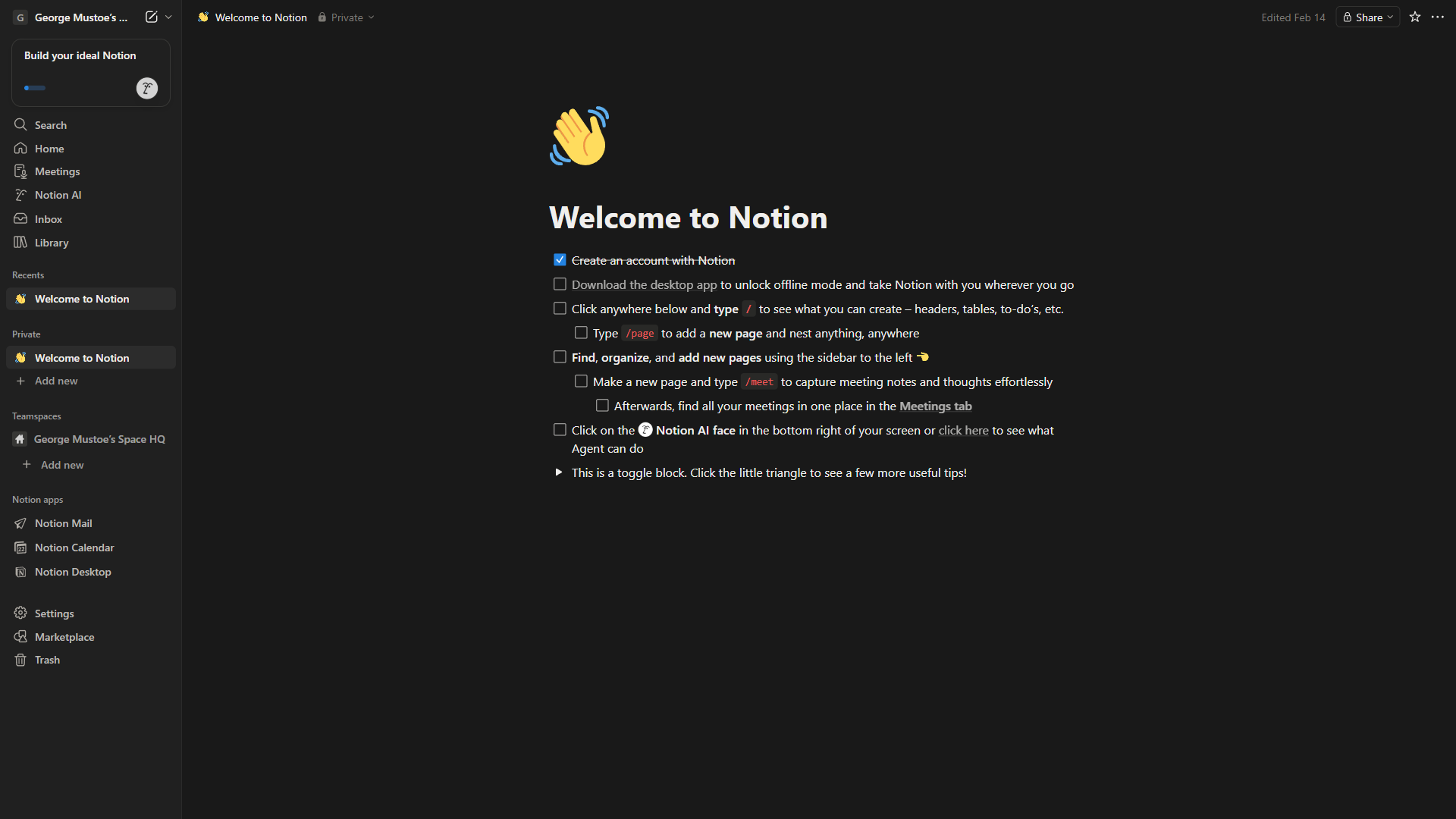
Notion is not a clinical documentation system - it does not replace your EHR. It serves as the operational brain of your practice: treatment protocols, staff procedures, patient education documents, and marketing templates in one searchable workspace.
Practical uses in a chiropractic practice:
- Treatment protocol library - Document your approach to common conditions (Notion’s database structure works well for this)
- Front-desk SOPs - Step-by-step processes for intake, insurance verification, and patient orientation
- Billing references - Store CPT code references, payer quirks, and prior auth templates
- Patient education content - Notion AI can generate first drafts of handouts and home care guides
- Marketing calendar + staff training - Plan social posts, newsletters, and training materials in one shared workspace
What Notion cannot do: It is not HIPAA-compliant out of the box; patient records belong in your EHR. Review the HHS HIPAA Security Guidance before deciding which information belongs in which system.
Pricing: Free (personal). Plus $12/user/month. Business $18/user/month. Notion AI add-on $10/user/month. See our Notion alternatives guide.
Best for: Practice owners who want one workspace for operational systems, staff documentation, and content creation.
Limitations: No native HIPAA BAA on most plans, a learning curve that can intimidate non-technical front-desk staff. Skip Notion if your team already runs operations inside Google Workspace docs.
Patient Communications and Marketing
Patient communications run on three AI pillars in chiropractic practice: a writing assistant (Grammarly), email and review-request automation, and a content drafting workflow.
Grammarly
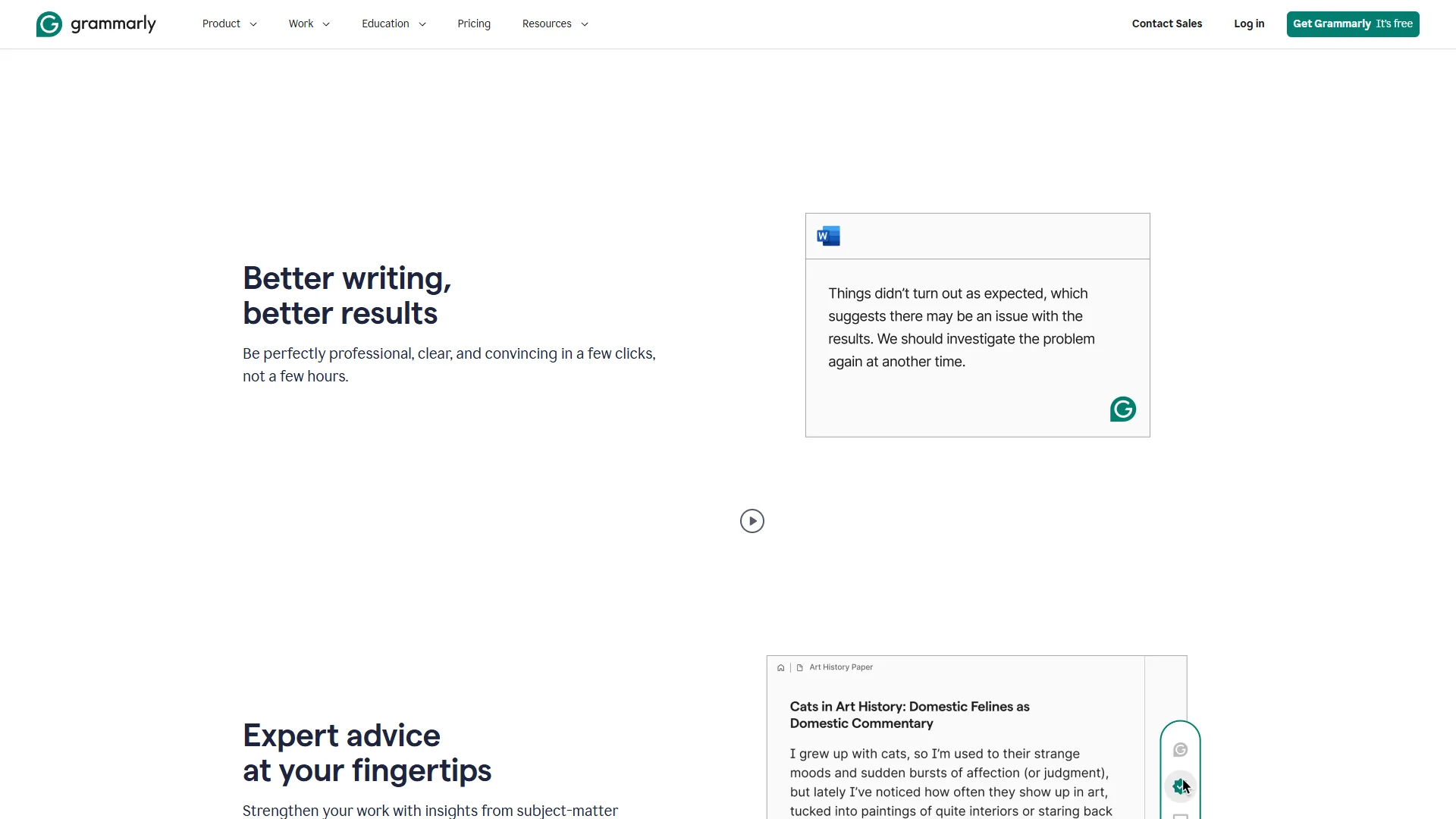
Grammarly solves a genuine problem for practice owners: written communications that are professional, clear, and appropriately toned without taking hours to produce.
Where Grammarly helps:
- Patient follow-up emails - Real-time suggestions catch errors and off-tone language; the tone detector flags when a message reads as accidentally curt
- Google Business Profile responses - Polished, empathetic replies to patient reviews
- Website copy and newsletters - Paste service descriptions and newsletter drafts for a quality pass
- Grammarly GO - The generative AI feature drafts email responses, marketing copy, and patient education from a brief prompt
Pricing: Free (basic). Premium $12/month annual. Business $15/seat/month annual. See our Grammarly alternatives breakdown.
Best for: Practice owners who handle their own written communications and marketing.
Limitations: Sends text through cloud servers, so not appropriate for drafts containing identifiable patient information. Per-seat costs add up across a 4-5 person front desk. Skip Grammarly if you already use Microsoft Editor or Apple’s built-in writing tools.
What Is the Best AI Documentation Software for Chiropractors?
ChiroTouch is the leading AI documentation software for chiropractors at scale, with Jane App as the most accessible all-in-one alternative and SimplePractice as the lowest-cost entry point for solo practitioners. These platforms cover AI note taking, SOAP notes and documentation, and notes and charting workflows that chiropractors need daily. For clinical documentation, billing, and EHR functions a chiropractic-specific software stack is required. The leading options:
ChiroTouch
ChiroTouch is one of the most widely used EHR systems built specifically for chiropractic. It handles clinical documentation, SOAP notes, scheduling, billing, and insurance claim submission in an integrated system. Condition-specific SOAP templates with auto-populated intake fields cut manual entry significantly. Pricing requires a demo request. Best for practices with consistent volume that want everything in one system.
Jane App
Jane App is a scheduling and charting platform used by chiropractors, physiotherapists, and allied health professionals across North America. Features: online booking that integrates with clinical records, SOAP charting with body diagrams, Canadian direct billing (US insurance billing available), integrated telehealth, automated reminders. $74/month base plan and scales with additional practitioners.
Kareo (now Tebra)
Kareo (now part of Tebra) focuses on medical billing and practice management for small independent practices: claim scrubbing, automated ERA/EOB posting, patient statements, and revenue cycle analytics. Worth a look if insurance billing is your primary pain point.
SimplePractice
SimplePractice was built for behavioral health but has expanded into chiropractic. Features: SOAP-style progress notes, client portal for digital intake, scheduling with automated reminders, and insurance claim submission. $29/month for solo practitioners makes it one of the more accessible options.
Limitations: ChiroTouch’s drawbacks are high implementation cost and a dated interface. Jane App’s US insurance billing depth is weaker than Canadian. Kareo is billing-first - skip it if your primary need is clinical documentation. SimplePractice’s chiropractic-specific exam templates and X-ray attachment workflows feel bolted on. None are HIPAA-compliant by default without signed BAAs and proper configuration.
Building Your AI Stack: A Practical Setup
An AI stack for a chiropractic practice works best as a four-phase rollout: scheduling automation first (Calendly), then practice operations (Notion), then patient communications (Grammarly), then clinical documentation and billing (a chiropractic EHR). This sequence prioritizes the biggest time savings:
Phase 1 - Scheduling (Week 1-2): Set up Calendly with two appointment types - new patient consultation and follow-up adjustment. Embed the booking link on your website, Google Business Profile, and email signature. Sync to Google Calendar as a bridge to your EHR.
Phase 2 - Practice operations (Week 2-4): Set up Notion with staff SOPs, a CPT code reference database, and a patient education content library. Involve your front desk in building the SOPs. Add Notion AI for written content - see our Notion pricing breakdown.
Phase 3 - Patient communications (Ongoing): Install Grammarly on any computer used for patient comms and marketing. Add Premium for tone adjustment. Use Grammarly GO to draft welcome email sequences, Google Business Profile descriptions, and monthly newsletter templates.
Phase 4 - Clinical documentation and billing: If your current EHR is creating friction, evaluate Jane App or SimplePractice. For an all-in-one chiropractic system at scale, ChiroTouch is worth a demo.
Limitations: Each phase introduces a new vendor, login, and data silo - small practices can get overwhelmed. Skip the phased approach if you already use a single all-in-one EHR that handles scheduling, charting, and billing competently.
What AI Tools Help With Specific Chiropractic Tasks?
AI tools cover four specific chiropractic tasks: SOAP note generation, insurance prior authorizations, patient review generation, and educational content for social media.
SOAP Note Generation. Tools like Tali AI and DAX Copilot (Microsoft Nuance) generate SOAP note drafts from voice recordings or brief text summaries. The general workflow: dictate during or immediately after the visit, have AI draft a SOAP note, review and finalize. Practices using this approach report cutting documentation time by 50-70% per visit.
According to Diana Nole, Executive Vice President and General Manager of Healthcare at Microsoft, “DAX Copilot is helping clinicians spend less time on documentation, reducing burnout and giving them more time to focus on patients,” in the Microsoft DAX Copilot general-availability announcement (2024).
Insurance Prior Authorizations. Prior auth letters follow predictable templates. Grammarly GO or Notion AI can generate strong first drafts when given the diagnosis, treatment plan, and insurer-specific requirements - reducing time the billing specialist spends writing de novo.
Patient Review Generation. Automated follow-up emails with a direct link to your Google review page, sent 24-48 hours after a positive appointment, meaningfully increase review volume.
Educational Content for Social Media. Grammarly GO or Notion AI can generate a month’s worth of post drafts (posture, ergonomics, common misconceptions) in a single session.
Limitations: SOAP-note dictation tools like DAX Copilot and Tali AI cost $200-$500/month per provider. AI prior-auth drafts still need a human reviewer who knows the insurer’s quirks. AI-generated social posts can read as generic if not edited for voice. None replace clinical judgement.
The Bottom Line
Three AI tools deliver most of the value for chiropractors in 2026: Calendly, Notion, and Grammarly - affordable general-purpose apps that together cover scheduling, practice operations, and patient communications without expensive or complex software. The combination of Calendly, Notion, and Grammarly covers the three areas where most administrative time is lost.
Add chiropractic-specific EHR software (Jane App for an accessible all-in-one, ChiroTouch for a full practice management system) for clinical documentation and billing, and you have a complete modern practice technology stack at a cost most solo and small group practices can absorb comfortably.
Start with Calendly. It is free to try, produces measurable results in the first week, and builds the habit of letting software handle what software handles well. For adjacent practice contexts, see AI tools for dentists and AI tools for coaches.
FAQ
Q: What are the top 4 AI tools?
The top AI tools for chiropractic practices are Calendly for scheduling automation, Notion for practice operations and content, Grammarly for patient communications and marketing, and a chiropractic EHR such as Jane App or ChiroTouch for clinical documentation and billing. These four cover the core areas where administrative time is lost.
Q: What is the best AI documentation for chiropractors?
Best for: Practice owners who want a single organized workspace for their operational systems, staff documentation, and content creation. Notion pairs particularly well with a dedicated EHR - it handles the operational layer that most EHRs handle poorly.
Q: Is Notion HIPAA-compliant for chiropractic patient records?
Notion is not HIPAA-compliant out of the box for storing patient health information. Patient records should stay in your EHR system. Notion is best used for practice operations, staff SOPs, CPT code references, and patient education content - not clinical data. Review HHS HIPAA Security Guidance before deciding which information belongs in each system.
Q: What is the most affordable AI practice management tool for solo chiropractors?
SimplePractice is one of the most accessible options for solo chiropractors, starting at $29 per month. It includes SOAP note templates, a client portal for digital intake paperwork, scheduling with automated reminders, and insurance claim submission - making it a practical all-in-one entry point for smaller practices.
Related Reading
These guides cover the individual tools, billing automation, and adjacent healthcare-practice workflows referenced above for chiropractors building an AI stack:
- Calendly Review - Scheduling automation features, pricing, healthcare setup
- Notion Review - Workspace features, Notion AI, practice documentation
- Grammarly Review - Grammar, tone detection, patient communications
- Client Onboarding Automation - Automate new patient intake from booking to first appointment
- How to Automate Invoicing with AI - Automate billing workflows
- AI Tools for Dentists - Another healthcare practice context
- AI Tools for Coaches - Service-based practitioners
External Resources
These primary-source authorities cover chiropractic practice technology, HIPAA compliance, and allied-health management: