


You are three weeks into a residential project when the client calls with “one small change” that cascades through every drawing set - all while a competition deadline, two site visits, and a prospect meeting are stacked on the same week.
AI tools for architects are fundamentally changing how small firms compete with larger studios. Two tools - Midjourney and Notion - fit architectural workflows so well they save over 12 hours every week while improving client communication. This analysis draws on current vendor documentation, published pricing, and independent research rather than sponsored placement. AI Productivity may earn a commission from links on this page; our recommendations remain editorially independent.
TL;DR: The Best AI Tools for Architects in 2026
The best AI tools for architects in 2026 are Midjourney for design visualization and Notion for project management, a two-tool stack costing $48 per month that recovers over 12 hours of non-billable work each week. Each tool targets a different part of the daily workload, from client communication to documentation and specification analysis.
For conceptual visualization: Midjourney ($10-60/month) - AI image generation that creates stunning architectural renders clients can immediately understand
For project management: Notion ($0-18/month) - AI-powered workspace for project documentation, client databases, and specification tracking
Why You Need These Tools
Architects need AI tools because small firms spend 40-60% of their time on non-billable work - administration, marketing, client communication, and documentation - that AI can compress into a fraction of the hours. The American Institute of Architects (AIA) practice management surveys consistently show this pattern, covering everything from detailed specifications to every architecture diagram a project requires. As McKinsey found in its report on generative AI’s economic potential, generative AI “could enable labor productivity growth” by automating exactly this kind of routine knowledge work - time not spent on design, the reason most of us became architects.
Small firms face challenges generic business tools do not address: visualization gaps where clients cannot read plans, project complexity across specifications and deadlines, competition with larger firms on presentation polish, and iterative design communication that costs hours per option. The two AI tools for architects recommended here solve these exact problems with features built for visual, documentation-heavy workflows.
1. Midjourney: AI-Powered Architectural Visualization
Midjourney is an AI image generator that produces photorealistic architectural renders from text descriptions, letting architects visualize early concepts and present ideas to clients in minutes rather than days. It is the major upgrade for client communication and early design exploration, covering everything from rough massing studies to polished architecture plans.
Why Midjourney Transforms Architectural Practice
Concept Exploration Before Investment
The traditional approach spends 8-16 hours on SketchUp models to show three design directions; Midjourney generates 12 concept variations in under an hour to align on direction first. Midjourney’s V7 model (released April 2026) produces images with strong architectural accuracy - proper proportions, realistic materials, and convincing lighting that help clients immediately grasp your vision.
“Generative AI is fundamentally changing the way we work,” according to Microsoft’s Work Trend Index report, which found that the majority of knowledge workers already use AI to handle routine tasks faster.
If you want to see how it stacks up against other generators, our best AI image generators comparison covers the full landscape.
Rapid Design Iteration
Stuck on a facade composition? Generate variations - brick and steel for an industrial look, white stucco for a Mediterranean influence, an all-glass curtain wall for a high-tech expression - in minutes rather than the hours that hand sketching or 3D software once required.
Client Presentations That Win Projects
For small firms competing against larger studios, presentation quality matters. Midjourney enables competition entries created in hours not weeks, marketing materials that showcase your aesthetic, and concept presentations matching the polish of firms with dedicated visualization teams.
Context and Site Integration
Use image-to-image features to place conceptual buildings into actual site photographs, overlay renovation concepts on existing structures, and demonstrate how designs respond to context. When a client cannot picture how your modern addition relates to their 1920s bungalow, you can show them convincingly in under ten minutes.
Midjourney Pricing for Architects
| Plan | Monthly Cost | GPU Hours | Best For |
|---|---|---|---|
| Basic | $10/month | ~3.3 hours (~200 images) | Occasional concept work |
| Standard | $30/month | 15 hours + unlimited Relax | Active design practice |
| Pro | $60/month | 30 hours + stealth mode | High-volume client work |
| Mega | $120/month | 60 hours | Large firm needs |
Recommendation for small firms: Standard plan at $30 per month - 15 Fast-mode GPU hours plus unlimited Relax generations cover client concepts, design exploration, and marketing content. Our AI image generation tips guide covers prompt techniques, and the Pro plan’s stealth mode keeps client work off the public Midjourney gallery.
Limitations and who it’s not for: Midjourney is not a CAD replacement - it cannot produce dimensioned plans, accurate elevations, or construction-ready geometry, so skip it for code-compliant permit renders where proportions must not drift. The Discord-based interface is awkward for private team workspaces, there is no free tier, and occasional inconsistency across variations makes it a weak fit for firms needing pixel-identical deliverables - see our best AI image generators comparison for alternatives with stronger consistency controls.
What Is the ROI of Midjourney for an Architectural Practice?
Midjourney saves an architectural practice 8-16 hours per concept presentation - roughly $1,000-2,000 in billable principal time - by replacing a basic SketchUp model with 20+ polished concept images.
| Approach | Time Investment | Billable Value (at $125/hr) |
|---|---|---|
| Traditional rendering | 12-20 hours | $1,500-2,500 |
| Midjourney concepts | 2-4 hours | $250-500 |
| Time saved | 8-16 hours | $1,000-2,000 |
One presentation per month at this efficiency recovers 40-60+ hours per year - over a full work week back for billable design.
2. Notion: Your Architectural Project Command Center
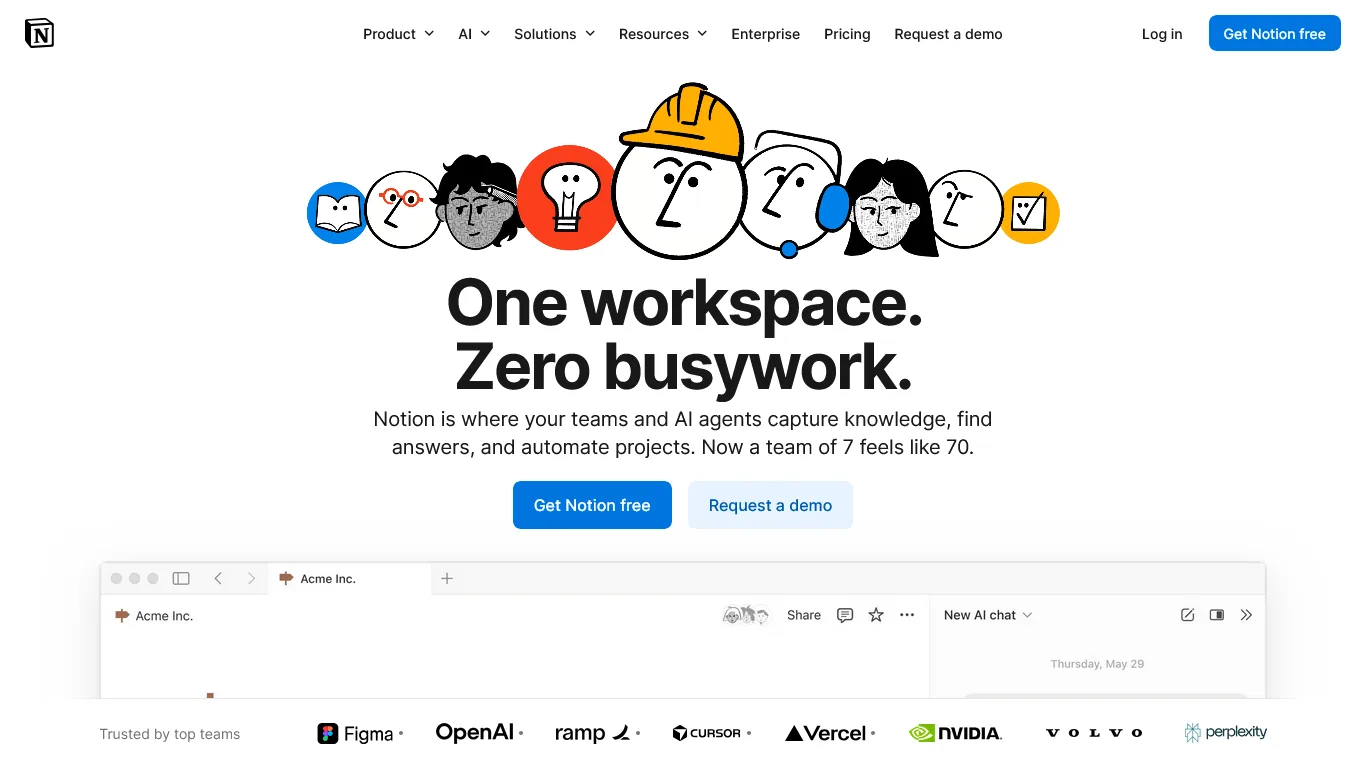
Notion is an AI-powered workspace that consolidates every piece of architectural project information - meeting notes, specifications, consultant contacts, permit status, and client decisions - into one system that grows with your practice.
What Makes Notion Essential for Architects
Project Documentation Hub
Create a master database tracking all active projects with phase, status, and fee structure, client and consultant contacts, key dates, and budget. Notion’s linked databases let you view the same information by project, client, phase (SD, DD, CD, CA), or consultant - see our Notion database templates guide for setup inspiration.
Specification Management
Architects juggle thousands of specification decisions per project. A Notion database tracks product selections with manufacturer and pricing, submittal status, room assignment, and substitution options - so when a contractor asks about an alternate door hardware, the comparable options are at your fingertips, not buried in old emails.
AI-Powered Features for Architects
Notion AI, available on Business and Enterprise plans, handles Q&A across projects, meeting summaries with automatic action items, specification drafting, and pattern recognition. Instead of searching old folders, you can query your entire project history: “What roofing systems have I used on commercial projects over 10,000 square feet?”
Drawing Set Management
Track your production workflow with a drawing list by discipline and phase, revision history with dates, QC checklist status, and a sheet issuance log - so you never again scramble to remember which sheets went out in Addendum 2.
Client Communication Records
Maintain a clear record of design decisions, scope clarifications, budget discussions, and change order documentation. When a client claims they never approved that window change, you have the documented meeting notes with date and attendees.
Notion Pricing for Architects
| Plan | Monthly Cost | Best For |
|---|---|---|
| Free | $0 | Testing, very small project volume |
| Plus | $12/month per seat | Solo practitioners, basic features |
| Business | $18/month per seat | Full AI features, team collaboration |
| Enterprise | Custom | Large firms with security requirements |
Recommendation for small firms: Business plan at $18 per month per user. The AI features - meeting transcription, workspace-wide Q&A, and content generation - justify the premium over Plus. Solo practitioners testing the platform should start with Free and upgrade when they hit its limitations.
Limitations and who it’s not for: Notion is a weak fit for firms needing true offline access, and there is no native plug-in for heavy CAD or Revit production software. The database setup curve is steep, AI features sit behind the Business tier, and Notion lacks Gantt-style critical-path scheduling - weak for large multi-phase projects versus dedicated AI project management tools.
How Much Time Does Notion Save Architects?
| Task | Traditional Approach | With Notion | Weekly Savings |
|---|---|---|---|
| Finding project info | 15-20 min per search | 1-2 minutes | 2+ hours |
| Meeting documentation | 30 min per meeting | 10 min (AI summary) | 1.5 hours |
| Specification lookups | 10 min each | 30 seconds | 1.5 hours |
| Status update compilation | 45 min | 5 min (database views) | 40 minutes |
| Drawing revision tracking | 20 min per issue | 2 minutes | 1+ hours |
| Total Weekly Savings | 7+ hours |
At a $125/hour billing rate for principal time, that represents $875/week in recovered value for an $18 per month investment.
Comparison Table
Midjourney and Notion serve different needs: Midjourney handles design visualization for around $30 per month, while Notion handles project documentation for $18 per month, and most small firms benefit from running both.
| Feature | Midjourney | Notion |
|---|---|---|
| Primary Use | Design visualization | Project documentation |
| Learning Curve | Moderate (prompt engineering) | Moderate (database setup) |
| Client-Facing | Yes | Optional (shared pages) |
| Team Collaboration | Discord-based | Built-in real-time |
| Mobile App | Via Discord | Yes (full featured) |
| Free Tier | No | Yes (limited) |
| AI Capabilities | Image generation | Text analysis, Q&A, summaries |
| Best For | Concepts, marketing | Documentation, tracking |
Best Picks by Use Case
The two tools integrate across every project phase: Midjourney drives visualization while Notion carries documentation from first contact through construction administration.
Recommended Workflow
- Pre-Design / Business Development - Midjourney concepts for the prospect presentation; Notion CRM to track the lead.
- Schematic Design - Project set up in Notion; Midjourney design alternatives for client review and documented decisions.
- Design Development - Notion tracks specification selections and consultant coordination; Midjourney handles key-space visualizations.
- Construction Documents - Notion tracks drawing production, QC findings, and addenda; AI assists specification sections.
- Construction Administration - Notion tracks submittals, site observations, and RFI responses; Midjourney visualizes change discussions.
Total Stack Investment
| Tool | Plan | Monthly Cost |
|---|---|---|
| Midjourney | Standard | $30.00 |
| Notion | Business | $18.00 |
| Total | $48/month |
Compared with traditional visualization and AI project management tools:
| Traditional Approach | Monthly Cost Range |
|---|---|
| Rendering services (outsourced) | $500-2,000 per project |
| Lumion/Enscape/Twinmotion | $50-200/month |
| Project management software | $30-100/month |
| Document management systems | $25-75/month |
| Traditional total | $105-375/month minimum |
The AI stack costs 75-85% less while delivering comparable - and in some cases superior - capabilities for small firms.
Selection Criteria
The fastest way to adopt these AI tools for architects is a 14-day phased rollout: set up Midjourney first, then build a Notion project system, then integrate both into one client workflow.
- Days 1-3: Set Up Midjourney - Join the Midjourney Discord server, subscribe to Standard, study prompt structure, and generate concepts for a live project.
- Days 4-7: Build Your Notion Foundation - Create a free account, build linked project and contacts databases, and import one current project as a test case.
- Days 8-10: Expand Notion System - Add specification tracking, a meeting notes template, and drawing list tracking, then upgrade to Business for AI features.
- Days 11-14: Integrate the Workflow - Generate Midjourney concepts for a client presentation, document the meeting in Notion, and refine your databases based on actual use.
Pro Tips
The two highest-leverage habits for architects are structuring Midjourney prompts in a fixed six-part formula and building Notion around five linked databases. Both practices are detailed below.
Midjourney Prompt Engineering for Architecture
Structure your prompts for best results:
[Style] + [Building Type] + [Key Materials] + [Context/Setting] + [Lighting] + [Photography Style]Example prompts that work well:
- Residential: “Minimalist modern house, white plaster walls, large pivot front door, mature oak tree in courtyard, soft morning light, architectural photography by Julius Shulman”
- Commercial: “Contemporary office building, terracotta brise-soleil facade, green roof terraces, urban corner site, late afternoon golden hour, Iwan Baan photography style”
- Interior: “Double-height living space, exposed timber ceiling, polished concrete floor, full-height glazing to forest view, warm natural light, Dwell magazine photography”
Notion Database Architecture for Practices
Set up five core linked databases: a master Projects database linking to the other four; Contacts (name, firm, role type, email); Specifications (item, manufacturer, model, status, room); Meetings (date, project, attendees, type); and Drawings (sheet number, title, phase, status, last revision). This structure lets you answer questions like “Show me all MEP consultants I have worked with” or “Which drawings are still in progress for the DD deadline.”
ROI Calculator
A $48-per-month AI tool stack saves a typical small architecture firm roughly $3,250 in principal time on a single competitive proposal, turning a $576 annual software cost into tens of thousands of dollars in won-project value.
For a 3-person firm competing for a $150,000 residential project, the traditional approach takes 32 hours of principal time at $125/hr - 20 hours on a SketchUp model and renderings, 8 on presentation materials, 4 organizing project information - for a $4,000 time cost. The AI-enhanced approach takes 6 hours (3 generating 40+ Midjourney concepts, 2 on presentation materials, 1 setting up Notion) for a $750 time cost.
That is $3,250 saved on a single proposal, with stronger presentation materials and a better-organized project from day one. Winning even two extra projects per year puts the annual value in the tens of thousands. For complementary picks, see our best note taking apps roundup.
The Bottom Line
AI tools for architects are not about replacing design judgment - they eliminate the friction that keeps you from doing your best design work. With Midjourney for visualization and Notion for project management, a $48-per-month stack saves 12+ hours per week on non-billable tasks, wins more projects with presentations that rival larger firms, improves client communication, and scales your practice without scaling overhead.
Start with Midjourney for instant client visualization and Notion for organized project tracking - together they cover the two biggest productivity gaps in small firm practice. The question is no longer whether to adopt AI tools, but how quickly you can integrate them.
FAQ
Q: What’s the best AI tool for architects?
The best AI tool for architects is Midjourney for design visualization, paired with Notion for project management - together they cover the two biggest productivity gaps in small firm practice and save over 12 hours per week.
Q: Are there AI tools for architects free of charge?
Yes, the most useful AI tool for architects free at the entry level is Notion, whose free plan suits testing with a small project volume. Midjourney does not have a free tier, but its Basic plan at $10 per month gives roughly 200 image generations - enough for occasional concept work. Several standalone free AI architecture generators also exist, though they are more limited than dedicated platforms.
Q: What is the best AI tool for architecture diagram work?
For an AI tool for architecture diagram and visualization work, Midjourney is the strongest choice - it converts text prompts into photorealistic concept renders, though it cannot produce dimensioned technical drawings. Pair it with a dedicated CAD package for measured documentation.
Q: Can AI generate architecture plans?
AI can generate conceptual architecture plans and massing studies quickly, but current AI for architecture plans cannot produce code-compliant, dimensioned construction drawings. Use Midjourney for early-stage exploration and a CAD or BIM tool for permit-ready plan sets.
Q: How much does an AI tool stack for architects cost per month?
A recommended two-tool AI stack for small architectural firms costs $48 per month - $30 for Midjourney Standard and $18 for Notion Business. This compares favorably to traditional alternatives such as outsourced rendering services ($500-2,000 per project) and combined project management and document management software ($105-375/month minimum).
Q: How much time can architects save using AI tools?
Architects using Midjourney and Notion together can save 12 or more hours per week. Notion alone recovers roughly 7 hours weekly by speeding up project info retrieval, meeting documentation, and specification lookups. Midjourney cuts concept presentation preparation from 12-20 hours down to 2-4 hours per presentation.
Related Reads
These related guides extend the architect’s AI toolkit into adjacent design professions and small-firm productivity workflows.
- AI Tools for Interior Designers - Related design profession stack
- AI Tools for Small Business - Broader productivity toolkit for small firms
- AI Tools for Solopreneurs - Building your solo practice stack
- Midjourney Review - AI image generation for architectural visualization
- Notion Review - AI-powered project management workspace
- Atlassian Stack for Developers: Jira, Confluence, and Bitbucket
External Resources
Two authoritative industry sources track technology adoption in architecture and are worth following alongside this guide.
- American Institute of Architects (AIA) - Practice resources and technology guidance
- ArchDaily - Industry news and technology trends