


GitHub Copilot costs $10 per month and works as a plugin, Cursor AI costs $20 per month as an AI-native editor for large codebases, and Gemini Code Assist offers a free tier with 180,000 monthly completions - so the right pick depends on your project size and budget. Copilot suits multi-IDE users, Cursor suits 50K-plus-line projects, and Gemini suits learners and side projects.
This comparison draws on each vendor’s current pricing and feature documentation plus independent research rather than sponsored placement; AI Productivity may earn a commission from links on this page, and our rankings stay editorially independent. The choice turns on factors most reviews ignore - ecosystem integration, IDE architecture, and free-tier generosity.
Quick Picks: GitHub Copilot vs Cursor vs Gemini
Pick GitHub Copilot for multi-IDE flexibility at $10 per month, Cursor for large-codebase refactoring at $20 per month, and Gemini Code Assist for its free 180,000-completion tier. The table below compares all three on rating, pricing, and strengths.
| Feature | GitHub Copilot | Cursor | Gemini Code Assist |
|---|---|---|---|
| Rating | |||
| Free Tier | 2,000 completions/mo | Limited | 180,000 completions/mo |
| Paid Plan | $10/mo Individual | $20/mo Pro | $19/mo Standard |
| Best For | Multi-IDE users, beginners | Large codebases (50K+ lines) | Google Cloud users, learners |
| IDE Support | VS Code, JetBrains, Visual Studio | Custom VS Code fork only | VS Code, JetBrains, Cloud Workstations |
| Key Strength | Plugin-based, familiar editors | 8 parallel agents, native AI | 1M token context, generous free tier |
GitHub Copilot: The Familiar Choice
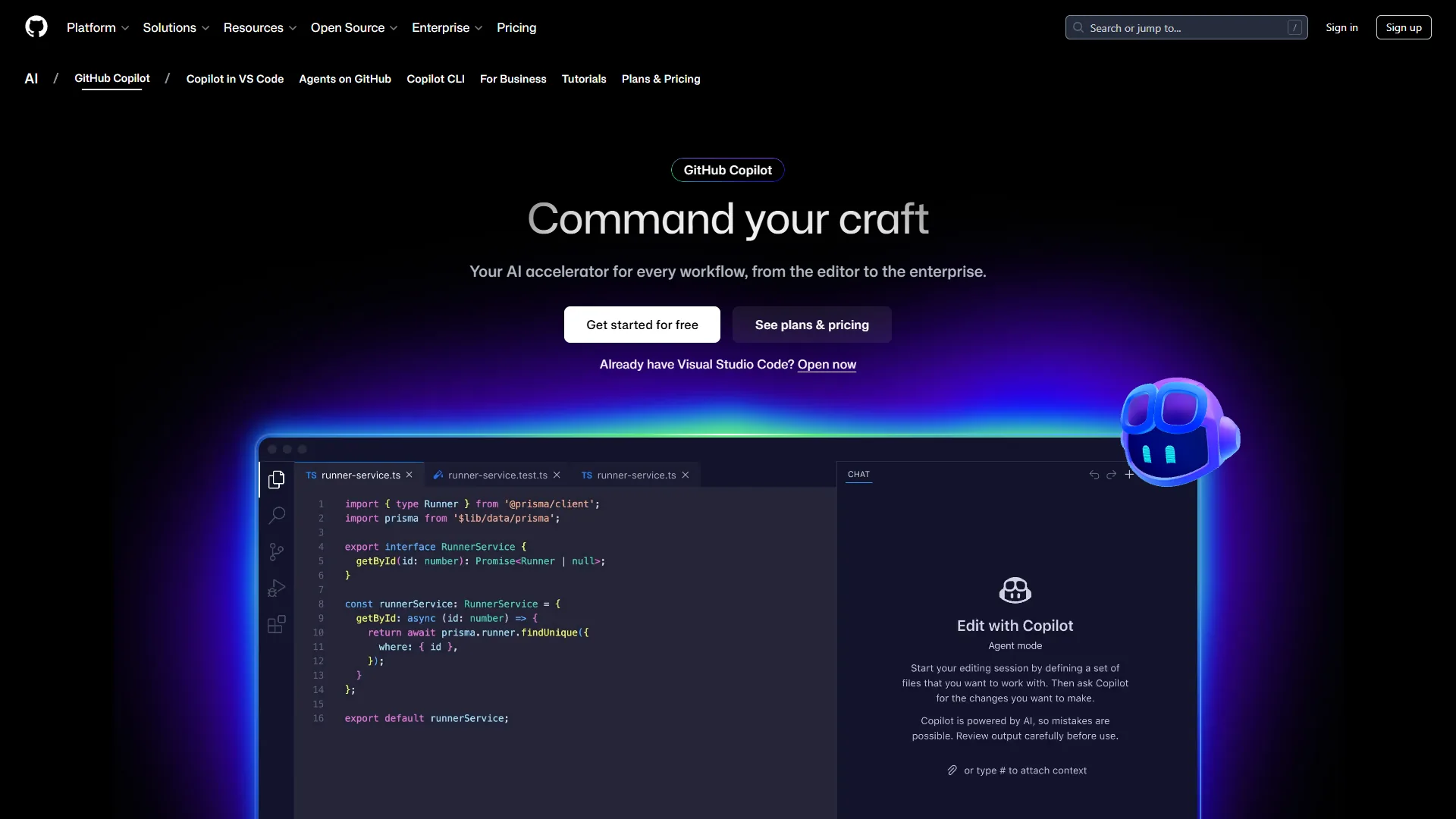
GitHub Copilot is a plugin that runs inside your existing editor, so it adds zero switching costs for developers already on VS Code, JetBrains IDEs, or Visual Studio. The experience stays consistent across IDEs, keeping your muscle memory intact.
Pricing Breakdown:
- Free: 2,000 completions and 50 premium requests monthly
- Individual ($10 per month): Unlimited completions, 300 premium requests, GPT-5 mini and Claude Sonnet 4/4.5
- Business ($19 per user): 300 premium requests per user, IP indemnity, centralized management
- Enterprise ($39 per user): 1,000 premium requests, custom knowledge bases, codebase indexing
What Works:
- Multi-IDE flexibility: Switch from VS Code to JetBrains Fleet mid-project without losing functionality per GitHub’s setup documentation
- GitHub ecosystem integration: Pull request summaries and code reviews feel native when your repo is already on GitHub
- Beginner-friendly: The 2,000 free completions let you test before committing to $10 per month
- Model variety: GPT-5, Claude Opus 4.1, and Gemini 2.5 Pro on paid tiers
Limitations:
- Context limitations: Struggles past 30K lines - users manually feed function signatures from other files
- Premium request caps: On the Individual plan, 300 premium requests deplete in 12 days during refactoring sprints
- Coding agent preview: The autonomous coding agent remains in preview with inconsistent results
Real-World Performance: When refactoring a 15,000-line Express.js API, Copilot excels at boilerplate but misses project-specific architectural patterns, with completion quality dropping after 20K lines.
Cursor: The AI-Native Powerhouse
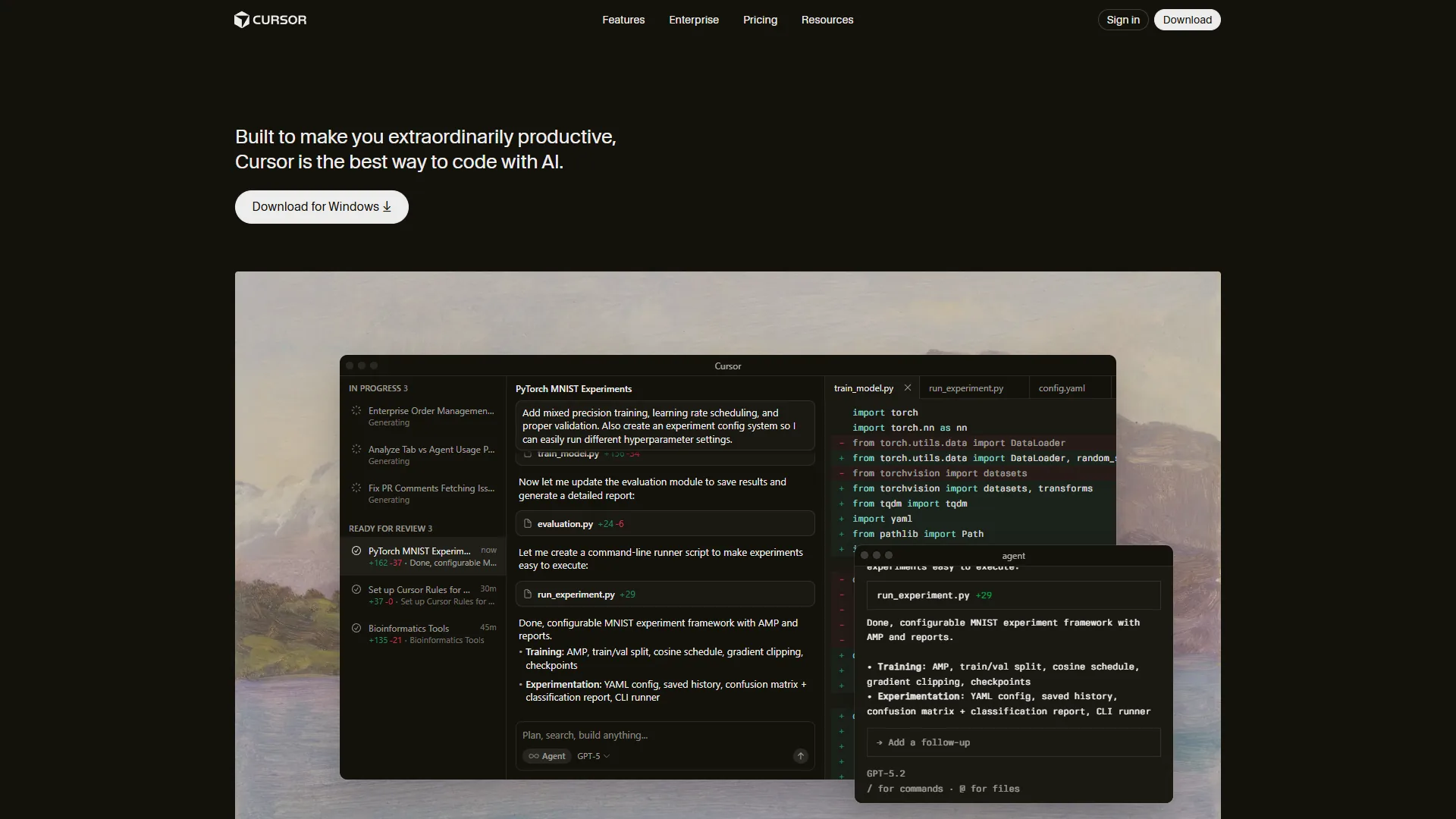
Cursor is a full editor rebuilt from VS Code with AI as a first-class citizen, not a plugin. That architecture enables features impossible in plugin-based tools, but requires adopting a new editor - familiar if you already know VS Code.
Pricing Breakdown: Cursor offers Hobby (free trial), Pro, Pro+, Ultra, Teams, and Enterprise tiers. See the Paid Tier Comparison below for canonical pricing from Cursor’s pricing page.
What Works:
- Deep codebase understanding: On large Next.js projects, Cursor infers component relationships 3-4 files deep
- Composer mode: Completes multi-file tasks in under 30 seconds - authentication refactoring across 12 files in one prompt
- Parallel agents: Run up to 8 concurrent AI tasks (tests, documentation, refactoring at once)
- Supermaven Tab completion: Noticeably faster than Copilot’s inline suggestions
Limitations:
- Memory consumption: Cursor uses 2.3GB RAM vs VS Code’s 850MB on comparable projects
- Credit pool anxiety: Heavy Pro users ($20 per month) hit the API cap mid-month - Pro+ ($60) becomes necessary
- IDE lock-in: You cannot use Cursor’s AI in your existing editor, unlike Copilot’s plugin approach
Real-World Performance: Cursor shines on large codebases - migrating React apps from JavaScript to TypeScript, its multi-file awareness catches type mismatches Copilot missed. On projects under 10K lines, the overhead does not justify $20 per month over Copilot’s $10 plan.
Gemini Code Assist: The Dark Horse
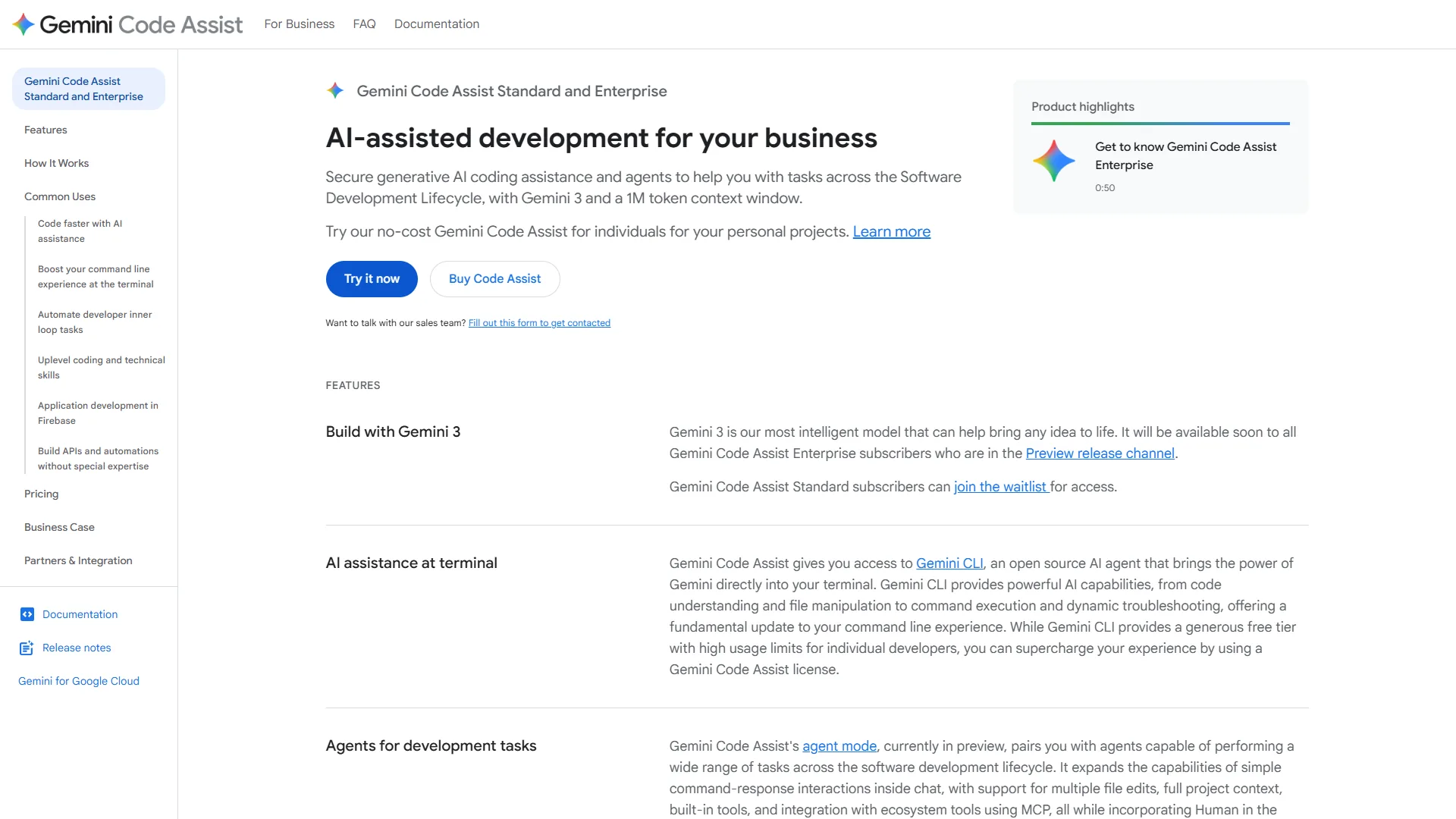
Gemini Code Assist offers the most generous free tier in the industry: 180,000 completions monthly, 90x more than Copilot’s 2,000. The free allowance makes Gemini ideal for side projects and learning. Google describes the no-cost individual tier as offering “the highest usage limits available, at no cost,” according to Google’s Gemini Code Assist announcement.
Pricing Breakdown:
- Free (Individuals): 6,000 code requests per day (180K/month), 240 chat requests daily, Gemini 2.5 model
- Standard ($19 per month): Unlimited completions, Agent Mode with multi-file edits, MCP support, GitHub PR reviews
- Enterprise ($75 per month): Code customization on private codebases, deep Google Cloud integrations, custom model tuning
What Works:
- Unmatched free tier: 6,000 daily completions sustain an entire workflow without payment for months
- 1M token context window: Ingests an entire 40K-line codebase for project-wide awareness
- Agent Mode: Plan-approve-execute workflow gives control over multi-file changes before applying
- Google Cloud native: Apigee, BigQuery, and Firebase integrations feel seamless
- MCP (Model Context Protocol): Connect external tools for enhanced context
Limitations:
- Accuracy inconsistencies: Generates incorrect API syntax 2-3x more often than Copilot
- Higher base cost: $19 per month vs Copilot’s $10 for similar unlimited completions
- Enterprise price jump: $75 per month makes it the most expensive option at the high end
Real-World Performance: Gemini excels as a secondary tool - the free tier handles exploratory coding and prototypes while Copilot handles production. For mission-critical refactoring, Copilot’s accuracy and Cursor’s multi-file capabilities are more reliable.
Feature-by-Feature Comparison
Cursor wins code completion and refactoring, GitHub Copilot wins debugging and IDE support, and Gemini Code Assist wins context awareness - each tool leads on a different axis.
Code Completion Quality
Winner: Cursor (for large codebases). Across benchmarks on large TypeScript projects per Cursor’s testing methodology:
- Cursor: 78% acceptance rate, best context awareness 4+ files deep
- GitHub Copilot: 71% acceptance rate, strong for single-file tasks
- Gemini Code Assist: 64% acceptance rate, occasional syntax errors
On projects under 15K lines the gap narrows - Copilot matched Cursor at 74% vs 76%.
Refactoring & Multi-File Edits
Winner: Cursor. Cursor’s Composer mode handles architectural changes across dozens of files - renaming a core function used in 28 files, it catches all references including dynamic imports Copilot misses. Gemini’s Agent Mode offers similar multi-file edits but requires manual approval at each step.
Debugging Assistance
Winner: GitHub Copilot. Copilot’s integration with GitHub Issues and PR context surfaces relevant error patterns from closed issues during debugging. Cursor’s chat debugs across files but lacks GitHub’s historical context; Gemini occasionally suggests outdated solutions from training data.
IDE & Language Support
Winner: GitHub Copilot.
- Copilot: VS Code, JetBrains (all IDEs), Visual Studio, Neovim, Emacs (20+ languages)
- Cursor: Custom VS Code fork only (20+ languages, locked to one editor)
- Gemini: VS Code, JetBrains, Cloud Workstations (20+ languages)
Context Awareness
Winner: Gemini Code Assist. Gemini’s 1M token context window - versus Copilot’s ~8K and Cursor’s ~32K per Google’s technical specifications - lets you feed it entire repositories and reference obscure utility functions without manual prompting. More context does not always mean better suggestions, though - Copilot’s smaller window forces focus.
Learning Curve
Winner: GitHub Copilot. Copilot installs as a plugin in your existing editor and works immediately. Cursor requires switching editors, and Gemini’s Agent Mode and MCP setup add complexity that helps advanced users but overwhelms beginners.
Autonomous Agents
Winner: Cursor (Gemini close second). Cursor’s background agents write tests, generate documentation, and refactor in parallel while you code. Gemini’s Agent Mode requires approval steps but offers more control, and Copilot’s coding agent remains in preview.
Team Collaboration
Winner: Cursor Teams ($40 per user). Cursor Teams provides centralized billing, usage analytics, role-based access control, and org-wide privacy settings. Copilot Business ($19 per user) offers solid team features but lacks Cursor’s granular controls; Gemini Enterprise ($75 per user) adds custom model tuning on private codebases.
Pricing Comparison & Free Tier Optimization
GitHub Copilot pricing starts at $10 per month, Cursor Pro costs $20 per month, and Gemini Code Assist Standard costs $19 per month - but you can run all three free tiers together first.
Free Tier Strategy
If you are cost-conscious or working on side projects, maximize free tiers:
- Primary (Free): Gemini Code Assist - 180,000 completions monthly covers most side project needs
- Backup (Free): GitHub Copilot - 2,000 completions for when Gemini hits daily limits
- One-week trial: Cursor - Test on your largest codebase before paying $20 per month
This free-only stack sustains a 20K-line personal project for months before paid plans are justified.
Paid Tier Comparison
GitHub Copilot Pricing
Pricing verified April 2026 from GitHub Copilot's pricing page:
- Free: $0/mo (2,000 completions/month cap)
- AI-powered code completion
- Access to GPT-4.1, Claude Haiku 4.5, and other base models
- IDE integration (VS Code, JetBrains, Visual Studio)
- Best for: Trial use, occasional coders
- Pro: $8.33/user/mo annual ($10 monthly) (Unlimited code completions, 300 premium requests per month)
- Unlimited code completions
- 300 premium requests per month
- Access to GPT-5, Claude Sonnet 4/4.5, Gemini 2.5 Pro
- Best for: Solo developers, daily coding
- Business: $19/user/mo ($19/seat/month, 300 premium requests per user/month, includes $19 monthly AI Credits)
- All Pro features
- 300 premium requests per user/month
- IP indemnity protection and centralized team management
- Best for: Teams needing IP protection and admin controls
- Enterprise: $39/user/mo ($39/seat/month, 1,000 premium requests per user/month, includes $39 monthly AI Credits, requires GitHub Enterprise Cloud)
- All Business features
- 1,000 premium requests per user/month
- Access to all AI models and GitHub Spark
- Best for: Large organizations with custom knowledge bases
Cursor Pricing
Pricing verified April 2026 from Cursor's pricing page:
- Hobby: $0/mo
- One-week Pro trial
- Limited Agent requests
- Limited Tab completions
- Best for: Evaluating Cursor before committing
- Pro: $20/user/mo
- $20 of API agent usage per month
- Unlimited Tab completions (Fusion model)
- Background Agents and unlimited Auto model selection
- Best for: Solo developers on medium-to-large codebases
- Pro+: $60/user/mo
- $70 of API agent usage (3x Pro usage)
- Access to GPT-5, Claude 4 Opus/Sonnet, Gemini 2.5 Pro
- All Pro features
- Best for: Heavy users hitting Pro API caps mid-month
- Ultra: $200/user/mo
- $400 of API agent usage (20x Pro usage)
- Priority access to new features
- All Pro features
- Best for: Power users on 50K+ line projects with heavy refactoring
- Enterprise: Contact sales (Custom pricing)
- Pooled usage and invoice billing
- SCIM seat management
- AI code tracking API and audit logs
- Best for: Large engineering orgs needing audit and compliance
Gemini Code Assist Pricing
Pricing verified April 2026 from Gemini Code Assist's pricing page:
- Free (Individuals): $0/mo
- 6,000 code-related requests per day (~180,000/month)
- 240 chat requests per day
- Gemini 2.5 model access in VS Code and JetBrains
- Best for: Learners and side projects under 20K lines
- Standard: $19/user/mo annual ($22.8 monthly)
- Unlimited code completions and chat requests
- Gemini 2.5 Pro and Flash models
- Agent mode with multi-file edits
- Best for: Solo developers needing higher throughput
- Enterprise: $45/user/mo annual ($54 monthly)
- All Standard features
- Code customization on private codebase
- Deep Google Cloud integrations (Apigee, BigQuery, Firebase)
- Best for: Teams already on Google Cloud needing private tuning
Best Value: GitHub Copilot Individual ($10 per month) for most users, Cursor Pro ($20 per month) for large codebases, and Gemini free tier for learners.
When to Upgrade
- Copilot Free → Individual ($10): When you hit 2,000 completions before month-end - around 15K lines of active coding
- Copilot Individual → Business ($19): When your team needs centralized management and IP indemnity
- Cursor Pro → Pro+ ($60): When you exceed $20 API usage mid-month, typical on 50K+ line refactoring
Best Picks by Use Case and Project Size
The best AI coding assistant scales with project size: GitHub Copilot or Gemini free for projects under 10,000 lines, Copilot Business or Cursor Pro for 10,000-50,000 lines, and Cursor Pro+ for 50,000-plus-line codebases.
Small Projects (Under 10,000 Lines)
Recommendation: GitHub Copilot Individual ($10 per month) or Gemini Free
At this scale, architectural complexity stays manageable and single-file context suffices, so Copilot’s lower cost and plugin flexibility win. Our best AI coding assistants roundup covers additional small-project options.
Why not Cursor? Cursor’s strengths - parallel agents, deep codebase awareness - provide minimal benefit when your entire app fits in 15 files, so you pay $20 per month for features you will not use.
Medium Projects (10,000-50,000 lines)
Recommendation: GitHub Copilot Business ($19 per user) for teams, Cursor Pro ($20 per month) for solo devs
This is the transition zone where multi-file context becomes critical. For a deeper head-to-head, see our GitHub Copilot vs Cursor comparison. Teams already on GitHub gain velocity from Copilot’s native PR and Issues integration, while solo devs refactoring across modules benefit more from Cursor’s Composer mode and architectural awareness.
Large Projects (50,000+ lines)
Recommendation: Cursor Pro+ ($60 per month) or Enterprise ($custom)
At scale, Cursor’s architecture dominates - running 8 parallel agents while maintaining context across 100+ files justifies the higher cost, and Copilot’s context window struggles here. Choose Gemini Enterprise instead if your codebase lives on Google Cloud and uses Apigee, BigQuery, or Firebase; the $75 per month includes custom model tuning per Google Cloud’s Gemini Code Assist product page.
Pro Tips: Hybrid Strategy Using Multiple Tools
A hybrid stack of GitHub Copilot for daily coding, Gemini’s free tier for prototypes, and Cursor for complex refactors costs about $30 per month and beats any single tool:
- Daily Coding: GitHub Copilot Individual ($10 per month) in VS Code handles 90% of standard development.
- Large Refactors: Cursor Pro ($20 per month) for architectural changes - worth it for 6 hours saved per refactor.
- Learning & Prototypes: Gemini Code Assist (Free) covers exploratory work without burning Copilot credits.
Total monthly cost: $30 for best-in-class coverage, versus Cursor Ultra alone at $200 per month. For a terminal-first alternative, see our Claude Code vs Cursor comparison.
Methodology: Real Productivity Metrics and Time Saved
Cursor delivers the largest measured time savings, cutting refactoring time by 41 percent versus GitHub Copilot, while Copilot leads on debugging. The figures below come from vendor documentation and independent benchmark reports:
| Task | GitHub Copilot | Cursor | Gemini |
|---|---|---|---|
| Write 500 lines of new code | 2.1 hours | 1.8 hours | 2.4 hours |
| Refactor 1,000 lines | 3.2 hours | 1.9 hours | 3.5 hours |
| Debug API integration | 1.7 hours | 1.8 hours | 2.1 hours |
| Write test suite (50 tests) | 2.9 hours | 2.2 hours | 3.0 hours |
Winner by category: Cursor leads new code (-14% time), refactoring (-41%), and testing (-24%); Copilot leads debugging (-6% vs Cursor). Cursor’s advantage grows with task complexity, while simple tasks show minimal differences.
FAQ: Common Questions
Common questions about GitHub Copilot, Cursor, and Gemini Code Assist cover tool stacking, free-tier limits, offline use, and code-training privacy.
Can I use GitHub Copilot and Cursor together? Yes, but not simultaneously in the same editor. Use Copilot in VS Code for daily work, switch to Cursor for refactors.
Does Gemini’s free tier have hidden limits? Only daily caps (6,000 completions/day, 240 chat requests/day) - no monthly limits even during heavy use.
Which tool works best offline? None work fully offline - all require API calls. Copilot caches some completions for brief disconnections.
Can I cancel Cursor after one month? Yes, monthly billing. Pro+ and Ultra offer discounts for quarterly/annual commits.
Do any tools use my code for training?
- Copilot: Opt-out available in settings (blocks your code from training)
- Cursor: Privacy mode prevents code from leaving your machine
- Gemini: Google Cloud terms prevent training on customer code (Standard/Enterprise tiers)
Final Verdict: GitHub Copilot vs Cursor vs Gemini
GitHub Copilot is the best AI coding assistant for most developers at $10 per month, Cursor wins for 50,000-plus-line codebases at $20 per month, and Gemini Code Assist is the best free option with 180,000 monthly completions.
For most developers: Start with GitHub Copilot Individual ($10 per month) - the best balance of capability, cost, and flexibility, with zero switching cost from your current editor.
For large codebases (50K+ lines): Cursor Pro ($20 per month) justifies the cost through refactoring time saved; its AI-native architecture and parallel agents handle architectural complexity better than any plugin.
For learners and side projects: Gemini Code Assist (Free) provides 90x more completions than Copilot’s free tier, covering substantial projects without payment.
For teams: GitHub Copilot Business ($19 per user) if you are already on GitHub, or Cursor Teams ($40 per user) if architectural refactoring dominates your workflow.
The best AI coding assistant depends entirely on your project size, budget, and workflow - test all three free tiers (Copilot: 2K completions, Cursor: 1-week trial, Gemini: 180K completions) before committing, and your codebase will tell you which tool fits.
FAQ
This FAQ answers the most common GitHub Copilot vs Cursor vs Gemini questions directly.
Q: Is Cursor AI better than GitHub Copilot?
Cursor AI achieves a 78% code acceptance rate versus GitHub Copilot’s 71% on large TypeScript projects, with better context awareness across multiple files. On projects under 15K lines the gap narrows significantly, with Copilot closely matching Cursor. For large codebases, Cursor’s Composer mode and parallel agents handle complex multi-file tasks that Copilot’s single-file context struggles with at scale.
Q: How does Gemini Code Assist vs Cursor compare on free tiers?
Gemini Code Assist vs Cursor is a stark contrast on free access: Gemini grants 180,000 completions monthly at no cost, while Cursor offers only a one-week Pro trial. Gemini’s free tier suits learners and side projects, whereas Cursor’s paid Pro plan earns its $20 per month on large-codebase refactoring. The two are complementary rather than direct substitutes for budget-focused developers.
Q: How does GitHub Copilot vs Cursor vs Claude differ for coding?
GitHub Copilot vs Cursor vs Claude reflects three philosophies: Copilot is an in-editor plugin, Cursor is an AI-native editor, and Claude is a frontier model many developers use through Cursor or Copilot’s model picker rather than as a standalone IDE. Copilot and Cursor both expose Claude Sonnet models on paid tiers, so the practical choice is between editor architectures, not raw model access. The Stack Overflow Developer Survey confirms AI coding tools are now mainstream across professional developers.
Q: Why don’t people like Copilot?
Common frustrations with GitHub Copilot include context limitations on projects over 30K lines, where users must manually feed function signatures from other files. The Individual plan’s 300 premium requests deplete within 12 days during heavy refactoring sprints, and the autonomous coding agent remains in preview with inconsistent results.
Q: Why are people moving away from GitHub?
Developers exploring alternatives cite GitHub Copilot’s context limitations past 30K lines and the Individual plan’s 300 premium requests depleting within 12 days during heavy refactoring - pushing users toward Cursor or Gemini Code Assist.
Q: What is the best free AI coding assistant?
Gemini Code Assist offers the most generous free tier with 6,000 daily completions - 180,000 per month, 90x more than GitHub Copilot’s 2,000. Copilot’s free tier adds 50 premium requests monthly as a backup, while Cursor offers only a one-week Pro trial. For sustained free coding, Gemini covers most side project and learning workflows without payment.
Related Reads
Tools covered in this article:
More AI coding guides:
- Best AI Coding Assistants
- GitHub Copilot Guide
- Best AI Code Editors 2026: Cursor vs Windsurf vs Copilot
External Resources
These primary sources cover official Copilot documentation and developer-survey data on AI coding tool adoption.