



AI pair programming is a coding workflow where developers work alongside an AI assistant - rather than a second human - that suggests code, explains implementations, and helps debug issues in real time. Unlike basic autocomplete, it understands context across multiple files and reasons about architecture decisions from natural language instructions.
As of January 2026, 65% of professional developers regularly use AI coding assistants, and effective practice requires the navigator/driver model, prompt engineering, and a security review pass. Our analysis is research-based, drawing on current vendor documentation, GitHub’s productivity research, and the 2024 Stack Overflow Developer Survey rather than sponsored placement.
“AI assistants make developers more productive, but you have to treat them like a junior pair programmer who needs review and clear direction,” according to Ryan Salva, former senior director of product at GitHub Copilot. AI Productivity may earn a commission from links on this page; rankings are editorially independent.
What is AI Pair Programming?
AI pair programming is a workflow where a developer collaborates with an AI assistant - instead of a second human - that suggests code, explains implementations, and helps debug in real time. The pattern applies the classic pair-programming model to human-AI collaboration.
Key difference from autocomplete: Traditional code completion predicts the next few characters; AI pair programming understands context across multiple files, reasons about architecture, and refactors entire codebases from natural-language instructions.
Why it matters in 2026: Companies using AI pair programming report 25-70% faster feature delivery, and the gap widens with prompt engineering skill.
The Three Levels of AI Coding Assistance
The three levels are code completion (basic single-line suggestions as you type), contextual generation (multi-line functions based on comments or existing code patterns), and agentic coding (AI navigates codebases, makes multi-file changes, and executes terminal commands). Most developers in January 2026 operate at level 2, with level 3 adoption growing among early adopters - see our analysis of the future of AI coding assistants.
Navigator/Driver Model with AI
The navigator/driver model with AI inverts the classic pair-programming model: the developer becomes the navigator who sets direction, while the AI takes the driver seat and generates the implementation. Traditionally the driver holds the keyboard and the navigator reviews strategy - swap in an AI and the human almost always takes the navigator seat.
You Are the Navigator (Usually)
In effective AI pair programming, you spend more time guiding direction than typing implementation. You define the “what” - “create a React component that displays user profiles with infinite scroll” - and the AI handles the “how.” You focus on architecture, edge cases, and business logic while the model handles boilerplate.
When to Switch Roles
Sometimes you take the driver seat - learning a new pattern (type it yourself), writing security-critical code (use AI only for review), optimizing performance (profile first), or refactoring legacy code where you know the quirks. The best developers in 2026 switch fluidly between roles.
Top AI Pair Programming Tools Compared
The top AI pair programming tools in 2026 are Cursor, GitHub Copilot, Windsurf, and Tabnine - each strongest in a different lane (multi-file refactoring, IDE flexibility, free-tier access, and enterprise privacy respectively). Here is how the leading AI pair programmers stack up for January 2026:
| Tool | Pricing | Best For | Key Advantage | Rating |
|---|---|---|---|---|
| Cursor | $20/mo | Multi-file editing & refactoring | Native AI-first experience, 25% faster dev cycles | |
| GitHub Copilot | $10/mo | IDE flexibility & budget | Works in VS Code/JetBrains/Vim, 55% faster tasks, free tier available | |
| Windsurf | $15/mo | AI-native IDE experience | Free-forever tier, 70% productivity gains, Cascade UI | |
| Tabnine | $59/mo | Enterprise security & privacy | Self-hosted models, zero data retention, 4 hrs/week saved |
Which Tool Should You Choose?
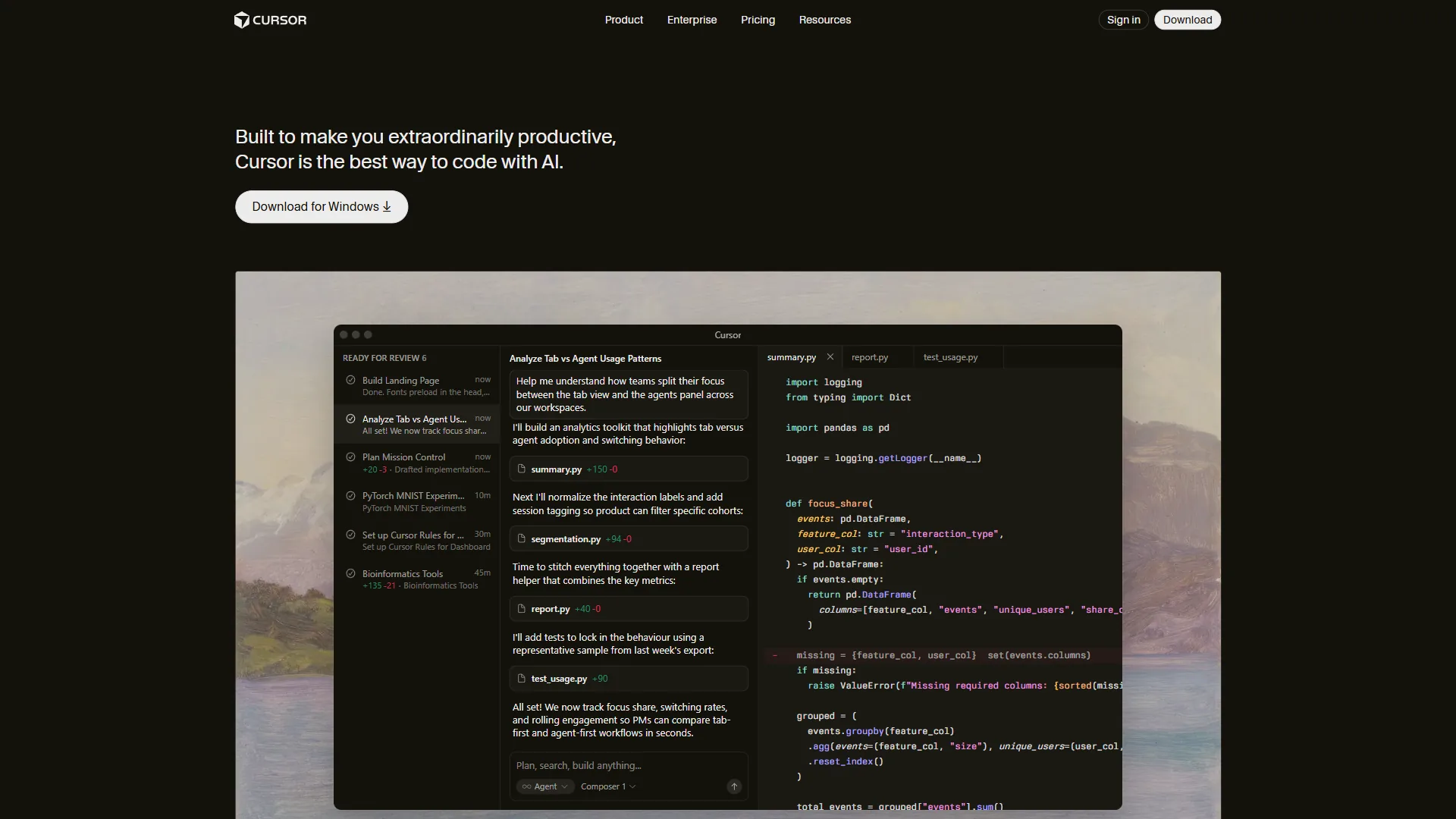
Choose Cursor if you want the most polished AI-first editor and frequently make changes across multiple files - its Composer feature handles complex refactors. See our Cursor vs GitHub Copilot comparison.
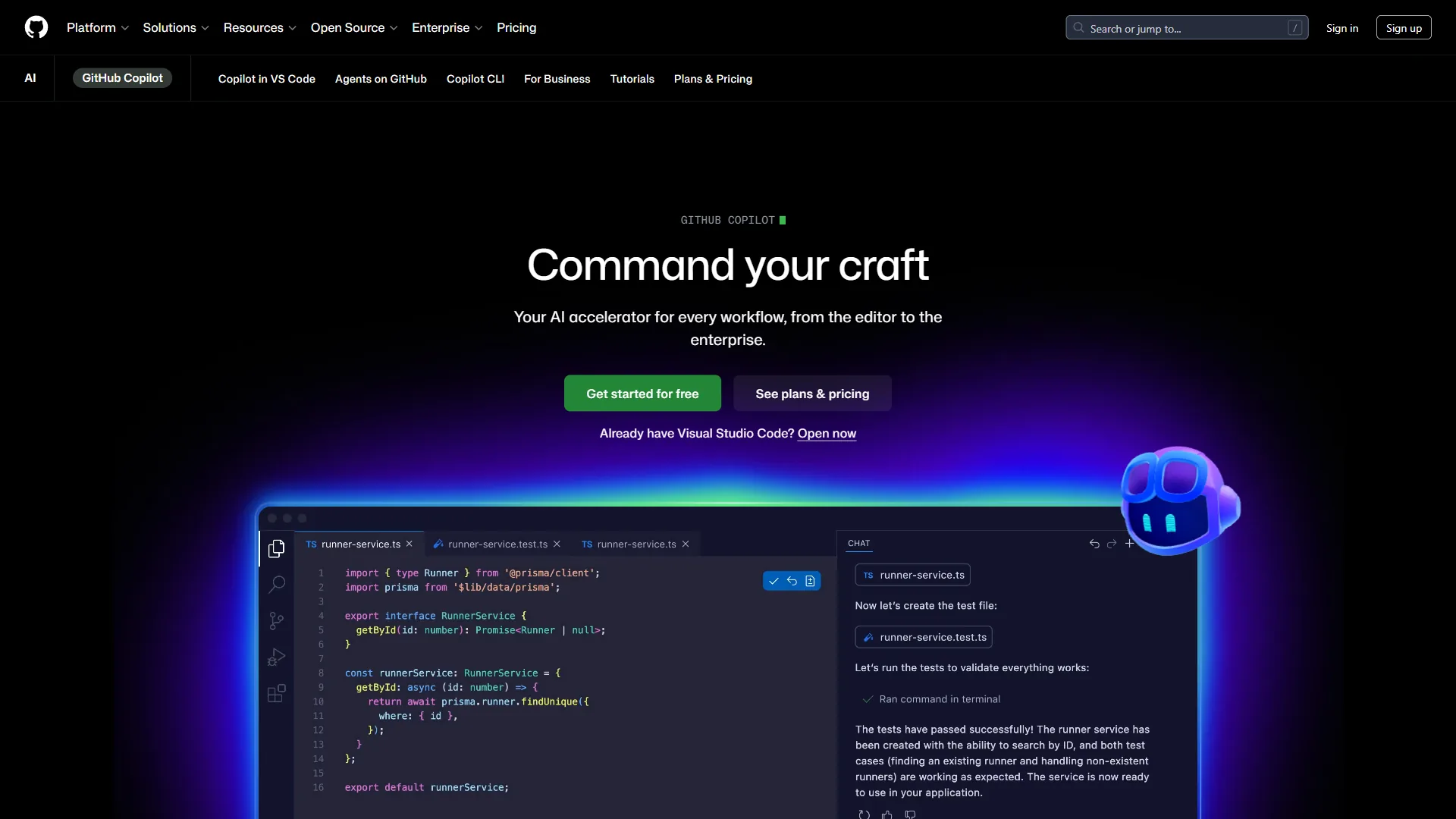
Choose GitHub Copilot if you are happy with your current IDE (VS Code, JetBrains, Neovim) and want AI assistance without switching editors. The $10 per month price and free tier for students and open source maintainers make it the most accessible option.
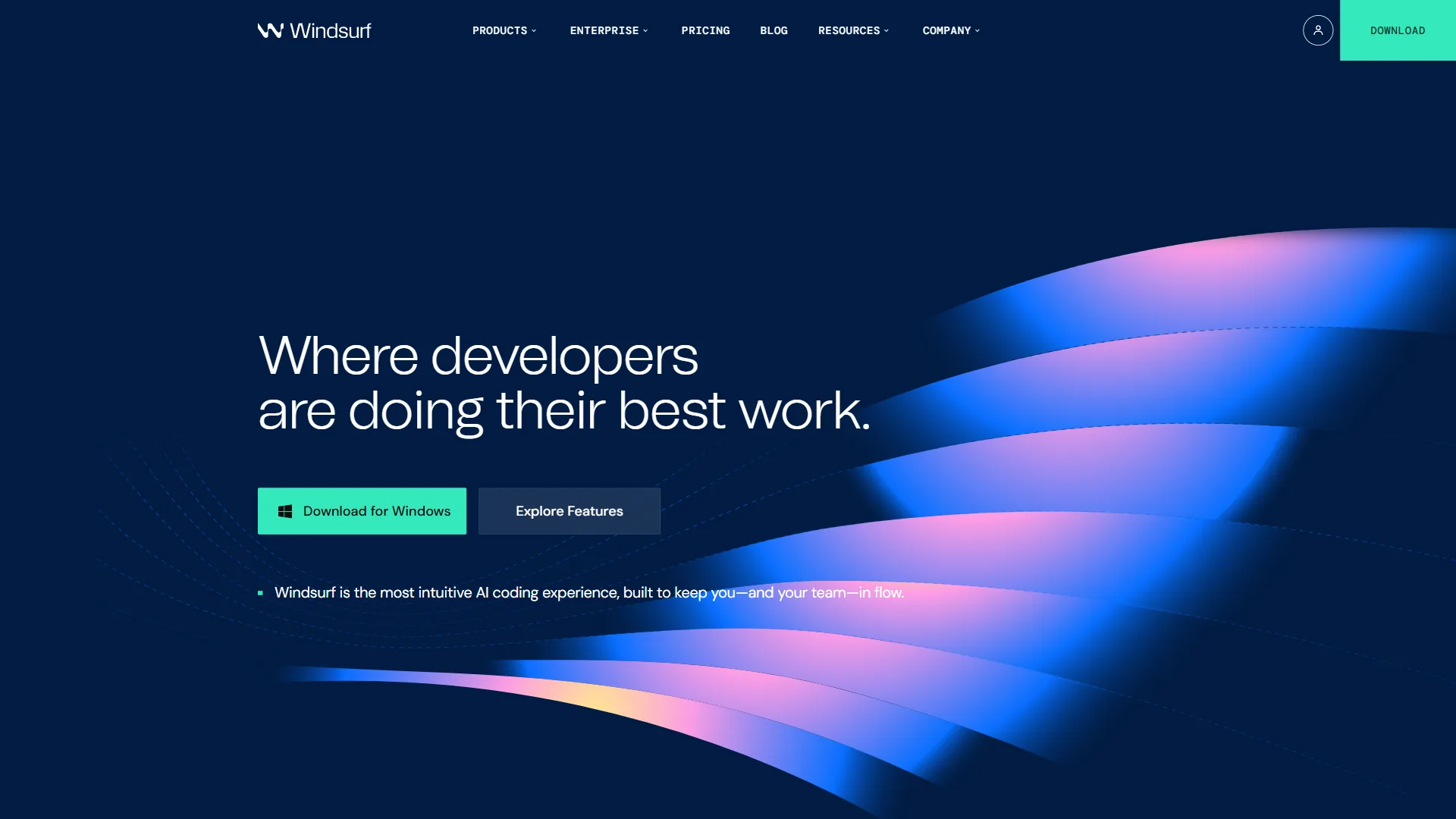
Choose Windsurf if you want to try an AI-native IDE without financial commitment - the free-forever plan includes the core AI features for individual developers and small teams.
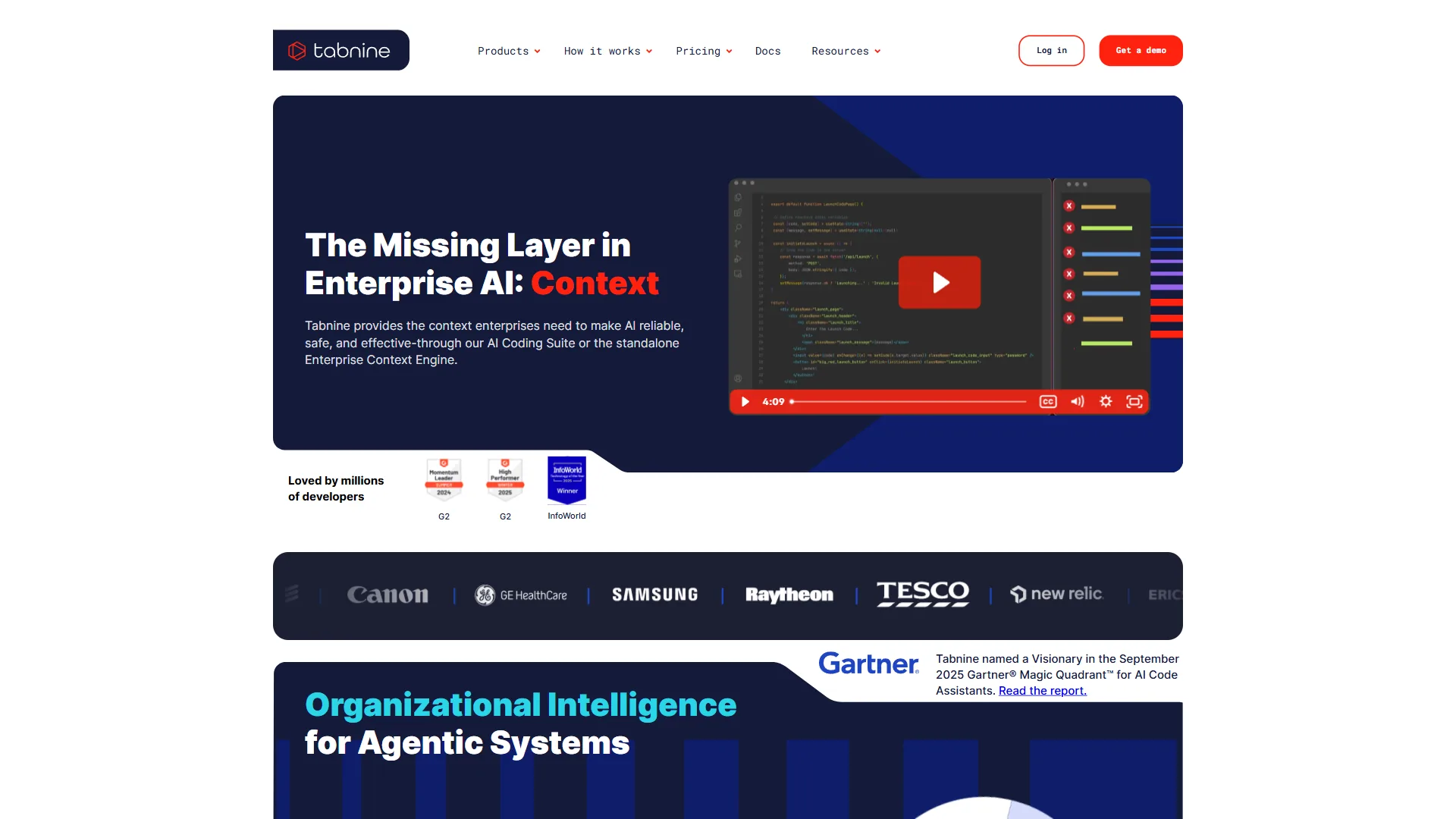
Choose Tabnine if you work at an enterprise with strict data privacy requirements - self-hosted deployment and zero data retention make it the viable option for regulated industries.
Step-by-Step AI Pair Programming Workflow
A reliable AI pair programming workflow is a seven-step loop: frame the problem, generate, review for logic errors, refine with specific feedback, add edge cases, write tests, then document. The sequence below is the battle-tested loop high-performing development teams use in January 2026.
Step 1: Frame the Problem Clearly
Before touching code, write a clear specification comment - what the function fetches, the loading/error states it owns, retry policy (exponential backoff, max 3 attempts), and the typed return contract. Explicit requirements produce explicit code; vague prompts produce vague code.
Step 2: Generate Initial Implementation
Let the AI generate the first draft - Cmd+K (Mac) or Ctrl+K (Windows) in Cursor; Tab to accept a suggestion in GitHub Copilot.
Step 3: Review for Logic Errors
Never blindly accept AI-generated code. Check for off-by-one errors in loops and array indexing, missing null checks before property access, incorrect async/await patterns in Promise chains, and security vulnerabilities (SQL injection, XSS, authentication bypasses). AI models in January 2026 are excellent at syntax but still make subtle logic errors with complex conditionals.
Step 4: Refine with Specific Feedback
When the first draft is not quite right, give targeted feedback. Instead of “fix this,” say “the retry logic does not implement exponential backoff - add a delay that doubles after each attempt: 1s, 2s, 4s.” Specific feedback trains the model to your preferences and produces better results faster.
Step 5: Add Edge Case Handling
AI often generates the “happy path” without considering edge cases. Prompt for them explicitly - network timeouts, malformed JSON, HTTP 429 rate limiting with Retry-After, and partial data with missing required fields.
Step 6: Write Tests
Generate unit tests with the AI but verify coverage yourself: successful fetch with valid data, retry on network error, exhausted-retry throwing, and a malformed-response error path.
Step 7: Document Complex Logic
Have the AI explain its own implementation - maximum total wait time, why Math.min() appears in a delay calculation - so future maintainers do not reverse-engineer the code.
Prompt Engineering for Coding
Prompt engineering for coding is the practice of giving an AI assistant explicit context, examples, and constraints so it produces correct, idiomatic code on the first attempt. The quality of AI pair programming results depends heavily on it - the techniques below separate junior from senior AI-assisted developers.
Technique 1: Provide Context, Not Just Requests
A weak prompt says “create a user dashboard.” A strong prompt says “create a user dashboard for a SaaS analytics app with a 7-day activity chart using Chart.js, key metrics cards (total events, active users, error rate), and a paginated recent-events table - use our existing UI components from @/components/ui and match the dark theme.” Strong prompts name technology choices, specific requirements, existing dependencies, and style guidelines.
Technique 2: Use Examples
When asking for code that follows a specific pattern, paste a short example of the pattern in use and tell the AI “apply this pattern to the following function.” Concrete examples beat abstract descriptions for matching house style on error handling, logging, and return shapes.
Technique 3: Iterate with Constraints
Start broad, then add constraints iteratively - “create a date picker component,” “Make it support date ranges,” “add keyboard navigation,” “ensure it works with screen readers using ARIA labels.” Progressive refinement produces better results than trying to specify everything upfront.
Technique 4: Ask for Explanations
When the AI generates something unexpected, ask why - “Why did you use useReducer instead of useState here? What are the tradeoffs?” Understanding the model’s reasoning helps you learn patterns and catch subtle issues before they ship.
Real Example Prompts That Work
- Refactoring - “Refactor this 200-line component into smaller pieces. Extract data fetching into a custom hook, table rendering into its own component, and filter controls into a third. Maintain the existing prop structure for backward compatibility.”
- Debugging - “This function occasionally returns undefined when it should return an empty array. The bug happens when the API returns 204 No Content. Find the issue and fix it.”
- Performance - “This component re-renders on every keystroke causing lag. Optimize it using React.memo, useMemo, and useCallback where appropriate. Explain which optimizations provide the most benefit.”
Security Best Practices & Code Review
The core security rule is to never let an AI assistant write authentication, authorization, or cryptographic code without a human review pass. AI pair programming introduces new risks that did not exist with traditional development - the practices below keep code safe in January 2026.
Never Trust AI with Security-Critical Code
Never let an AI assistant author authentication logic (password hashing, token validation), authorization checks, cryptographic operations, SQL queries that concatenate user input, or API endpoints handling sensitive data. AI can assist with implementing security libraries correctly (after you verify), adding input validation using established patterns, writing security tests based on OWASP Top 10 guidelines, and reviewing code for common vulnerabilities.
The Two-Pass Review System
Run two passes on every security-sensitive change. AI pass: ask the assistant to review for SQL injection, XSS, CSRF, authentication bypasses, information disclosure, and insecure dependencies. Human pass: manually verify authentication flows, data access controls, input validation (look for bypasses), and error messages (check for information leaks).
Data Privacy Considerations
AI coding assistants collect code snippets used as context, your prompts and the model’s responses, and often file names, project structure, and dependencies. To protect sensitive data: use Tabnine’s self-hosted option in regulated industries, add .cursorignore / .gitignore entries for files with secrets, never paste API keys or passwords into prompts, and review each vendor’s data retention policy.
Safe to share with AI: business logic and algorithms, UI components and styling, test code and documentation, open source libraries and frameworks. Unsafe: production credentials and secrets, customer PII or financial data, proprietary algorithms when IP protection is critical, and pre-release security patches.
Common Mistakes & Troubleshooting
The five most common AI pair programming mistakes are accepting the first solution, writing vague prompts, skipping types and tests, not reading generated code, and using AI for unfamiliar technologies. Even experienced developers fall into these traps when starting with AI pair programming.
Mistake 1: Accepting the First Solution
Problem: AI generates plausible code that contains subtle bugs. Solution: Review every diff critically - ask “would I accept this from a junior developer?” and request improvements if the answer is no.
Mistake 2: Vague Prompts
Problem: “Make it better” or “fix the bug” produces random changes. Solution: Be specific about the symptom and the desired state - “the button does not disable during API calls; add a loading state that disables it while fetching.”
Mistake 3: Ignoring Types and Tests
Problem: AI-generated code lacks proper TypeScript types or test coverage. Solution: Explicitly request types and tests in every prompt; set up linters to enforce the bar.
Mistake 4: Not Reading Generated Code
Problem: Blindly accepting AI suggestions ships technical debt and bugs. Solution: Read every line before accepting it; if a fragment is unclear, ask the AI to explain it.
Mistake 5: Using AI for Unfamiliar Technologies
Problem: AI generates code in frameworks you do not know, making it impossible to verify. Solution: Learn the basics first - tutorials, documentation, courses - then use AI to accelerate, not to teach fundamentals.
Troubleshooting: When AI Gives Wrong Answers
When the AI repeatedly generates incorrect code, simplify the request, provide more context, ask for alternatives (“Show me 3 different approaches”), check your own assumptions, or switch tools - different models excel at different tasks. See the best AI coding assistants for alternatives.
When NOT to Use AI Pair Programming
AI pair programming is powerful but not universal. Five contexts where AI assistance hurts more than it helps:
- Learning fundamentals - Write code manually first when picking up a new language or framework. Use AI only after you understand loops, conditionals, functions, and basic data structures.
- Algorithmic problem solving - Platforms like LeetCode train pattern recognition. Solve the problem yourself first, then use AI to clean up the implementation.
- Understanding existing codebases - Read the code, trace execution paths, build your own mental model. Use AI to fill gaps, not to skip the read.
- Critical production hotfixes - Pressure plus AI suggestions plus no review equals a worse outage. Stabilize first; use AI for the post-mortem write-up.
- Code requiring deep domain expertise - Financial regulations, medical device standards, aerospace control systems. AI handles boilerplate, but verify domain-specific logic with an expert.
Frequently Asked Questions
The questions below cover what readers ask most about AI pair programming in 2026 - whether AI will replace developers, how much faster you will code, workplace policy, language coverage, and team adoption.
Will AI replace developers?
No. As of January 2026, AI pair programming has increased demand for software engineers by making development faster and more accessible. Developers who use AI effectively are significantly more productive than those who do not - the role is shifting from “writer of code” to “architect of systems.”
How much faster will I code with AI pair programming?
Benchmarks from January 2026 show 50-70% faster routine tasks (CRUD, API integrations), 25-40% faster on new features, 20-30% faster debugging, and 40-60% faster refactoring. Speedup grows as you master prompt engineering for your specific tech stack.
Can I use AI pair programming at work?
Check your employer’s policy first. Companies in regulated industries restrict which code can be processed by external AI services, which tools are approved, and how AI-generated code is handled in audits. Some enterprises use self-hosted solutions like Tabnine Enterprise to maintain control over data.
Which programming languages work best with AI?
As of January 2026, AI pair programming tools excel at JavaScript/TypeScript (trained on massive amounts of open source code documented at MDN), Python, Java, and Go - languages with abundant, well-structured training data. They struggle more with niche languages (Elm, F#, OCaml), legacy languages (COBOL, Fortran), and obscure domain-specific languages where training context is thin.
Do I still need to learn to code if AI can write code for me?
Yes. AI pair programming requires you to understand code well enough to review it, recognize when AI suggestions are wrong, design architectures the AI cannot conceive, and debug issues it cannot solve. Treat it like calculators in math - they did not eliminate the need for math skills, they freed people to focus on higher-level problems.
How do I convince my team to adopt AI pair programming?
Start with a pilot: one developer tries AI assistance for 2 weeks, you measure velocity / bug rate / satisfaction, document specific wins, share lessons, then expand gradually. Do not mandate AI tools top-down - let early adopters demonstrate value and adoption spreads organically.
Conclusion: The Future of Collaborative Software
AI pair programming in 2026 has matured from experiment to essential tool, and the future of collaborative software belongs to teams that pair humans with AI assistants well. Three skills make it effective: prompt engineering (communicate intent with context), critical review (audit AI-generated code as thoroughly as a colleague’s PR), and a security mindset (understand the risks and implement safeguards).
Start with Cursor for the most polished experience, GitHub Copilot if you prefer your current IDE, or Windsurf for a risk-free trial - then practice prompt engineering daily.
Related Reads
The pages below extend this AI pair programming guide with deeper tool reviews and forward-looking analysis.
Tools covered:
- Cursor - AI-first code editor with deep codebase understanding
- GitHub Copilot - AI pair programmer for any IDE
- Windsurf - AI coding assistant with generous free tier
- Tabnine - Enterprise-ready AI code completion
Further reading:
External Resources
The sources below back up the productivity, security, and adoption claims in this guide: