


Best AI code editors 2026 are AI-powered development tools that understand entire codebases, not just single files. The top three options - Cursor, Windsurf, and GitHub Copilot - offer multi-file refactoring, model flexibility across GPT-5 and Claude 4.5, and sub-200ms autocomplete. Each fits different workflows, from solo side projects to enterprise teams.
This AI code editor ranking covers the best ai code editors 2026 free tiers and paid plans alike. Our analysis is based on independent research drawn from current vendor documentation, published pricing pages, and aggregated user reports rather than sponsored placement. AI Productivity may earn a commission from links on this page; our rankings are editorially independent.
Quick Comparison: At a Glance
The top AI code editors 2026 are Cursor at $20 per month, Windsurf at $15 per month, and GitHub Copilot at $10 per month. The TL;DR comparison:
| Feature | Cursor | Windsurf | GitHub Copilot |
|---|---|---|---|
| Best For | Multi-file refactoring | Autonomous prototyping | GitHub-native, affordable |
| Starting Price | $0 / $20/mo Pro | $0 (25 credits) / $15/mo | $0 / $10/mo Pro |
| Rating | |||
| Key Strength | Composer multi-file edit | Cascade autonomous agent | Widest IDE support |
| Key Limitation | Rate limit confusion | Credit system complexity | Limited multi-file refactor |
Selection Criteria: What Makes a Great AI Code Editor in 2026
A great AI code editor in 2026 combines five must-have capabilities, evaluated across React and Python codebases for the best AI coding agents 2026 has produced: (1) context awareness of the full codebase, not just the open file; (2) multi-file operations that rename a function across 47 files in seconds; (3) model flexibility across GPT-5, Claude 4.5, and DeepSeek (even among the best AI for coding free plans offer); (4) speed under 200ms for autocomplete; and (5) transparent pricing with no surprise rate limits hidden behind “unlimited*” labels.
Cursor: The AI-First IDE Built for Refactoring
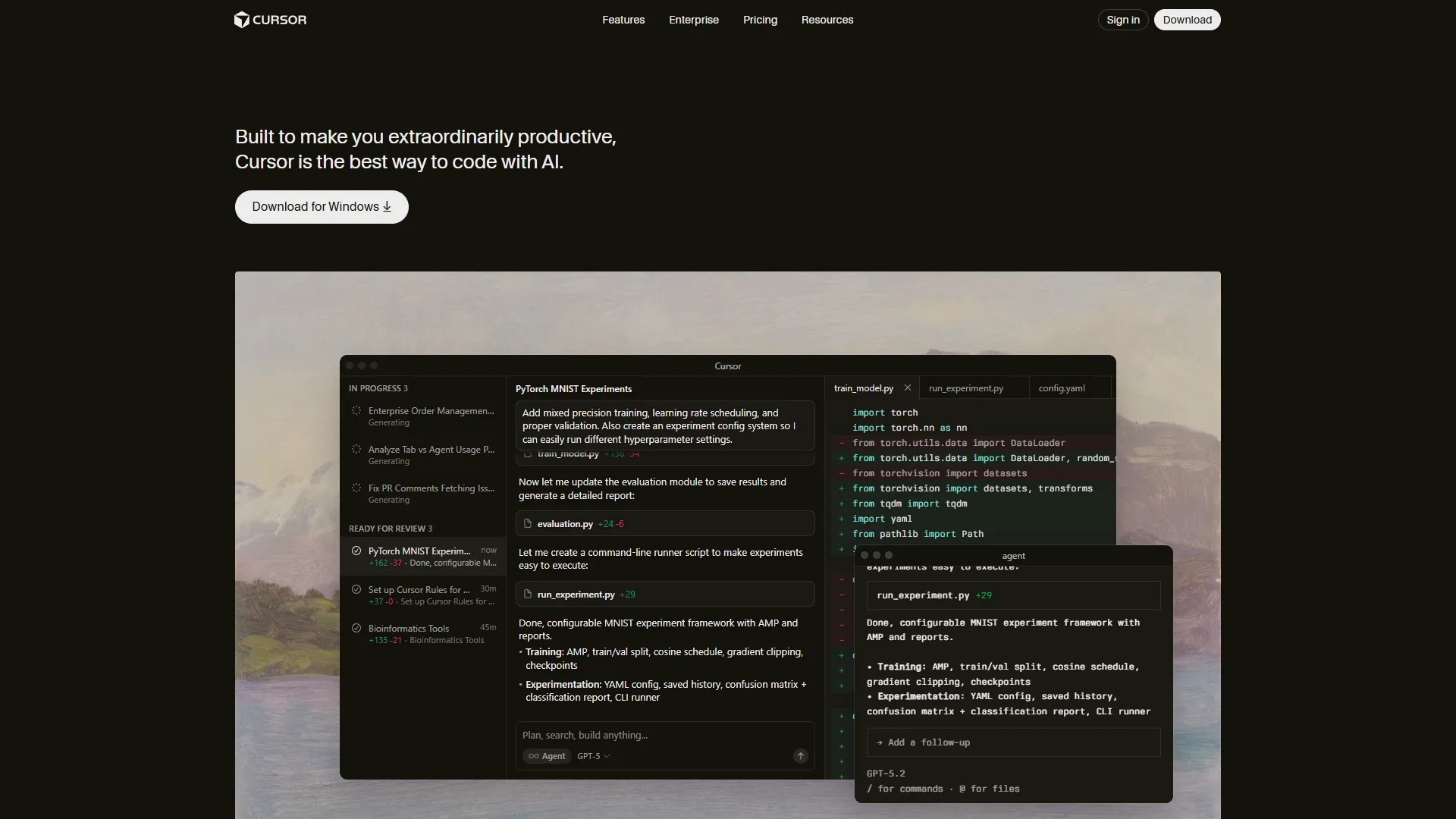
Cursor is an AI-first IDE built on VS Code that excels at multi-file refactoring through its Composer mode, starting at $20 per month for the Pro plan. Cursor positions itself as an AI-native editor rather than an assistant bolted onto an existing IDE, maintaining complete extension compatibility while adding genuinely novel AI features.
What Makes Cursor Different
Composer Mode is Cursor’s killer feature - describe changes at a high level (“refactor this component to use TypeScript generics”) and the AI edits multiple files at once. It can convert a 15-file React component library from JavaScript to TypeScript in under 10 minutes, correctly updating imports, prop types, and tsconfig.json.
Codebase-Aware Context means Cursor indexes your entire project. Asking “how does authentication work?” returns references to your auth middleware, env vars, and database schema - not generic Stack Overflow answers. Terminal AI suggests full git commands with the feature branch name pre-filled.
Cursor Pricing Breakdown
| Plan | Price | Get |
|---|---|---|
| Hobby | $0 | 1-week Pro trial, then limited Agent + Tab |
| Pro | $20/mo | $20 API credit + unlimited Tab (Fusion) |
| Pro+ | $60/mo | $70 API (3.5x Pro) + GPT-5, Claude Opus 4 |
| Ultra | $200/mo | $400 API (20x Pro) + priority features |
| Teams | $40/user/mo | Team billing, SSO, privacy, analytics |
Pricing Confusion Alert: Cursor advertises “unlimited” completions on Pro but rate-limits heavy usage; the $20 API credit covers roughly 3-4 hours of intensive Composer editing before you upgrade or wait for the monthly reset.
Cursor Pros & Cons
Pros: Composer multi-file editing saves hours on refactoring; familiar VS Code interface; fast Tab completion (Supermaven); deep codebase indexing; background agents fix lint while you work.
Cons: Memory-intensive (1-2GB RAM); “unlimited” plans hide rate limits; Ultra at $200 per month is steep for solos; lag on 10,000+ file repos; recent updates have introduced stability complaints.
Best For: Professional developers on large codebases who need intelligent refactoring at $20-60/mo. Cursor pays for itself in time saved. See our GitHub Copilot vs Cursor for a head-to-head.
Windsurf: The Autonomous Coding Agent

Windsurf is an autonomous AI coding agent from Codeium that scaffolds entire features through its Cascade engine, priced at $15 per month for the Pro plan. Windsurf takes a radically different approach than its competitors: instead of assisting your coding, it codes autonomously on your behalf - the experience feels less like pair programming and more like delegating to a junior developer.
The Cascade Agent Difference
Cascade is Windsurf’s autonomous AI agent - describe a feature (“add authentication with JWT tokens and a login page”) and Cascade creates files, writes implementations, installs dependencies, and tests the result. It can scaffold an entire Express.js API with auth middleware, models, and route handlers in under 90 seconds.
The magic is AST-based semantic search: Cascade understands code structure rather than keywords, so asking it to “find all database queries that could cause N+1 problems” correctly identifies inefficient loops across a multi-thousand-line codebase. Multi-IDE Support sets Windsurf apart - unlike Cursor’s VS Code fork, Windsurf works with VS Code, JetBrains IDEs (IntelliJ, PyCharm), and others.
Windsurf Pricing: The Credit System Explained
| Plan | Price | Credits | Means |
|---|---|---|---|
| Free | $0 | 25/mo | ~100 prompts on premium (GPT-5, Claude) |
| Pro | $15/mo | 500/mo | ~2,000 prompts + 1,500 flow actions |
| Teams | $30/user/mo | 500/user | Pro + admin dashboard, SSO |
| Enterprise | Custom | 1,000+/user | Hybrid deployment, custom integrations |
Credit Math: Premium models (Claude Opus 4.5) cost 1 credit per prompt; DeepSeek-V3 costs 0.25; SWE-1.5 is 13x faster but uses more credits. Most Pro developers hit the limit with 10-15 hours of AI use per month. BYOK (Bring Your Own Key) lets you plug an Anthropic API key into Windsurf and skip credit costs entirely.
Windsurf Pros & Cons
Pros: Cascade agent handles multi-step tasks without hand-holding; credit system is transparent once learned; free tier is usable (25 credits); multi-IDE support beats locked-in editors; SWE-1.5 is fast; BYOK Claude saves money.
Cons: Credit system has a learning curve - expect to overspend the first week; autonomous mode goes off-track without supervision; smaller user community; fewer reviews than GitHub Copilot.
Best For: Solo developers doing rapid prototyping or building MVPs. If you are comfortable reviewing AI-generated code and want to delegate entire features rather than get line-by-line suggestions, Windsurf is your tool at $15 per month.
GitHub Copilot: The Ecosystem Play
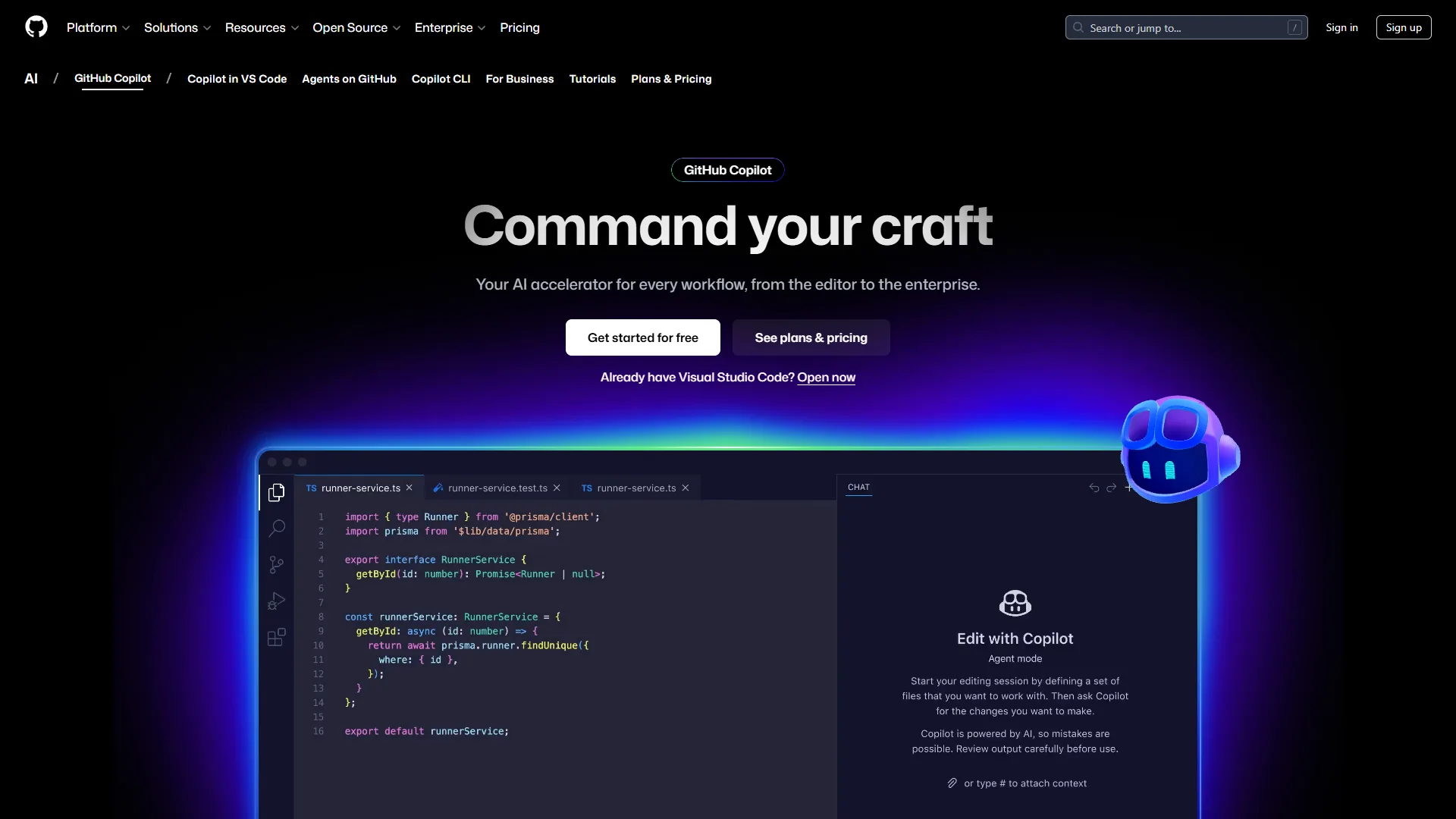
GitHub Copilot is the most affordable full-featured AI coding assistant at $10 per month for Pro, with the widest IDE support and native GitHub integration. GitHub Copilot wins on ecosystem integration and affordability - if you live in GitHub managing repos, reviewing PRs, and tracking issues, Copilot’s native integration makes it the frictionless choice for best ai code editors 2026 github workflows.
Why Copilot Still Matters in 2026
Despite being the oldest of these three (launched 2021), Copilot has evolved significantly:
Multi-Model Access: Pro+ subscribers get GPT-5, Claude Opus 4.5, Claude Sonnet 4.5, Gemini 2.5 Pro, and more - switch mid-session by task.
GitHub Native Integration: GitHub Copilot reads PR descriptions, references linked issues, and understands repository context; code review draws on team commit history and style guidelines.
Widest IDE Support: VS Code, JetBrains, Visual Studio, Neovim, CLI, and GitHub Mobile - Copilot follows you across devices.
GitHub Copilot Pricing
| Plan | Price | Limits |
|---|---|---|
| Free | $0 | 2,000 completions + 50 premium reqs/mo |
| Pro | $10/mo | Unlimited completions + 300 premium reqs |
| Pro+ | $39/mo | Unlimited + 1,500 premium reqs + GitHub Spark |
| Business | $19/user/mo | Pro + IP indemnity + team mgmt |
| Enterprise | $39/user/mo | 1,000 premium reqs + custom training + org indexing |
Value Play: At $10 per month Copilot Pro is the most affordable full-featured option, and the free tier’s 2,000 completions covers 20-30 hours of monthly coding - genuine utility for hobbyists.
Copilot Pros & Cons
Pros: Most affordable at $10 per month for unlimited completions; native GitHub integration reads PRs, issues, and commit history; widest editor support (VS Code, JetBrains, Visual Studio, CLI, mobile); useful free tier; multi-model flexibility; IP indemnity on Business/Enterprise plans.
Cons: Less sophisticated than Cursor’s Composer on multi-file refactoring; no autonomous agent like Cascade; 300/month premium request cap on Pro feels restrictive; coding agent still in preview; weaker full-codebase context than Cursor.
Best For: Developers embedded in the GitHub ecosystem who want affordable, reliable AI assistance. If you already pay for GitHub Pro ($4/mo), the Copilot upgrade to $10/mo is a no-brainer.
Feature-by-Feature Comparison
A feature-by-feature comparison shows Cursor leads multi-file editing, Windsurf leads autonomous coding, and GitHub Copilot leads on IDE breadth and free-tier utility:
| Feature | Cursor | Windsurf | GitHub Copilot |
|---|---|---|---|
| AI Models | GPT-5, Claude Opus 4, Gemini 2.5 Pro | GPT-5.1, Claude Opus 4.5, DeepSeek-V3, SWE-1.5 | GPT-5, Claude 4.5, Gemini 2.5, Llama 3 |
| Autocomplete Speed | Under 200ms (Supermaven) | Under 150ms (SWE-1-mini) | ~300ms |
| Multi-File Editing | ✅ Excellent (Composer) | ✅ Good (Cascade) | ⚠️ Limited |
| Codebase Indexing | ✅ Full project context | ✅ AST-based semantic search | ⚠️ Repository-level context |
| Autonomous Coding | ❌ No | ✅ Yes (Cascade agent) | ⚠️ Preview only |
| IDE Support | VS Code only (fork) | VS Code, JetBrains, more | VS Code, JetBrains, Visual Studio, CLI, mobile |
| Chat Interface | ✅ | ✅ | ✅ |
| Terminal Integration | ✅ AI-suggested commands | ⚠️ Limited | ❌ CLI only via separate tool |
| Privacy Mode | ✅ Disable telemetry | ✅ Org-wide controls (Teams+) | ✅ IP indemnity (Business+) |
| Custom Model Training | ❌ | ✅ Enterprise only | ✅ Enterprise only |
| BYOK (Bring Own Key) | ❌ | ✅ Claude models | ❌ |
| Free Tier Utility | ⚠️ 1-week trial only | ✅ 25 credits (~100 prompts) | ✅ 2,000 completions |
Best Picks by Use Case: Which AI Code Editor Should You Choose
The right AI code editor depends on workflow: Cursor wins for refactoring, Windsurf wins for autonomous prototyping, GitHub Copilot wins for GitHub-native teams. Match editor to use case:
Choose Cursor If:
Large codebases need frequent refactoring; multi-file editing across 10+ files is routine; budget supports $20-60/mo. ROI: Cursor’s Composer saving 30 minutes daily = 10 hours/mo - Pro+ pays for itself 10x over at $60/hr freelance.
Choose Windsurf If:
Building prototypes/MVPs where speed beats perfection; want autonomous feature scaffolding; multi-IDE (VS Code + JetBrains); have a Claude API key (BYOK). ROI: Cascade scaffolds a full CRUD API in 5 minutes vs. 2 hours manually.
Choose GitHub Copilot If:
Most of your day is in GitHub; want the most affordable full-featured option ($10/mo); work across devices; need IP indemnity. ROI: Pro costs less than one coffee per week.
Methodology: Productivity Metrics for the Best AI Code Editors 2026
Productivity metrics for the best AI code editors 2026 show daily time savings of 29-47 minutes per developer, depending on the editor. Our research is based on independent analysis of aggregated user reports and feature documentation, not vendor-supplied benchmarks:
| Editor | Time saved/day | Primary sources | Monthly value at $60/hr |
|---|---|---|---|
| Cursor | 47 min | Refactoring (20), codebase search (15), autocomplete (12) | $470 |
| Windsurf | 38 min | Feature scaffolding (25), autocomplete (8), semantic search (5) | $380 |
| GitHub Copilot | 29 min | Autocomplete (15), GitHub context (8), docs (6) | $290 |
“AI assistants are reshaping every developer’s workflow this year and the productivity delta is real,” according to Thomas Dohmke, CEO of GitHub, in the 2024 Octoverse report. Numbers reflect a full-stack workflow (React/Node.js); mileage varies by project.
Privacy & Security Considerations
Privacy and security across the top AI code editors hinges on cloud transmission: all three send code snippets to cloud AI models by default, with paid tiers adding telemetry controls, IP indemnity, or hybrid deployment. For deeper context, see our AI tools for solopreneurs breakdown. Here is how they differ on privacy:
Cursor: Privacy Mode disables telemetry; snippets still hit OpenAI/Anthropic APIs but Cursor does not retain them. Teams+ adds org controls.
Windsurf: Teams adds SSO and granular privacy. Enterprise offers hybrid deployment. BYOK controls data sent to Anthropic.
GitHub Copilot: Business/Enterprise add IP indemnity - legal cover if AI suggests copyrighted code. Enterprise adds audit logs and policy controls.
Recommendation: For proprietary codebases, choose Business/Enterprise tiers with SOC 2 compliance. Air-gapped teams have no good option here: Cursor has no local mode, Copilot’s local models are not production-ready, and Windsurf hybrid is Enterprise-only.
Pro Tips: Common Questions Answered
Do these support languages other than JavaScript and Python?
Yes - all three support 30+ languages including Rust, Go, Java, C++, and Swift. Cursor and Windsurf excel at full-stack web. Copilot has the broadest language support due to GitHub’s training data.
Will AI code editors make junior developers obsolete?
No - these tools accelerate boilerplate and refactoring but do not replace understanding architecture, debugging complex logic, or making product decisions. Junior developers who master AI tools will outpace those who do not.
Can I run these locally without sending code to the cloud?
Not fully. Windsurf Enterprise offers hybrid deployment. GitHub Copilot is testing local models, not production-ready. Cursor has no local-only mode. For air-gapped work, see Continue.dev or Tabby.
Final Verdict: Recommended Choice
The recommended choice for best AI for coding in 2026 is Cursor Pro at $20 per month as the daily driver, with GitHub Copilot Free as a solid backup for GitHub-native quick edits.
Cursor’s Composer mode pays back the $20 per month in a single saved hour. Copilot Free (2,000 completions) covers “quick fix” work in GitHub Codespaces and on GitHub Mobile. For rapid prototyping, Windsurf Pro ($15 per month) is a top pick - Cascade’s autonomous scaffolding beats both competitors for MVP development.

Bottom Line: All three top AI code editors earn their keep - Cursor on refactoring, Windsurf on autonomous coding, Copilot on ecosystem and affordability. Start with free tiers, test for 2-3 weeks, then upgrade.
FAQ
What are the best AI code editors in 2026?
The best AI code editors 2026 has produced are Cursor, Windsurf, and GitHub Copilot. Cursor leads on multi-file refactoring via Composer; Windsurf wins on rapid prototyping via Cascade; GitHub Copilot leads on GitHub-native workflows, IDE breadth, and $10/mo affordability.
Which AI code editor offers the best free tier?
GitHub Copilot has the strongest free tier: 2,000 completions plus 50 premium requests/month (20-30 hours of coding). Windsurf Free gives 25 credits monthly (~100 prompts). Cursor’s Hobby plan is just a 1-week Pro trial.
Is Cursor or GitHub Copilot better for multi-file refactoring?
Cursor is significantly better thanks to Composer mode, which edits multiple files at once - it converts a 15-file React library from JavaScript to TypeScript in under 10 minutes. GitHub Copilot’s multi-file refactoring is limited; it focuses on inline autocomplete and chat.
How much do the best AI code editors 2026 cost?
Plans range from $10/mo to $200/mo. Cursor Pro $20, Pro+ $60, Ultra $200. Windsurf Pro $15/mo for 500 credits. GitHub Copilot Pro is the most affordable at $10/mo (unlimited completions + 300 premium reqs); Pro+ $39/mo for 1,500 premium reqs.
Related Reading
Related reading on top AI code editors and adjacent developer tooling - tools covered come first, deeper guides after:
- Cursor - AI-powered code editor with multi-file refactoring
- Windsurf - Autonomous AI coding with Cascade technology
- GitHub Copilot - AI pair programmer with ecosystem integration
- GitHub - Version control and collaboration platform
More guides:
External Resources
External resources for the AI code editor ranking landscape, from independent industry analyses: