





The best AI calendar apps in 2026 are Motion for aggressive task auto-scheduling, Reclaim.ai for focus-time protection, Sunsama for guided daily planning, Calendly for external meeting booking, and Cal.com for open-source flexibility. These tools actively manage your time rather than simply tracking it, saving knowledge workers 5-10 hours per week.
This comparison draws on each vendor’s current pricing and feature documentation plus independent research rather than sponsored placement. AI Productivity may earn a commission from links on this page; our rankings are editorially independent.
Finding the best AI calendar apps in 2026 is about matching the tool to how you actually work, not picking the most popular option. Comparing Motion, Reclaim.ai, Sunsama, Calendly, and Cal.com side by side, the right AI scheduling assistant saves 5-10 hours per week. The category spans best AI calendar apps 2026 iOS and for Android platforms alike, and not all “AI calendars” deliver the same value - some auto-suggest meeting times, others actively restructure your day around priorities and energy. The difference is several hundred dollars per month in recovered productivity for a typical knowledge worker, and Microsoft’s 2026 Work Trend Index reports two-thirds of leaders say their teams lose more time than ever to fragmented schedules.
Selection Criteria: What Makes an AI Calendar Different
An AI calendar is a scheduling tool that actively manages your time instead of passively recording it - it auto-schedules tasks, defends focus blocks against low-priority meetings, learns your productivity patterns, and resolves conflicts without manual input. Traditional calendars are passive repositories - you add events, they display them - and Harvard Business Review research shows that this passivity is exactly what lets meeting overload erase focus time.
AI calendars are active participants in your productivity system. They:
- Automatically schedule tasks based on priority and deadlines (not just meetings)
- Optimize for focus time by defending blocks against low-priority meetings
- Adapt to your patterns and learn when you are most productive for different work types
- Handle scheduling conflicts without manual intervention
- Integrate with your tools to pull tasks from project management apps and auto-block time
The key distinction is that AI calendars manage time, not just track it. This aligns with deep work principles and the calendar blocking techniques used by high-output knowledge workers. Each tool has a different philosophy about how much control to take: Motion wants to own your entire schedule, Reclaim.ai works around your existing habits, and Sunsama focuses on intentional daily planning.
Best AI Calendar Apps 2026
Motion: The AI Task-Calendar Hybrid
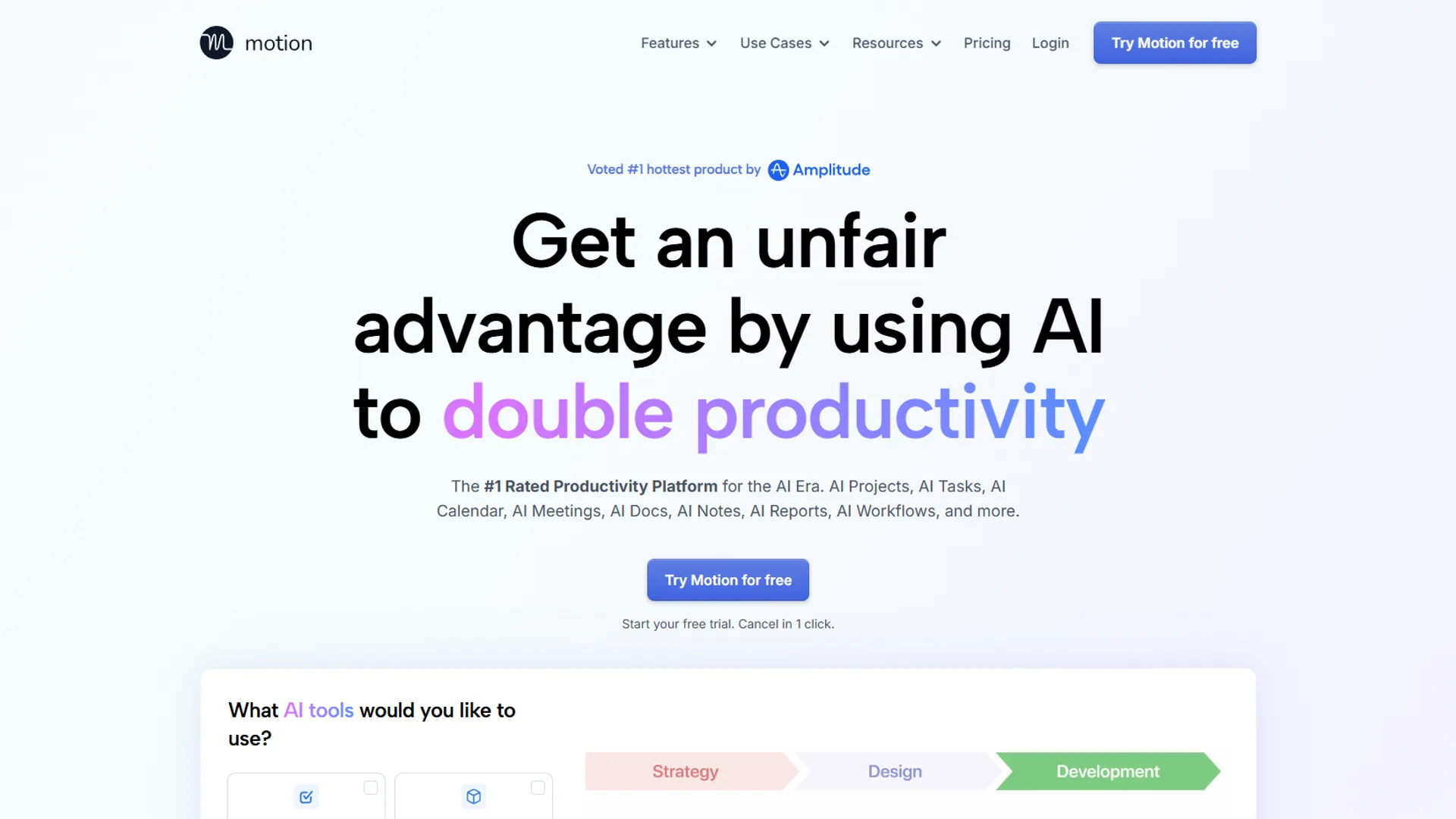
Motion is the most aggressive AI calendar on the market - it auto-schedules tasks based on deadlines, priorities, and your available time blocks rather than just suggesting when to work.
How It Works: You input tasks with deadlines and estimated duration. Motion’s AI then plays Tetris with your calendar, fitting work blocks around meetings and optimizing for your productivity patterns. When a meeting gets added, Motion instantly reshuffles everything (the underlying approach is detailed in Motion’s official help center).
Pricing (December 2026):
- Pro AI: $19/month (annual: $12.73/month annual)
- Business AI: $29/month per seat
- Enterprise: custom pricing
Best For: Solopreneurs drowning in task management, teams that want automatic workload balancing, and people who struggle with time estimation.
Limitations: Motion requires significant trust - if you are not comfortable with an AI rearranging your day without asking, this will feel invasive. Unlike a Fantastical calendar setup or the best free calendar app to sync multiple calendars, Motion’s mobile app lags behind the desktop experience and critical meetings sometimes do not sync fast enough. Skip Motion if your work is mostly meetings rather than tasks; the Pro AI tier is the cheapest way in (no free tier), and the auto-reshuffle behavior fights fixed external commitments like client calls.
Verdict: Users report saving about 7 hours per week on calendar management and task prioritization with Motion. The tradeoff is retraining yourself to trust the AI’s scheduling decisions - the learning curve is real, and the price is steep for individuals.
Reclaim.ai: The Smart Habit Builder
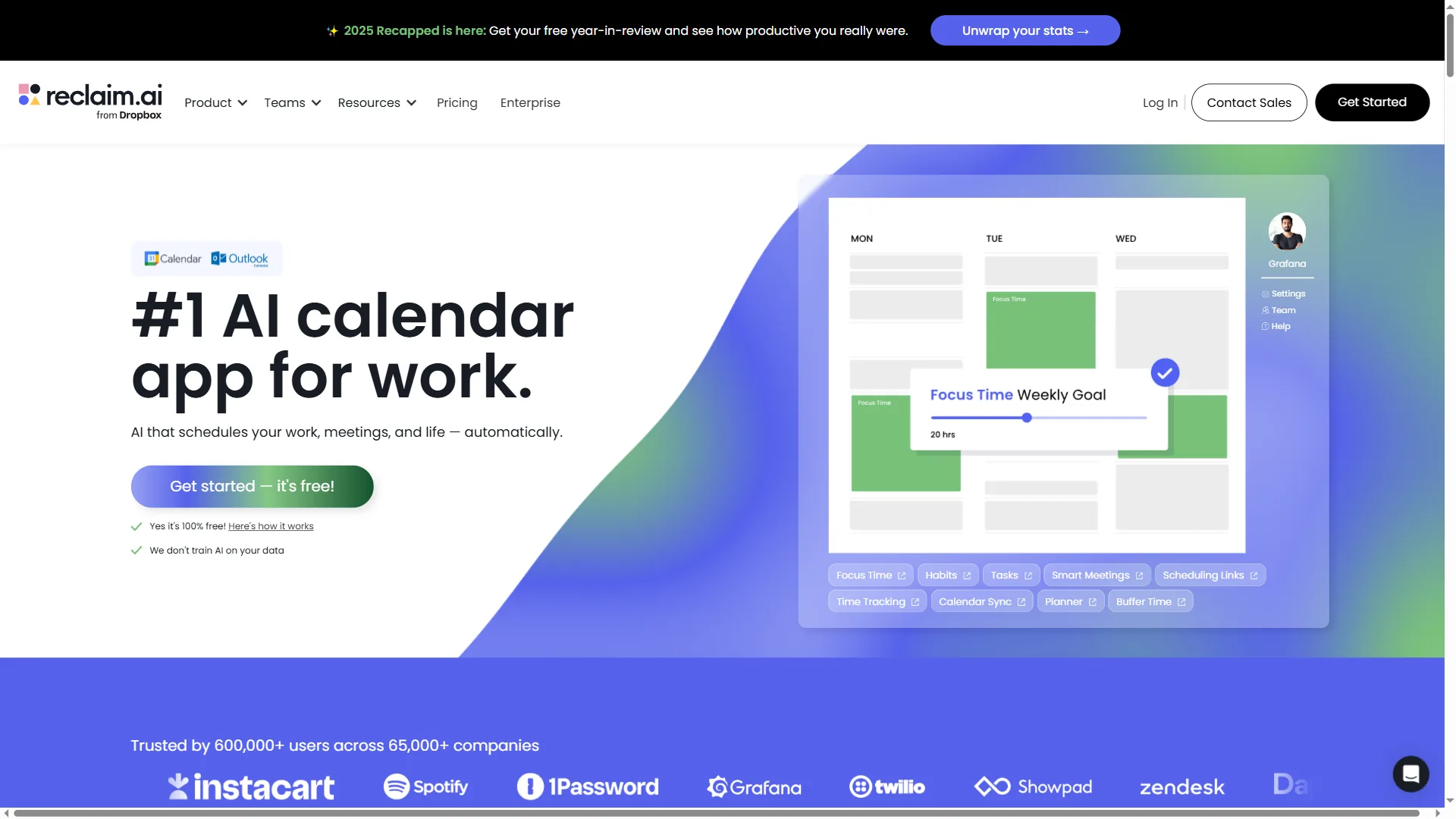
Reclaim.ai takes a different approach: instead of scheduling individual tasks, it protects recurring habits and focus time blocks. Think “2 hours of deep work every morning” or “30 minutes of email processing after lunch.”
How It Works: You define “habits” (recurring work types) with ideal frequency and duration. Reclaim’s AI finds the best available slots, then defends them against meeting requests. If a high-priority meeting gets scheduled, Reclaim automatically moves your habit to the next best time. Reclaim’s own focus-time research shows knowledge workers lose roughly half their week to context switching, and habit-based scheduling exists to claw that time back.
Pricing (December 2026):
- Lite: Free for one calendar
- Starter: $12/month per user
- Business: $18/month per user
- Enterprise: custom pricing
(highest rated in this comparison)
Best For: Knowledge workers who need consistent focus time, teams struggling with meeting overload, and people who want AI assistance without full calendar control.
Limitations: Reclaim does not handle one-off tasks as elegantly as Motion - project-based work needs a separate task manager, and the free tier is limited enough that the paid plan is required to see real value.
Verdict: Reclaim.ai has the best balance of AI intelligence and user control. It protects 10 hours of deep work per week, and the AI successfully defends those blocks about 85% of the time - the most polished product in the category.
Sunsama: The Intentional Daily Planner
Sunsama takes the opposite philosophical stance from Motion: rather than letting AI auto-schedule your day, it walks you through a guided daily planning ritual that combines tasks, meetings, and realistic time budgets in a single view.
How It Works: Each morning, Sunsama prompts you to import tasks from Asana, Trello, Notion, GitHub, and your inbox, then drag them onto a time-blocked daily plan. AI assists with time estimates, surfaces overcommitment warnings when your planned hours exceed realistic capacity, and rolls unfinished work to tomorrow. Weekly objectives sit alongside the day view so you stay anchored to bigger goals.
Pricing (December 2026):
- Yearly billing: paid annually with a per-user rate
- Monthly billing: a small premium over the annual rate
- 14-day free trial (no card required)
Best For: Knowledge workers who want a deliberate, human-in-the-loop daily plan, managers juggling tasks across multiple project tools, and anyone burned out by aggressive auto-scheduling.
Limitations: Sunsama is not cheap and there is no free tier - you commit to the planning ritual or you do not. The AI is intentionally lighter than Motion or Reclaim; it nudges rather than reshuffles, which is the point but can feel underpowered if you wanted more automation. Team-wide focus-time defense across calendars is outside its scope.
The Verdict: Sunsama is the strongest pick when the bottleneck is decision fatigue rather than mechanical scheduling. The 15-minute morning ritual replaces five different to-do lists with one prioritized plan, and users typically reclaim 4-6 hours per week that previously vanished into context switching.
Calendly: The AI-Powered Booking Page
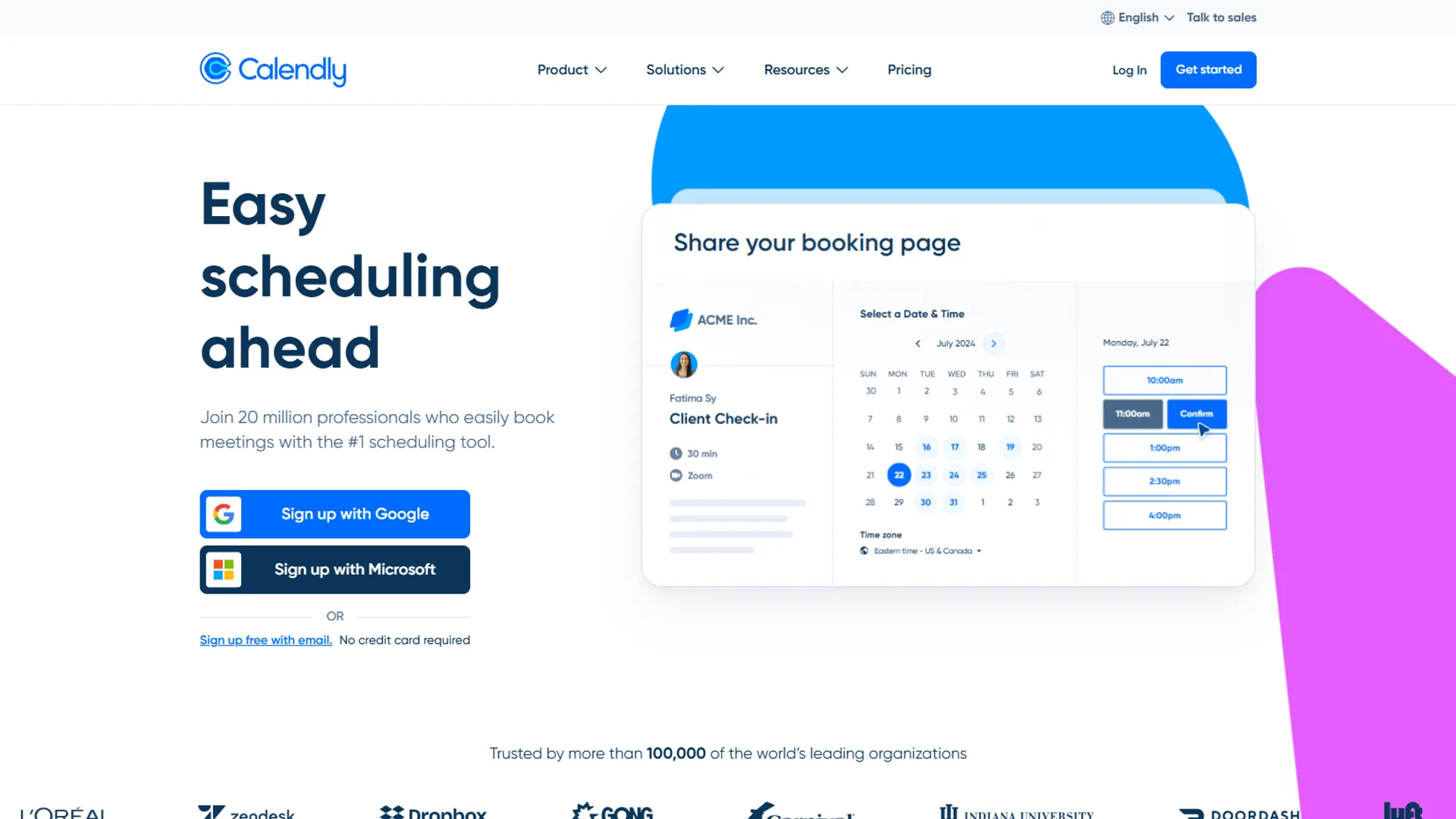
Calendly is not trying to manage your entire calendar - it solves the specific pain of scheduling external meetings. The AI features optimize availability, route meeting requests, and minimize back-and-forth emails.
How It Works: You create booking pages with your availability rules. Calendly’s AI learns your scheduling patterns and suggests optimal meeting times based on when you typically accept calls. Advanced features include smart routing (directing different request types to different team members) and buffer time between meetings.
Pricing (December 2026):
- Free: Basic scheduling, 1 event type
- Standard: $12/month per user
- Teams: $20/month per user
- Enterprise: custom pricing
Best For: Sales teams booking demos, consultants managing client calls, and anyone who sends “find a time” emails frequently.
Limitations: Calendly does not touch your internal workflow - if you need help with task scheduling or focus time, this will not help, and the Teams tier adds up quickly across multiple seats. Free-tier users are capped at one event type (vs unlimited on Cal.com), and round-robin routing, Salesforce sync, payment collection via Stripe, and workflow automations all require the paid Teams plan.
Assessment: Calendly excels at external meeting scheduling, saving roughly 3 hours per week on back-and-forth emails. The AI is not revolutionary, but the workflow polish is exceptional.
Cal.com: The Open-Source Alternative
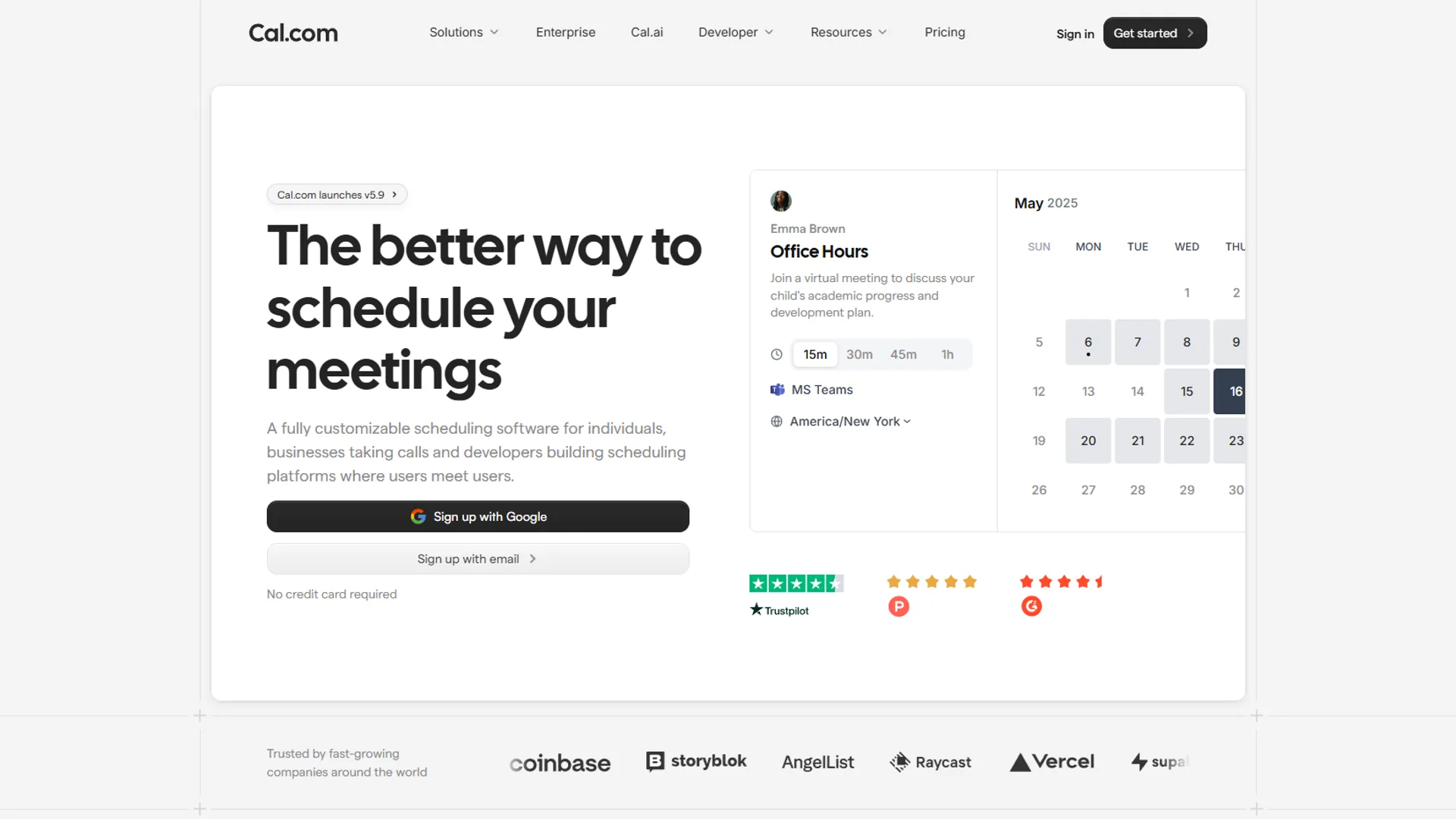
Cal.com is the open-source challenger to Calendly - it offers similar booking page functionality with more customization and, critically, the option to self-host.
How It Works: Like Calendly, you create booking pages with availability rules. The AI features are lighter (basic smart scheduling, no advanced routing), but the platform is fully customizable. You can modify the source code, embed it anywhere, and integrate with virtually any tool.
Pricing (December 2026):
- Free tier: Unlimited event types (vs. 1 on Calendly)
- Paid SaaS tiers ranging through Essentials, Professional, and Enterprise (priced per user)
- Self-hosted: Free (requires technical setup)
Best For: Developers who want scheduling infrastructure, teams with strict data privacy requirements, and organizations building custom scheduling workflows.
Limitations: The AI features are basic compared to Calendly - no smart routing, limited pattern learning, and the mobile experience needs work. Self-hosting is powerful but requires dev resources to maintain.
Verdict: Cal.com is ideal if you need control over your scheduling infrastructure. The free tier is genuinely useful (unlike Calendly’s), and the self-hosted option is a major upgrade for teams with data compliance requirements - though Calendly is still ahead on polished AI features. Skip Cal.com if your priority is salesforce-grade booking automation rather than open-source flexibility; self-hosting requires DevOps capacity, and the SaaS tier still trails Calendly on advanced routing, payment collection, and CRM integrations.
Comparison Table
The five leading AI calendar apps are split cleanly into two categories: Motion and Reclaim.ai win on AI task scheduling and focus-time protection, while Calendly and Cal.com win on external booking pages, with Reclaim.ai also offering the strongest free tier with meaningful AI features. According to Cal Newport, computer-science professor at Georgetown University and author of Deep Work, “There is enough time for the things that matter to you - the trick is getting it onto your calendar before everything else does.” That principle underpins how every tool below defends time. The table below stacks up the five AI calendar apps on key factors:
| Feature | Motion | Reclaim.ai | Sunsama | Calendly | Cal.com |
|---|---|---|---|---|---|
| Pricing (Starting) | $19 | Free tier | Paid only (annual billing) | Free tier | Free tier |
| AI Task Scheduling | ✅ Full | ✅ Habits | ✅ Guided | ❌ No | ❌ No |
| Focus Time Protection | ✅ Yes | ✅ Yes | ⚠️ Manual | ❌ No | ❌ No |
| Team Coordination | ⚠️ Basic | ✅ Yes | ⚠️ Basic | ⚠️ Basic | ⚠️ Basic |
| Booking Pages | ❌ No | ❌ No | ❌ No | ✅ Advanced | ✅ Good |
| Rating | N/A | N/A | |||
| Free Tier Value | ❌ No free tier | ⚠️ Limited | ❌ Trial only | ⚠️ Very limited | ✅ Strong |
| Mobile Experience | ⚠️ Needs work | ✅ Excellent | ✅ Good | ✅ Excellent | ⚠️ Basic |
| Best For | Solopreneurs | Knowledge workers | Daily planners | Sales/consulting | Privacy-focused teams |
On reported time recovered per week, the five tools rank as follows based on user-reported figures and vendor research cited in this guide:
| App | Lowest paid entry | Free tier | Reported weekly time saved |
|---|---|---|---|
| Motion | Paid only (no free tier) | None | ~7 hours |
| Reclaim.ai | Free, then per-user paid | 1 calendar | Up to 10 hours of protected deep work |
| Sunsama | Paid only, annual billing | 14-day trial | ~4-6 hours |
| Calendly | Free, then per-user paid | 1 event type | ~3 hours |
| Cal.com | Free SaaS or self-hosted | Unlimited event types | Varies (booking-only) |
Which Tool Fits: Best AI Calendar Apps 2026 by Use Case
The right AI calendar app is the one that fits your primary bottleneck:
- Choose Motion if you are a solopreneur juggling 20+ projects, struggle with task prioritization and time estimation, and will pay premium pricing to trust an AI with your schedule.
- Choose Reclaim.ai if you need consistent focus time blocks for habit-based work (content, analysis, admin) and want AI assistance without giving up full control - it consistently tops the category on user ratings.
- Choose Sunsama if decision fatigue is a bigger problem than scheduling chaos, your tasks live across multiple tools (Asana, Notion, GitHub, email), and you prefer to plan deliberately each morning over having AI reshuffle on the fly.
- Choose Calendly if you schedule frequent external meetings (sales calls, client consultations) and value polish and reliability over cutting-edge AI.
- Choose Cal.com if you have data privacy or compliance requirements, need customization beyond what SaaS tools offer, and have dev resources to maintain self-hosted infrastructure - the free tier is the strongest in the category.
Recommended Stack: Reclaim.ai paired with Calendly is the affordable combo for solo users - focus-time protection plus external bookings, saving 8-10 hours per week. Motion is powerful but expensive for solos, and Sunsama is the better pick when the daily planning ritual matters more than auto-scheduling. Teams comparing more options can consult the wider best AI calendar tools 2026 roundup, the AI scheduling assistants roundup, and the deeper Motion vs Reclaim breakdown.
Conclusion
The best AI calendar app in 2026 is Motion for task-heavy solopreneurs, Reclaim.ai for protected focus time with retained control, Sunsama for decision-fatigue relief, Calendly for frequent external meetings, and Cal.com for open-source or self-hosted scheduling. Motion excels at aggressive task scheduling. Reclaim.ai offers the best balance of AI intelligence and user control, earning its top rating through consistent focus time protection. Sunsama wins when intentional daily planning beats automation, Calendly remains the booking page gold standard, and Cal.com offers open-source flexibility for teams with custom needs.
Start with three questions: do you need help with tasks, meetings, or both; are you optimizing for individual productivity or team coordination; and how much control are you willing to give an AI? The free tiers are generous enough to test before committing - try Reclaim.ai for two weeks, see if the AI actually saves you time, then expand from there. Pick the tool that matches your workflow, not the one with the most features.
FAQ
Reclaim.ai is the highest rated AI calendar app in 2026, Motion saves the most task-management time per week, and the right fit depends on whether your bottleneck is tasks, focus time, or external booking.
Q: What is the best digital calendar for 2026?
The best digital calendar for 2026 is Reclaim.ai for individual knowledge workers who want the best balance of AI intelligence and user control. Motion suits solopreneurs juggling many projects, Sunsama leads for intentional daily planning, Calendly excels at external meeting booking, and Cal.com is ideal for teams needing open-source flexibility or data privacy compliance.
Q: What is the highest rated calendar app?
Reclaim.ai is the highest rated calendar app in the AI category in 2026. It protects up to 10 hours of deep work per week and successfully defends those focus blocks about 85% of the time. Its balance of AI intelligence and user control - without fully handing over schedule management - makes it the most polished product in the space.
Q: What are the best AI calendar apps?
The best AI calendar apps in 2026 are Motion, Reclaim.ai, Sunsama, Calendly, and Cal.com. Motion auto-schedules tasks, Reclaim.ai protects habits and focus time, Sunsama guides a daily planning ritual, Calendly handles external booking pages, and Cal.com offers an open-source alternative with self-hosting.
Q: What is the best AI app in 2026?
The best AI calendar app in 2026 is Reclaim.ai for most knowledge workers, based on user ratings and time saved per week. For task-heavy workflows, Motion is the stronger pick; for booking-page workflows, Calendly leads.
Q: Which AI calendar app saves the most time per week?
Reclaim.ai saves the most time per week in the AI calendar category, protecting up to 10 hours of deep work and defending those blocks about 85% of the time. Motion users report saving about 7 hours per week on calendar management and task prioritization, and a combined Reclaim.ai plus Calendly stack is estimated to save 8-10 hours per week at the lowest paid tier of each.
Related Reading
Related reading is split between dedicated reviews of the five AI calendar apps compared above and deeper scheduling-workflow guides. Tools covered in this article:
- Motion - AI calendar that auto-schedules tasks around meetings
- Reclaim.ai - Smart habit builder and focus time defender
- Calendly - AI-powered scheduling and booking pages
- Google Workspace - Productivity suite with calendar integration
More scheduling and productivity guides:
- Motion vs Reclaim - AI calendar assistant comparison
- Best AI Meeting Assistants 2026 - Meeting tools to pair with your calendar
- Best AI Project Management Tools 2026 - Task management beyond calendars
External Resources
The official vendor blogs below are the primary sources for current pricing, feature changes, and scheduling research behind this comparison:
- Motion Blog - Product updates and AI scheduling insights
- Reclaim.ai Blog - Focus time and productivity research
- Sunsama Blog - Daily planning and intentional productivity
- Calendly Blog - Scheduling best practices and updates