


Tana vs Anytype is a comparison of two structured note-taking apps that take opposite approaches to knowledge management. Tana is cloud-first, using AI-powered Supertags and multi-model AI integration, while Anytype is local-first with end-to-end encryption and full offline support. Both go far beyond what Notion or Obsidian offer out of the box.
The tana vs anytype debate is a philosophical split: both tools rejected flat documents in favor of structured data models that go far beyond what Notion or Obsidian offer, and both demand real learning investment before they pay off.
But their answers to the core question - where should your knowledge live and who should control it? - diverge sharply. Tana bets on cloud-first AI, integrating multiple language models directly into your workspace. Anytype bets on local-first encryption, keeping every byte on your device with P2P sync and zero cloud dependency.
This tana vs anytype comparison breaks down every dimension that matters across research notes, project tracking, and daily journaling so you can pick the right one for how you actually work.
Comparison Table
Tana costs $10 per month for cloud-based AI Supertags, while Anytype costs $99 per year for local-first encrypted Objects. This guide compares both tools across the features that actually matter for daily work, drawing on each vendor’s current documentation rather than estimates.
Our analysis is based on vendor documentation, public pricing pages, and independent research; AI Productivity may earn a commission from links on this page, but our rankings are editorially independent.
| Factor | Tana | Anytype |
|---|---|---|
| Rating | ||
| Price | Free / $10/mo Plus / $18/mo Pro | Free / $99/yr Builder |
| Data Model | Supertags (object-oriented templates) | Objects, Types, and Relations |
| Data Storage | Cloud-only | Local-first with P2P sync |
| Encryption | Standard cloud security | End-to-end encryption |
| AI Features | Multi-model (GPT-5.1, Gemini, Claude) | None built-in |
| Offline Access | No | Full offline support |
| Mobile App | Limited | Decent |
| Open Source | No | Yes (7,000+ GitHub stars) |
| Collaboration | Workspace sharing | Shared spaces (limited) |
| Best For | AI-powered knowledge workers | Privacy-first note takers |
Quick tradeoffs: skip Tana if you need offline access or dislike per-credit AI billing; skip Anytype if AI features are core to your workflow or you rely on mobile for serious editing.
Tana: AI-Native Knowledge Graph
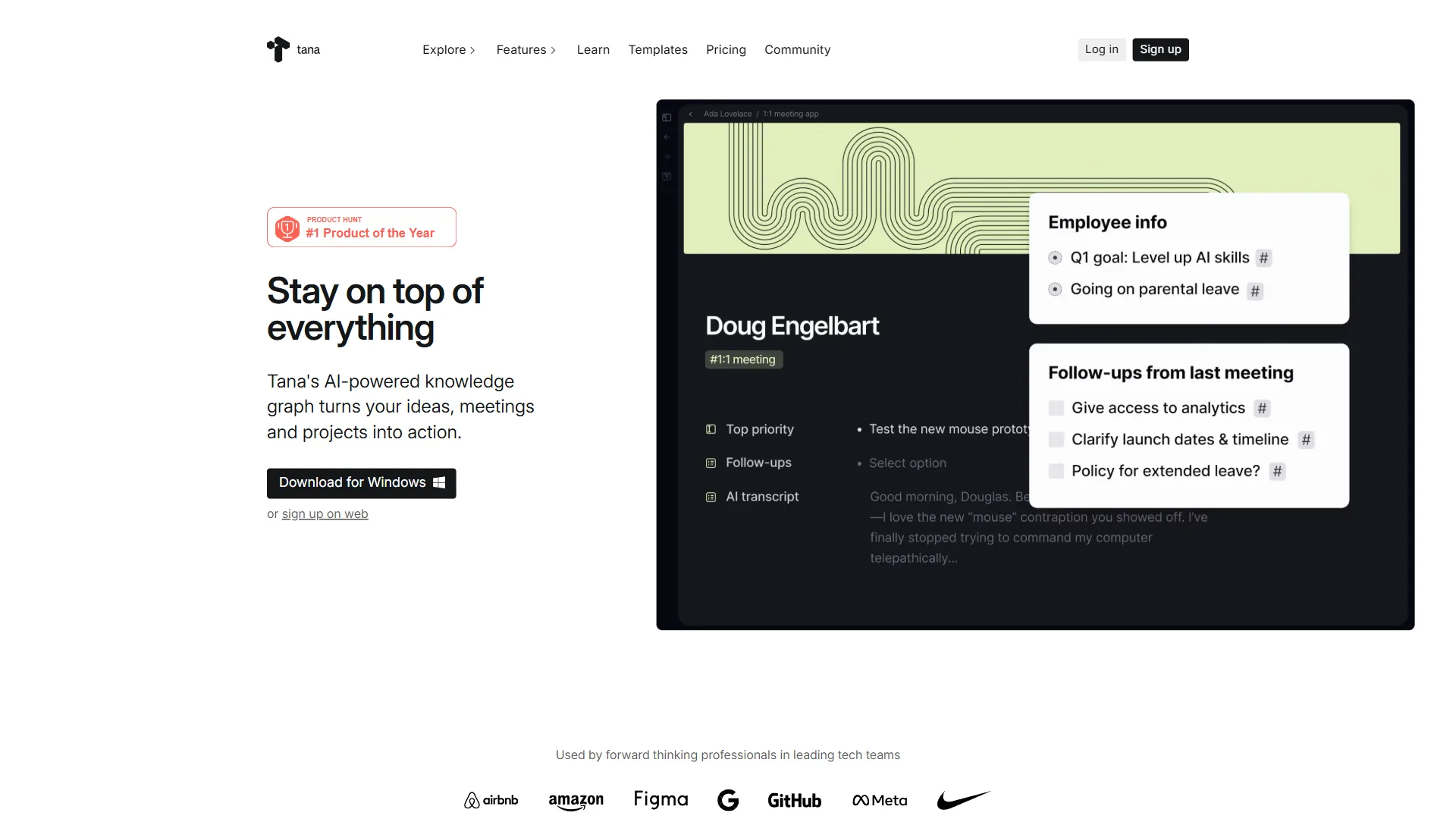
Tana is built around one core insight: notes should behave like objects in a database, not lines in a document. When you create a note in Tana and apply a Supertag, that note gains structured fields, custom properties, and the ability to appear in dynamic queries - all without leaving the outliner interface.
What Makes Tana Different
The Supertag system is what separates Tana from everything else in the note-taking space. Create a #Meeting Supertag with fields for Attendees, Date, Action Items, and Status. Now every note tagged #Meeting becomes a structured record you can filter, sort, and query across your entire workspace. It is Notion databases merged with Roam-style outlining, and the combination is genuinely powerful once it clicks.
On top of that structure, Tana layers AI across the entire experience - access to GPT-5.1, Gemini 3 Pro, and Claude Sonnet 4.5 directly inside your workspace. The AI Meeting Agent records calls without a bot, transcribes them, extracts action items, and files everything into your Supertag system; voice memos auto-tag; custom AI commands process information per your templates.
The tradeoff: all of this lives in the cloud - no offline mode, no local storage, no self-hosting. For many users that is fine; for others it is a dealbreaker.
Tana Pricing
- Free: 500 AI credits/month, basic editor, limited integrations
- Plus ($10 per month, $8 per month annual): 2,000 AI credits, Google Calendar, workspace sharing, mobile access
- Pro ($18 per month, $14 per month annual): 5,000 AI credits, model selection, unlimited workspaces, publishing
- Student/Academic ($5 per month): 50% off Plus plan
The free tier is genuinely usable for testing, but most serious users will need Plus or Pro for the AI credits and calendar integration.
Anytype: Privacy-First Knowledge Base
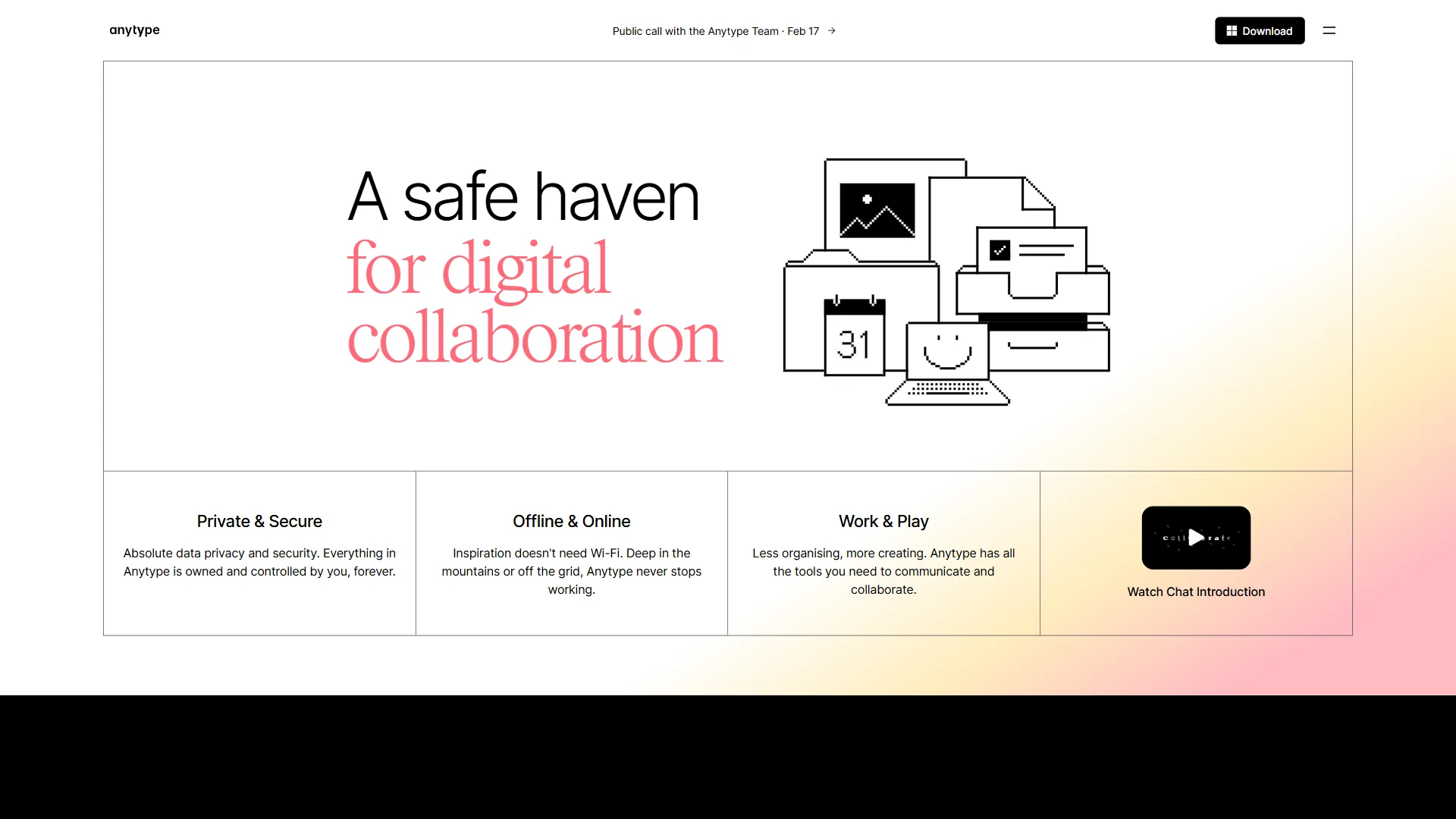
Anytype is a privacy-first knowledge base that stores every Object locally on your device, encrypts data end-to-end, and syncs across devices with peer-to-peer technology rather than a central cloud. No central server means no company can read your notes, no data breach can expose them, and no service shutdown can lock you out.
What Makes Anytype Different
Anytype’s data model revolves around Objects - flexible entities representing notes, tasks, contacts, or projects. Each Object has a Type (like “Book” or “Task”) and Relations (like “Author” or “Due Date”); you organize Objects into Sets (filtered views) and Collections (curated groups). The graph view connects your Objects through their Relations, and the local-first architecture means the whole knowledge base works at full speed on an airplane or anywhere offline.
The tradeoff: no AI features, no meeting transcription, no multi-model access. Anytype is a powerful container for your knowledge; the intelligence layer is absent by design.
Anytype Pricing
- Free: All core features, 1 GB network space, 3 shared spaces, end-to-end encryption
- Builder ($99 per year): 128 GB network space, 10 editors per shared space, priority support
- Co-Creator ($299 per year): 256 GB space, enhanced collaboration
- Business: Custom pricing
The free tier includes every feature that matters - Objects, Types, Relations, Sets, graph view, encryption, and P2P sync. Paid plans only add more storage and collaboration capacity. This is one of the most generous free tiers in the entire PKM category.
Pricing note: the $99 figure is the annual Builder plan ($8.25 per month equivalent); the core app with every feature is genuinely free, and paid plans are annual-only.
Head-to-Head: Database Philosophy
Tana and Anytype differ most on database philosophy: Tana applies Supertag templates inline to outliner nodes, while Anytype models data as standalone Objects connected through explicit Relations. This is the deepest difference between these tools, and it determines everything else about the experience.
Supertags (Tana) vs Objects (Anytype)
Tana’s Supertags are templates you apply to nodes in your outliner - think of them as “classes” that define what fields a note should have. A #Project Supertag typically defines Status, Owner, Deadline, and Priority fields; apply it to any bullet point and that bullet becomes a structured record. You can stack multiple Supertags on the same node (#Meeting + #Client yields a client meeting with fields from both).
Anytype’s Objects are standalone entities with their own identity and lifecycle. You define Types (the blueprint) and Relations (the properties), and each Object exists independently in your graph, connected through explicit Relations.
In practice: Tana feels more fluid - you write an outline and progressively add structure by tagging nodes. Anytype feels more deliberate - you create entities in a knowledge graph and define how they relate. If Notion databases felt too rigid, Tana’s inline approach will feel liberating; if Roam Research felt too chaotic, Anytype’s explicit structure will feel reassuring. Our Roam Research alternatives roundup covers more options in this space.
Model tradeoffs: skip Tana if you want strict upfront schemas (Supertags drift without curation); skip Anytype if you prefer to start typing immediately rather than design Types and Relations first.
Head-to-Head: AI Features
Tana offers integrated multi-model AI (GPT-5.1, Gemini 3 Pro, Claude Sonnet 4.5) directly inside the workspace, while Anytype ships zero built-in AI features by design. This category is not close.
According to Anytype’s published manifesto, co-founder Anton Pronkin and the Any Association write, “Software should not have access to all of your information just because you decided to use it.” That stance explains why Anytype ships no built-in AI: cloud model calls would directly contradict the project’s local-first, zero-knowledge architecture.
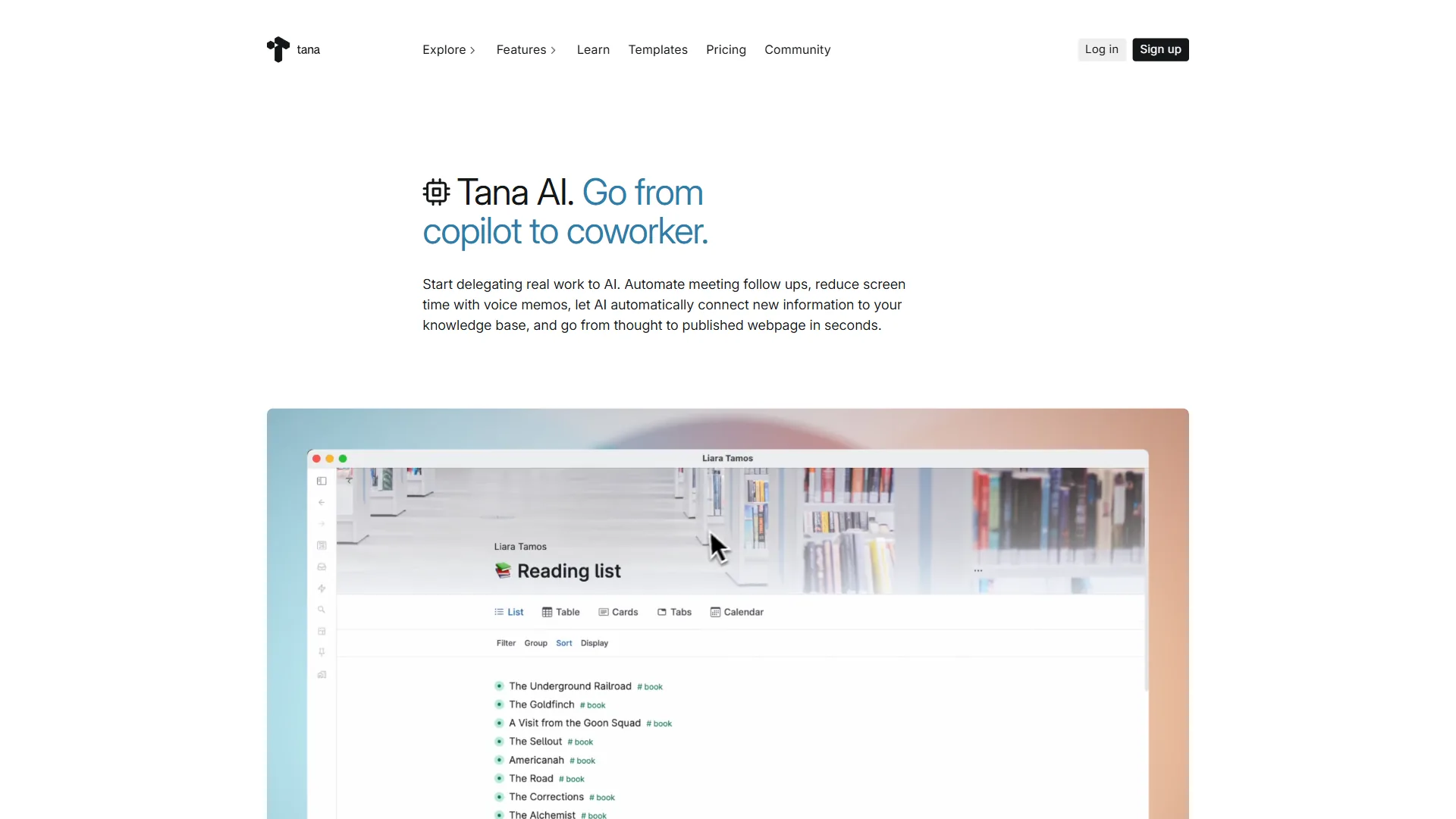
Tana offers multi-model AI access (GPT-5.1, Gemini 3 Pro, Claude Sonnet 4.5), AI Meeting Agent with botless recording, voice memo transcription in 60 languages, custom AI commands, AI image generation, and web search across all models. You can build automated workflows that process new notes through AI pipelines - summarizing, classifying, extracting entities, and routing information based on your Supertag definitions.
Anytype has no built-in AI features. Zero. The project philosophy prioritizes privacy and local-first architecture, which fundamentally conflicts with sending your data to external AI providers. Some users run local AI models alongside Anytype, but there is no native integration.
Winner: Tana, decisively. If AI-assisted knowledge management matters to your workflow, Tana is the only option here. For more tools in this category, see our AI tools for note-taking roundup. If you specifically want to keep AI models away from your notes, Anytype’s absence of AI is actually a feature, not a bug.
AI tradeoffs: every Tana AI call sends data to the cloud with no local-only option, so skip Tana on AI grounds for sensitive material; Anytype’s lack of AI is a hard limit if your workflow needs summarization or transcription.
How Do Tana and Anytype Compare on Privacy and Data Ownership?
Anytype wins privacy decisively: it stores data locally, encrypts notes end-to-end, syncs peer-to-peer, and is open source, while Tana is cloud-only with standard transport-layer security and no end-to-end encryption. This category is equally one-sided - in the opposite direction.
Anytype stores all data locally with end-to-end encryption. P2P sync routes notes directly between your devices without a central server, the code is open source (7,000+ GitHub stars), and you can self-host for complete independence.
Tana is cloud-only with standard security practices. There is no offline mode, no local storage, no self-hosting, and no end-to-end encryption - Tana can technically access your workspace data.
Winner: Anytype, decisively. For journalists, lawyers, researchers handling sensitive data, or healthcare workers, Anytype is the only responsible choice between these two.
Privacy tradeoffs: skip Tana if data sovereignty rules forbid third-party access to your notes; Anytype’s P2P sync model limits the real-time collaboration features Tana offers.
Head-to-Head: Mobile Experience
Anytype offers the better mobile experience, with a 4.3 Google Play rating versus Tana’s 2.15, though neither tool matches its desktop feature parity. Neither tool excels on mobile, but the gap is meaningful.
Anytype mobile is well-rated on Google Play. The iOS and Android apps cover core functionality - creating Objects, viewing Sets, navigating the graph - and stay responsive offline thanks to local-first storage.
Tana mobile has mixed Google Play reviews: slow sync, limited editing, occasional crashes, and a paid-plan gate (Plus or higher) just to use the app.
Winner: Anytype. The 4.3 vs 2.15 Play Store gap tells the story for phone-heavy workflows.
Mobile tradeoffs: Tana mobile is slow, limited, and gated behind a paid plan, so skip it if your phone is your main capture device; Anytype mobile lacks desktop feature parity on the graph view.
How Steep Is the Learning Curve for Tana vs Anytype?
Both Tana and Anytype require roughly 1-3 weeks of consistent use before they feel productive, with Tana’s curve steepening at advanced AI workflows and Anytype’s hitting hardest upfront on its Object model. Both tools demand investment, but the curve feels different.
Tana’s learning curve centers on Supertags and AI workflows. The outliner itself is intuitive, but designing Supertags, configuring fields, building Live Queries, and setting up AI commands takes 2-3 weeks; the 24,000+ member Slack community helps.
Anytype’s learning curve centers on the Object model. Types, Relations, Sets, and Collections are logical but unfamiliar - Anytype asks you to think about data architecture before typing. Users report 1-3 weeks; the Notion-like interface eases the transition.
Winner: Roughly tied. Tana is steeper at the advanced end (AI workflows, custom commands); Anytype is steeper upfront (Object model). Database or programming experience speeds both up.
Learning-curve tradeoffs: skip both if you need productivity in days rather than weeks; Tana’s complexity hits later (advanced Supertags), while Anytype’s hits upfront via its Types-and-Relations data model.
Head-to-Head: Collaboration
Neither tool is built for team collaboration the way Notion or Slack is, but they handle sharing differently.
Tana offers workspace sharing on Plus and Pro plans - collaborators can edit alongside you, though not in real-time multiplayer like Google Docs. AI meeting transcription adds team value.
Anytype offers shared spaces (3 on free, more on paid). P2P sync skips central servers but also rules out real-time co-editing; shared spaces suit async knowledge sharing.
Winner: Tana, narrowly. Both are primarily single-player; Tana’s cloud architecture makes sharing smoother and the AI meeting features add team value.
Collaboration tradeoffs: neither tool offers real-time multiplayer like Google Docs; skip Tana if your team needs live co-editing, and skip Anytype if you exceed its 3-shared-spaces free cap.
Choose Tana If
Tana is the right pick if AI-assisted capture, meeting transcription, and cloud sync matter more than data sovereignty and offline access.
- AI baked into your knowledge workflow. Multi-model access, meeting transcription, voice memos, and custom AI commands are unmatched - see the best AI tools for productivity for orchestration ideas.
- You think in outlines and want progressive structure. Bullet points first, Supertags later - similar to the Logseq vs Roam outliner debate.
- You attend a lot of meetings. The botless AI Meeting Agent is a standout; see our AI meeting tools comparison for standalone alternatives.
- Cloud-only storage is acceptable. Tana’s architecture enables AI, sync, and sharing features that local-first tools cannot match.
- You will pay for power. At $10-18/month the AI features justify the cost.
Choose Anytype If
Anytype is the right pick if privacy, end-to-end encryption, offline access, and open-source auditability outweigh the loss of built-in AI features.
- Privacy and data ownership are non-negotiable. End-to-end encryption, local storage, P2P sync, and open-source code - unmatched data sovereignty in this space.
- You need reliable offline access. Travel, poor connectivity, or notes that work regardless of internet status.
- You want a genuinely free tool. The free tier includes every feature - Objects, Types, Relations, graph view, encryption.
- You value open-source software. Audit the code on GitHub, contribute, or self-host.
- You prefer building structured systems upfront rather than evolving them through tagging.
The Bigger Picture
Tana and Anytype represent two competing visions for personal knowledge management: cloud-hosted AI augmentation versus local-first data sovereignty.
Tana’s vision: AI should be deeply integrated into capture and retrieval - transcribing meetings, connecting notes, generating content - and cloud storage is the price of that intelligence layer.
Anytype’s vision: your knowledge is yours, period. Privacy and ownership are not features to trade away; intelligence comes from you, not from AI models processing your data.
For most knowledge workers who are not handling sensitive data, Tana offers more practical value per dollar - the AI features save time and the Supertags system is well-designed. See our best note-taking apps 2026 roundup for adjacent options.
For researchers, journalists, healthcare professionals, legal workers, or anyone who takes digital privacy seriously, Anytype is the clear choice. The Obsidian vs Logseq comparison covers two other local-first options worth weighing.
The Bottom Line: Tana vs Anytype
The tana vs anytype decision depends on a single trade-off: choose Tana for the strongest AI-integrated note-taking workflow available in 2026, or choose Anytype for the strongest privacy and local-first guarantees in structured PKM. Tana’s Supertags make structured knowledge management feel natural, while Anytype’s local-first encryption keeps your data entirely in your control.
Explore Tana if AI-powered knowledge management is your priority, or try Anytype if privacy and local-first storage matter more.
FAQ
Q: How is Tana different from Notion?
Tana adds AI-powered Supertags and multi-model AI access directly inside an outliner workspace, while Notion focuses on collaborative pages and databases without built-in AI of comparable depth.
Q: Does Anytype have any AI features?
Anytype has no built-in AI features. The project philosophy prioritizes privacy and local-first architecture, which conflicts with sending data to external AI providers. Some users run local AI models alongside Anytype, but there is no native integration. If AI-assisted knowledge management is a requirement, Tana is the better option between these two tools.
Q: Which is better for privacy - Tana or Anytype?
Anytype is the clear choice for privacy. It stores all data locally with end-to-end encryption, syncs between devices via peer-to-peer technology without passing through any central server, and is fully open source. Tana is cloud-only - data lives on Tana’s servers with no offline mode, no local storage, and no end-to-end encryption.
Q: What does Anytype cost compared to Tana?
Anytype’s free tier includes every core feature - Objects, Types, Relations, graph view, and end-to-end encryption. Paid plans start at $99 per year ($8.25 per month) for extra storage. Tana’s free tier is limited to 500 AI credits monthly; most users upgrade to Plus at $10 per month or Pro at $18 per month for full AI access and calendar integration.
Related Reading
Related Reading covers full reviews of each tool, neighboring PKM comparisons, and adjacent roundups that help you triangulate the right choice for your workflow.
- Tana Review - Full review of Tana’s AI-powered knowledge graph
- Anytype Review - Full review of Anytype’s local-first workspace
- Notion - The established workspace that both Tana and Anytype aim to surpass
- Obsidian - Local-first Markdown editor with community plugin ecosystem
- Obsidian vs Logseq: Which PKM Tool Is Right for You?
- Logseq vs Roam Research 2026
- Best Note-Taking Apps with Graph Views
- Tana Supertags Guide - Getting the most from Tana’s structured data system
External Resources
External Resources lists the primary vendor sites and source repositories used to verify the claims in this comparison.