




AI tools for note taking are software platforms that automate transcription, semantic search, connection discovery, and content generation across meetings, research, and personal knowledge management. The top picks in 2026 are Notion AI, Obsidian with AI plugins, Mem.ai, Otter.ai, and Fireflies.ai, each targeting a different part of the capture-to-output workflow.
Note-taking sounds simple until you have spent an hour after a meeting reconstructing what was said, or hunted your notebook for an insight you know you captured but cannot locate. AI tools for note taking solve these problems not by making note-taking faster, but by making notes more useful after the fact. This guide covers the leading options across every major scenario - meetings, research, personal knowledge management, study, and everyday capture - because no single tool wins every category.
Pro Tips: How AI Changes Note-Taking
AI is the layer that makes stored notes work harder after capture - transcribing speech in real time, finding notes by meaning, surfacing hidden connections, and turning rough capture into structured output. Traditional tools store what you write; AI tools act on it.
This guide draws on each vendor’s current documentation, pricing pages, and independent research rather than sponsored placement. AI Productivity may earn a commission from links on this page, but our rankings are editorially independent. The practical difference shows up in a few areas:
Transcription and capture. Otter.ai and Fireflies.ai transcribe an hour-long meeting in real time, generate a summary, and extract action items before the call ends - work that once required a dedicated note-taker.
Semantic search. Mem.ai and Obsidian with Smart Connections find notes by meaning, not keywords - ask “what do I know about reducing customer churn?” and get a synthesized answer from two years of notes, even if none used that phrase.
Connection discovery. AI surfaces links between notes you did not know were related - the promise behind every “second brain” tool. According to Tiago Forte, founder of Forte Labs, a second brain is “a private knowledge collection designed to serve a lifetime of learning.” Our best note-taking apps 2026 roundup covers AI and traditional options.
Content generation. Expand a rough outline into a draft or turn meeting bullets into a formatted summary - the gap between raw capture and polished output keeps shrinking as the AI writing tools landscape matures.
The 10 Best AI Tools for Note Taking in 2026
Our 2026 ranking is led by Notion AI, Obsidian with AI plugins, Mem.ai, Reflect, Rewind.ai, Otter.ai, Fireflies.ai, Apple Notes with Apple Intelligence, Evernote, and Microsoft OneNote with Copilot - each ranked for a distinct slice of the capture-to-output workflow. The table below compares the leading paid options.
| Tool | Entry paid price | Free tier | Best use case |
|---|---|---|---|
| Notion AI | $10/member/month (add-on) | Yes (limited AI) | Notes inside a full workspace |
| Obsidian + AI plugins | Free + ~$1-5/month API | Yes (core app free) | Local-first knowledge base |
| Mem.ai | ~$14.99/month | Yes (limited notes) | Capture without organizing |
| Reflect | ~$15/month | Trial only | Daily notes and journaling |
| Rewind.ai | ~$19/month | 3 days history | Passive screen capture (Mac) |
| Otter.ai | ~$16.99/month | 300 min/month | Individual meeting transcription |
| Fireflies.ai | $18/seat/month | 800 min storage | Team meeting intelligence |
| OneNote + Copilot | ~$30/user/month | OneNote free | Microsoft 365 organizations |
1. Notion AI - Notes Plus Workspace
Notion AI integrates Anthropic’s Claude directly into Notion’s workspace. What makes it relevant is that your notes live in the same system as your databases, projects, and wikis, so Notion AI can summarize meeting notes, draft follow-up emails from action items, answer questions about a wiki, or turn raw capture into structured documents.
Key AI features: instant AI summaries of any page or transcript, Q&A across your entire workspace, writing assistance that expands and re-tones drafts, action-item extraction from meeting notes, and translation for international teams.
Pricing: Free tier with limited AI; Notion AI add-on at $10/member/month; Plus at $12/member/month with basic AI; Business at $18/member/month with full team AI.
Best for: Teams that already live in Notion, or individuals who want one tool for notes, projects, databases, and wikis. Limitation: AI features add meaningful cost on top of the base subscription, so simpler tools offer better value for basic personal use.
2. Obsidian + AI Plugins - Local-First PKM with AI
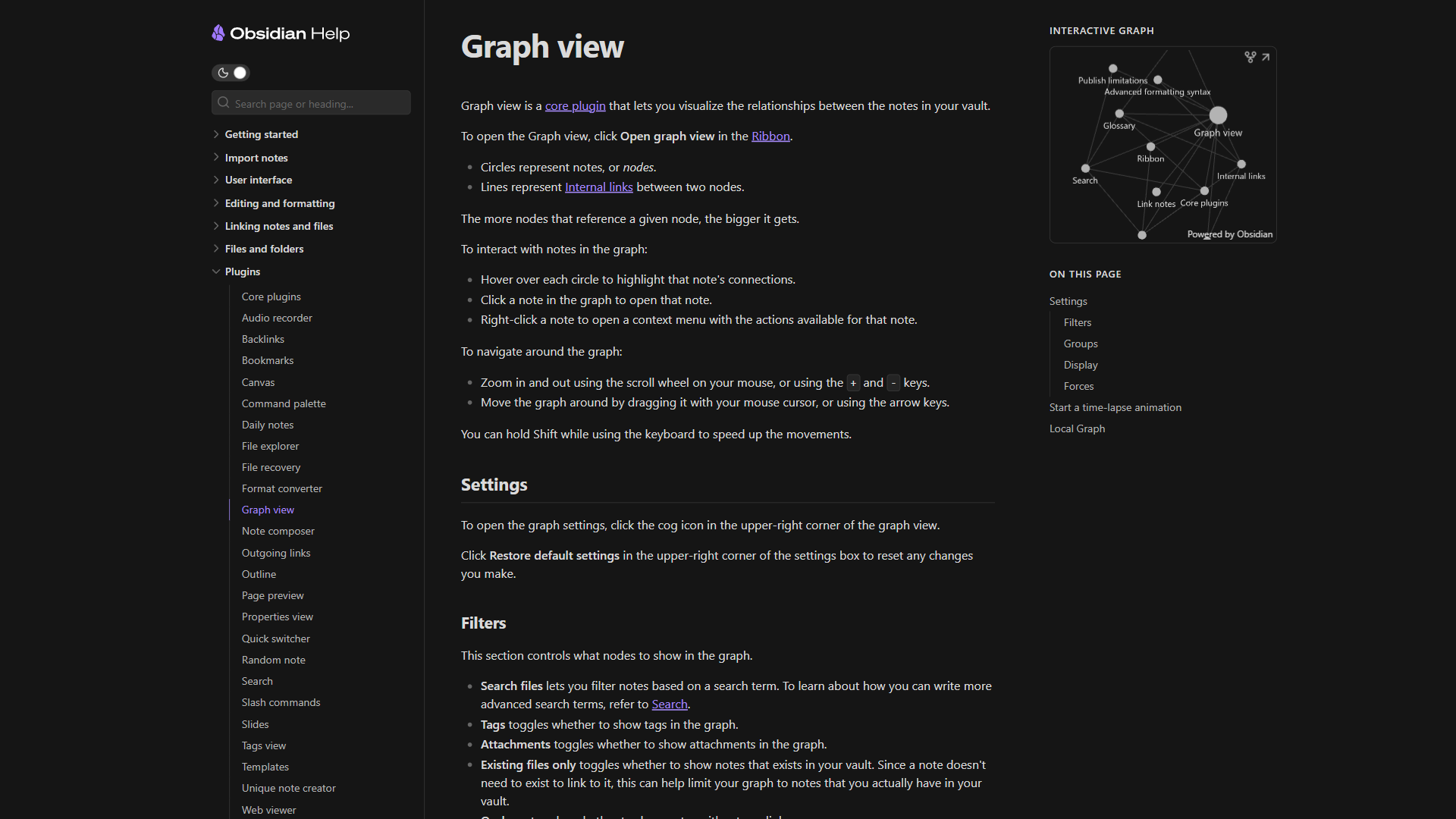
Obsidian itself is not an AI tool - it is a local-first Markdown editor - but pairing its vault-based architecture with AI plugins creates one of the most powerful knowledge management environments available. The key plugins that add AI to Obsidian:
Smart Connections - Performs semantic search across your entire vault using AI embeddings via the Smart Connections plugin, so you find notes by meaning rather than keyword.
CoPilot for Obsidian - A chat interface for conversations with your vault, using GPT-4o or Claude as a context-aware writing assistant.
AI Assistant - Connects to multiple AI models (OpenAI, Anthropic, Google) for note generation, summarization, and editing.
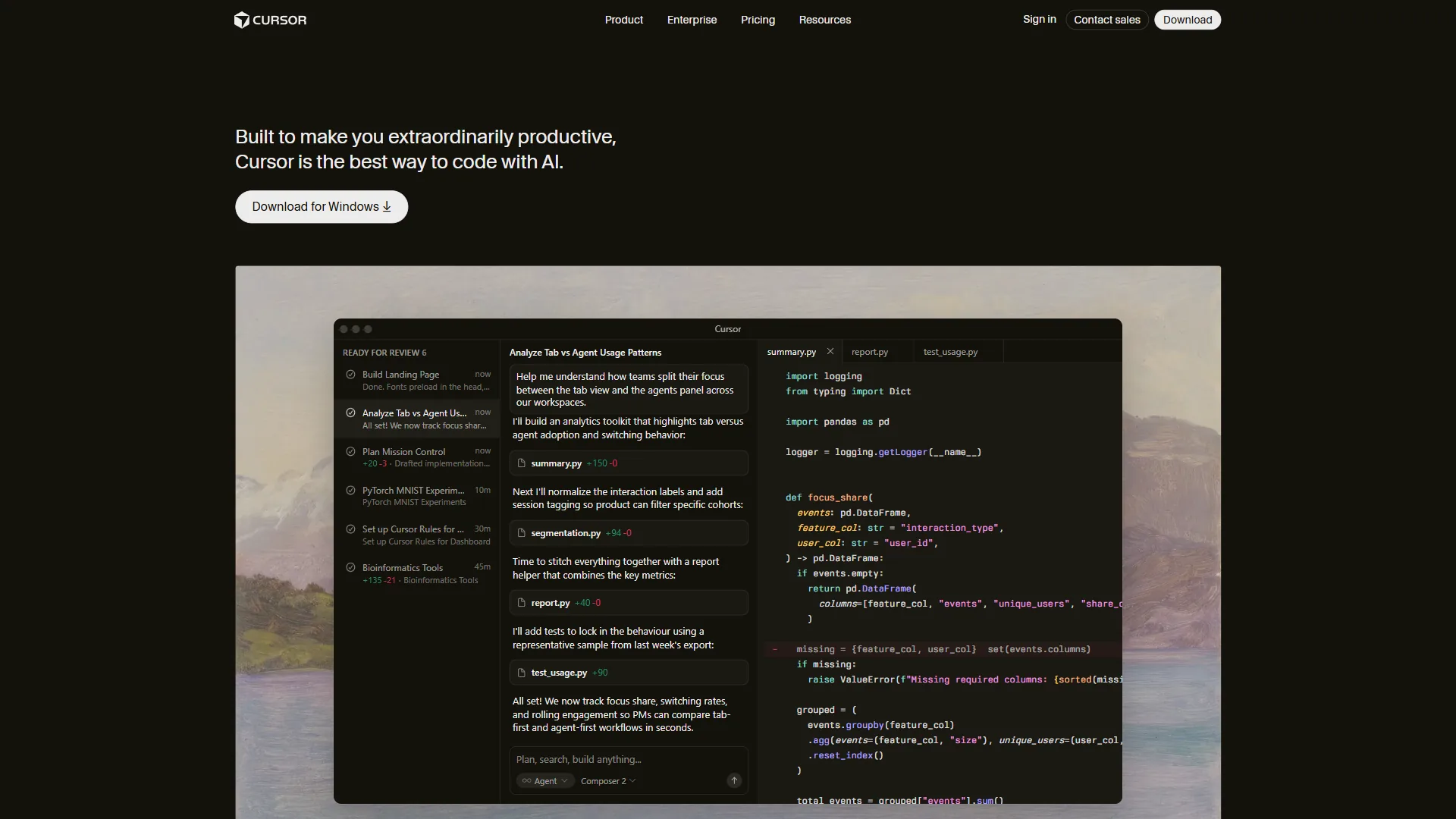
Smart Composer - Cursor-like AI editing in the editor: select text, describe the change, get the revision in place.
Pricing: Obsidian core is free for personal use; AI plugins are free with your own API key; OpenAI API usage runs roughly $1-5/month for average note-taking.
Best for: Power users who want complete control over their knowledge base and will configure the right stack - local storage, no lock-in, and AI plugins make this the most customizable option. Our best Obsidian plugins for productivity guide covers the wider ecosystem. Limitation: Significant setup investment required; not for users who want something that works out of the box.
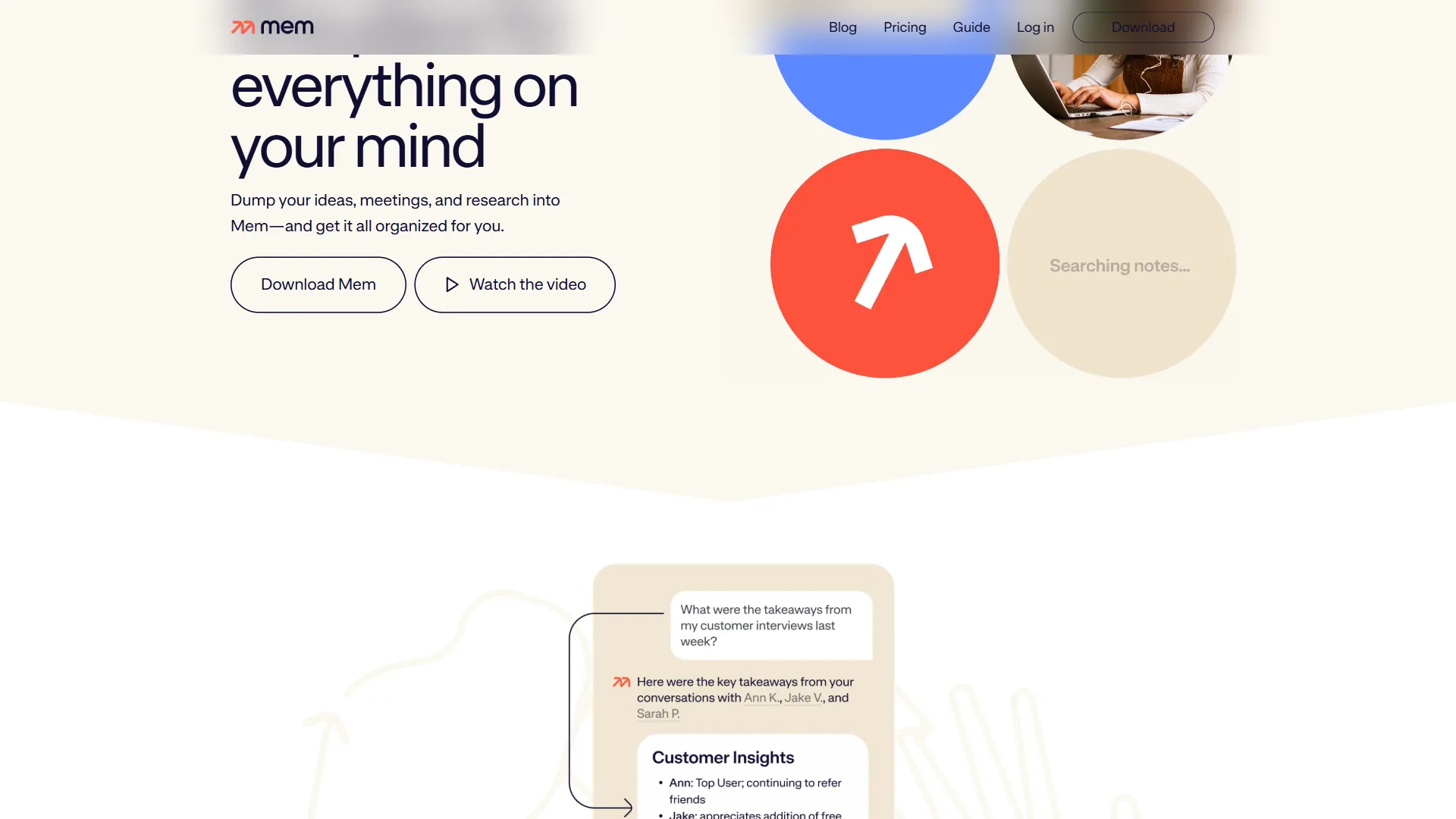
3. Mem.ai - AI-First Notes Without Organization
Mem.ai was built around a provocative premise: what if you did not have to organize your notes at all? Instead of folders and tags, Mem builds a semantic map of your knowledge base in the background, surfaces related past notes as you write, and ranks search results by semantic relevance - an approach shared by several platforms in the AI knowledge management tools space.
Key features: auto-updating smart collections, semantic search across your library, AI chat with your notes, automatic connections surfaced as you write, and email and URL capture.
Pricing: Free tier with limited notes; Pro at around $14.99/month for unlimited notes, AI, and search; team plans add collaboration.
Best for: Writers, consultants, and researchers who capture a high volume of notes but struggle to maintain an organizational system and want AI to handle the “just capture” filing problem. Limitation: The AI-handles-organization approach requires buy-in - users who prefer explicit folder structures find Mem disorienting, and the mobile app has lagged the web version.
4. Reflect - AI-Enhanced Journaling and Daily Notes
Reflect is a networked note-taking app focused on daily notes and journaling, with GPT-4 and Claude-powered AI built into the core writing experience rather than bolted on. The AI writing assistant appears in the editor as you type, and the backlinking system automatically connects related notes - turning regular captures into structured knowledge over time.
Key AI features: an in-editor AI writing assistant, automatic backlinking by content similarity, voice-note transcription, summarization, and AI-generated insights from your journaling (a workflow covered further in our apps like Notion roundup).
Pricing: Around $15/month (about $99/year), with a free trial.
Best for: Knowledge workers who use daily notes as their primary capture method and want AI woven throughout writing. Limitation: More expensive than simpler alternatives, and the journaling-first design is not ideal for meeting notes or collaboration.
5. Rewind.ai - Capture Everything Passively
Rewind.ai takes a fundamentally different approach: instead of active note-taking, it records everything on your screen and in your meetings, then makes that history searchable via AI. Every website, document, meeting, and message is captured and indexed, so the Rewind AI assistant can answer questions like “what did Sarah say about the Q3 budget in yesterday’s meeting?”
Key features: passive screen capture, meeting recording and transcription across Zoom, Teams, and Meet, natural-language AI search over your history, local-only storage for privacy (similar to the local-first approach in Obsidian vs Joplin), and automatic meeting summaries.
Pricing: Free tier with 3 days of history; Standard at around $19/month for 1 month; Pro at around $39/month for unlimited history. Currently Mac only.
Best for: Professionals who attend many meetings and need to recall what was discussed, especially anyone who finds active note-taking disruptive to listening. Limitation: Mac only; passive recording raises privacy concerns for meetings with external parties, and unlimited history needs substantial storage.
6. Otter.ai - Meeting Transcription and AI Notes
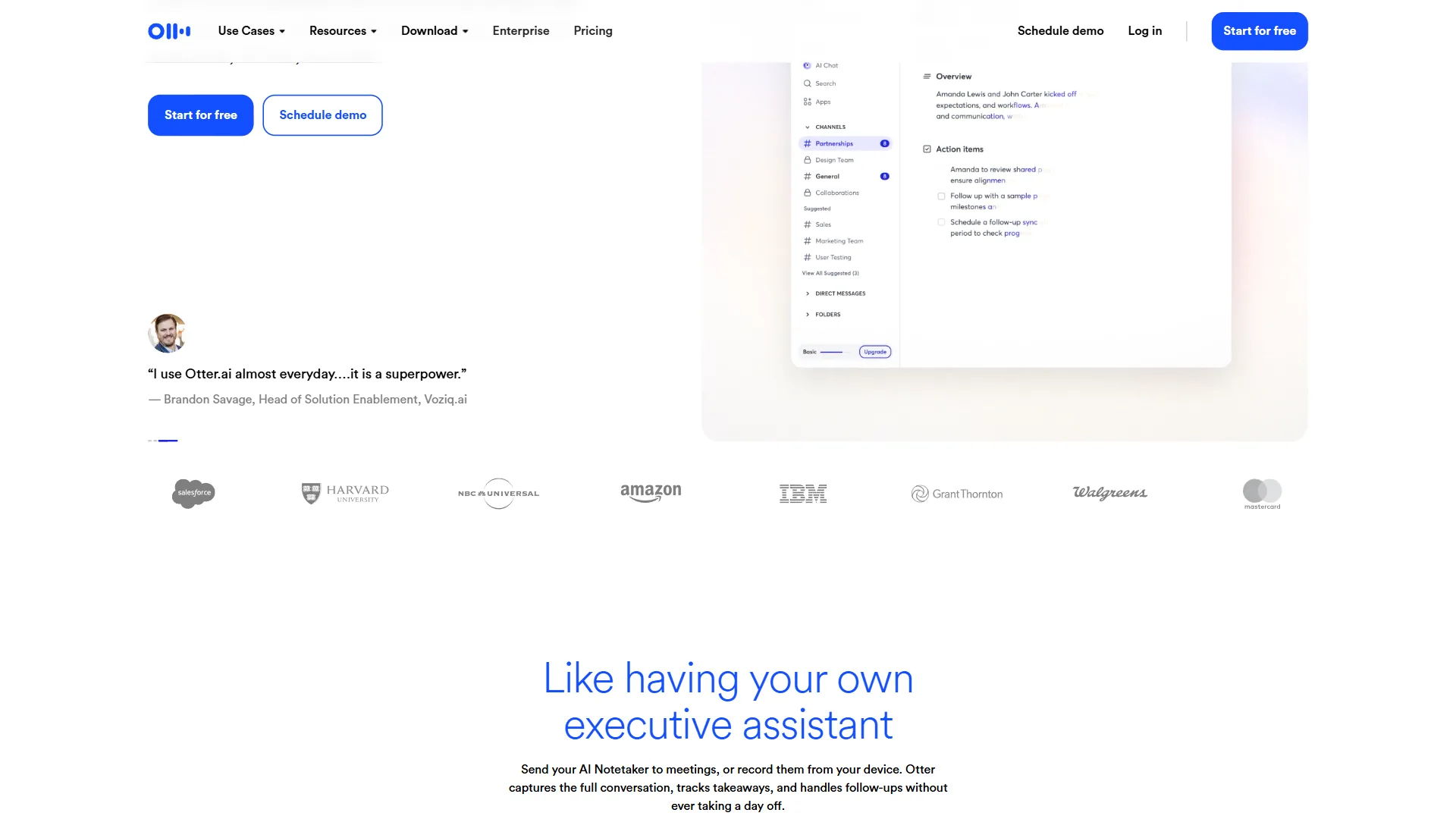
Otter.ai is the most widely used AI meeting transcription tool, combining real-time transcription with AI summaries and action-item extraction across Zoom, Teams, Google Meet, and in-person meetings. Otter joins your meeting, transcribes in real time with speaker identification, and generates an AI summary before the meeting ends - so every call ends with a record of what was said and what needs to happen next.
Key AI features: real-time transcription with live captions, auto-generated AI meeting summaries with action items, speaker identification, the OtterPilot bot for Zoom/Teams/Meet, AI chat with past transcripts, and integrated manual notes alongside the transcript.
Pricing: Free with 300 monthly minutes (30 per conversation); Pro at around $16.99/month for 1,200 minutes; Business at around $30/user/month for unlimited transcription; Enterprise with custom pricing.
Best for: Teams with heavy meeting loads - sales teams logging client calls, product teams documenting interviews, managers tracking commitments. Limitation: Accuracy drops with heavy accents or poor audio, the free tier’s limits are easy to hit, and Otter joins meetings as a bot some find uncomfortable.
7. Fireflies.ai - Team Meeting Intelligence
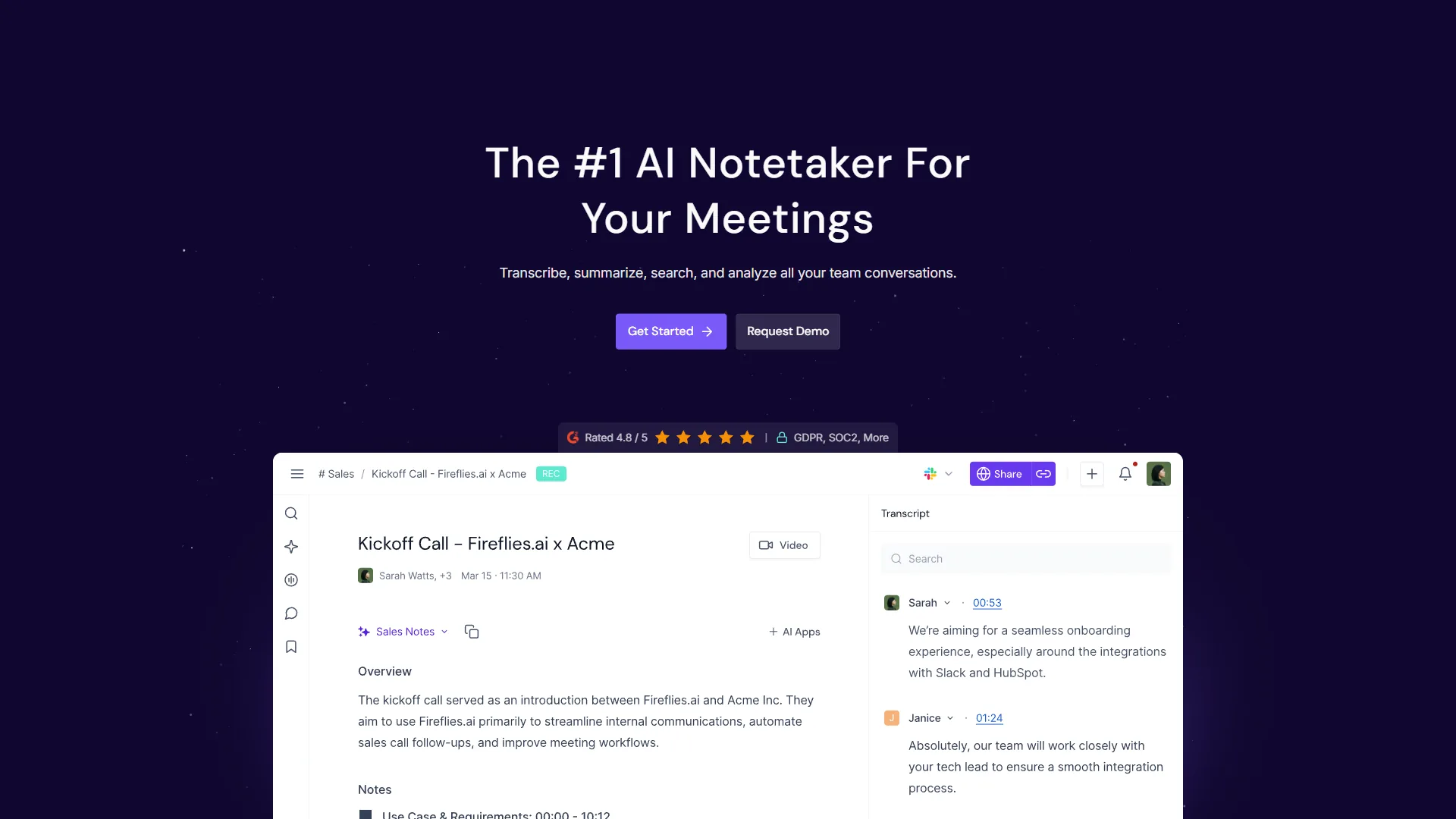
Fireflies.ai covers similar ground to Otter.ai with a stronger emphasis on team use, CRM integration, and meeting analytics - built to turn meeting data into searchable, analyzable records. The key differentiator is the AskFred AI assistant, which lets you converse with your meeting library: search hundreds of past meetings, ask what competitors came up in Q3 calls, or pull every commitment made to a client.
Key features: automatic meeting capture across Zoom, Teams, Meet, Webex, and 40+ platforms; auto-generated AI summaries and action items; AskFred conversational search; CRM sync with Salesforce, HubSpot, and Pipedrive; speaker analytics; and smart filters by topic, person, or keyword.
Pricing: Free with 800 minutes of storage and 3 AI summaries/month; Pro at $18/seat/month for unlimited storage, summaries, and CRM sync; Business at $29/seat/month for advanced analytics; Enterprise with custom pricing.
Best for: Sales and customer success teams that need searchable meeting records inside their CRM, plus managers who want meeting-pattern analytics. Limitation: Costs add up for larger teams, the free tier’s 3 AI summaries per month is not viable for daily users, and the bot requires attendee awareness.
8. Apple Notes + Apple Intelligence
For Mac and iPhone users, Apple Notes has become considerably more capable with Apple Intelligence, with AI built into the operating system rather than sold as a separate subscription. Apple Intelligence processes many note requests on-device - summaries, rewriting, and smart replies happen locally without sending content to a server - which materially changes the privacy model for sensitive notes.
Key AI features: summarization of long notes or transcripts, writing tools to proofread and rewrite, AI-ranked priority notifications, smart-compose reply drafting, and AI image generation directly in notes.
Pricing: Free with Apple devices (iPhone 15 Pro or later, recent M-series Macs); no subscription required for core AI features.
Best for: Apple ecosystem users who want AI note-taking at zero cost with strong privacy guarantees. Limitation: Apple ecosystem only, less powerful than dedicated AI note-taking tools, and no sync for Windows or Android.
9. Evernote with AI
Evernote has added AI features - note summaries, content generation, and library organization - to its established platform. Its advantage is maturity: years of work on web clipping, document scanning, handwriting recognition, and cross-platform sync give it capabilities newer AI-first tools have not caught up to, so an existing library can gain AI without migrating data.
Key AI features: AI note summaries, an AI writing assistant to draft and expand notes, natural-language smart search, and clip-and-summarize for web content.
Pricing: Free with basic features and limited uploads; Personal at around $14.99/month for unlimited devices and AI; Professional at around $17.99/month for advanced AI and integrations.
Best for: Existing Evernote users and teams with historical content who want AI without starting over. Limitation: Pricing has increased substantially, and the platform has lost ground to newer alternatives such as those in our Roam Research alternatives roundup.
10. Microsoft OneNote + Copilot
Microsoft OneNote with Microsoft 365 Copilot brings AI to one of the most widely deployed enterprise note-taking platforms - the path of least resistance for organizations already in the Microsoft 365 ecosystem. Copilot summarizes notebooks, generates content, and extracts action items, and its integration with Teams, Outlook, and Word means AI spans the whole productivity workflow.
Key AI features: Copilot summaries of any notebook or page, draft-with-Copilot from prompts, auto-populated notes from Teams transcripts, cross-app context across Teams and Outlook, and rewrite-and-improve for existing notes.
Pricing: OneNote is free with a Microsoft account; Microsoft 365 Copilot costs around $30/user/month and requires a Microsoft 365 Business subscription.
Best for: Enterprise users in Microsoft 365 organizations, especially where IT policy mandates Microsoft tools. Limitation: The roughly $30/month Copilot add-on is expensive for individuals and requires a license that may not reach every user, one reason teams compare alternatives in our best note-taking apps 2026 roundup.
Which Tool Fits Your Note-Taking Workflow?
The best tool is the one that matches where you take notes and what you need to do with them afterward.
For meetings and calls
Start with Otter.ai (individual use) or Fireflies.ai (team use) - both automate capture and generate summaries without active note-taking. In a Microsoft 365 environment, Teams plus OneNote with Copilot may already be available at no extra cost.
For research and knowledge building
Obsidian with AI plugins (particularly Smart Connections) is the most powerful option for building a knowledge base over time, while Mem.ai is better if you want AI to handle organization. Both require commitment - the payoff comes after months of consistent capture.
For daily notes and journaling
Reflect is purpose-built for this workflow with AI woven throughout, and Apple Notes with Apple Intelligence is the zero-cost option for Apple users.
For simple, private note-taking
Joplin (free, open-source, end-to-end encrypted) is the answer if you want a tool that works reliably without configuration, respects your privacy, and costs nothing. Our Obsidian vs Joplin comparison covers these two local-first tools in detail.
The Bottom Line
The best AI tools in 2026 are split into two categories: tools that make capture automatic (Otter.ai, Fireflies.ai, Rewind.ai) and tools that make captured knowledge more useful over time (Obsidian + AI plugins, Mem.ai, Reflect). Most professionals benefit from both, and Otter.ai for meetings paired with Obsidian for long-term knowledge is a practical, cost-effective stack.
The right entry point depends on where you lose the most value today: losing meeting details, start with a transcription tool; cannot find old notes, start with a better knowledge system.
FAQ
Q: Can I use AI for note-taking?
Yes. AI note-taking tools are software that transcribes meetings in real time, searches notes by meaning, surfaces hidden connections, and turns rough capture into structured summaries. Notion AI, Obsidian with AI plugins, Mem.ai, Otter.ai, and Fireflies.ai are among the leading options in 2026, each suited to a different part of the capture-to-output workflow.
Q: Which AI tools for note taking are best in 2026?
The top picks in 2026 include Notion AI, Obsidian with AI plugins, and Mem.ai, each targeting different parts of the note-taking workflow. This guide also covers Otter.ai and Fireflies.ai for meetings. No single tool wins every category, so the right choice depends on whether you prioritize meetings, research, personal knowledge management, study, or everyday capture.
Q: How do AI note-taking tools differ from traditional note apps?
Traditional note-taking tools store what you write, while AI note-taking tools make those stored notes work harder - through transcription, semantic search, connection discovery, and content generation. Tools like Mem.ai and Obsidian with Smart Connections find notes by meaning rather than exact keywords, surfacing older material you would otherwise miss.
Q: Can AI note-taking tools help with meetings?
Yes. Otter.ai and Fireflies.ai transcribe an hour-long meeting in real time, generate a summary, and extract action items before the call is over - work that once required a dedicated note-taker - leaving you with searchable notes and follow-up tasks without manual cleanup.
Related Reading
Our guides on related topics provide deeper coverage of the tools and workflows above.
- Obsidian vs Joplin: Which Note-Taking App Is Better?
- Apps Like Notion: Best Alternatives in 2026
- Roam Research Alternatives: Top PKM Tools
- AI Workflow Automation Maturity Model
- Otter.ai - Real-time meeting transcription with collaborative editing
- Fireflies.ai - AI meeting assistant with CRM integration and conversation intelligence
- Obsidian - Local-first knowledge base with powerful AI plugins for note linking
- Cursor - AI-powered code editor with intelligent autocomplete and context awareness
- Pipedrive - Sales CRM with AI-powered deal tracking and pipeline management
External Resources
Each vendor link below provides primary documentation for the tools covered above.