






Obsidian vs Logseq is a comparison of two local-first, bidirectional-linking PKM tools with opposing philosophies. Obsidian offers a document-first writing experience, polished mobile apps, and 2,690+ plugins. Logseq provides an outliner-first thinking tool, open-source code, native PDF annotation, and stays completely free forever, while its mobile apps remain alpha or beta.
The Obsidian vs Logseq 2026 debate is more than picking a note-taking app when choosing between Obsidian vs Logseq - it’s about choosing how you think. Both tools have passionate communities, local-first storage, and bidirectional linking. But their fundamental approaches to knowledge management couldn’t be more different.
This obsidian vs logseq comparison covers everything you need to make the right choice for your workflow, from research notes and project documentation to personal journaling, and situates the pair within the wider LogSeq vs Obsidian vs Roam conversation plus frequent Obsidian vs Logseq vs Notion debates.
Disclosure: AI Productivity may earn a commission from links on this page; our rankings are editorially independent and based on current vendor documentation and independent research rather than sponsored placement.
Quick Verdict: Decision Matrix
The quick verdict is Obsidian wins for document-first writers, plugin power users, and mobile-first daily drivers, while Logseq wins for outliner thinkers, PDF-heavy researchers, and open-source advocates.
Choose Obsidian if you:
- Want a document-first writing experience
- Need polished mobile apps today
- Prefer traditional folder organization (optional)
- Want the largest plugin ecosystem (2,690+ plugins)
- Don’t mind proprietary software for personal use
Choose Logseq if you:
- Think in outlines and bullet points
- Value open-source software principles
- Need native PDF annotation for research
- Can work with alpha/beta mobile apps
- Want a completely free solution forever
The Reality: Both are excellent, so the Obsidian vs logseq which is better question has no universal answer. Obsidian feels like a powerful text editor that grew intelligence. Logseq feels like a thinking tool that happens to store notes. Neither choice is wrong - they’re just different philosophies.
Obsidian vs Logseq at a Glance
| Dimension | Obsidian | Logseq |
|---|---|---|
| Core unit | Page (document) | Block (bullet) |
| License | Proprietary, free for personal use | Open-source, AGPL-3.0 |
| Commercial license | $50 per year (2+ employees) | Free, no commercial restriction |
| Official cloud sync | $5 per month (10GB x 5 vaults) | $5 per month (beta, up to 10 graphs) |
| Publish add-on | $10 per month | Not offered |
| Plugin count | 2,690+ community plugins | 200+ community plugins |
| Native PDF annotation | Plugin required (Annotator) | Built-in |
| Mobile apps | Production-ready iOS + Android (2021) | Alpha/beta iOS + Android |
| First released | 2020 | 2020 |
Methodology: The Core Philosophy Divide
The core philosophy divide is that Obsidian treats every note as a page-level document while Logseq treats every bullet as a block-level atomic unit. Both ship local-first storage and bidirectional linking, but the unit of thought differs.
Obsidian: Document-First Thinking
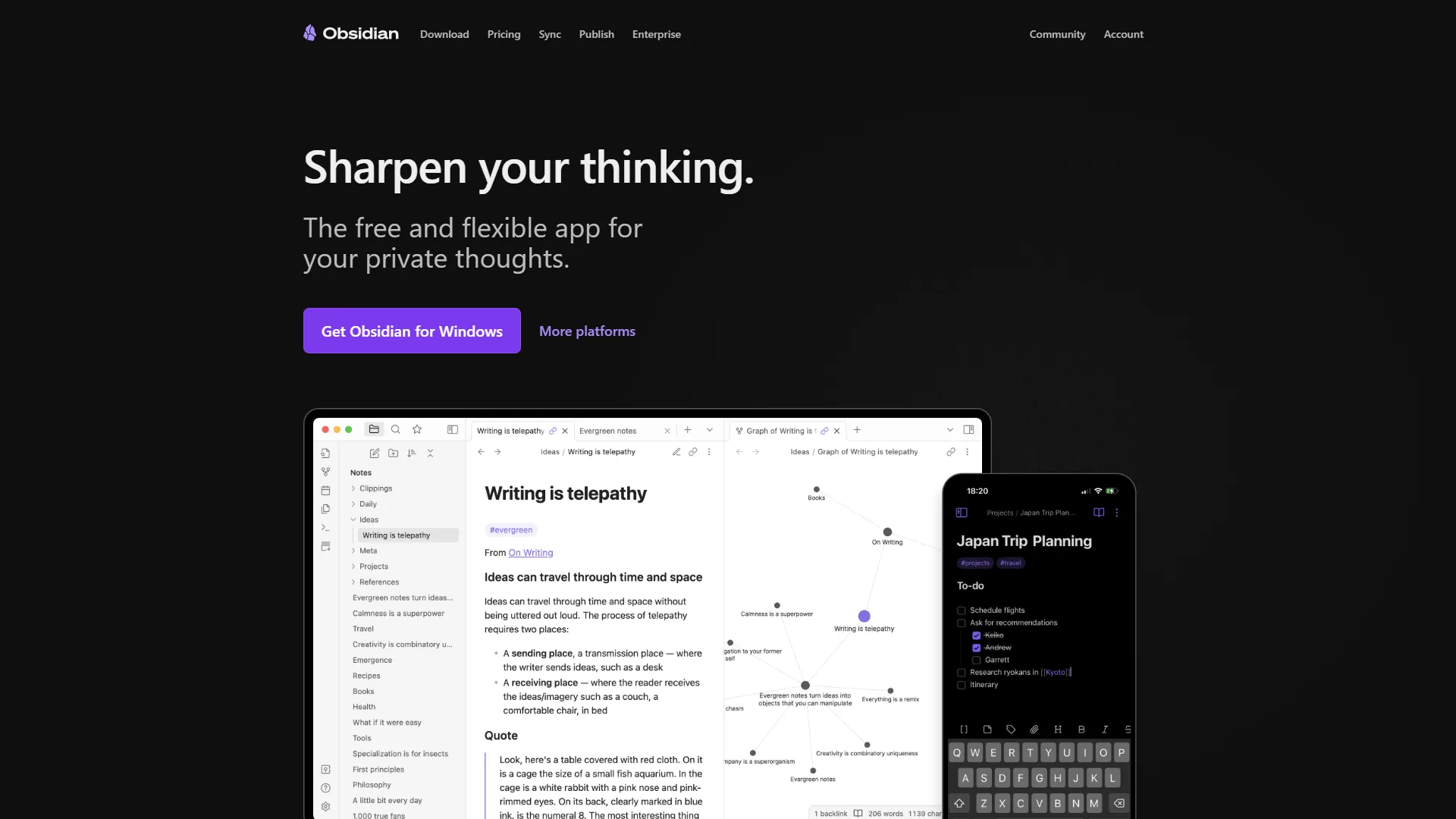
Obsidian starts with pages. When you create a note, you’re creating a document - like a Word file or blog post. You can structure it however you want: paragraphs, headers, lists, code blocks. The page is your canvas.
This approach feels natural if you’re coming from apps like Notion, Bear, or even Microsoft Word. You write top-to-bottom, organize with folders (optional), and link between pages using [[wiki-style links]]. The graph view shows how your documents connect, but the page remains the fundamental unit.
In practice: For long-form content or project documentation, Obsidian’s document-first approach shines. You can draft an entire article in one note, break it into sections with markdown headers, and reference other notes inline. It is writing-first, organization-second.
Logseq: Outliner-First Thinking

Logseq doesn’t have “documents” in the traditional sense. Everything is an outline. Every bullet point is a “block” with its own identity. You can reference, embed, or query individual bullets from anywhere in your knowledge base.
This outliner approach feels radically different. There’s no blank page anxiety - you just start typing bullets. Each bullet can become its own thread of thought. Press Tab to indent, Shift+Tab to outdent. Your thoughts naturally form hierarchies.
In practice: For complex research topics, Logseq’s block-level thinking is powerful. You can capture quotes as individual blocks, tag them with concepts, and later query all blocks related to a specific idea - regardless of which page they came from. The blocks are atomic units of knowledge.
Obsidian vs Logseq: Limitations and Tradeoffs by Feature
Each tool has clear limitations worth naming up front, and neither is the right pick for every workflow. The breakdown below covers where each falls short, not just where it shines.
Linking and Graph Views
Both tools support bidirectional linking - when you link from Note A to Note B, both notes know about the connection. The implementation differs: Obsidian uses page-level [[Page Title]] links, page embeds with ![[Page]], and aliases for multiple link names. Logseq adds block-level ((text search)) references, a native query language, and bidirectional tags alongside the same [[Page Title]] syntax.
Winner: Tie. Obsidian’s page-level links are simpler and faster; Logseq’s block-level references are more granular for research.
Plugin Ecosystems
This is where Obsidian pulls ahead significantly.
Obsidian (2,690+ plugins): Mature API, in-app marketplace, popular plugins include Dataview (database queries), Templater (advanced templates), Smart Connections (AI search), and CoPilot (AI writing). Most are actively maintained.
Logseq (200+ plugins): Growing but smaller ecosystem, in-app marketplace, popular plugins include Agenda, Query Builder, Tasks, and PDF++. Some are experimental or abandoned.
Winner: Obsidian by a wide margin. The 2,690+ vs. 200+ plugin gap is decisive for AI search, advanced templates, and dashboard-style queries.
Mobile Experience
This is the most significant practical difference today.
Obsidian Mobile: Polished iOS and Android apps (released 2021), full feature parity with desktop, fast sync via Obsidian Sync ($5 per month) or manual sync (Dropbox, iCloud), community plugins supported, mature and stable.
Logseq Mobile: iOS and Android apps in alpha/beta, core features work but bugs remain, sync via Logseq Sync ($5 per month beta) or manual methods, limited mobile plugin support, occasional crashes reported.
Reality check: Obsidian mobile is production-ready for daily quick notes; Logseq mobile handles basic tasks but sync conflicts and performance issues are commonly reported. If you live on your phone, this matters.
Winner: Obsidian, clearly. Logseq will get there eventually, but today Obsidian mobile is production-ready while Logseq mobile is “works for me” territory.
PDF Annotation and Research Tools
Logseq wins this category hands-down.
Logseq has native PDF annotation built in. Open a PDF, highlight text, and your highlights become blocks in your knowledge base. Annotate in the PDF, and the annotations link back to specific pages. It also integrates with Zotero for academic research.
Obsidian requires plugins for PDF support (Annotator plugin is popular), but it’s not as seamless. If you’re a researcher, student, or anyone working with academic papers, Logseq’s native PDF support is killer.
Search and Queries
Obsidian: Fast full-text search across all notes, Dataview plugin for SQL-like queries, search operators for advanced filtering, graph view filters.
Logseq: Full-text search across pages and blocks, native query language, can query by tags, properties, dates, or block references, results display as live-updating views.
Example query in Logseq:
{{query (and [[project/website]] (not [[done]]))}}This finds all blocks tagged with “project/website” that aren’t marked “done.” The results update automatically.
Winner: Logseq for structured queries, Obsidian (with Dataview) for tabular data. Both are powerful once you learn their query syntax.
Pricing Breakdown: Free vs. Free (With Caveats)
Obsidian Pricing
Free (personal use): Unlimited notes and vaults, full app functionality, all 2,690+ plugins, local storage only, no sync included.
Sync ($5 per month, or $4 per month annual): Official cloud sync, 5 remote vaults at 10GB each, end-to-end encryption, version history, priority support.
Publish ($10 per month, or $8 per month annual): Publish notes as a website with custom domain, customizable theme, and on-site search plus graph view.
Commercial License ($50 per year): Required for companies with 2+ employees; same features as personal.
Catalyst ($25 one-time): Early beta access, Insider builds, and supports development.
Logseq Pricing
Free (core app): 100% open source (AGPL-3.0), unlimited notes and graphs, full features including PDF annotation and plugins, manual sync via Git, iCloud, Dropbox, or OneDrive, free forever guaranteed.
Logseq Sync Beta ($5 per month): Official cloud sync, up to 10 graphs, 1-year page history, smart merge for simultaneous edits, accessed via Open Collective donation during beta. No collaboration yet.
Logseq Pro (coming soon): Real-time collaboration (alpha testing), database graphs (DB version), advanced mobile features. Pricing TBA.
The Cost Reality
Both tools are free for core functionality. You only pay if you want official cloud sync ($5 per month for both). The philosophical difference: Obsidian is proprietary with a generous free tier. Logseq is open-source so you’re guaranteed free access to all code forever.
If you’re comfortable with manual sync (Git, iCloud, Syncthing), both are completely free. If you want one-click sync, both cost $5 per month.
Step-by-Step: Learning Curve and Time to Productivity
Obsidian reaches productive daily use within one week for most newcomers, while Logseq typically requires three to four weeks before its outliner model feels natural. The learning curve gap is the single biggest onboarding difference between the two tools.
Obsidian: Moderate Learning Curve
Week 1: Use Obsidian as a simple markdown editor - create notes, write text, add links. It feels familiar.
Month 1: Discover plugins, learn the graph view, build connected notes. The aha moment is when backlinks form a web of knowledge.
Month 3: Customize with plugins, build templates, use queries. The tool fades into the background.
Beginner mistakes: over-organizing with folders, skipping templates, installing too many plugins.
Logseq: Steep Learning Curve
Week 1: The outliner feels weird if you are used to documents. New users fight the interface trying to write paragraphs and the daily journal page confuses newcomers.
Month 1: Block-based thinking clicks. Block references and tags become natural. The page vs. block distinction becomes clear.
Month 3: Queries and namespaces feel natural. Document-based thinking starts to feel limiting.
Beginner mistakes: fighting the outliner, confusing page and block references, ignoring the daily journal.
Reality: Logseq’s learning curve is steeper. Obsidian feels familiar on day one. If you love tools like Roam Research or Workflowy, Logseq clicks faster.
Choose Obsidian If You Match These Criteria
Choose Obsidian if you write long-form documents, depend on a mature plugin ecosystem, or need a production-ready mobile app today. The five reader profiles below match Obsidian’s strengths most directly.
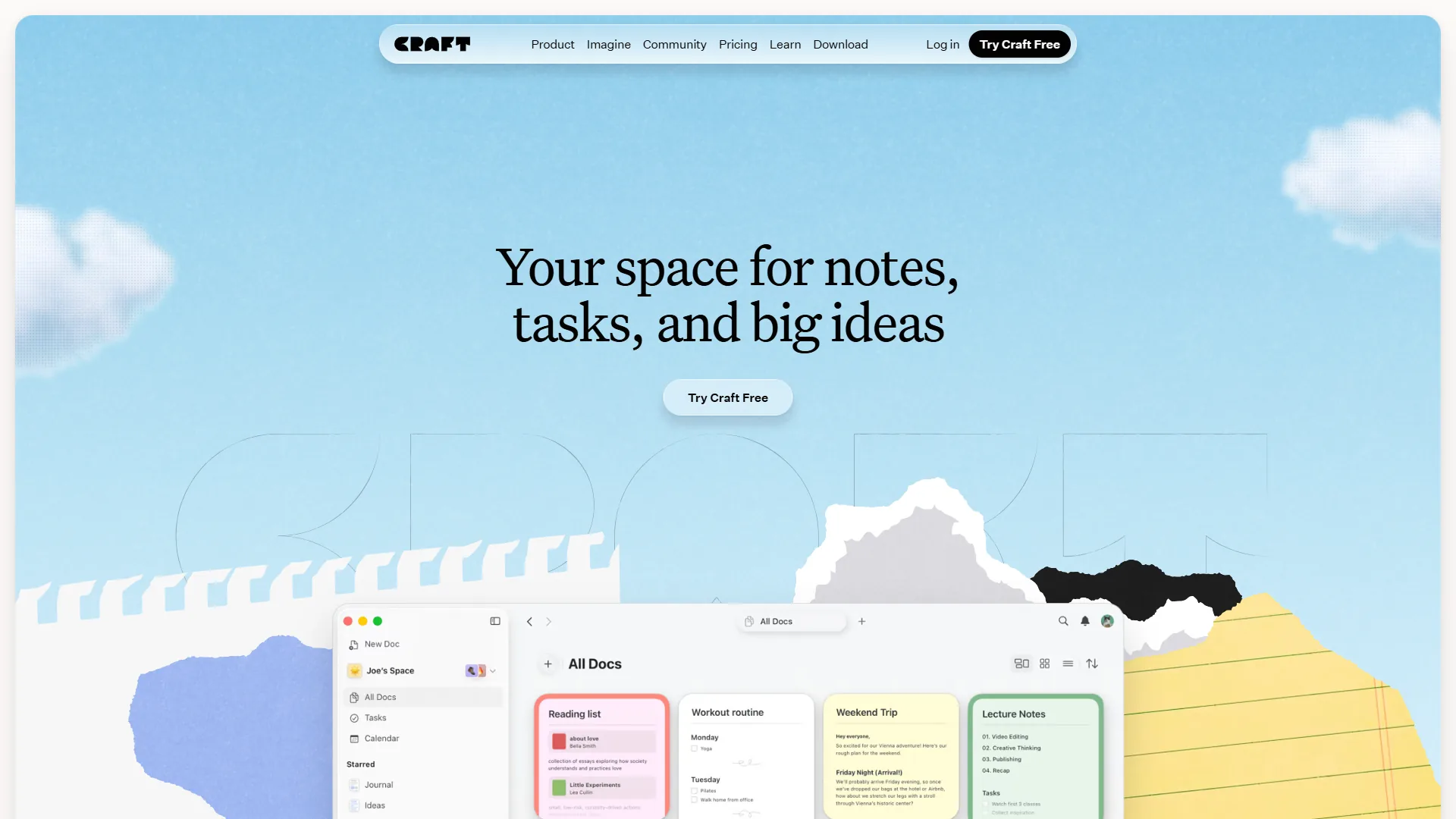
Writers and content creators: The document-first approach is perfect for drafting articles, books, or documentation. Markdown editing feels like any text editor.
Plugin power users: If you want the ecosystem of tools, themes, and extensions, Obsidian’s 2,690+ plugins dwarf Logseq’s offerings. Our Obsidian plugins guide highlights the ones that deliver the most productivity value.
Mobile-first users: If you need reliable mobile apps today, Obsidian’s polished iOS/Android apps are production-ready.
Traditional thinkers: If you prefer folders, hierarchies, and document-based organization, Obsidian lets you work that way (while still offering links and graphs).
Pragmatic users: If you don’t care about open-source philosophy and just want the most mature, feature-complete tool, Obsidian is the safer bet today.
Choose Logseq If You Match These Criteria
Choose Logseq if you annotate PDFs for research, think in outlines rather than paragraphs, or insist on open-source software with guaranteed free access. The five reader profiles below align with Logseq’s structural advantages.
Researchers and students: Native PDF annotation, Zotero integration, and block-level references make academic research workflows smooth.
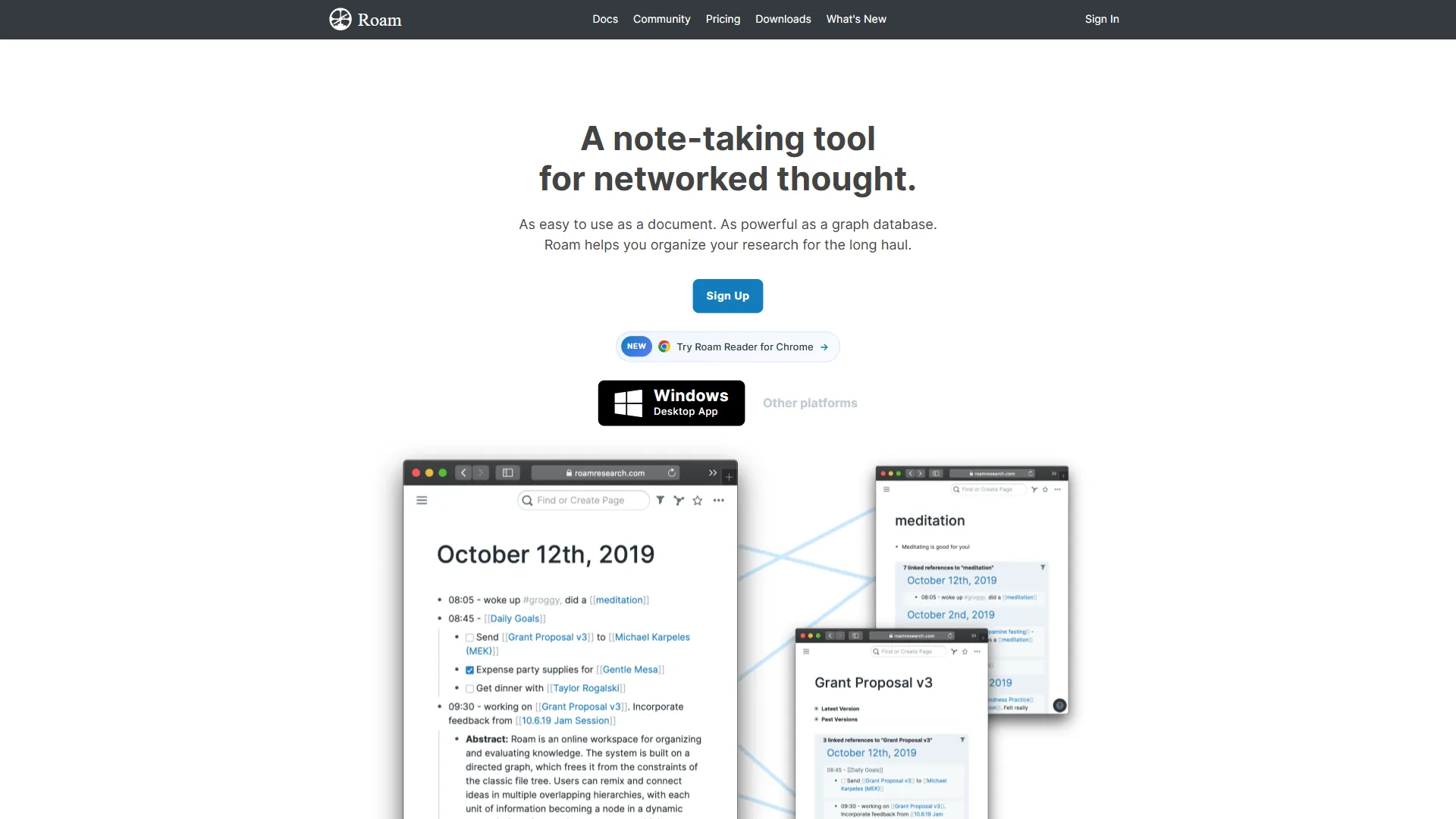
Outliner thinkers: If you love Roam Research, Workflowy, or Dynalist, Logseq’s block-based approach will feel like home. For a direct comparison of these two outliners, see our Logseq vs Roam 2026 breakdown.
Open-source advocates: If you value transparency, community ownership, and guaranteed free access to source code, Logseq’s AGPL license matters.
Query power users: If you want to build complex queries and dynamic views of your knowledge base, Logseq’s native query language is more powerful than Obsidian’s base search (though Dataview plugin closes this gap).
Patient adopters: If you can accept alpha/beta mobile apps and occasional rough edges in exchange for an open-source future, Logseq is building something special.
Common Pitfalls: Migration Considerations
Migration between Obsidian and Logseq is technically straightforward because both tools store plain markdown files, but block references, queries, and plugin configurations rarely transfer cleanly between the two. The pitfalls below cover the gotchas most users encounter during a switch.
Moving Between Tools
Both tools use plain text markdown files, so migration is theoretically simple. In practice, there are gotchas:
Obsidian → Logseq:
- Links transfer fine (
[[links]]work in both) - Page-level notes become top-level bullets in Logseq
- Need to restructure long documents into outline format
- Plugins don’t transfer (different APIs)
Logseq → Obsidian:
- Block references don’t translate cleanly
- Outliner structure becomes flat markdown lists
- Daily journal pages work fine
- Queries need to be rewritten (Dataview syntax)
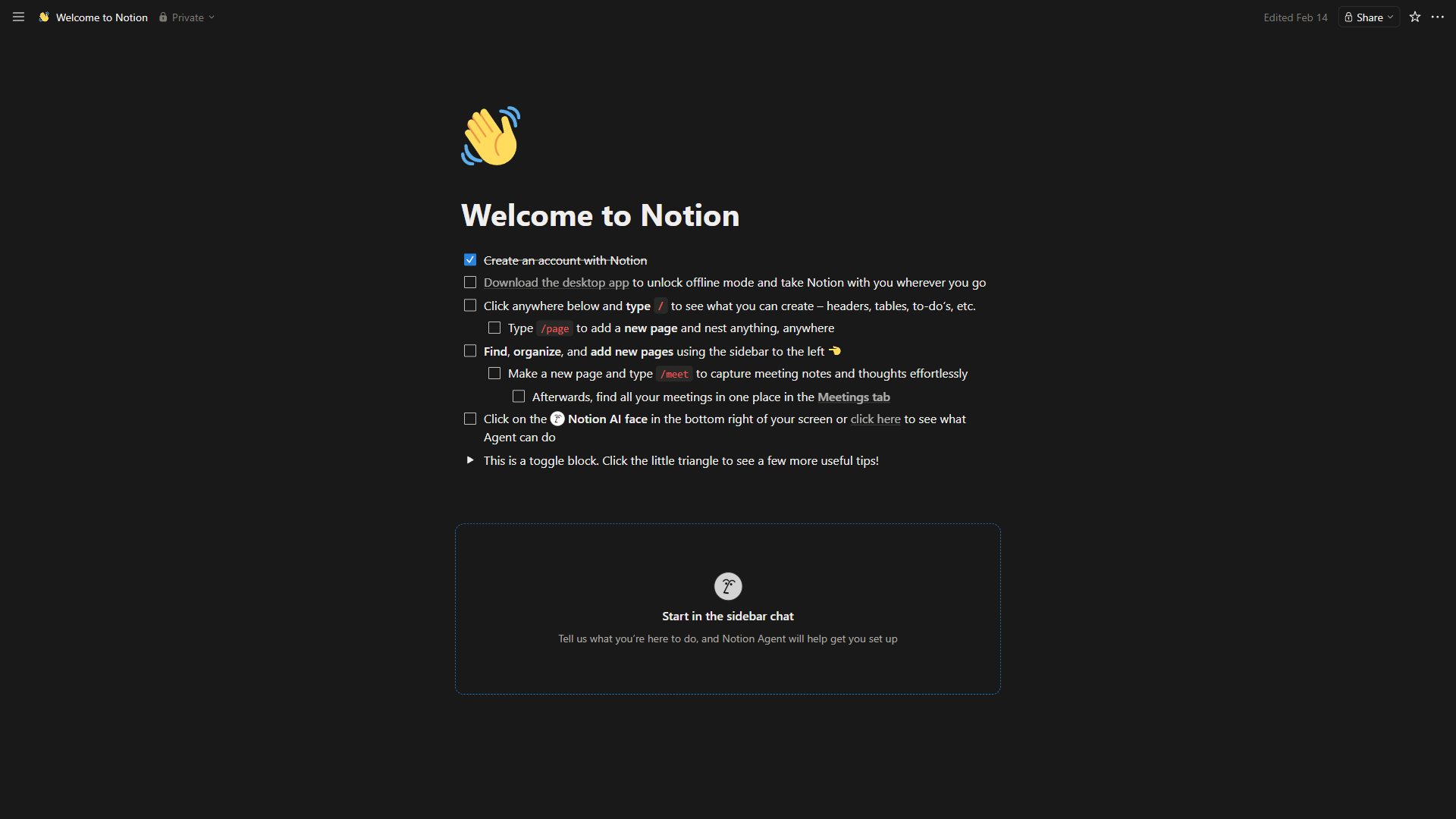
From other tools: Notion exports work in both but formatting breaks; Logseq imports Roam’s EDN format natively; Evernote and OneNote require markdown export first.
Pro tip: Both tools read plain text files in a folder, so you can open the same folder in both apps and switch between them to test which approach fits a given project.
Final Verdict: Obsidian vs Logseq Comes Down to Context
The final verdict is that Obsidian is the safer pick for most users in 2026 thanks to its mature mobile apps and 2,690-plugin ecosystem, while Logseq is the stronger pick for researchers, outliner thinkers, and open-source advocates. The Obsidian vs Logseq decision depends entirely on your context:
Obsidian wins for:
- Most users, especially beginners
- Anyone needing reliable mobile apps now
- Plugin and customization enthusiasts
- Document-style writing workflows
- Commercial use (clear licensing)
Logseq wins for:
- Researchers and students (PDF annotation)
- Outliner-first thinkers
- Open-source advocates
- Anyone comfortable with bleeding-edge tools
- Block-level knowledge management
Power-user workflow: Obsidian for long-form writing and project documentation; Logseq for research and reading notes where block-level granularity matters.
The truth: both tools are excellent. Obsidian is more mature and polished; Logseq is more innovative and open. There is no wrong choice - just different tradeoffs.
Start here: download both (they are free), spend a week with each on your actual workflow, notice which interface fades into the background, and pick the one that matches how you think.
The best PKM tool is the one you will use daily. For some that is Obsidian’s familiar document approach; for others it is Logseq’s block-based thinking. Both communities are welcoming, both tools respect your data with local storage, and both will help you build a second brain.
The real question is not “Obsidian vs Logseq?” - it is “Document-first or outliner-first?” Answer that and the tool choice becomes obvious.
FAQ
Q: Should I use Logseq or Obsidian?
Winner: Logseq for structured queries, Obsidian (with Dataview) for tabular data. Both are powerful once you learn their query syntax.
Q: Is there something better than Obsidian?
Winner: Obsidian, clearly. Logseq will get there eventually, but today Obsidian mobile is production-ready while Logseq mobile is “works for me” territory.
Q: Is Obsidian no longer free?
Both tools are free for core functionality. You only pay if you want official cloud sync ($5 per month for both). The philosophical difference: Obsidian is proprietary with a generous free tier.
Q: What is the main difference between Obsidian and Logseq?
The core divide is philosophical. Obsidian is document-first: every note is a page you structure with paragraphs, headers, and lists, like a Word file or blog post. Logseq is outliner-first: every bullet point is a block with its own identity that you can reference, embed, or query from anywhere. Same local-first storage and bidirectional linking, fundamentally different approaches to knowledge management.
According to Tienson Qin, founder at Logseq, the project is “a privacy-first, open-source platform for knowledge management and collaboration,” as described in the official Logseq Documentation - a positioning statement that captures the project’s block-centric design intent in its own words.
Q: Is Obsidian or Logseq better for long-form writing?
Obsidian is better for long-form writing. Its document-first approach lets you draft an entire article in one note, break it into sections with markdown headers, and reference other notes inline. It is writing-first, organization-second - ideal for project documentation and content drafts.
Related Reads
Related reads cover the two tools above plus four adjacent PKM platforms readers often weigh in the same decision. Tools covered in this article (with tradeoffs and limitations of each option):
- Obsidian - Local-first knowledge management
- Logseq - Open-source outliner PKM
- Notion - All-in-one workspace with AI-powered knowledge management
- Craft - Native Mac and iOS document editor with AI features
- Dropbox - Cloud storage and file sync for cross-device vault access
- Insider - Early access builds and beta features
- Roam Research - Networked thought and bidirectional linking PKM tool
More note-taking guides:
- Best Note Taking Apps 2026 - Note apps compared
- Best Note Taking Apps with Graph Views - Graph-based note apps
- Best AI Knowledge Management Tools - Knowledge management tools
External Resources
External resources point to vendor documentation and a widely cited PKM methodology that informs how both tools are used in practice.